
- 3.4star406 reviews
- 500K+Downloads
- 12 MBAPK size
- EveryoneRated for Everyone
- API 22+Android
check_circleOriginal APK from TrustBuilder Production · Updated Nov 12, 2026

No threats found
0 / — antivirus engines flagged this file
Original signature
First seen — TrustBuilder Production
Unmodified APK
Same file the developer published — no mods
TrustBuilder Authenticator screenshots
4 images · tap to enlarge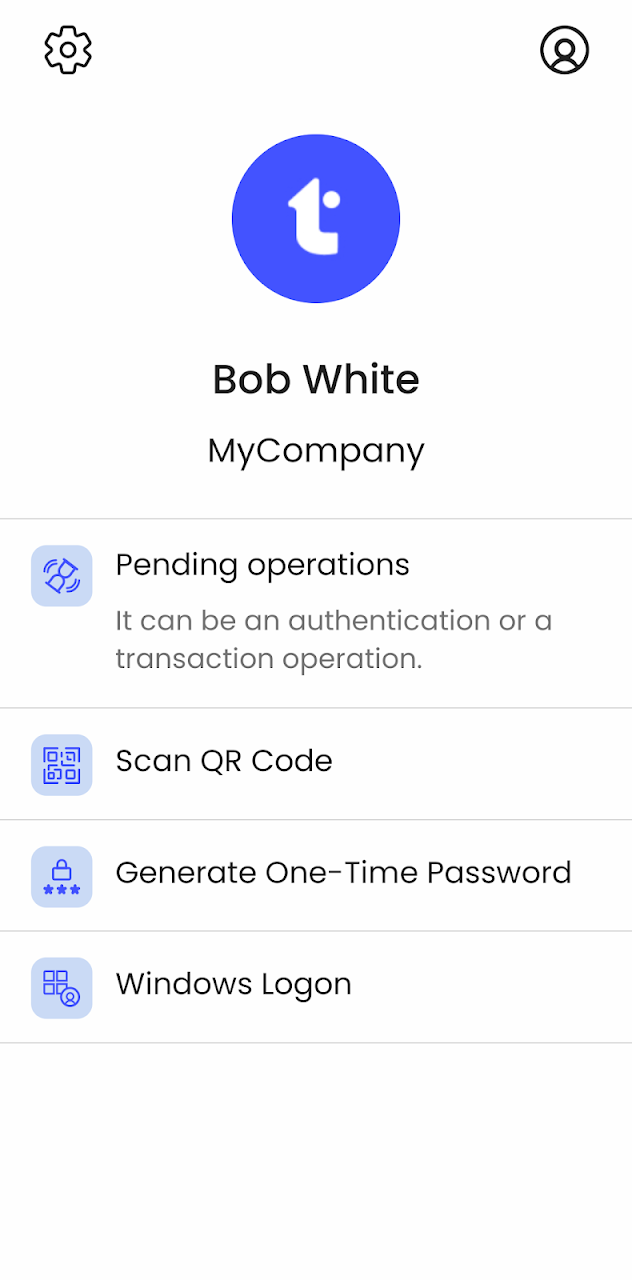
About this app
With 500K+ installs, TrustBuilder Authenticator is a one-time password generator for Android that also supports push notifications and offline mode. It is free to use, with no ads or in-app purchases listed. Setup starts by requesting an activation code from your administrator, so it is built for managed access rather than self-sign-up.
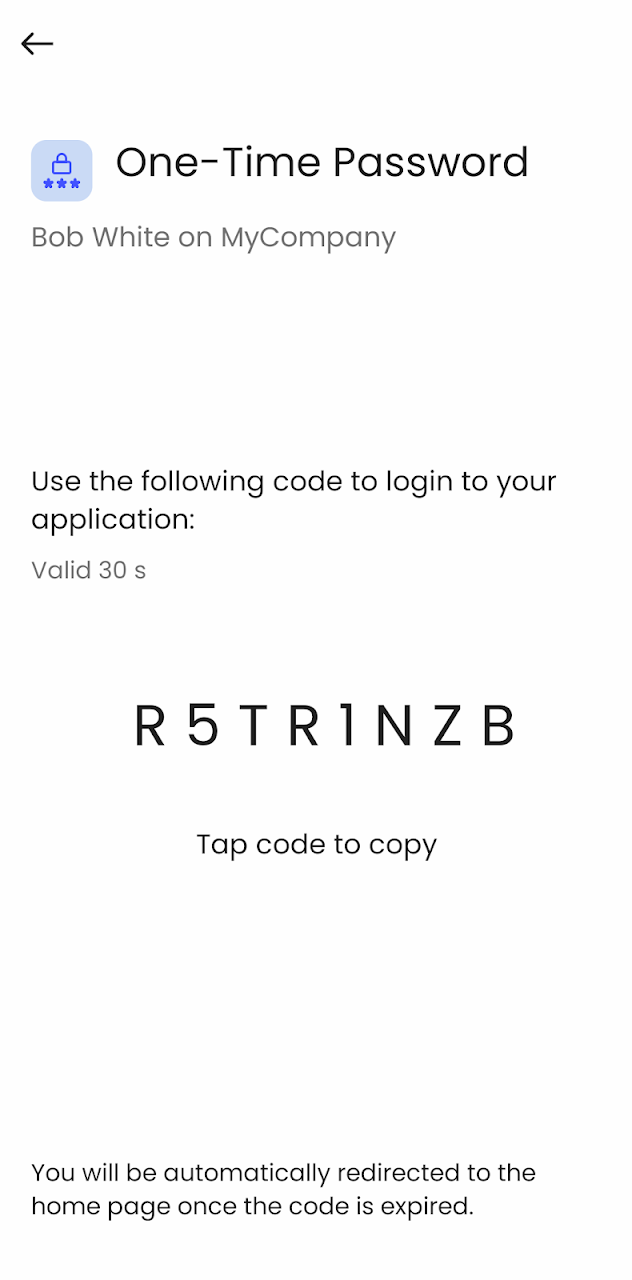
- OTP generation — Creates one-time passwords for sign-in and verification.
- Push support — Can receive push notifications as part of its authentication flow.
- Offline mode — Works without an internet connection once set up.
- Admin activation — Registration begins with an activation code from your administrator.
- Free to use — The app is free, with no ads and no in-app purchases.
One-time passwords for sign-in
TrustBuilder Authenticator is a Tools app focused on generating one-time passwords, often called OTPs. These codes are commonly used for an extra login step, where you enter a changing code in addition to your normal password. The app also supports push notifications, which can be used to approve authentication requests without typing a code every time.
Offline mode and setup
The app includes offline mode, so it can still generate codes when you do not have a connection. To register, you need an activation code from your administrator, which means this app is set up through a managed account or workplace system rather than by creating a new account inside the app.
- You get: OTP generation, push notifications, and offline mode.
- You should know: registration depends on an activation code from an administrator.
- Compatibility: Android 5.1 and up, APK format, 11.7 MB.
Permissions and privacy fit
No permissions are listed for this app, so there is nothing visible here to review for device access. Based on the description, the app’s main job is authentication, not media, contacts, or location features. That keeps the focus on code generation and approval prompts rather than broad phone access.
Cost and app experience
TrustBuilder Authenticator is free, and there are no ads or in-app purchases listed. The current rating is 3.4 from 406 ratings, so it may suit users who need its specific OTP and push-based login flow more than people looking for a general-purpose authenticator.
APK information
- Version
- 6.20.1
- Package
- com.inwebo.near.prod
- Category
- Tools
- Size
- 12 MB
- Min Android
- API 22
- Architecture
- universal
Older versions
-
TrustBuilder Authenticator 6.20.1Nov 12, 2026Latest downloadAPK
TrustBuilder Authenticator FAQ
Why does TrustBuilder Authenticator need these permissions?expand_more
No permissions are listed for this app. Its description points to OTP generation, push notifications, and offline mode, so its core use is authentication rather than broad device access.
Does TrustBuilder Authenticator need root?expand_more
No root requirement is listed. The app is distributed as a standard APK for Android 5.1 and up.
Does TrustBuilder Authenticator have in-app purchases?expand_more
No. The app is free and does not list in-app purchases.
Does TrustBuilder Authenticator need an account?expand_more
Registration starts with an activation code from your administrator. The listing does not mention creating a separate in-app account.
Can TrustBuilder Authenticator work without internet?expand_more
Yes. The app description says it supports offline mode, so it can be used without a connection once set up.