- 4.0star7,545 reviews
- 10M+Downloads
- 31 MBAPK size
- EveryoneRated for Everyone
- 8.0+Android
check_circleOriginal APK from Truong Giang Company · Updated Nov 12, 2026
No threats found
0 / — antivirus engines flagged this file
Original signature
First seen — Truong Giang Company
Unmodified APK
Same file the developer published — no mods
Trusted Call & SMS, Blocker screenshots
5 images · tap to enlarge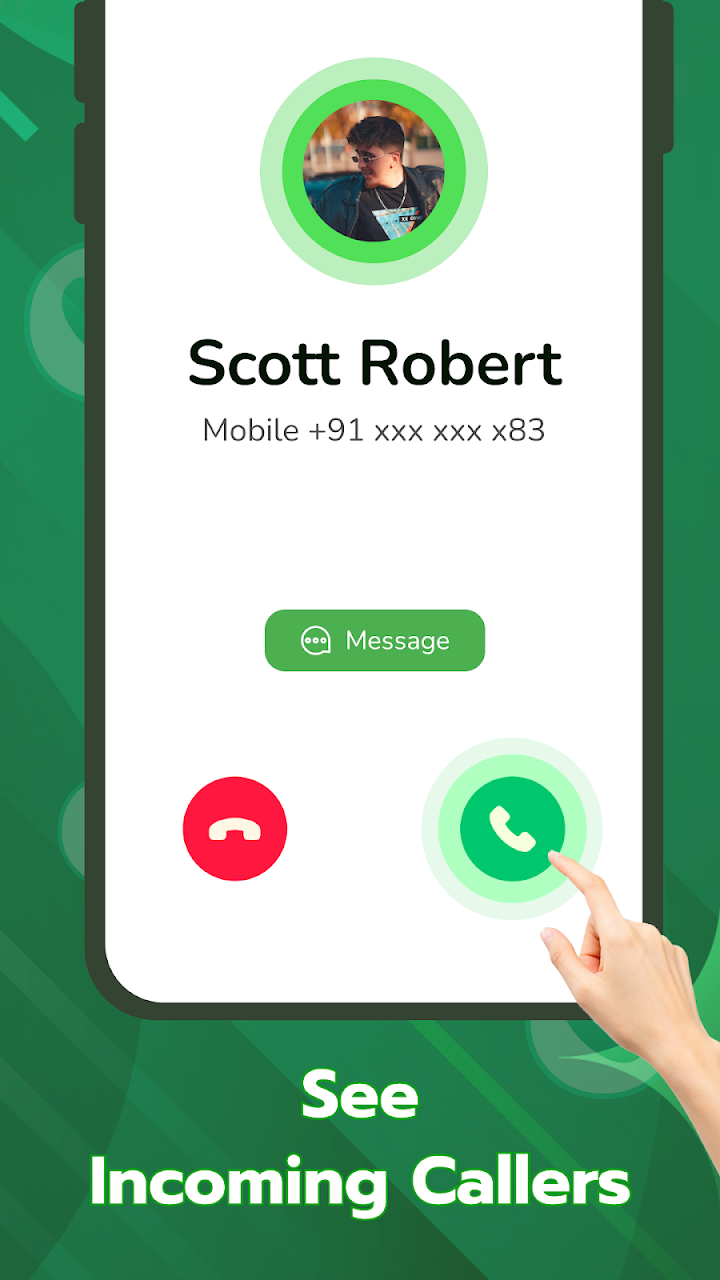
About this app
Trusted Call & SMS, Blocker combines caller ID, SMS tools, contact management, call logs, and blocking in one app. On first launch, expect to set it as the default SMS app and default Phone app if you want the full message and call features. It also uses contacts to show names and help identify callers.
- Caller ID — Shows caller name, location, and call details for unknown numbers.
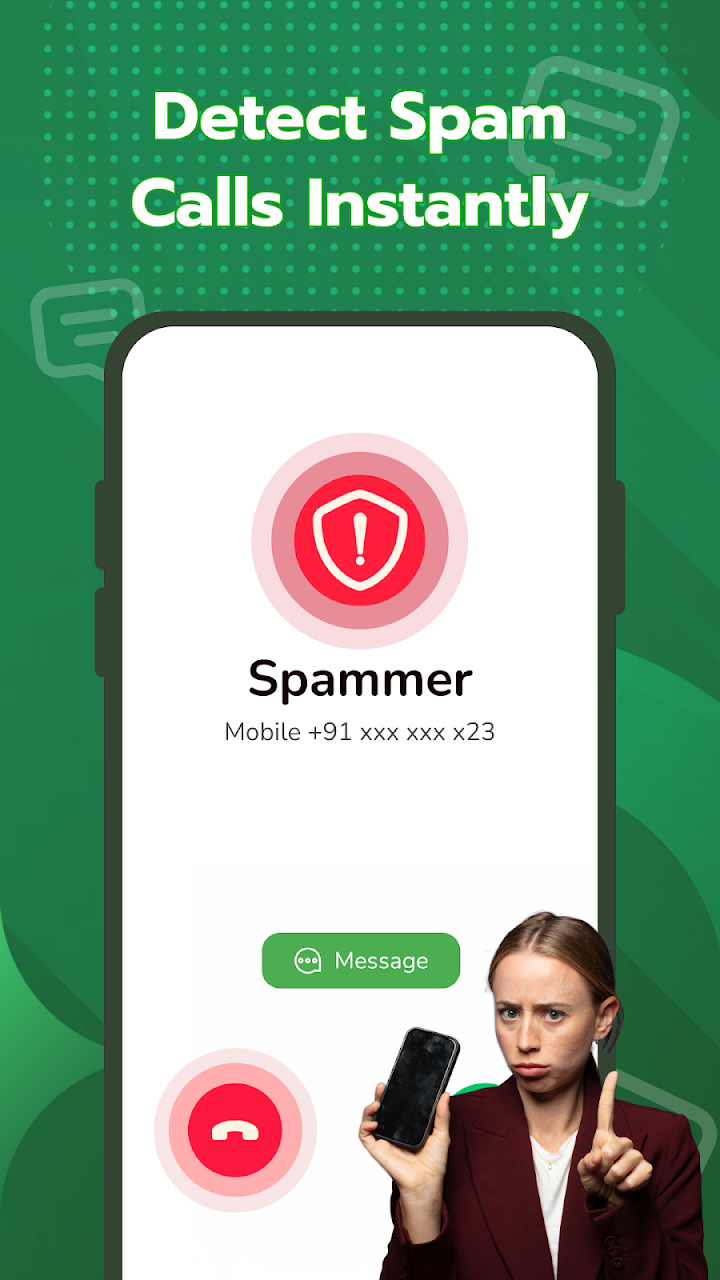
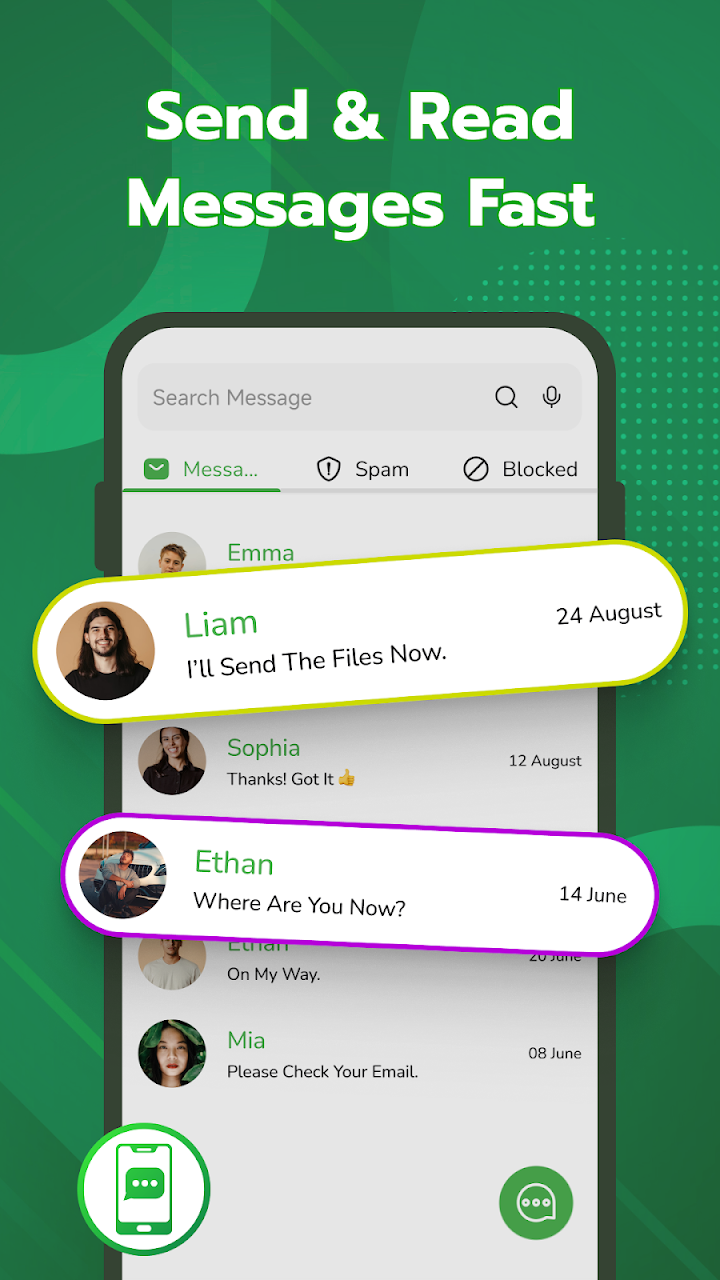
- SMS Manager — Lets you send and receive SMS in the app and mark spam messages.
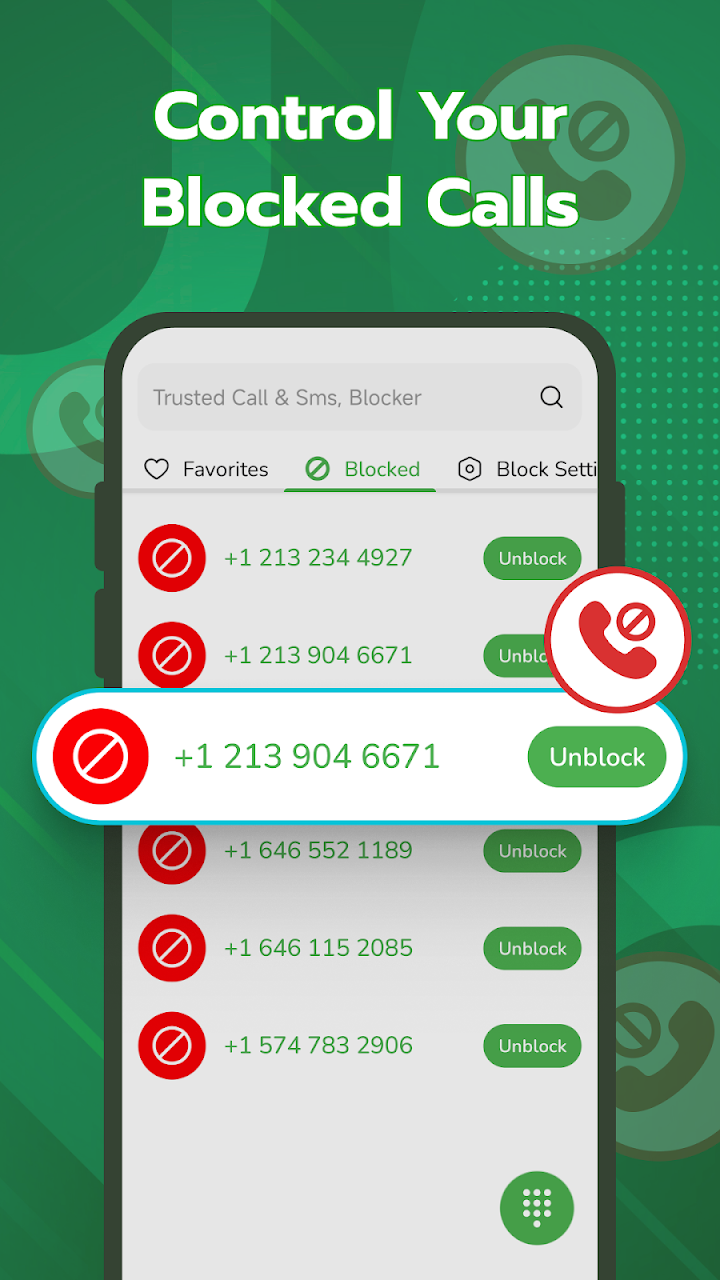
- Call Blocking — Blocks calls by number, contact name, or country code.
- SMS Blocking — Blocks unwanted texts from spammers or unknown senders.
- Contact Tools — Adds, edits, and searches contacts, with favorites for quick access.
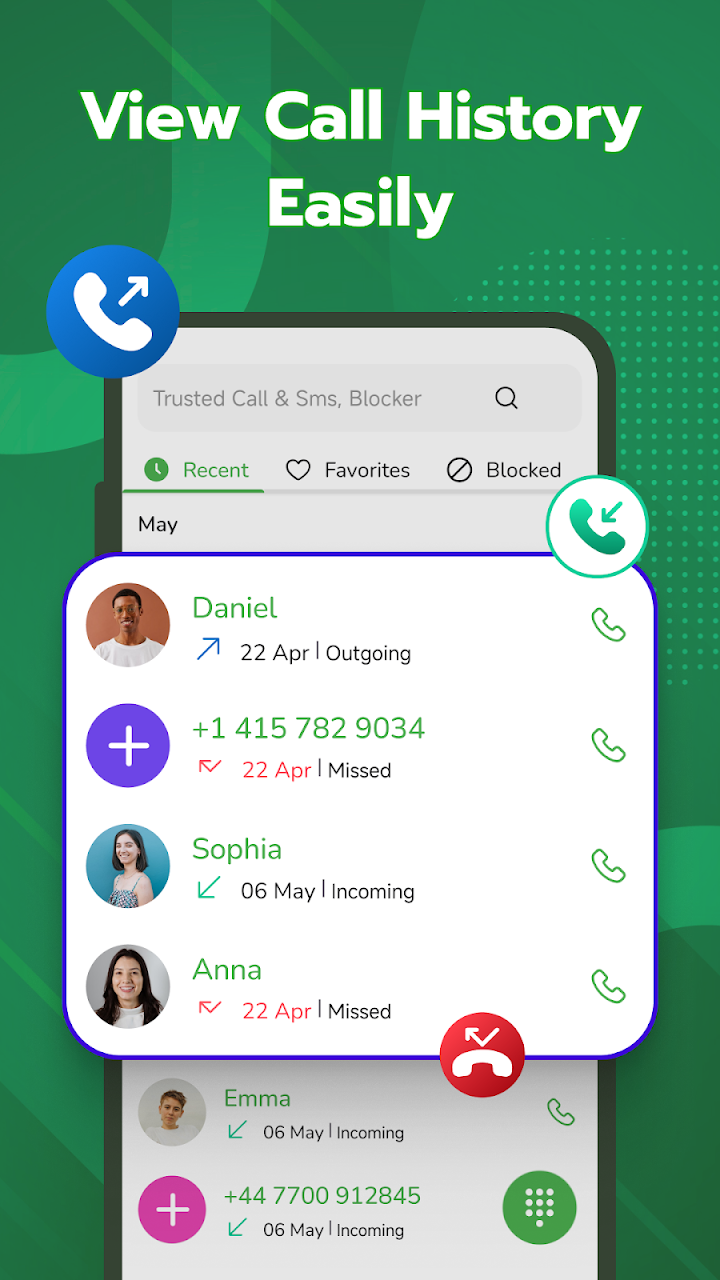
- Call History — Shows incoming, outgoing, and missed calls with daily activity logs.
First launch and setup
Trusted Call & SMS, Blocker opens as a call and message manager. The first setup is simple: allow the app to act as the default SMS app and default Phone app if you want sending, receiving, call logs, and blocking to work inside the app. It also asks for contacts so it can show names and help identify callers.
The app is an APK file and needs Android 8.0 or later. The download size is 30.8 MB.
Caller ID, SMS, and call logs
After setup, the app brings caller ID, SMS, contacts, and call history into one place. Unknown callers can be identified before you answer. Call logs show incoming, outgoing, and missed calls. Daily call activity and missed calls are also listed so you can check recent use without opening another app.
Blocking and message control
The blocking tools are built for phone numbers, contact names, and country codes. You can also block SMS from unknown senders or spammers. A custom block list lets you manage the numbers and senders you want to stop.
- Use the default Phone app permission for calls and call history.
- Use the default SMS app permission for sending, receiving, and marking spam.
- Use contacts access to show contact names and manage favorites.
Practical first-day tips
Start by checking your call log and adding any important contacts to favorites. Then review the block list and add numbers you do not want to hear from again. If you use SMS inside the app, keep your message list organized by marking spam when needed. The app also lets you customize caller themes for different contacts.
Ads, requirements, and permissions
Trusted Call & SMS, Blocker is free and contains ads. It does not list in-app purchases. The listed permissions are tied to the features inside the app: SMS access for messaging and spam marking, phone access for calls and blocking, and contacts access for caller identification and contact management. No root is mentioned or required.
APK information
- Version
- 1.0.4
- Package
- com.ltd.trustcall.callerblock.number
- Category
- Tools
- Size
- 31 MB
- Min Android
- 8.0
- Architecture
- universal
Older versions
-
Trusted Call & SMS, Blocker 1.0.4Nov 12, 2026Latest downloadAPK
Trusted Call & SMS, Blocker FAQ
Why does Trusted Call & SMS, Blocker need these permissions?expand_more
It needs SMS access to send and receive messages and mark spam. Phone access is used for calls, call history, and blocking, and contacts access is used to show contact details and identify callers.
Does Trusted Call & SMS, Blocker need root?expand_more
No root is mentioned for this app.
Is Trusted Call & SMS, Blocker free to use?expand_more
Yes. The app is free to use.
Does Trusted Call & SMS, Blocker have in-app purchases?expand_more
No. In-app purchases are not listed for this app.
Can I block calls by country code in Trusted Call & SMS, Blocker?expand_more
Yes. The app can block calls by phone number, contact name, or country code.