- 4.3star11 reviews
- 100M+Downloads
- 2 MBAPK size
- EveryoneRated for Everyone
- API 9+Android
check_circleOriginal APK from TubeMote · Updated Nov 12, 2026
No threats found
0 / — antivirus engines flagged this file
Original signature
First seen — TubeMote
Unmodified APK
Same file the developer published — no mods
TubeMote screenshots
3 images · tap to enlarge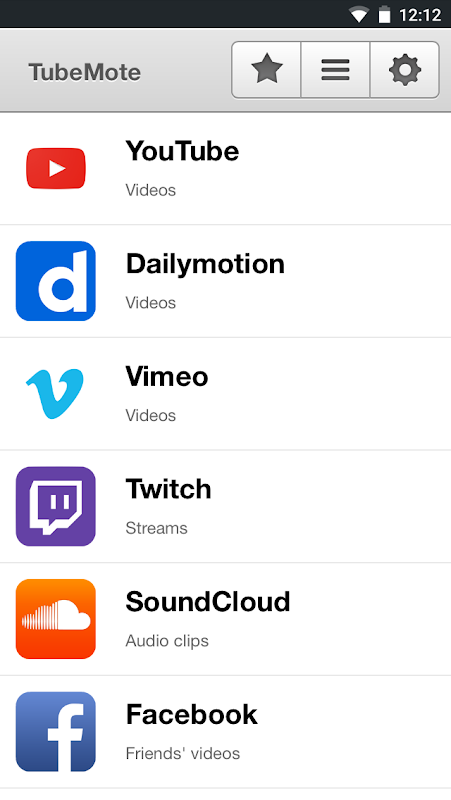
About this app
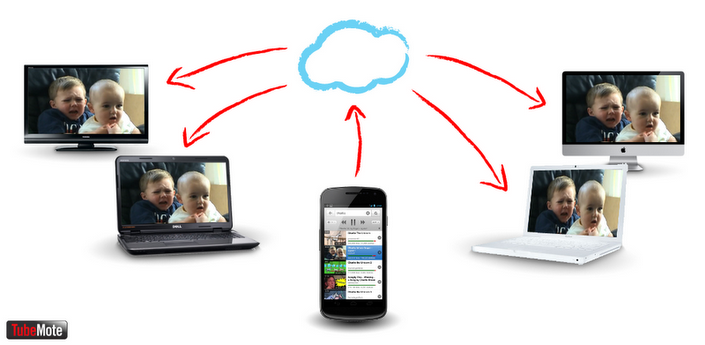
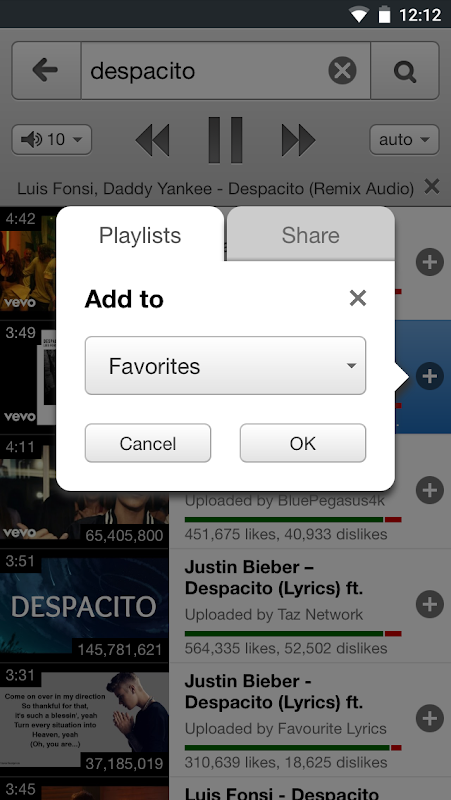
TubeMote by TubeMote is a free remote control app for video and audio playback. It is made for watching on a computer or smart TV while using your Android device to manage playback, build live playlists, and share a channel with friends.
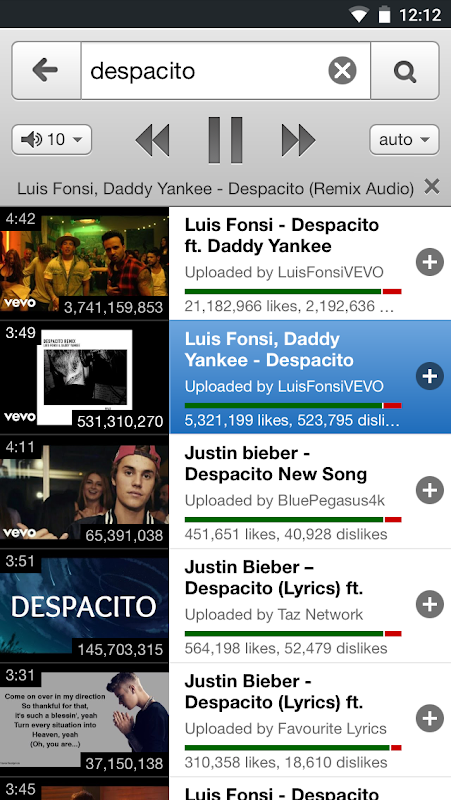
- Remote playback control — Use your Android device to control playback on supported video and audio services.
- Multiple content sources — Works with YouTube, Twitch, Vimeo, Dailymotion, SoundCloud, and more.
- Live playlists — Create playlists with videos from different apps and add content from any of your TubeMote apps.
- Shared viewing — Let friends watch your channel at the same time.
- Website embedding — Embed your channel on a blog or website.
Control playback from Android
TubeMote is a remote control app for watching media on a computer or smart TV while managing playback from your Android device. It works with YouTube, Twitch, Vimeo, Dailymotion, SoundCloud, and more. The app is free, with no ads and no in-app purchases listed.
It is a small APK at 1.6 MB, works on Android API 9 and up, and is offered as a universal build.
What you can do with it
- What you get: playback control from Android, live playlists, shared viewing, and channel embedding.
- What to watch for: no permissions are listed, so there is no permission list to review here.
- What it supports: several major video and audio sources, plus content from different apps in one playlist.
Free use, no ads
TubeMote does not list ads or in-app purchases, so the app is set up as a free tool without a paid upgrade path shown here. The store listing does not mention account requirements either. If you want a simple remote for media playback rather than a full editor, that is the main fit.
Where it differs from typical editors
Apps in Video Players & Editors often focus on trimming, filtering, or exporting clips. TubeMote takes a different role. It is about controlling playback and combining sources, not editing video files. That makes it more useful as a companion app for watching and sharing than as a standalone editor.
Recent update note
The latest change says you can now create playlists with content from any of your TubeMote apps.
What's new
Version 1.92 · Nov 12, 2026
- Now you can create playlists with content from any of your TubeMote apps.
APK information
- Version
- 1.92
- Package
- com.tubemote.app
- Category
- Video Players & Editors
- Size
- 2 MB
- Min Android
- API 9
- Architecture
- universal
Older versions
-
TubeMote 1.92Nov 12, 2026Latest downloadAPK
TubeMote FAQ
Does TubeMote support Chromecast?expand_more
Chromecast support is not listed. The app description focuses on remote control for playback on a computer or smart TV.
Can TubeMote play offline?expand_more
Offline playback is not mentioned. The listed features focus on controlling supported online services and building playlists.
Does TubeMote show ads?expand_more
No ads are listed for TubeMote.
Is TubeMote free to use?expand_more
Yes. TubeMote is listed as free.
Which services does TubeMote work with?expand_more
The description names YouTube, Twitch, Vimeo, Dailymotion, SoundCloud, and more.