
- 4.3star5,776,360 reviews
- 100M+Downloads
- 58 MBAPK size
- TeenRated for Teen
- 5.0+Android
check_circleOriginal APK from Twitch Interactive, Inc. · Updated Nov 12, 2026

No threats found
0 / — antivirus engines flagged this file
Original signature
First seen — Twitch Interactive, Inc.
Unmodified APK
Same file the developer published — no mods
Twitch: Live Streaming screenshots
8 images · tap to enlarge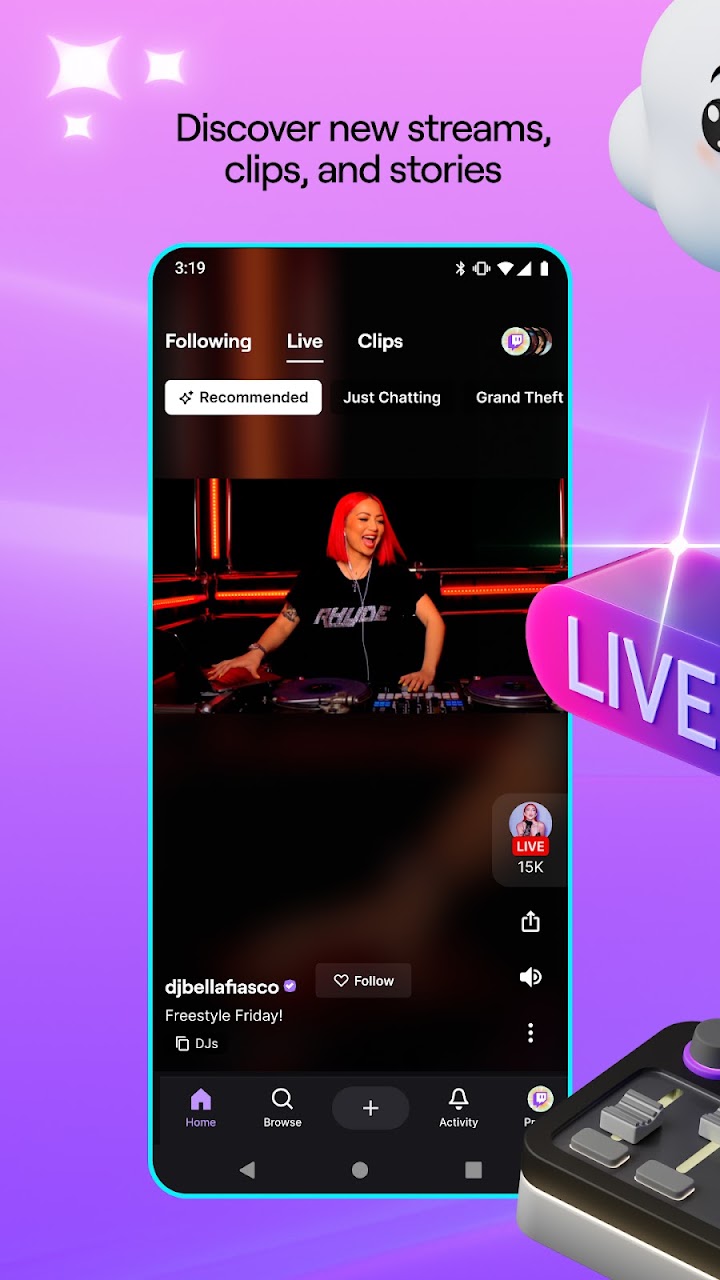
About this app
With 100M+ installs and a 4.3 rating, Twitch: Live Streaming brings live games, music, sports, esports, podcasts, cooking shows, and IRL streams into one place. On a first launch, you can jump into chat, follow streamers, subscribe for support, or set up your own channel and go live from the app.
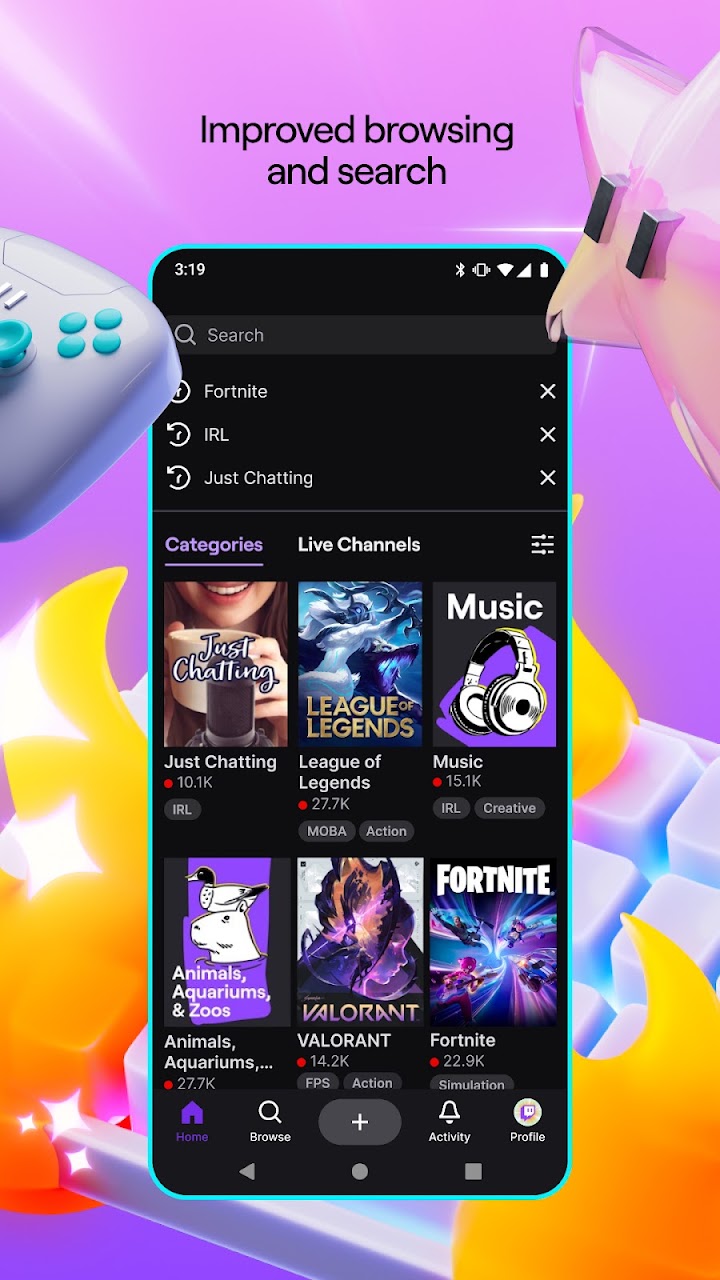
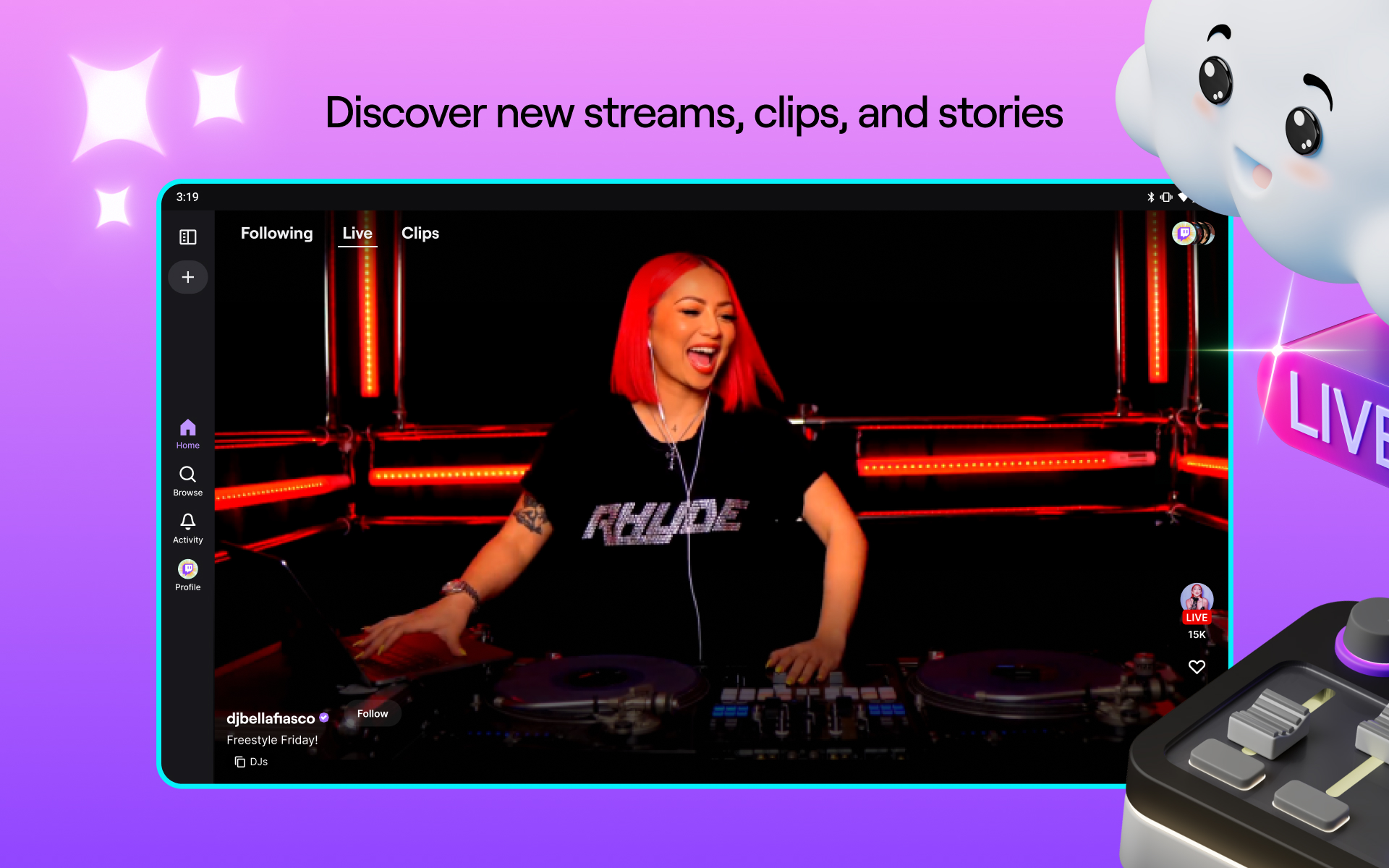
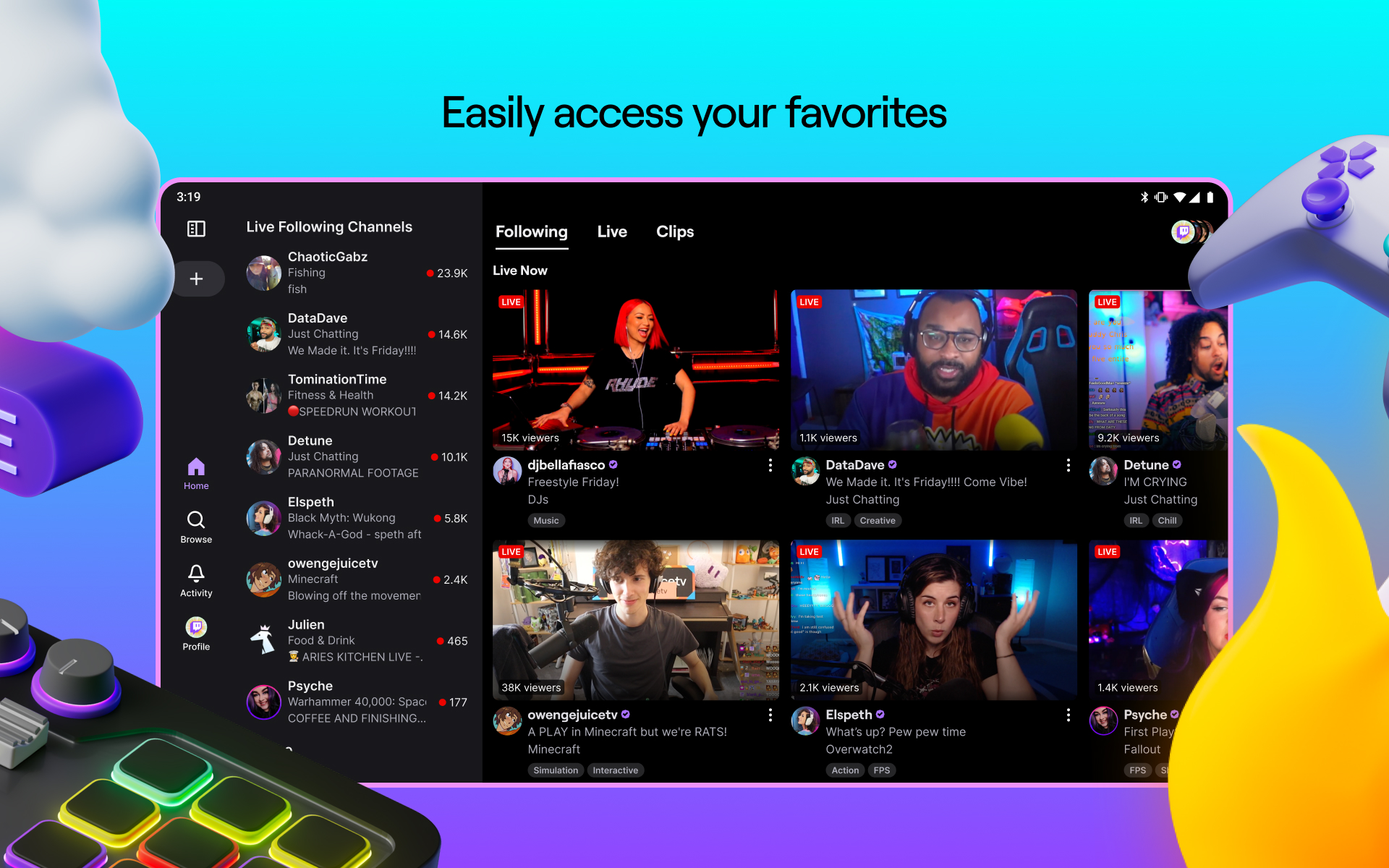
- Live community streams — Browse live channels built around games, music, sports, esports, podcasts, cooking shows, and IRL streams.
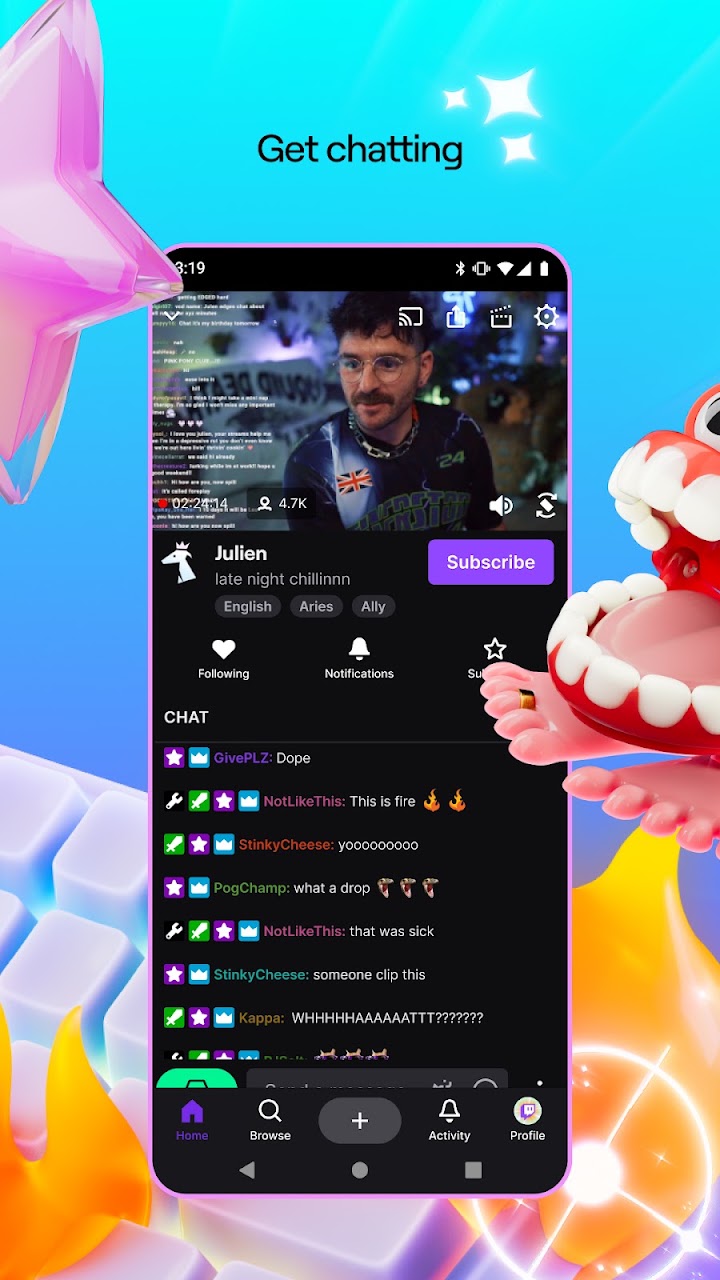
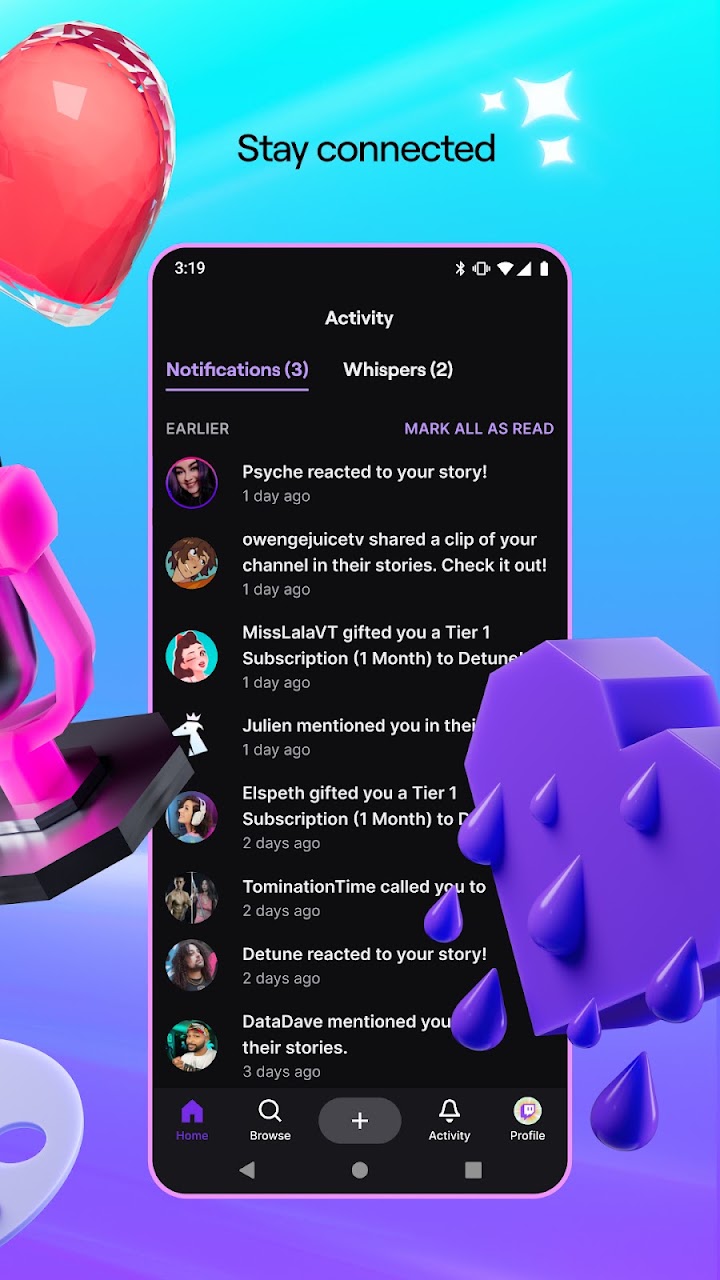
- Chat while watching — Join the chat during a stream so you can react and talk with other viewers in real time.
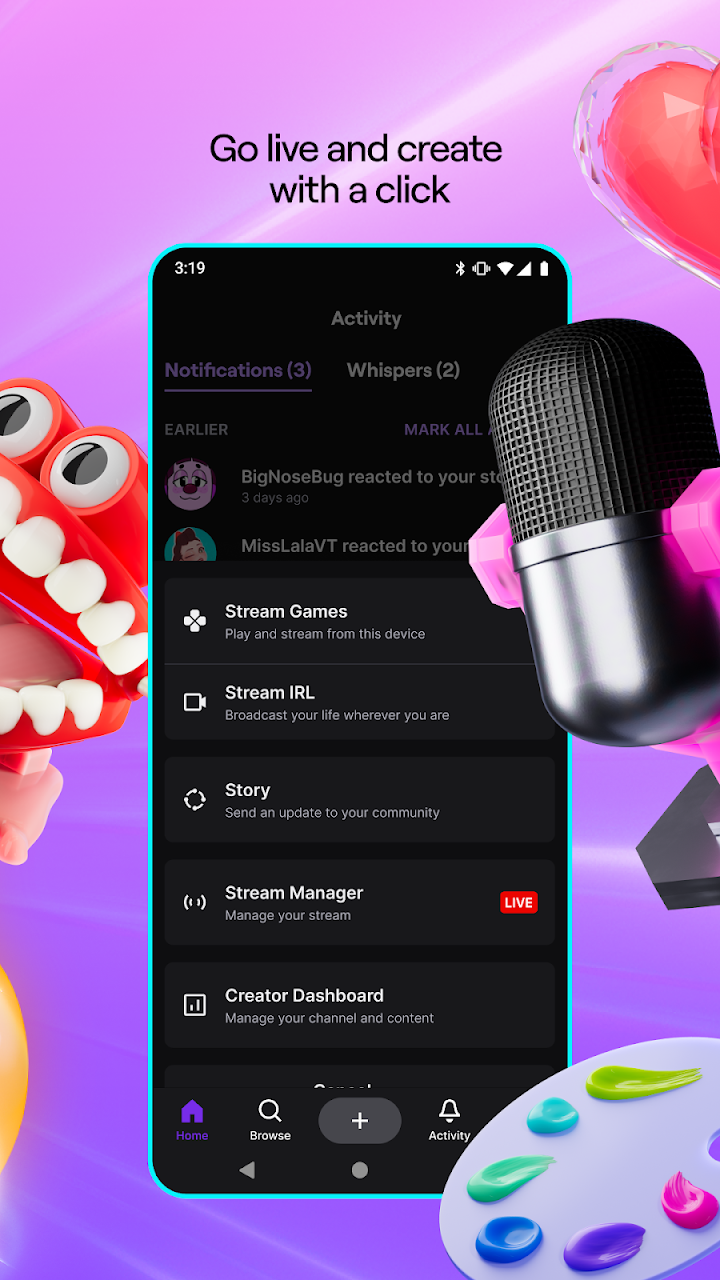
- Start streaming fast — Create an account and go live directly from the app when you want to broadcast your own channel.
- Support streamers — Follow streamers and subscribe to favorites to unlock exclusive perks tied to your support.
- Dark mode look — The app includes a dark mode with the familiar black-and-purple Twitch design.
Open Twitch and start in chat
The first screen is built around live viewing and conversation. If you are on a long train ride or killing time between classes, you can open Twitch, pick a live stream, and drop into chat without needing to hunt through a lot of menus. The app centers on communities, so the experience is as much about talking as it is about watching.
What you get on day one:
- Live streams across games, music, sports, esports, podcasts, cooking shows, and IRL content.
- Chat alongside the stream while it is happening.
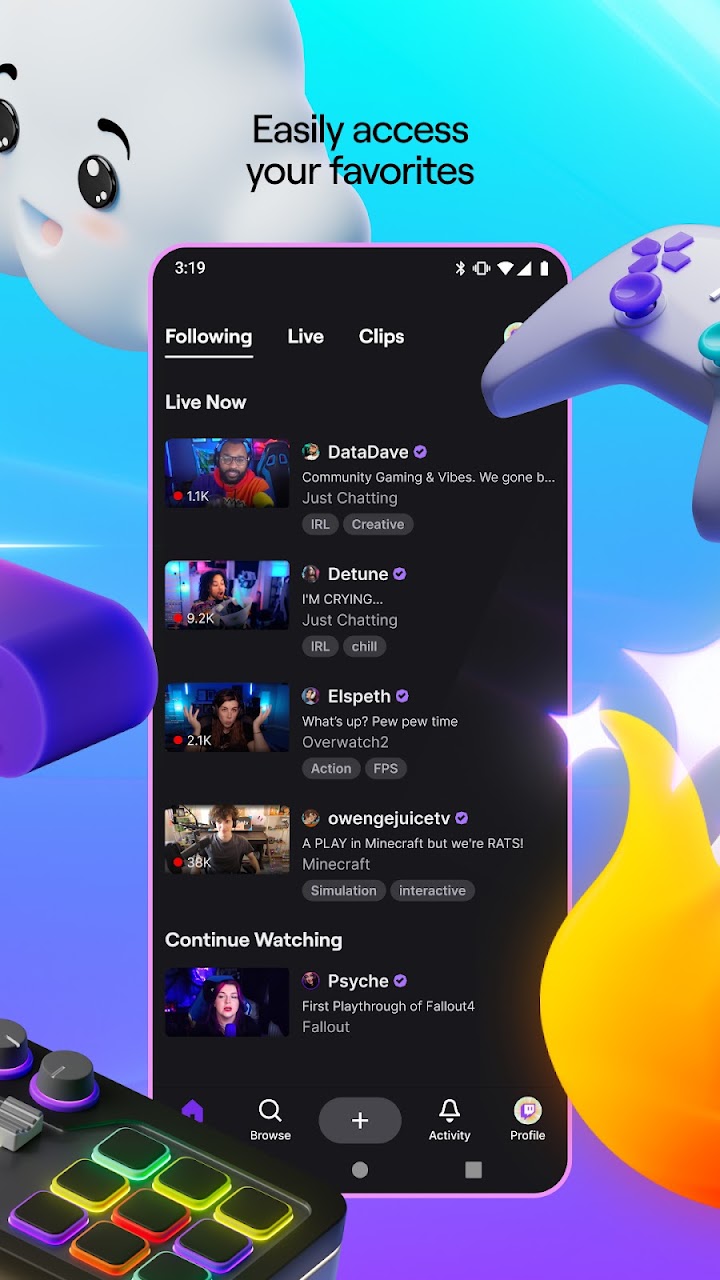
- Follow and subscribe to streamers you want to keep up with.
- Watch for ads and purchases because the app is free, contains ads, and offers in-app purchases.
Set up your account and channel
If you want to do more than watch, the app lets you create an account and start your own channel from the phone. That makes it useful when you want to share a game session, a music set, or a casual live moment without moving to another tool first. The app is available as an APK, needs Android 5.0 or later, and the file size is 57.5 MB.
What to try first
Start by following a few streamers, then test chat in a live room that matches your interests. If you support a creator, check whether a subscription unlocks perks tied to that channel. Dark mode is also worth turning on early if you prefer the black-and-purple look during longer viewing sessions.
Practical tips for daily use
Twitch is strongest when you use it around the kinds of live moments it was built for: a game release, a music set, a sports stream, or a random live broadcast you did not expect to find. Because the app is focused on live content, it works well when you want to watch now and talk now, rather than wait for edited clips.
Before you install
Twitch: Live Streaming is a free app for Teen users. It uses ads and offers in-app purchases, but the listing shows no special permissions. If you are deciding between it and a typical video app, this one leans hard into live community streams and creator chat instead of on-demand playback.
APK information
- Version
- 12.3.0.0000
- Package
- tv.twitch.android.app
- Category
- Entertainment
- Size
- 58 MB
- Min Android
- 5.0
- Architecture
- universal
Older versions
-
Twitch: Live Streaming 12.3.0.0000Nov 12, 2026Latest downloadAPK
Twitch: Live Streaming FAQ
Does Twitch: Live Streaming support Chromecast?expand_more
The listing does not mention Chromecast support.
Can Twitch: Live Streaming play offline?expand_more
No offline playback is listed. The app is centered on live streams and chat.
Does Twitch: Live Streaming have in-app purchases?expand_more
Yes. The app is free, contains ads, and includes in-app purchases.
What changed in the latest Twitch: Live Streaming version?expand_more
No recent change notes are listed for the latest version.
What kinds of streams can I watch on Twitch?expand_more
You can watch live games, music, sports, esports, podcasts, cooking shows, and IRL streams.