- 2.4star620 reviews
- 100K+Downloads
- 41 MBAPK size
- EveryoneRated for Everyone
- 7.0+Android
check_circleOriginal APK from MixApplications · Updated Nov 12, 2026
No threats found
0 / — antivirus engines flagged this file
Original signature
First seen — MixApplications
Unmodified APK
Same file the developer published — no mods
USB File Manager screenshots
8 images · tap to enlarge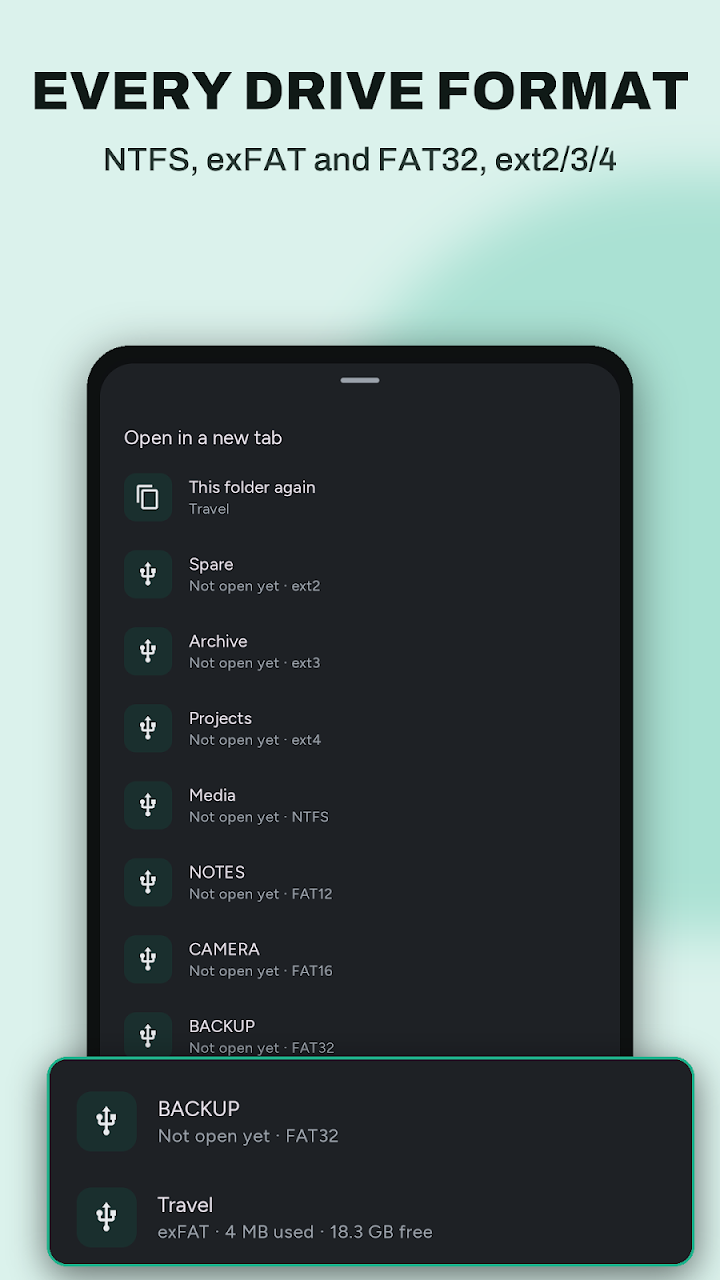
About this app
When you plug a USB flash drive, SSD, hard drive, or card reader into your phone through an OTG cable, USB File Manager lets you browse and work with the files directly. It handles common drive formats, supports copy and move actions, and is aimed at people transferring photos, videos, or documents between devices without a computer.
- OTG drive access — Open USB drives, card readers, and hubs directly from an Android phone or tablet.
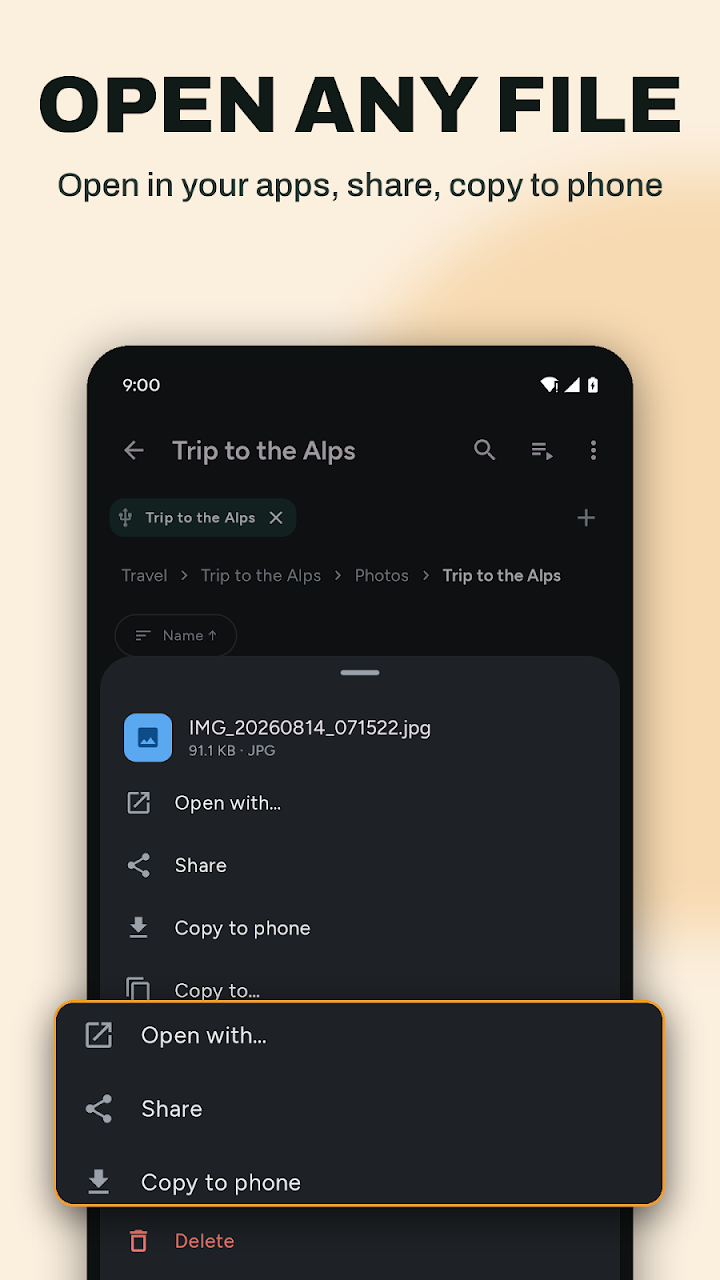
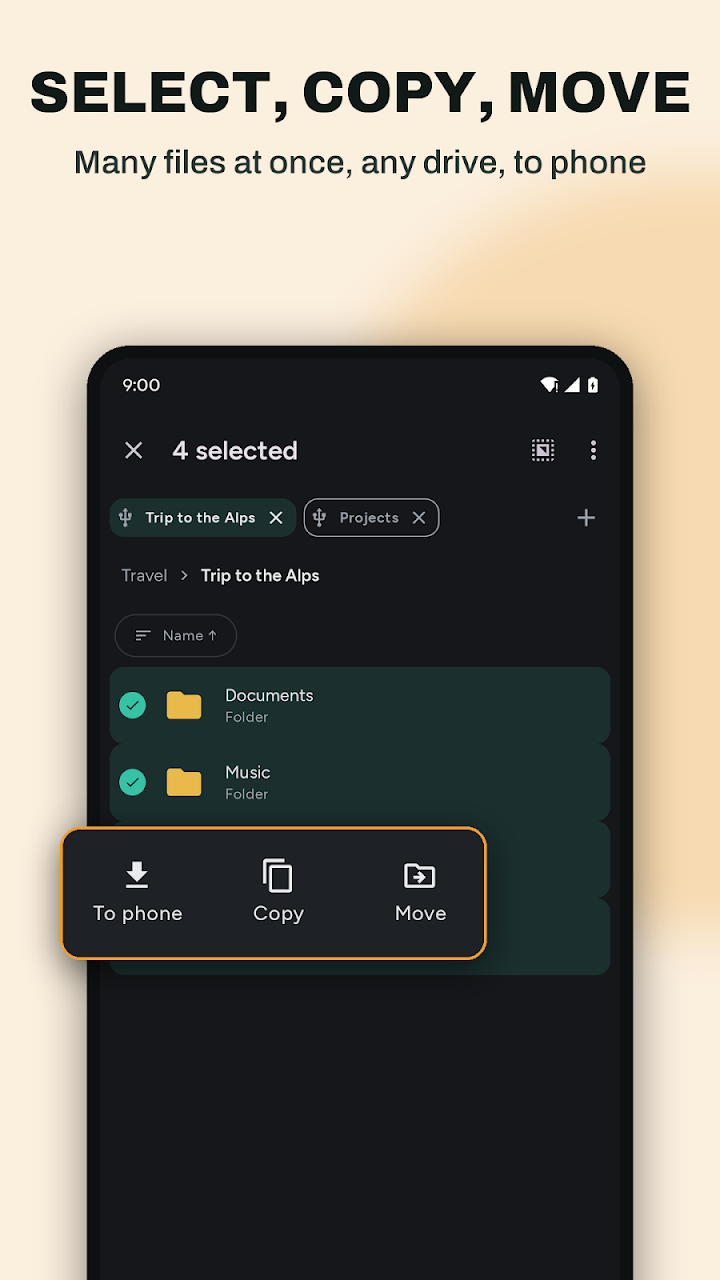
- File actions — Copy, move, rename, delete, create folders, and share files from the drive.
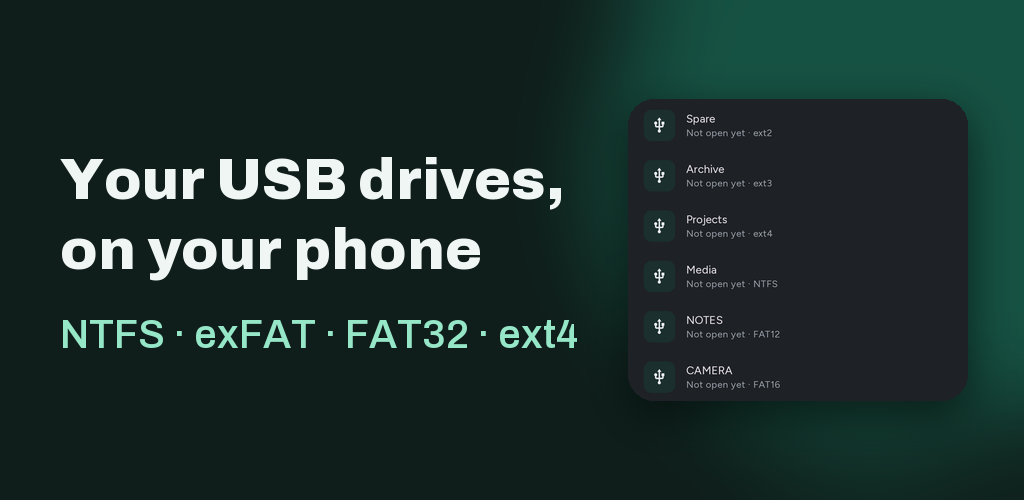
- Format support — Works with NTFS, exFAT, FAT32, ext2, ext3, and ext4 drives, plus MBR and GPT layouts.
- Safer copying — Uses a queued transfer system with pause, resume, stop, conflict handling, and space checks.
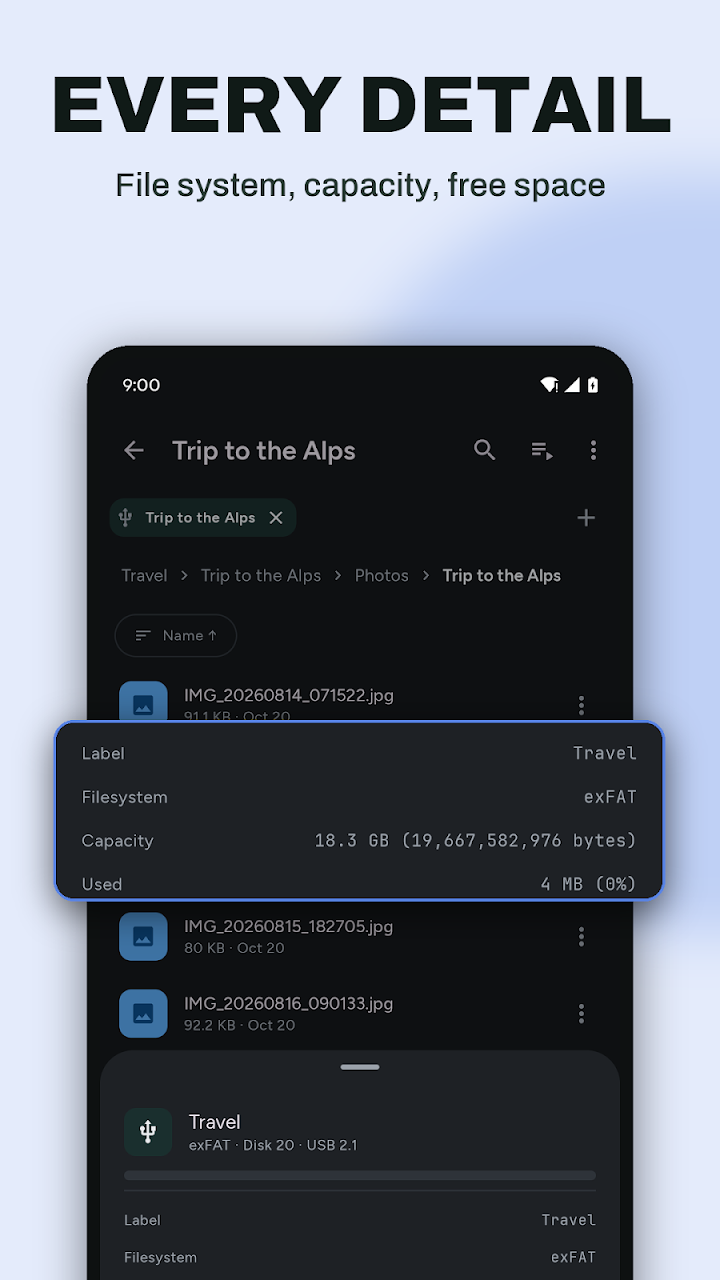
- Drive care tools — Shows drive properties, warns about read errors, and can repair drives that were not closed properly.
- Privacy and access — No storage or location permission is listed; phone files are reached through the system file picker.
For moving files without a computer
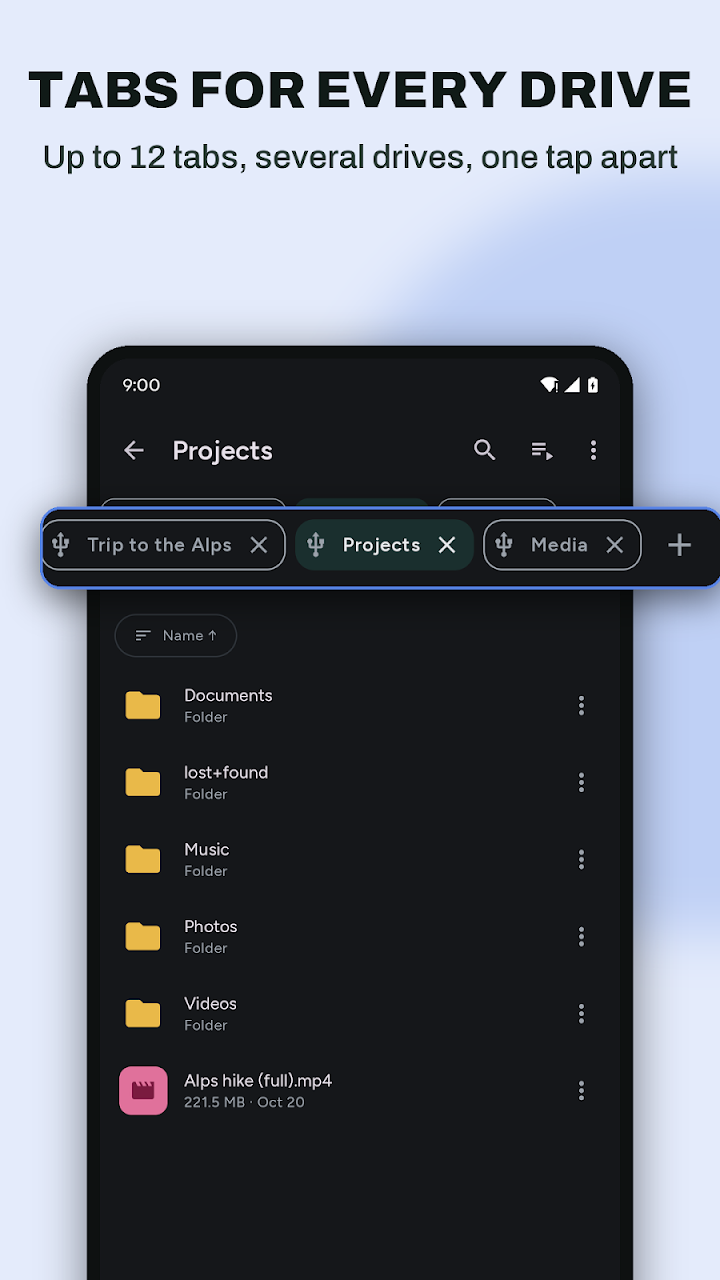
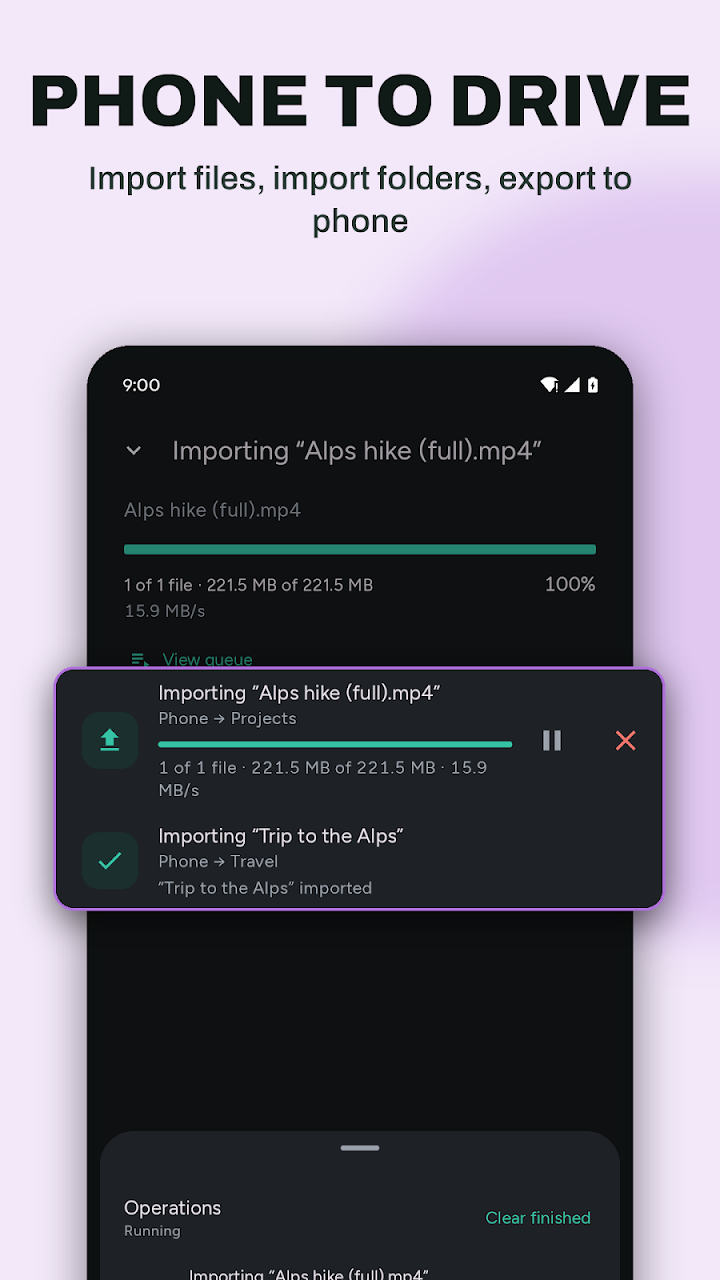
If you often copy photos, videos, or documents between a phone and a USB drive, this app gives you a direct way to do it over OTG. It can open files from the drive in another app, export phone files to the drive, and keep up to 12 folders open in tabs. On tablets and foldables, two panes can sit side by side with drag and drop.
For mixed drives and card readers
USB File Manager is built for drives that do not all look the same. It reads and writes NTFS, exFAT, FAT12, FAT16, FAT32, ext2, ext3, and ext4, and it can work with MBR, GPT, or drives without a partition table. Several drives and partitions can be open at once, and each slot in a multi-card reader appears as its own drive.
For people who want control during transfers
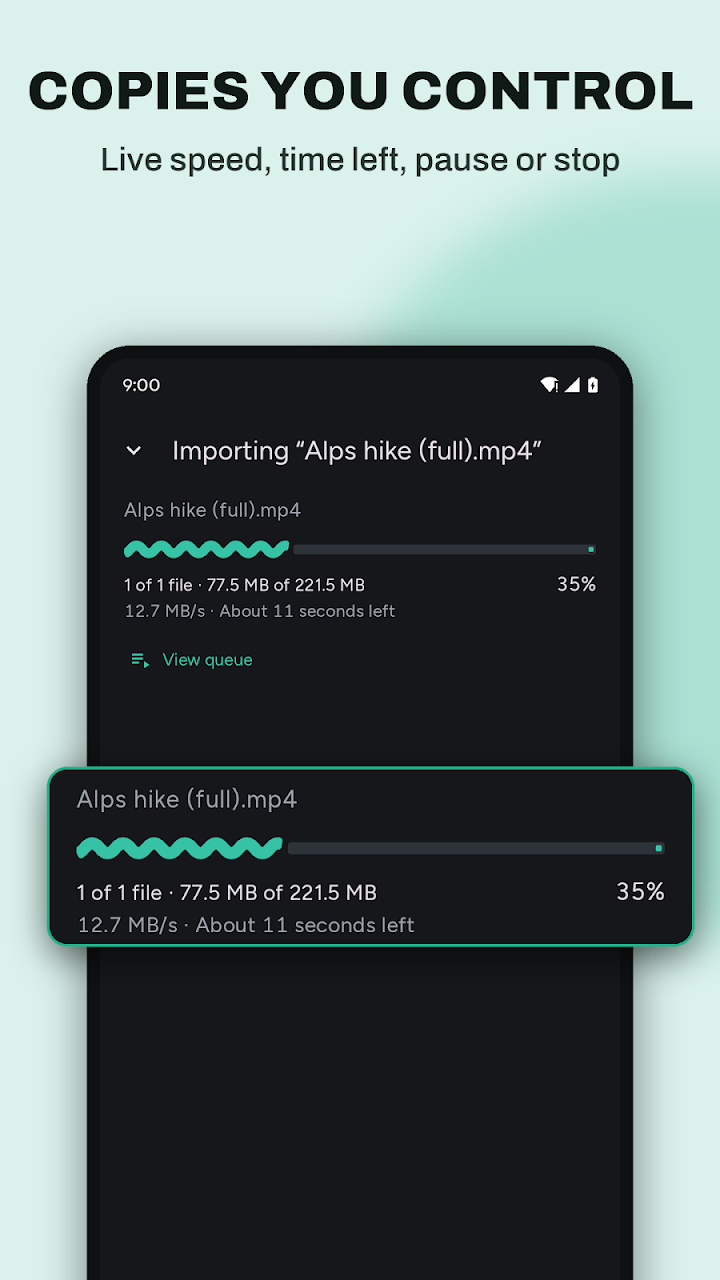
The app uses an operations queue so copies run one after another, with live progress, speed, and time left. You can pause, resume, or stop a transfer, and handle conflicts by replacing, skipping, or keeping both files. It also checks space before a copy starts, and if a drive is unplugged mid-copy, finished files stay in place.
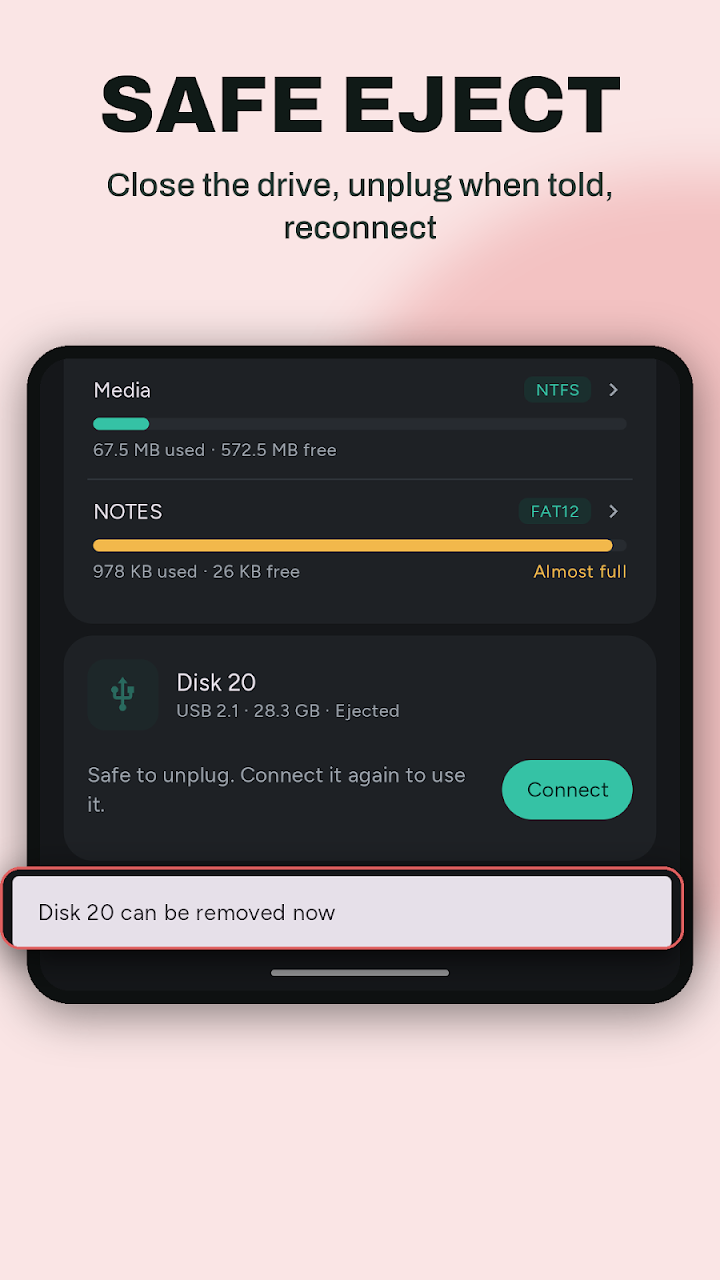
- Gets: OTG browsing, file management, queued copies, safe eject, and drive properties.
- Watch for: ads in the free version, an internet connection for free use, and paid Pro if you want offline use and no ads.
- Watch for: formatting, partitioning, and encrypted drives are not included.
For people checking drive health and setup
Drives that were not closed properly are checked and repaired when connected, write-protected drives open read-only, and the app can keep the readable part of a damaged file when copying. If a drive is not detected, built-in help covers OTG settings, adapters, powered hubs, and step-by-step guidance. It runs on Android 7.0 or newer, needs USB host support, and the APK is 41.1 MB.
What's new
Version 13.0.0 · Nov 12, 2026
- New design: tabs, a clearer file browser and an operations queue with pause, resume and stop.
- Faster copying of folders with many small files.
- Open several drives and partitions at once: FAT, exFAT, NTFS and ext2/3/4.
- Pull down to refresh the drive list or a folder.
- Crash fixes.
APK information
- Version
- 13.0.0
- Package
- com.mixapplications.usbfilemanager
- Category
- Tools
- Size
- 41 MB
- Min Android
- 7.0
- Architecture
- universal
Older versions
-
USB File Manager 13.0.0Nov 12, 2026Latest downloadAPK
USB File Manager FAQ
Why does USB File Manager need these permissions?expand_more
The app does not list storage or location permission. Phone files are accessed through the system file picker, and USB access is granted per drive in the system dialog.
Does USB File Manager need root?expand_more
No. It reads and writes supported USB drives directly without root.
Which Android version does USB File Manager need?expand_more
It needs Android 7.0 or newer with USB host (OTG) support.
Is USB File Manager free to use?expand_more
Yes. Every feature is free, but the free version shows ads and needs an internet connection. Pro is a one-time in-app purchase that removes ads and enables offline use and ad blockers.
Can USB File Manager open more than one drive at a time?expand_more
Yes. It can open several drives and partitions at once, including through a USB hub.