Video Editor, Maker -VideoCook
InShot Video Editor- 4.8star1,170,965 reviews
- 100M+Downloads
- 43 MBAPK size
- EveryoneRated for Everyone
- 6.0+Android
check_circleOriginal APK from InShot Video Editor · Updated Nov 12, 2026
No threats found
0 / — antivirus engines flagged this file
Original signature
First seen — InShot Video Editor
Unmodified APK
Same file the developer published — no mods
Video Editor, Maker -VideoCook screenshots
8 images · tap to enlarge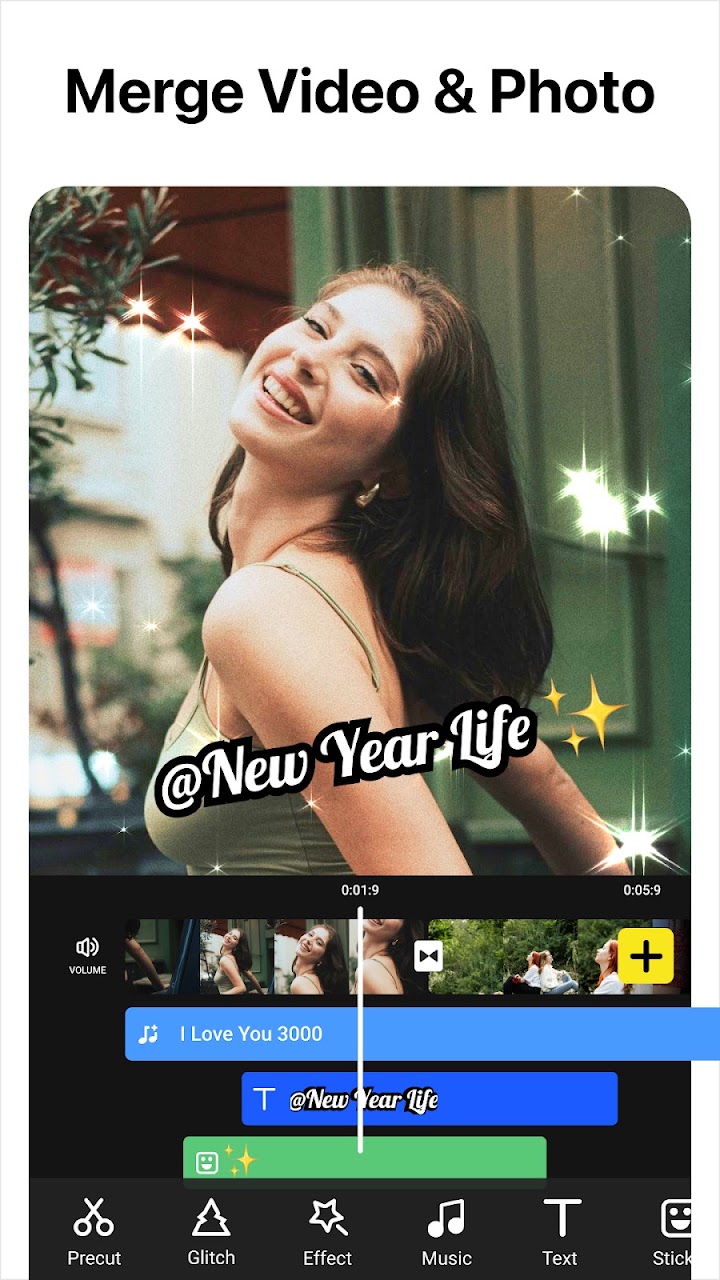
About this app
Video Editor, Maker -VideoCook stands out with AI tools built into a general video editor. It combines auto captions, background removal, smart tracking, and slow-motion tools with standard clip trimming, music, and effects. It suits people making short clips for TikTok, YouTube Shorts, Instagram Reels, WhatsApp, and Facebook.
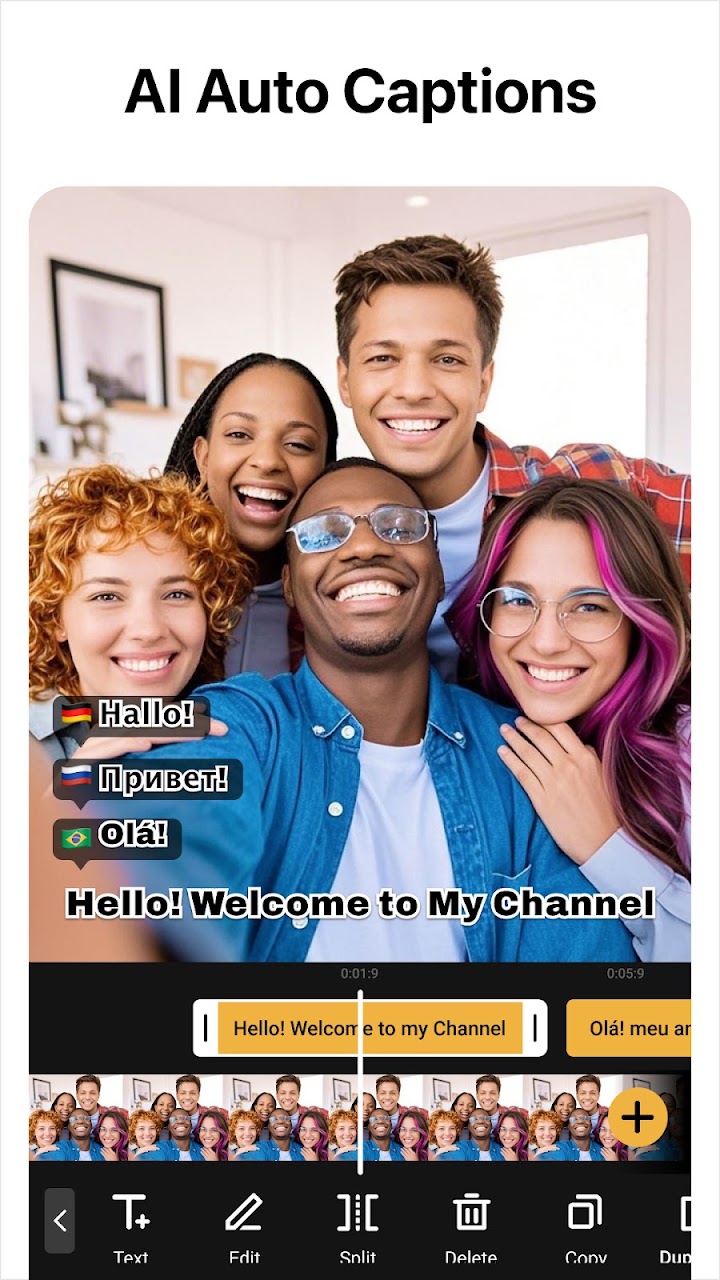
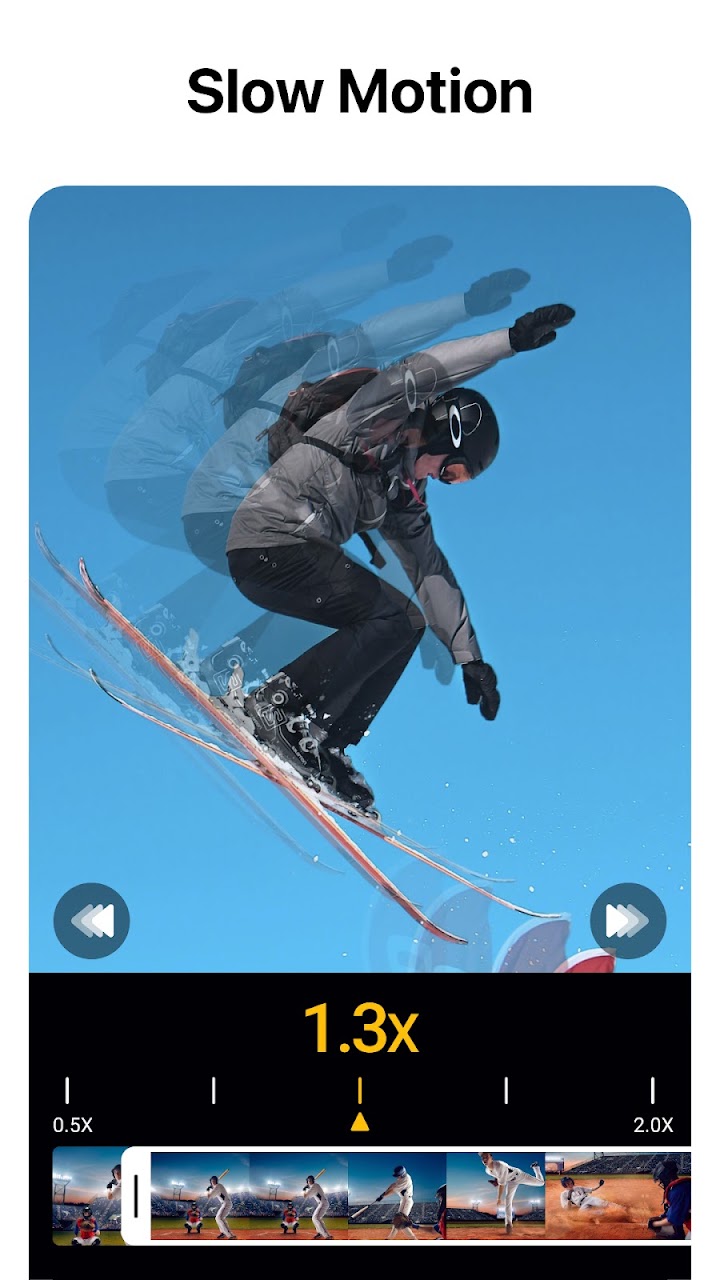
- AI editing tools — Use AI body effects, auto captions, background removal, smart tracking, and smooth slow motion.
- Clip editing controls — Trim, cut, merge, crop, resize, reverse, rotate, flip, and adjust speed from 0.2x to 100x.
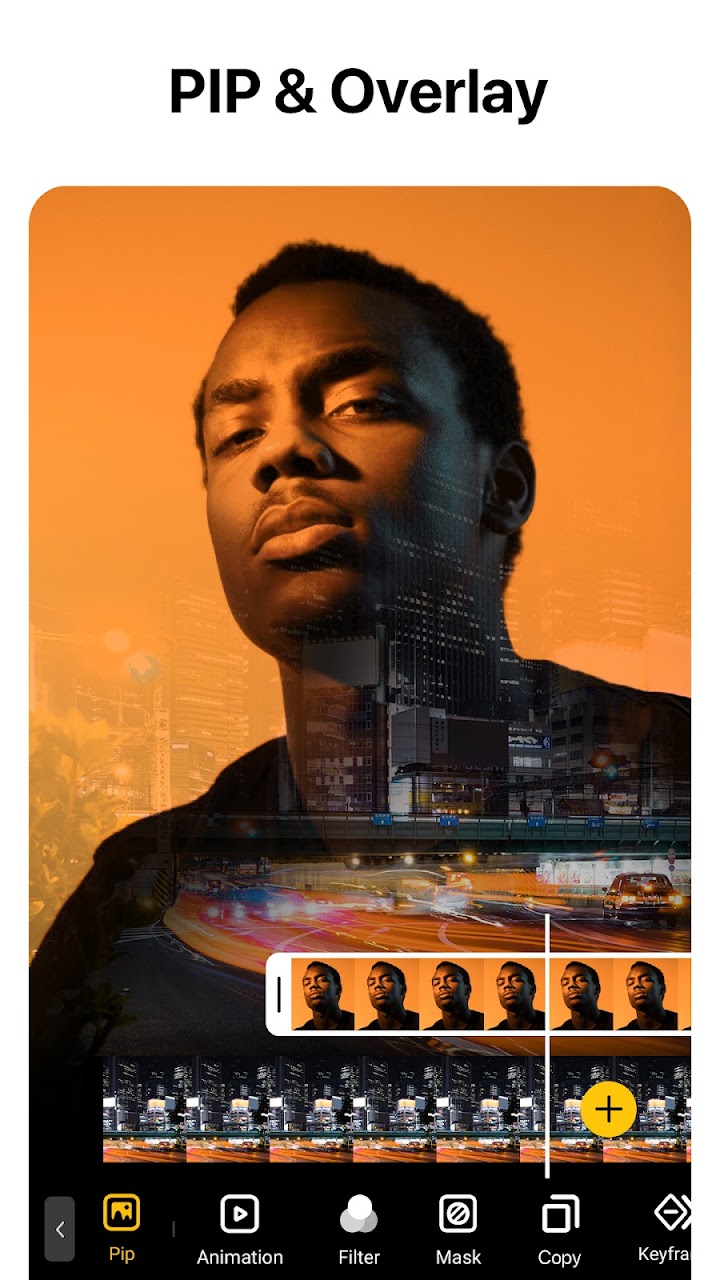
- Multi-layer work — Add keyframes, PIP layers, chroma key, masks, blend modes, and collages.
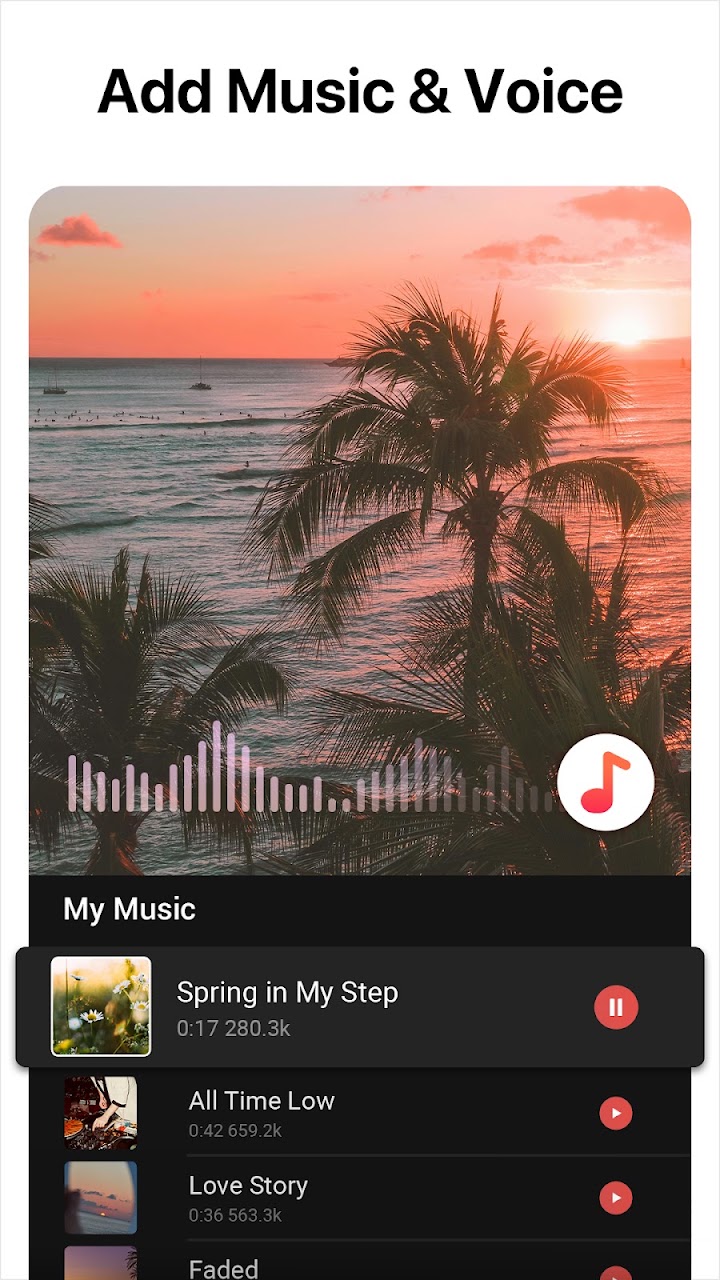
- Music and voice — Add built-in or custom music, extract audio, and record voiceovers with fade and volume control.
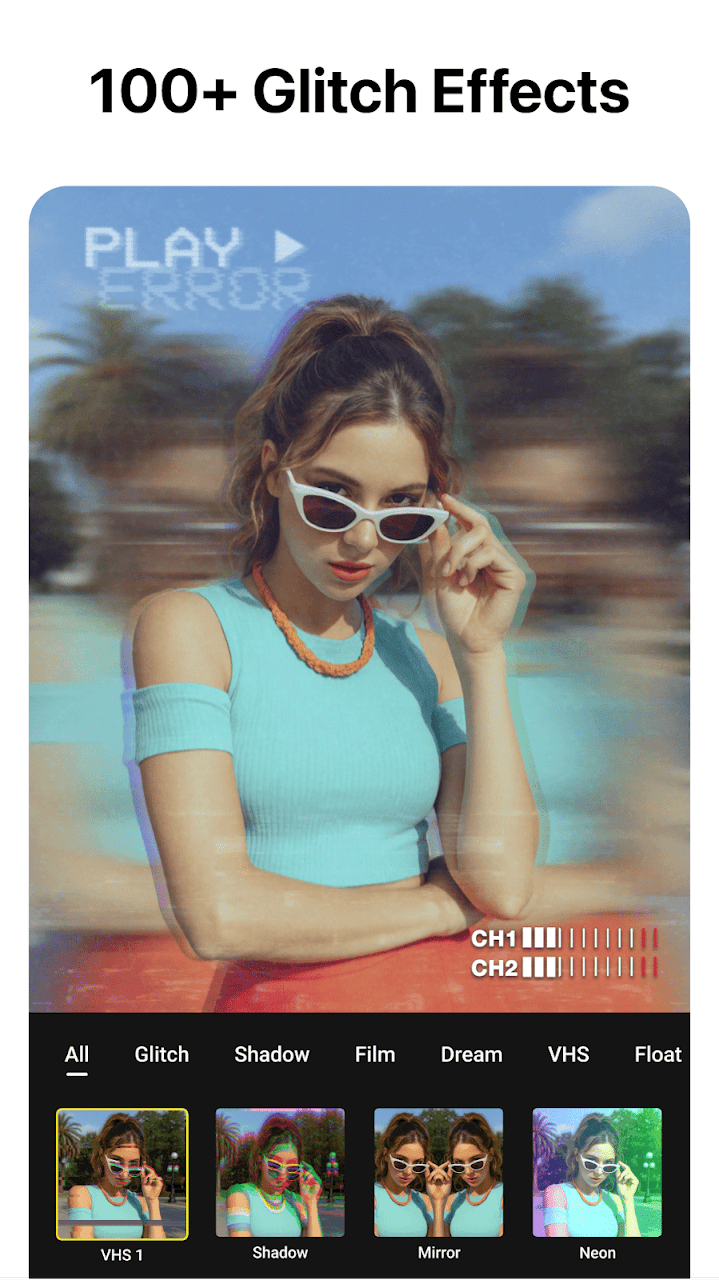
- Effects and text — Use 100+ filters, glitch effects, transitions, 1000+ fonts, stickers, GIFs, and memes.
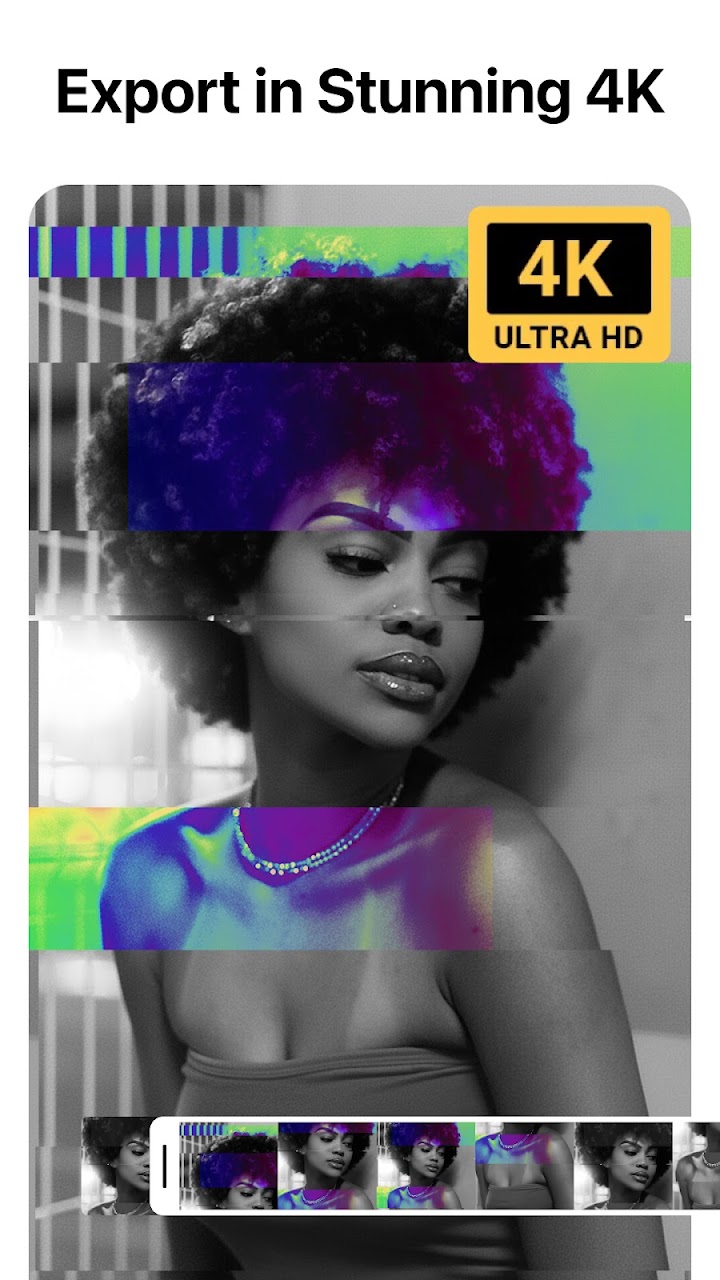
- Export and share — Export in HD up to 4K 60fps and share to major social apps without a watermark.
Short clips for social posting
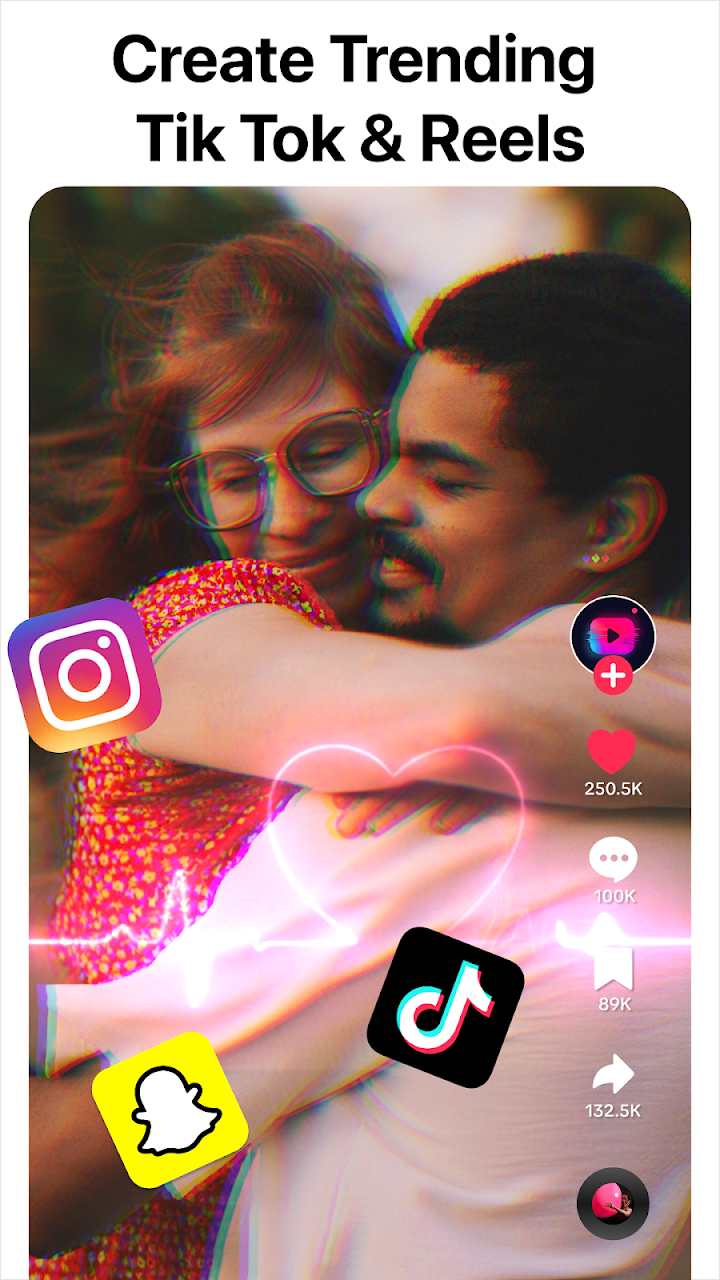
If you edit for TikTok, YouTube Shorts, Instagram Reels, WhatsApp, or Facebook, this app gives you a direct path from clip to post. It has trimming, merging, speed control, captions, and share tools in one place. The app also includes AI body effects and auto captions, which can save time on routine edits.
What you get:
- Free download with no watermark on exports
- HD export up to 4K 60fps
- Music, captions, filters, and transitions
- Watch for: ads and in-app purchases
Tools for layered edits
If you want more than simple trimming, VideoCook adds keyframes, picture-in-picture, chroma key, masks, and blend modes. Those tools help when you want overlays, green-screen looks, or video collages. The app also supports reverse, rotate, flip, crop, and resize, so you can shape clips for different aspect ratios.
Music, voice, and style
Creators who build edits around sound can add built-in or custom music, extract audio from a clip, or record voiceovers with fade-in, fade-out, and volume control. For visual style, the app offers 100+ filters, glitch effects such as VHS and RGB, plus blur, zoom, fade, and slide transitions. Text tools include 1000+ fonts, animated styles, stickers, emojis, and GIFs.
Install and compatibility
Video Editor, Maker -VideoCook is an APK file, 43.2 MB in size, and it works on Android 6.0 and up. It is listed for Everyone. The app does not request permissions in the details provided. It is free to install, but it contains ads and in-app purchases.
Playback and device notes
This app is built for editing and exporting video, not for device playback features. No Chromecast, TV, or car support is listed. It also does not show any account requirement in the details provided.
APK information
- Version
- 2.5.1.2
- Package
- glitchvideoeditor.videoeffects.glitchvideoeffect
- Category
- Video Players & Editors
- Size
- 43 MB
- Min Android
- 6.0
- Architecture
- universal
Older versions
-
Video Editor, Maker -VideoCook 2.5.1.2Nov 12, 2026Latest downloadAPK
Video Editor, Maker -VideoCook FAQ
Can Video Editor, Maker -VideoCook play offline?expand_more
The listing does not say whether offline use is supported. It does say the app is a video editor and maker with export and sharing tools.
Does Video Editor, Maker -VideoCook support Chromecast?expand_more
No Chromecast support is listed. The app details focus on editing, exporting, and sharing to social apps.
Does Video Editor, Maker -VideoCook work on tablets?expand_more
It works on Android 6.0 and up, so it can run on Android tablets that meet that requirement. The listing does not call out tablet-specific features.
Who develops Video Editor, Maker -VideoCook?expand_more
It is developed by InShot Video Editor.
Does Video Editor, Maker -VideoCook add a watermark?expand_more
The app description says exports are watermark-free. It also says the app is free.