Video maker with photo & music
Smart Photo Editor- 4.4star280,594 reviews
- 10M+Downloads
- 43 MBAPK size
- EveryoneRated for Everyone
- 5.0+Android
check_circleOriginal APK from Smart Photo Editor · Updated Nov 12, 2026
No threats found
0 / — antivirus engines flagged this file
Original signature
First seen — Smart Photo Editor
Unmodified APK
Same file the developer published — no mods
Video maker with photo & music screenshots
8 images · tap to enlarge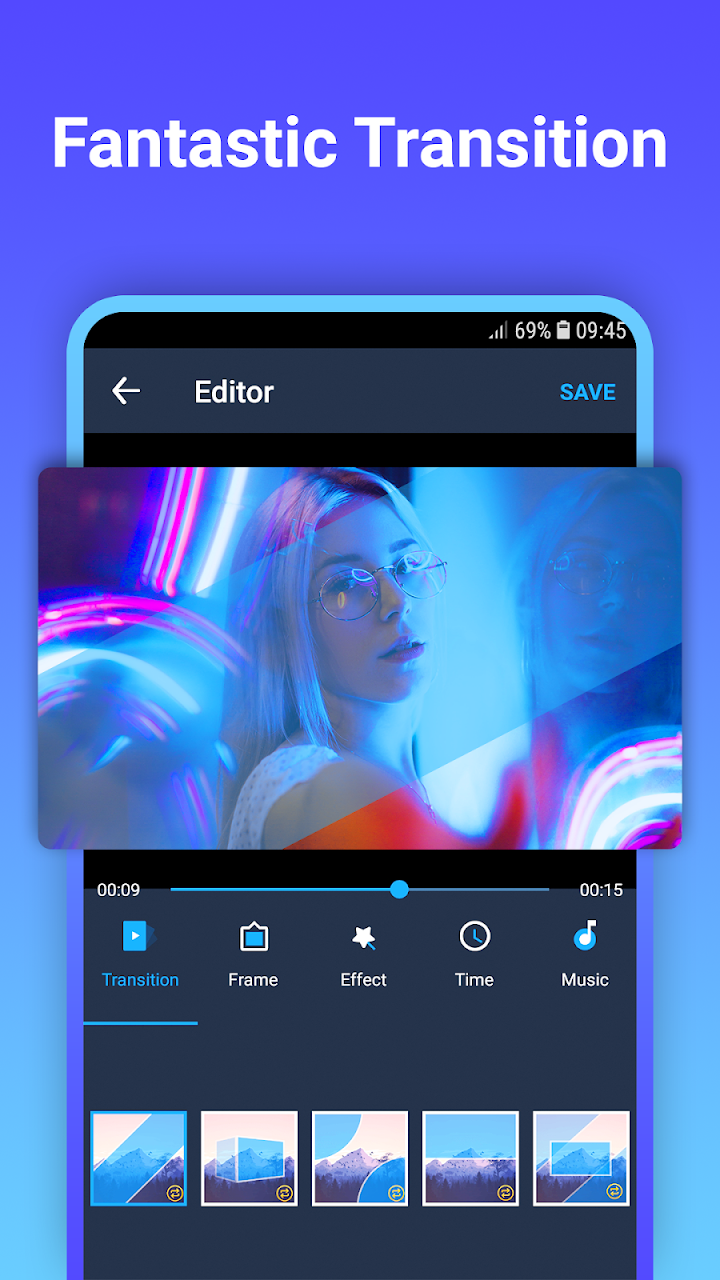
About this app
With 10M+ installs and a 4.4 rating, Video maker with photo & music focuses on turning photo collections into music videos. It also includes video cutting and merging tools, so it covers both slideshow-style edits and basic clip assembly. The app is free to download, but it does include ads and in-app purchases.
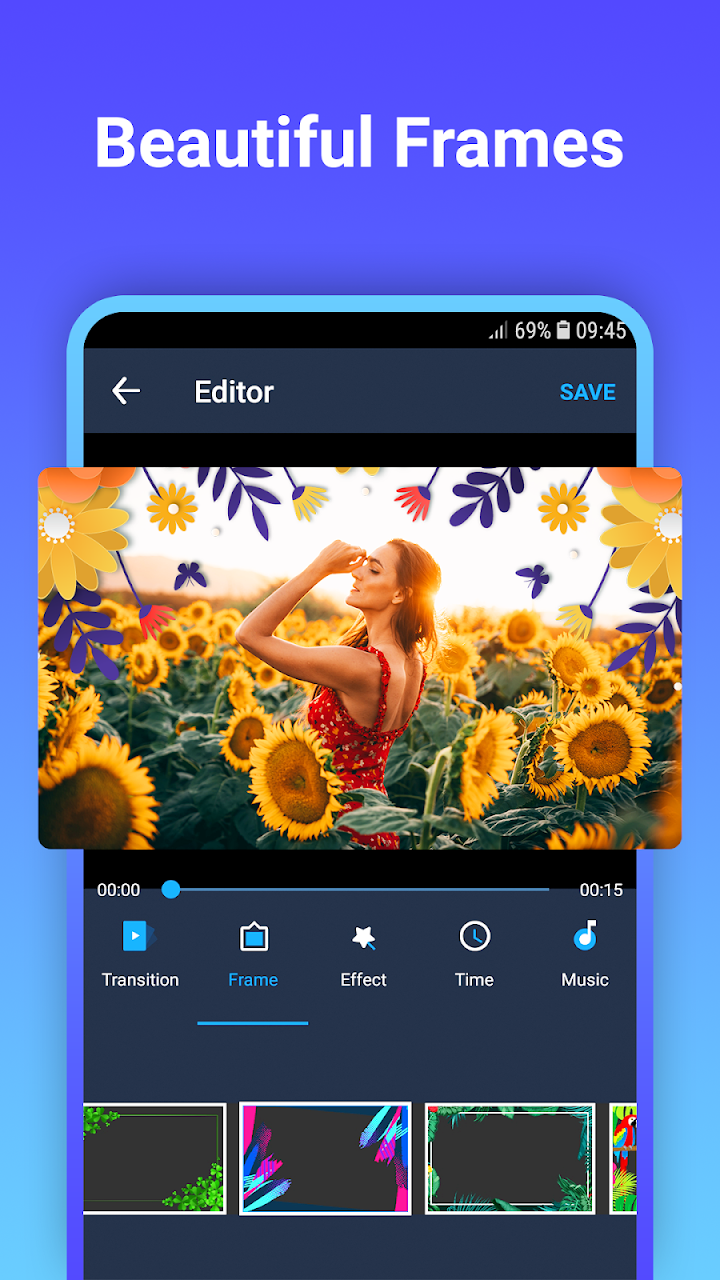
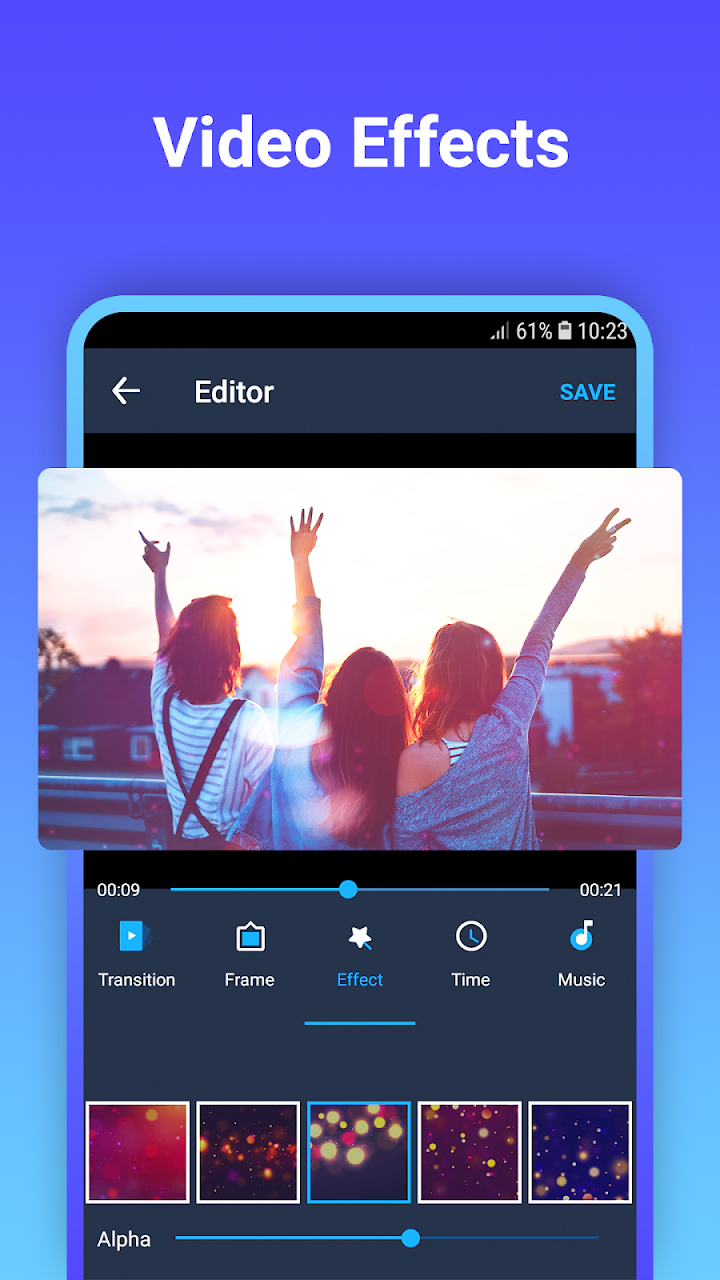
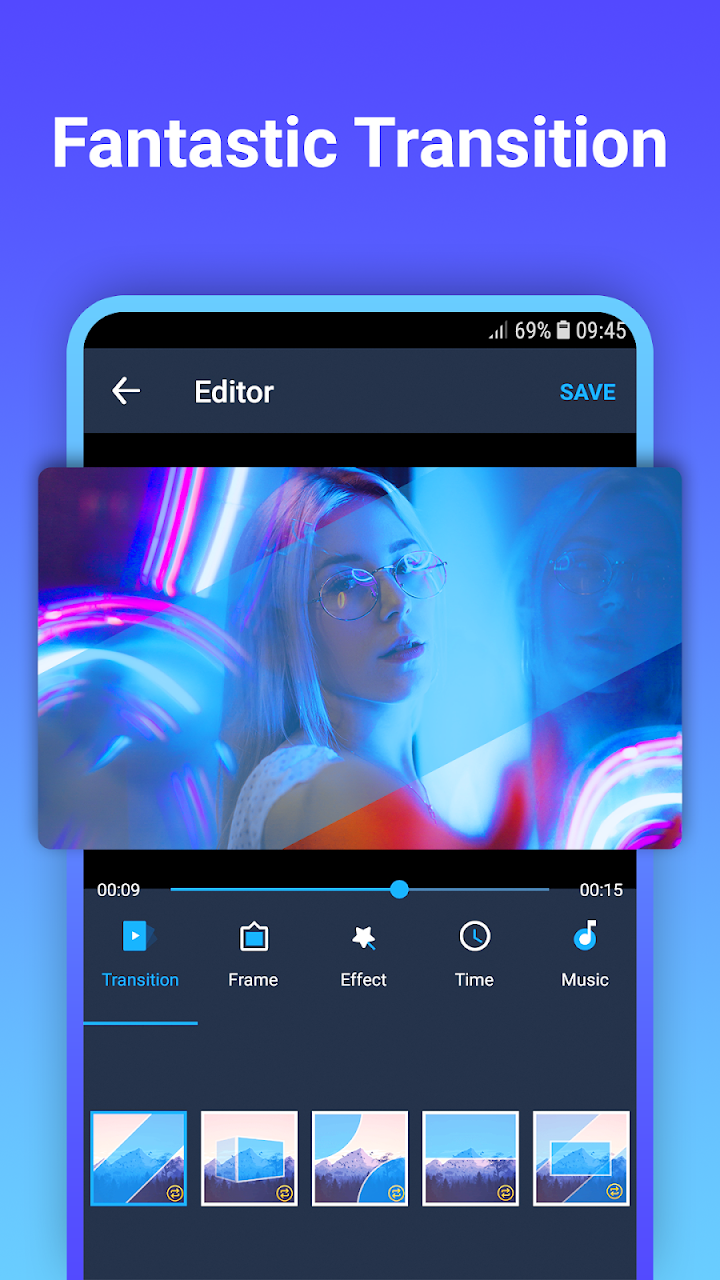
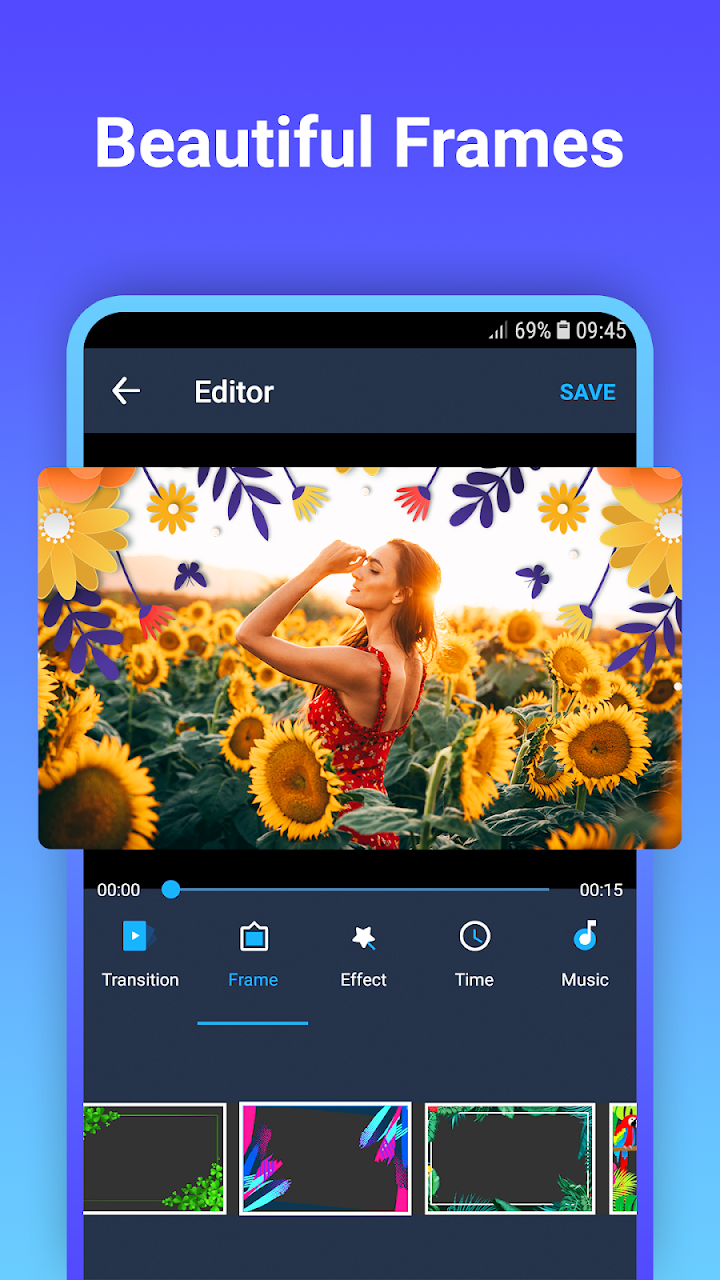
- Photo-to-video creation — Build videos from selected photos, add music, and adjust transitions, frames, and overlay effects.
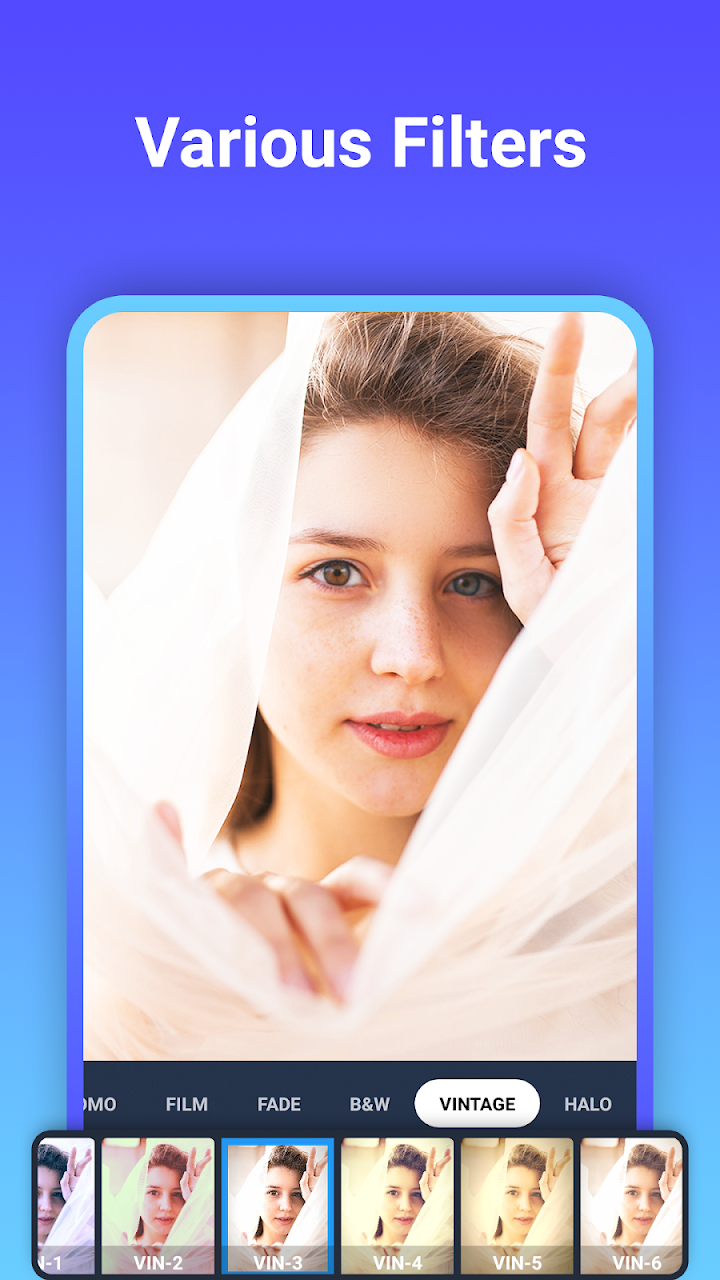
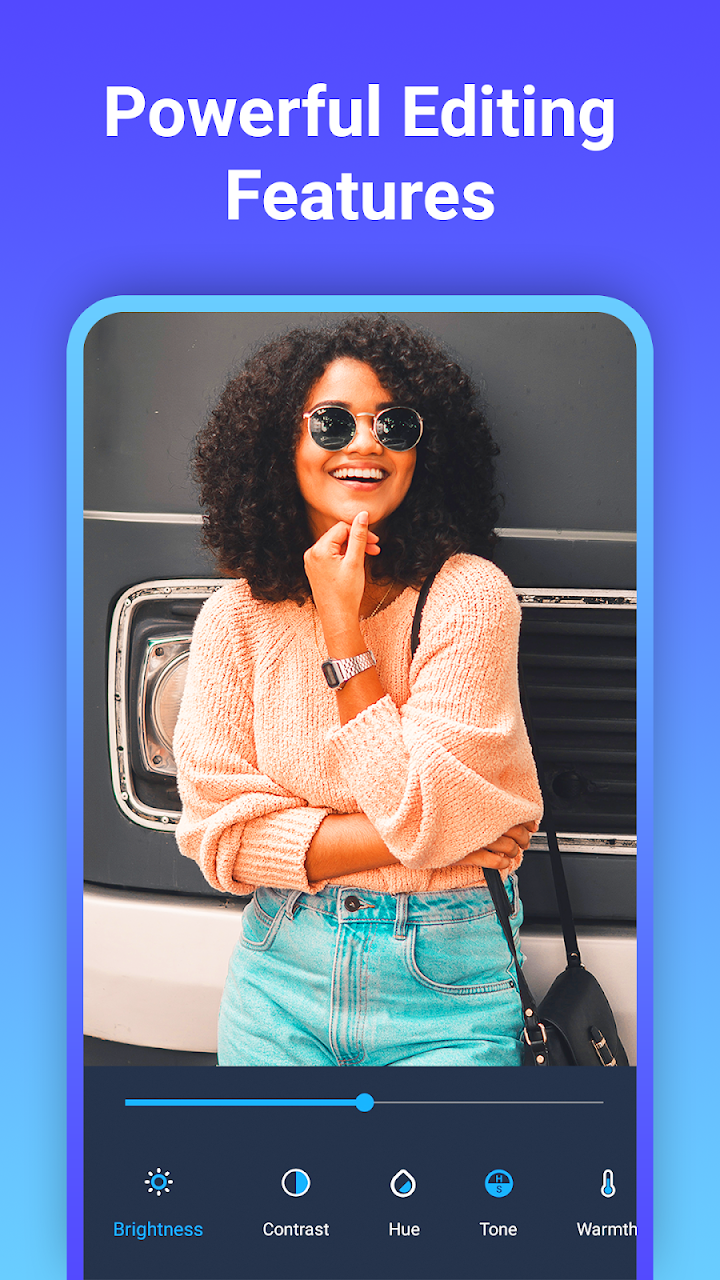
- Edit photos first — You can touch up photos inside the maker before exporting the finished video.
- Save drafts — Keep an edited project as a draft and return to it later.
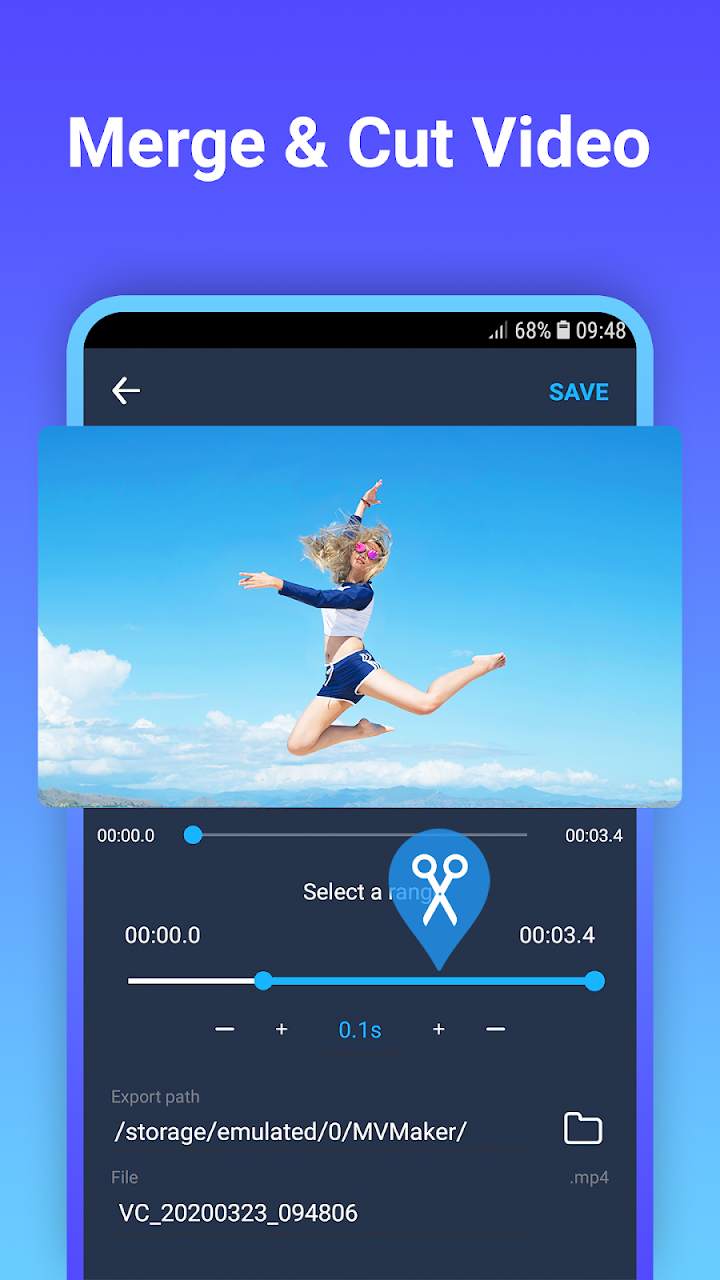
- Trim video clips — Use the built-in cutter to remove parts of videos already on your device or in your project.
- Join videos together — Merge two or more clips into one video without leaving the app.
- Share finished videos — Export the video and share it after you are done editing.
Turn photo collections into a music video
This app is built around a familiar day-to-day task: opening a folder of saved photos and turning them into something you can share. You choose the images, pick music from the app library or from the device, set transition timing, and add frames or overlay effects. The result is aimed at quick photo videos rather than complex timeline editing.
Trim, merge, and keep working later
Beyond photo slideshows, the app includes a video cutter and a video merger. That makes it useful when you need to remove a section from a clip or combine two or more videos without switching apps. If you are not finished, you can save the project as a draft and come back to it later.
Export settings and install details
Finished videos can be exported in the resolution you select. The app is free, but it contains ads and in-app purchases. It installs as an APK file, is 43.4 MB, and requires Android 5.0 or higher. That keeps it fairly accessible, though the ad-supported setup is something you will notice while using it.
How it compares with other video apps
Compared with editors like CapCut, this app is more focused on creating videos from photos and music than on broad editing workflows. Against players such as MX Player or Visha-Video Player All Formats, it is not about playback first. And unlike short-video apps such as Kwai or SnackVideo, it is centered on making and editing your own video files rather than browsing a feed.
- Photo-first workflow: Built for souvenir photos and quick music videos.
- Basic editing tools: Includes cutting and merging alongside slideshow creation.
- Draft support: Lets you pause a project and finish it later.
- Sharing ready: Designed to export and post finished videos.
APK information
- Version
- 2.5
- Package
- com.media.music.videomaker.slideshow
- Category
- Video Players & Editors
- Size
- 43 MB
- Min Android
- 5.0
- Architecture
- universal
Older versions
-
Video maker with photo & music 2.5Nov 12, 2026Latest downloadAPK
Video maker with photo & music FAQ
Does Video maker with photo & music support Chromecast?expand_more
Chromecast support is not listed for this app.
Can Video maker with photo & music play offline?expand_more
Offline playback is not listed. The app focuses on making videos from photos and music, plus editing clips.
What permissions does Video maker with photo & music ask for?expand_more
No permissions are listed for this app.
Does Video maker with photo & music have in-app purchases?expand_more
Yes. The app includes in-app purchases and also contains ads.
Can I save a video draft in the app?expand_more
Yes. The app includes a save draft feature so you can return to an edited project later.