
- 4.6star459,969 reviews
- 10M+Downloads
- 12 MBAPK size
- EveryoneRated for Everyone
- API 16+Android
check_circleOriginal APK from UPlayer · Updated Nov 12, 2026
No threats found
0 / — antivirus engines flagged this file
Original signature
First seen — UPlayer
Unmodified APK
Same file the developer published — no mods
Video Player All Format screenshots
8 images · tap to enlarge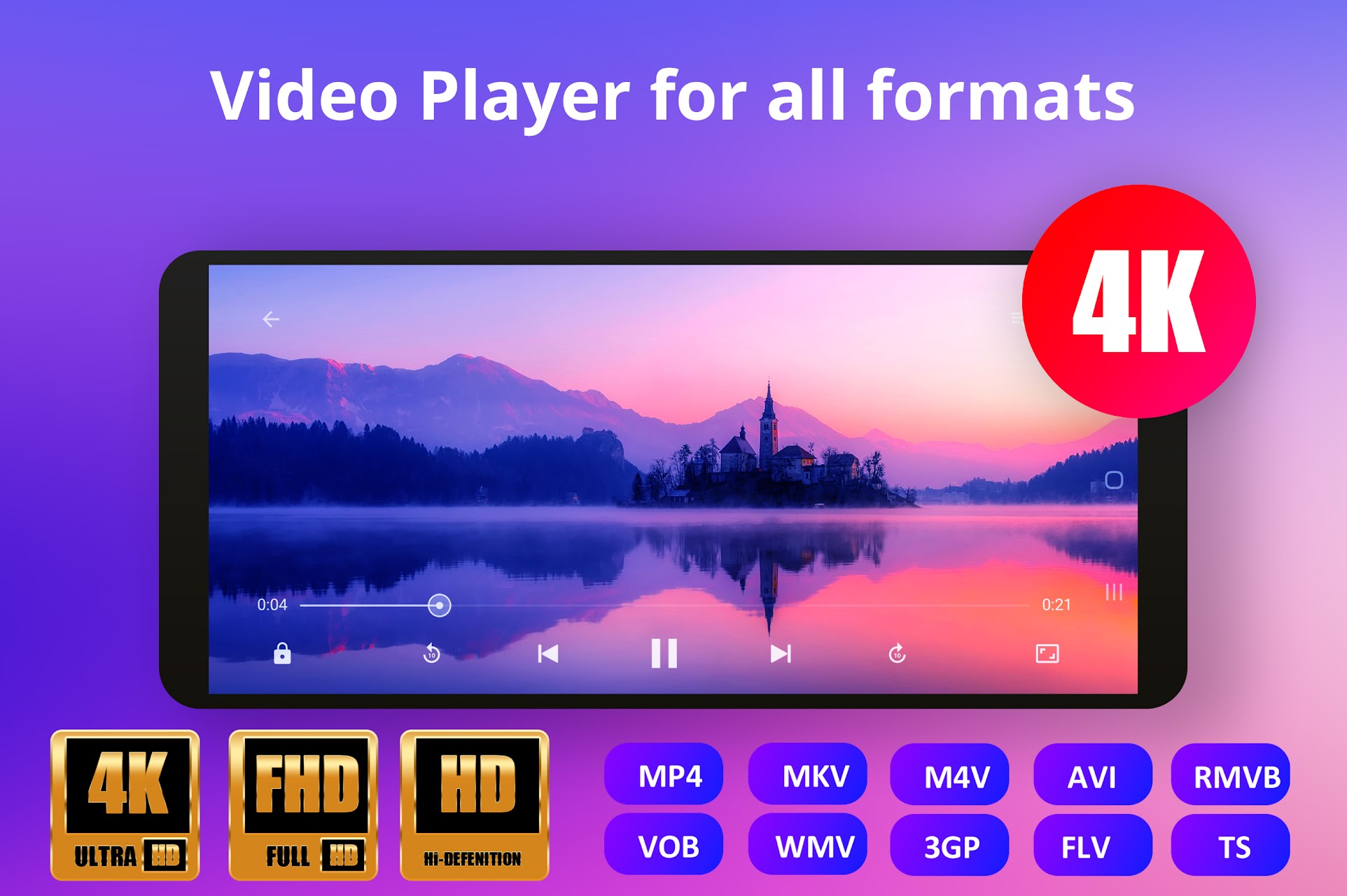
About this app
Video Player All Format gives you a single place to watch movies, TV episodes, and home videos across many file types. On a train ride or at home, you can resume playback, adjust speed, use a pop-up window, and cast to a TV. It is free, but it includes ads and in-app purchases.
- Wide format support — Plays formats including MP4, MOV, M4V, MKV, WMV, RMVB, FLV, AVI, 3GP, and TS.
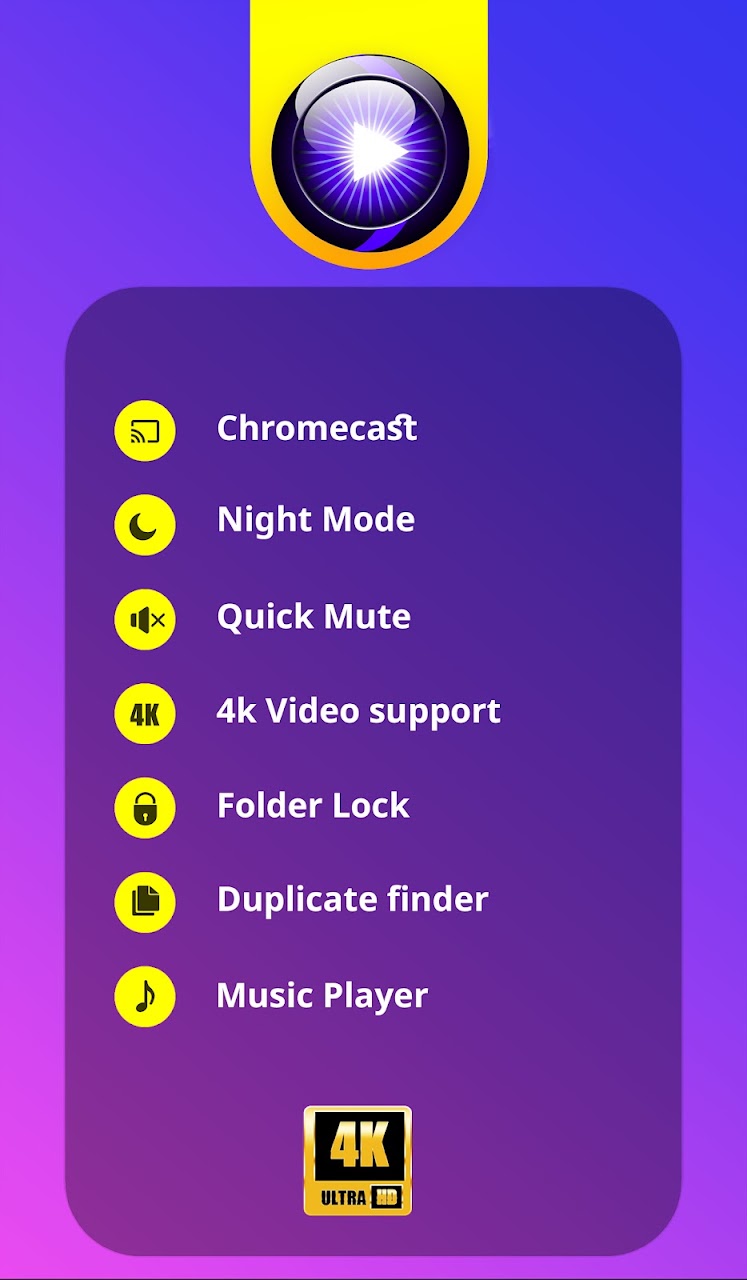
- Playback controls — Offers resume, speed control from 0.5x to 3.0x, night mode, and a sleep timer.
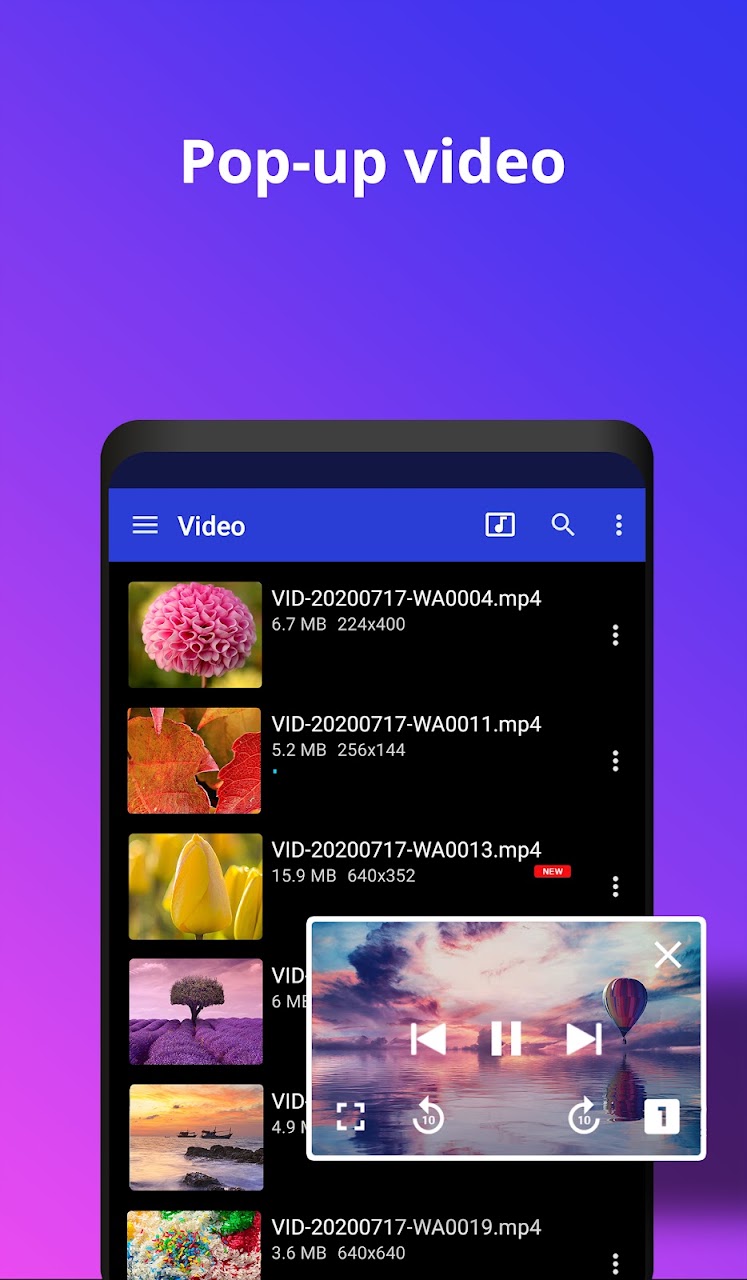
- Multi-window viewing — Use the pop-up player while you switch to other apps.
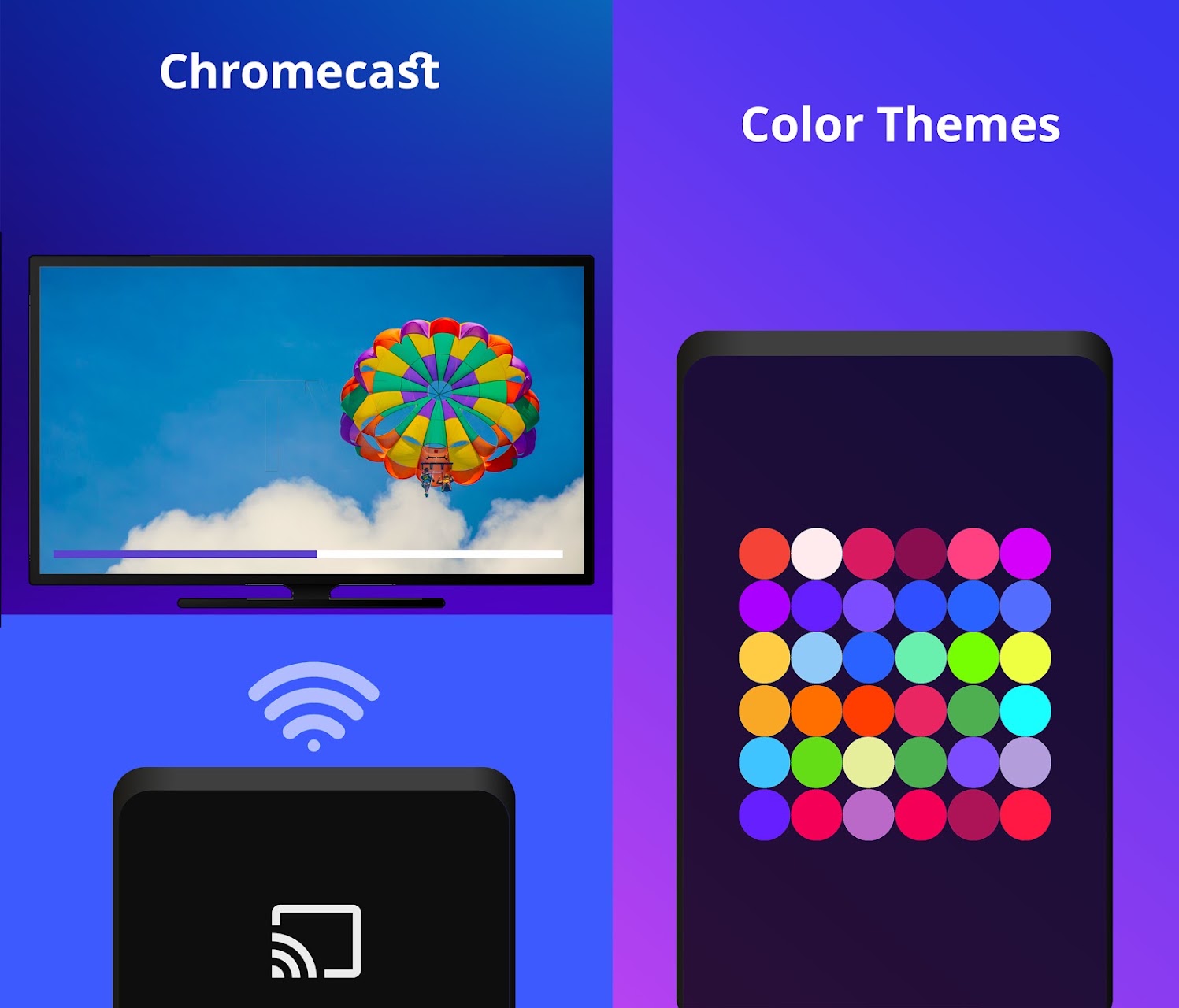
- TV and Chromecast — Cast videos to a TV with Chromecast for a bigger-screen session.
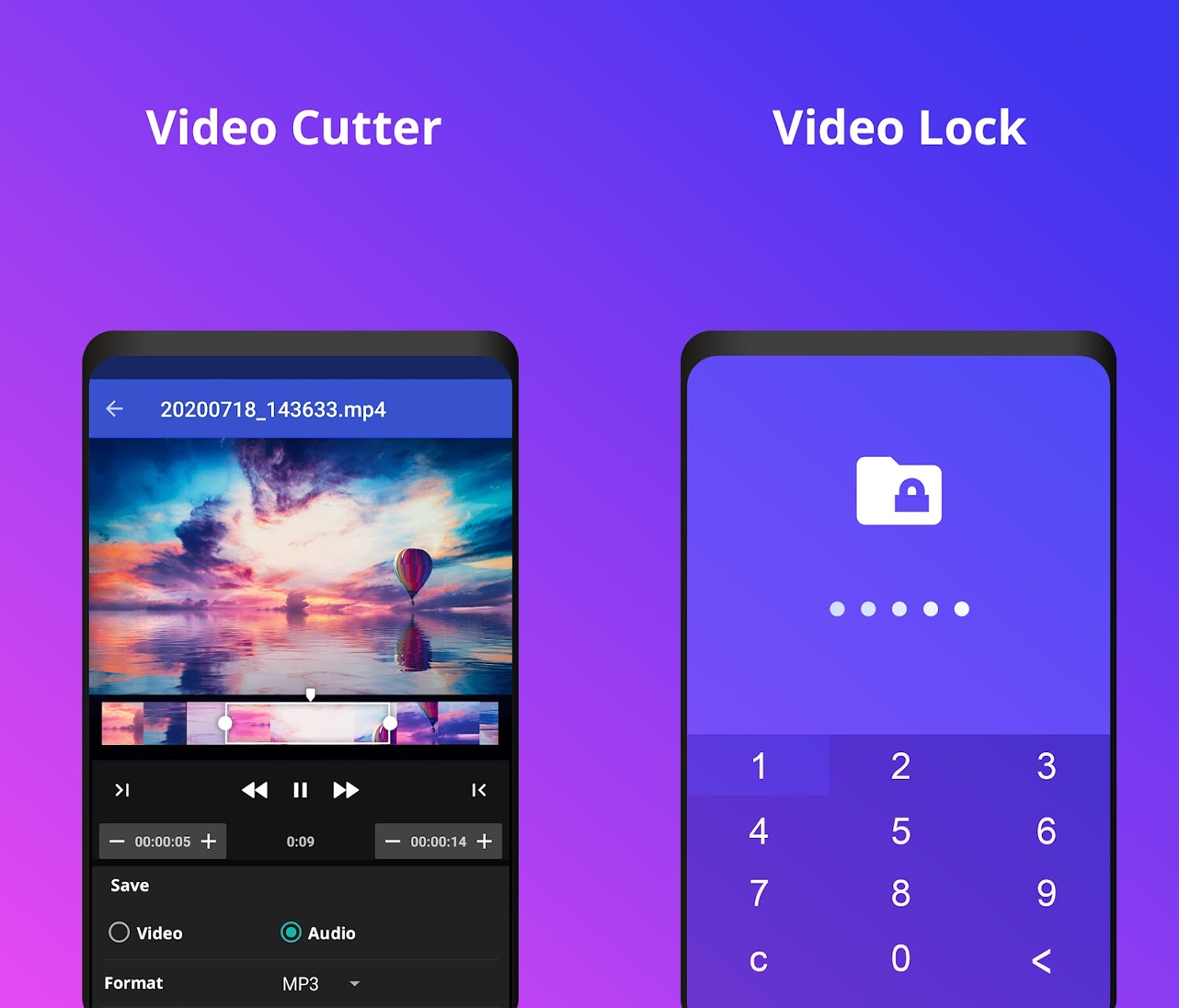
- File and subtitle tools — Includes a file explorer, duplicate-file cleanup, subtitle download, and video locker.
- Audio and editing — Adds an equalizer, bass boost, trimming, audio extraction, and MP3 conversion.
Many formats in one player
If your phone holds a mix of downloads, camera clips, and old movie files, this player is built to open them without much sorting. It supports common formats such as MP4, MOV, MKV, AVI, WMV, FLV, 3GP, TS, and more, and it handles HD and 4K playback. The app is free, comes as a 12.4 MB APK, and needs Android 16 or later.
Watching on the move or on a bigger screen
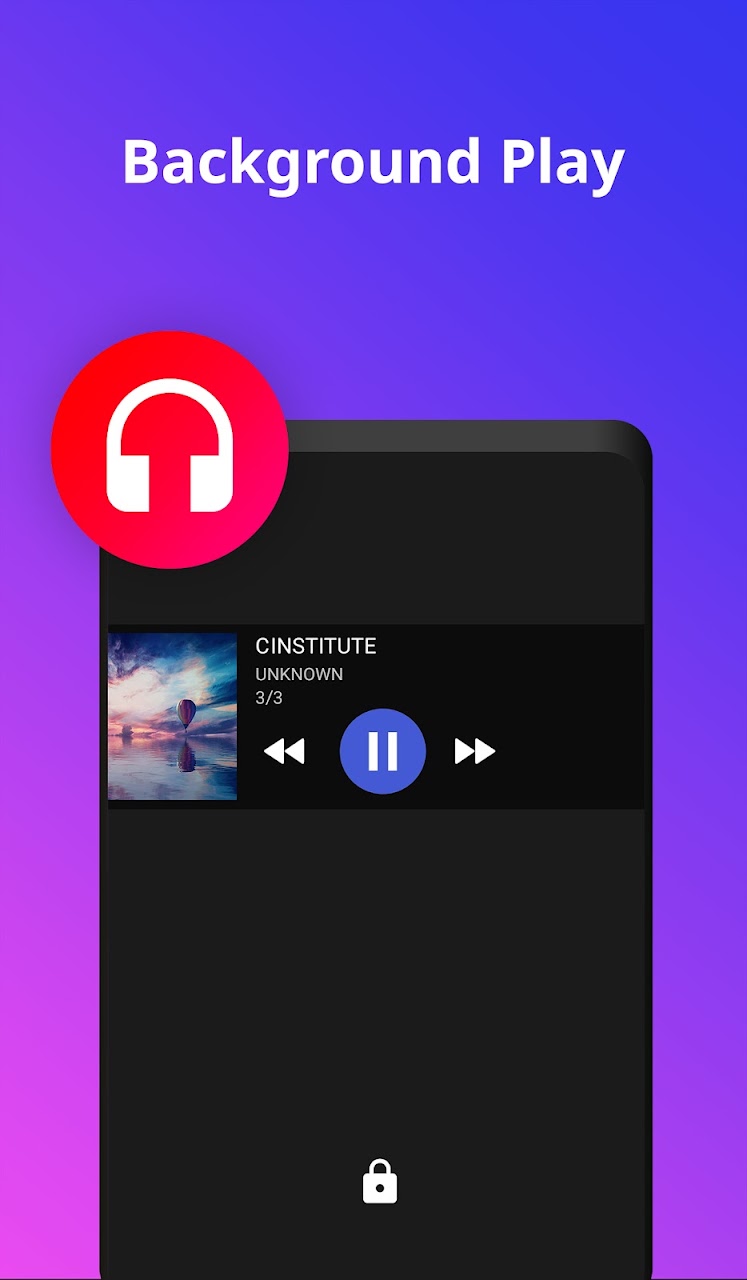
For a commute, the pop-up window lets you keep a video running while you check messages or browse something else. At home, Chromecast support makes it easy to send playback to a TV. The app also includes background playback, so audio can keep going when you do not need the picture on screen.
Controls made for longer sessions
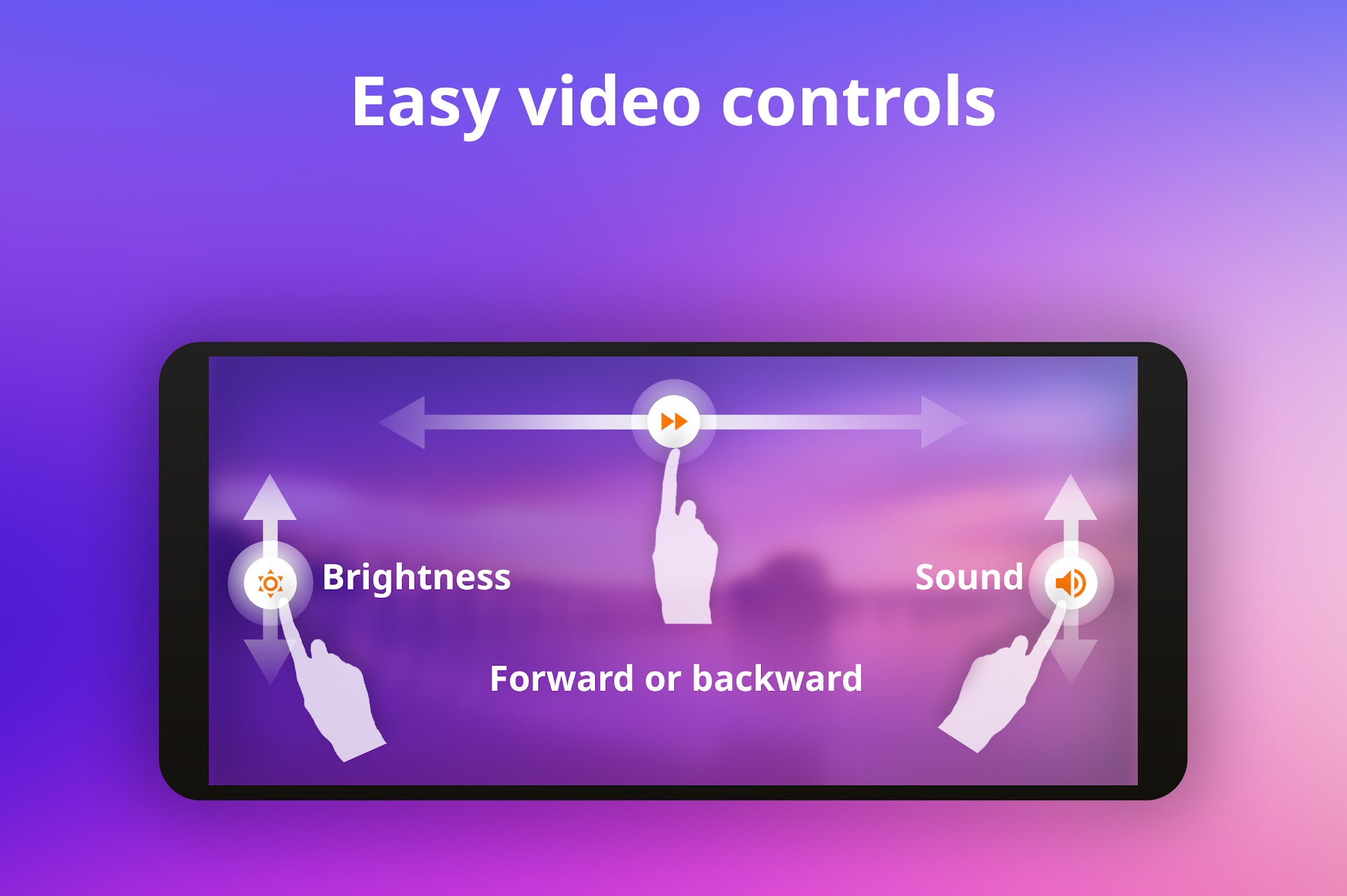
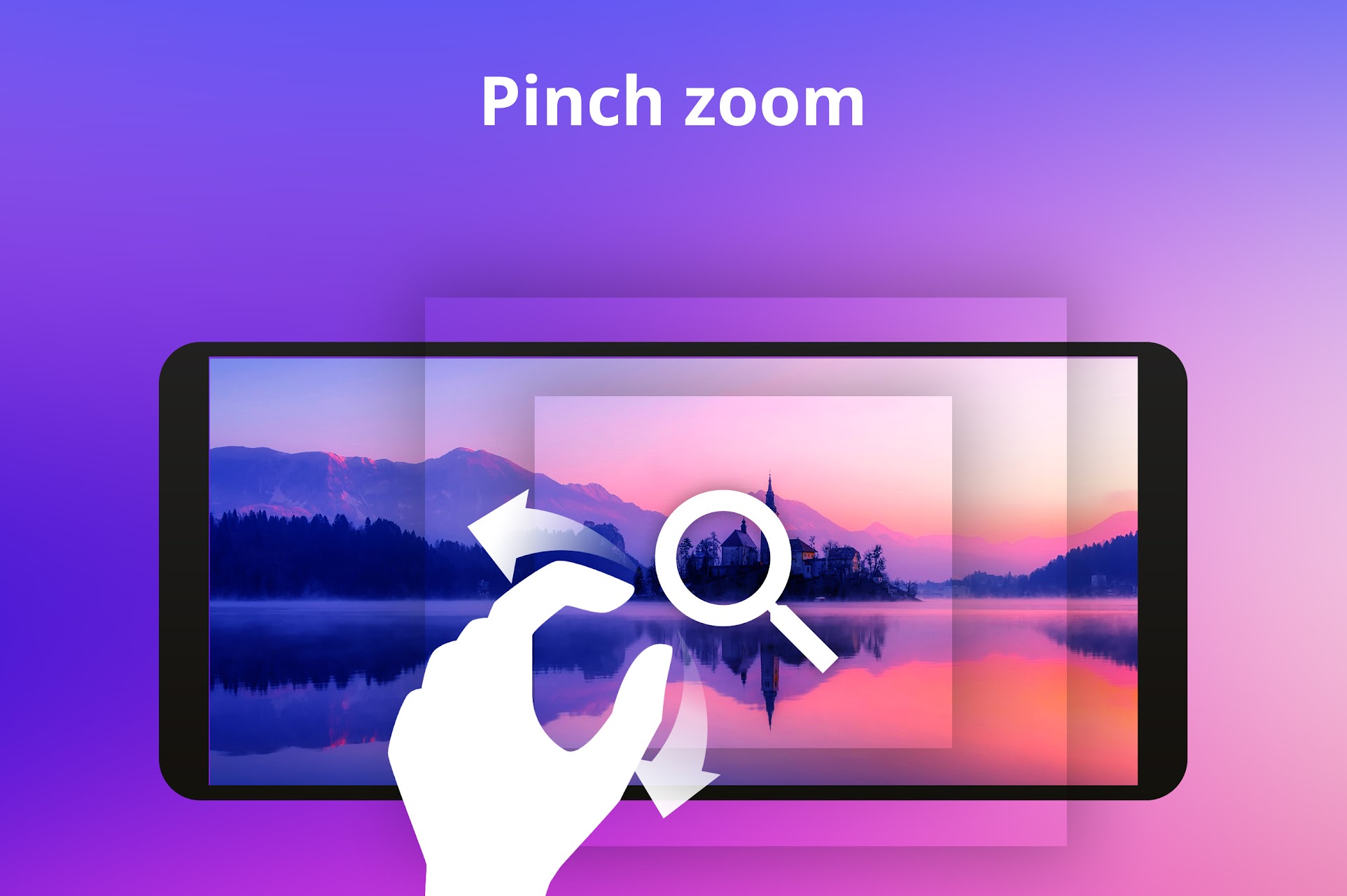
When a film runs long, the resume feature helps you pick up where you stopped, and the sleep timer is useful if you like to fall asleep to a video. You can also change playback speed, use pan and zoom, and adjust brightness and volume with gestures. Subtitle download is available for movies and shows that need it.
Tools for files and sound
The built-in file explorer adds cut, copy, and paste actions, while duplicate-file finding can help clear storage. There is also a video locker for personal clips, plus trimming, audio extraction, and MP3 conversion. Music playback gets its own 5-band equalizer and bass boost, and video audio can be tuned with an equalizer for treble and voice clarity.
- Gets: free playback, many formats, casting, subtitle download, and editing tools.
- Watch for: ads, in-app purchases, and a feature set that may feel busy if you only want a simple player.
How it feels to use
The app’s 4.6 rating from 459,969 ratings suggests many people find it useful, though the distribution also shows some mixed experiences. For someone who wants one player for local files, TV casting, and quick file handling, it covers a lot of ground in a single app.
APK information
- Version
- 1.6.0
- Package
- uplayer.video.player
- Category
- Video Players & Editors
- Size
- 12 MB
- Min Android
- API 16
- Architecture
- universal
Older versions
-
Video Player All Format 1.6.0Nov 12, 2026Latest downloadAPK
Video Player All Format FAQ
Can Video Player All Format play offline?expand_more
Yes. It plays video files stored on your device, so you can watch them without a network connection.
Does Video Player All Format need a subscription?expand_more
No subscription is listed. The app is free, though it does include in-app purchases.
Does Video Player All Format show ads?expand_more
Yes. The app contains ads.
Which Android version does Video Player All Format need?expand_more
It needs Android 16 or later, listed as API 16.
Can I cast videos from Video Player All Format to a TV?expand_more
Yes. The app includes Chromecast support for sending videos to a TV.