
WiFi Master: WiFi Auto Connect
LINKSURE NETWORK HOLDING- 3.9star3,233,634 reviews
- 100M+Downloads
- 16 MBAPK size
- EveryoneRated for Everyone
- API 15+Android
check_circleOriginal APK from LINKSURE NETWORK HOLDING · Updated Nov 12, 2026
No threats found
0 / — antivirus engines flagged this file
Original signature
First seen — LINKSURE NETWORK HOLDING
Unmodified APK
Same file the developer published — no mods
WiFi Master: WiFi Auto Connect screenshots
4 images · tap to enlarge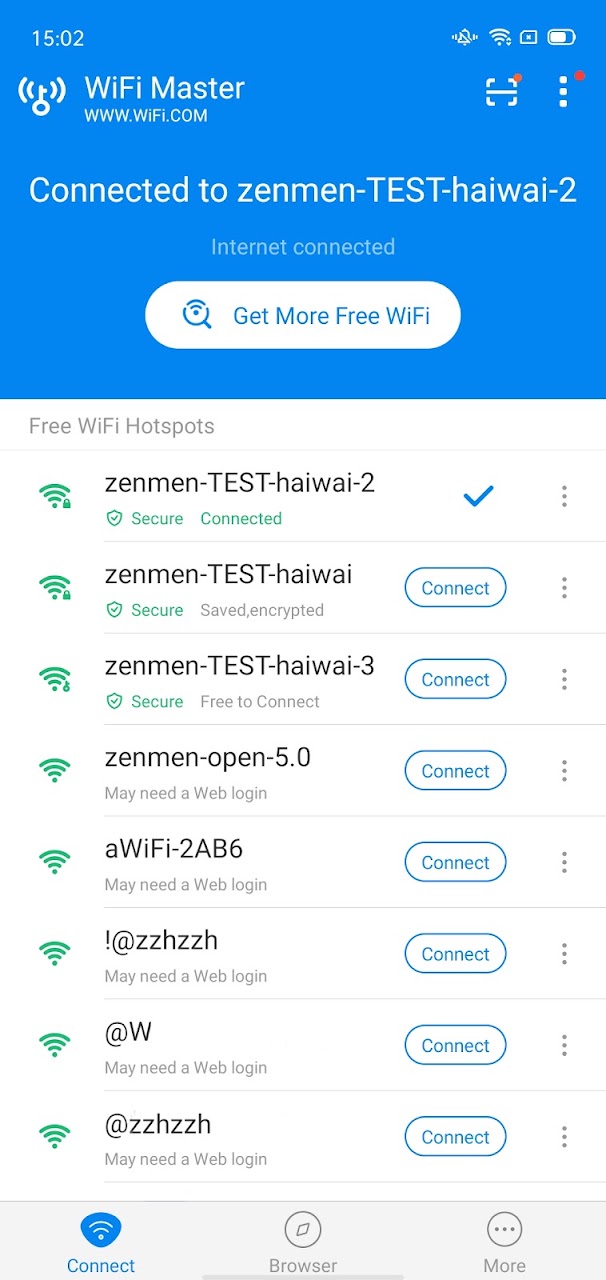
About this app
With 100M+ installs, WiFi Master: WiFi Auto Connect is built around one daily task: finding nearby Wi‑Fi and connecting fast. It focuses on open hotspots and shared networks, then adds auto-connect, a built-in browser, and network tools. The tradeoff is ads and in-app purchases, plus a mixed 3.9 rating from millions of users.
- Nearby Wi‑Fi search — Find open hotspots and shared Wi‑Fi near you and connect when one is available.
- Auto-connect — The app can connect automatically as soon as a Wi‑Fi network is available.
- Built-in browser — After connecting, you can browse with the included web browser inside the app.
- Privacy checks — Shared passwords are encrypted, and the app says your connection and browsing stay private.
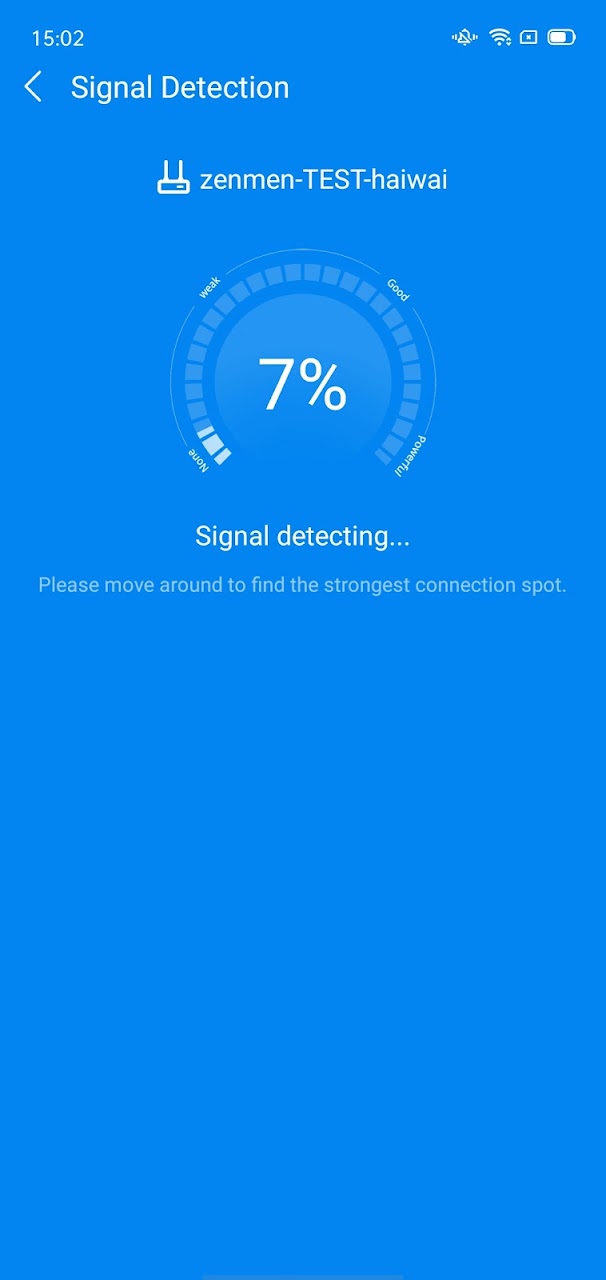
- Network tools — Use Wi‑Fi signal detection, anti-scraping network scanning, and a security check.
- Light install — It comes as a 15.6 MB APK and supports Android API 15 and up.
Finding Wi‑Fi nearby
WiFi Master: WiFi Auto Connect opens with a simple job: help you get onto nearby Wi‑Fi without hunting through settings. It is aimed at open hotspots and user-shared networks, so the main screen revolves around finding a connection, joining it, and staying online. The app says shared passwords are encrypted rather than revealed.
Auto-connect when a network appears
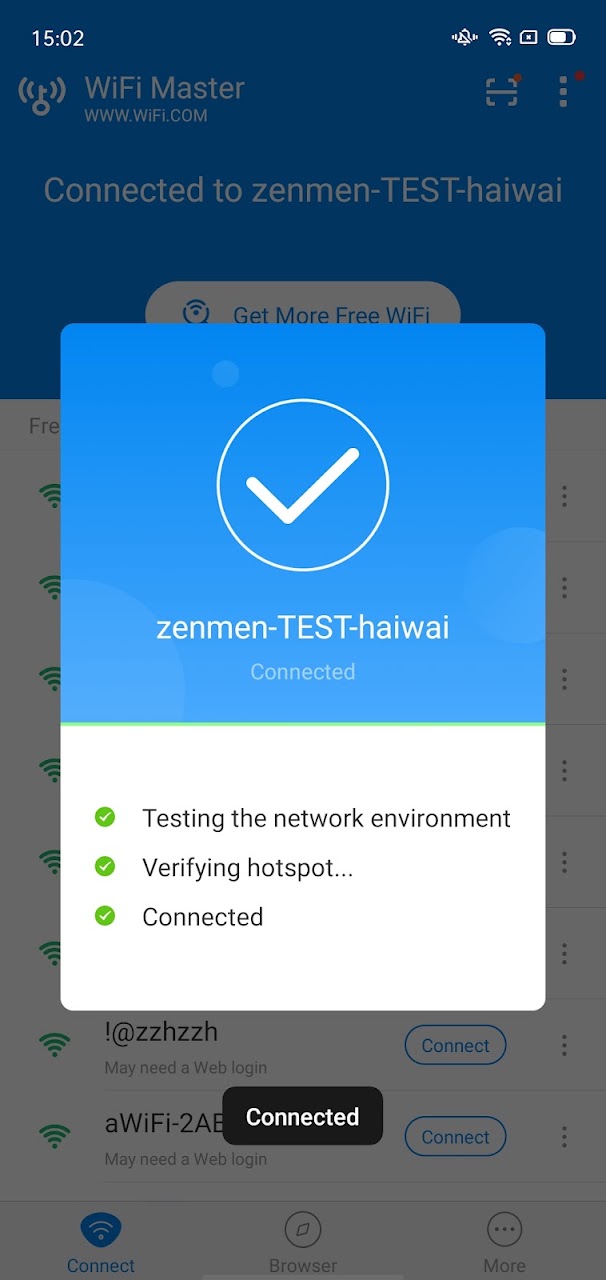
The most useful part in a normal day is the auto-connect flow. If you move between places with Wi‑Fi, the app can connect as soon as a network is available, which cuts down on repeated manual taps. It also includes a notification for discovering free Wi‑Fi with one-click connection.
Browsing after you connect
Once connected, the app includes its own web browser so you can start browsing without switching apps right away. The browser is described as safe and private, and the app says online activity is anonymous while using it. That makes the handoff from connection to browsing feel built into one workflow.
Security tools and app limits
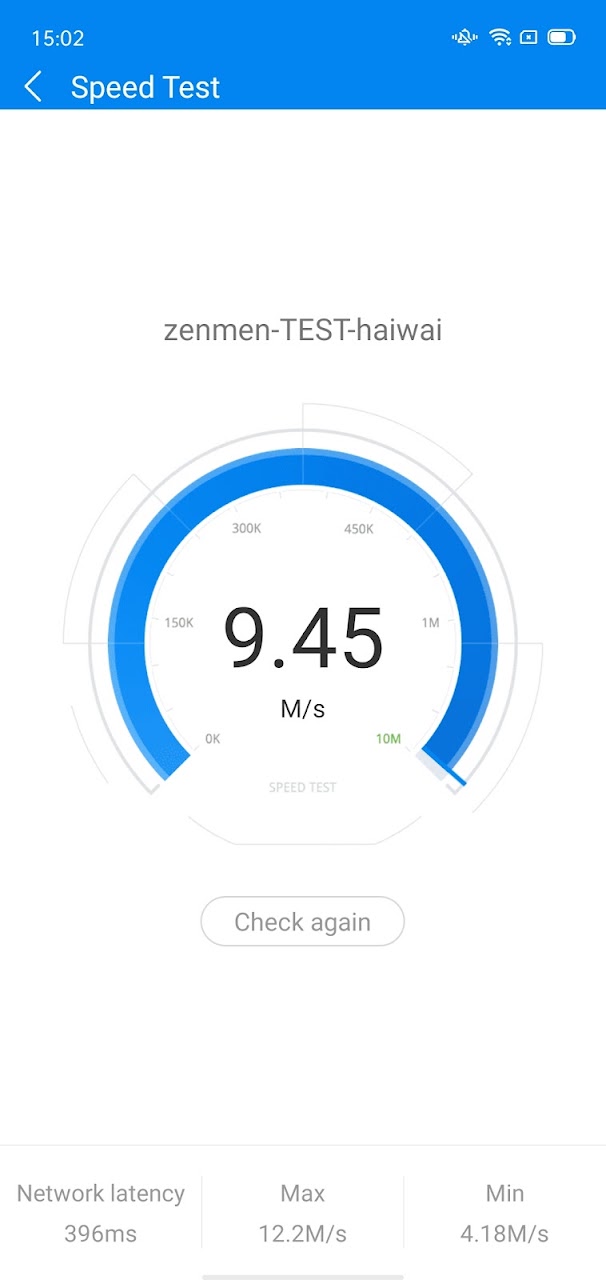
Beyond connection, the app includes Wi‑Fi signal detection, anti-scraping network scanning, and a network security check. It is free to download, but it contains ads and in-app purchases. There are no listed permissions, and the app states that it is not a hacking tool and does not unlock passwords for hotspots that are not shared by users.
On the compatibility side, it supports Android API 15 and up, and the APK is 15.6 MB. The app has a 3.9 rating from 3,233,634 ratings, with most ratings at 5 stars but a noticeable spread across the lower scores too.
For someone who wants a lightweight Wi‑Fi finder with auto-connect and a built-in browser, it covers the basics clearly. If you want a simple connection tool and do not mind ads, it is a straightforward option.
APK information
- Version
- 4.7.77
- Package
- com.halo.wifikey.wifilocating
- Category
- Tools
- Size
- 16 MB
- Min Android
- API 15
- Architecture
- universal
Older versions
-
WiFi Master: WiFi Auto Connect 4.7.77Nov 12, 2026Latest downloadAPK
WiFi Master: WiFi Auto Connect FAQ
Does WiFi Master: WiFi Auto Connect need root?expand_more
There is no root requirement listed for the app.
Why does WiFi Master: WiFi Auto Connect need these permissions?expand_more
No permissions are listed, so there are no permission requests to review.
Does WiFi Master: WiFi Auto Connect work on tablets?expand_more
The app supports Android API 15 and up, so it can run on Android devices that meet that requirement, including tablets.
Which Android version does WiFi Master: WiFi Auto Connect need?expand_more
It needs Android API 15 or higher.
Does it have a built-in browser?expand_more
Yes. After connecting to Wi‑Fi, you can use the built-in web browser inside the app.