- 4.4star256,888 reviews
- 10M+Downloads
- 9 MBAPK size
- EveryoneRated for Everyone
- 5.0+Android
check_circleOriginal APK from Lonely Cat Games · Updated Nov 12, 2026
No threats found
0 / — antivirus engines flagged this file
Original signature
First seen — Lonely Cat Games
Unmodified APK
Same file the developer published — no mods
X-plore File Manager screenshots
8 images · tap to enlarge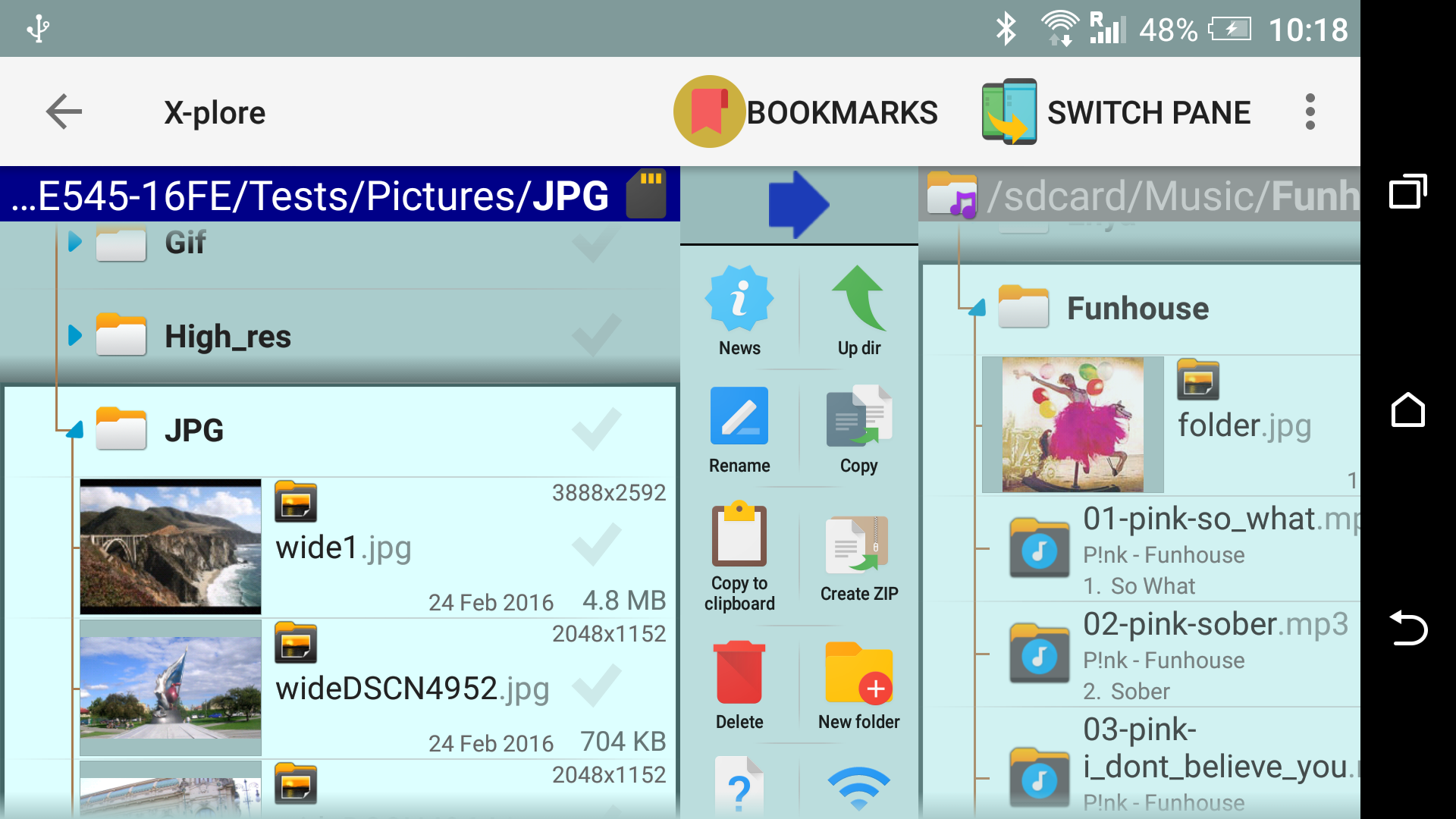
About this app
On a train ride or at your desk, X-plore File Manager helps you move through folders in two panes at once. It combines a tree view with access to device storage, USB OTG, cloud accounts, LAN shares, FTP, and more, so you can copy, rename, share, and open files from one place.
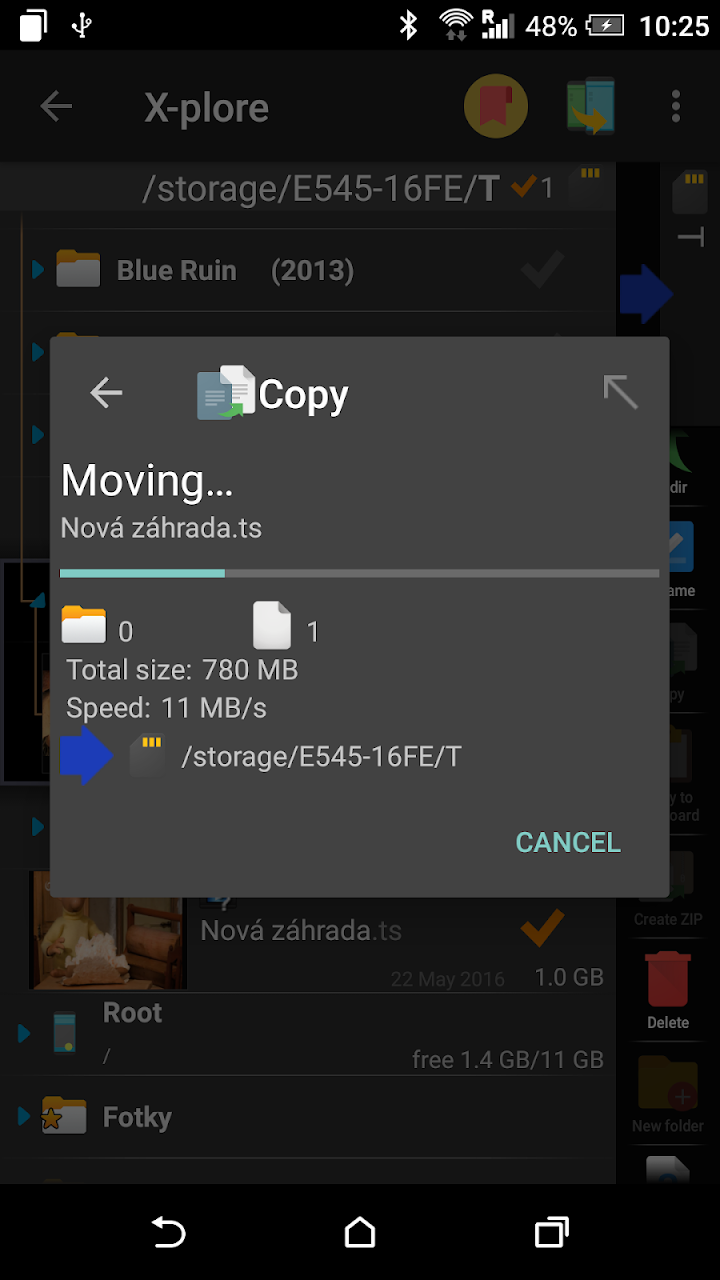
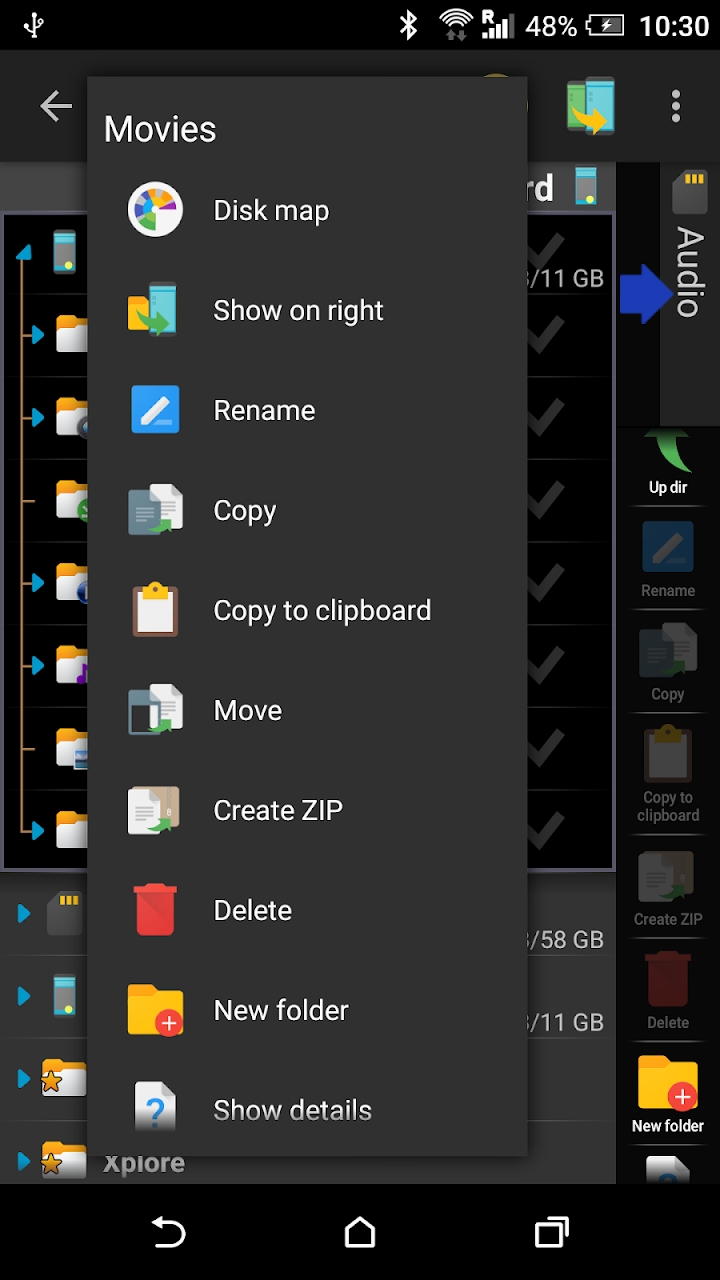
- Dual-pane browsing — See two folders side by side and move files between them with simple copy and manage actions.
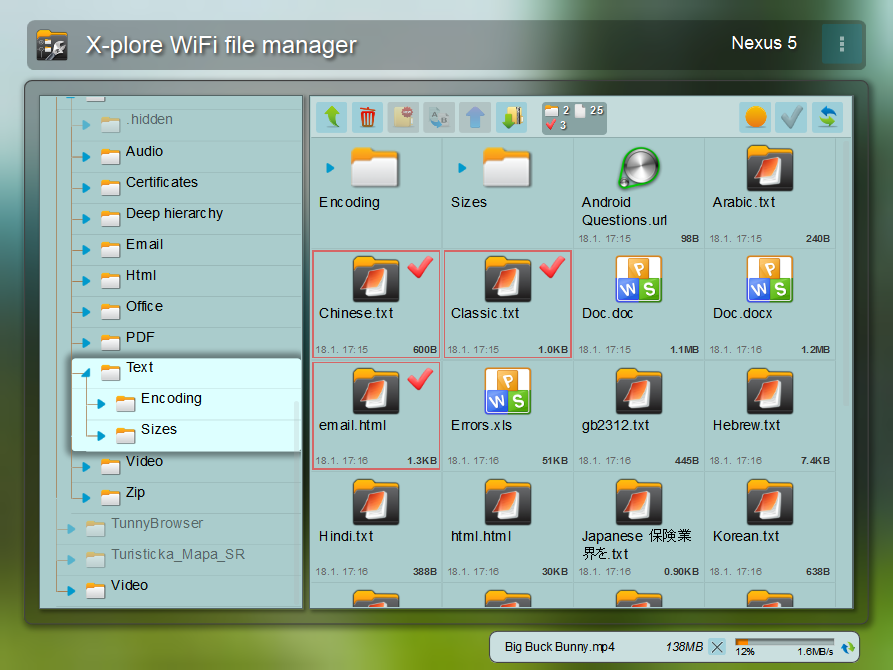
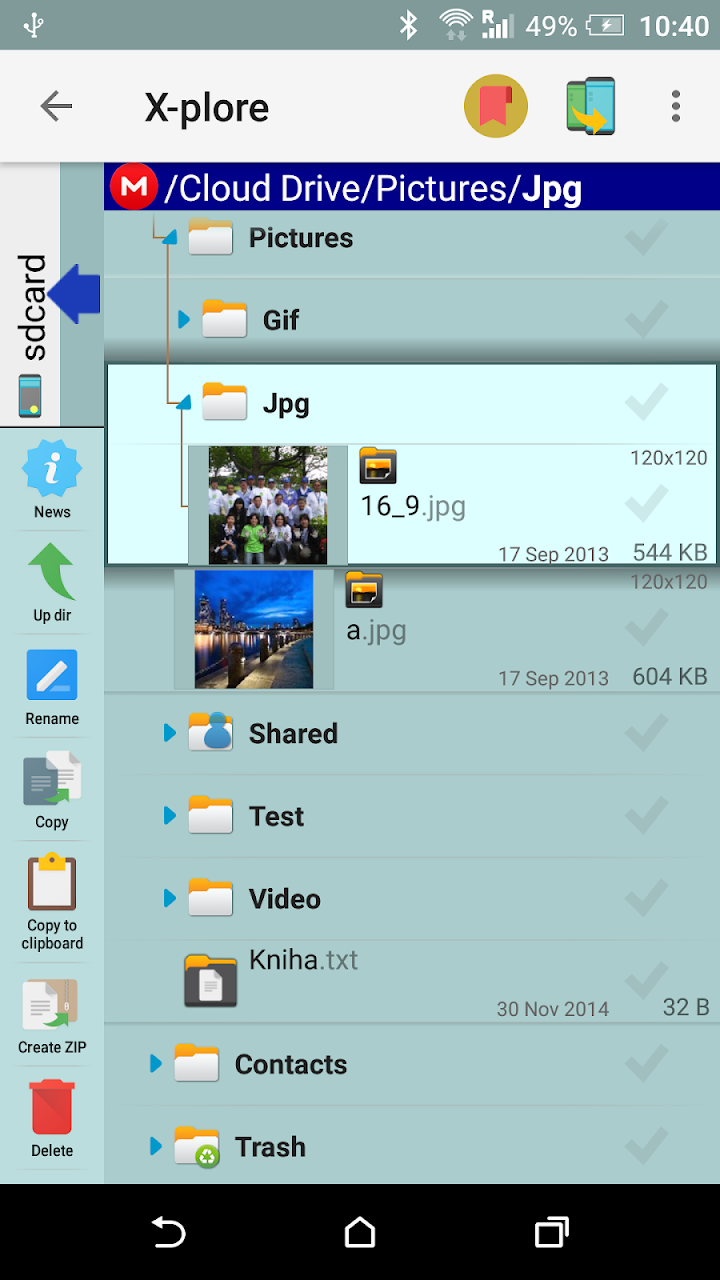
- Tree view layout — Browse folder hierarchy in a tree view for clear navigation and faster switching between locations.
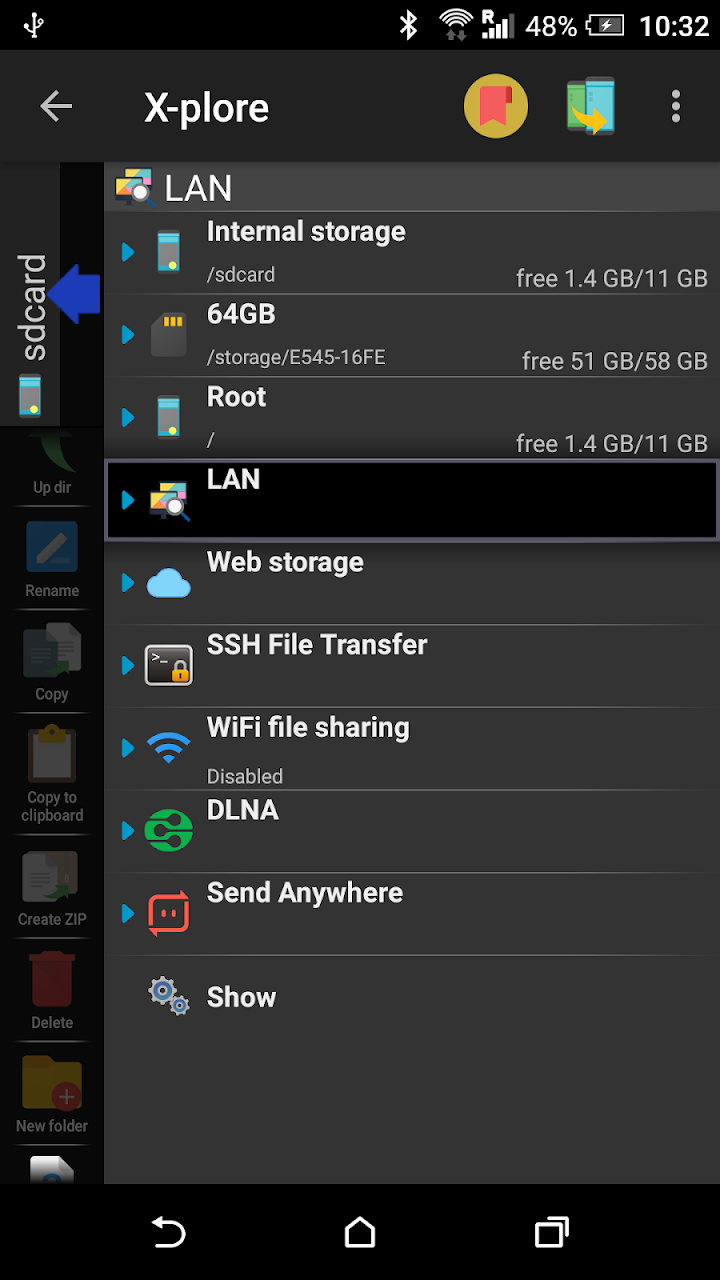
- Cloud and LAN access — Open files from Google Drive, OneDrive, Dropbox, Box, WebDAV, LAN shares, FTP, and SFTP.
- Built-in viewers — View images, audio, text, PDF, and APK files, and play video with subtitles.
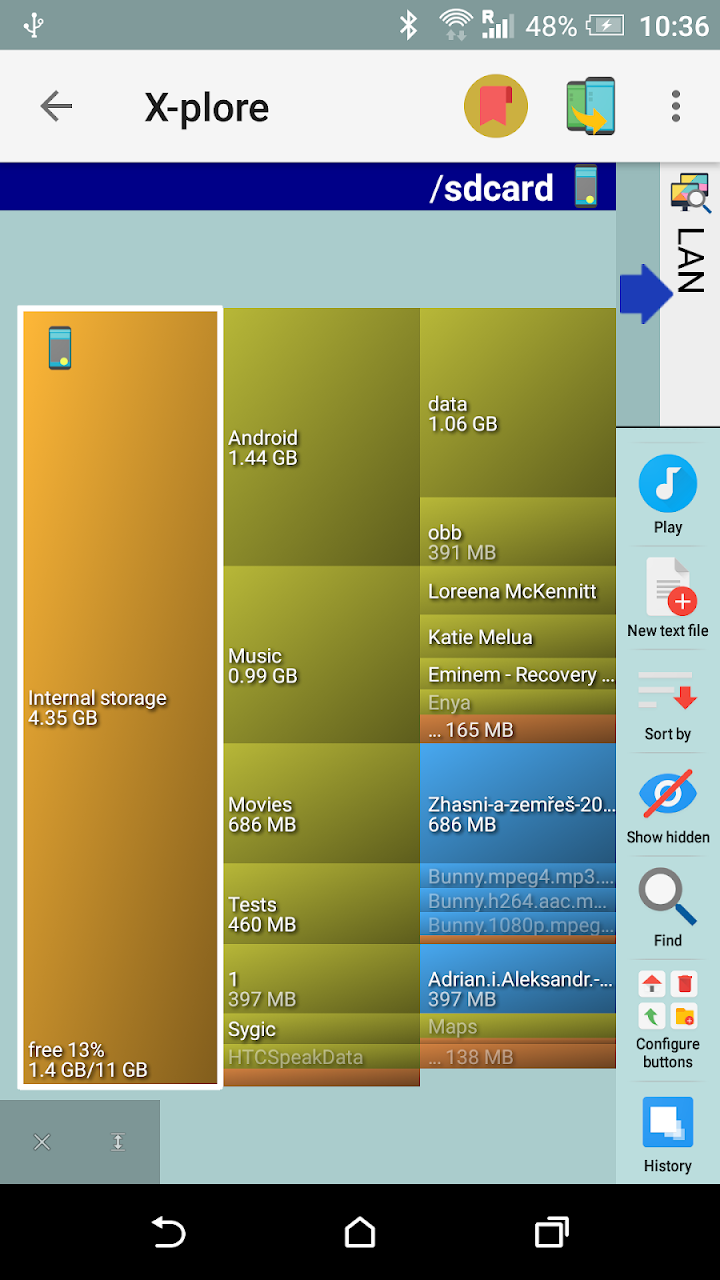
- App and archive tools — Use the app manager, batch rename, disk map, and archive support for Zip, Rar, and 7zip.
- Secure vault — Encrypt sensitive files in Vault, including fingerprint protection where supported.
Two panes for daily file work
If you are sorting downloads after a long day, X-plore File Manager keeps two folders open at once so copying, moving, deleting, and renaming stay close at hand. The tree view shows folder hierarchy clearly, which helps when you jump between storage locations, archives, and connected services.
The app is free, shows ads, and offers in-app purchases. It comes as an APK file, is 8.9 MB in size, and requires Android 5.0 or later.
Storage, cloud, and network sources
X-plore is built for working across many locations, not just local storage. You can browse device memory, USB OTG storage, and cloud accounts such as Google Drive, OneDrive, Dropbox, Box, and WebDAV. It also supports LAN folders, FTP and FTPS servers, SFTP, and SSH shell access.
- Cloud access: open online files through supported services.
- Network access: reach shared folders, FTP servers, and SFTP connections.
- Local access: manage internal storage and attached USB memory.
View, play, and inspect files
When you need to check a file before sharing it, X-plore includes built-in viewers for images, audio, text, and PDF. It can also play video with subtitles, show thumbnails for images and video, and display APK files as ZIP archives. For deeper inspection, it includes a hex viewer and an SQLite database viewer.
Tools for power users
The app manager lets you see, run, copy, share, uninstall, and explore installed apps. Root access is available for users who have rooted devices and want to work with system data, while standard users can hide internal memory from view. There is also a Disk Map for checking which files use the most space, plus a Vault for encrypting sensitive files.
Some features are marked as paid and require a donation, including WiFi file sharing, PC web browser management, SSH File Transfer, the music player, and Vault-related features noted by the developer.
APK information
- Version
- 4.30.06
- Package
- com.lonelycatgames.Xplore
- Category
- Tools
- Size
- 9 MB
- Min Android
- 5.0
- Architecture
- universal
Older versions
-
X-plore File Manager 4.30.06Nov 12, 2026Latest downloadAPK
X-plore File Manager FAQ
Why does X-plore File Manager need these permissions?expand_more
No permissions are listed in the app details provided. The app’s features include file access, WiFi sharing, cloud access, and app management, but no specific permission list is shown here.
Does X-plore File Manager need root?expand_more
No. Root is optional and only needed if you want to change system data on a rooted device. Standard users can still use the file manager without root.
What changed in the latest X-plore File Manager version?expand_more
No changelog text is provided for this release. The current version is 4.30.06.
Can I install X-plore File Manager without Google Play?expand_more
Yes. It is provided as an APK file, so it can be installed outside Google Play if your device allows APK installation.
What file types can X-plore File Manager open?expand_more
It includes built-in viewers for images, audio, text, and PDF, and it can also show video with subtitles and APK files as ZIP archives.