
- 4.5star1,856 reviews
- 100M+Downloads
- 9 MBAPK size
- EveryoneRated for Everyone
- 8.0+Android
check_circleOriginal APK from New IT Solutions · Updated Nov 12, 2026
No threats found
0 / — antivirus engines flagged this file
Original signature
First seen — New IT Solutions
Unmodified APK
Same file the developer published — no mods
4shared screenshots
7 images · tap to enlarge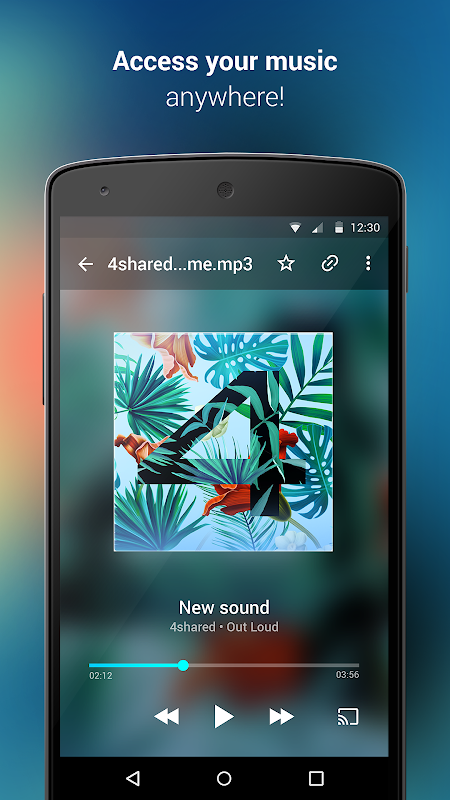
About this app
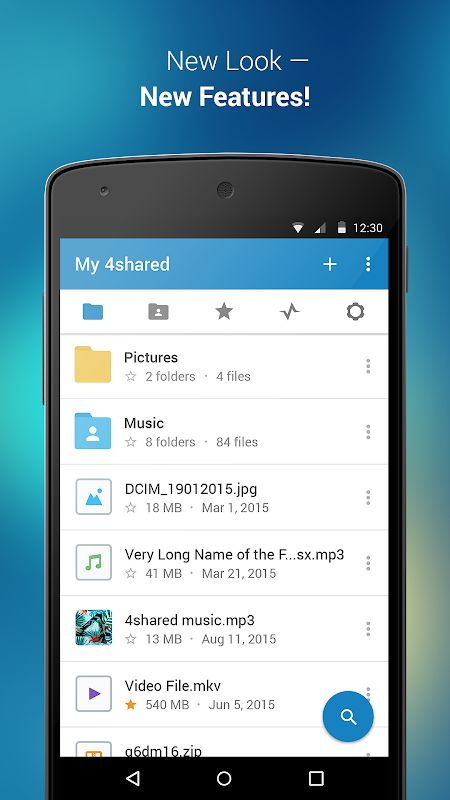
If you need a file while you are away from your computer, 4shared lets you open your account on Android and find it quickly. You can look through documents, photos, videos, and music, then rename, move, copy, download, or share them from one place. It also includes file search tools and access to downloaded items when you are offline.
- File access anywhere — Open your 4shared account on Android and reach your stored documents, photos, movies, and music from your phone.
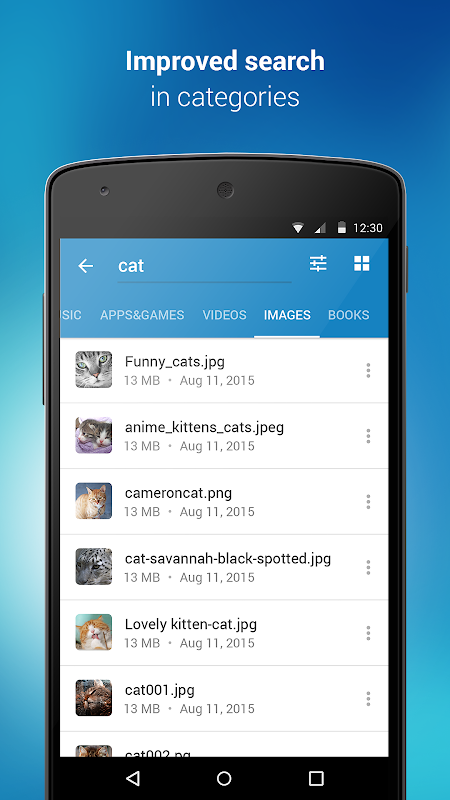
- Search by details — Look for a file by name, upload time, size, or other available filters when you need to narrow results.
- Manage folders easily — Rename files, copy them, or move them into other folders without leaving the app.
- Offline downloads — Download files to your smartphone so you can open them later even without a connection.
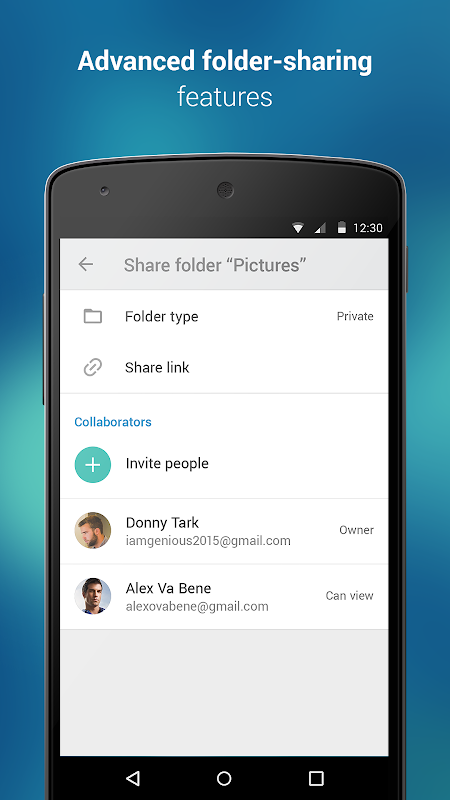
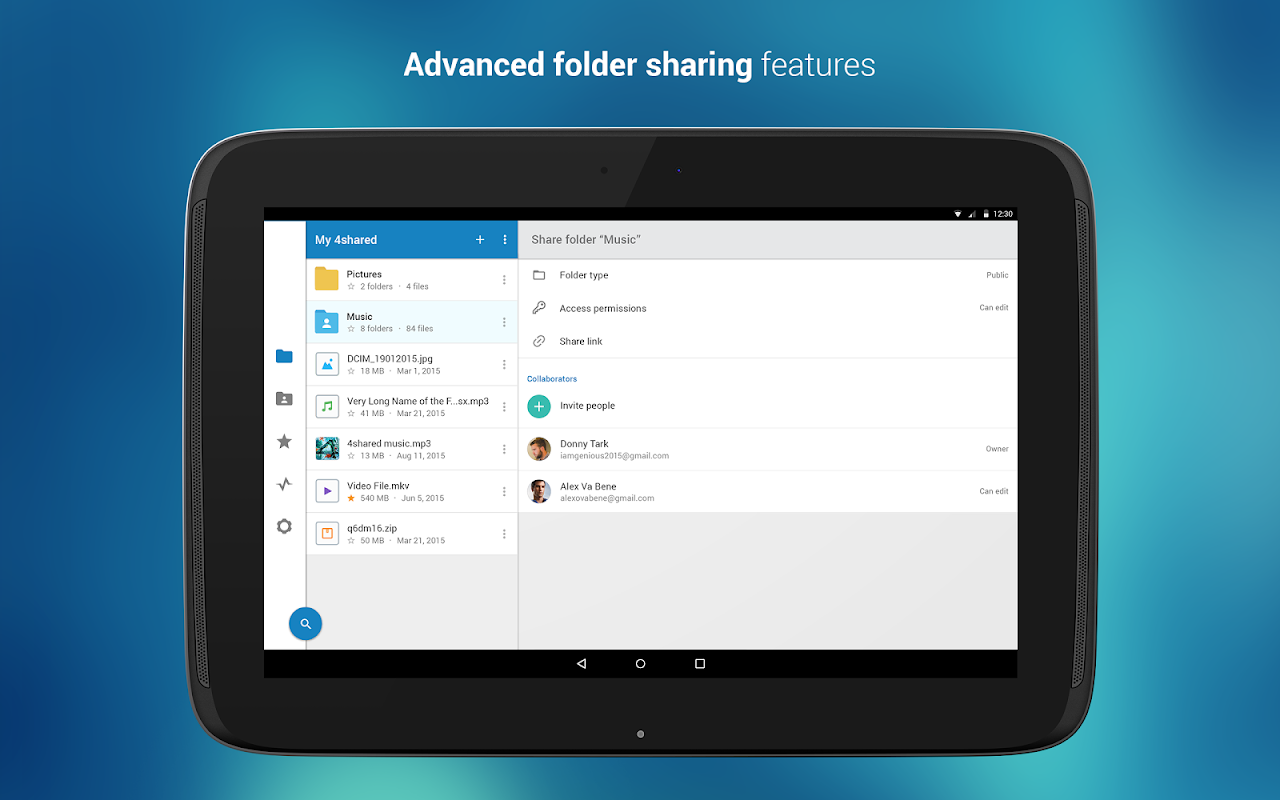
- Share with others — Send files to friends, colleagues, or family directly from your account.
Keep your files with you
4shared is built for people who want their files available on Android instead of tied to one device. After you log in, you can browse your stored documents, photos, movies, and music from the app and open them when you need them.
Find the right file faster
The app includes search tools that help you narrow down a file by name, upload time, size, or other available options. That is useful when your account holds a lot of items and you do not want to scroll through everything just to find one document.
What you get:
- Access to files from your account
- Search by several file details
- Rename, copy, and move items
- Share files with other people
- Download files for offline use
Manage and share from one app
Once a file is in your account, you can change its name, move it to another folder, or copy it where it belongs. If you want someone else to see it, you can share it with friends, colleagues, or family. That makes the app useful for simple file handoff without switching between separate tools.
Download for offline use
4shared also lets you download files to your smartphone, so you can open them later without being connected. The app can also play movies and music inside the app, which is handy when you want to check media without sending it to another player first.
Watch for:
- You need to log in to use your account
- The app may ask for photo, media, identity, or related access
- It is free, with no in-app purchases listed
- It works on Android 8.0 and up
- The APK is 9.0 MB
Before you install
4shared is a free APK from New IT Solutions, and it does not list ads or in-app purchases. It supports Android 8.0 and later, comes as a universal APK, and is sized at 9.0 MB. If you want a cloud-style file app that focuses on access, search, sharing, and offline downloads, those are the main things to check before installing.
What's new
Version 3.81.0 · Nov 12, 2026
- New! Ability to download file preview instead of original file to save bandwidth
- Improved UI: Download features
- Instant access to all downloaded files
- “Rename file” option for downloads
- Optimized image preview
- Ability to view local files
APK information
- Version
- 3.81.0
- Package
- com.forshared
- Category
- Productivity
- Size
- 9 MB
- Min Android
- 8.0
- Architecture
- universal
Older versions
-
4shared 3.81.0Nov 12, 2026Latest downloadAPK
4shared FAQ
Can 4shared be used offline?expand_more
Yes. You can download files to your smartphone and access them later even when you are offline.
Does 4shared support teams?expand_more
The app lets you share files with friends, colleagues, or family, but it does not describe team tools.
Can I install 4shared without Google Play?expand_more
Yes. It is available as an APK file, so you can install it outside Google Play if your device allows APK installs.
Does 4shared have in-app purchases?expand_more
No. The app is listed as free and does not include in-app purchases.
What can I do inside 4shared?expand_more
You can access files, search by file details, rename, copy, move, download, and share them, and also watch movies or listen to music in the app.