- 4.3star10,859,862 reviews
- 10B+Downloads
- 125 MBAPK size
- EveryoneRated for Everyone
- 8.0+Android
check_circleOriginal APK from Google LLC · Updated Nov 11, 2026
No threats found
0 / — antivirus engines flagged this file
Original signature
First seen — Google LLC
Unmodified APK
Same file the developer published — no mods
Google Drive screenshots
8 images · tap to enlarge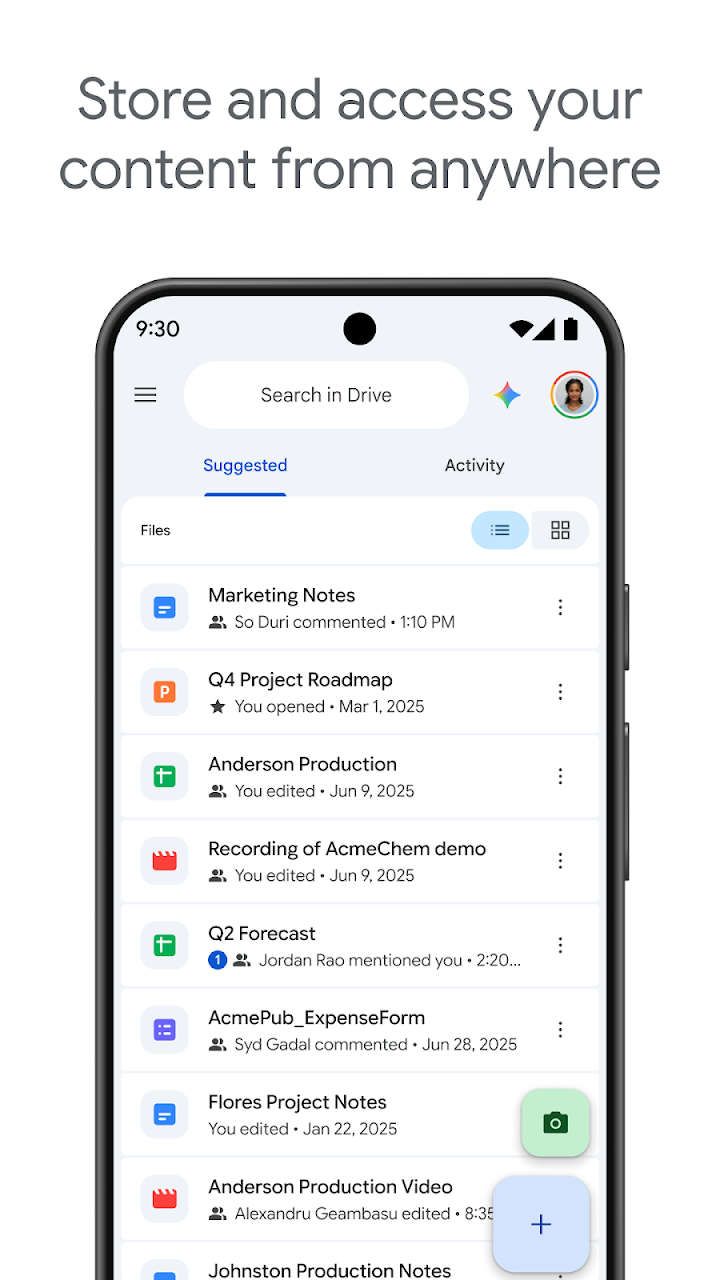
About this app
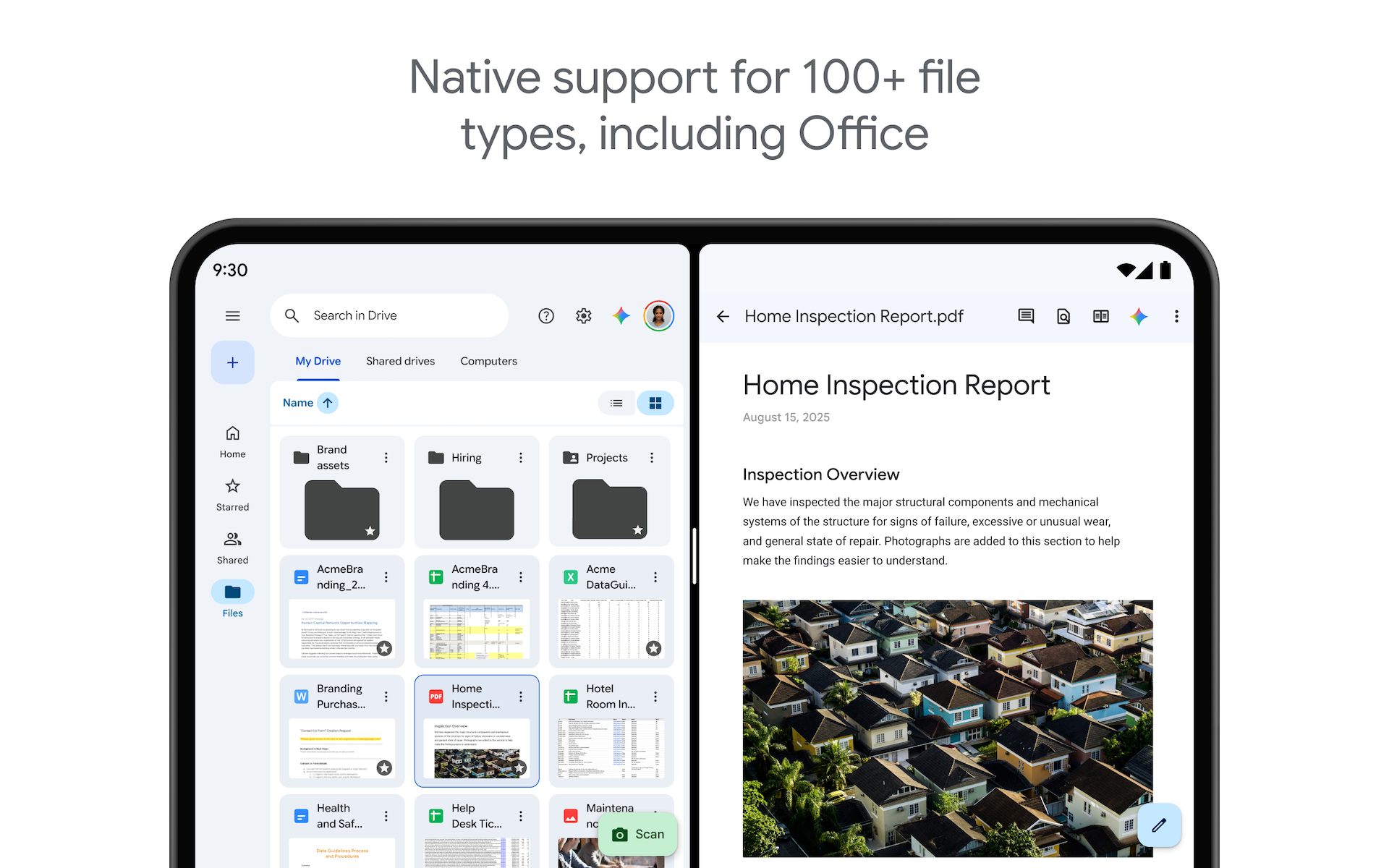
Need a place for files across devices? Google Drive stores, organizes, and shares files from your phone, tablet, or computer. It supports 100+ file types, offline viewing, camera scans, and file search by name or content, with Google Workspace options for team sharing and shared drives.
- Store Files Securely — Keep files and folders in Google Drive and access them from any device.
- Work Offline — View your content on the go without a connection when files are available offline.
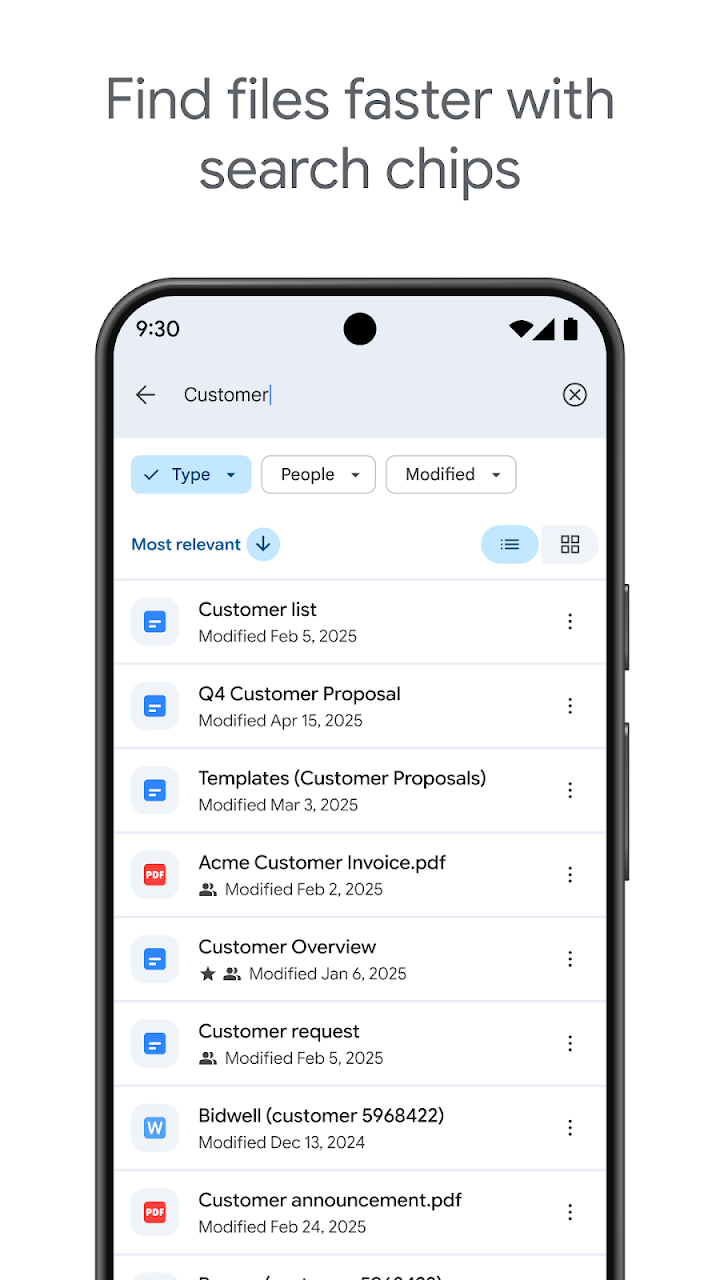
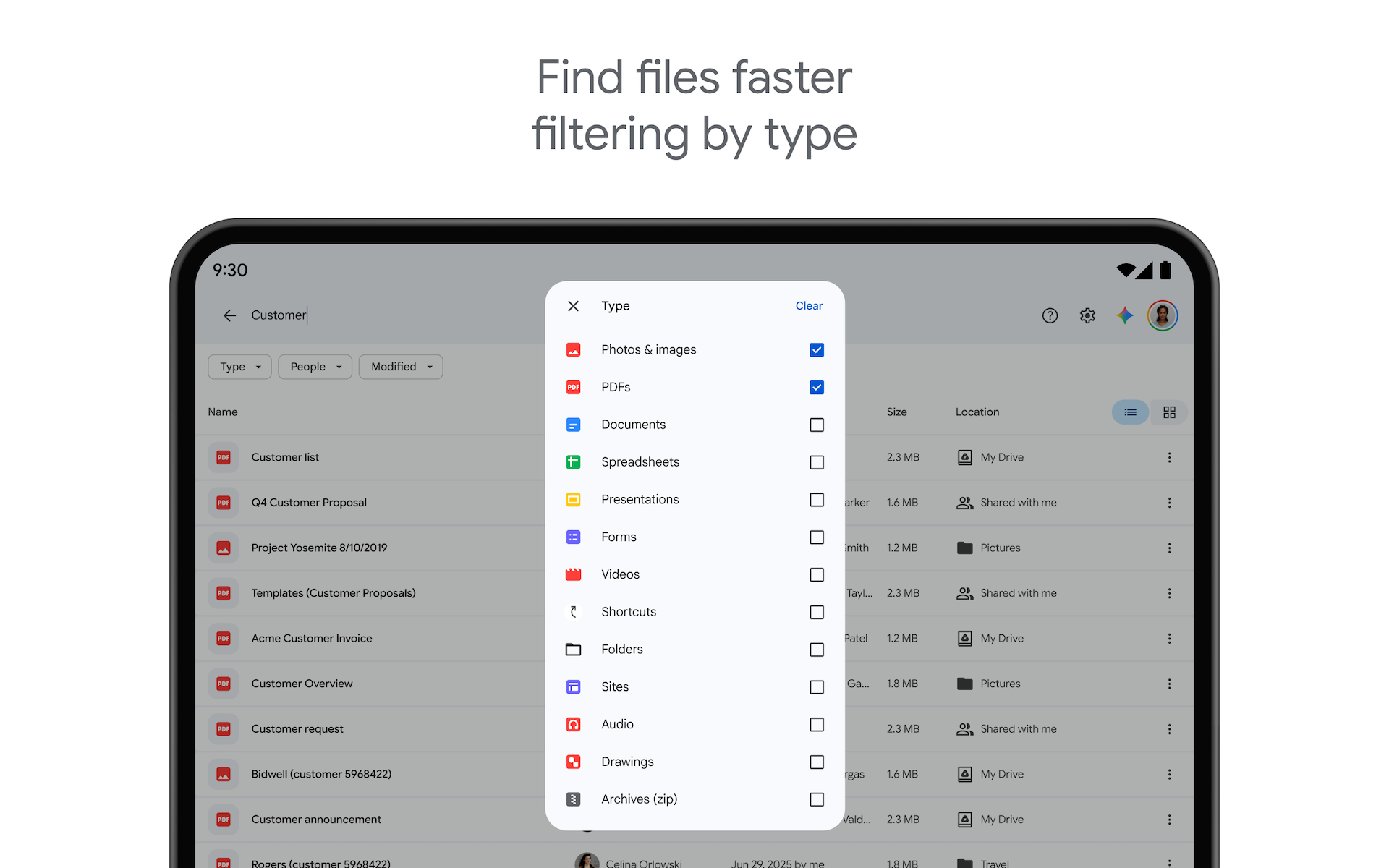
- Search Fast — Find files by name, content, type, or last modified date.
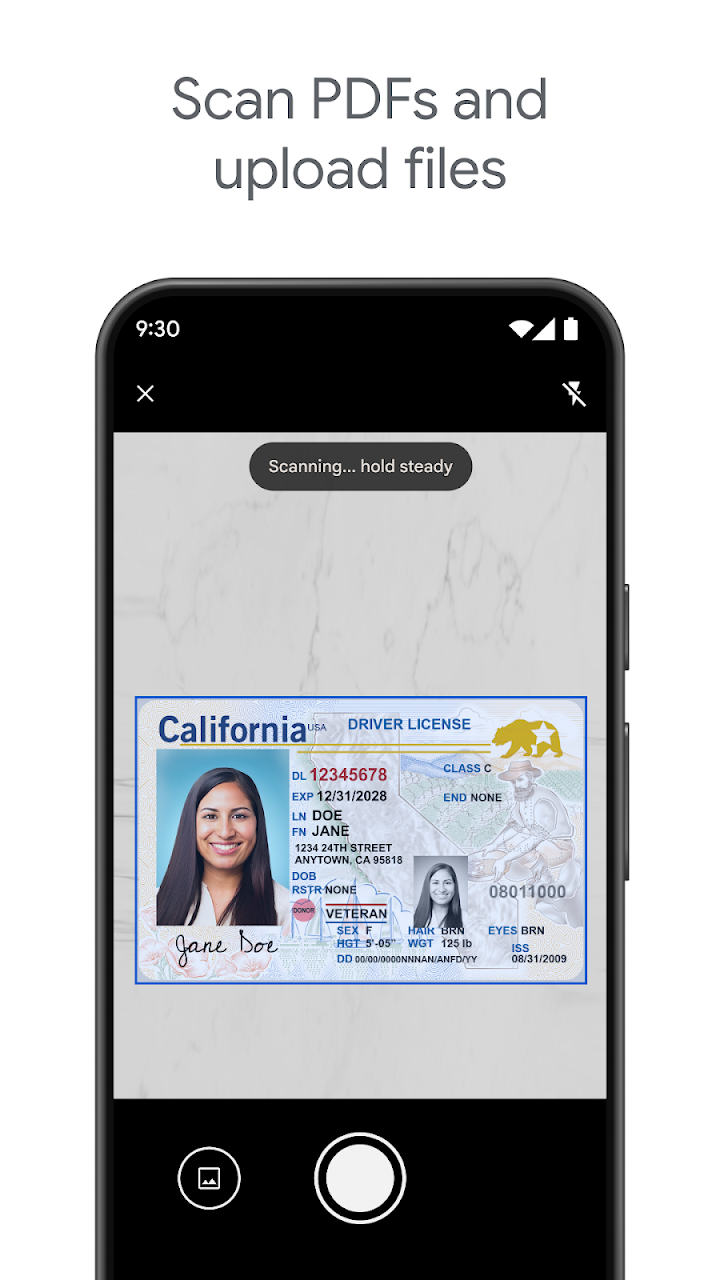
- Scan Documents — Use your device camera to scan paper documents and upload them.
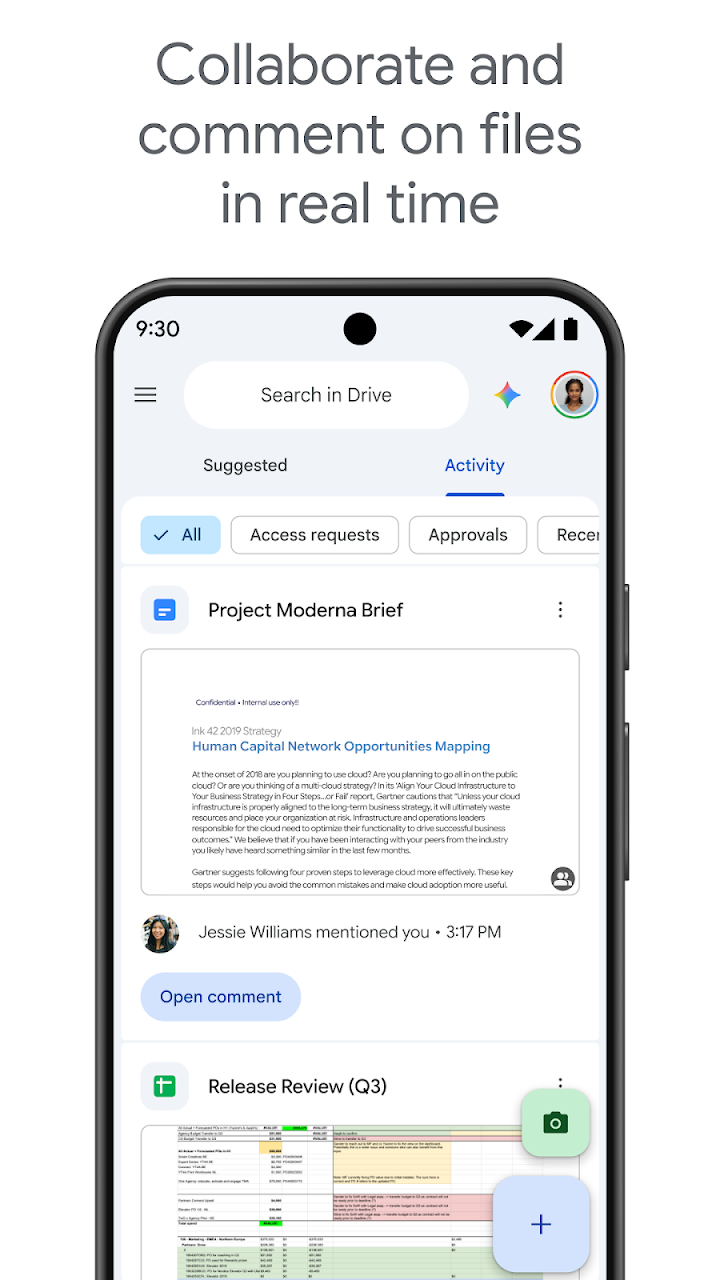
- Team Sharing — Share files, set permissions, and use shared drives with Google Workspace.
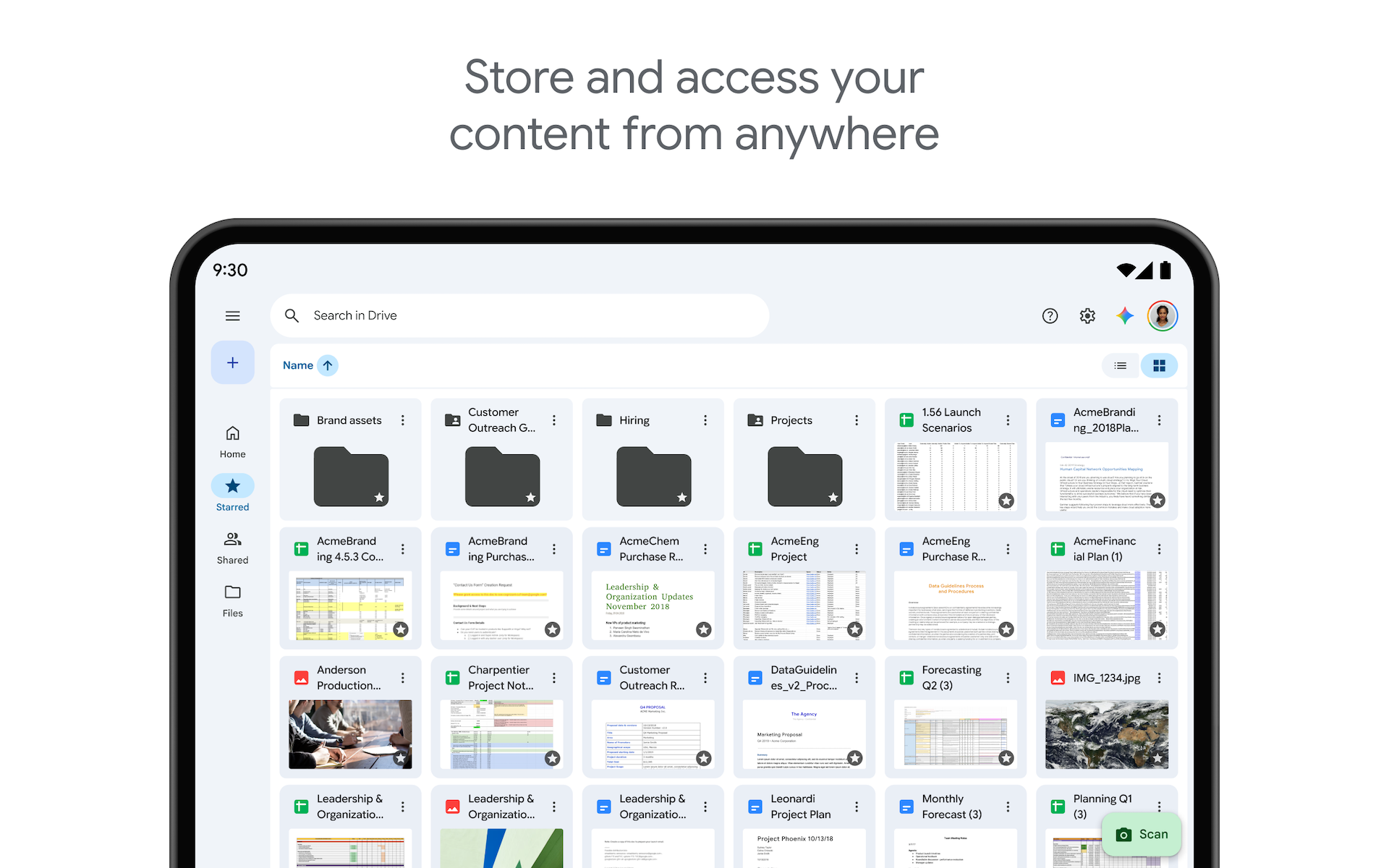
Cloud storage that follows your files
Google Drive is built for storing files in one place and reaching them from anywhere on any device. It handles more than 100 file types, including PDFs, Office files, and videos, so it fits document work, media files, and everyday storage in one app. Compared with apps like Microsoft Word or Microsoft PowerPoint, Drive focuses on storage, access, and sharing rather than editing a single file type.
Search, organize, and open faster
The app is designed to speed up the routine of finding the right file. You can search by name or content, then filter by type, last modified date, and more. Recent and important files are easy to reach, which helps when you are moving between devices or checking something quickly on Android.
- Access files anywhere
- Filter by file type and date
- See recent and important items first
Offline viewing and camera scans
Drive also supports offline viewing, so files can stay available when you do not have a connection. If you need to move paper into the cloud, you can scan and upload documents with your device camera. The app includes notifications about important activity on your files, which helps you track changes without opening folders constantly.
Sharing for individuals and teams
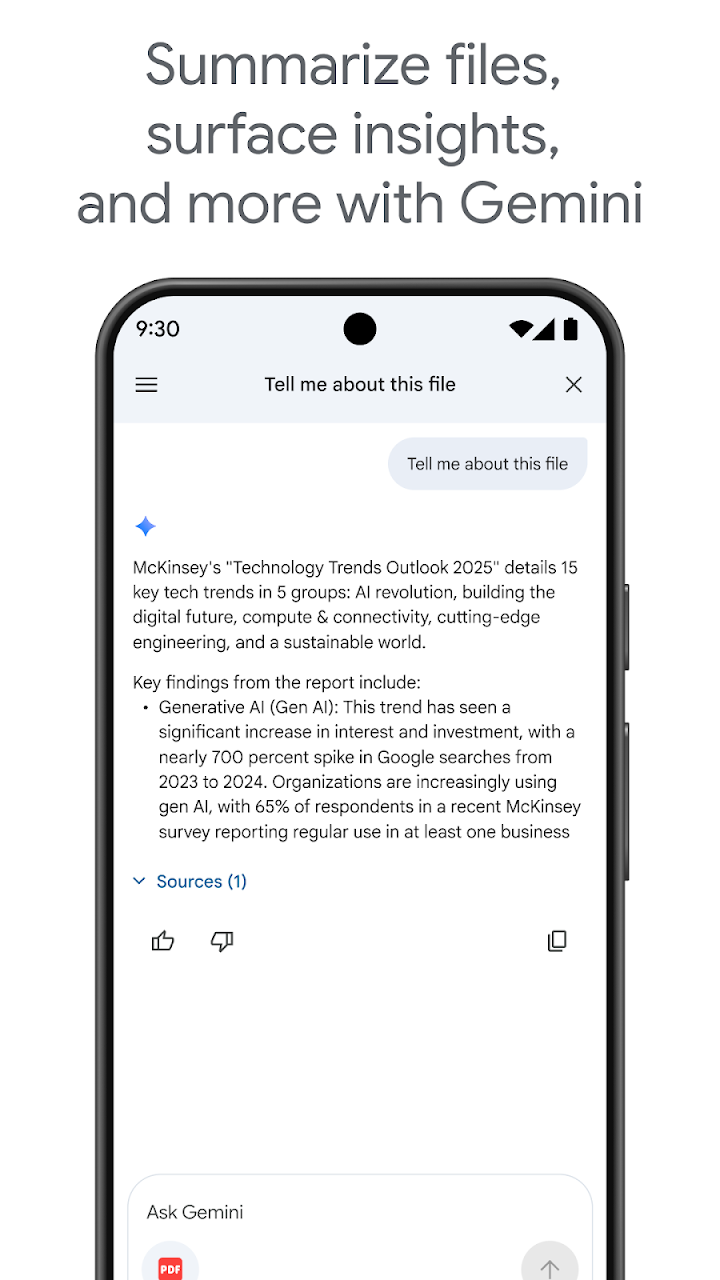
Sharing is part of the core workflow. You can share files and folders and set permissions for access control. With Google Workspace, Drive adds group and team sharing, shared drives for team content, admin controls, AI summaries and insights, and electronic signatures for agreements and contracts. That makes it broader than Google One, which is focused on extra storage, and more collaborative than Google Assistant or Google Photos.
Android build details
This APK is version 2.26.437.0.all.alldpi, comes as a universal APK, and is 125.5 MB. It requires Android 8.0 or later. The app is free to download, contains no ads, and includes in-app purchases for additional Google One storage. Google Drive has a 4.3 rating from 10,859,862 ratings and is rated Everyone.
What's new
Version 2.26.437.0.all.alldpi · Nov 11, 2026
- Bug fixes and performance improvements.
APK information
- Version
- 2.26.437.0.all.alldpi
- Package
- com.google.android.apps.docs
- Category
- Productivity
- Size
- 125 MB
- Min Android
- 8.0
- Architecture
- universal
Older versions
-
Google Drive 2.26.437.0.all.alldpiNov 11, 2026Latest downloadAPK
Google Drive FAQ
Does Google Drive sync across devices?expand_more
Google Drive lets you store and access files from anywhere on any device, so your content is available across devices when you sign in.
Does Google Drive support teams?expand_more
Yes. Google Workspace subscribers can share files and folders with groups or teams and create shared drives for team content.
Does Google Drive have in-app purchases?expand_more
Yes. Google Drive includes in-app purchases for additional Google One storage.
Is Google Drive free to use?expand_more
Yes. Google Drive is free to download.
What Android version does Google Drive require?expand_more
Google Drive requires Android 8.0 or later.