Microsoft Word: Edit Documents
Microsoft Corporation- 4.8star17,916,488 reviews
- 1B+Downloads
- 141 MBAPK size
- EveryoneRated for Everyone
- 13+Android
check_circleOriginal APK from Microsoft Corporation · Updated Nov 10, 2026
No threats found
0 / — antivirus engines flagged this file
Original signature
First seen — Microsoft Corporation
Unmodified APK
Same file the developer published — no mods
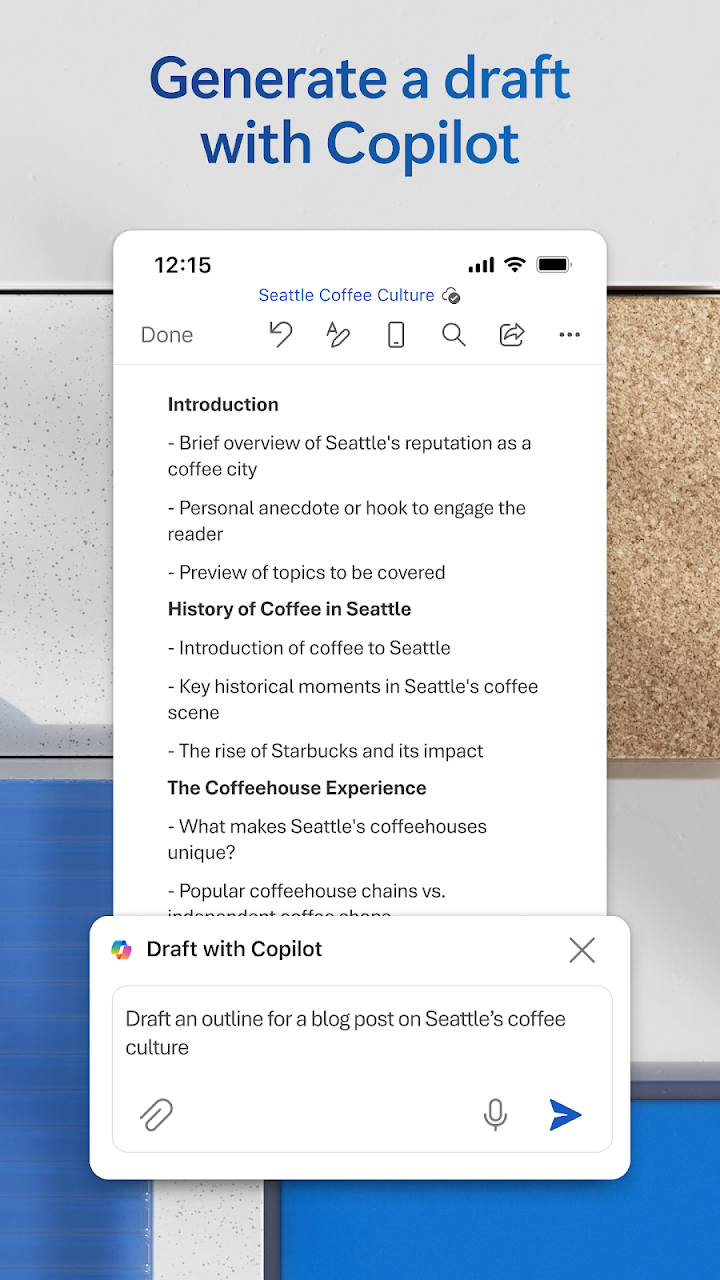
Microsoft Word: Edit Documents screenshots
5 images · tap to enlarge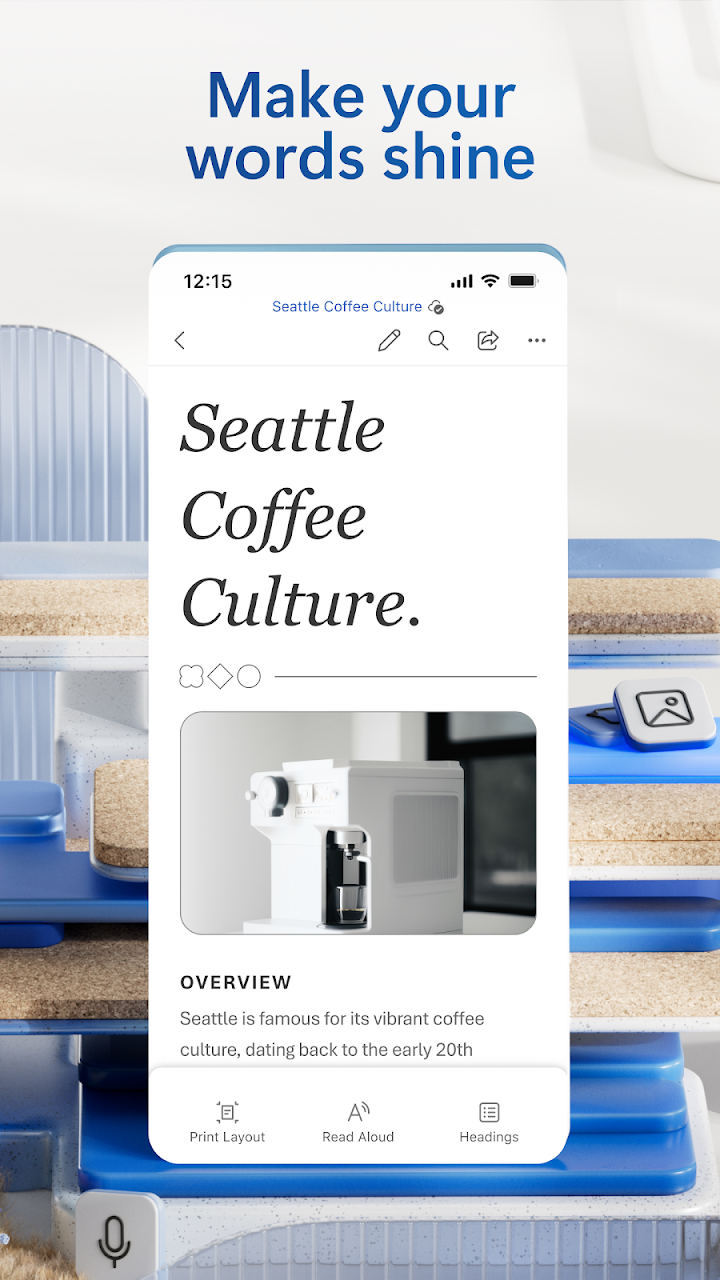
About this app
Edit Word documents on your phone with the same tools you use on a PC. Microsoft Word: Edit Documents lets you write, format, read, convert, and share files from one app. It also supports collaboration, version history, and access to documents from anywhere.
- Templates for fast starts — Begin letters, CVs, scripts, proposals, invoices, and other documents with ready-made templates.
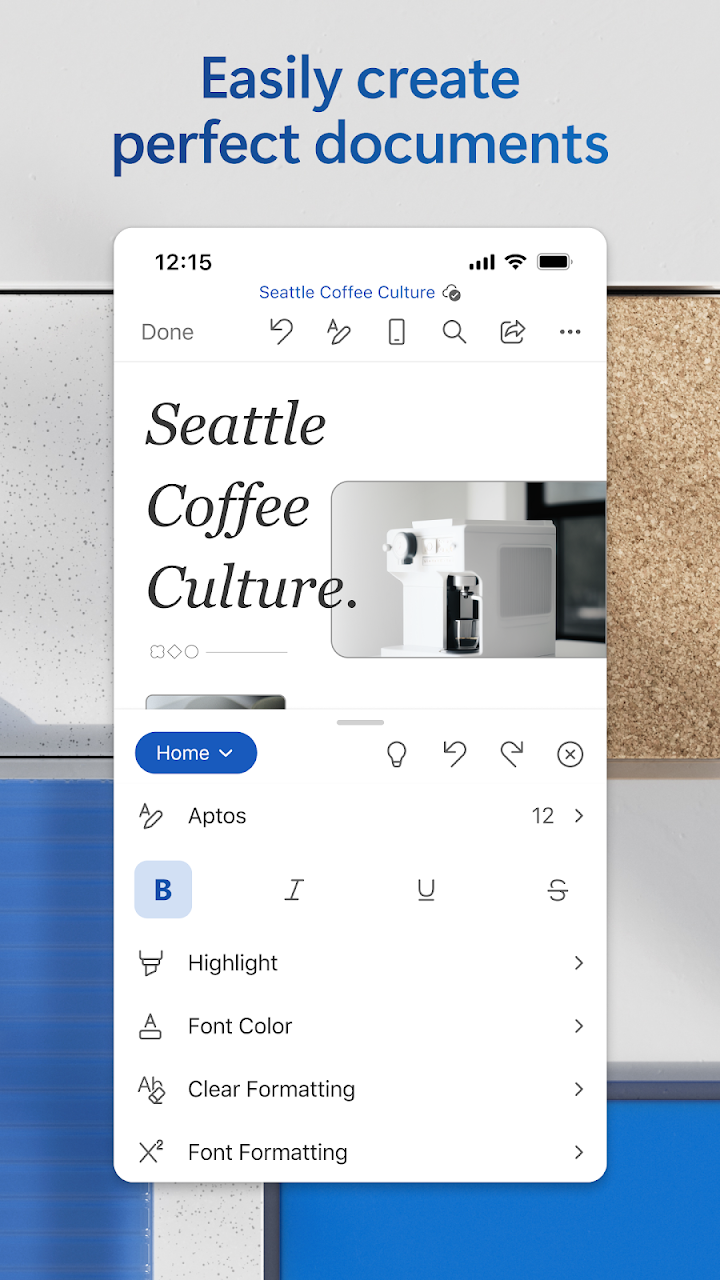
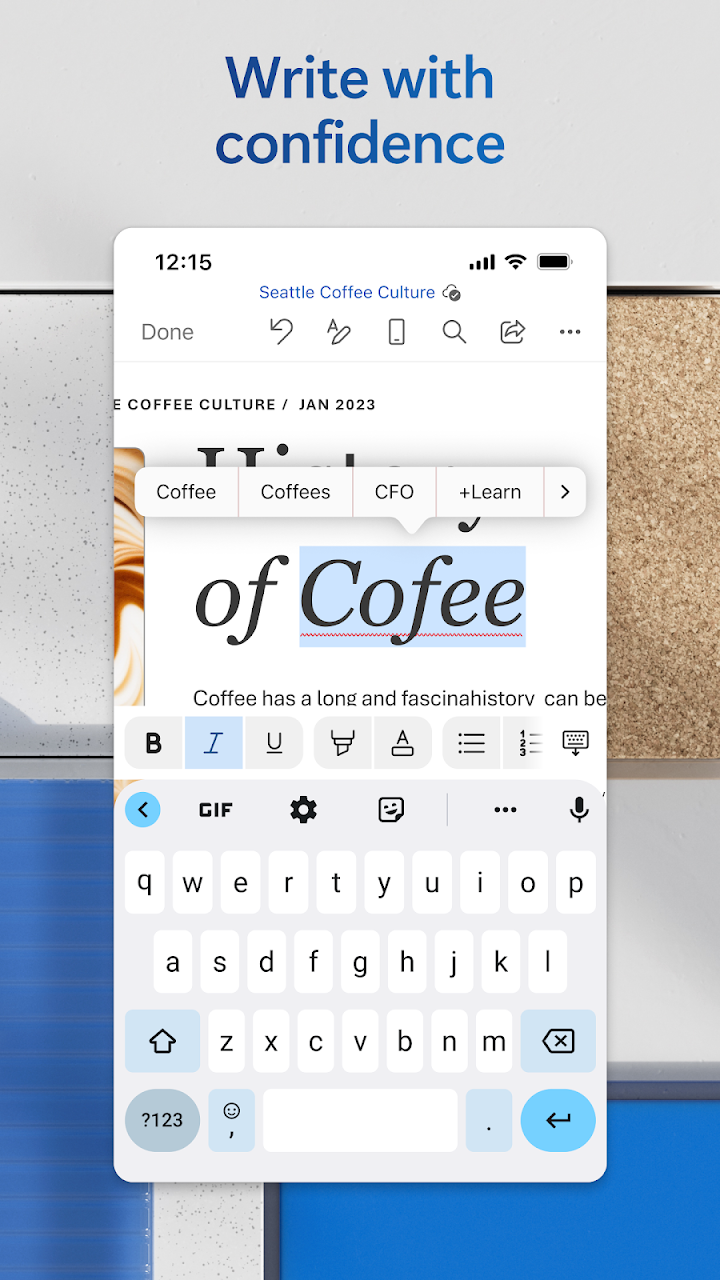
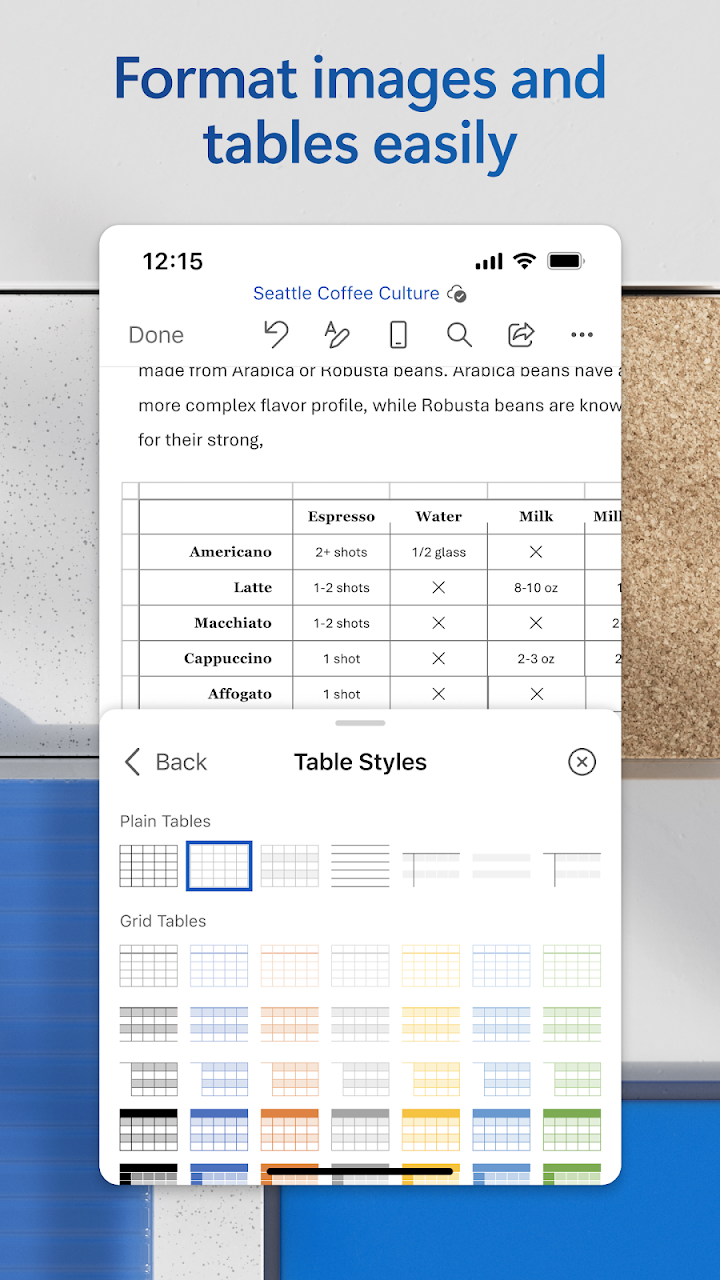
- Edit and format text — Use rich formatting and layout tools to write long documents and keep them clear on screen.
- Read and convert PDFs — Open attachments in the built-in reader and convert PDFs to Word for editing.
- Work with others — Comment, track changes, and use version history to review or restore earlier drafts.
- Share with control — Invite people to view or edit, manage permissions, and keep formatting when sending by email.
- Copilot assistance — Use AI to draft CVs, refine proposals, summarise text, and format content.
Write on the move
Students, writers, and office users can draft and edit documents from a phone without leaving the Word format. The app includes familiar writing and formatting tools, so long notes, assignments, letters, and reports stay easy to handle on mobile.
Templates for common documents
Start with templates for CVs, newsletters, brochures, letters, scripts, proposals, and invoices. This helps when you need a document ready quickly and want a clean layout from the start.
Install details: APK format, 140.5 MB, minimum Android 13.
Read, convert, and keep working
Open attachments with the built-in reader, view documents on the device, and convert PDFs to Word when you need to edit text. The app is made for moving between reading and writing without switching tools.
Collaboration for shared files
Small teams can comment beside text, track changes to wording and layout, and use version history to return to earlier drafts. That makes it easier to review edits and follow updates in one document.
- Share by link or invite people to edit or view with a few taps.
- Manage permissions and see who is in the document.
- Copy to email with formatting intact or attach the file directly.
Microsoft 365 and device access
Word connects with Microsoft 365 features, and the app is designed to let you access files from anywhere. It is free to download, includes in-app purchases, and works on a universal build. Microsoft also lists Microsoft Teams and Microsoft Family Safety among its other apps.
APK information
- Version
- 16.0.20228.20090
- Package
- com.microsoft.office.word
- Category
- Productivity
- Size
- 141 MB
- Min Android
- 13
- Architecture
- universal
Older versions
-
Microsoft Word: Edit Documents 16.0.20228.20090Nov 10, 2026Latest downloadAPK
Microsoft Word: Edit Documents FAQ
Does Microsoft Word: Edit Documents support teams?expand_more
Yes. It supports comments, real-time collaboration, track changes, and version history for shared documents.
Does Microsoft Word: Edit Documents sync across devices?expand_more
It lets you access your files from anywhere and work on documents across phone, tablet, PC, or Mac with a qualifying Microsoft 365 subscription.
Which processors does this APK support?expand_more
The APK is universal.
Which Android version does Microsoft Word: Edit Documents need?expand_more
It requires Android 13 or higher.
Can I convert PDFs in Microsoft Word: Edit Documents?expand_more
Yes. The app can convert PDFs to Word for editing.