
- 4.1star937,003 reviews
- 1B+Downloads
- 22 MBAPK size
- EveryoneRated for Everyone
- API 22+Android
check_circleOriginal APK from Google LLC · Updated Nov 11, 2026
No threats found
0 / — antivirus engines flagged this file
Original signature
First seen — Google LLC
Unmodified APK
Same file the developer published — no mods
Google One screenshots
5 images · tap to enlarge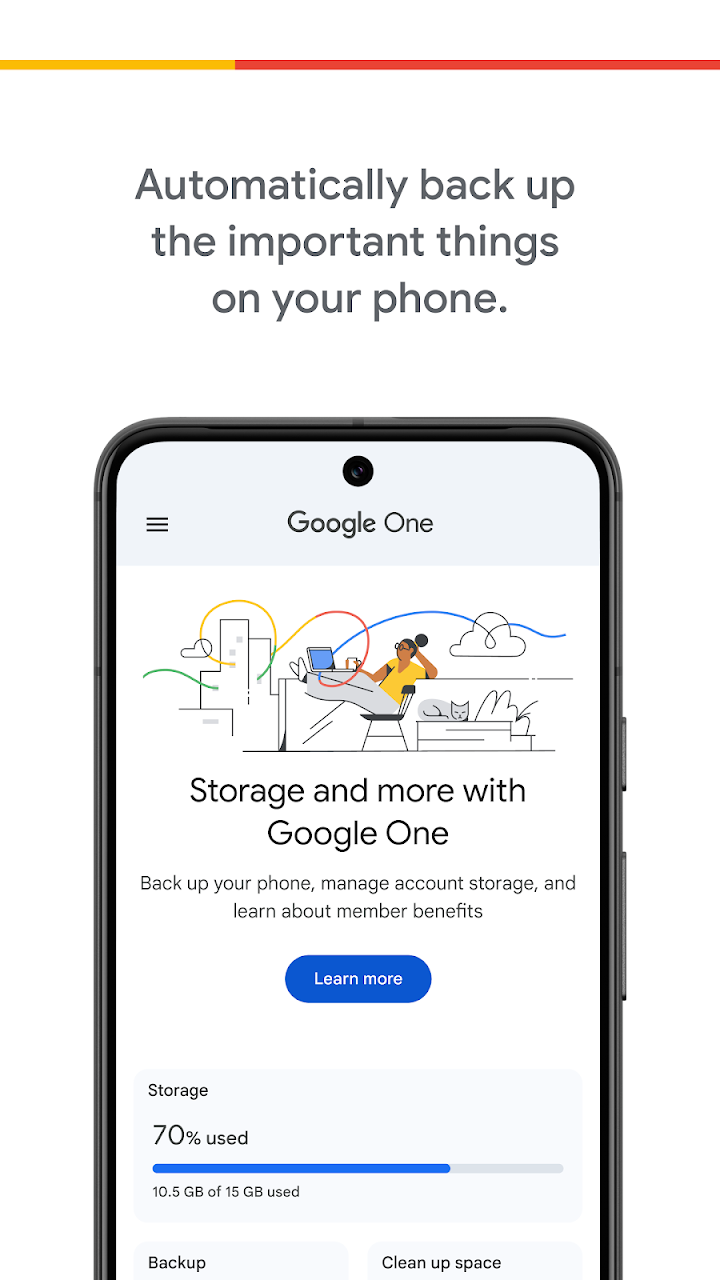
About this app
With 1B+ installs, Google One is the place many people open when they want phone backup and Google storage in one spot. It fits into busy days by handling backups in the background, then letting you check storage across Drive, Gmail, and Google Photos when you need to make room or move to a new Android device.
- Automatic phone backup — Back up photos, contacts, and messages so they can be restored to a new Android device if you upgrade, lose, or break your phone.
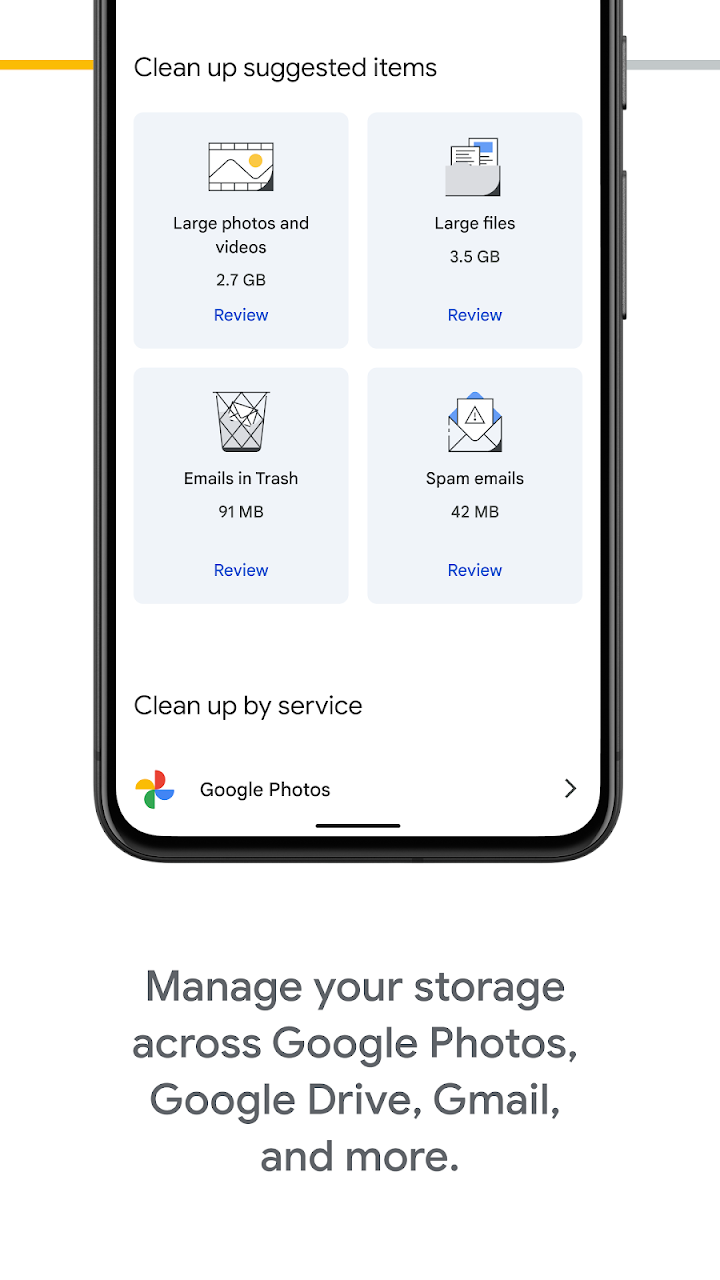
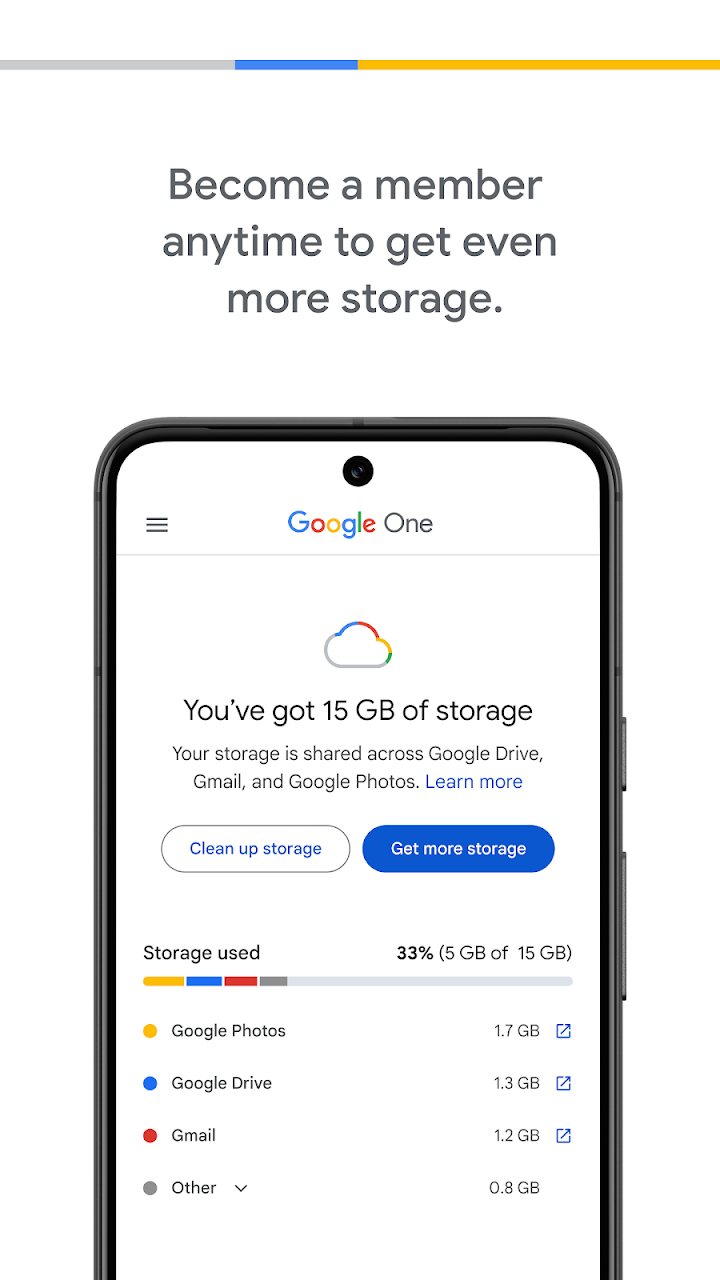
- Storage management — See and manage Google account storage across Google Drive, Gmail, and Google Photos from one app.
- Google account tie-in — Uses the 15 GB that comes with every Google account, with the option to upgrade for more storage.
- Restore on a new device — After setting up a new Android phone, you can bring back saved items from your Google account.
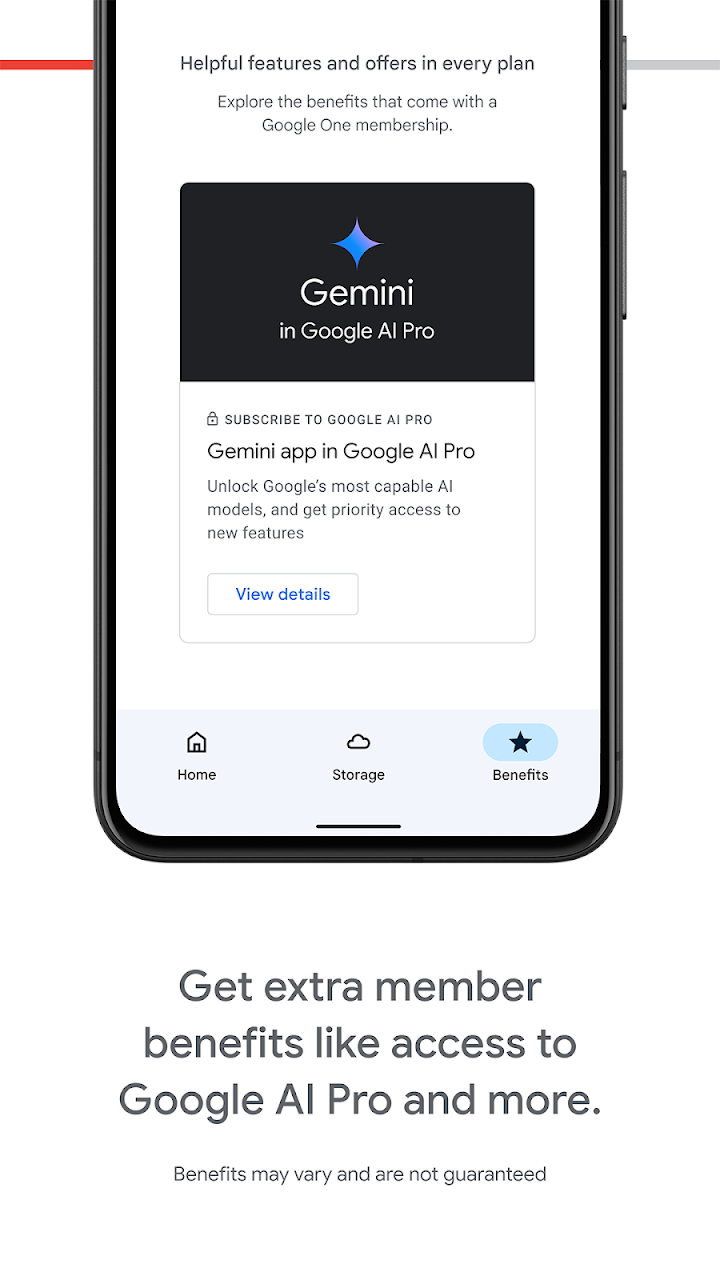
- Membership upgrades — Choose a Google One plan if you need more space for memories, projects, and files.
Back up your phone while you go about your day
Google One is built around a simple routine: open it, let it handle backup, and keep moving. If you are on a commute or switching phones, it focuses on the parts of your device you do not want to lose, including photos, contacts, and messages. The app works with the storage that comes with your Google account, so the backup and restore flow stays tied to the same sign-in you already use.
It also runs without ads, and the app itself is free to install, with in-app purchases for people who want a membership upgrade.
Manage Google storage across services
When storage starts filling up, Google One gives you one place to check what is using space across Google Drive, Gmail, and Google Photos. That makes it easier to clean up before a trip, after a camera-heavy weekend, or when you are preparing for a new phone. The app is designed for account-level storage management rather than separate tools for each service.
Restore saved items on a new Android device
If a phone is lost, broken, or replaced, Google One is there for the setup moment when you want your old essentials back. The backup is aimed at the everyday items people reach for most often, so the handoff to a new Android device is more straightforward. The app supports Android 5.1 and up, comes as a universal APK, and the file size is 21.8 MB.
Membership options for more space
Google One also supports paid storage plans for people who need more than the included 15 GB. That is useful for larger photo libraries, work files, or a growing inbox. The app keeps the focus on storage, backup, and account management rather than extra clutter.
- Free to install: The app is free, with optional in-app purchases.
- No ads: There are no ads listed.
- Account-based: It works through your Google account storage.
APK information
- Version
- 1.191.571481160
- Package
- com.google.android.apps.subscriptions.red
- Category
- Productivity
- Size
- 22 MB
- Min Android
- API 22
- Architecture
- universal
Older versions
-
Google One 1.191.571481160Nov 11, 2026Latest downloadAPK
Google One FAQ
Can Google One be used offline?expand_more
The app is built around cloud storage, backup, and account management, so its main features depend on your Google account and storage online.
Does Google One sync across devices?expand_more
Yes. It uses your Google account storage and can restore backed-up items to a new Android device.
Is this Google One APK the original file?expand_more
This listing is for the Google One APK file format, with the app published by Google LLC.
Is Google One available for older phones?expand_more
Google One supports Android 5.1 and up.
What can Google One back up?expand_more
It can automatically back up photos, contacts, and messages using the storage that comes with your Google account.