- 4.6star877,645 reviews
- 100M+Downloads
- 251 MBAPK size
- EveryoneRated for Everyone
- 10+Android
check_circleOriginal APK from Adobe · Updated Nov 9, 2026
No threats found
0 / 62 antivirus engines flagged this file
Original signature
First seen — Adobe
Unmodified APK
Same file the developer published — no mods
Adobe Express: AI Photo, Video screenshots
8 images · tap to enlarge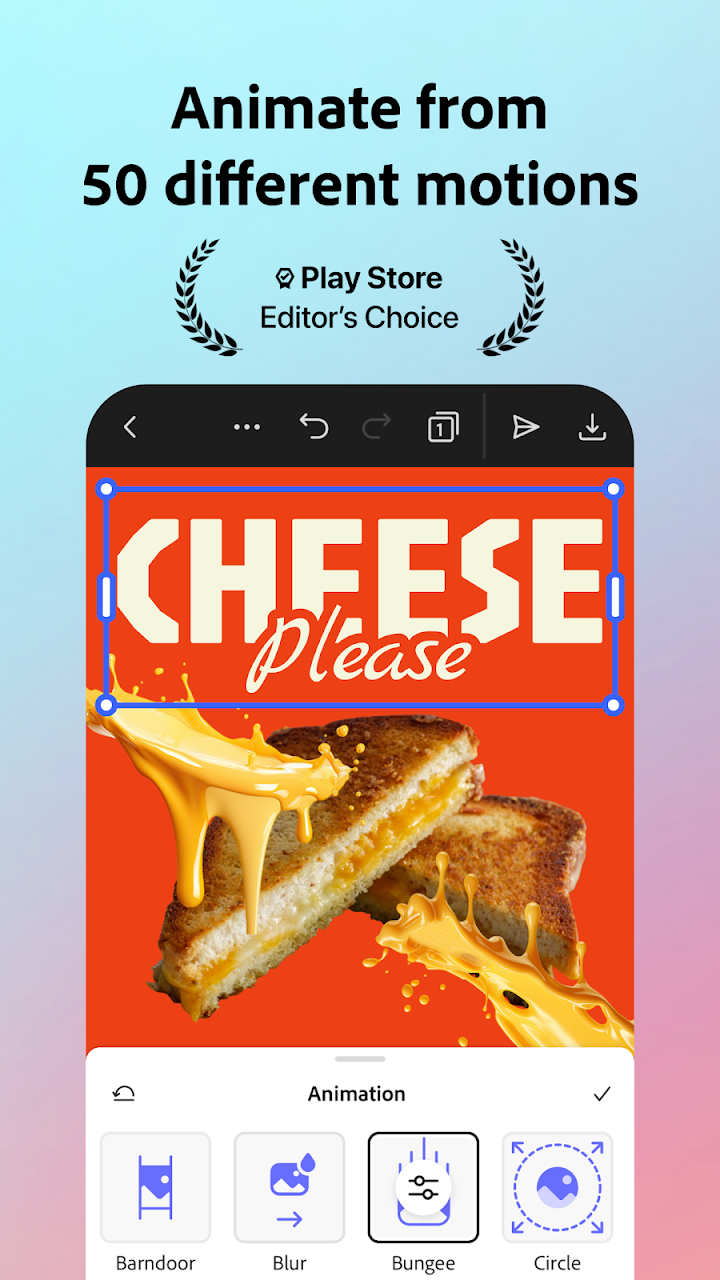
About this app
Adobe makes Adobe Express: AI Photo, Video for creating posters, editing videos, and refining photos from one app. It combines templates, AI generation, object removal, and quick PDF edits, so beginners can start fast while more experienced users keep control over layouts, filters, and exports.
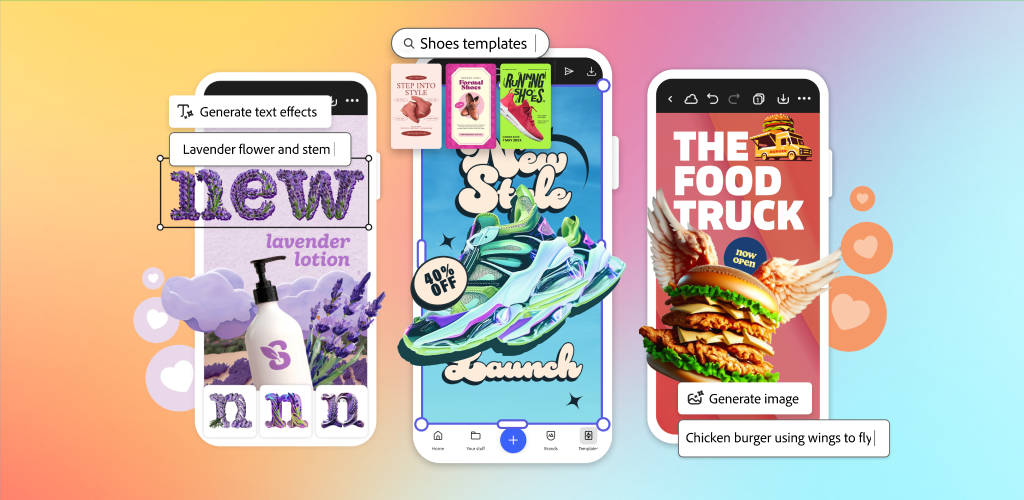
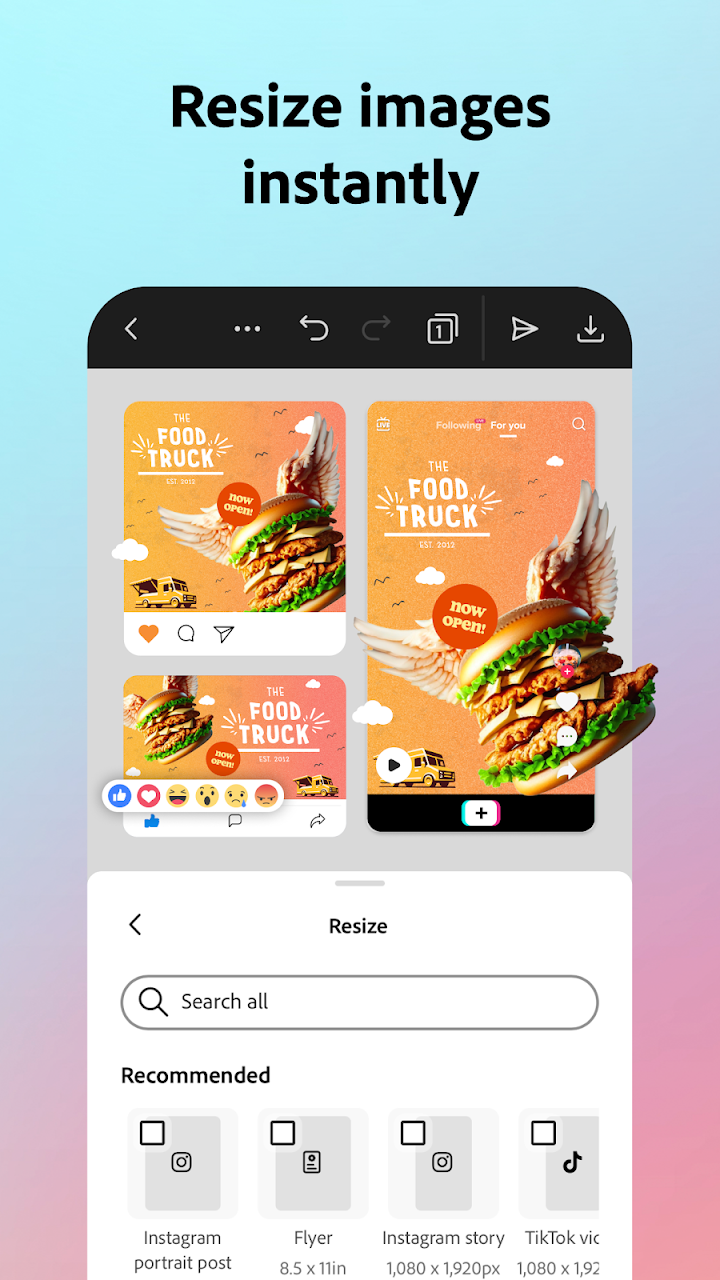
- Quick design templates — Use customizable flyer templates and generate posters or full designs without starting from scratch.
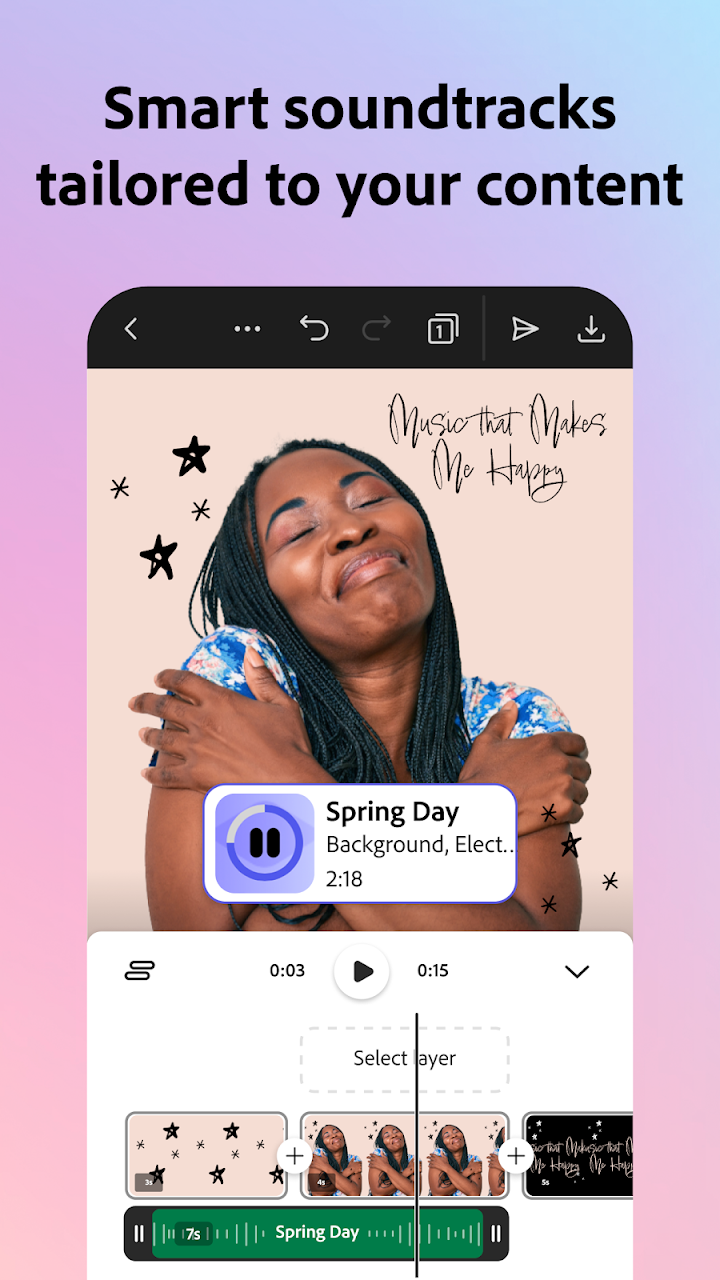
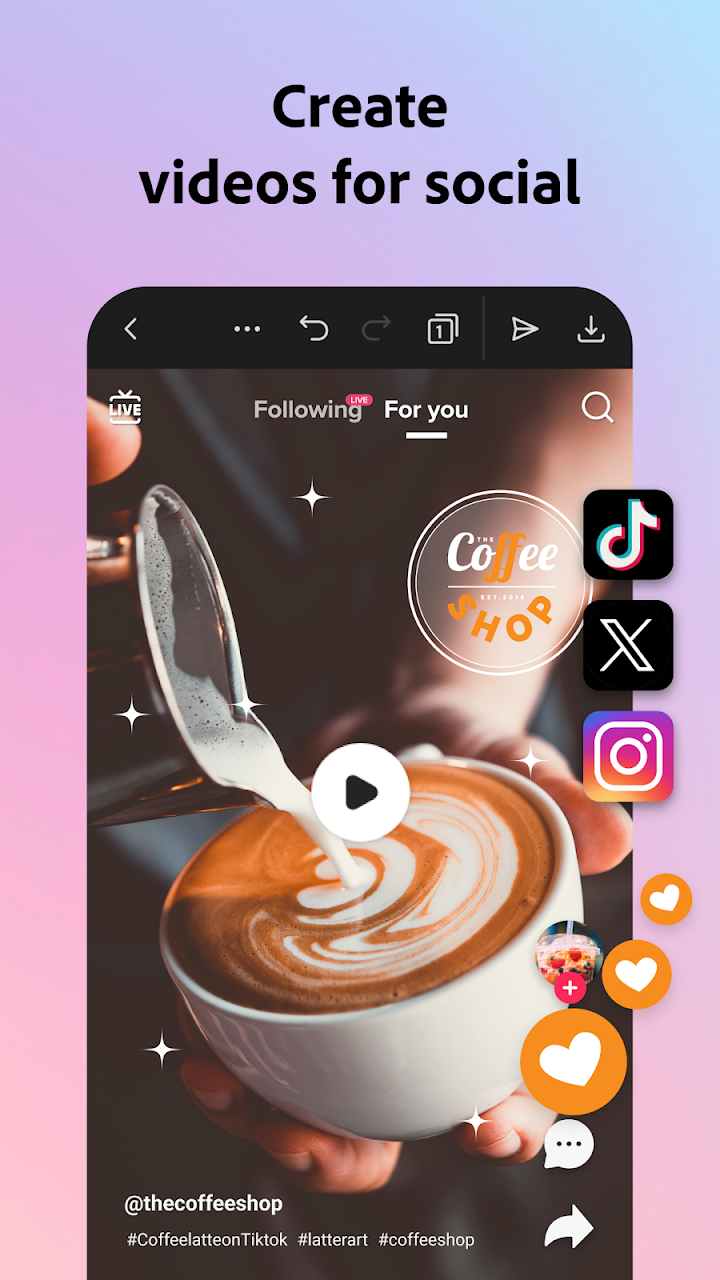
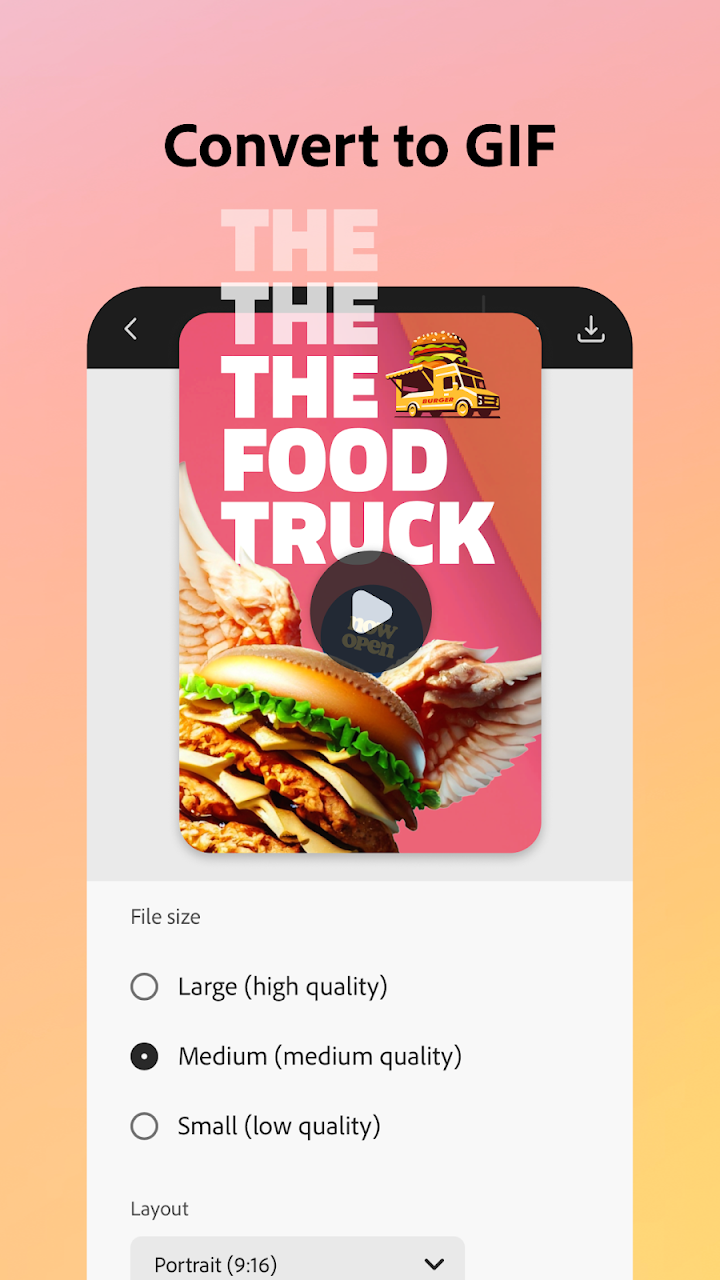
- Simple video editing — Upload clips, trim and combine footage, apply filters, and share videos from one place.
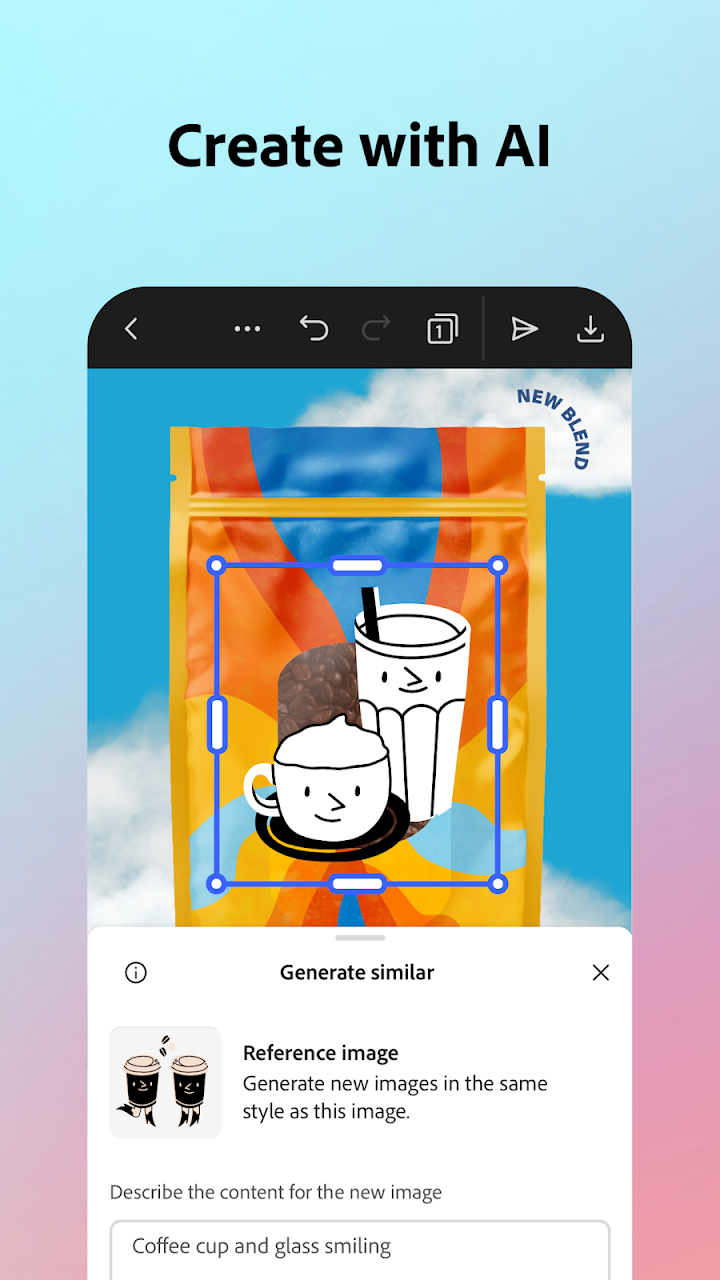
- AI image tools — Generate images, remove objects, and create text effects with Adobe's AI-powered tools.
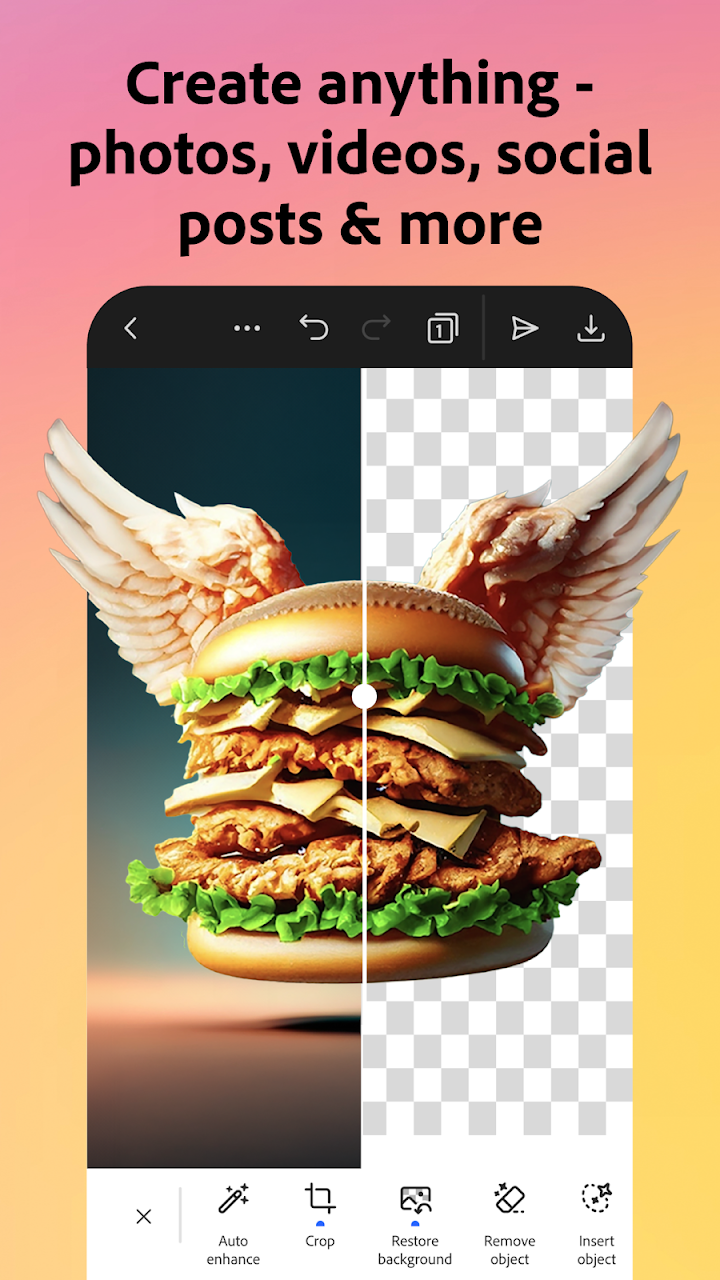
- Background removal — Remove photo backgrounds in seconds and reuse the cutouts in flyers, posters, and icons.
- PDF editing support — Update content, swap images, refine layouts, convert files to PDF, and export PDFs for sharing.
- Premium content access — Premium includes over 200M Adobe Stock photos, design elements, and fonts, plus 250 generative credits.
When a project needs to move fast
Adobe Express is built for the common problem of turning photos, clips, and ideas into something usable without switching between separate apps. It covers graphic design, video editing, photo cleanup, and PDF changes in one place, which helps when you need a poster, a social video, or a quick revision before sharing.
Templates, filters, and AI in one workflow
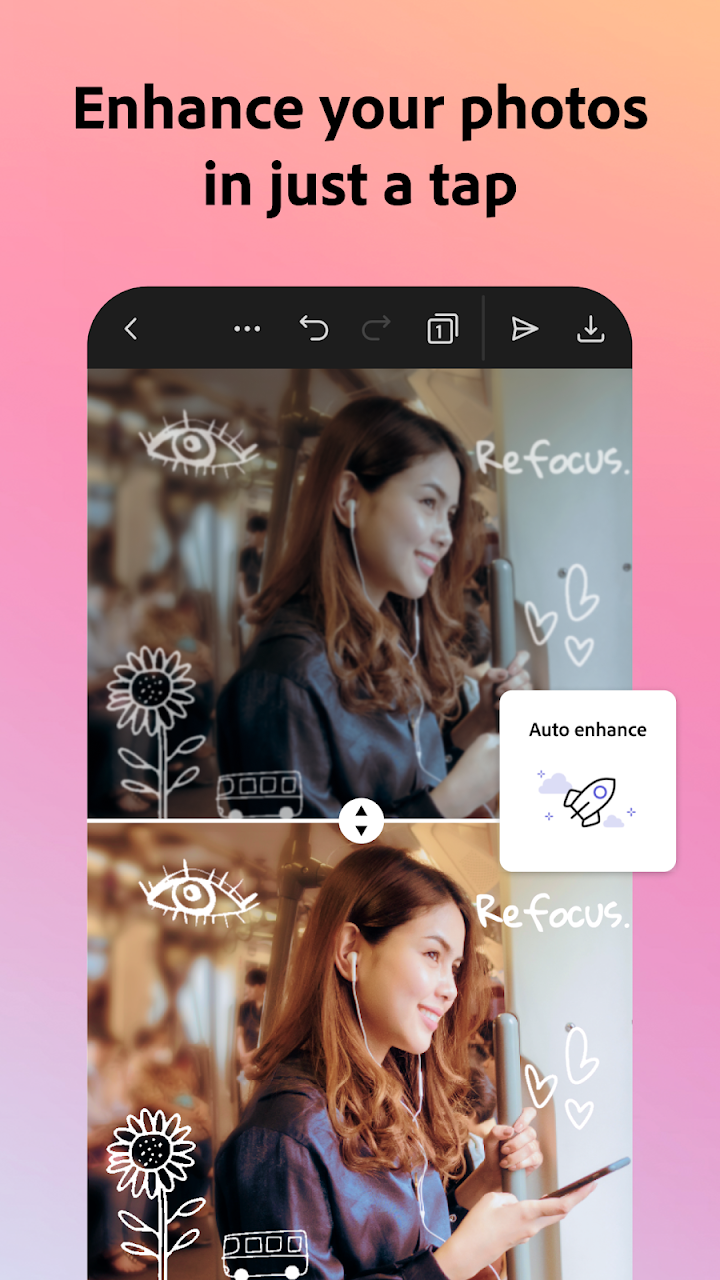
The app leans on templates and AI tools to reduce setup time. You can generate images, create text effects, remove objects, and start from flyer or photo templates instead of building every layout manually. Photoshop-powered filters are included for photo editing, while Quick Action tools help speed up common design tasks.
Video and export tasks
For video, Adobe Express supports uploading clips from your gallery, trimming and combining footage, applying filters, and sharing to social. It also handles PDFs, letting you update content, swap images, refine layouts, convert files to PDF, and export PDFs for team or audience use. The app is free, includes in-app purchases, has no ads, and the APK is an XAPK file sized at 251.4 MB. It requires Android 10 or later and supports arm64-v8a devices.
Where it is strong, and where it is limited
The app is broad rather than specialized. That makes it useful for users who want one editor for posters, videos, and PDFs, but some features are not supported on all devices yet, and support is rolling out over time. Premium membership adds access to over 200M royalty-free Adobe Stock photos, design elements, and fonts, plus 250 generative credits, so some of the broader content library sits behind a paid plan.
Who gets the most from it
Adobe Express fits people who want a straightforward way to create social content, flyers, posters, and quick edits without leaving Adobe's ecosystem. It is especially practical for users who value templates, AI-assisted editing, and a single app for both media and document work.
APK information
- Version
- 32.0.3
- Package
- com.adobe.spark.post
- Category
- Art & Design
- Size
- 251 MB
- Min Android
- 10
- Architecture
- arm64-v8a
Older versions
-
Adobe Express: AI Photo, Video 32.0.3Nov 9, 2026Latest downloadAPK
Adobe Express: AI Photo, Video FAQ
Does Adobe Express: AI Photo, Video work offline?expand_more
The app description does not say that offline use is supported. It does rely on network permissions and online features such as AI tools and Adobe Stock access.
Does Adobe Express: AI Photo, Video add a watermark?expand_more
The app description does not mention watermarks. It does note that Premium unlocks extra Adobe Stock content and generative credits.
How do I install the Adobe Express: AI Photo, Video APK file?expand_more
Install the XAPK on a device running Android 10 or later. The package is 251.4 MB and supports arm64-v8a devices.
Which processors does this APK support?expand_more
This APK supports arm64-v8a.
Can Adobe Express edit PDFs?expand_more
Yes. You can update content, swap images, refine layouts, convert files to PDF, and export PDFs for sharing.