
- 4.5star248,787 reviews
- 10M+Downloads
- 56 MBAPK size
- EveryoneRated for Everyone
- API 18+Android
check_circleOriginal APK from Infinite Studio LLC · Updated Nov 10, 2026
No threats found
0 / — antivirus engines flagged this file
Original signature
First seen — Infinite Studio LLC
Unmodified APK
Same file the developer published — no mods
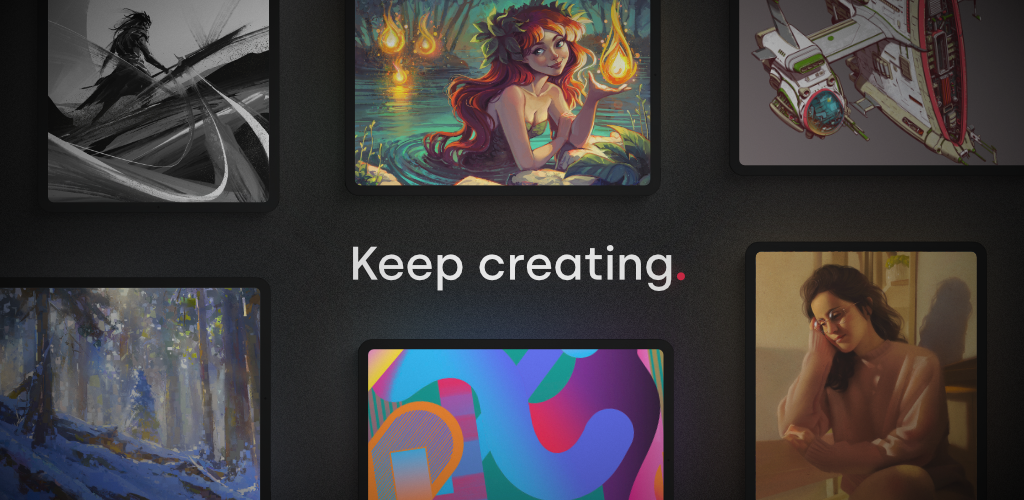
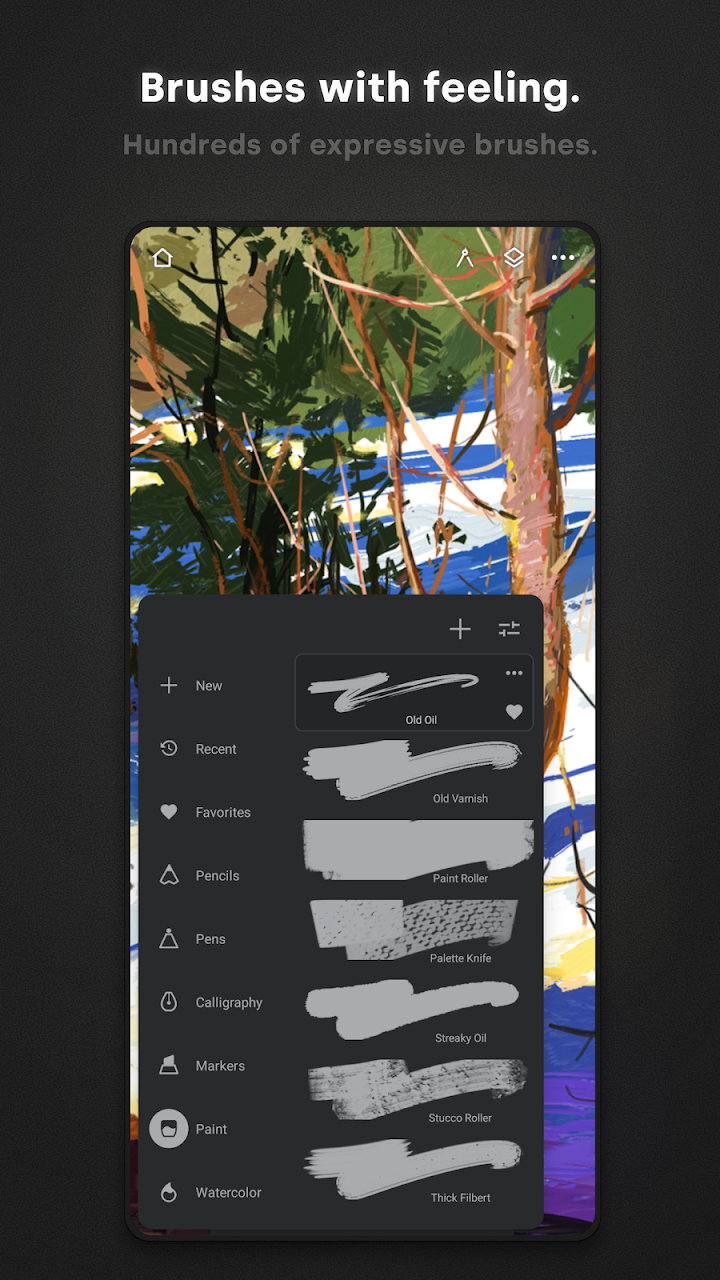
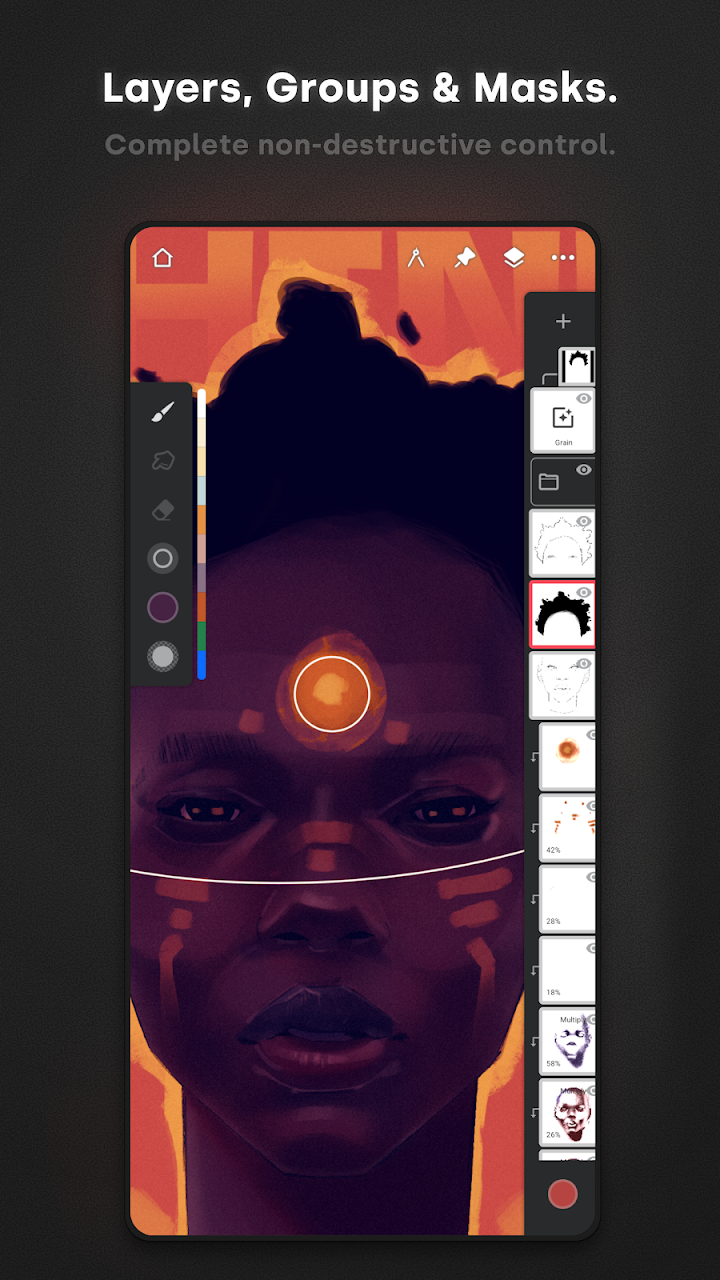
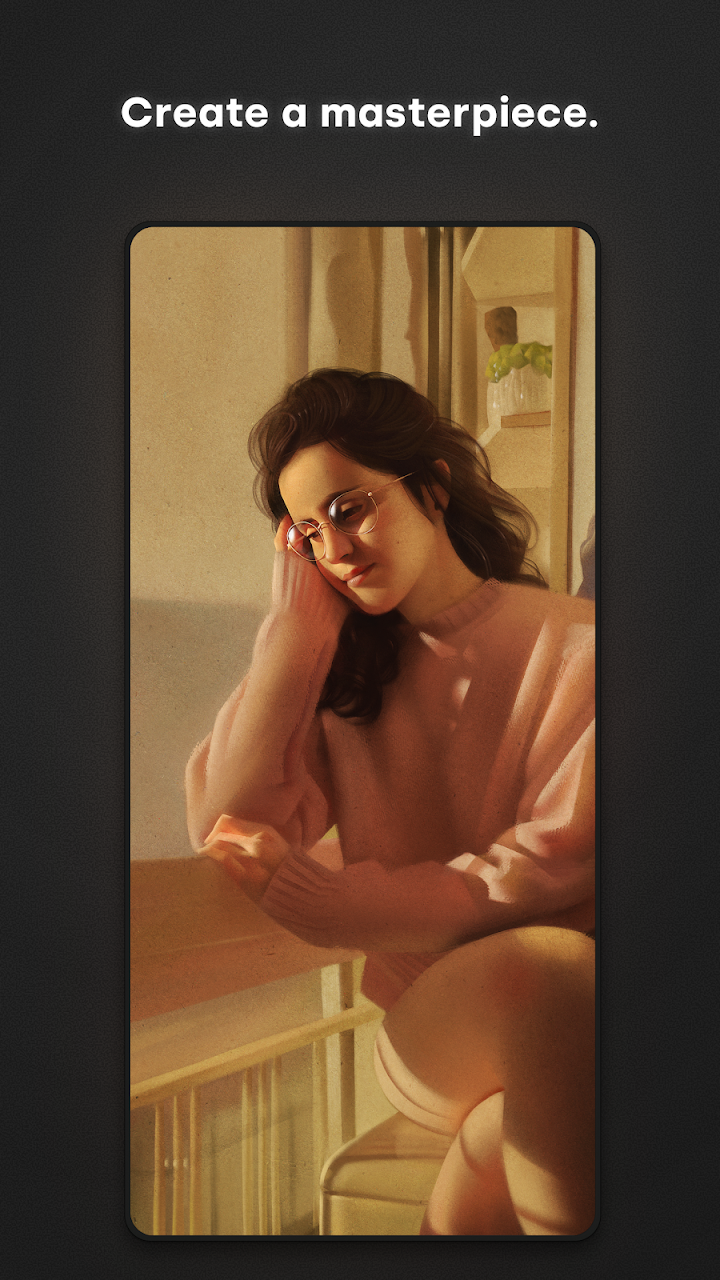
Infinite Painter screenshots
8 images · tap to enlarge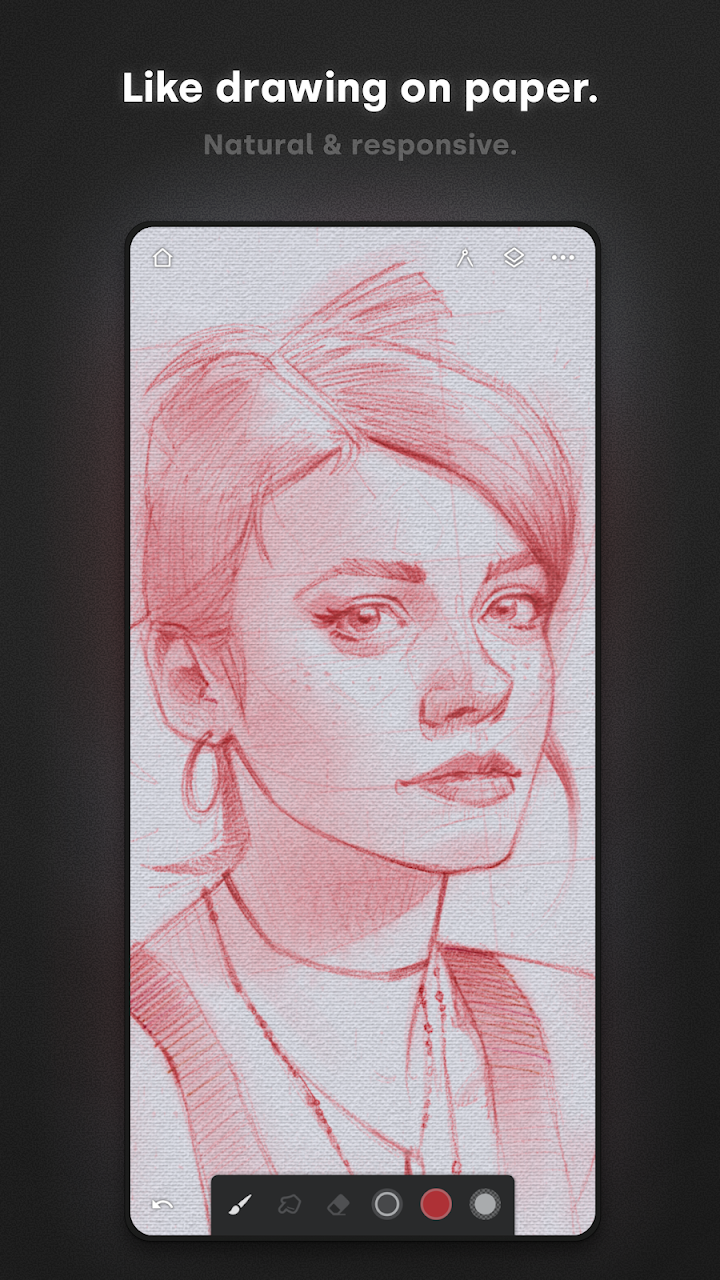
About this app
Want a full drawing app on your phone? Infinite Painter gives you brushes, layers, symmetry, guides, filters, and export tools in one workspace. You can sketch with a stylus, edit shapes, save timelapse recordings, and move finished art out as JPG, PNG, WEBP, ZIP, layered PSD, or Painter files.
- Brushes And Settings — Use hundreds of built-in brushes and adjust more than 100 brush settings for different drawing styles.
- Stylus Support — It is designed for stylus devices with full pressure and tilt support for more natural sketching.
- Layer Work — Work with layers, masks, blend modes, layer groups, and clipping masks while keeping the canvas organized.
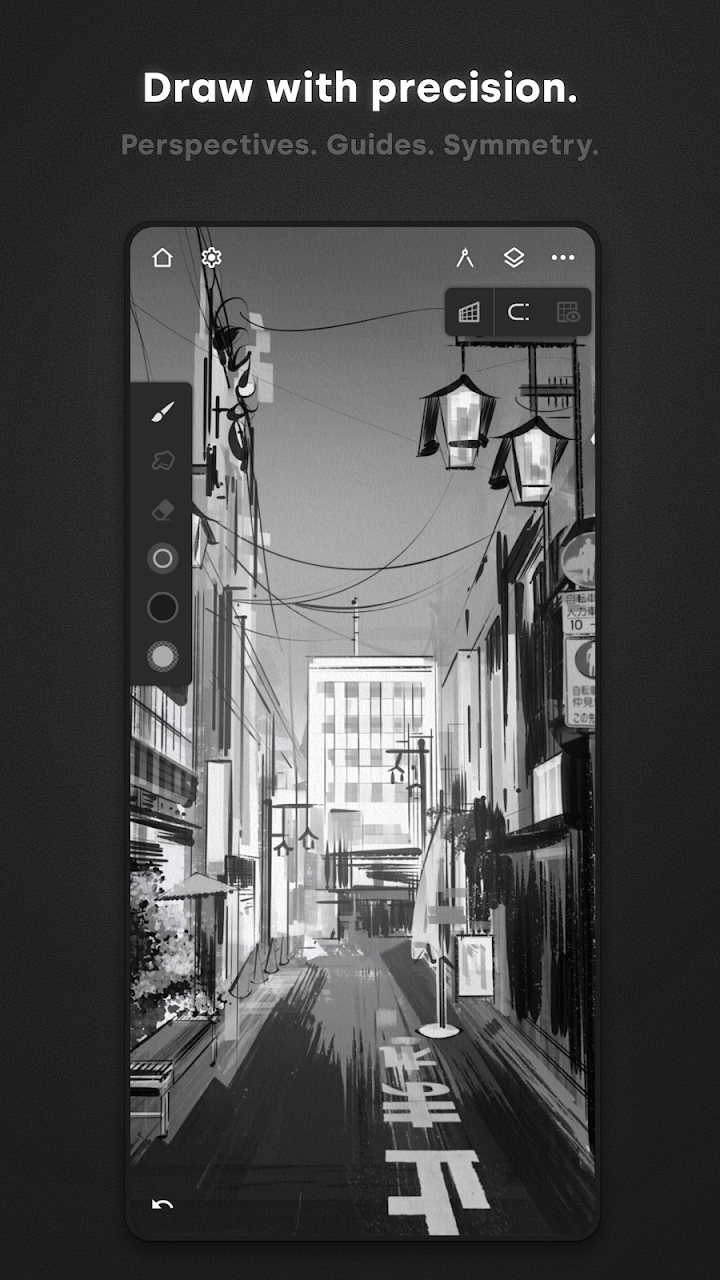
- Perspective Tools — Use radial, kaleidoscope, and perspective guides for symmetry, cityscapes, and isometric art.
- Export Options — Save artwork as JPG, PNG, WEBP, ZIP, layered PSD, or Painter projects when you are done.
- Free And Pro — The free version includes basic tools, while Pro adds HD canvas sizes, more layers, and advanced edits.
Sketching in a clean workspace
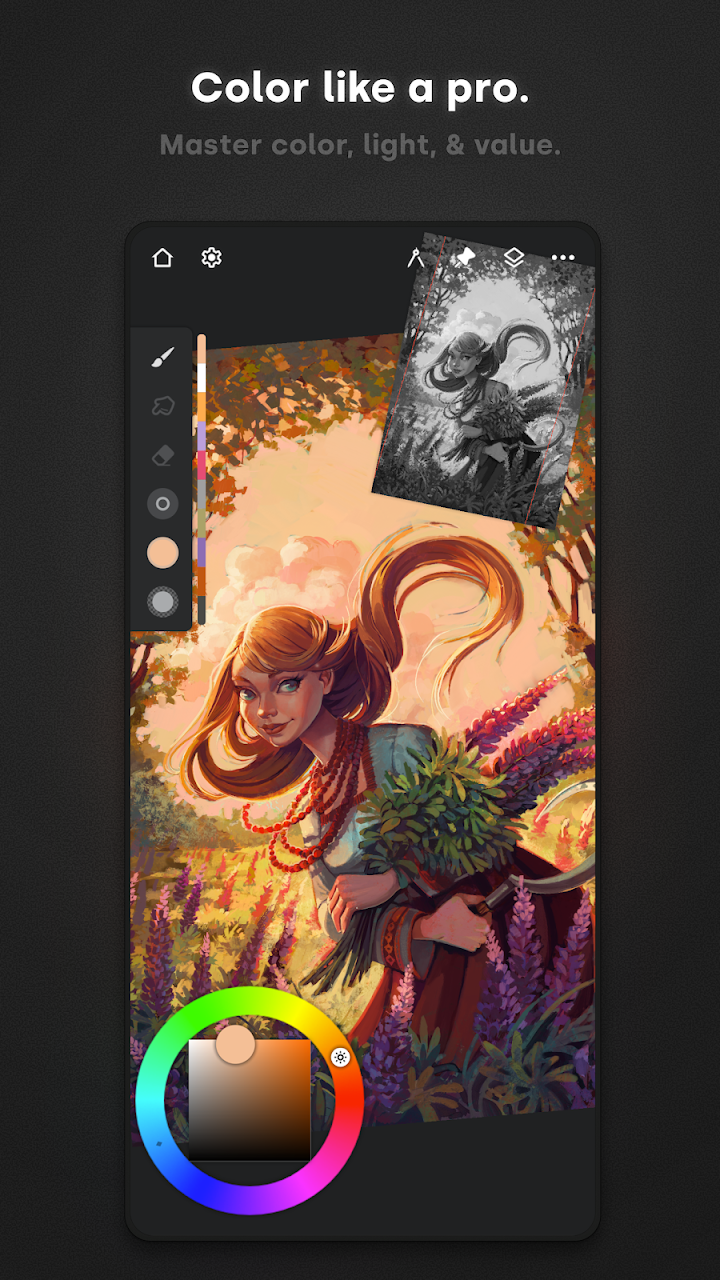
Infinite Painter is built for painting, drawing, and sketching on phones, tablets, and Chromebooks. The interface stays uncluttered, so the canvas gets most of the screen. You can pin tools to the main area, dock brush settings, and pull out the color wheel on the canvas with two fingers. The app is free, includes in-app purchases, and does not show ads.
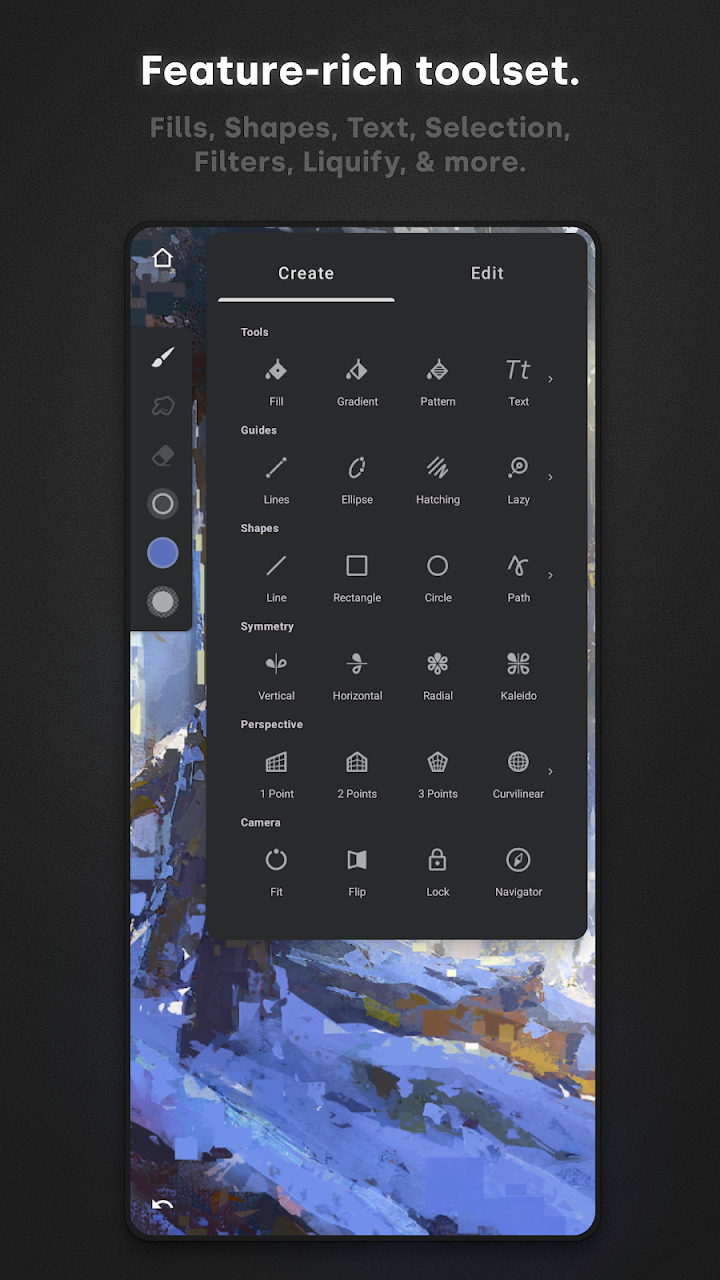
Brushes, filters, and shape tools
A typical session here starts with a brush, but there is more to use than a basic pencil. The app includes hundreds of built-in brushes, over 100 brush settings, realtime color adjustments, and live effects. It also has smart shape detection, symmetry tools, guides, and a hatching guide for more controlled lines. Timelapse recording lets you save the drawing process and share it later.
Editing layers and exports
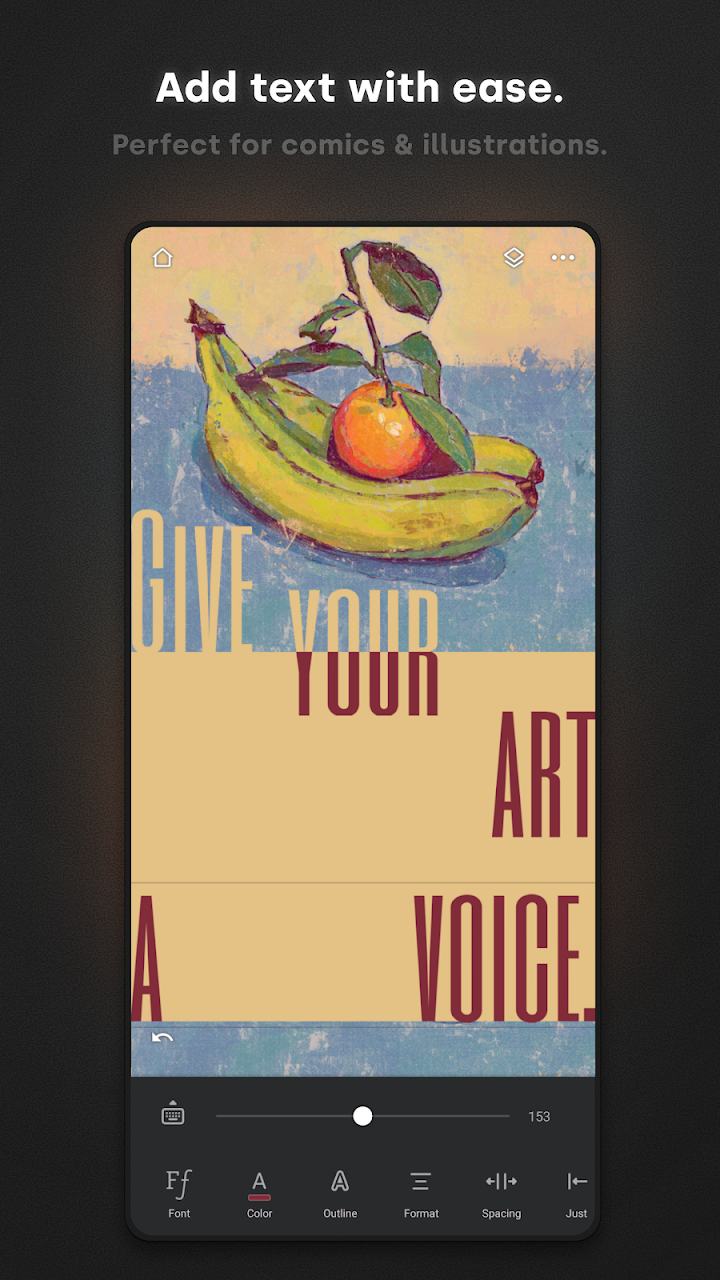
When a sketch turns into a finished piece, layer tools become important. Infinite Painter supports layers, masks, clipping masks, adjustment layers, filter layers, and 30 blend modes. You can also transform multiple layers at once, use liquify, crop and resize, and work with fill tools and selection tools. Finished work can be exported as JPG, PNG, WEBP, ZIP, layered PSD files, or Painter projects. The app is 56.2 MB, comes as an APK, and needs Android 18 or later.
Permissions, account use, and storage
No permissions are listed for this app, so there is nothing specific to review there. The description does mention importing from Photos, Camera, Clipboard, and Image Search, plus searching over 1 million free-for-commercial-use images, which are the kinds of features that usually need access to your files or media when you choose to use them. The app also shares artwork to Infinite Painter's community, but the listing does not say that an account is required.
- Free tools: 3 layers at device resolution, Solid Fill, Lasso selection, Basic Transform, Symmetry, Seamless Pattern projects, built-in brushes, and smart shape detection.
- Pro tools: HD canvas sizes, more layers, adjustments, live filter layers, layer groups, masks, and more than 40 professional tools.
- Color and effects: 64-bit deep color, gradient maps, color curves, filter layers, and over 40 live filter effects.
APK information
- Version
- 6.0.67
- Package
- com.brakefield.painter
- Category
- Art & Design
- Size
- 56 MB
- Min Android
- API 18
- Architecture
- universal
Older versions
-
Infinite Painter 6.0.67Nov 10, 2026Latest downloadAPK
Infinite Painter FAQ
Does Infinite Painter work offline?expand_more
The listing does not say whether it works offline. It does include local drawing tools, layers, and export options.
Can Infinite Painter edit RAW photos?expand_more
RAW photo editing is not mentioned. The app does support importing from Photos, Camera, Clipboard, and Image Search.
What permissions does Infinite Painter ask for?expand_more
No permissions are listed for this app. The store listing does not show any permissions in the provided details.
Does Infinite Painter need an account?expand_more
The listing does not say that an account is required. It does mention sharing artwork to Infinite Painter's community.
What file formats can I export?expand_more
You can export artwork as JPG, PNG, WEBP, ZIP, layered PSD files, or Painter projects.