- 4.1star707,268 reviews
- 100M+Downloads
- 85 MBAPK size
- EveryoneRated for Everyone
- 9+Android
check_circleOriginal APK from Sketchbook · Updated Nov 9, 2026
No threats found
0 / 37 antivirus engines flagged this file
Original signature
First seen — Sketchbook
Unmodified APK
Same file the developer published — no mods
Sketchbook screenshots
8 images · tap to enlarge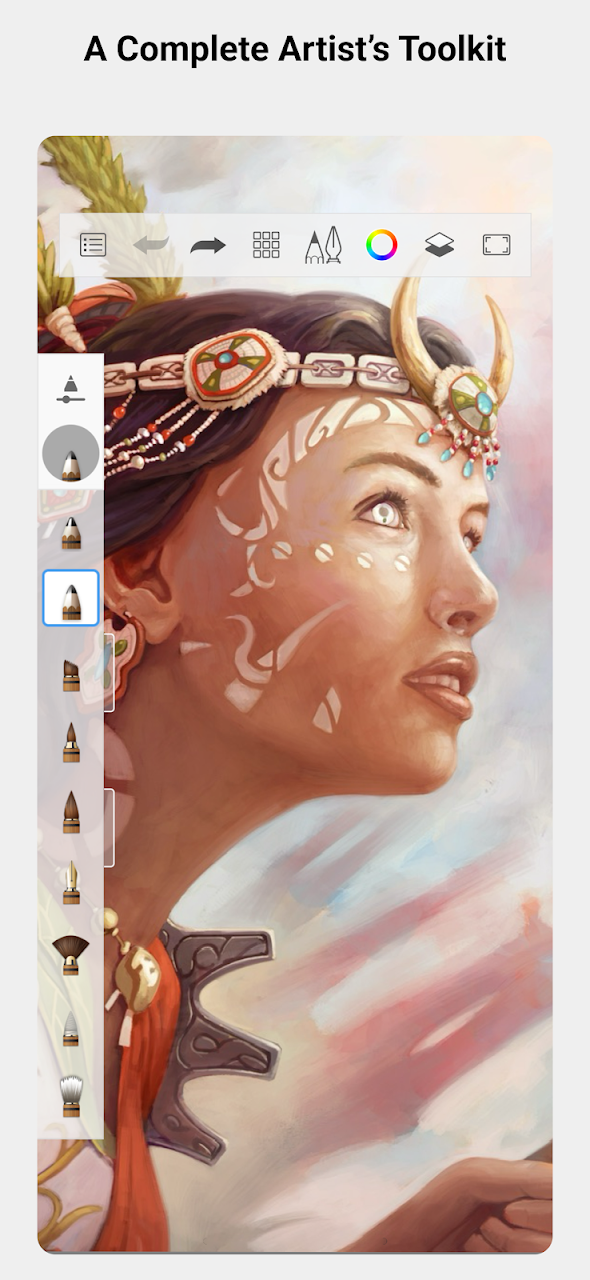
About this app
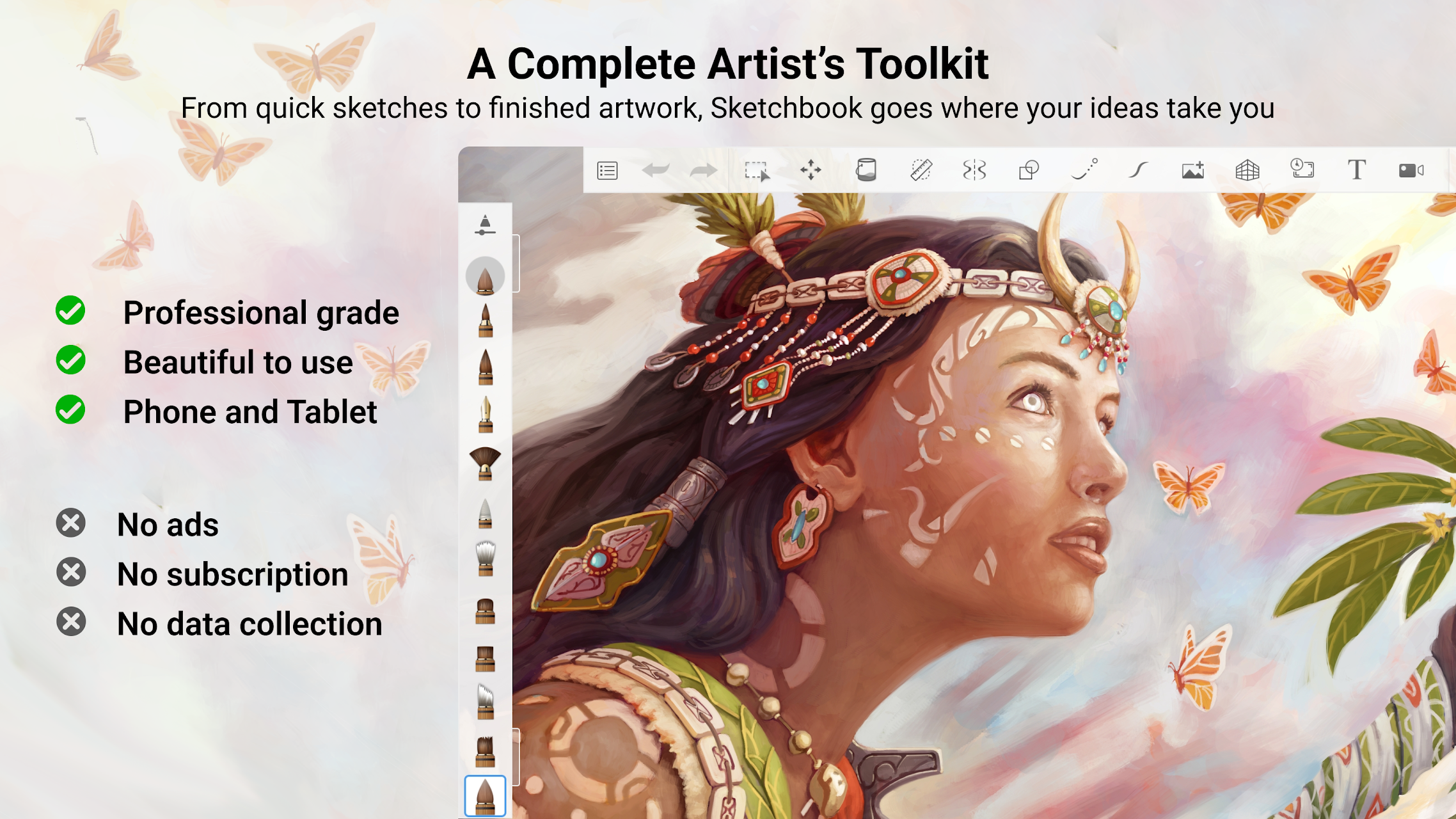
Draw and paint anywhere with a clean toolkit that stays out of the way. Open Sketchbook on a commute, at a desk, or when an idea hits fast, and you get brushes, layers, guides, and rulers for sketching or building finished artwork without extra clutter.
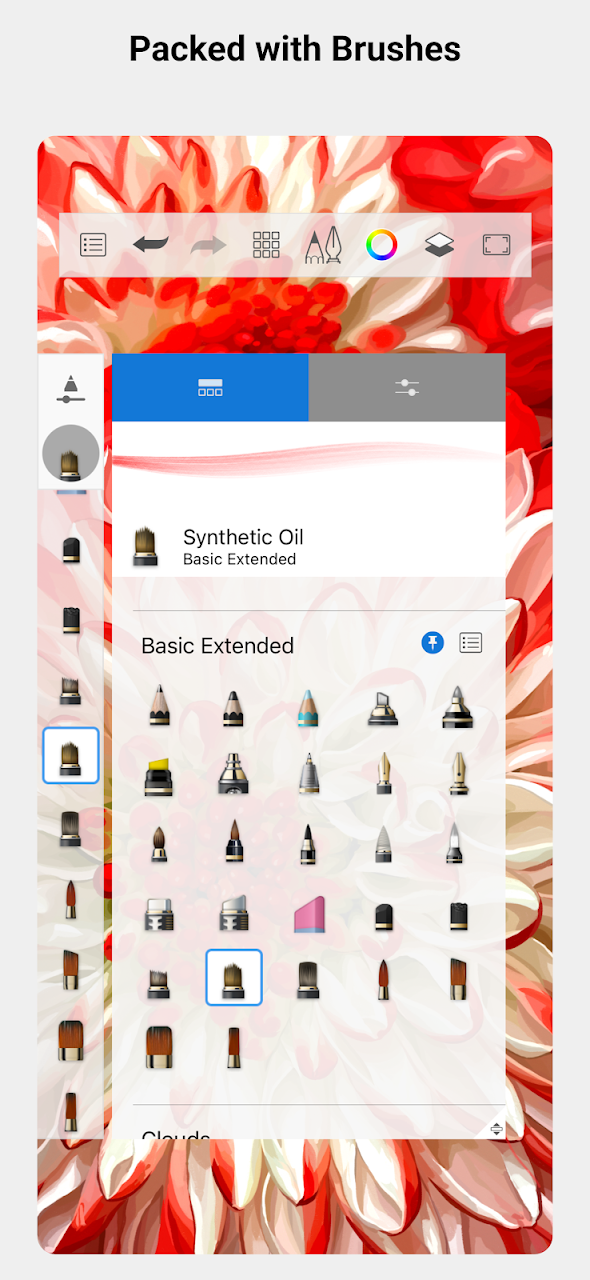
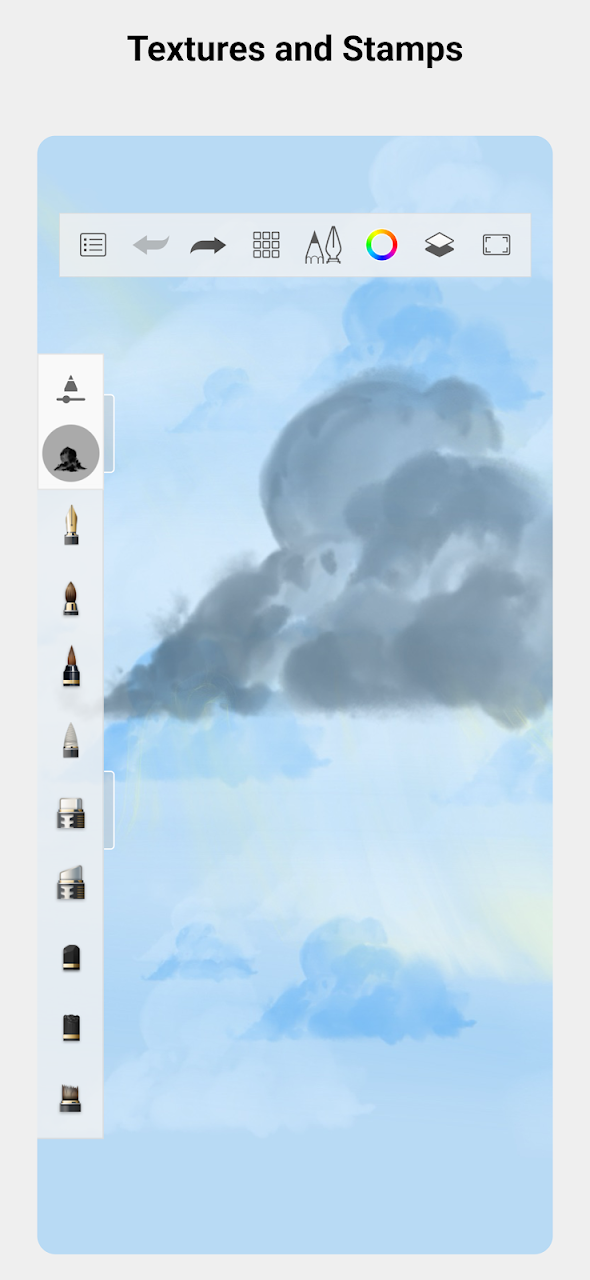
- Custom Brushes — Use pencils, markers, airbrushes, smear tools, and more, then adjust them to match the look you want.
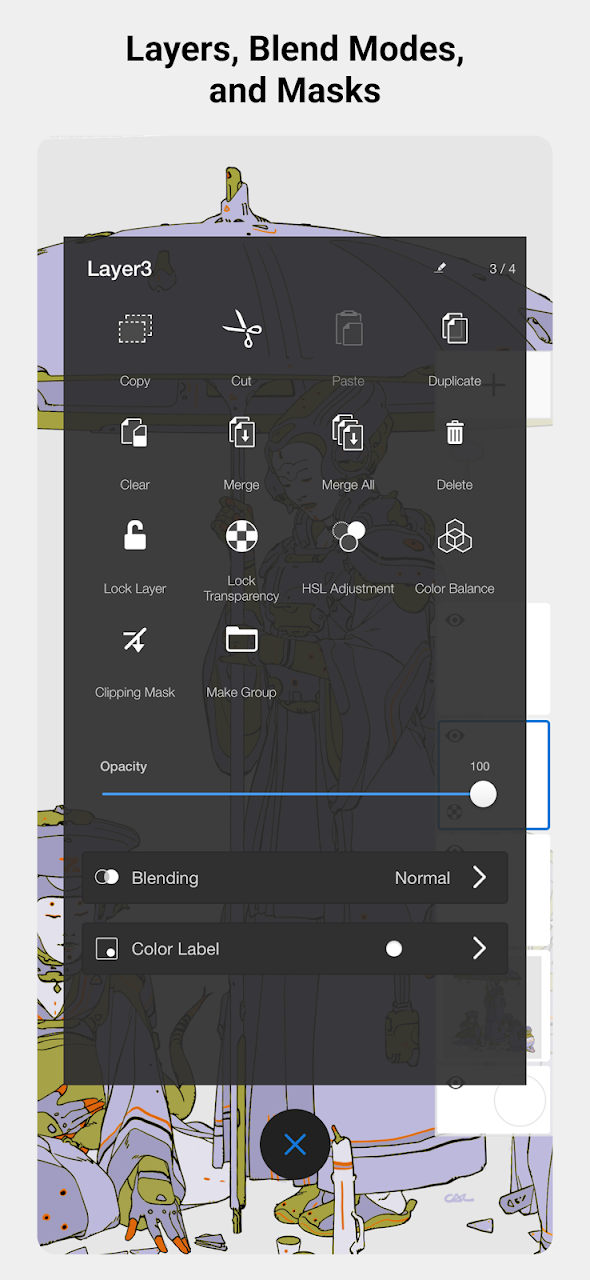
- Layers And Blend Modes — Build drawings in layers and use blend modes to refine color and composition as you work.
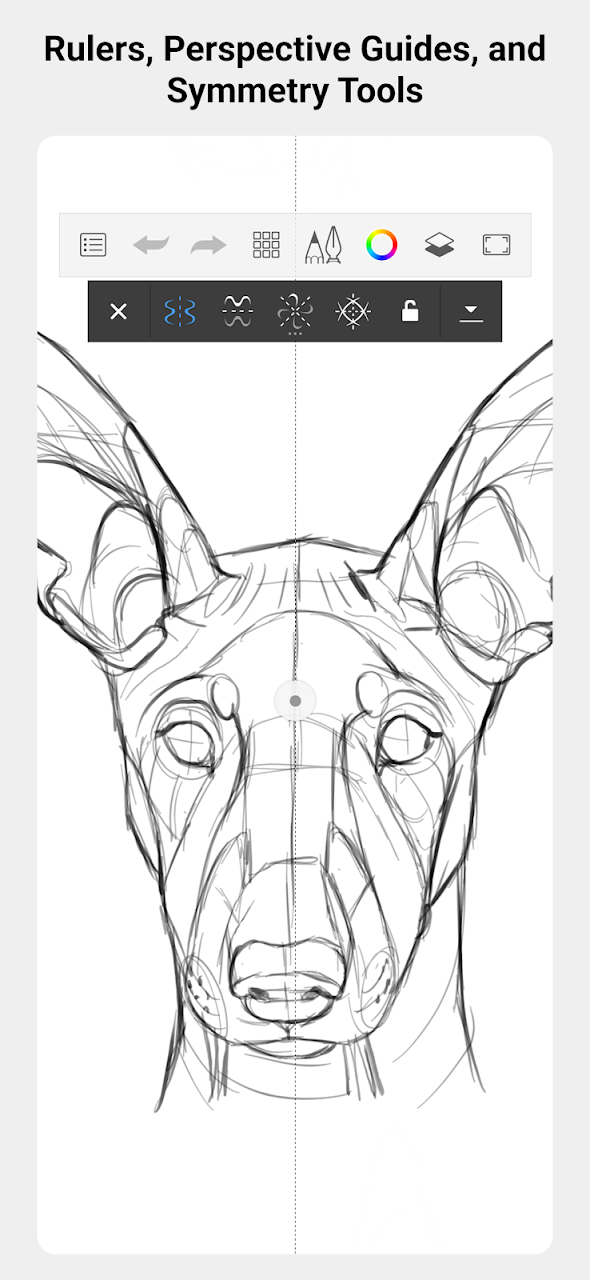
- Precision Tools — Guides, rulers, and stroke tools help when a sketch needs cleaner lines or measured placement.
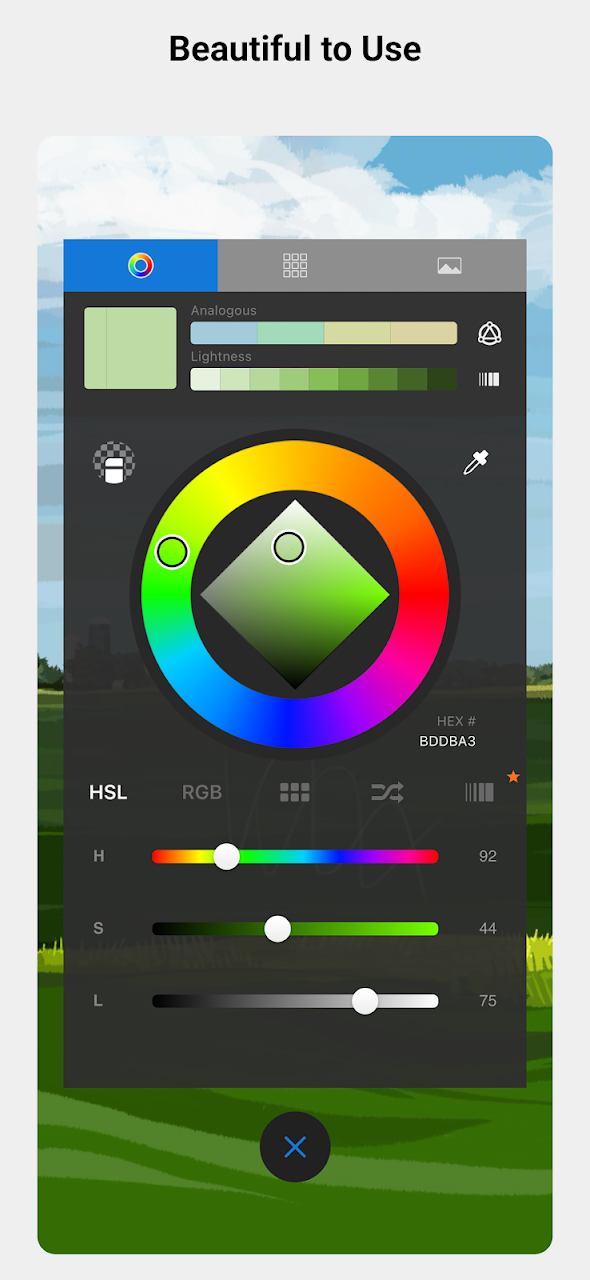
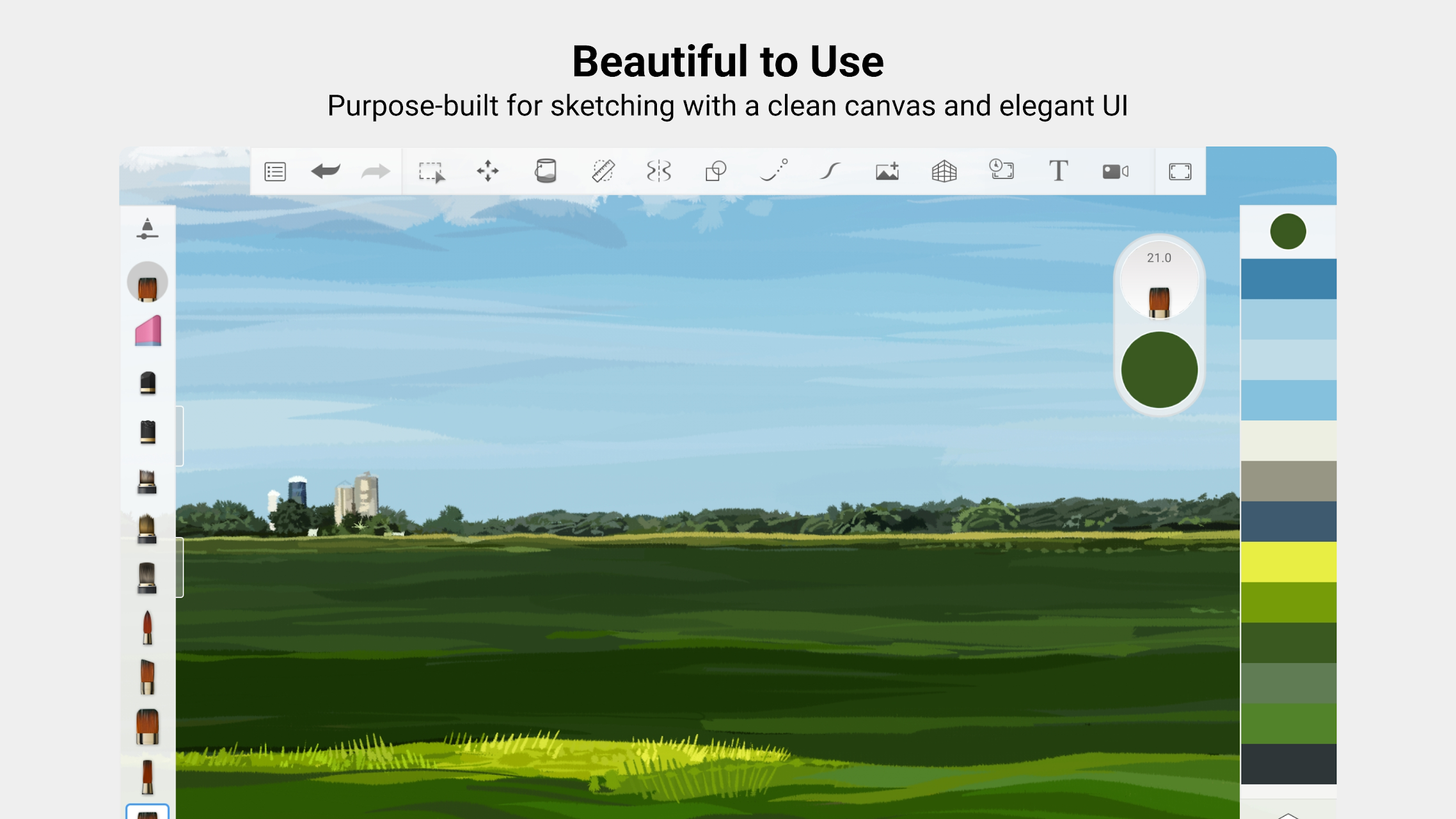
- Clean Workspace — The interface stays simple and unobtrusive so the focus stays on drawing.
- Draw Anywhere — Start with a quick sketch or keep going until the piece feels finished on the same canvas.
Sketching on the train or at your desk
Sketchbook opens with a workspace that feels calm and direct, which makes it easy to start drawing as soon as an idea shows up. The app is built for sketching, painting, and drawing, and the layout keeps tools close without crowding the canvas. On the go, that means you can open it for a quick study; at home, it works the same way when you want to keep refining a piece.
The app is free, has no ads, includes in-app purchases, and requires Android 9 or later. The app package is 85.4 MB and comes as an XAPK.
Brushes, layers, and precise lines
Most of the day-to-day work happens with the brush set and the layer controls. Sketchbook includes pencils, markers, airbrushes, smear tools, and other brush types, plus customization options so you can adjust the feel of the tool. When a drawing needs structure, guides, rulers, and stroke tools help keep edges and spacing under control.
- Brush variety: Switch between several brush types for sketching, shading, or filling in color.
- Tool control: Customize brushes to match the style you want.
- Layer workflow: Use layers and blend modes to build up artwork step by step.
Saving details and working with storage
If you want to move artwork around, Sketchbook includes storage-related permissions such as access to external storage and read media images, along with camera permissions. That points to a workflow where the app can interact with files and images on the device, which matters when you are keeping sketches, importing references, or managing artwork across sessions.
There is no account requirement listed, so the app can be opened and used without that step being part of the setup described here.
Export and image handling
For users who care about how artwork leaves the app, the listed permissions show support for working with images and files on the device. The app description does not list export formats or RAW photo editing, so those parts of the workflow are not detailed here. What is clear is that Sketchbook is set up around drawing first, with a clean interface that keeps the focus on the canvas rather than extra screens.
With a 4.1 rating from 707,244 ratings, the response is mixed but substantial, and the rating spread shows many more 5-star than 1-star reviews. That makes it feel like a familiar choice for people who want a focused drawing app and already know the kind of workflow they prefer.
APK information
- Version
- 6.3.0
- Package
- com.adsk.sketchbook
- Category
- Art & Design
- Size
- 85 MB
- Min Android
- 9
- Architecture
- arm64-v8a
Older versions
-
Sketchbook 6.3.0Nov 9, 2026Latest downloadAPK
Sketchbook FAQ
Can Sketchbook edit RAW photos?expand_more
RAW photo editing is not listed. The app description focuses on sketching, painting, drawing, and working with images on the device.
Does Sketchbook work offline?expand_more
Offline use is not stated. The listed permissions include internet access, but the description does not say which features need it.
Who develops Sketchbook?expand_more
Sketchbook develops Sketchbook.
Does Sketchbook need an account?expand_more
An account requirement is not listed. The app description does not mention signing in before using it.
What tools does Sketchbook include for precise drawing?expand_more
It includes guides, rulers, and stroke tools, along with customizable brushes and layers with blend modes.