- 4.5star224,018 reviews
- 100M+Downloads
- 97 MBAPK size
- TeenRated for Teen
- 9+Android
check_circleOriginal APK from Samsung Electronics Co., Ltd. · Updated Nov 9, 2026
No threats found
0 / 61 antivirus engines flagged this file
Original signature
First seen — Samsung Electronics Co., Ltd.
Unmodified APK
Same file the developer published — no mods
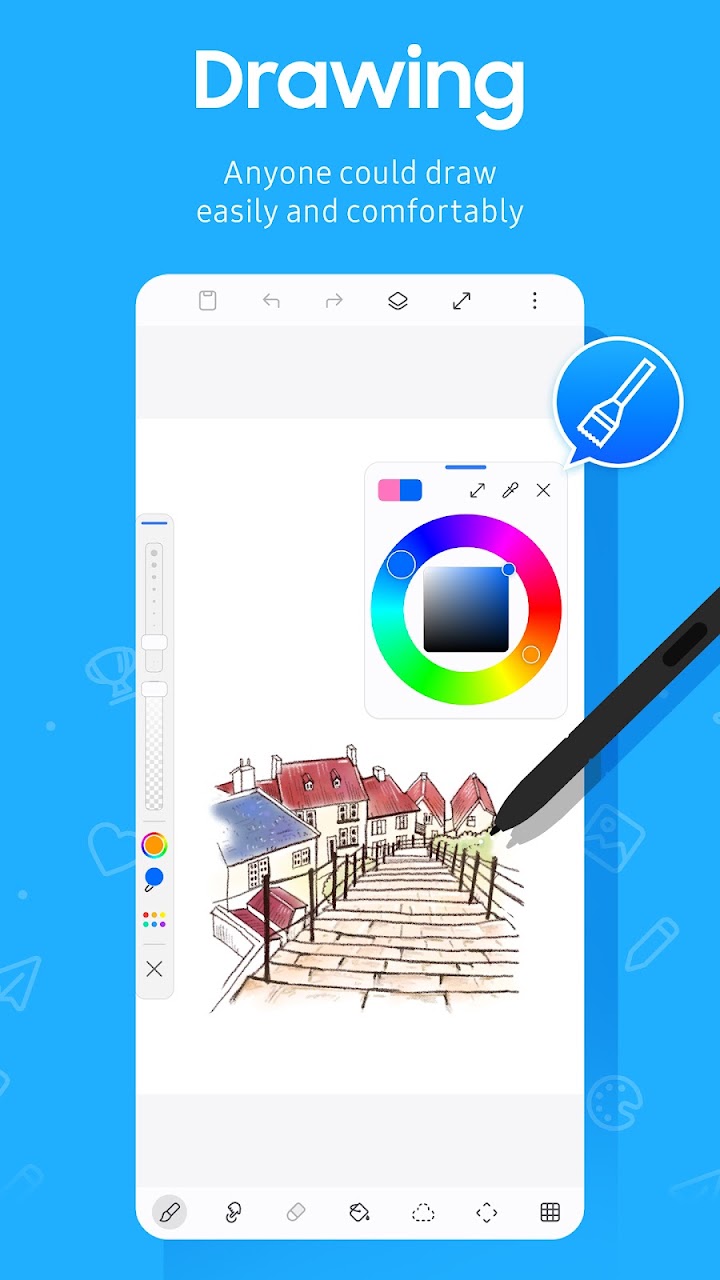
PENUP – Drawing-sharing SNS screenshots
8 images · tap to enlarge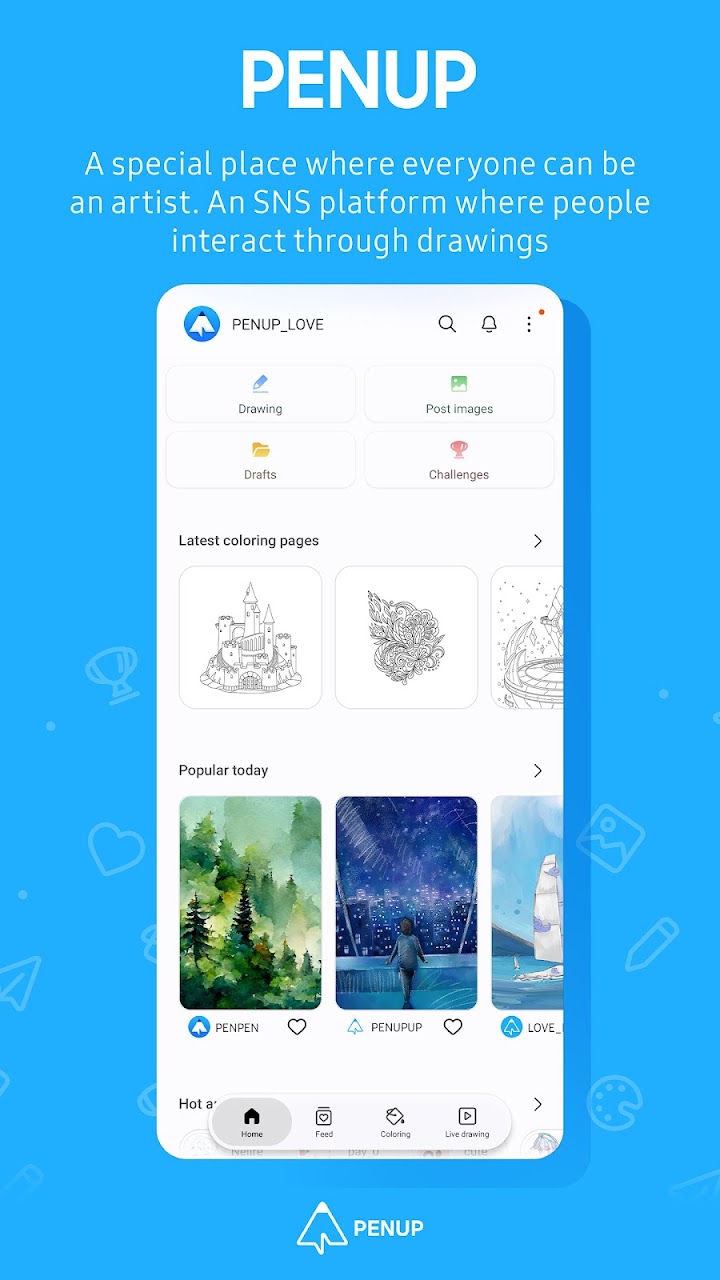
About this app
Looking for a drawing app that also feels social? PENUP – Drawing-sharing SNS combines sketching, coloring, and sharing in one place, with trending works, comments, and drawing challenges. It’s built for people who want to practice, post, and talk through drawings rather than keep them private.
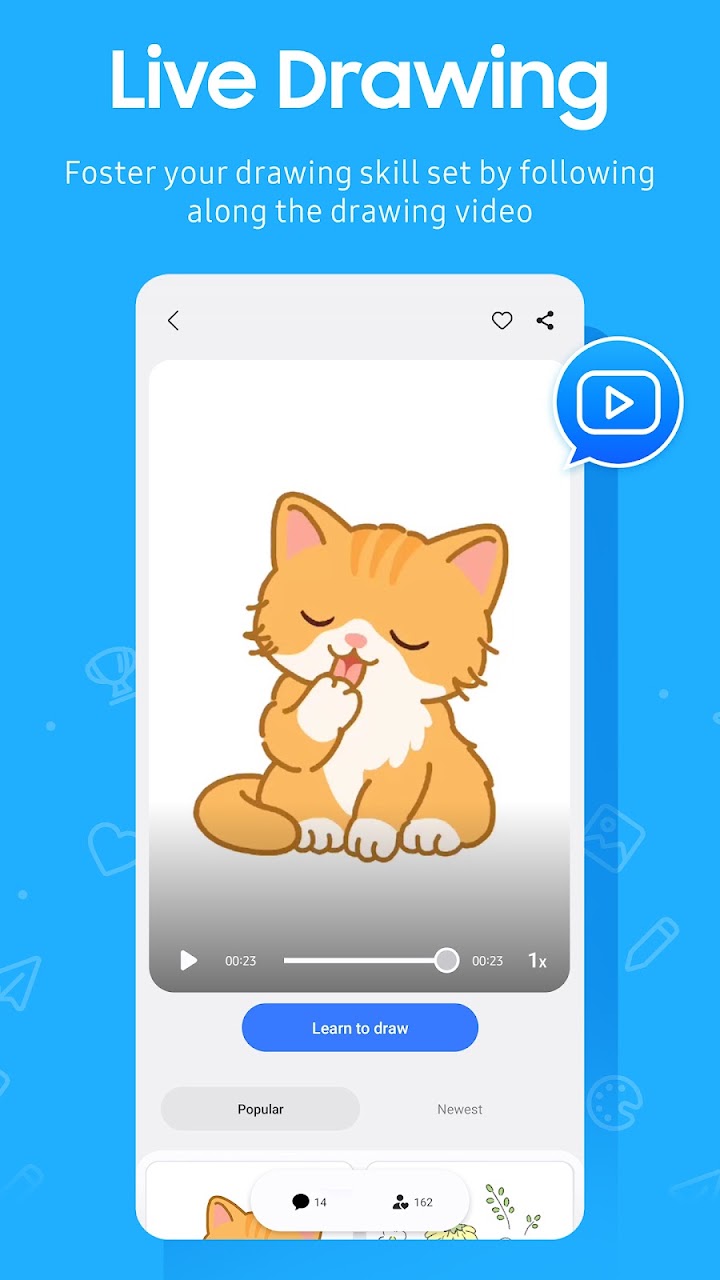
- Live Drawing Guides — Follow along with video-based drawing lessons to practice a picture step by step.
- Photo Drawing Aid — Use a photo as help while you draw, which can make it easier to trace shapes and details.
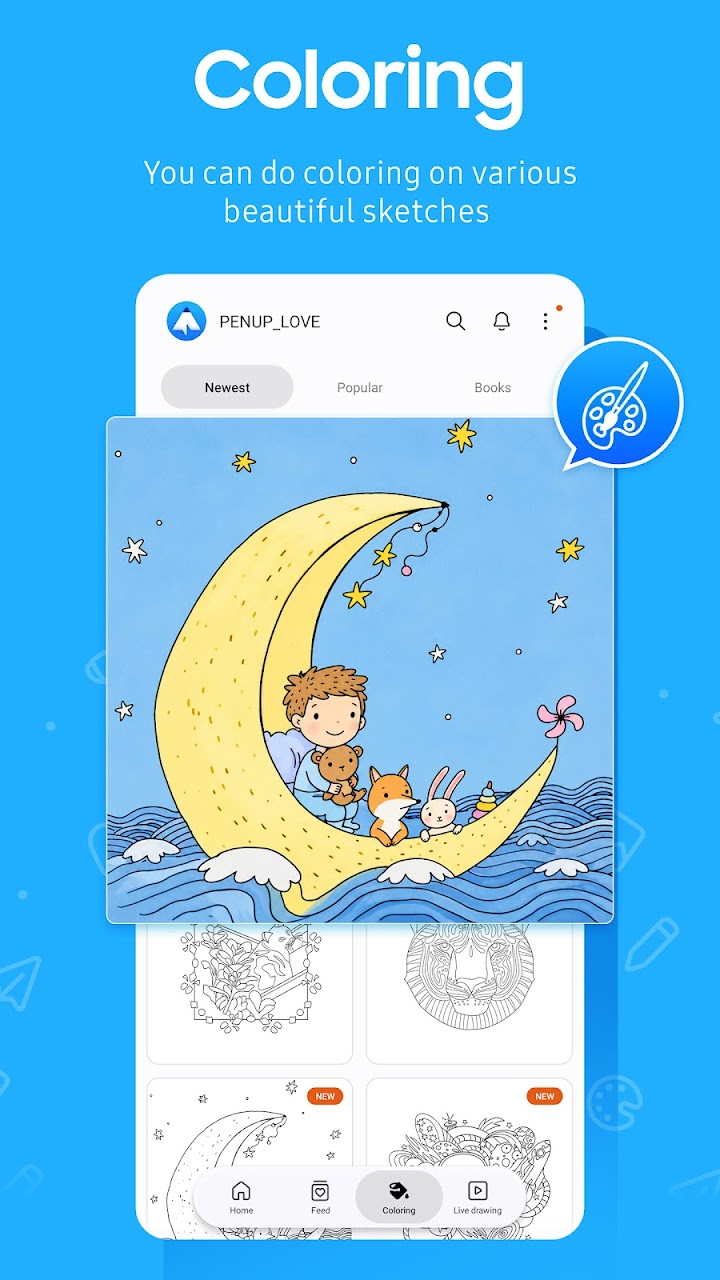
- Coloring Pages — Open coloring book pages and fill them in with the app’s drawing tools.
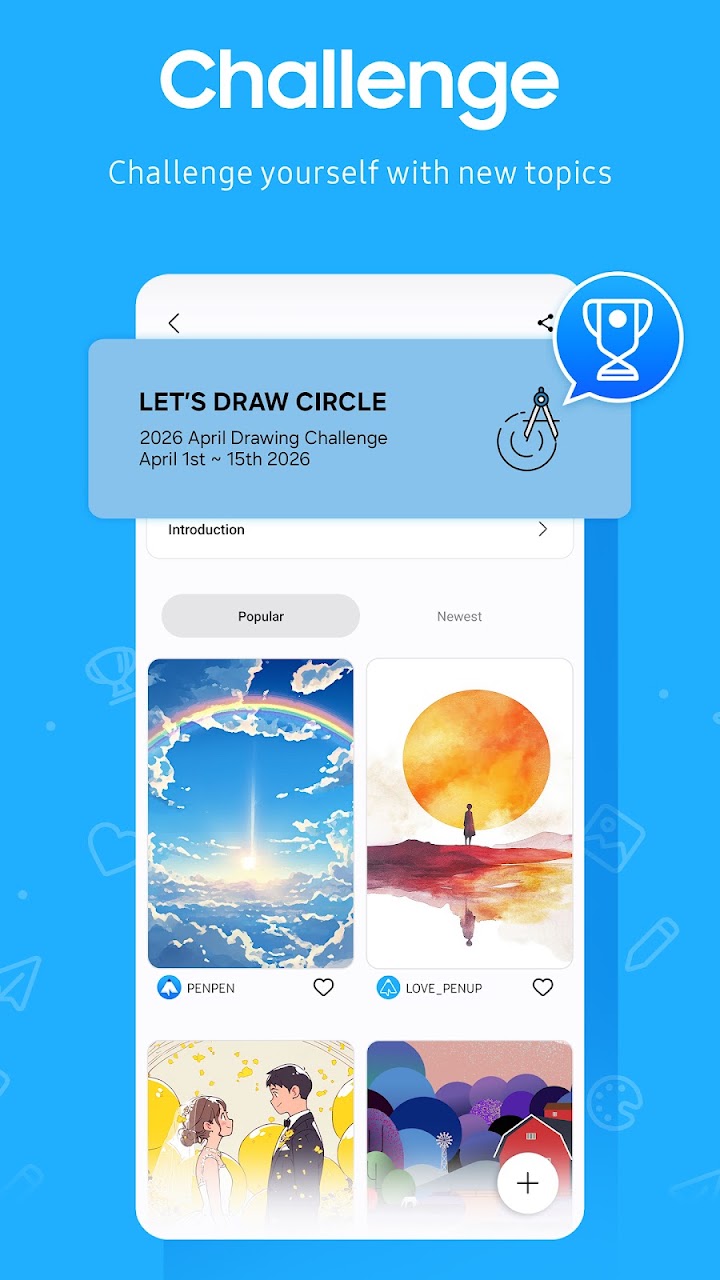
- Drawing Challenges — Try themed challenges when you want a structured prompt instead of starting from scratch.
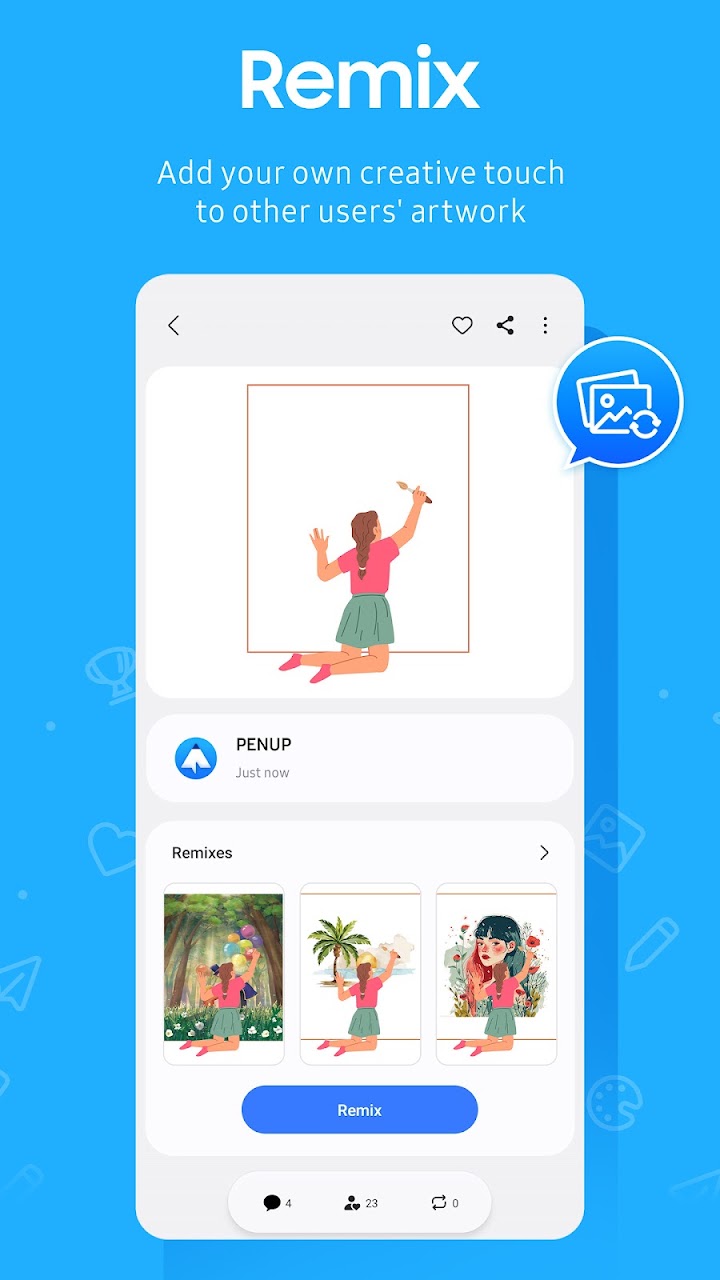
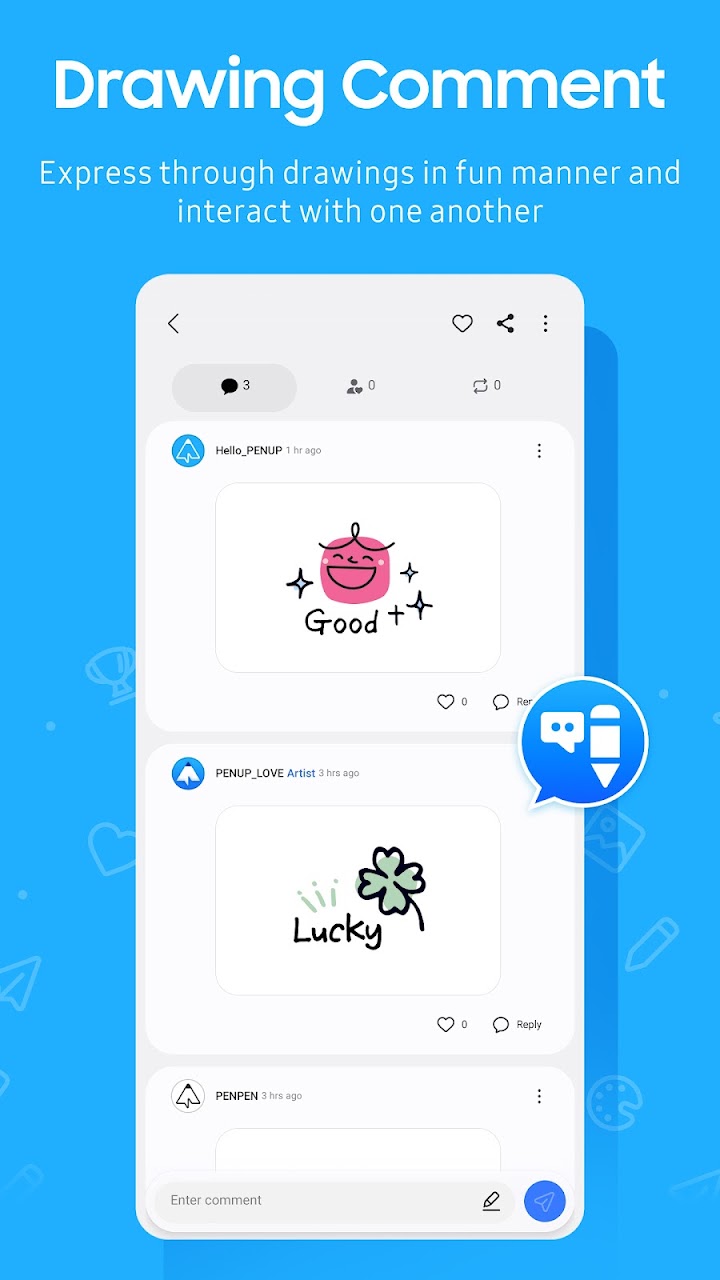
- Trending Works Feed — Browse other users’ drawings, leave comments, and share your own work in the feed.
Drawing, then sharing it with others
PENUP is built around a simple routine: open the app, make a drawing or coloring page, and post it for other people to see. The social side sits right next to the art tools, so you can move from sketching to browsing Trending Works and commenting without leaving the app.
Coloring pages, templates, and guided practice
The app includes several ways to start drawing even if you do not begin with a blank canvas. You can color in pages, pick from templates, use Live Drawing for video follow-along practice, or use Photo Drawing when you want a photo to guide your lines. Drawing challenges add another structured option when you want a prompt.
What permissions matter here
PENUP asks for optional access to Storage on Android 9 or lower so you can upload a drawing to PENUP or download one from it. On Android 13 and above, Notifications are used to alert you about activity on your drawings, followers, and people you follow. The app also uses network-related permissions, and it does not list in-app purchases or ads.
APK size and install details
The app is available as an APK, with a file size of 96.6 MB. It requires Android 9 or higher, and the current version is 3.9.24.3. If you install it manually, you are handling the app package itself, not a separate store listing.
What stands out in daily use
- Open it to draw, color, or use a guided lesson.
- Share finished work and check how others respond.
- Comment on drawings from other users.
- Use notifications to keep track of followers and activity.
- Browse the community when you want ideas instead of a blank page.
What's new
Version 3.9.24.3 · Nov 9, 2026
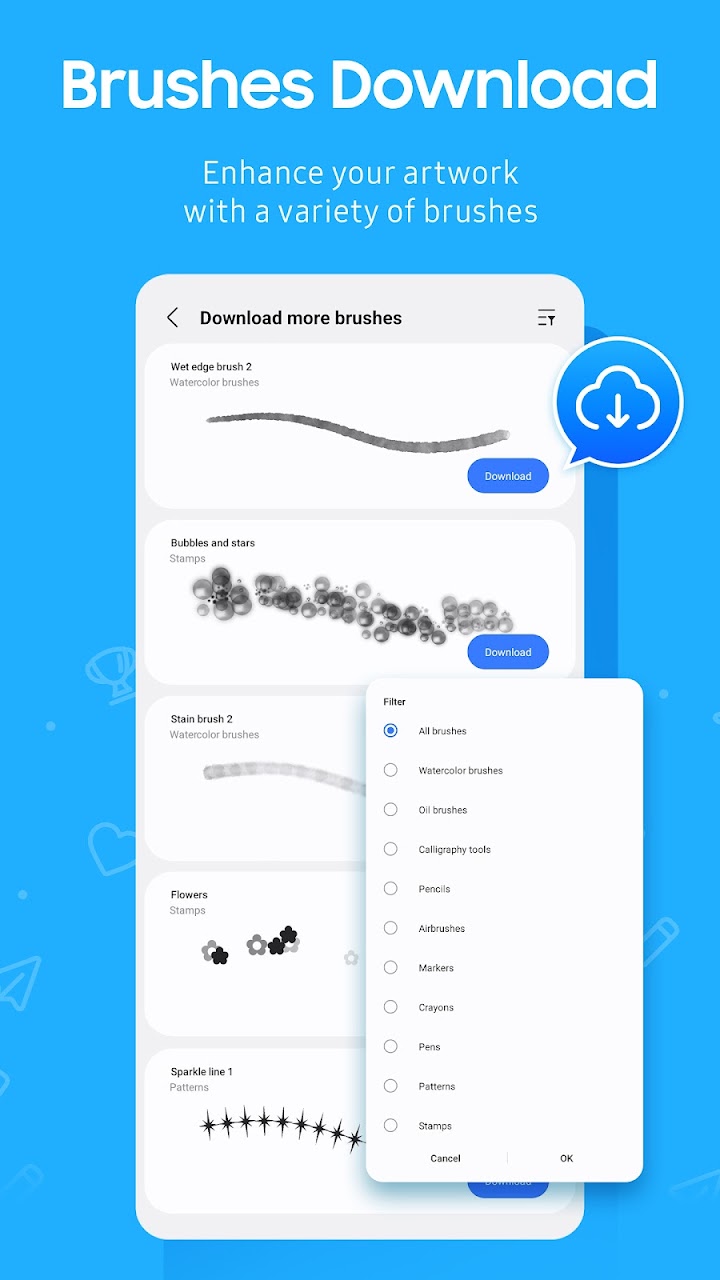
- New brush added as drawing tool
APK information
- Version
- 3.9.24.3
- Package
- com.sec.penup
- Category
- Art & Design
- Size
- 97 MB
- Min Android
- 9
- Architecture
- arm64-v8a, armeabi-v7a, x86, x86_64
Older versions
-
PENUP – Drawing-sharing SNS 3.9.24.3Nov 9, 2026Latest downloadAPK
PENUP – Drawing-sharing SNS FAQ
Does PENUP – Drawing-sharing SNS add a watermark?expand_more
The app description does not mention watermarks on drawings.
Can PENUP – Drawing-sharing SNS edit RAW photos?expand_more
No RAW photo editing is mentioned. The app does mention Photo Drawing, which uses a photo as a drawing aid.
Does PENUP – Drawing-sharing SNS have in-app purchases?expand_more
No in-app purchases are listed.
How do I install the PENUP – Drawing-sharing SNS APK file?expand_more
Download the APK file, then open it on an Android device running Android 9 or higher. If your device blocks sideloading, enable installs from the source you use and continue the install.
Can I comment on other people’s drawings in PENUP?expand_more
Yes. You can comment on other users’ drawings and interact through the Trending Works feed.