- 4.5star219,233 reviews
- 50M+Downloads
- 62 MBAPK size
- EveryoneRated for Everyone
- 5.0+Android
check_circleOriginal APK from Eyewind · Updated Nov 10, 2026
No threats found
0 / — antivirus engines flagged this file
Original signature
First seen — Eyewind
Unmodified APK
Same file the developer published — no mods
PaperColor screenshots
8 images · tap to enlarge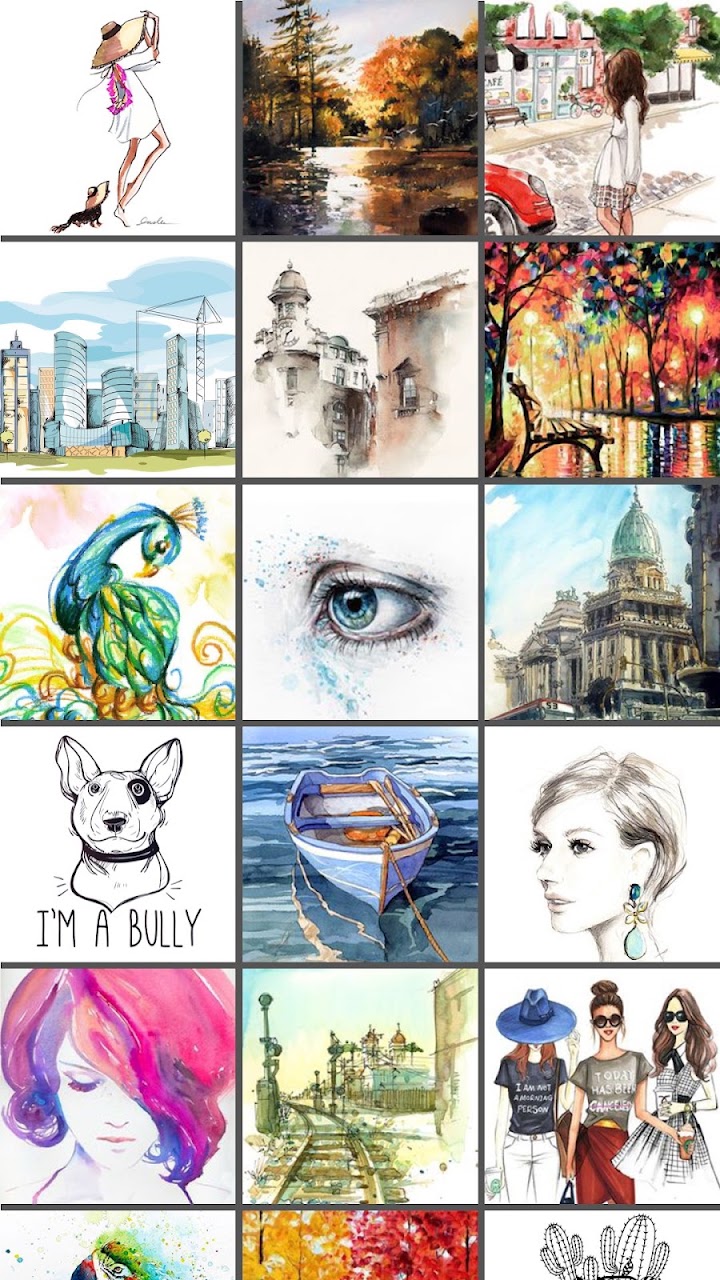
About this app
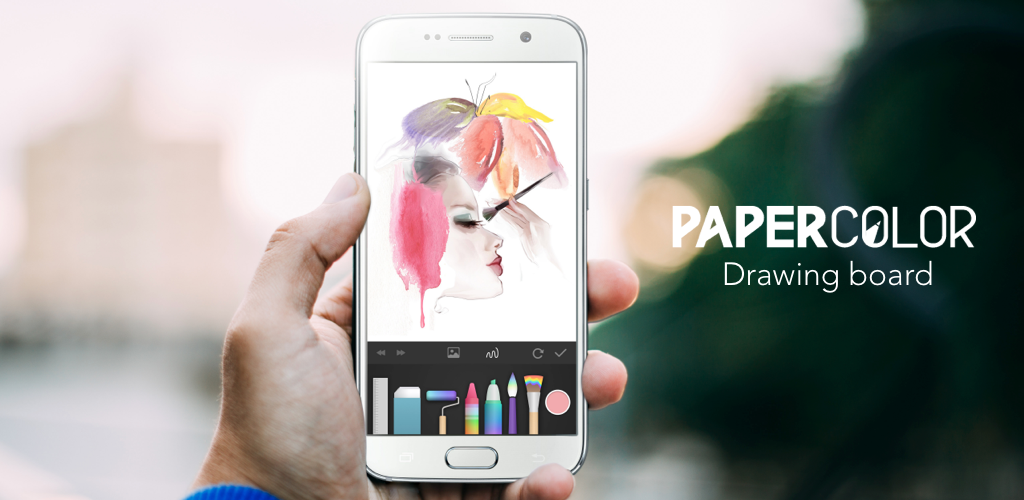
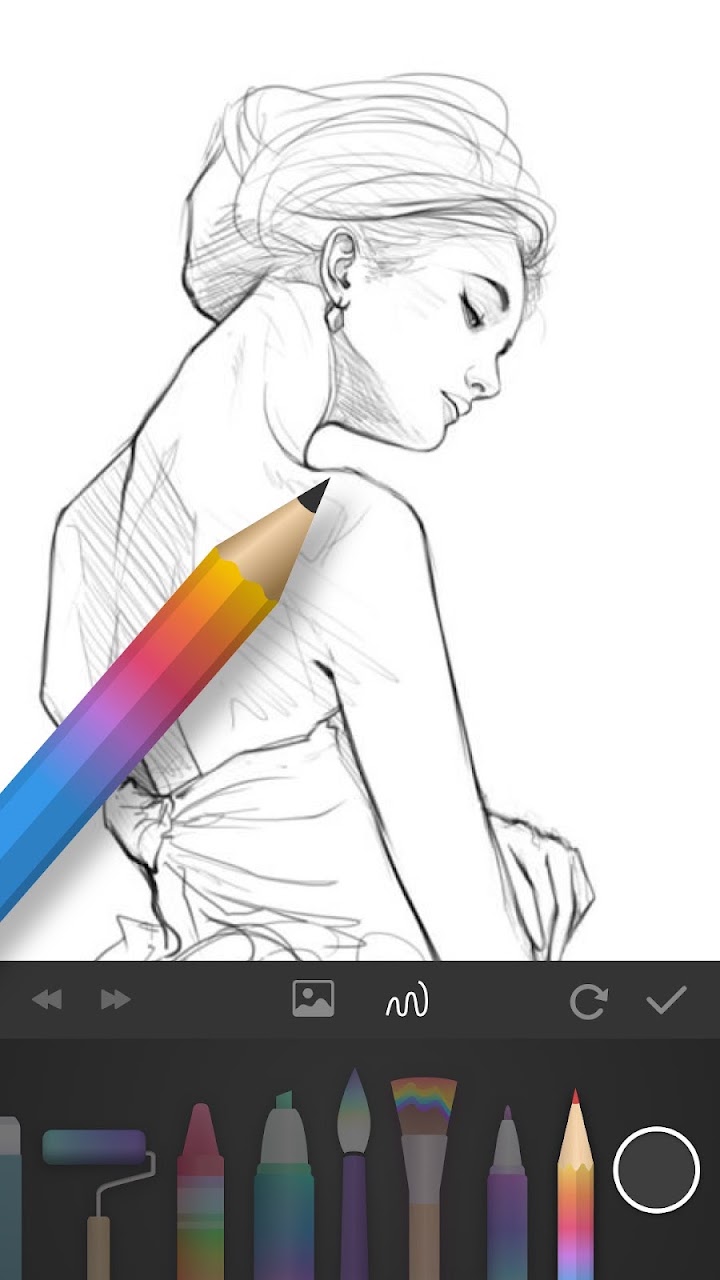
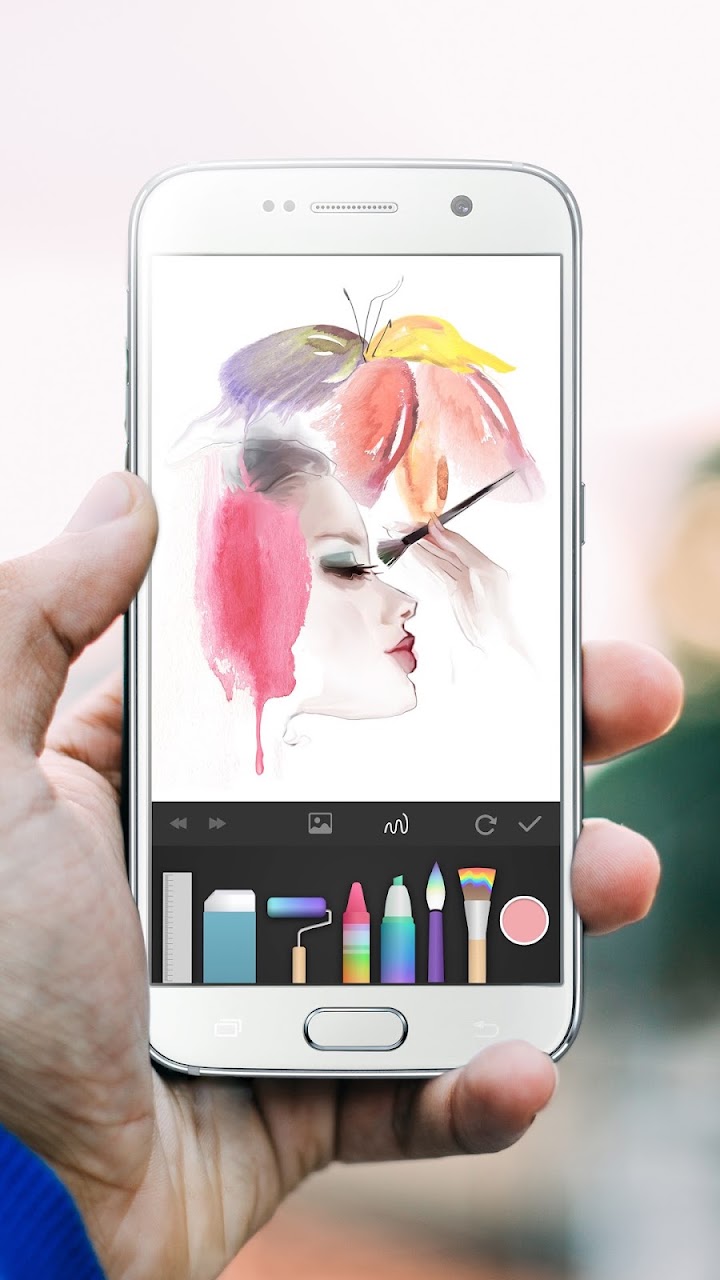
PaperColor stands out as a simple sketchbook-style painting app for everyday drawing. It gives you brush-like tools, a color library, and a base map mode that helps when you want to learn or trace. You can draw from scratch, mark on photos, or finish a piece and share it online.
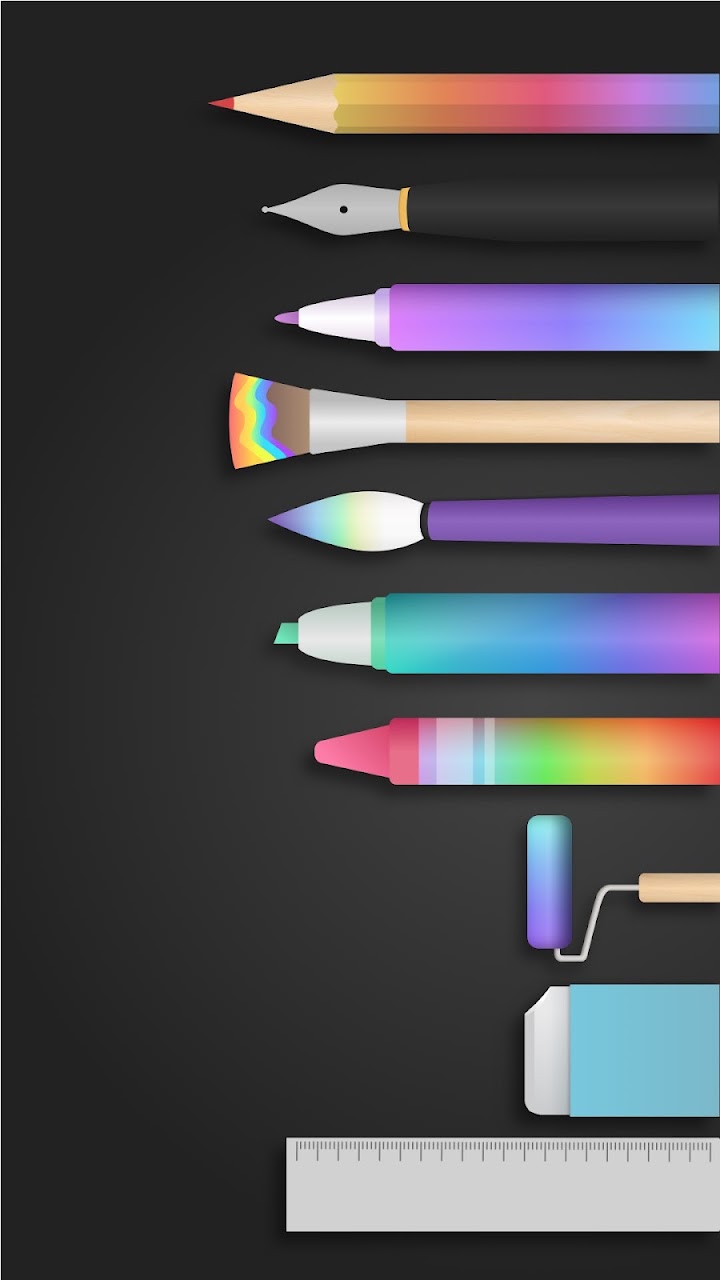
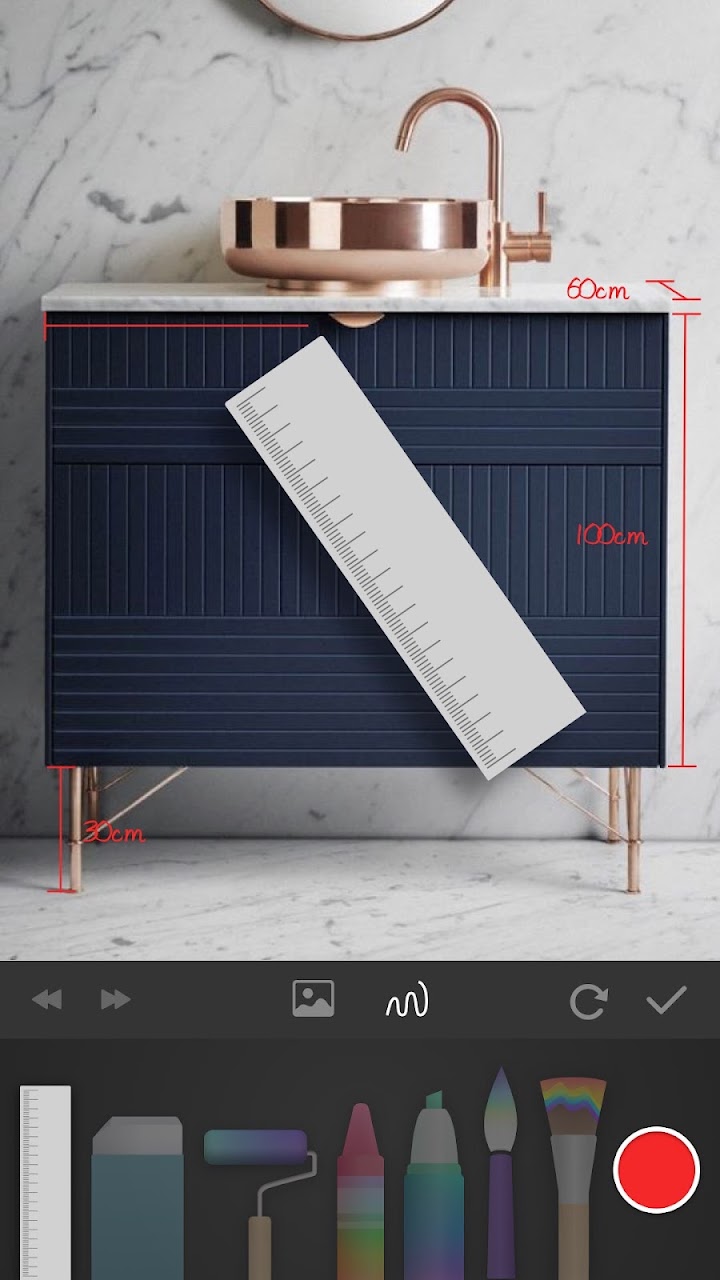
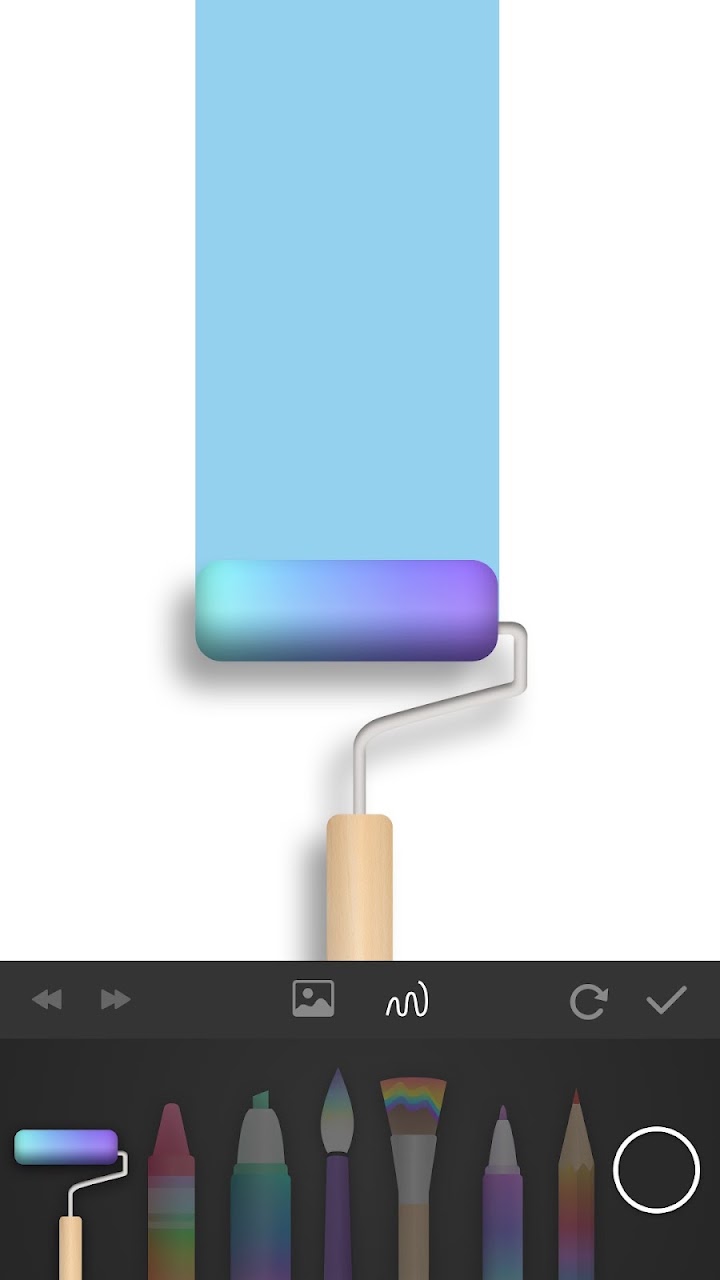
- Brush-style tools — Use tools that imitate a paintbrush, plus a ruler and eraser for cleaner sketching.
- Photo drawing — Open a picture and draw or mark on top of it inside the app.
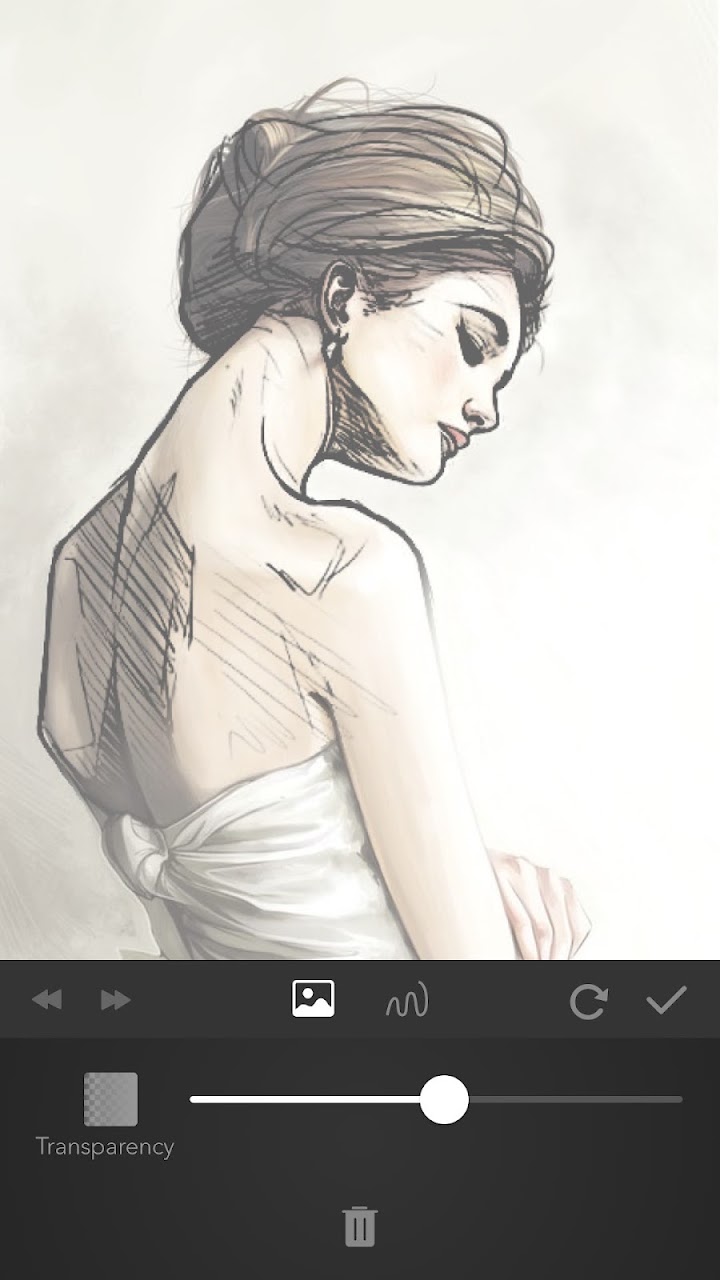
- Base map mode — Choose a photo as a base map and make it translucent for guided drawing.
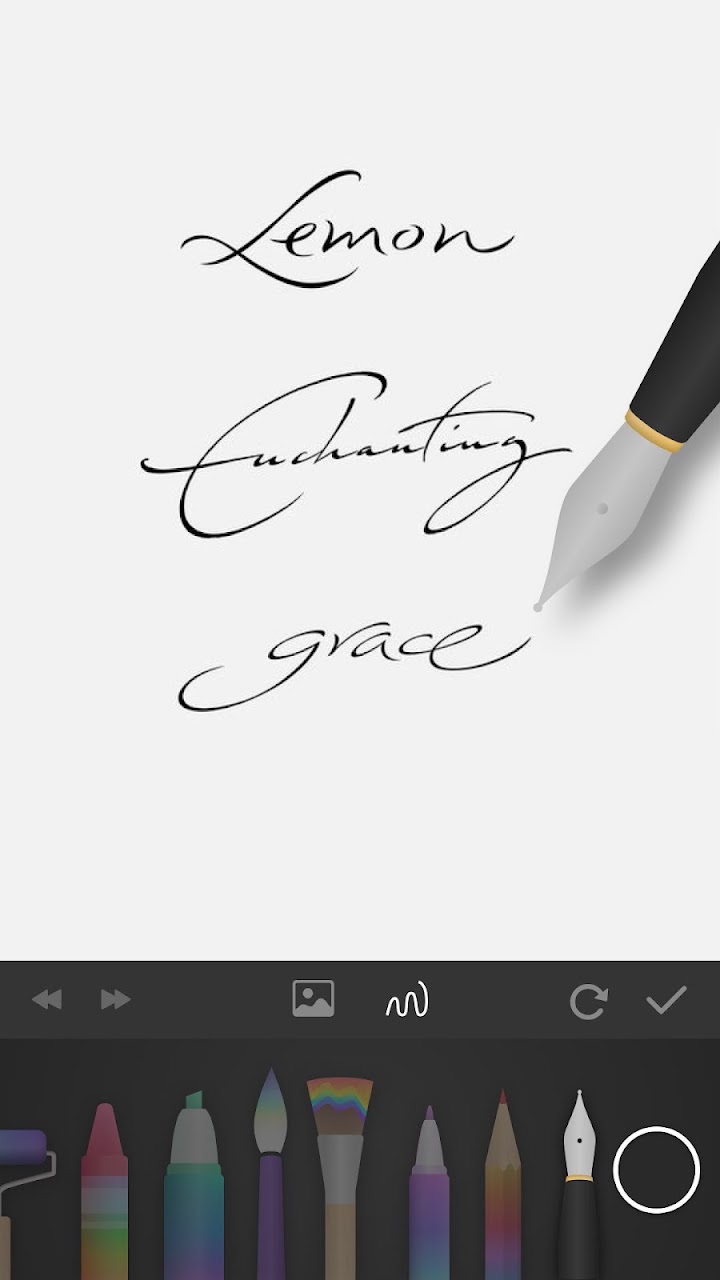
- Signature finishing — Add a handwriting signature with the pen when your artwork is done.
- Simple on mobile — The app is built for drawing on a phone or tablet, even when you are away from a desk.
Brushes, eraser, and ruler in one place
PaperColor keeps the drawing tools easy to find, so you can open the app and start sketching right away. The brush tools are made to feel like a paintbrush, and there is also a ruler and eraser for tidying up lines. If you want to add a final touch, you can sign your work with handwriting after you finish.
Draw on photos or use a base map
This app is useful when you want to work from an image instead of a blank canvas. You can choose a photo, set it translucent, and use it as a base map while you draw. That makes it easier to learn shapes and build an artwork step by step. You can also mark directly on a picture.
Color library and sharing
PaperColor includes a color library, so you can pick colors while you paint and color in your artwork. When a piece is finished, you can share it to the internet from the app. It is made for quick creative sessions on the go, whether you are traveling, waiting around, or just want a short drawing break.
Install details and what to expect
The APK is universal, 61.9 MB, and needs Android 5.0 or later. It is free to download, with in-app purchases available. There are no ads listed, and no permissions are shown, so there is nothing extra to approve at setup.
How it compares with other drawing apps
Compared with apps like ibis Paint X or Sketchbook, PaperColor keeps the focus on simple brush-based drawing and base map practice. It is a good fit if you want a lighter sketching flow without a lot of setup. PENUP may suit people looking for a drawing-sharing community, while Adobe Express is aimed more broadly at photo and video editing. PaperColor stays centered on painting and doodling.
- Simple brush flow for quick sketching and doodling.
- Trace from photos with a translucent base map.
- Works on phone or tablet for drawing anywhere.
- Share finished art after you complete a piece.
What's new
Version 2.9.15 · Nov 10, 2026
- Update: Enhanced painting experience! Thank you for your support! This update focuses on improving the performance of the canvas for a smoother creative process!
- Highlights:
- 🚀 Optimized layer limit! Reduce memory pressure, making creation easier and avoiding overflow issues.
- 🎨 Performance optimization for smoother drawing! Enhance painting performance, ensuring every stroke is effortless.
- Update now and enjoy a delightful creative experience! 🌈✨
APK information
- Version
- 2.9.15
- Package
- com.eyewind.paperone
- Category
- Art & Design
- Size
- 62 MB
- Min Android
- 5.0
- Architecture
- universal
Older versions
-
PaperColor 2.9.15Nov 10, 2026Latest downloadAPK
PaperColor FAQ
Can PaperColor edit RAW photos?expand_more
No RAW photo editing is listed. The app focuses on drawing, doodling, marking photos, and painting on a base map.
Does PaperColor work offline?expand_more
Offline use is not stated. The app does let you draw on your phone or tablet and share finished artwork online.
Is PaperColor free to use?expand_more
Yes. PaperColor is free to download, and it also includes in-app purchases.
Which processors does the PaperColor APK support?expand_more
The APK is universal, so it is listed for universal ABI support.
Can I draw on my own photos in PaperColor?expand_more
Yes. You can mark in your photo and also use a photo as a translucent base map for drawing.