- 1.4star970 reviews
- 500K+Downloads
- 56 MBAPK size
- EveryoneRated for Everyone
- 6.0+Android
check_circleOriginal APK from Harfaiz · Updated Nov 10, 2026
No threats found
0 / — antivirus engines flagged this file
Original signature
First seen — Harfaiz
Unmodified APK
Same file the developer published — no mods
AI Home Paint: Wall Visualizer screenshots
8 images · tap to enlarge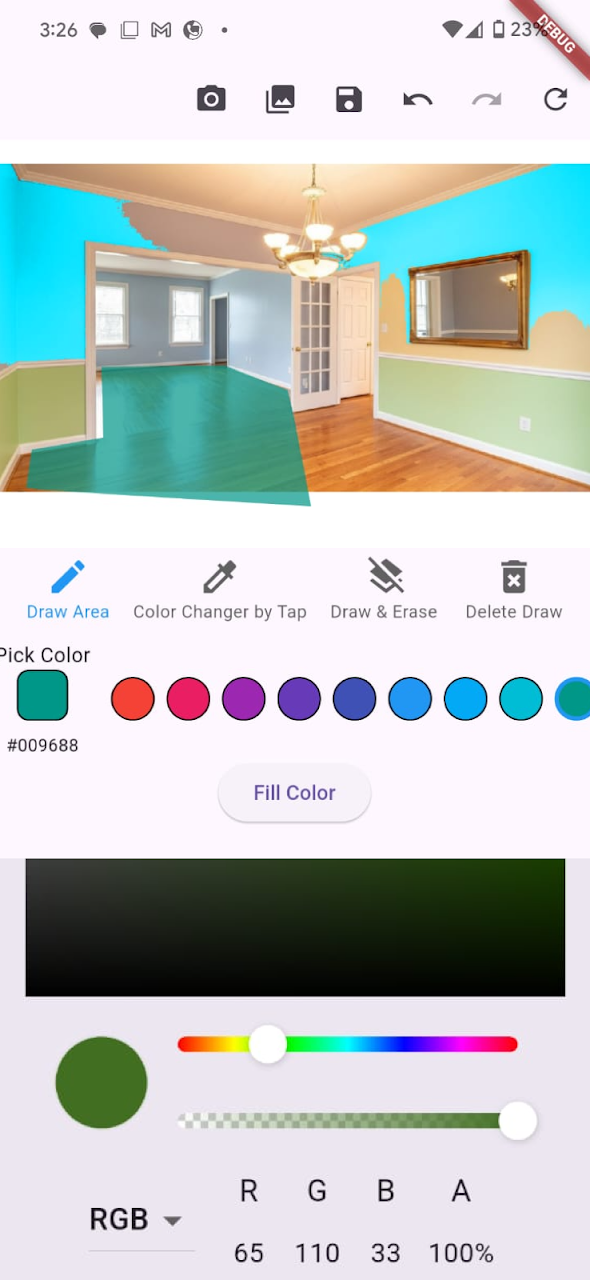
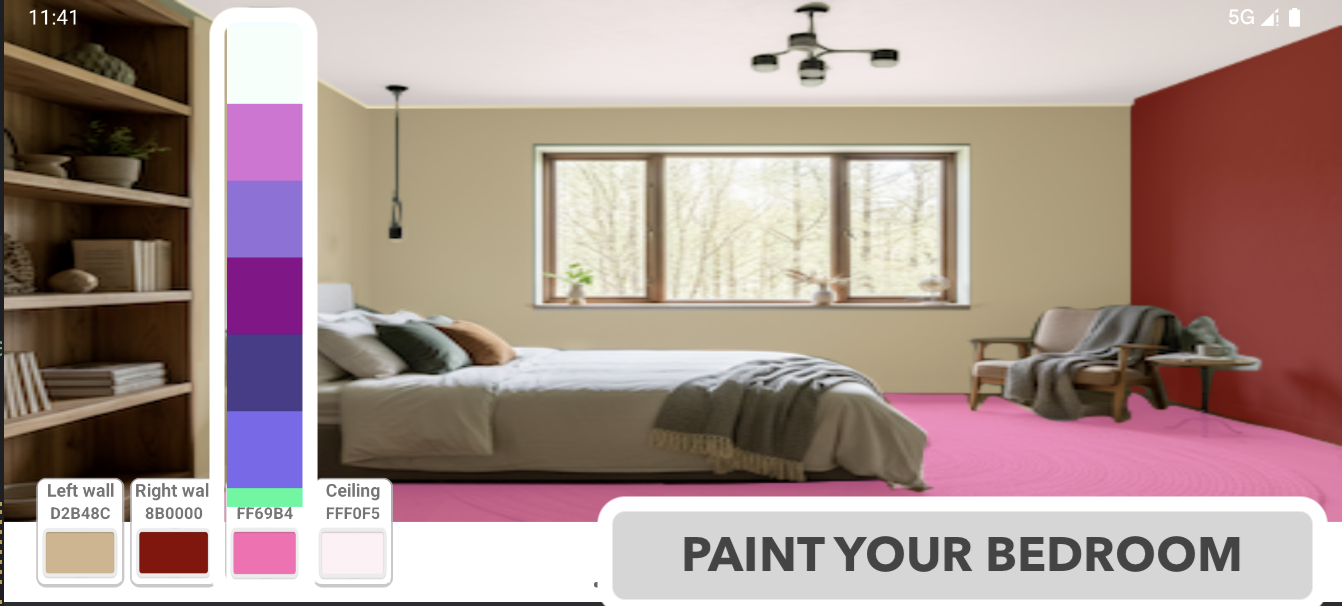
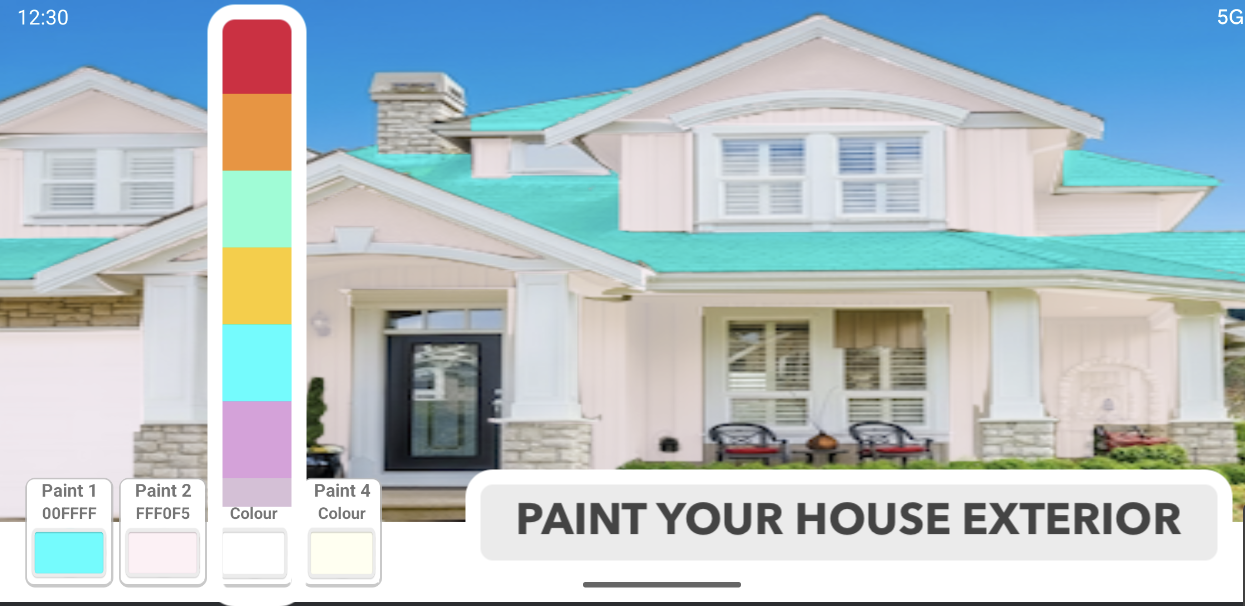
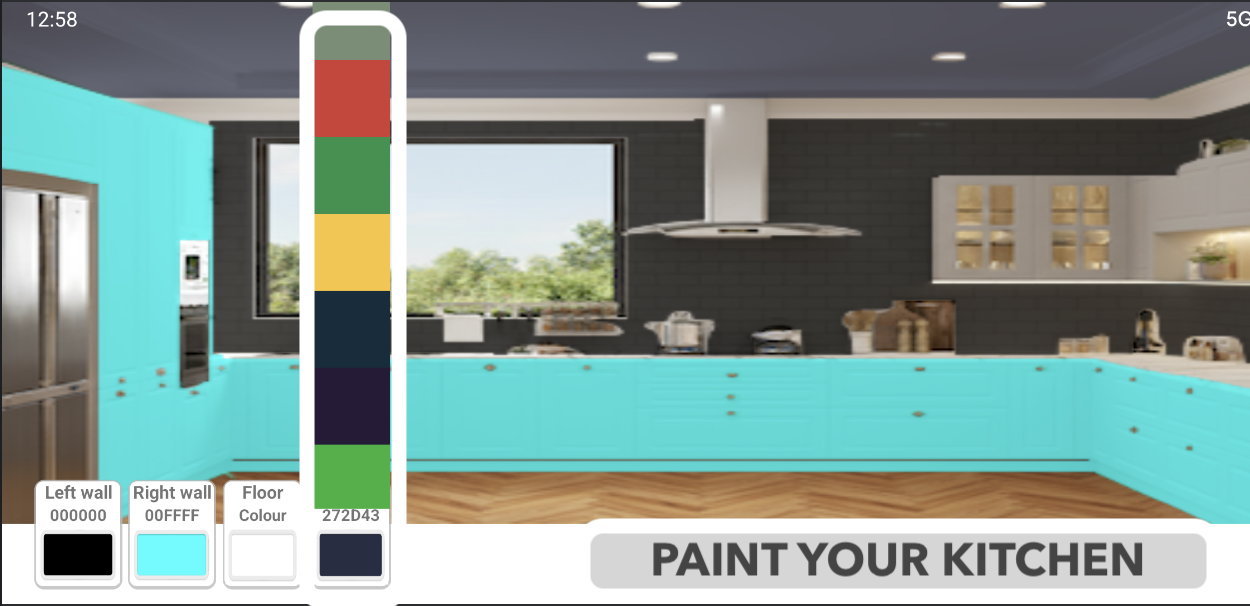
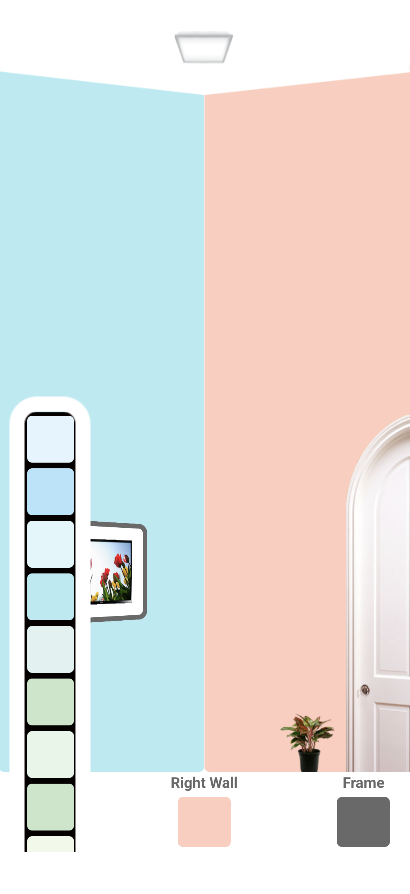
About this app
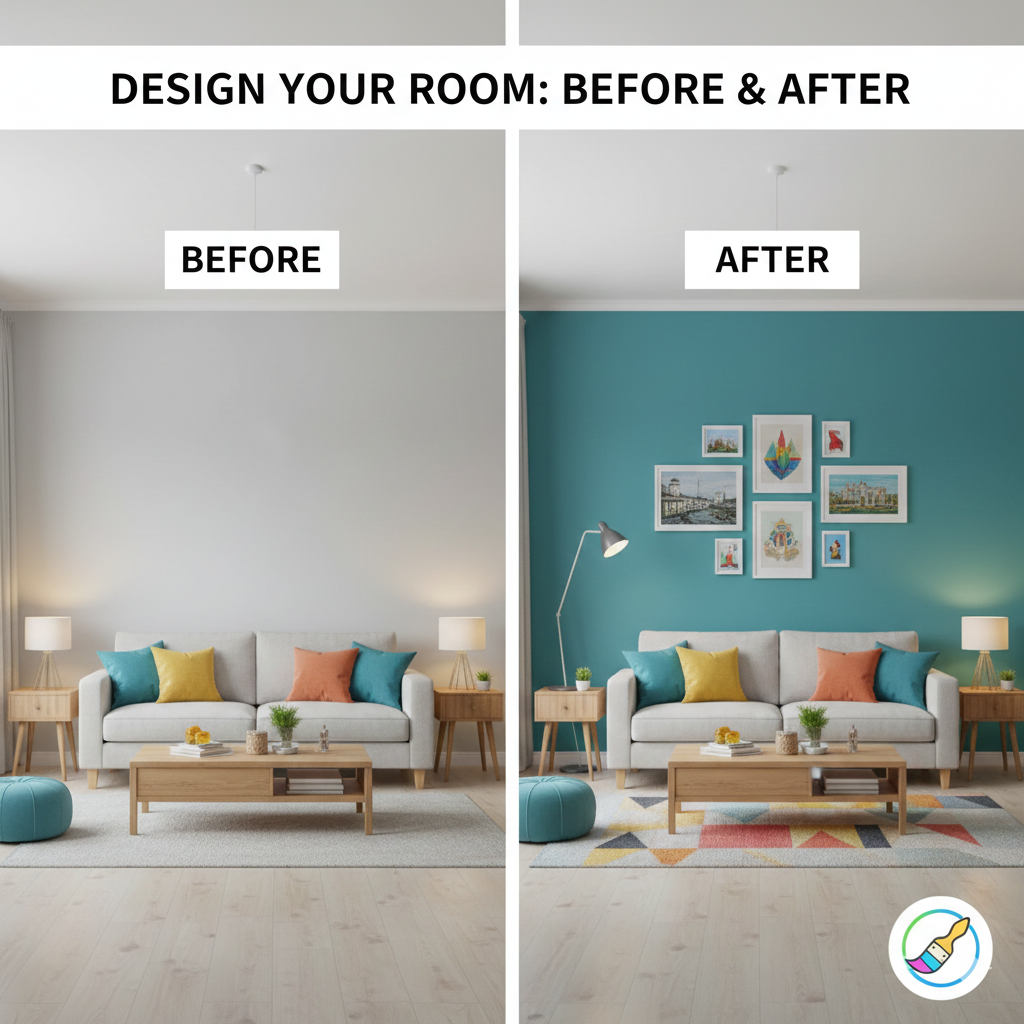
Before buying paint for a spare room or exterior wall, you can upload a photo and preview colors on the surface first. AI Home Paint: Wall Visualizer is aimed at homeowners, painters, and DIY planners who want to compare shades, room looks, and design ideas without guessing.
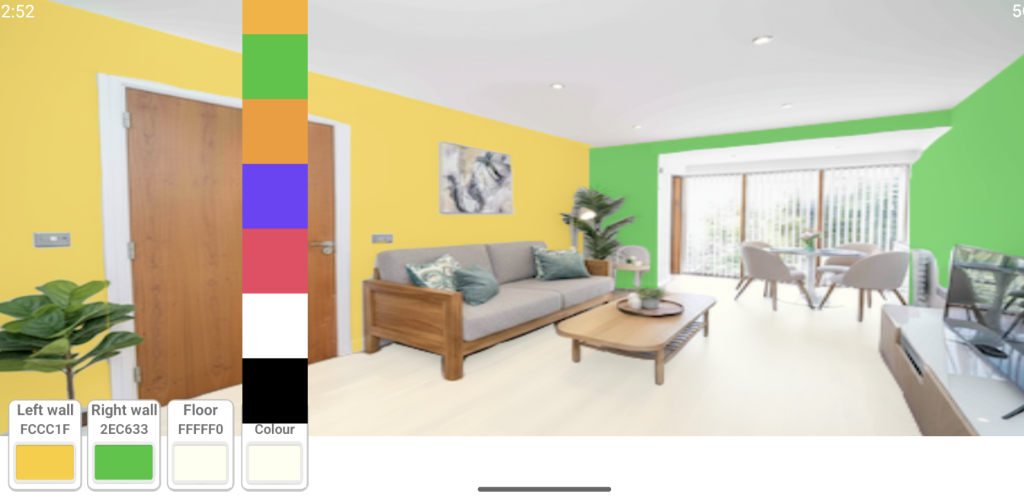
- Photo Paint Preview — Upload a room photo and try colors on walls before you buy paint.
- 3D Room Models — Browse kitchen, bedroom, living room, and exterior scenes for design ideas.
- Color Matching — Snap an object to find matching shades and hex codes.
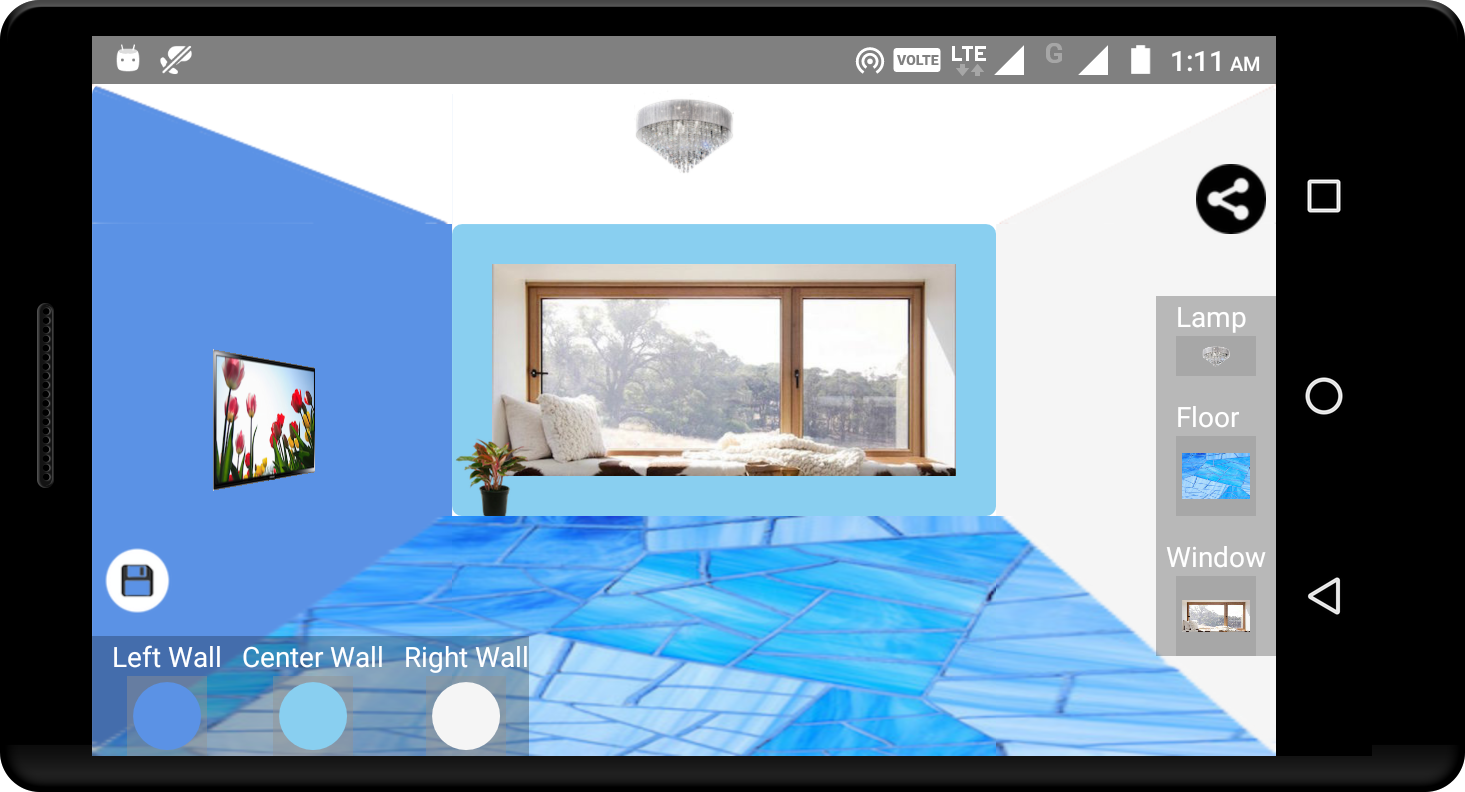
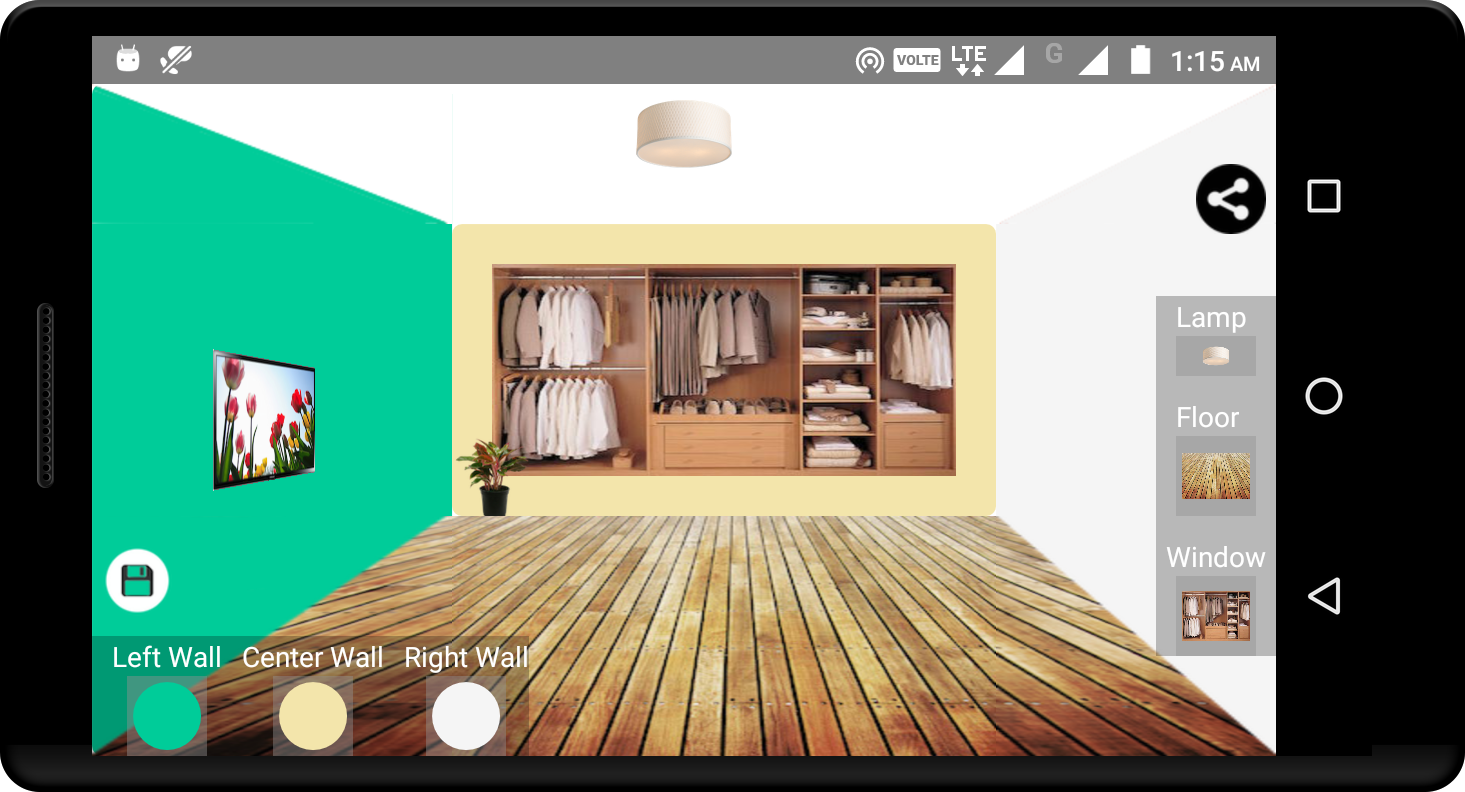
- Layout Planning — Arrange furniture and test flooring and lighting in a 3D planner.
- Budget Estimate — Enter wall dimensions to estimate how much paint you may need.
Preview colors on your own walls
AI Home Paint: Wall Visualizer is built for the moment when a color chip looks promising, but you want to see it on your actual room first. You can upload a photo of a bedroom, kitchen, hall, or exterior and test paint shades before making a purchase. The app also includes 3D room scenes for people who want to explore layouts and finishes beyond a single wall color.
Tools for room and exterior planning
The app combines photo editing with design tools. It offers a 3D planner for furniture placement, flooring options such as tiles, granite, and hardwood, plus lighting choices like LED, warm white, and fluorescent. You can also change window and door-trim textures, and use the paint and budget calculator to estimate how much material a project may take.
- Gets: photo-based paint previews, 3D room models, color matching, and export options.
- Watch for: ads, no in-app purchases, and no listed permissions.
- Install: APK format, 56.3 MB, requires Android 6.0 or later.
What it asks for
The app lists no permissions, so there is nothing specific shown for storage, camera, or other device access in the package details. It is free to download and includes ads, but there are no in-app purchases listed. The description also says designs can be saved in HD and shared through WhatsApp, email, or social media, which suggests the app is set up for sharing finished mockups after you create them.
How it compares with simpler paint tools
Compared with basic drawing or sketch apps, this one is focused on home surfaces, room planning, and paint selection rather than freeform art. It includes both photo-based visualizing and 3D design scenes, so it covers quick color checks and broader remodel planning in one app. The low rating and large number of one-star ratings may matter if you are looking for a polished experience.
What's new
Version 5.7 · Nov 10, 2026
- ✨ BIG UPDATE: Visualize Your Dream Home! 🏠
- PAINT YOUR OWN HOUSE: Upload a photo of your home and try out any paint color for FREE! See the transformation before you buy a single bucket of paint.
- NEW 3D MODELS: Explore a massive library of new designs for your Kitchen, Bedroom, Living Room, and Exterior.
- TOTAL DESIGN FREEDOM: All new room models and painting tools are now completely free to use!
- Update now and start designing your dream space today! 🚀
APK information
- Version
- 5.7
- Package
- designingworks.wallcolorselection
- Category
- Art & Design
- Size
- 56 MB
- Min Android
- 6.0
- Architecture
- universal
Older versions
-
AI Home Paint: Wall Visualizer 5.7Nov 10, 2026Latest downloadAPK
AI Home Paint: Wall Visualizer FAQ
Can AI Home Paint: Wall Visualizer edit RAW photos?expand_more
The app description does not mention RAW photo editing. It does say you can upload a photo of your room and preview paint colors on it.
Does AI Home Paint: Wall Visualizer add a watermark?expand_more
There is no mention of watermarks in the app details. The description does say you can save designs in HD and share them.
Does AI Home Paint: Wall Visualizer work on tablets?expand_more
The app supports Android 6.0 and later, but tablet support is not specifically stated. It is listed as a universal APK.
Does AI Home Paint: Wall Visualizer work offline?expand_more
Offline use is not mentioned. The app description focuses on uploading photos, using AI tools, and sharing designs.
Can I estimate paint quantity with this app?expand_more
Yes. The description includes a paint and budget calculator that estimates how many liters or gallons you may need based on wall dimensions.