
- 4.0star2 reviews
- 4K+Downloads
- 8 MBAPK size
- Low MaturityRated for Low Maturity
- API 10+Android
check_circleOriginal APK from Billy Kurtis · Updated Nov 10, 2026
No threats found
0 / — antivirus engines flagged this file
Original signature
First seen — Billy Kurtis
Unmodified APK
Same file the developer published — no mods
Anime Coloring Book screenshots
7 images · tap to enlarge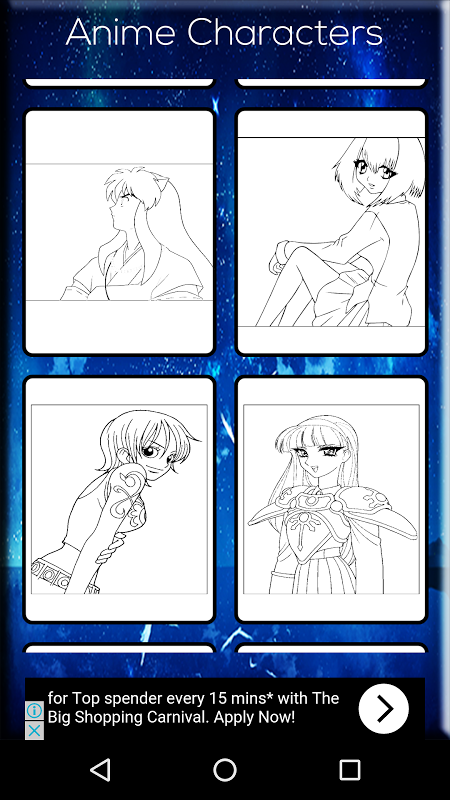
About this app
If you want to color anime pages on your phone, Anime Coloring Book gives you a simple place to start. It includes more than 30 anime coloring pages, a color picker with lighter and darker shades, and pinch-to-zoom controls for small details. You can also save your work and share it by email or Facebook.
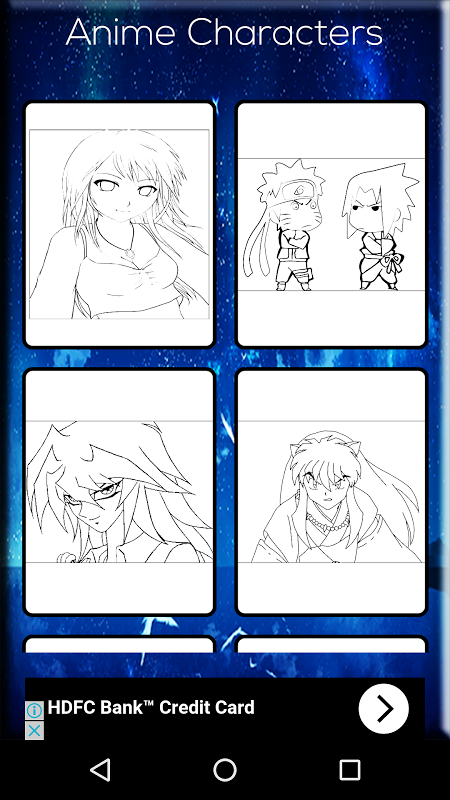
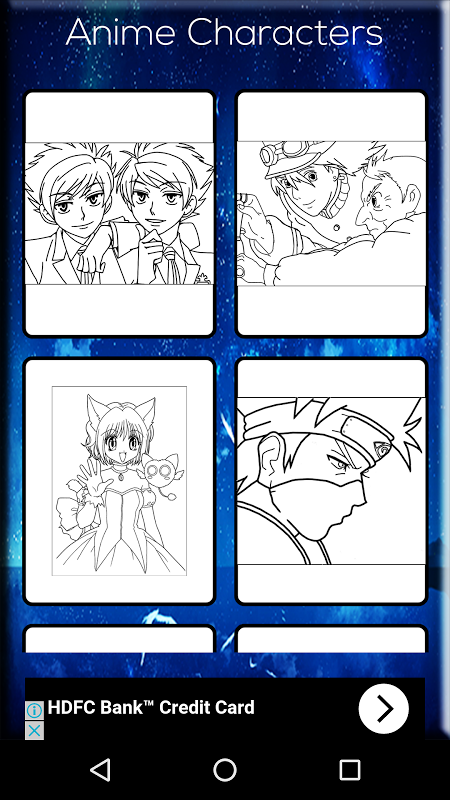
- Anime page library — Open more than 30 coloring pages with anime girls, anime boys, anime animals, and other character art.
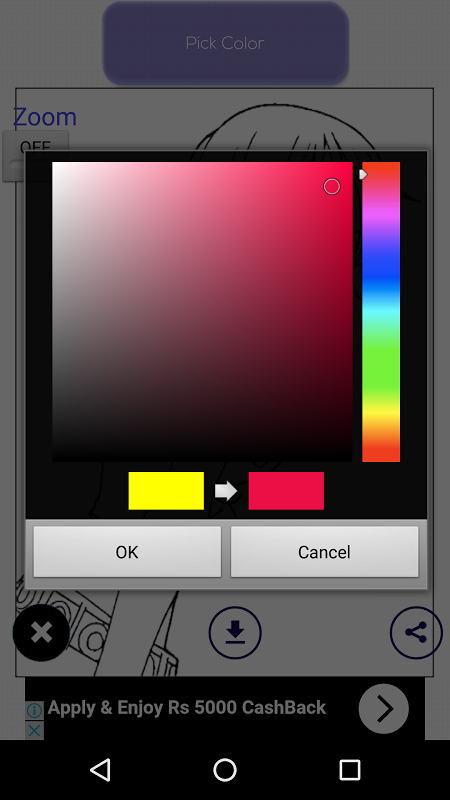
- Shade control — Use the color picker to choose a color and switch between darker or lighter shades.
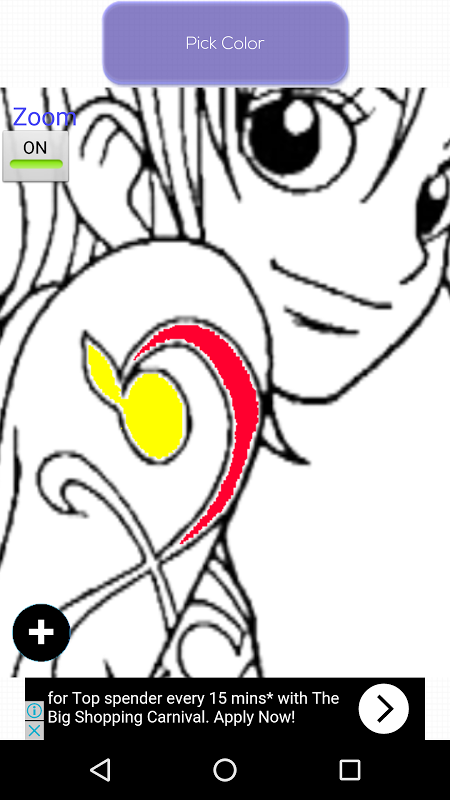
- Pinch to zoom — Zoom in and out while coloring so you can work on small areas with more control.
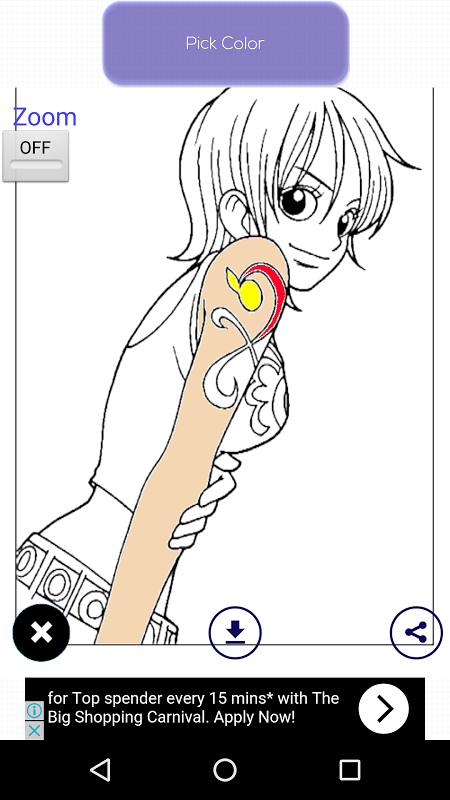
- Save your painting — Create a drawing and save it on your device when you want to keep it.
- Share your work — Send a finished drawing by email or Facebook after you color it.
- Simple setup — The app uses easy navigation and is free to download.
Color anime pages with a tap
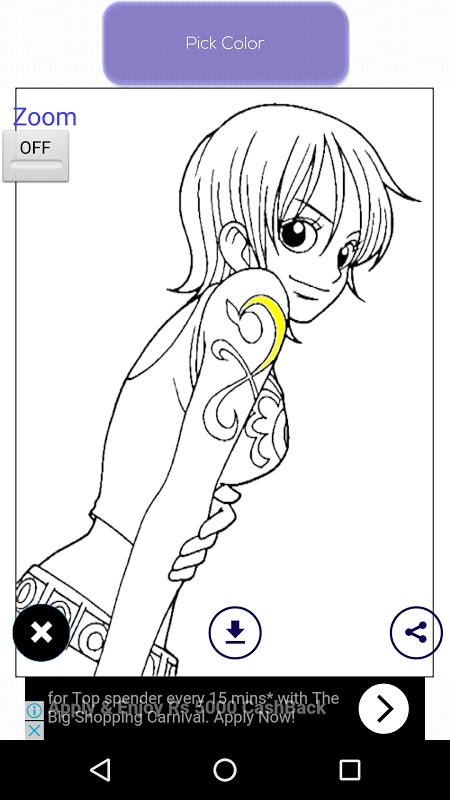
Anime Coloring Book opens with a set of manga-style pages made for coloring. You can tap to fill areas and move through the pages with easy navigation. The app includes anime girls, anime boys, anime animals, and other character images, so you can pick a page and start coloring right away.
Pick shades for each part
The color picker lets you choose a color and then use darker or lighter shades of that same color. That helps when you want a shirt, hair, or background to look less flat. For example, you can color a character's hair with one base tone and use a darker shade around the edges.
Zoom in on small details
Pinch to zoom in and out while you work. This makes it easier to color small spaces without crossing the lines. If a page has fine parts around the eyes, hands, or clothes, you can zoom in, fill the area, then zoom back out to check the full picture.
Save and share finished drawings
When a page is done, you can save your painting on the device. You can also share it by email, Facebook, and similar sharing options. That makes it easy to keep a drawing for later or send it to someone after you finish.
The app is free and does not include in-app purchases. It has no ads listed. The APK file is 7.6 MB, works on Android API 10 and above, and comes in universal APK format.
- Version: 1.0
- Release date: 2019-08-13
- Content rating: Low Maturity
APK information
- Version
- 1.0
- Package
- com.prism.coloringbook.anime
- Category
- Art & Design
- Size
- 8 MB
- Min Android
- API 10
- Architecture
- universal
Older versions
-
Anime Coloring Book 1.0Nov 10, 2026Latest downloadAPK
Anime Coloring Book FAQ
Does Anime Coloring Book work offline?expand_more
That is not stated. The app description does not say whether it works without an internet connection.
Does Anime Coloring Book add a watermark?expand_more
No watermark is mentioned in the app details or description.
Is Anime Coloring Book available for older phones?expand_more
Yes. It supports Android API 10 and above, so it can run on older devices that meet that minimum.
Does Anime Coloring Book show ads?expand_more
No. The app is listed as not containing ads.
How many anime coloring pages are included?expand_more
The app includes more than 30 anime coloring pages.