- 4.7star700,847 reviews
- 100M+Downloads
- 42 MBAPK size
- EveryoneRated for Everyone
- 10+Android
check_circleOriginal APK from Trusted Tools · Updated Nov 12, 2026
No threats found
0 / — antivirus engines flagged this file
Original signature
First seen — Trusted Tools
Unmodified APK
Same file the developer published — no mods
App Lock - Applock Fingerprint screenshots
7 images · tap to enlarge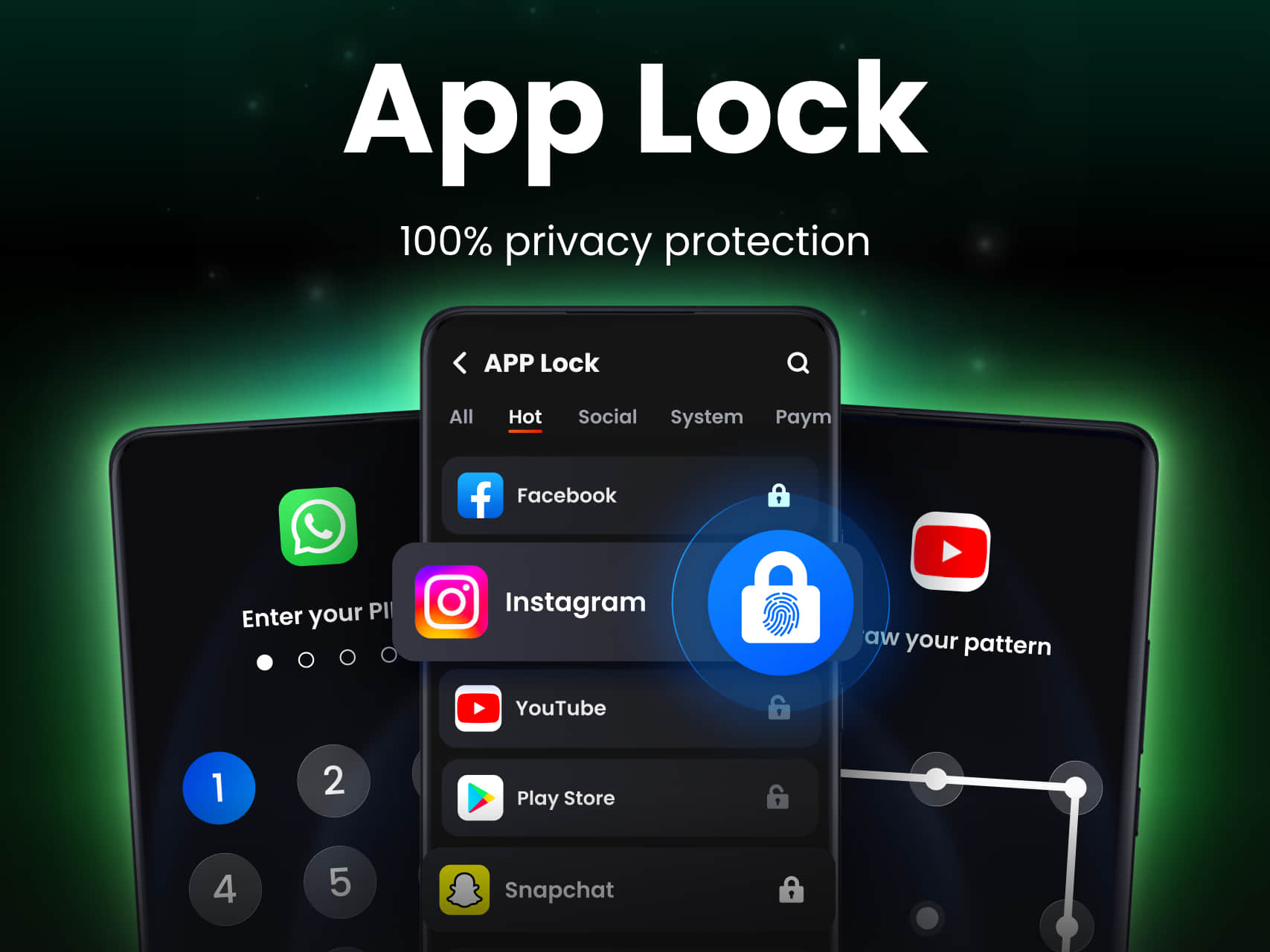

About this app
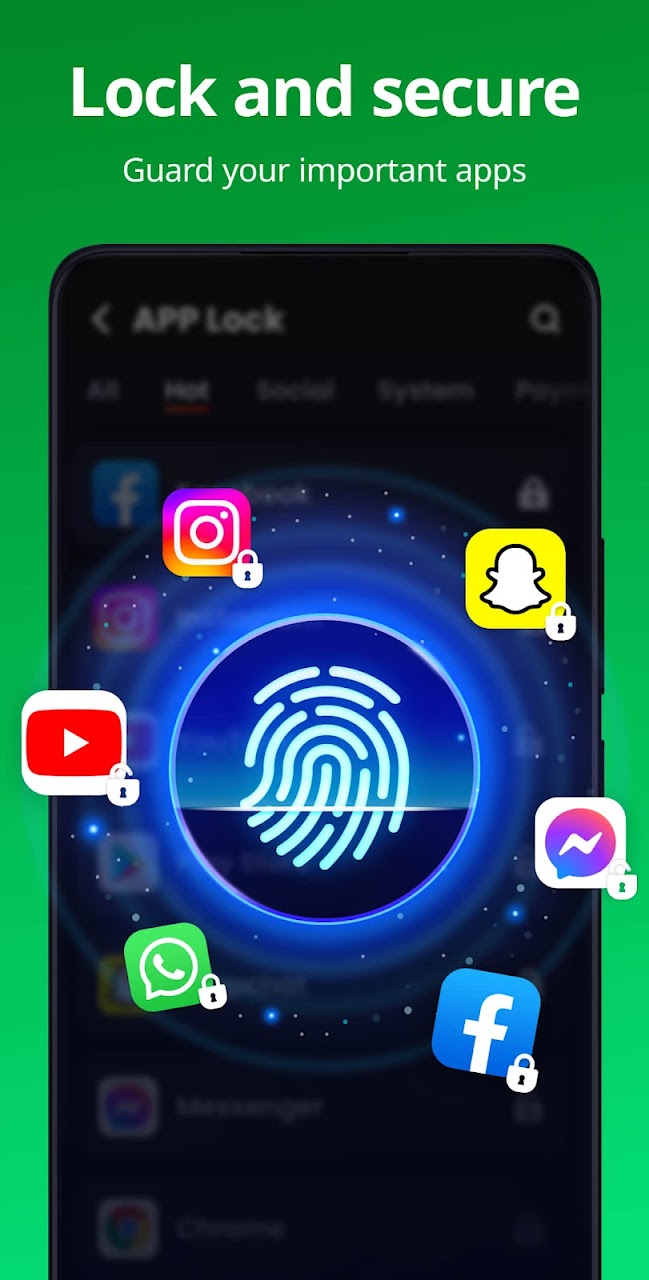
App Lock - Applock Fingerprint focuses on locking apps and hiding private files in one place. It lets you protect chats, photos, messages, and payments with PIN, pattern, or fingerprint. The app also adds a vault, disguise icon, and intruder selfie, while keeping setup simple and free to try.
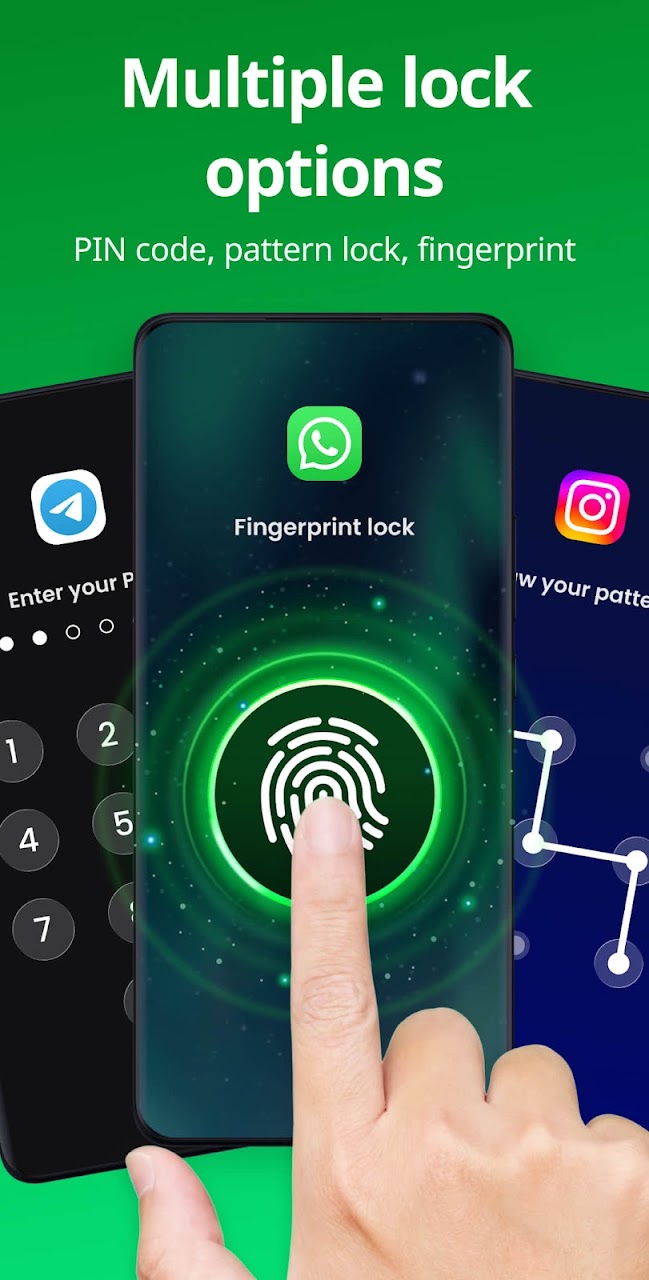
- App locking options — Protect apps with PIN, pattern, or fingerprint.
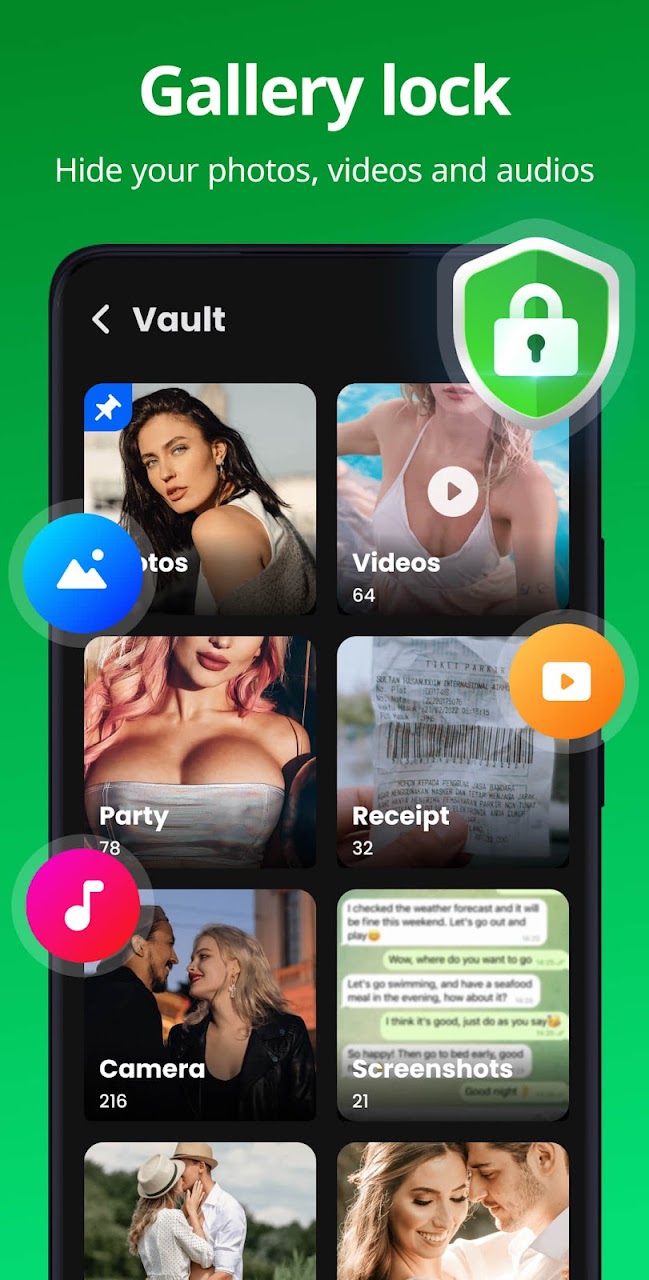
- Private file vault — Hide photos and videos so they do not show in the gallery.
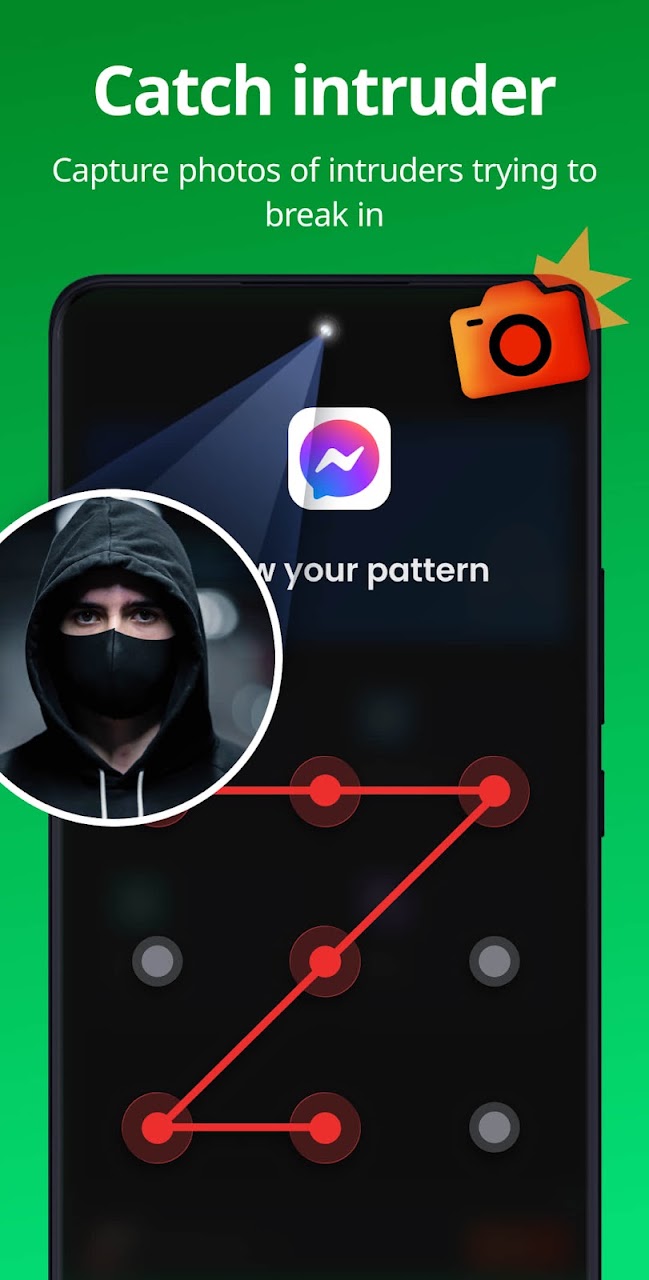
- Intruder selfie — Take a photo when someone enters the wrong password.
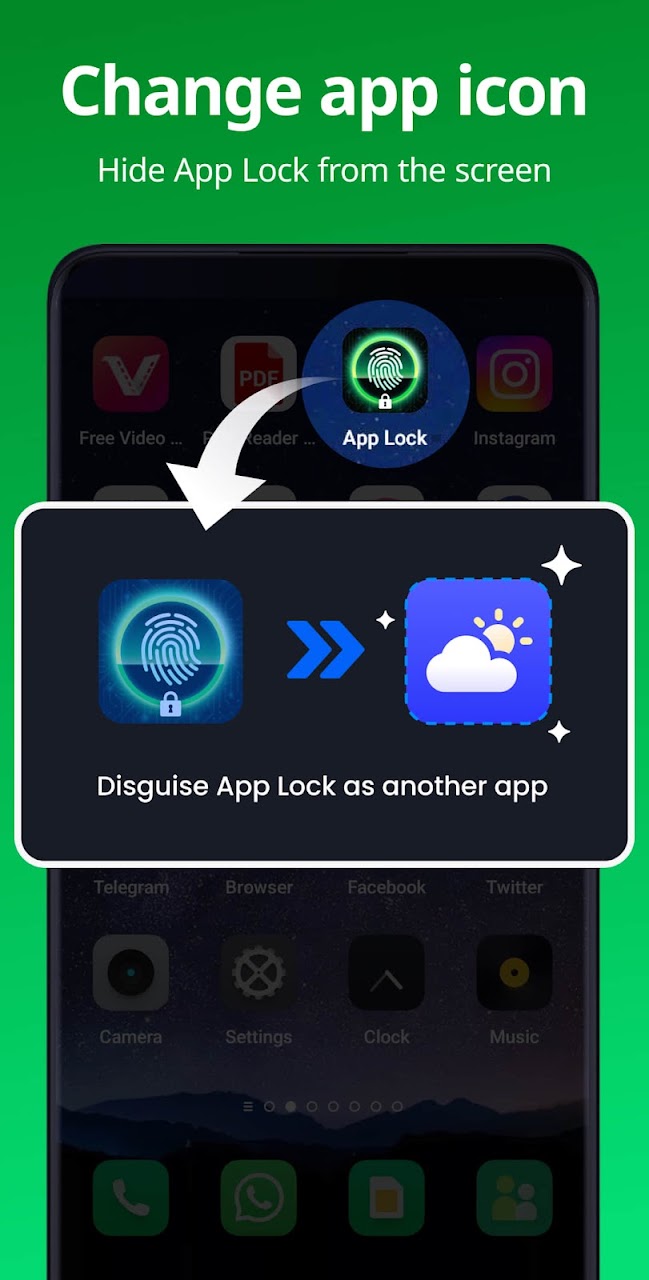
- Disguise icon — Change the app icon so it is harder to notice.
- Relock controls — Set relock after exit, screen off, or a custom time.
- Theme choices — Pick from multiple lock screen themes.
Locks the apps people check first
This app is built for the private parts of a phone: chats, social apps, photos, messages, and payment apps. It supports PIN, pattern, and fingerprint lock methods, so you can choose the one that fits your device. It also has a high user rating, with 4.7 stars from 700,847 ratings.
Vault, disguise, and intruder selfie
The private vault hides photos and videos so they do not appear in the gallery. If someone guesses wrong, the app can capture an intruder selfie. You can also disguise the app with a different icon, which may help keep it out of sight.
- Gets: app locking, hidden photos and videos, intruder selfie, disguise icon, theme choices
- Watch for: ads, in-app purchases, and the need for All Files Access and always-on Location for Trusted Wi-Fi
What it asks for
The app is free to download, but it contains ads and offers in-app purchases. It asks for All Files Access to hide private photos, videos, and other files. It also uses Location all the time for Trusted Wi-Fi, which can keep selected apps unlocked on trusted networks. It works on Android 10 and up, comes as an APK, and the file size is 41.8 MB.
Rating and limits
The rating is strong, and the review breakdown shows many five-star ratings. Still, the app is focused on device-level privacy rather than sharing or syncing across devices. There is no sign of cloud backup or collaboration tools, so it fits best as a local lock and vault app.
For people who want a simple way to lock apps and hide private files on one Android device, this is a practical option. It is less about teamwork or syncing and more about keeping phone content out of view.
APK information
- Version
- 1.7.5
- Package
- applock.lockapps.fingerprint.password.lockit
- Category
- Productivity
- Size
- 42 MB
- Min Android
- 10
- Architecture
- universal
Older versions
-
App Lock - Applock Fingerprint 1.7.5Nov 12, 2026Latest downloadAPK
App Lock - Applock Fingerprint FAQ
Does App Lock - Applock Fingerprint sync across devices?expand_more
No sync feature is listed. The app description focuses on locking apps and hiding files on the device itself.
Can App Lock - Applock Fingerprint be used offline?expand_more
An offline mode is not mentioned. The listed features center on local app locking, vault storage, and device access controls.
Who develops App Lock - Applock Fingerprint?expand_more
Trusted Tools develops the app.
Does App Lock - Applock Fingerprint work on tablets?expand_more
The app supports Android 10 and up, but tablet support is not specifically stated.
How can I recover a forgotten password?expand_more
You can set a recovery email to reset the password if you forget it.