- 3.2star11,703 reviews
- 1M+Downloads
- 26 MBAPK size
- EveryoneRated for Everyone
- API 16+Android
check_circleOriginal APK from Samsung R&D Institute Bangladesh · Updated Nov 10, 2026
No threats found
0 / — antivirus engines flagged this file
Original signature
First seen — Samsung R&D Institute Bangladesh
Unmodified APK
Same file the developer published — no mods
Artecture Draw, Sketch, Paint screenshots
8 images · tap to enlarge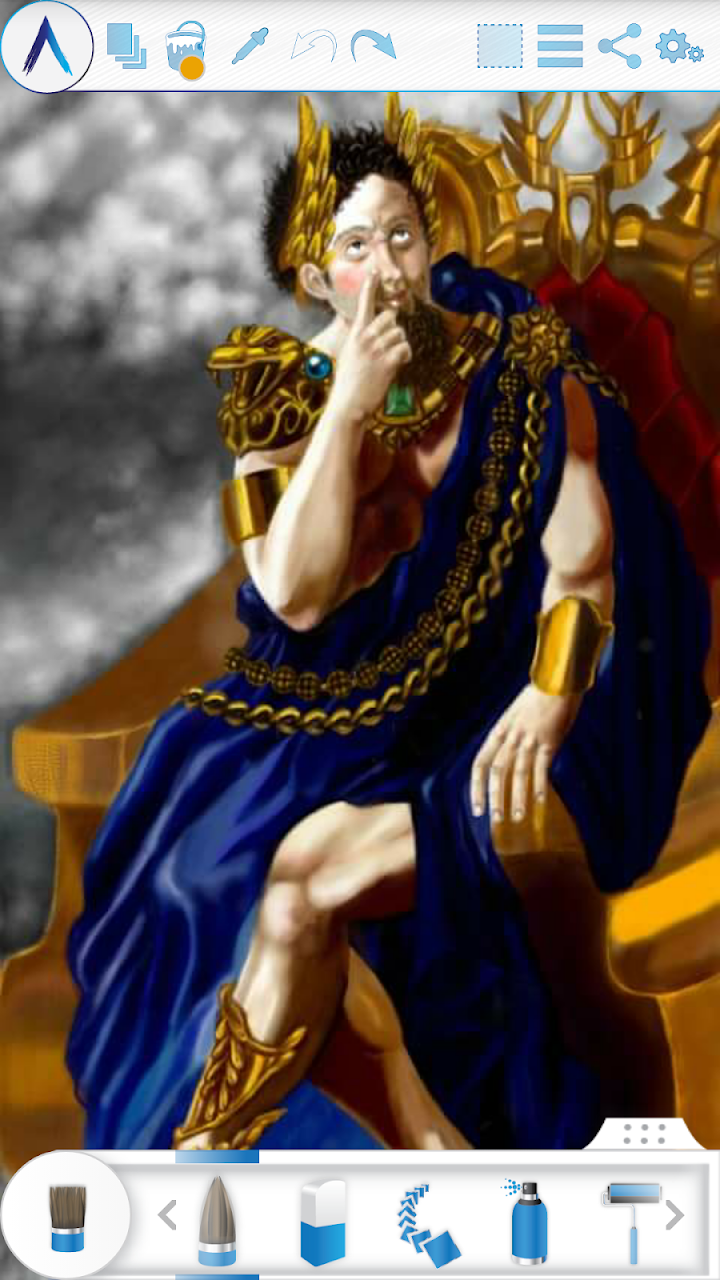
About this app
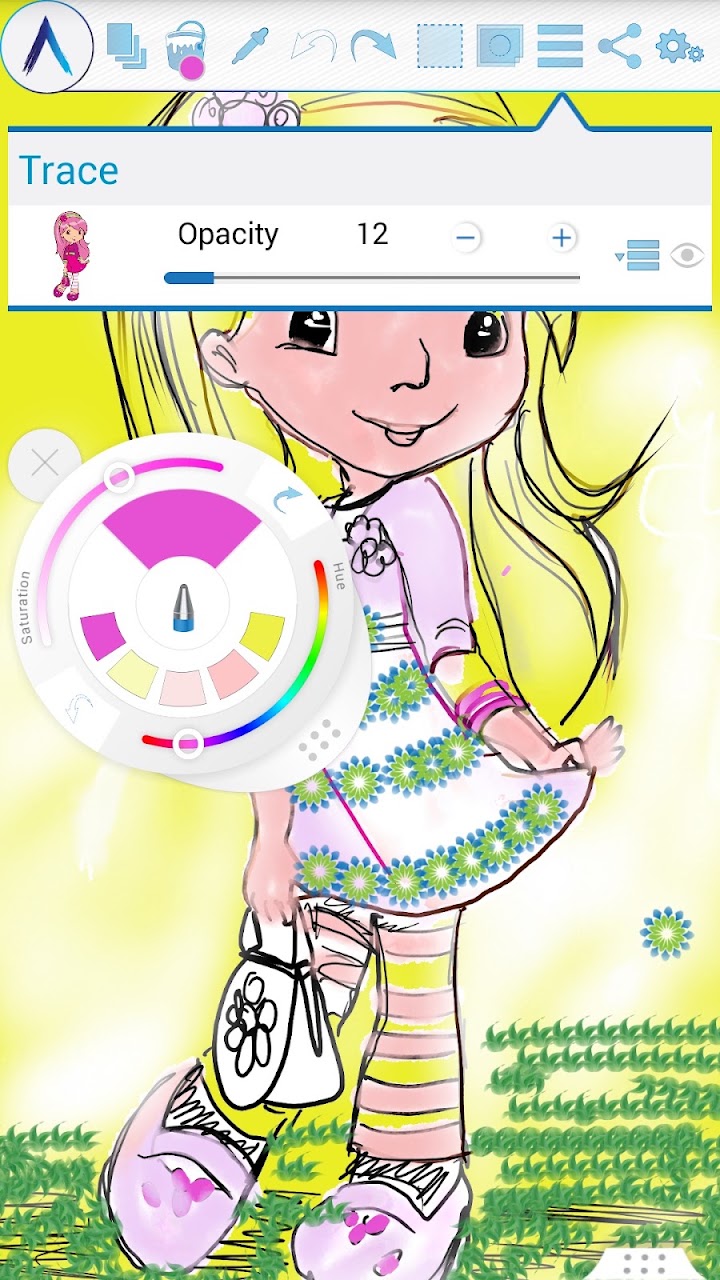
When you want to turn a quick note, floor plan, or sketch into a drawing on your phone, Artecture Draw, Sketch, Paint gives you a full canvas with brushes, layers, and export options. It supports realistic tools, symmetry, tracing, and palm rejection, so you can move from rough marks to finished artwork in one app.
- 30+ drawing tools — Use pencils, markers, oil brushes, water color, airbrushes, palette knife, eraser, and more.
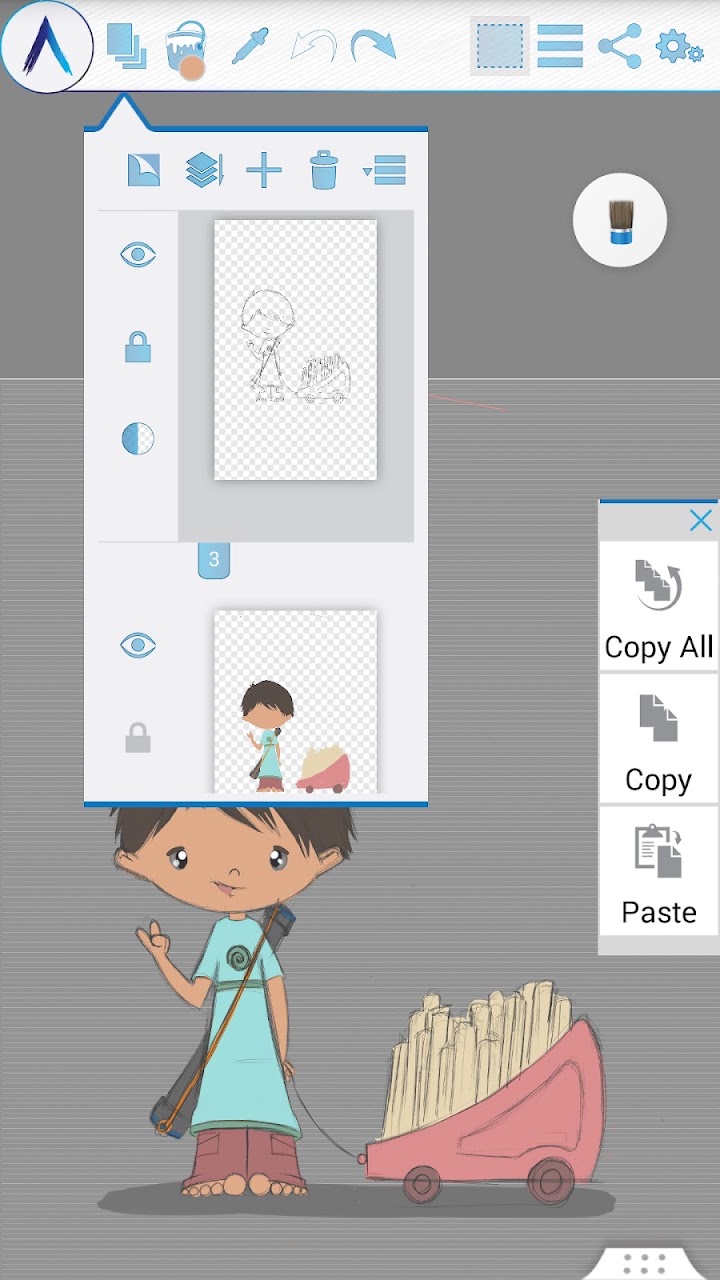
- Layer controls — Create, remove, lock, hide, reorder, merge, and adjust opacity on multiple layers.
- Export formats — Save artwork as JPEG, PNG, or BMP after working on the canvas.
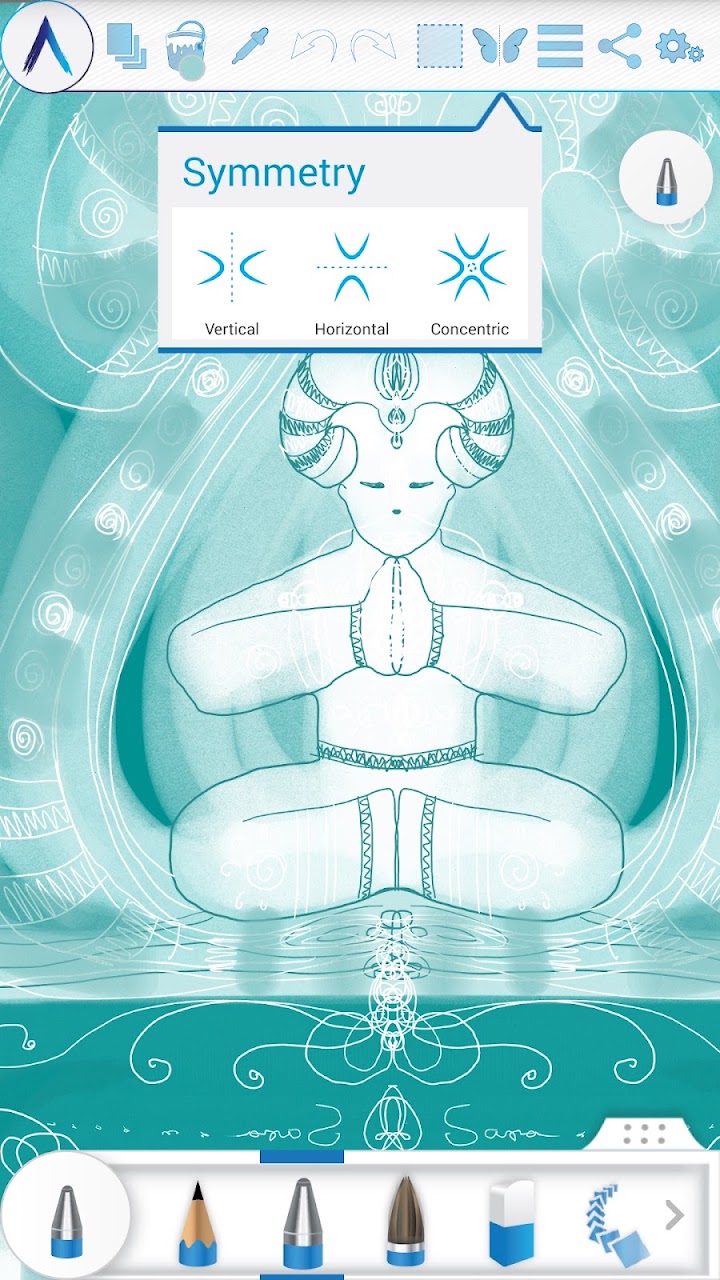
- Symmetry and tracing — Draw with vertical, horizontal, or concentric symmetry, plus tracing and template coloring.
- Pen-only mode — Palm rejection helps keep touch input from interfering while you draw.
- Auto-save storage — Artwork saves to the Artecture folder by default, with an option to change storage location.
Drawing on a real canvas
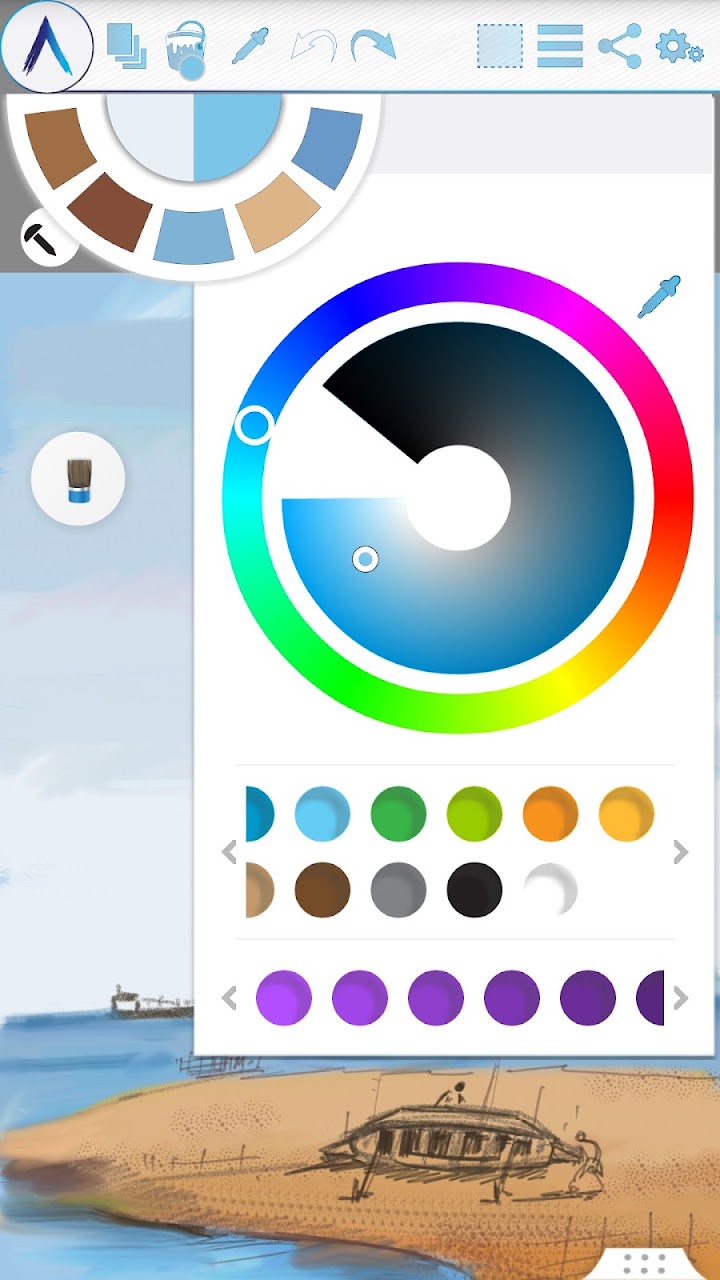
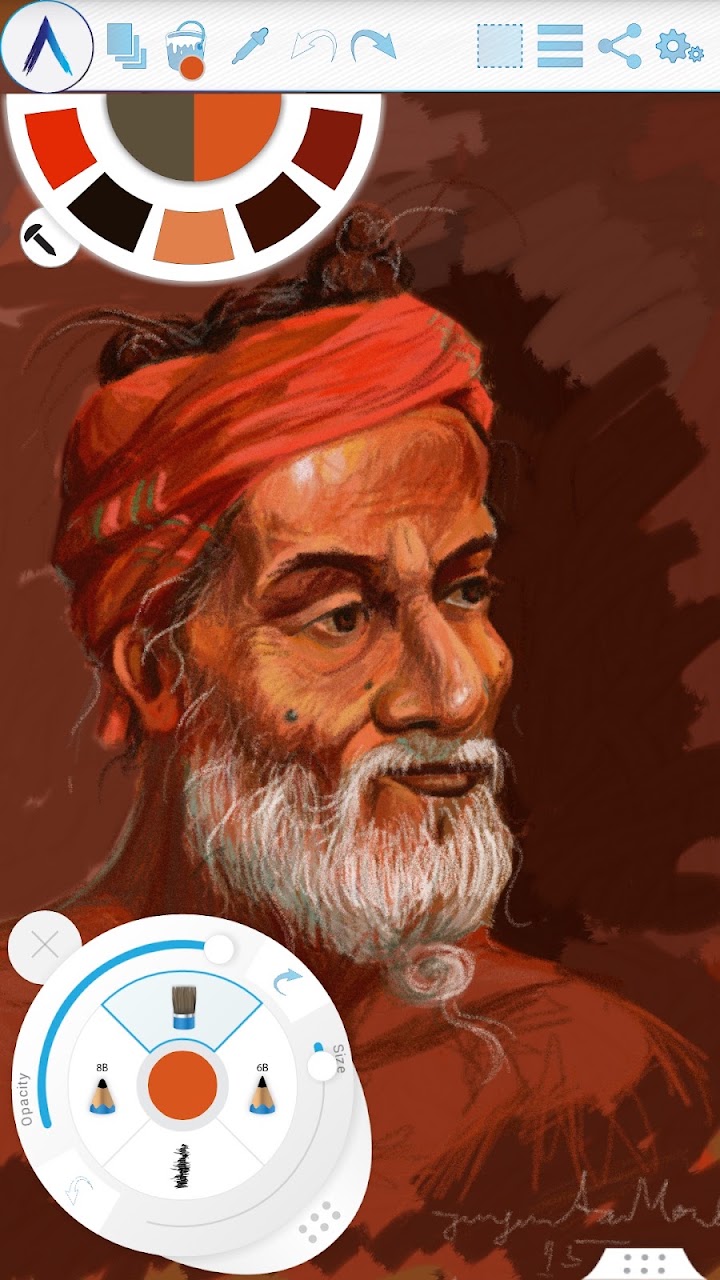
Artecture Draw, Sketch, Paint centers on a drawing canvas with tools for sketches, cartoons, illustrations, watercolor, oil painting, and note-style markups. The app includes pencil, marker, brush variants, palette knife, flood fill, glitter, gradients, shapes, text insertion, and color controls, so the same workspace can handle rough ideas and more finished pieces.
The app is free, uses no ads, and does not list in-app purchases. It is available as a 25.9 MB APK and requires Android API 16 or later.
Layers, symmetry, and selection
For more controlled edits, the app offers multi-layer work with visibility, locking, opacity, merging, and reordering. You can also use rectangular or freehand selection, copy and paste, rotate or mirror selected areas, and add text that can be resized, rotated, and mirrored.
- Vertical, horizontal, and concentric symmetry
- Canvas rotation and multi-touch shortcuts
- Presets and favorite color palettes
Saving and exporting artwork
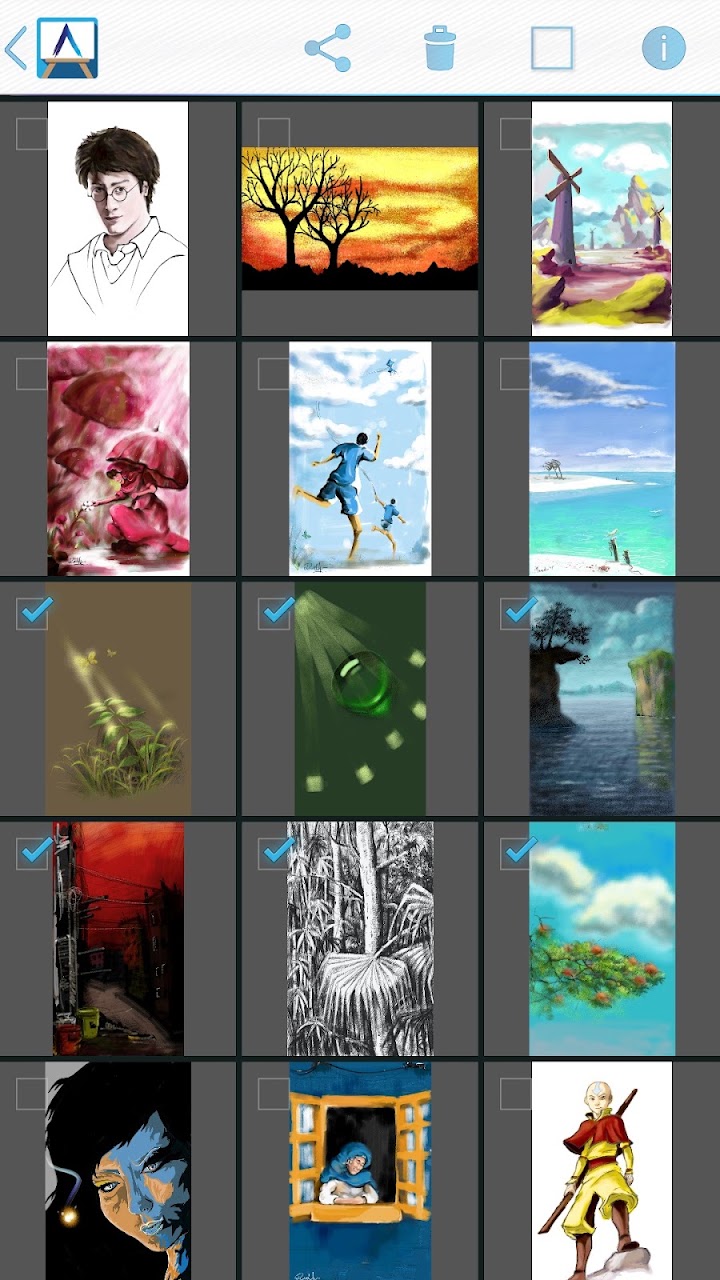
The app saves drawings by default in an Artecture folder on device storage using .bme files, which only Artecture Gallery can open. If you want a more standard format, you can export artworks to .jpeg, .png, or .bmp, and you can change the storage location if needed. Auto save is built in, and the app can reopen your last drawing with tool preferences intact.
Permissions and sharing
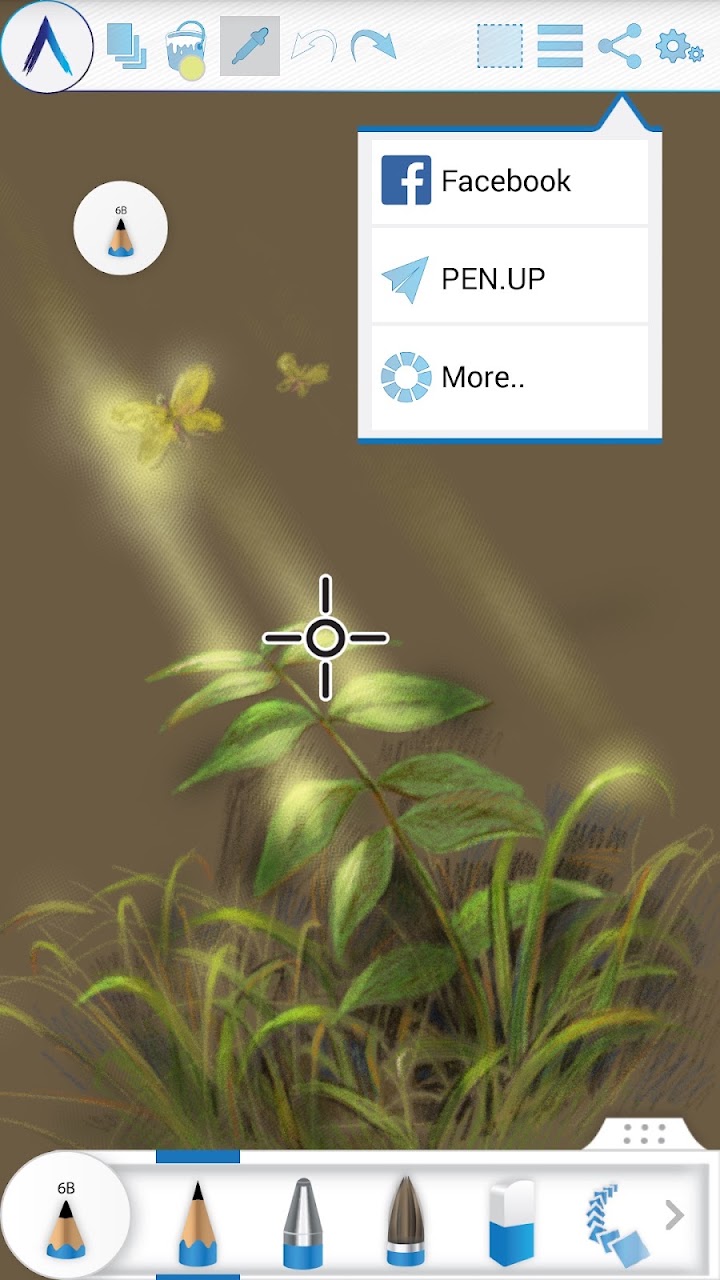
The only required permission listed is Storage, used to save drawing files. That fits the app’s local file workflow: saving, reopening, importing, and exporting artwork from device storage. Sharing options include Facebook, PenUp, Bluetooth, Wi‑Fi Direct, MMS, email, and other installed apps, so the drawing can leave the canvas without a separate export app.
There are no optional permissions listed, and the app does not show ads.
What's new
Version 5.2.0.4 · Nov 10, 2026
- Version Number: 5.2.0.4
- Fixed the issue of “Permission required” for non Samsung devices
- Fixed crashes/can’t save issues
- Version Number: 5.2.0.2
- Added dynamic permission handling
- Some Bug fixes
APK information
- Version
- 5.2.0.4
- Package
- com.samsung.android.sdrawing
- Category
- Art & Design
- Size
- 26 MB
- Min Android
- API 16
- Architecture
- universal
Older versions
-
Artecture Draw, Sketch, Paint 5.2.0.4Nov 10, 2026Latest downloadAPK
Artecture Draw, Sketch, Paint FAQ
Can Artecture Draw, Sketch, Paint edit RAW photos?expand_more
No RAW photo editing is listed. The app focuses on drawing, sketching, painting, tracing, and importing or exporting image files.
Does Artecture Draw, Sketch, Paint work offline?expand_more
The description does not mention an internet requirement. Since the app saves locally and has no ads, its core drawing tools are set up for device-based use.
Which processors does this APK support?expand_more
The APK is listed as universal, so it is not tied to a specific processor type.
Does Artecture Draw, Sketch, Paint show ads?expand_more
No. The app description states that it is ads free, and the store listing also says it contains no ads.
How does Artecture save drawings?expand_more
By default, it saves to an Artecture folder on device storage as .bme files. You can also export to .bmp, .jpeg, or .png.