- 3.4star33,849 reviews
- 5M+Downloads
- 12 MBAPK size
- EveryoneRated for Everyone
- API 19+Android
check_circleOriginal APK from Artflow Studio · Updated Nov 10, 2026
No threats found
0 / — antivirus engines flagged this file
Original signature
First seen — Artflow Studio
Unmodified APK
Same file the developer published — no mods
ArtFlow: Paint Draw Sketchbook screenshots
8 images · tap to enlarge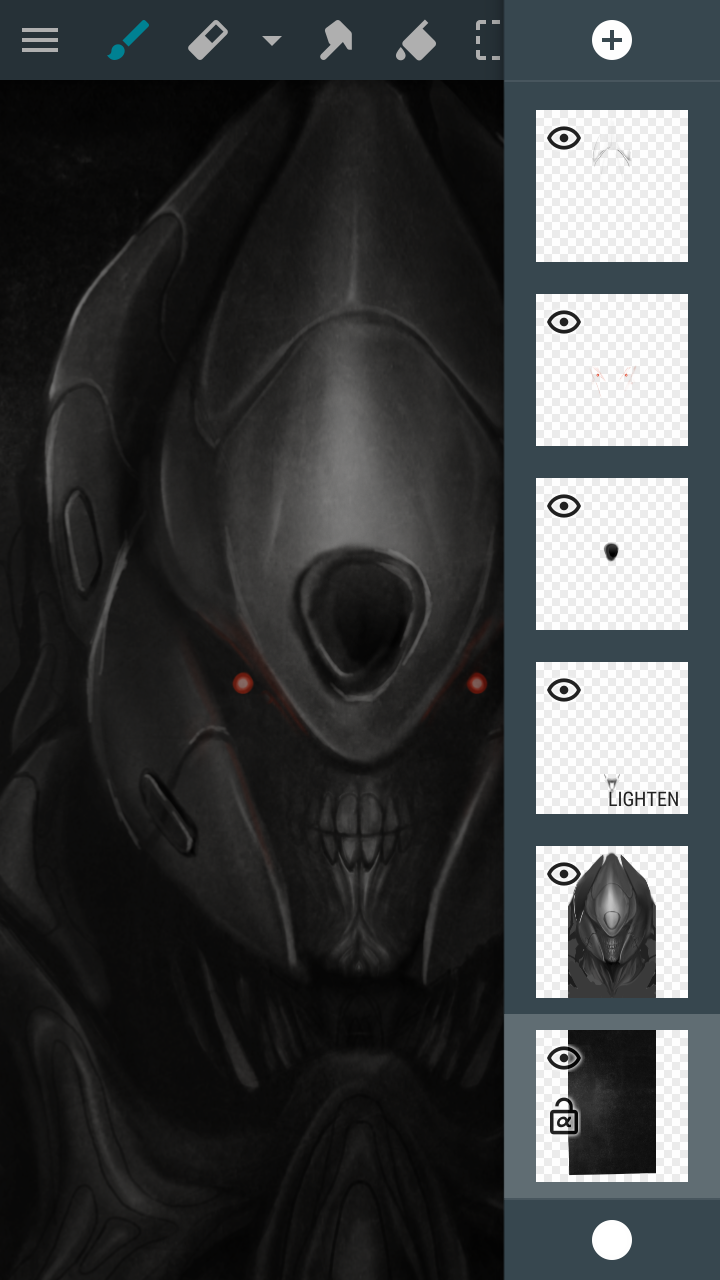
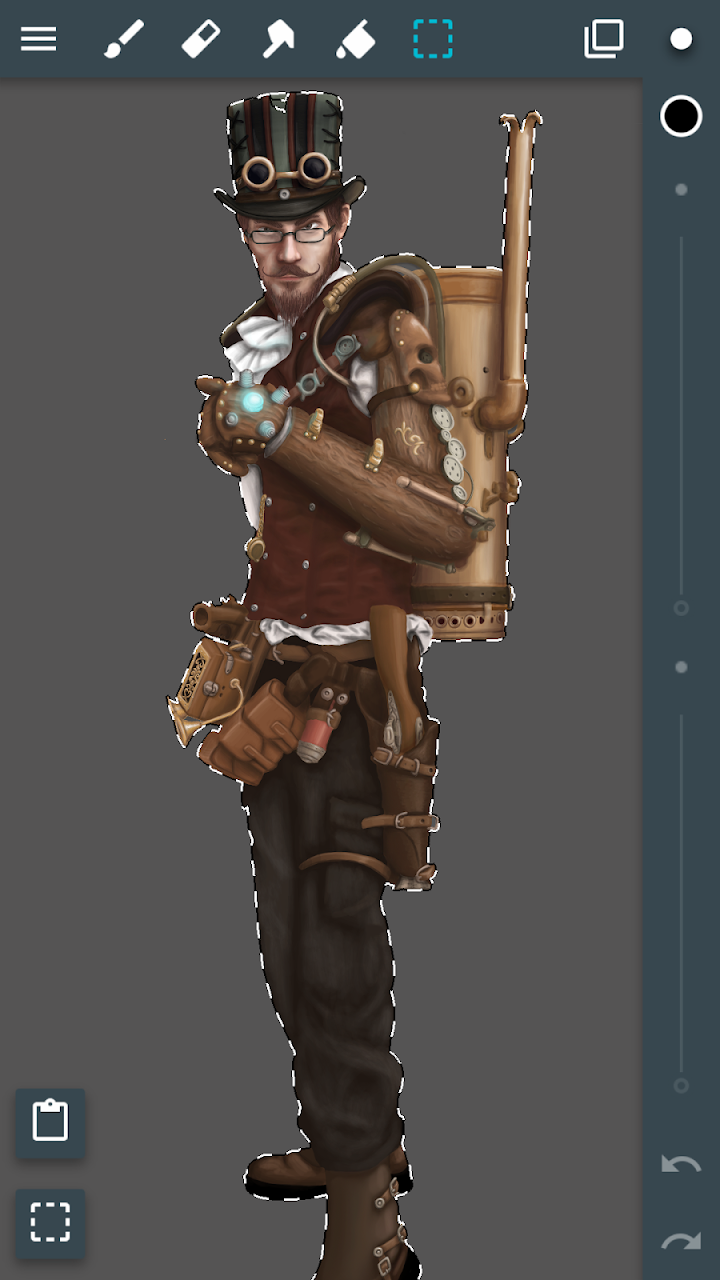
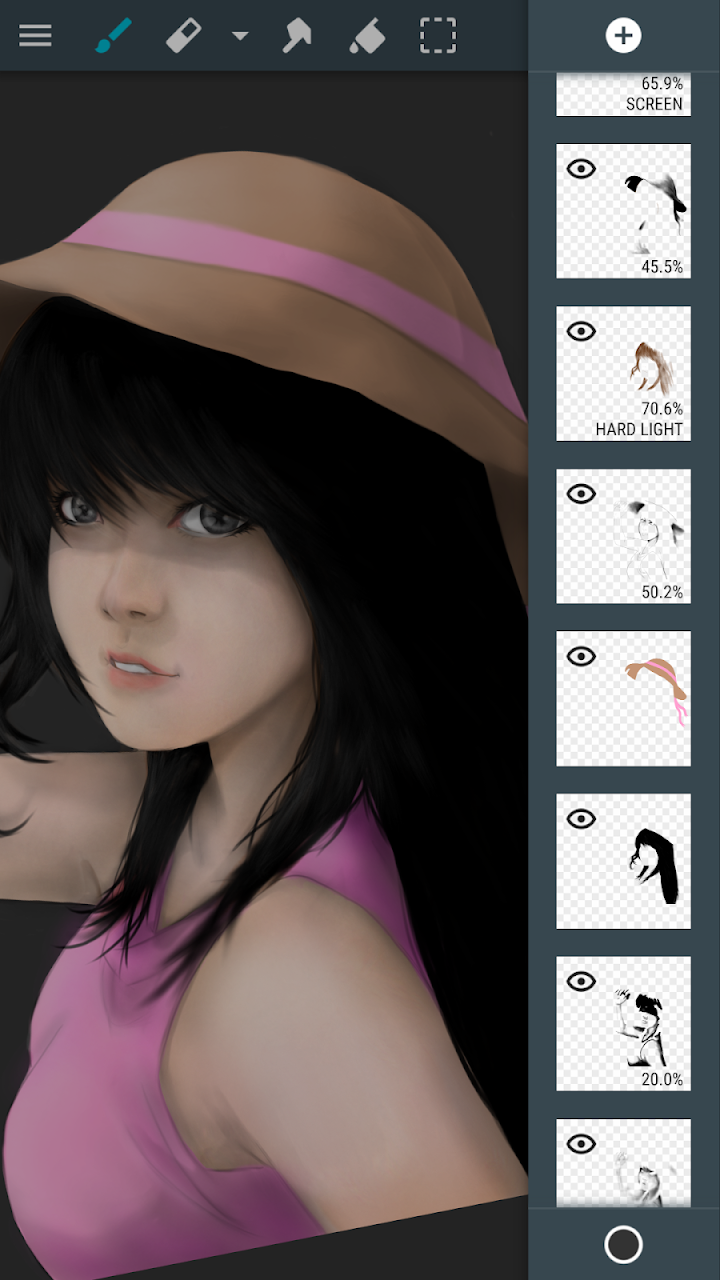
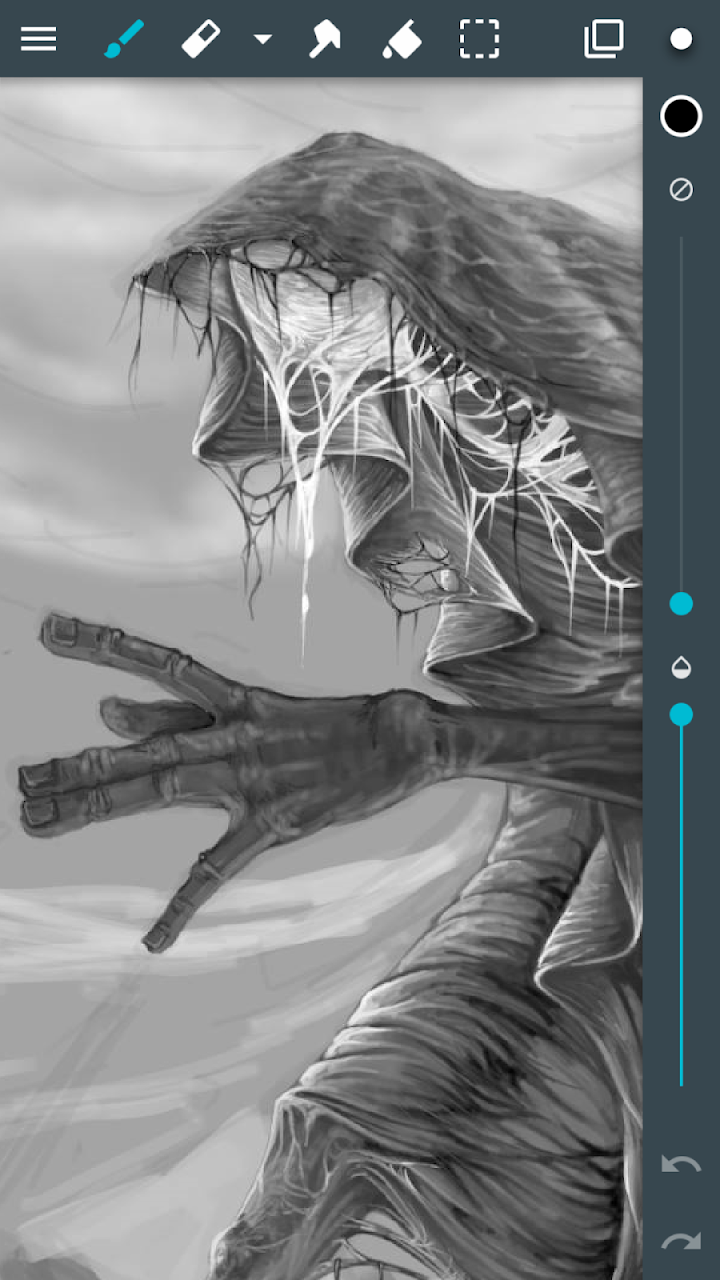
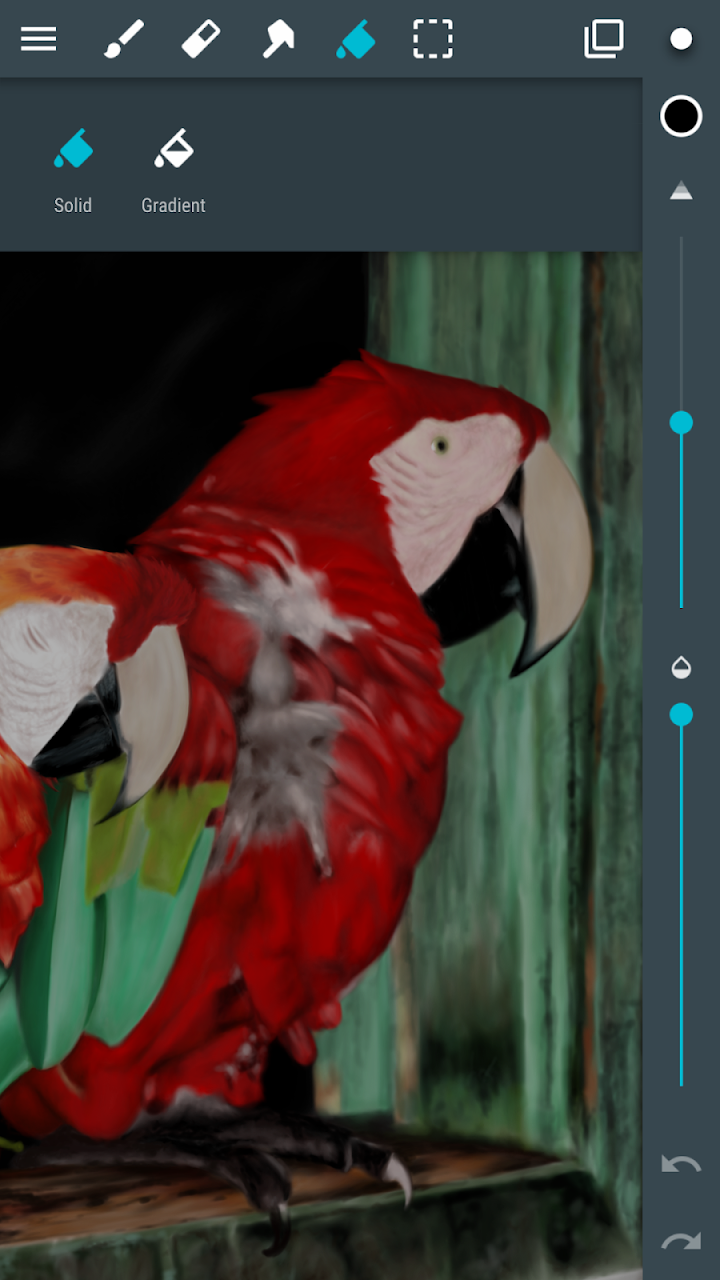
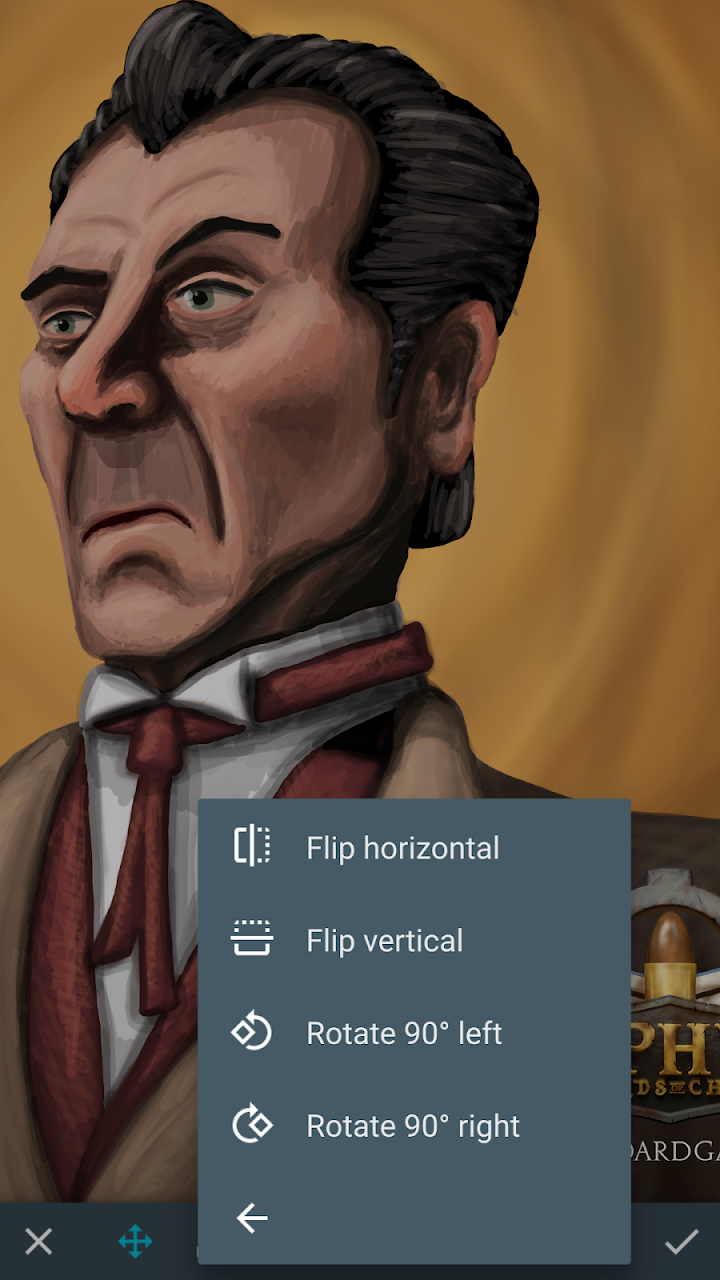
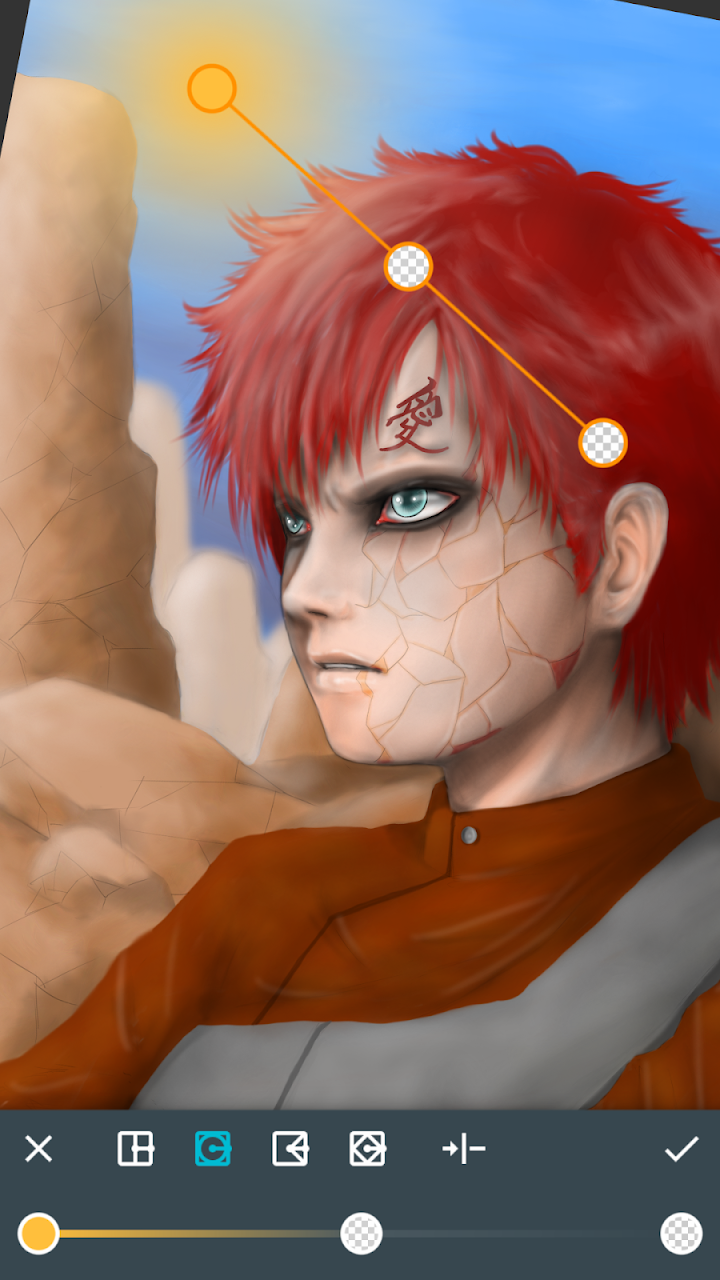
About this app
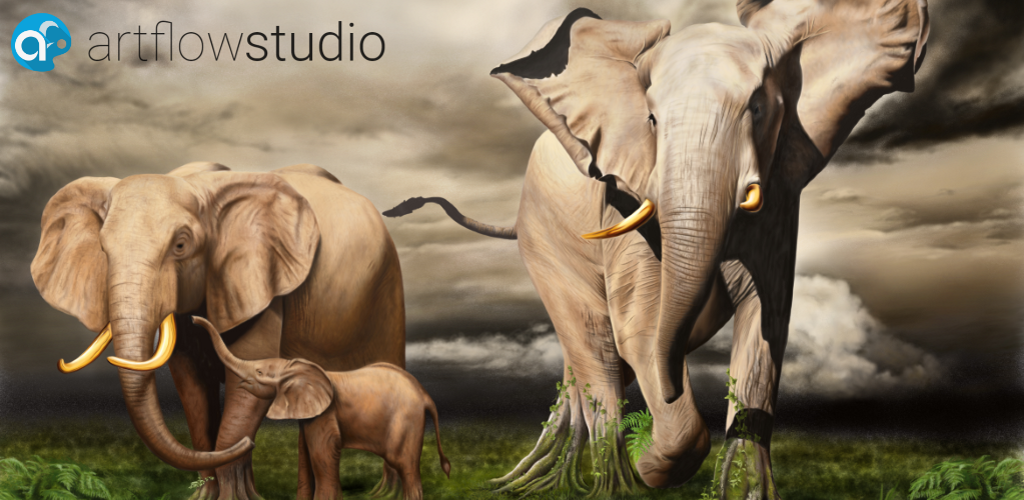
ArtFlow: Paint Draw Sketchbook turns an Android device into a sketchbook with brushes, layers, and stylus support for drawing, painting, and editing. It suits casual doodlers and more detailed artists alike, but some of the stronger tools sit behind a pro license. The app is free, shows ads, and asks for in-app purchases for advanced features.
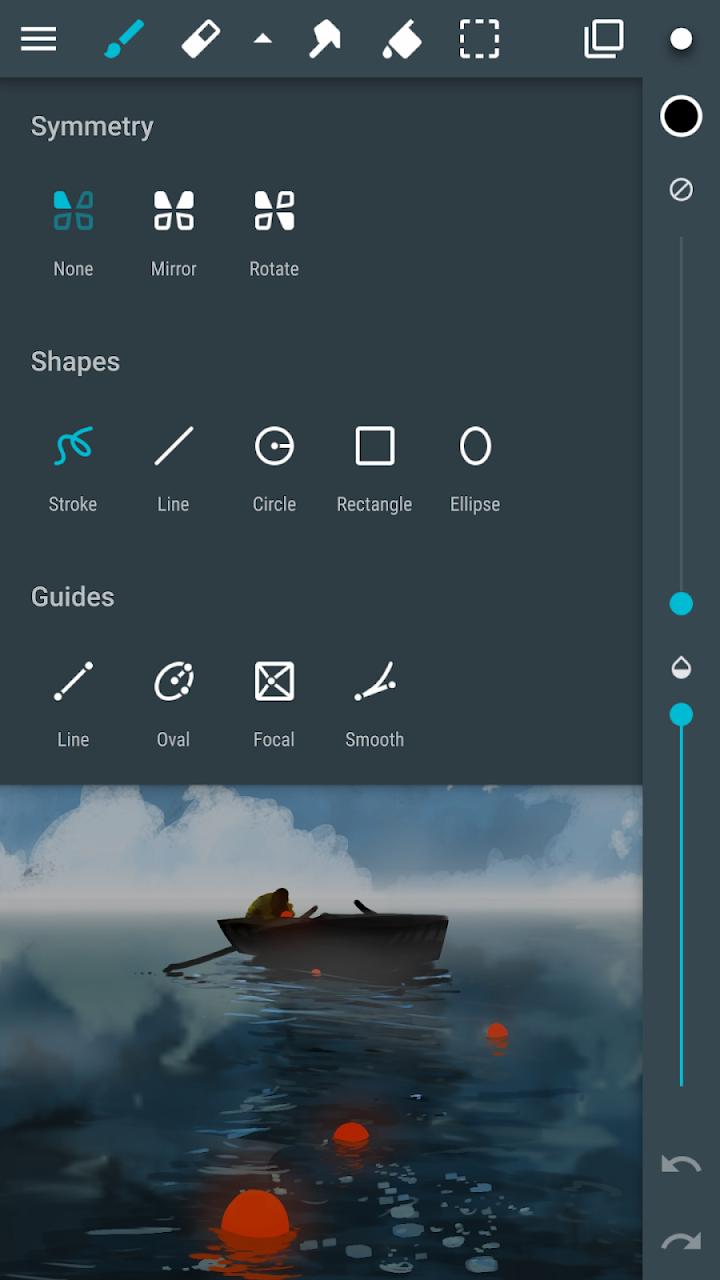
- Brush-heavy toolkit — Use more than 80 brushes and tools, including smudge, fill, and eraser options.
- Layered artwork — Work with up to 50 layers and layer clipping masks on supported devices and memory.
- Stylus support — Pressure-sensitive pens and NVIDIA DirectStylus are supported, with pressure simulation for touch on some devices.
- PSD export — Import and export PNG, JPG, and PSD files for moving work into other workflows.
- Layer filters — Adjust color and tone with 10 layer filters, including HSV, brightness, saturation, and curves.
- Free with limits — The unlicensed version is limited to 20 basic tools, 3 layers, 6 undo steps, and no PSD export.
For quick sketching on a phone or tablet
If you want a fast place to sketch ideas, ArtFlow keeps the interface focused on drawing rather than menus. It is aimed at artists of all ages and uses a material design style that stays simple while still offering brush, smudge, fill, and eraser tools. The app is free, but ads are included and advanced features require an in-app pro license purchase.
For artists who need layers and file control
More serious work is where ArtFlow separates itself from basic drawing apps. It supports canvases up to 6144 x 6144 and up to 50 layers on supported devices, along with selection masks, clipping masks, and 10 layer filters. You can also import and export PNG, JPG, and PSD, which helps if you move between apps or want to continue work elsewhere.
- Gets: 100+ brushes and tools, stylus pressure support, layer filters, PSD export.
- Watch for: Some functions require the pro license, and the free version is capped at 3 layers.
- Gets: Touch pressure simulation and palm rejection on compatible devices.
- Watch for: Some devices are incompatible with those pen features.
For stylus users and pen tablets
People drawing with a pressure-sensitive pen, such as Samsung’s S Pen, get the most from the app’s pen support. The GPU-accelerated paint engine is built for responsive drawing, and custom brushes can be created from imported images. That makes it more flexible than a simple sketchpad, though the app does not hide its limits: the unlicensed version allows only 20 basic tools, 3 layers, and 6 undo steps.
Install and device notes
ArtFlow: Paint Draw Sketchbook is an APK for Android 19 and up. The file is 12.1 MB, uses a universal build, and installs as an APK rather than a store-only package. It does not list any permissions, and no account requirement is stated. The app has been available since 2013 and was last updated on 2025-07-24.
APK information
- Version
- 2.8.105
- Package
- com.bytestorm.artflow
- Category
- Art & Design
- Size
- 12 MB
- Min Android
- API 19
- Architecture
- universal
Older versions
-
ArtFlow: Paint Draw Sketchbook 2.8.105Nov 10, 2026Latest downloadAPK
ArtFlow: Paint Draw Sketchbook FAQ
Can ArtFlow: Paint Draw Sketchbook edit RAW photos?expand_more
It lists support for PNG, JPG, and PSD import and export, but RAW photo editing is not mentioned.
Does ArtFlow: Paint Draw Sketchbook work offline?expand_more
Offline use is not stated. The app description focuses on local drawing tools, brushes, and file export.
Does ArtFlow: Paint Draw Sketchbook need an account?expand_more
No account requirement is listed. A single pro licence purchase activates all devices associated with your Google account.
Does ArtFlow: Paint Draw Sketchbook work on tablets?expand_more
Yes. It is built for Android devices and supports larger canvases, stylus input, and palm rejection on compatible hardware.
What are the free version limits?expand_more
The unlicensed version is limited to 20 basic tools, 3 layers, 6 undo steps, and no PSD export.