
- 3.4star5,600 reviews
- 1M+Downloads
- 76 MBAPK size
- EveryoneRated for Everyone
- API 27+Android
check_circleOriginal APK from Assemblr · Updated Nov 12, 2026
No threats found
0 / — antivirus engines flagged this file
Original signature
First seen — Assemblr
Unmodified APK
Same file the developer published — no mods
Assemblr Studio: Easy AR Maker screenshots
8 images · tap to enlarge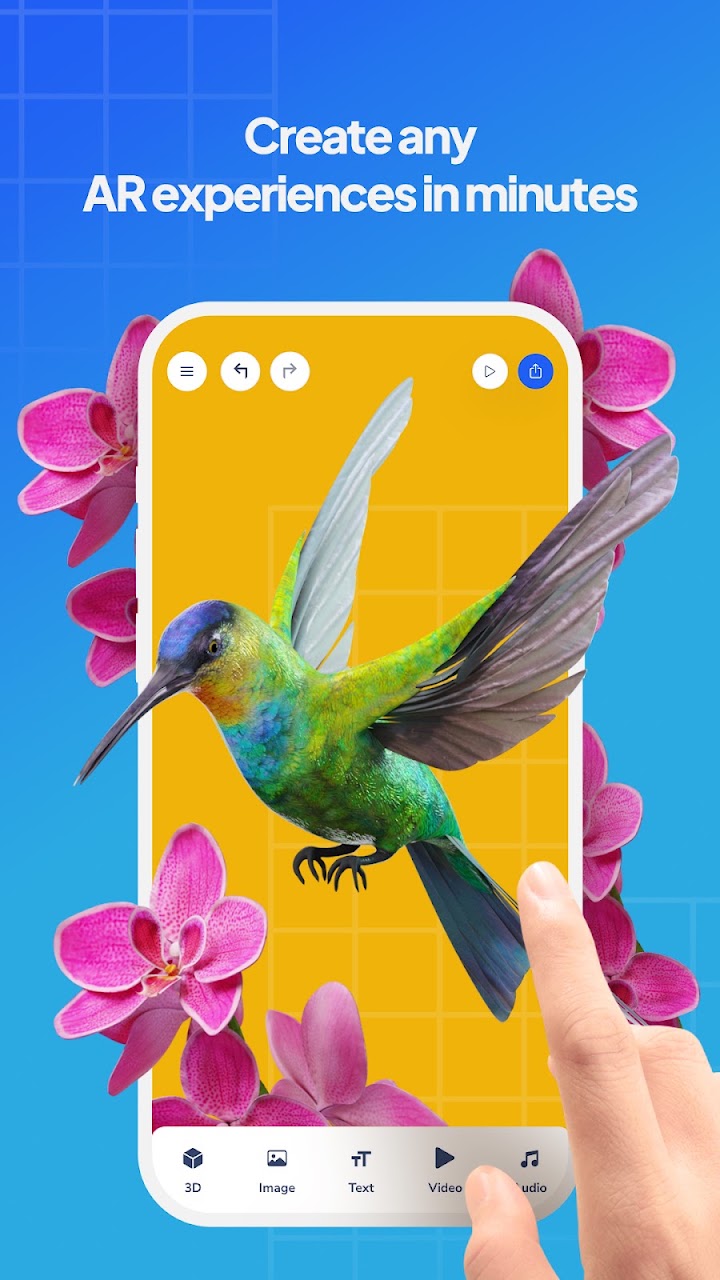
About this app
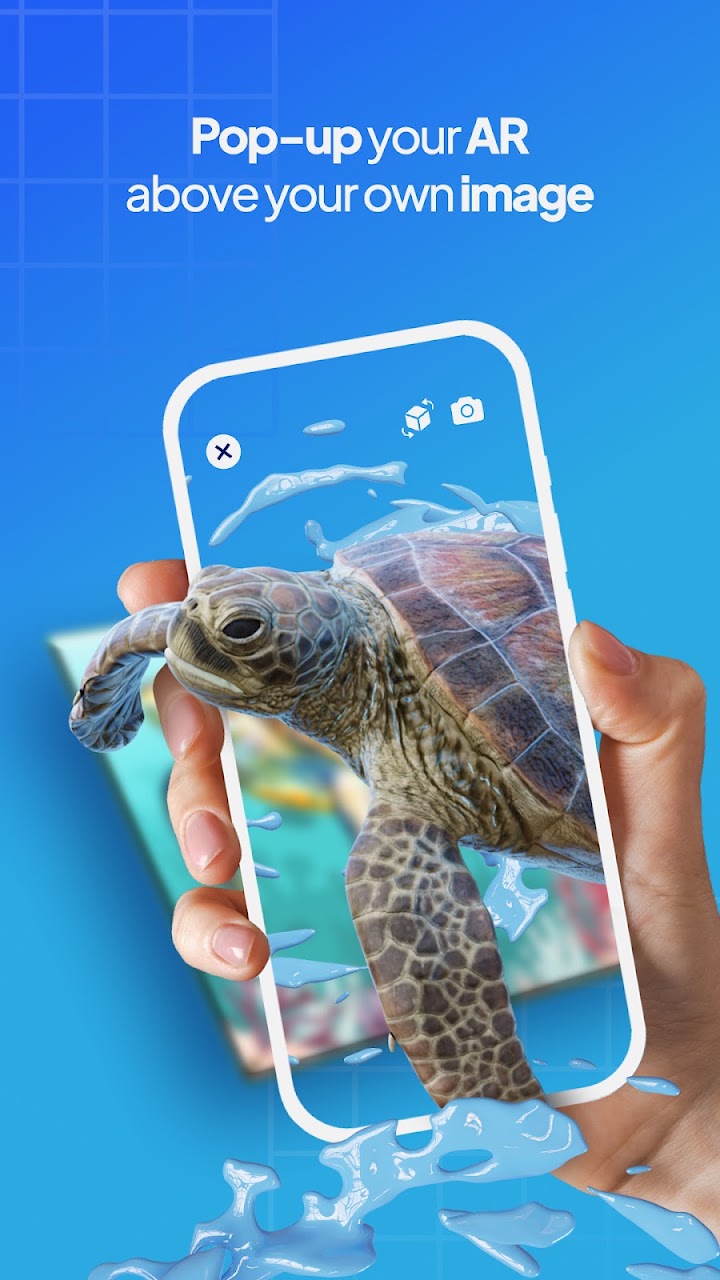
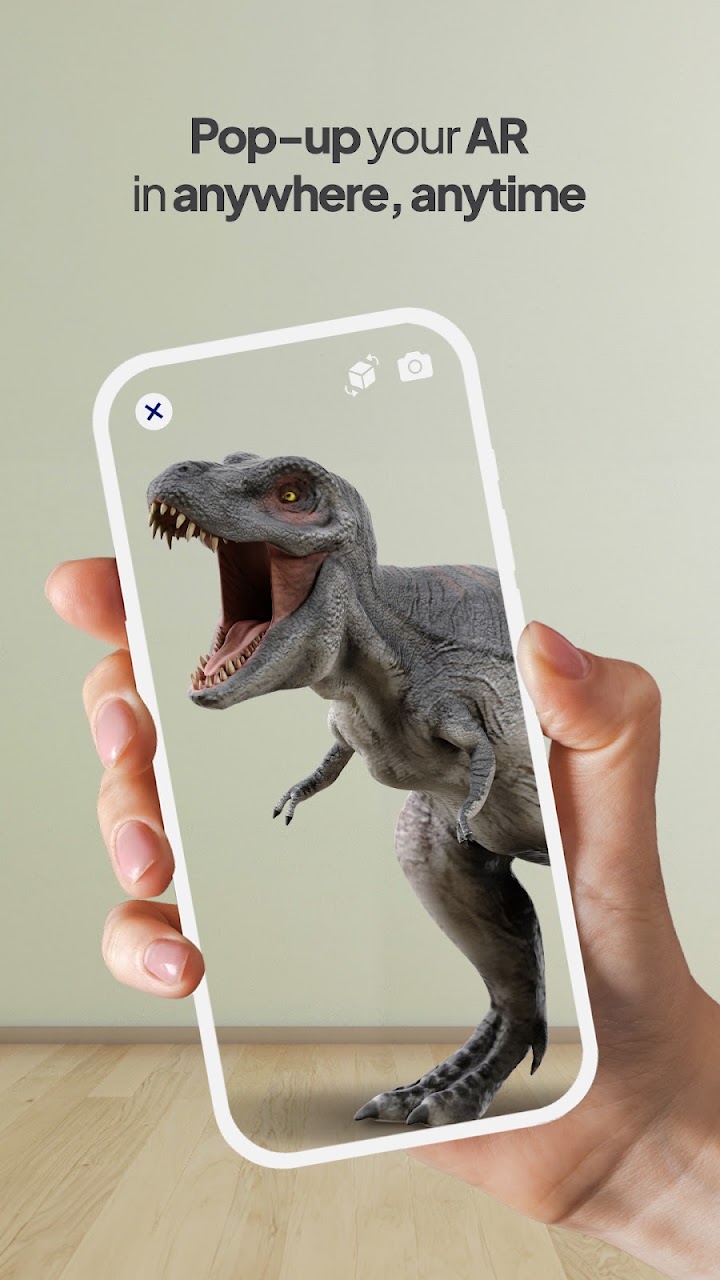
With 1M+ installs, Assemblr Studio: Easy AR Maker is an AR app for creating, viewing, and sharing experiences in a few taps. It is built for beginners, with no coding required, and uses drag-and-drop editing plus a library of 3D objects for quick projects in art, education, and marketing.
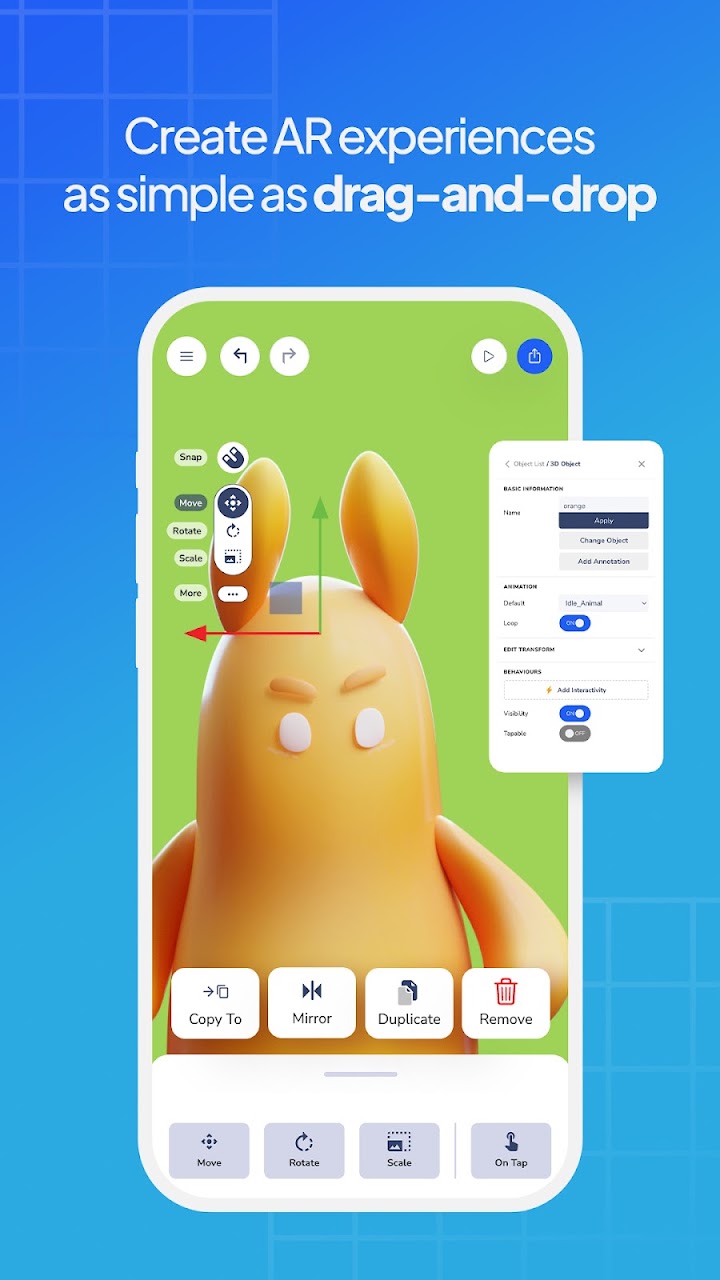
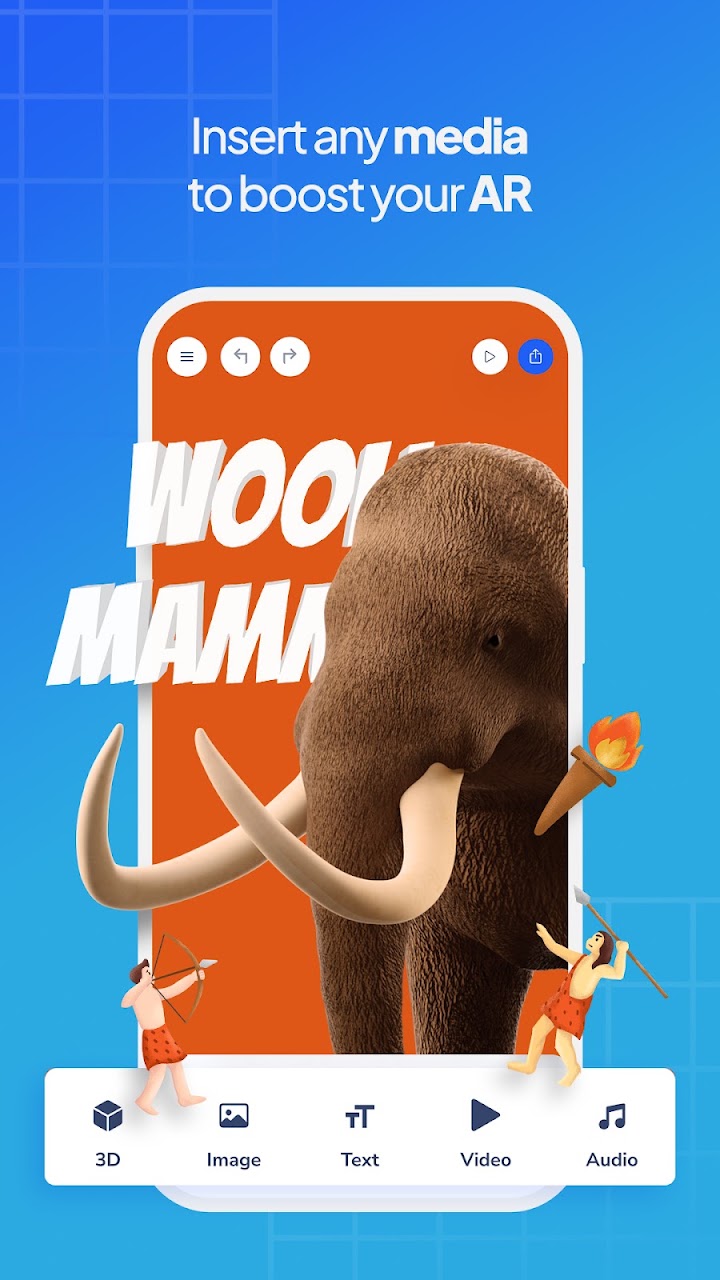
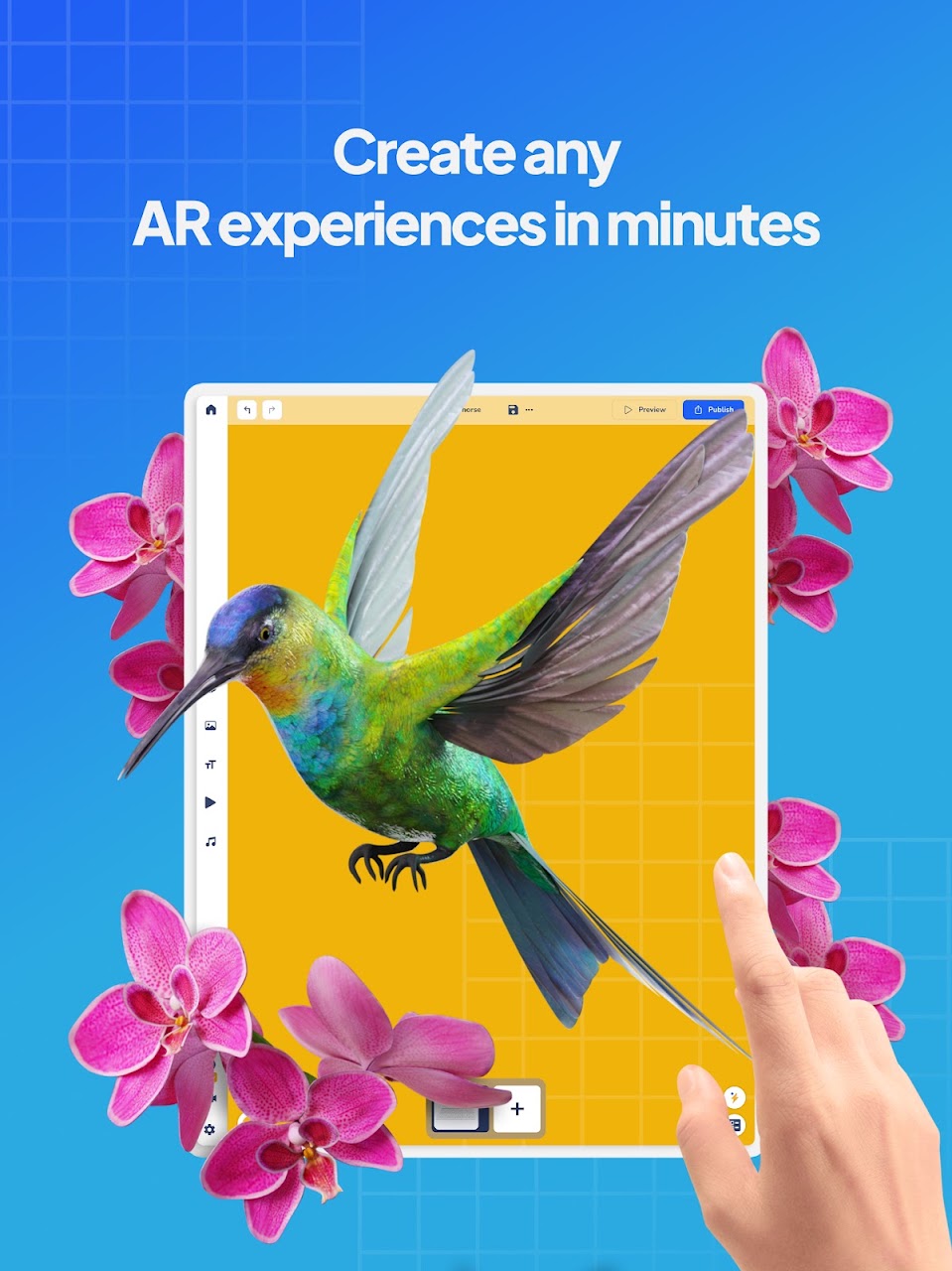
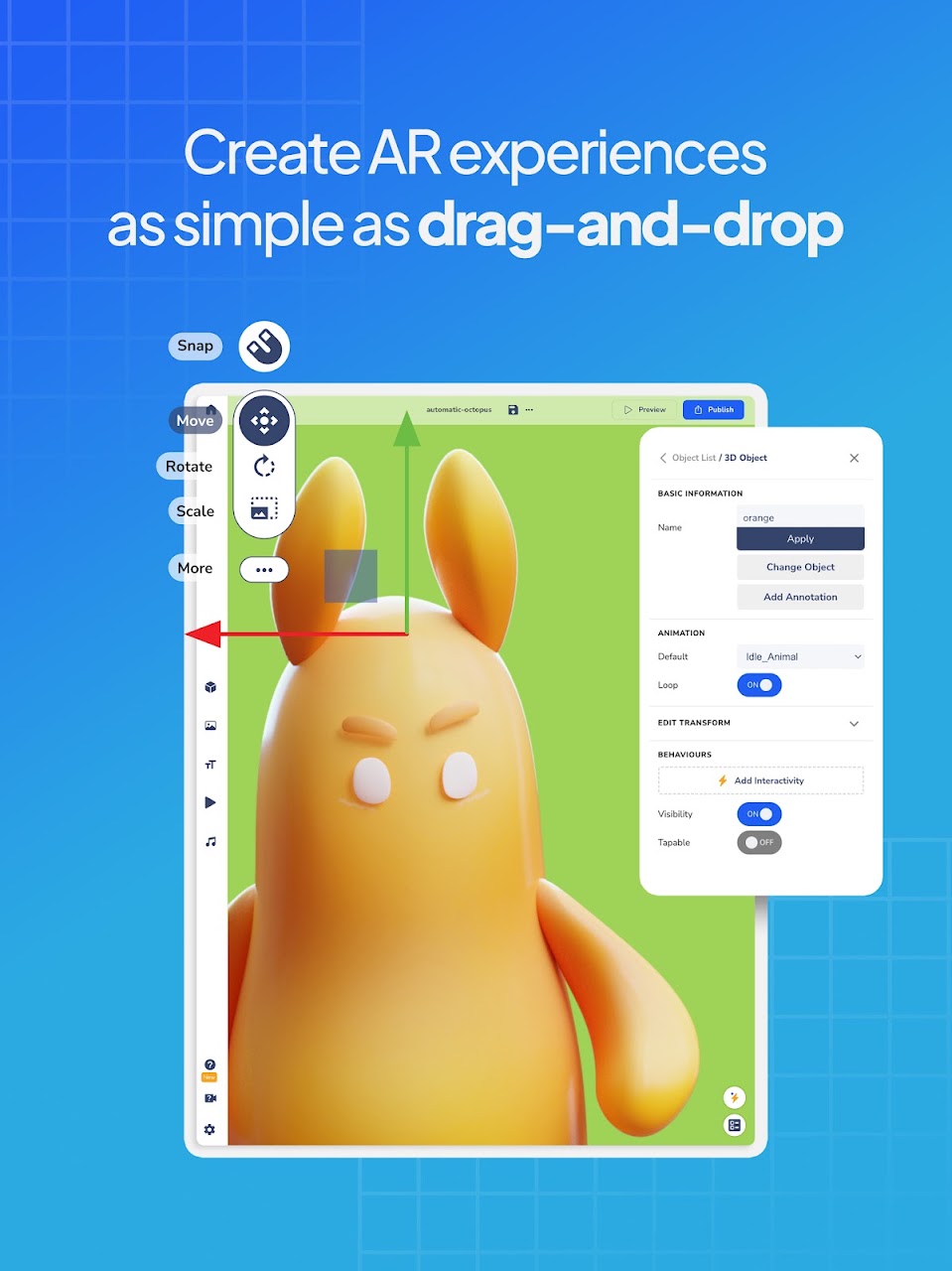
- Drag-and-drop editor — Build an AR project by placing objects, text, images, video, and slides with simple drag-and-drop controls.
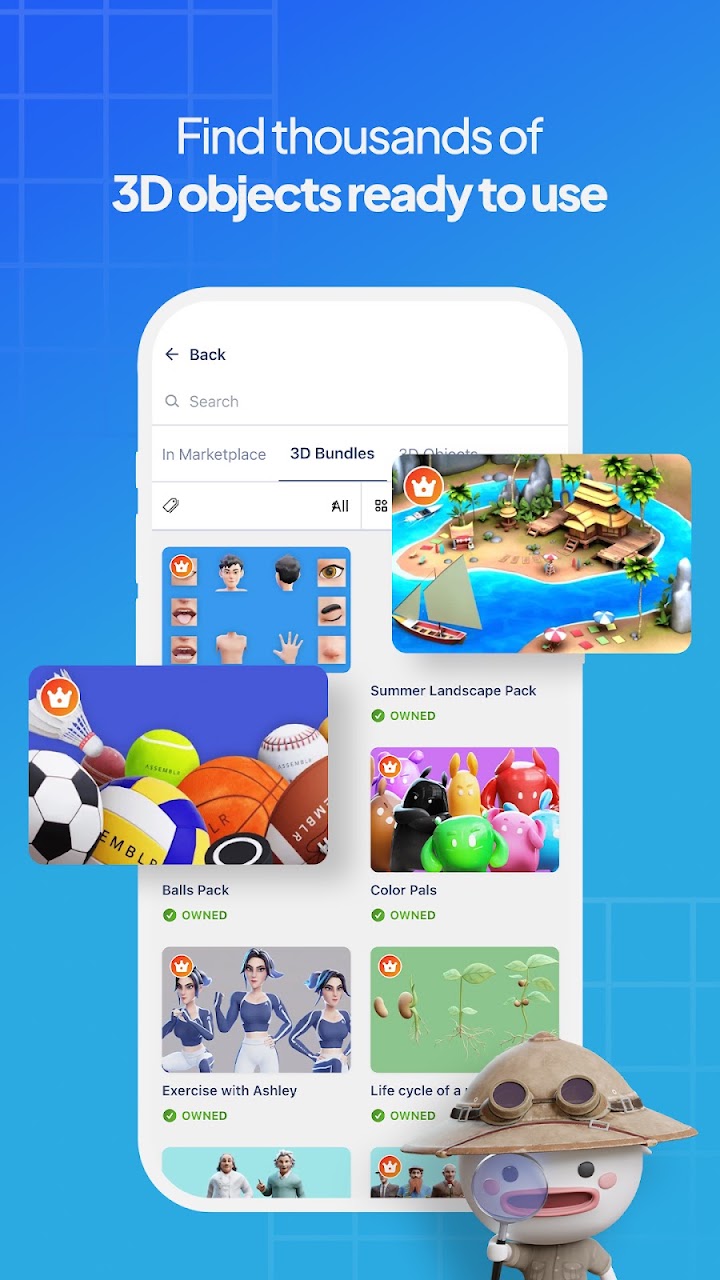
- Thousands of objects — Choose from thousands of ready-made 2D and 3D objects for different themes and project styles.
- Interactive elements — Add animations to make a quiz, mini-game, or other interactive AR experience.
- Sharing options — Share projects with links, AR markers, or embed code, including embeds for Canva.
- Simple setup — Create projects in a few steps without coding, using tools designed for quick editing.
Drag-and-drop AR editing
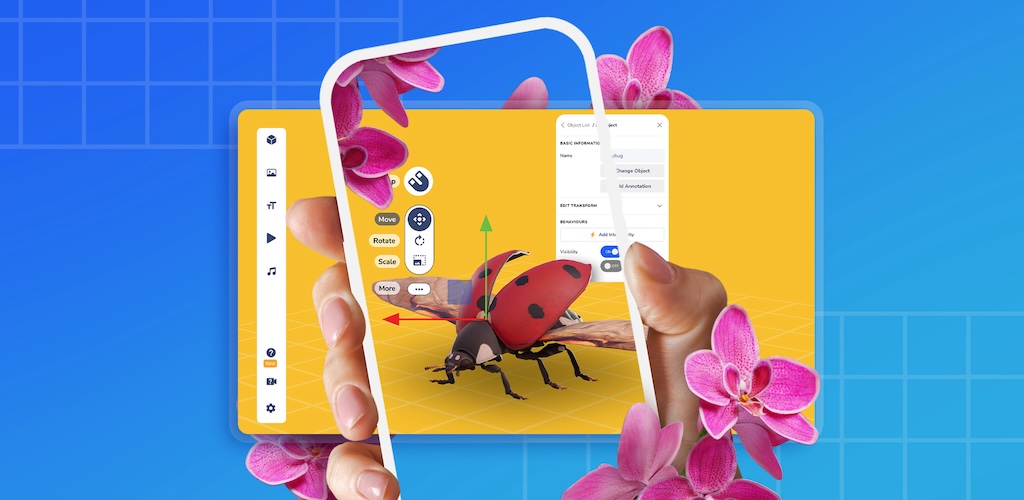
Assemblr Studio is built around a simple editor, so you can start a project without learning code. For example, if you want to make a short product demo, you can place a 3D object, add text labels, and insert an image or video by dragging items into your scene.
The editor also supports 2D and 3D objects, 3D text, annotations, video, image, and slides. That makes it easy to combine different pieces in one AR project.
Ready-made 2D and 3D objects
The app includes thousands of premade 2D and 3D objects with different themes. If you are making a school presentation, you can pick objects that match your topic instead of building everything from scratch.
This can save time when you need something quick, since the app is designed to let you create in just a few steps.
Interactive AR projects
You can add animations to make your creation more interactive. For example, a teacher could turn a lesson into a quiz, or a creator could make a small mini-game inside an AR scene.
That flexibility is useful when you want the project to do more than just display an object. It can respond to the kind of experience you want to build.
Sharing and publishing options
When your project is ready, you can share it with a link, an AR marker, or embed code. The app also supports embedding projects in Canva, which is useful if you already prepare designs there.
Assemblr plans add access to all 3D Pro packs, more custom 3D storage and custom marker slots, and private publishing.
Before you install
Assemblr Studio: Easy AR Maker is a free APK with in-app purchases, no ads, and an Everyone content rating. The file is 75.5 MB and requires Android 8.1 or newer.
What's new
Version 4.4.6 · Nov 12, 2026
- They say it’s the coldest season of the year
- Well, who says? Our updates will keep you warm through it all!
- New looks on Annotation
- Annotation gets much better and neater! You can customize the color, and for the Line Annotation, you can also adjust the length of your annotation :wink:
- Landscape orientation on tablets
- Been switching back and forth between portrait and landscape orientation on your tablet? From now on, we’ll lock it to landscape for a more hassle-free experience
APK information
- Version
- 4.4.6
- Package
- com.octagonstudio.assemblr
- Category
- Art & Design
- Size
- 76 MB
- Min Android
- API 27
- Architecture
- universal
Older versions
-
Assemblr Studio: Easy AR Maker 4.4.6Nov 12, 2026Latest downloadAPK
Assemblr Studio: Easy AR Maker FAQ
Can Assemblr Studio: Easy AR Maker edit RAW photos?expand_more
The app description lists images, but it does not mention RAW photo editing.
Does Assemblr Studio: Easy AR Maker add a watermark?expand_more
The app description does not mention watermarks.
Is Assemblr Studio: Easy AR Maker free to use?expand_more
Yes. It is free to download, and it also offers in-app purchases.
Is this Assemblr Studio: Easy AR Maker APK the original file?expand_more
This page describes the APK format for Assemblr Studio: Easy AR Maker. The app details listed here are for version 4.4.6 from Assemblr.
Can I share AR projects from the app?expand_more
Yes. You can share projects with links, AR markers, or embed code, and you can also embed projects in Canva.