- 4.2star160,501 reviews
- 100M+Downloads
- 14 MBAPK size
- EveryoneRated for Everyone
- API 32+Android
check_circleOriginal APK from Mobile, ASUSTek Computer Inc. · Updated Nov 12, 2026
No threats found
0 / — antivirus engines flagged this file
Original signature
First seen — Mobile, ASUSTek Computer Inc.
Unmodified APK
Same file the developer published — no mods
ASUS Digital Clock & Widget screenshots
8 images · tap to enlarge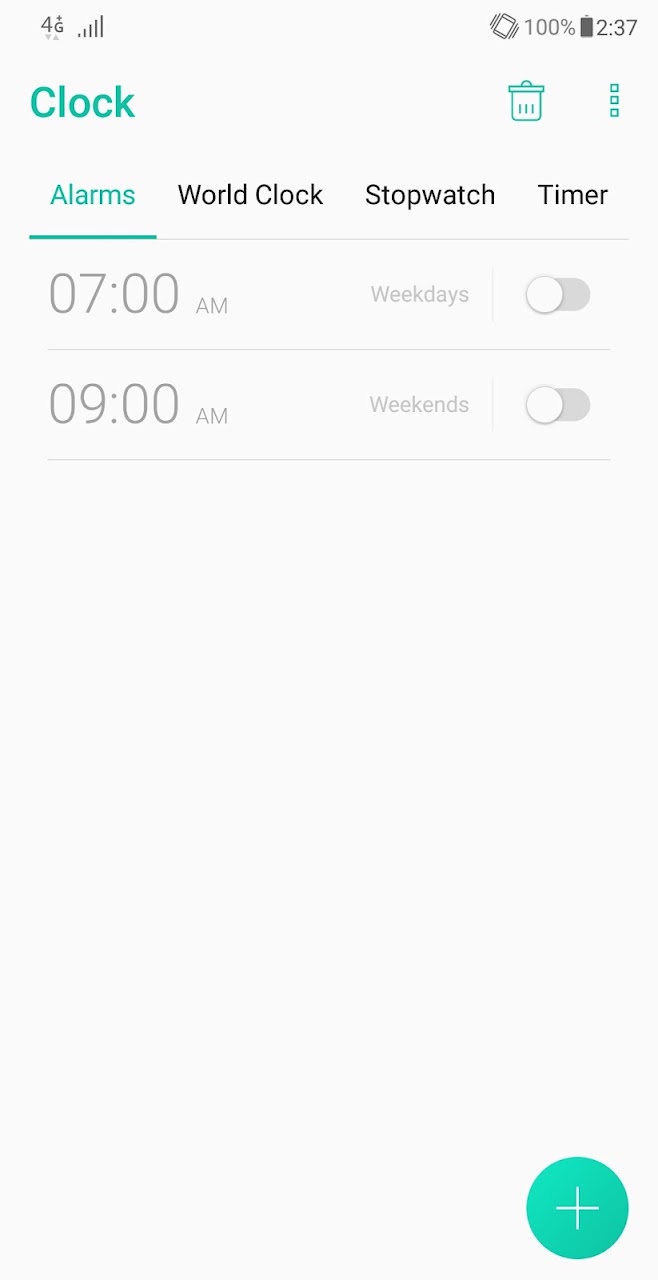
About this app
Keep time, alarms, and countdowns in one place with ASUS Digital Clock & Widget. In a typical day, you can check local and home time, set a repeating alarm before bed, start a timer while cooking, or use the stopwatch for a quick task. The app is free, has no in-app purchases, and does not list any permissions.
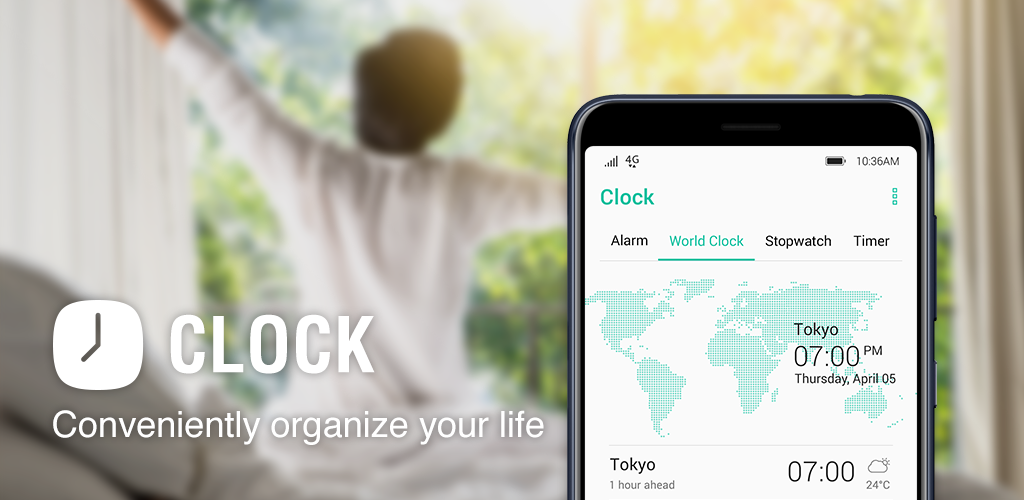
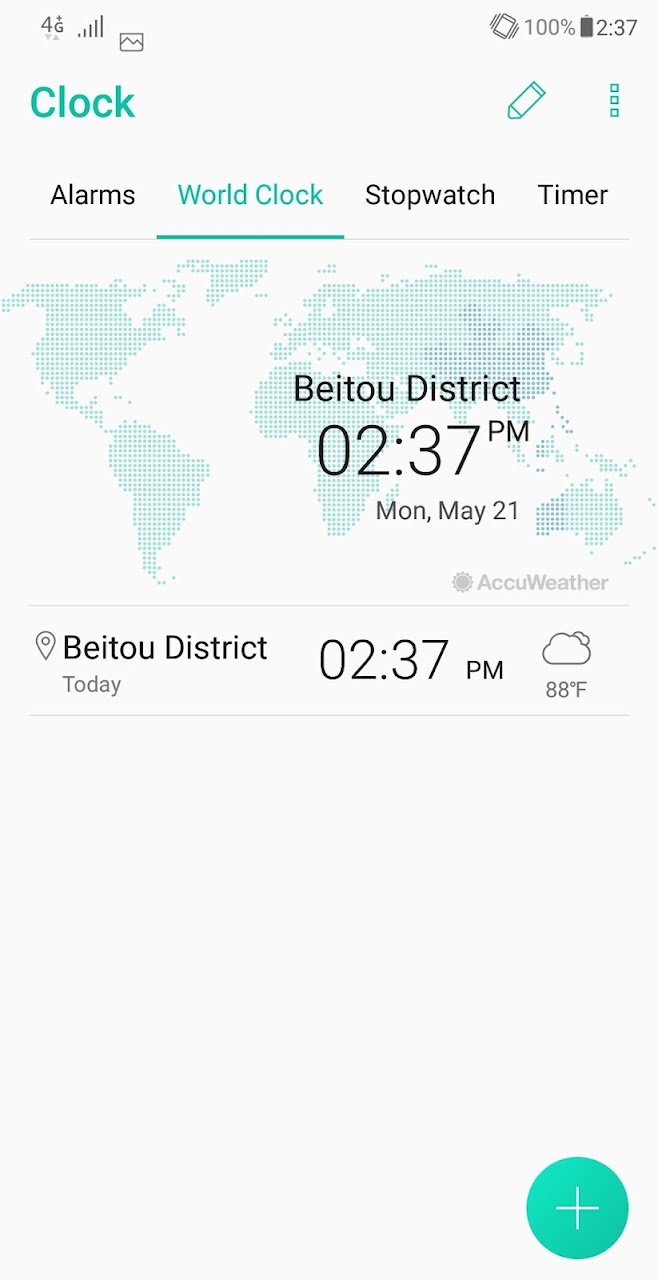
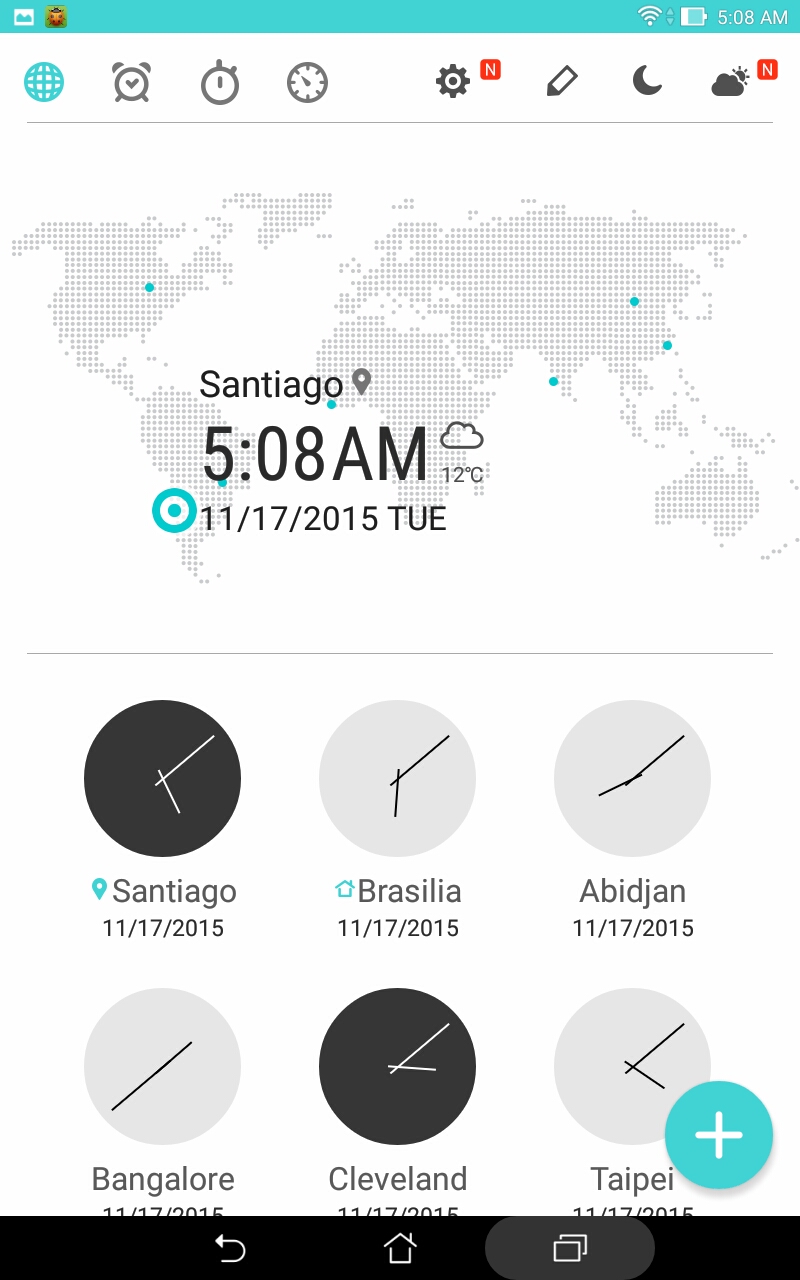
- Local and home time — Check your current location time alongside your home time when you travel or work away from home.
- Repeat alarms — Set alarms for every day, weekdays, weekends, or a weekly schedule.
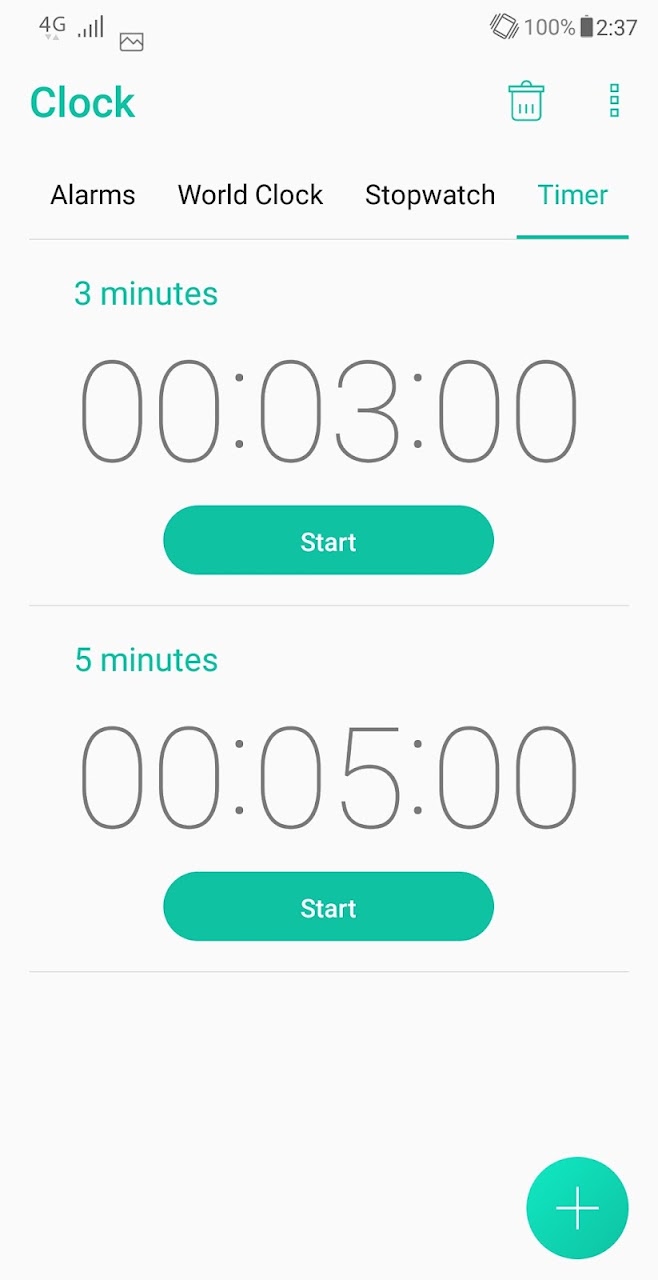
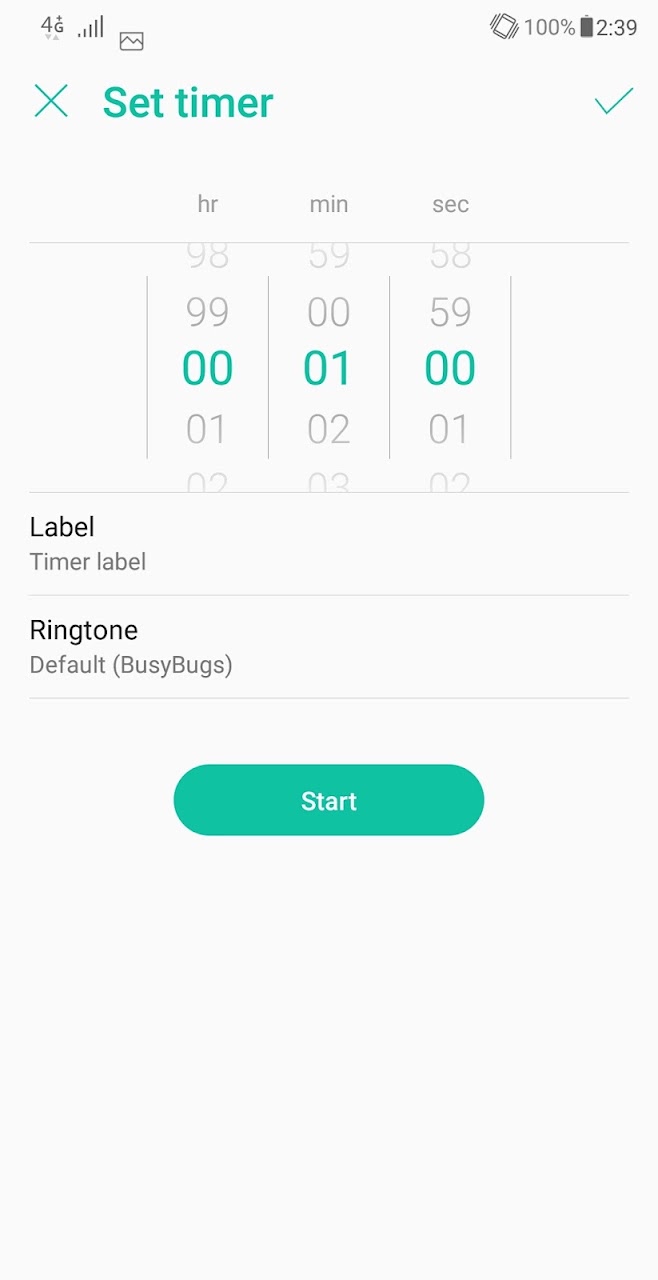
- Multiple timers — Run more than one countdown at once and give each timer its own alarm tone.
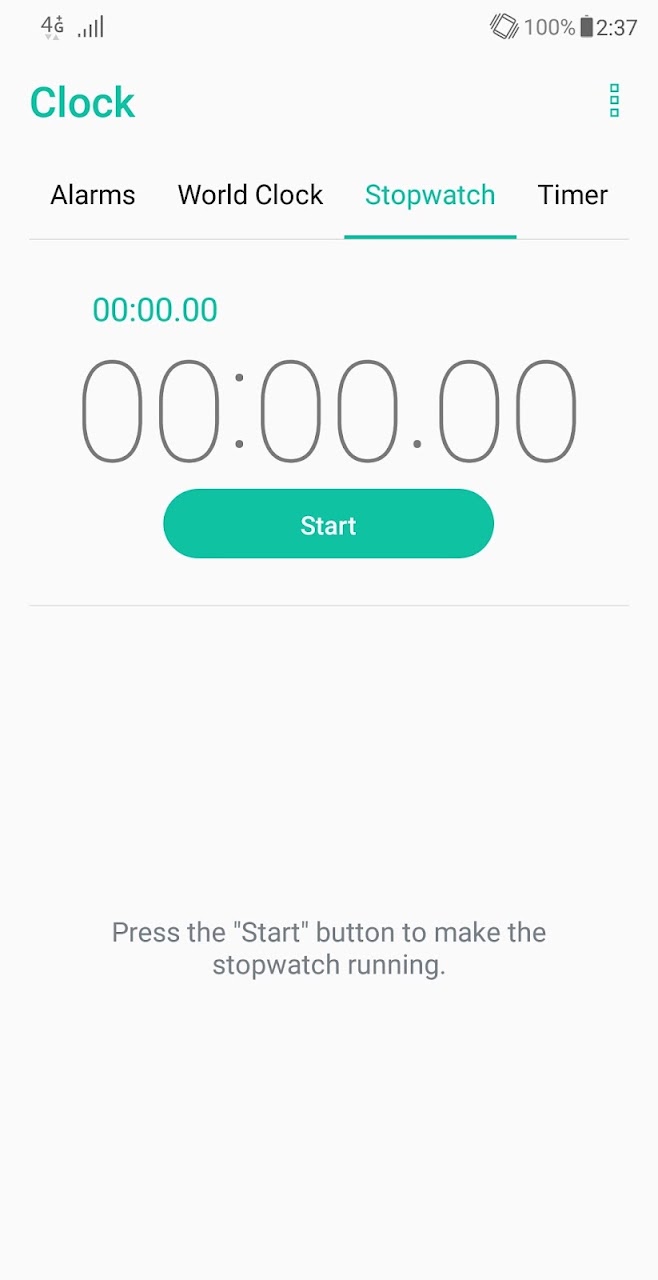
- Stopwatch laps — Track lap times with a stopwatch that goes up to 99 hours, 59 minutes, and 59 seconds.
- Gradual alarm sound — Use ascending alarm volume, auto snooze, and custom tones from local storage or an external source.
Check time at a glance
When you wake up in a hotel room or sit down at your desk, the app is built to make local time and home time easy to see together. That is the part you open first when you need a quick read without digging through settings.
The interface is set up for faster access to time, alarms, and timers, so the everyday actions stay close together instead of spread across different screens.
Set alarms for the week you actually keep
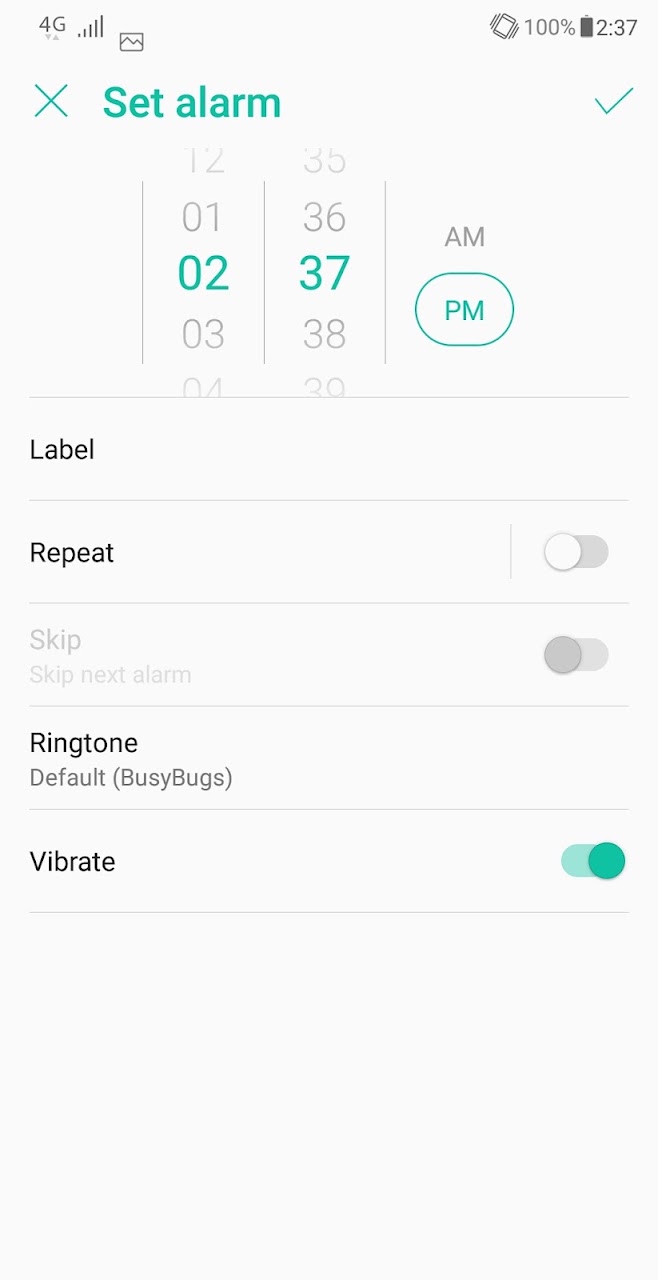
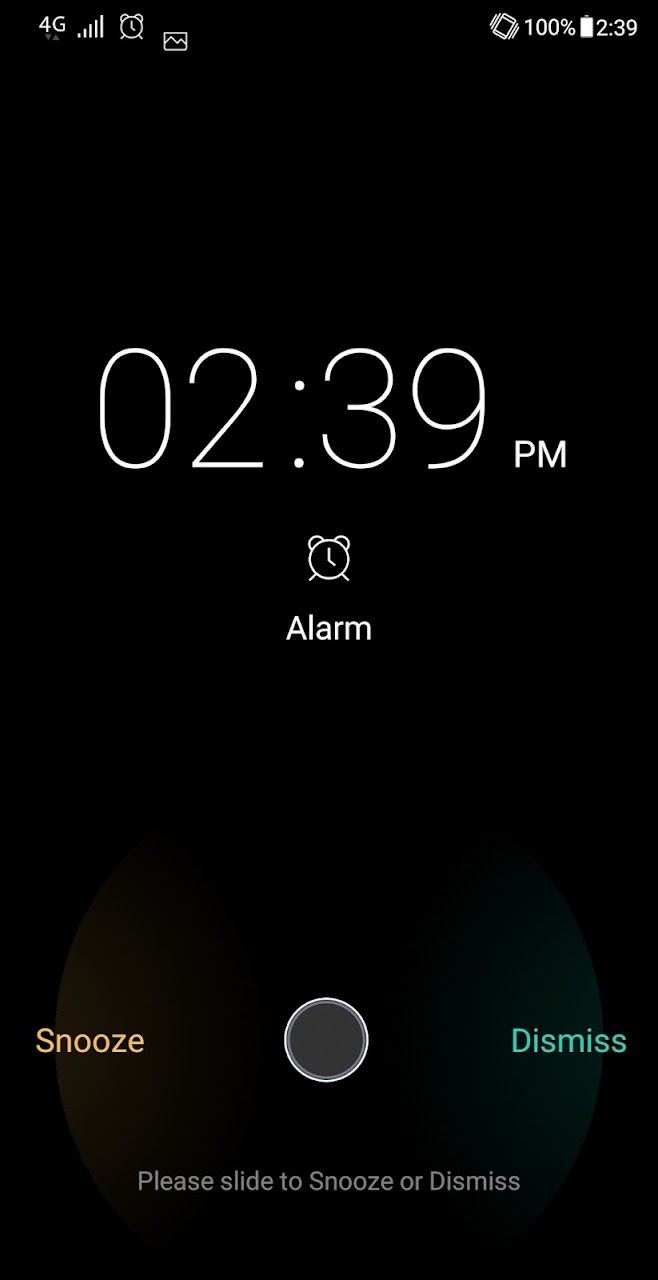
If you use one alarm for workdays and another for weekends, the alarm screen handles those patterns directly. You can repeat an alarm daily, on weekdays, on weekends, or weekly, which makes it useful for a routine that changes by day.
You can also turn on ascending alarm volume so the sound starts gently and increases over time. Auto snooze lets you choose the snooze length and how many snoozes you want.
Run multiple countdowns
For cooking, laundry, or a break between tasks, the timer can hold multiple countdowns at once. Each countdown can use a different alarm tone, so you can tell them apart without checking the screen every time.
That makes it practical when several things are happening in the same evening and you need each timer to feel separate.
Use stopwatch laps and custom tones
On a walk, a workout, or any task where you want split timing, the stopwatch gives you multiple lap times and runs up to 99 hours, 59 minutes, and 59 seconds. If you prefer a specific sound, you can choose alarm tones from local storage or an external source.
- APK format: APK
- Size: 13.5 MB
- Android version: 12L and up
Before you install
ASUS Digital Clock & Widget is free, with no ads and no in-app purchases listed. It has no listed permissions, and the latest update added support for ASUS Data transfer. If you want a clock app that focuses on time, alarms, timers, and stopwatch use, this one fits that role without extra account setup.
What's new
Version 12.0.0.48_250220 · Nov 12, 2026
- v5.0.0.45_190227
- Support ASUS Data transfer
APK information
- Version
- 12.0.0.48_250220
- Package
- com.asus.deskclock
- Category
- Tools
- Size
- 14 MB
- Min Android
- API 32
- Architecture
- universal
Older versions
-
ASUS Digital Clock & Widget 12.0.0.48_250220Nov 12, 2026Latest downloadAPK
ASUS Digital Clock & Widget FAQ
Does ASUS Digital Clock & Widget drain the battery?expand_more
The app does not list battery-draining behavior in its details. It also does not list any permissions.
Why does ASUS Digital Clock & Widget need these permissions?expand_more
No permissions are listed for this app, so there are none shown to explain.
How big is the ASUS Digital Clock & Widget download?expand_more
The APK size is 13.5 MB.
Does ASUS Digital Clock & Widget have in-app purchases?expand_more
No. The app is free and does not include in-app purchases.
What Android version does ASUS Digital Clock & Widget require?expand_more
It requires Android 12L and up.