- 4.6star309,515 reviews
- 100M+Downloads
- 5 MBAPK size
- EveryoneRated for Everyone
- API 27+Android
check_circleOriginal APK from Mobile, ASUSTek Computer Inc. · Updated Nov 12, 2026
No threats found
0 / — antivirus engines flagged this file
Original signature
First seen — Mobile, ASUSTek Computer Inc.
Unmodified APK
Same file the developer published — no mods
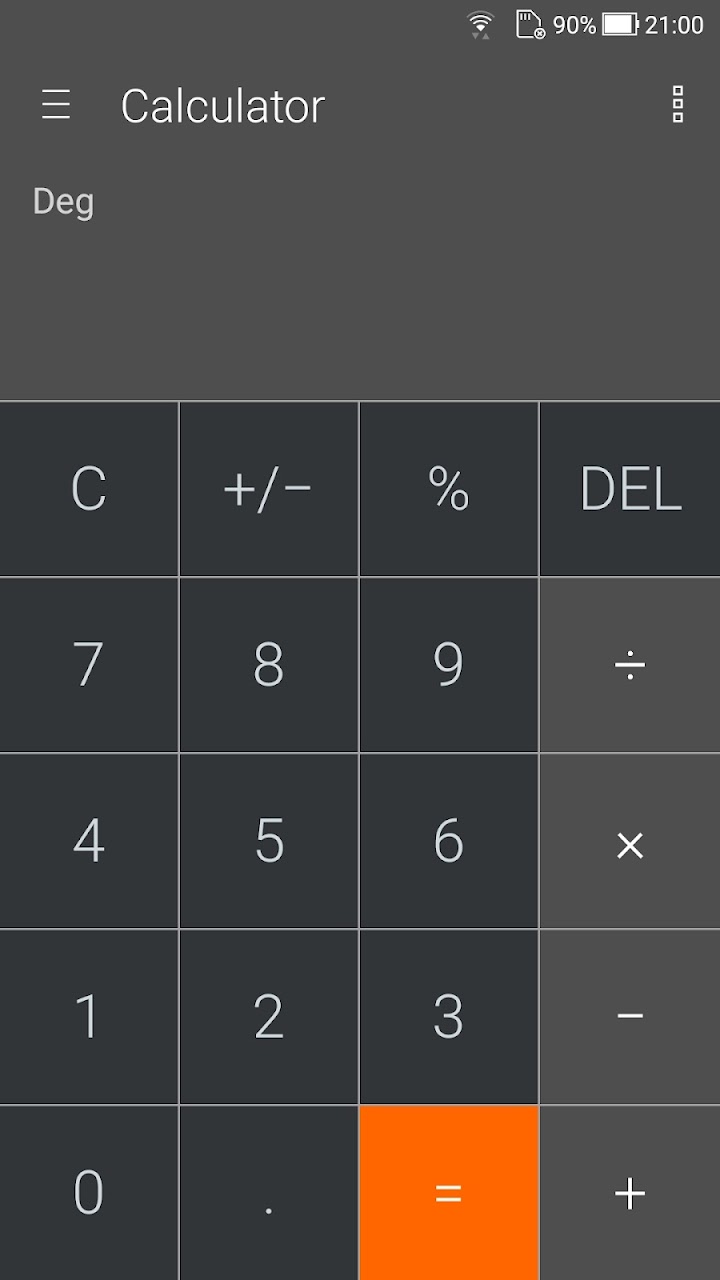
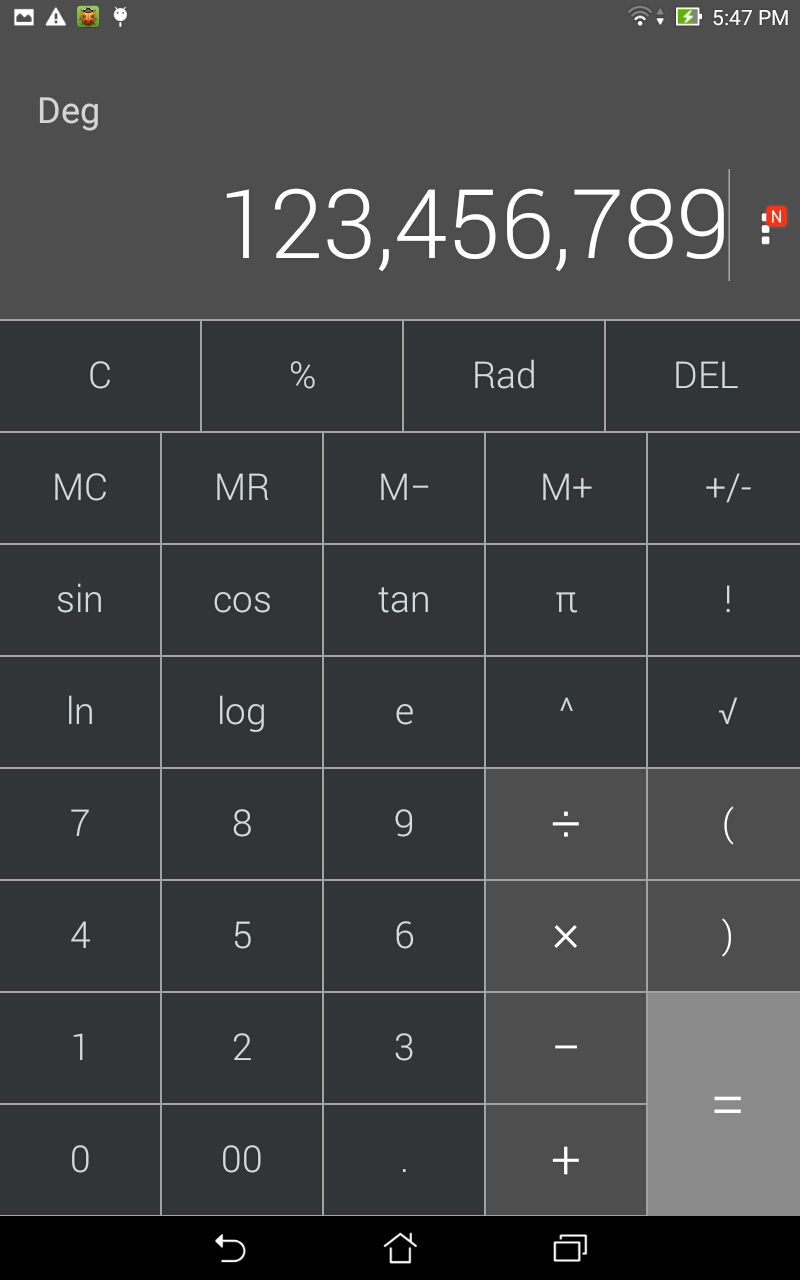
Calculator - unit converter screenshots
8 images · tap to enlarge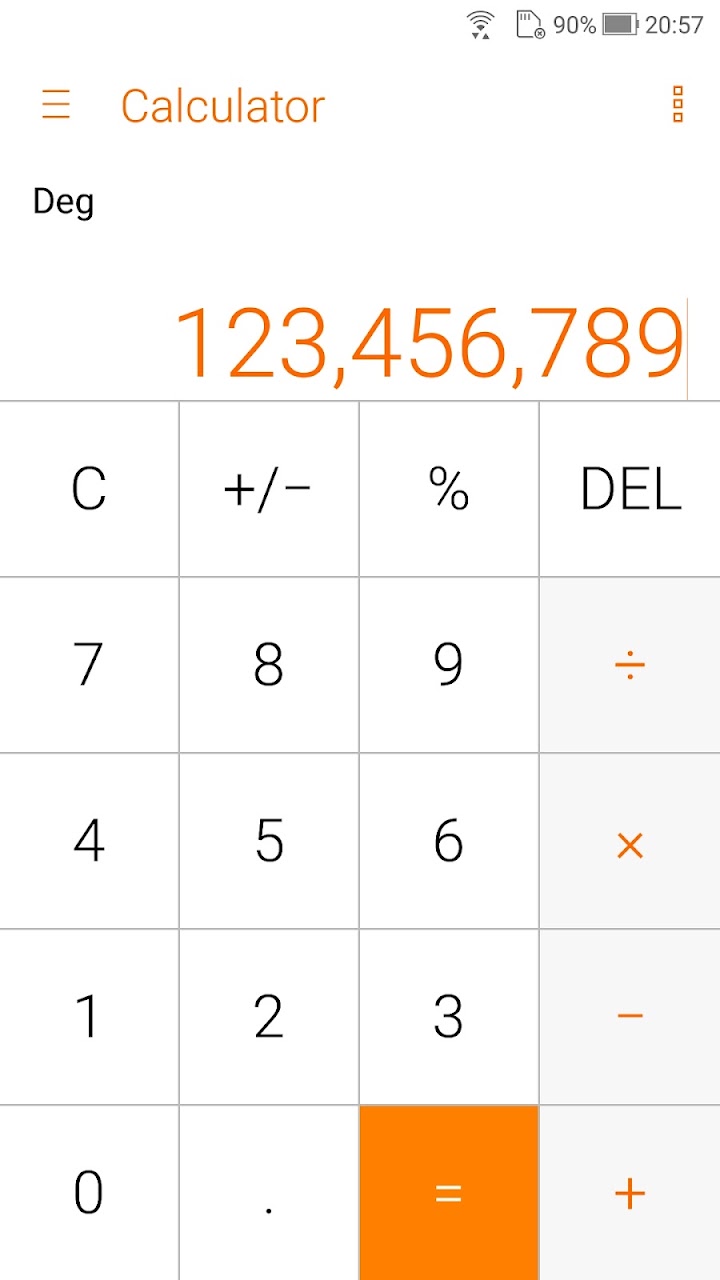
About this app
Calculate quickly with a simple ASUS calculator that adds unit conversion, standard and scientific modes, and a floating window for quick checks. The current release focuses on bug fixes, with earlier updates also refining the UI and adding theme support. It is free, has no ads, and asks for no permissions.
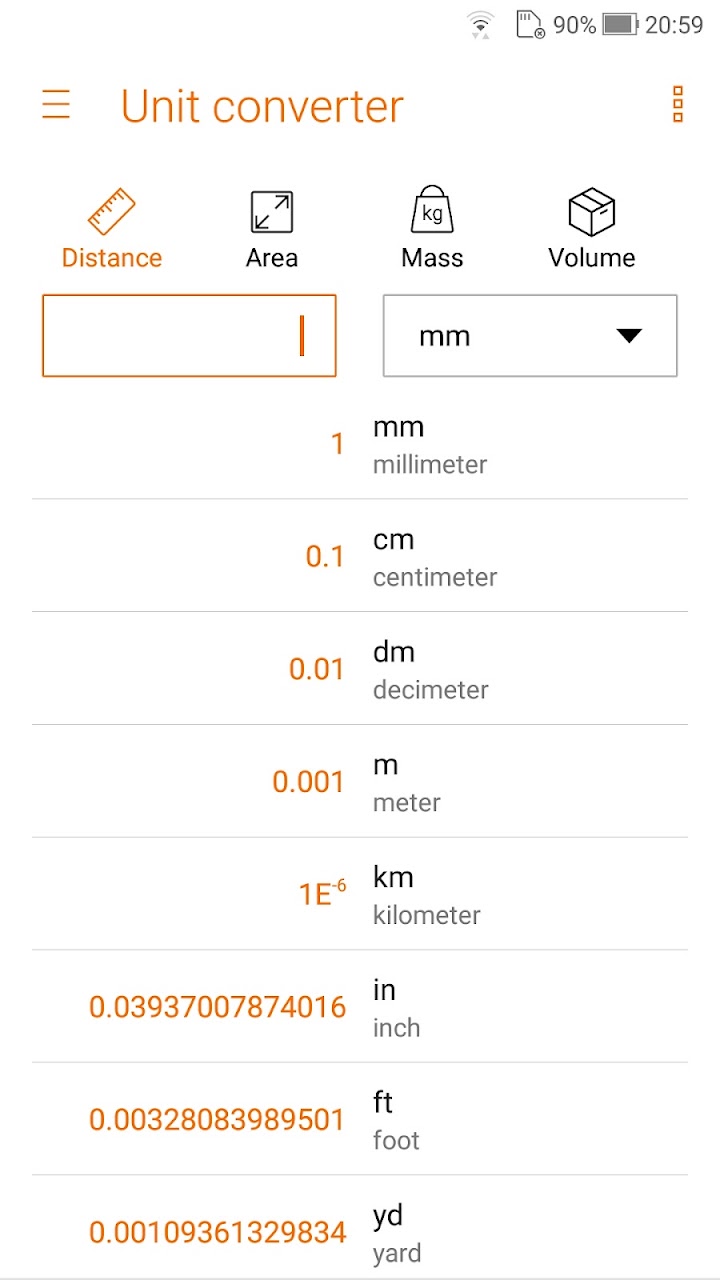
- Unit conversion — Convert length, area, weight, volume, and speed inside the app.
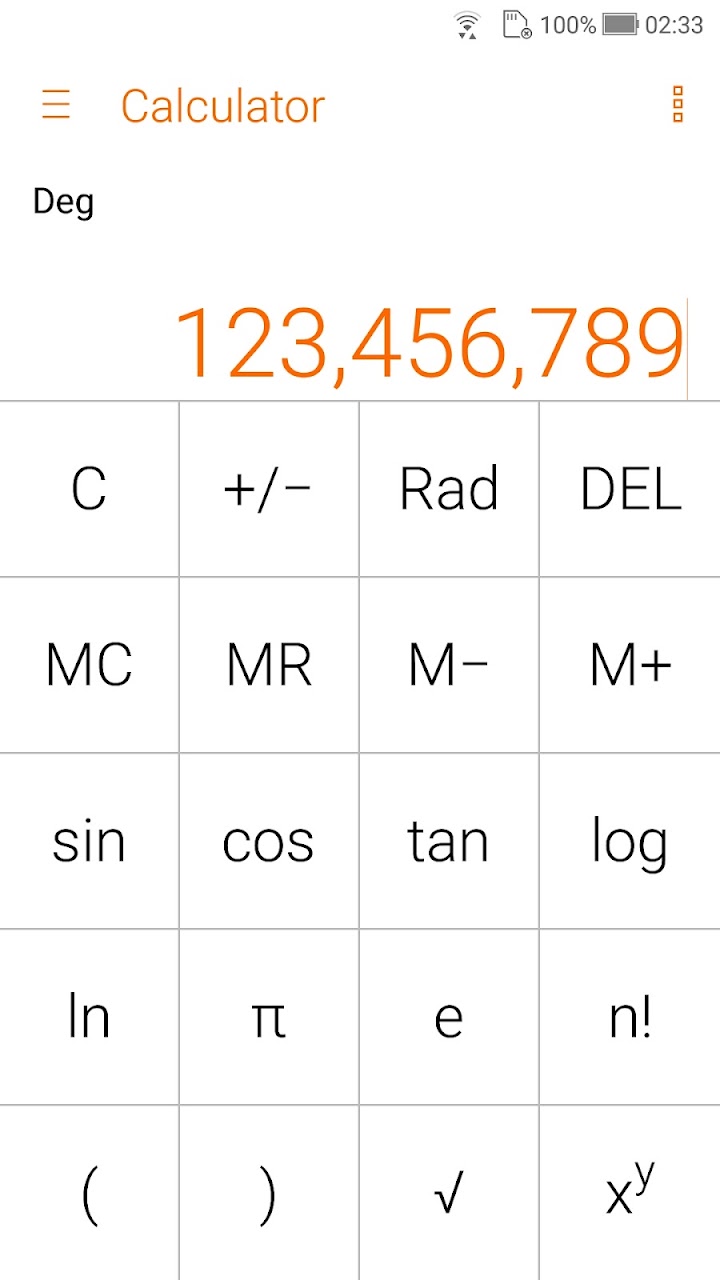
- Standard and scientific — Switch between standard and scientific layouts by tilting the device.
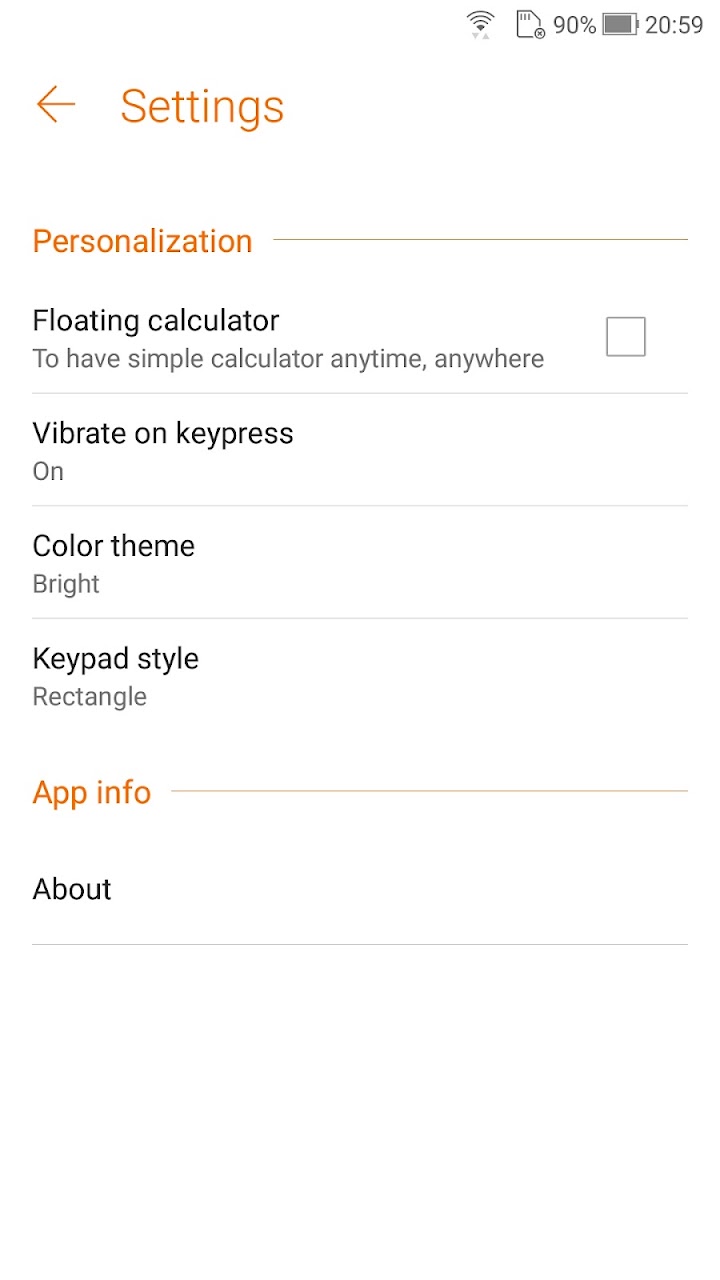
- Floating calculator — Use the floating calculator for quick calculations while you stay in other apps.
- History display — Review previous calculations through the built-in history view.
- Easy editing — Cut, copy, paste, and adjust inputs with a cursor.
Current release and recent fixes
The latest version, 7.4.0.0_200818, keeps the app focused on fast calculations and adds bug fixes on top of earlier UI and theme changes. That matters if you want a calculator that stays simple while still covering both everyday arithmetic and more advanced work. The app is free, contains no ads, includes no in-app purchases, and asks for no permissions.
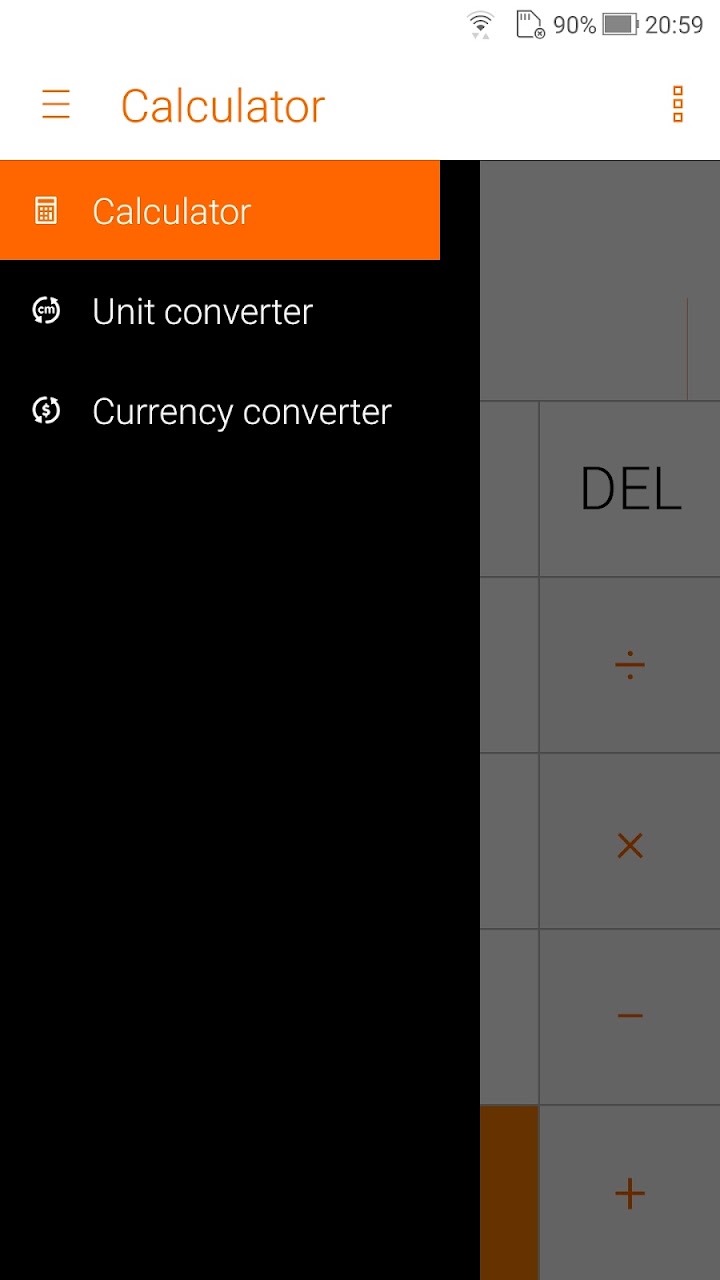
Calculator and converter in one app
Calculator - unit converter combines a basic calculator with unit conversion for length, area, weight, volume, and speed. It also supports root operators, percentages, trigonometric functions in DEG or RAD, and expressions that mix multiple operators in one line, such as square roots and sine in the same formula. History display helps you review earlier calculations, and the floating calculator supports quick checks without leaving your current screen.
The workflow is straightforward: enter numbers, switch views by swiping, and move between standard and scientific modes by tilting the device. Auto-adjusting font size and thousand separators help keep long results readable. You can also edit results in other apps with cut, copy, and paste.
- Gets: unit conversion, history, floating calculator, and standard/scientific modes.
- Watch for: Android 8.1 or later is required.
- Watch for: the app is distributed as a 4.9 MB APK for universal devices.
Compatibility and install details
Calculator - unit converter is available for Android 8.1 and above. The package format is APK, the build is universal, and the app size is 4.9 MB. It has a 4.6 rating from 309,515 ratings and 100M+ installs, which gives a sense of how widely it has been used, but the experience itself stays centered on quick calculations rather than extra account or collaboration features.
What's new
Version 7.4.0.0_200818 · Nov 12, 2026
- v5.0.0.27
- Fixed bugs
- v4.0.0.52
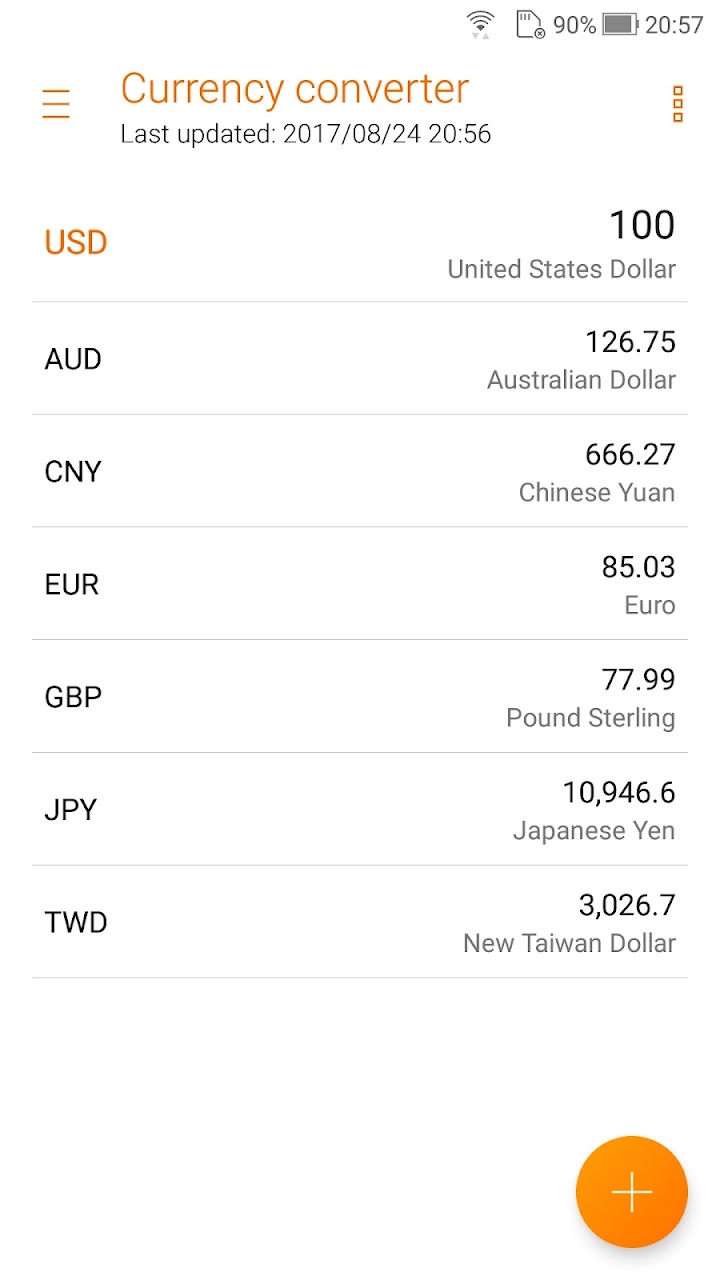
- Change the source of currency exchange rate
- Fine-tune UI design
- Fixed bugs
APK information
- Version
- 7.4.0.0_200818
- Package
- com.asus.calculator
- Category
- Productivity
- Size
- 5 MB
- Min Android
- API 27
- Architecture
- universal
Older versions
-
Calculator - unit converter 7.4.0.0_200818Nov 12, 2026Latest downloadAPK
Calculator - unit converter FAQ
Does Calculator - unit converter support teams?expand_more
No team or collaboration features are listed for this app. It is centered on personal calculations, conversion, and history.
Can Calculator - unit converter be used offline?expand_more
Offline use is not stated. The listed features focus on local calculator and converter functions.
Can I install Calculator - unit converter without Google Play?expand_more
The app is distributed as an APK file, so it can be installed outside Google Play if you have the file and a compatible Android device.
Is this Calculator - unit converter APK the original file?expand_more
This page describes the app’s APK package and its listed version, 7.4.0.0_200818. It is the same app from Mobile, ASUSTek Computer Inc.
What calculations can Calculator - unit converter handle?expand_more
It handles basic operators, roots, percentages, trigonometric functions, and mixed expressions. It also includes unit conversion for length, area, weight, volume, and speed.