- 4.0star24 reviews
- 100M+Downloads
- 4 MBAPK size
- EveryoneRated for Everyone
- API 18+Android
check_circleOriginal APK from ZenUI, ASUS Computer Inc. · Updated Nov 12, 2026
No threats found
0 / — antivirus engines flagged this file
Original signature
First seen — ZenUI, ASUS Computer Inc.
Unmodified APK
Same file the developer published — no mods
ASUS Sound Recorder screenshots
8 images · tap to enlarge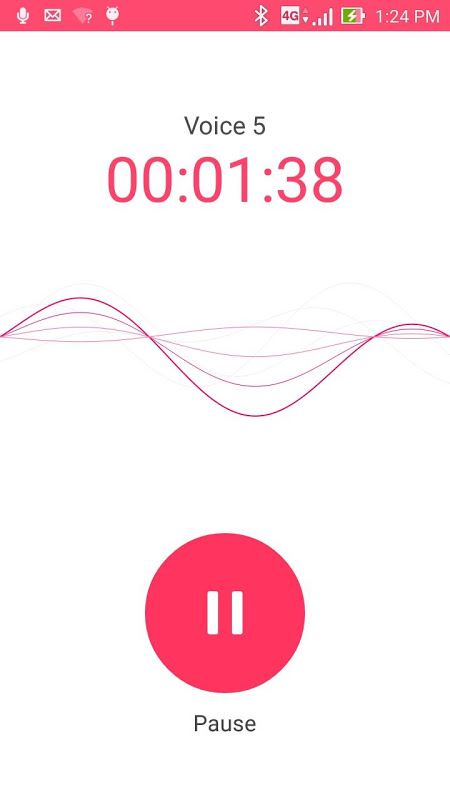
About this app
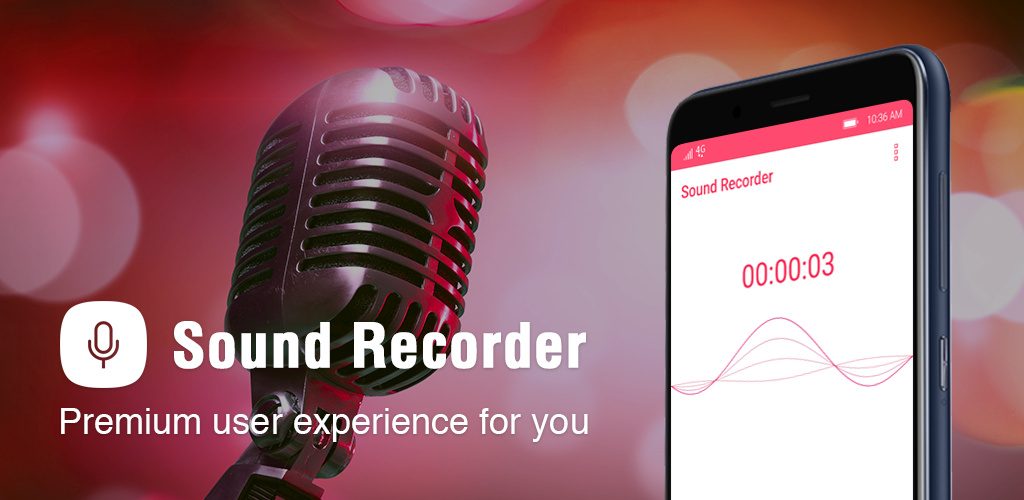
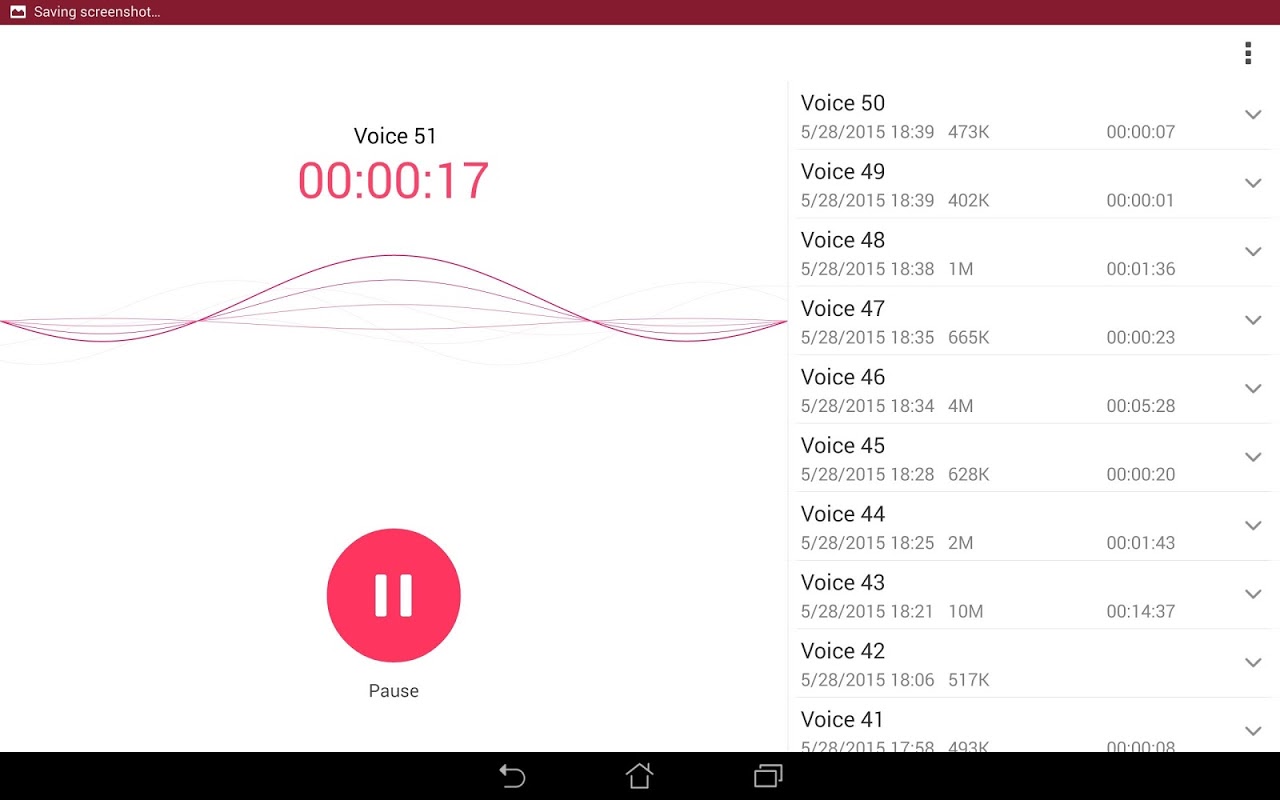
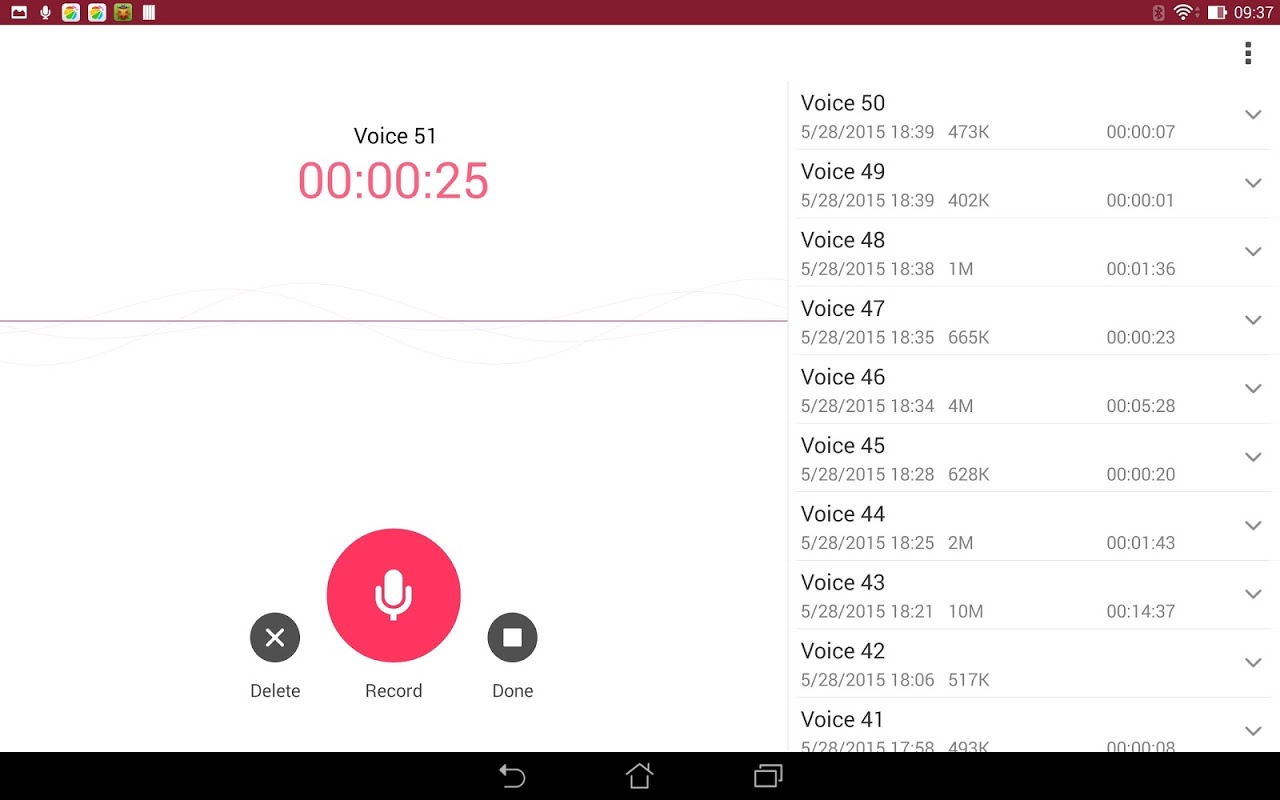
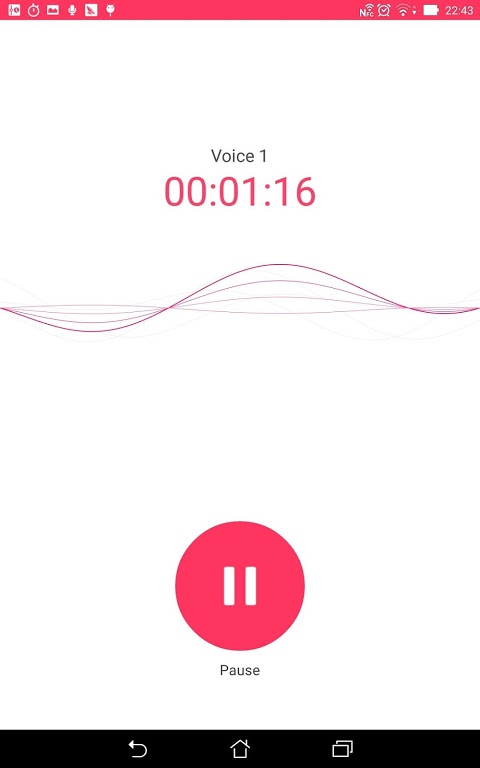
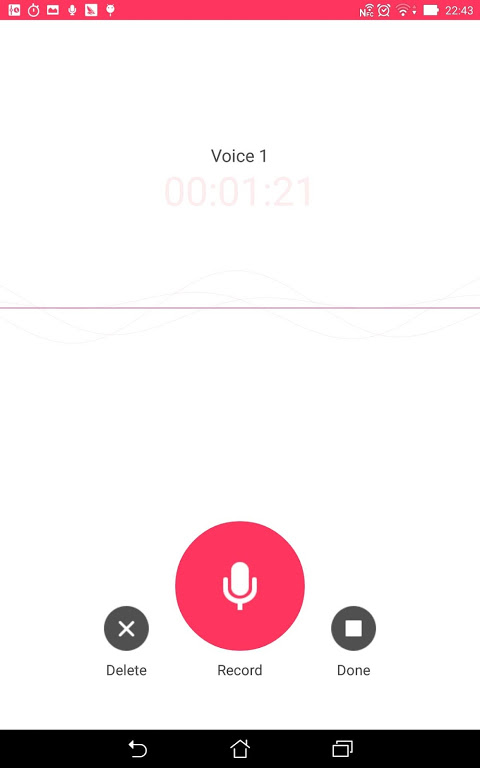
Need a simple way to capture a quick voice memo or a conversation? ASUS Sound Recorder opens into a place for recording, then browsing and playing back your saved files. It also lets you access other recorded files, including phone conversations, right from the app on supported ASUS Android devices.
- Record daily moments — Use it for conversations, interviews, voice memos, and other recordings on your ASUS Android device.
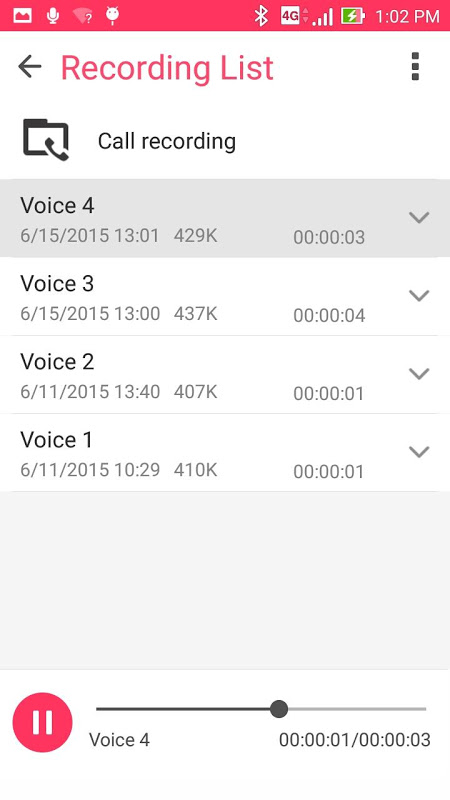
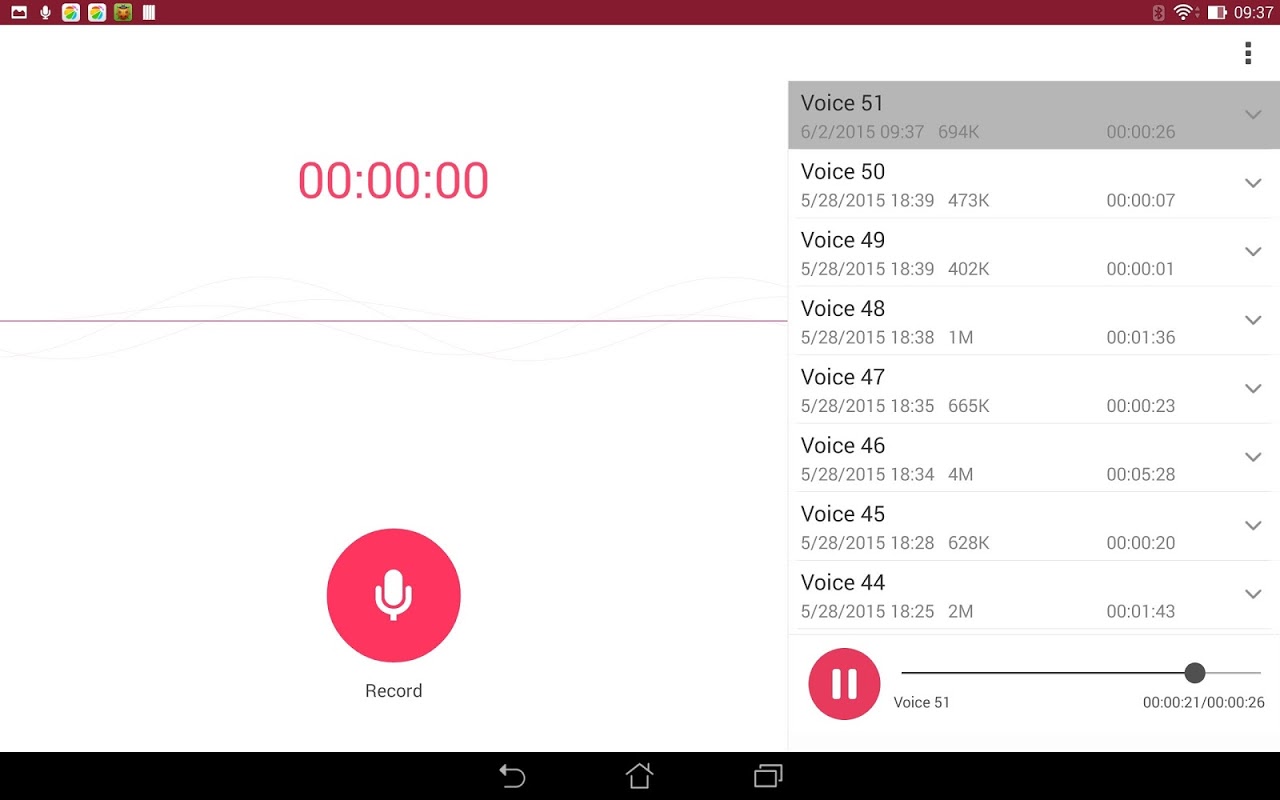
- Browse saved files — Open your list of Sound Recorder files and move between recordings from one screen.
- Play recordings back — Listen to what you captured without leaving the app.
- Access phone calls — Find other recorded files, including phone conversations, through the app.
- No paid extras — The app is free, with no in-app purchases and no ads.
First launch on an ASUS device
When you open ASUS Sound Recorder for the first time, you are setting up a recorder made for ASUS Android devices. It is a small APK at 4.3 MB, works on Android 18 and up, and installs as a universal build. There are no account steps to deal with, and no ads or in-app purchases to work around.
Record a voice memo or conversation
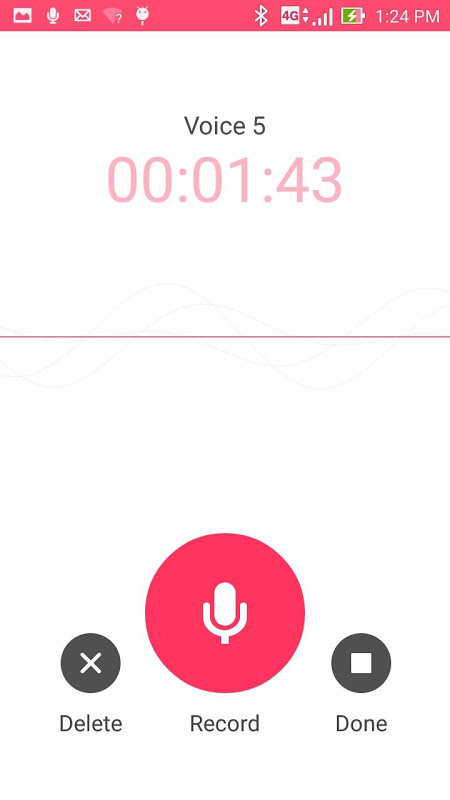
On a busy morning, you can open the app, start a recording, and save the result for later. It is built for conversations, interviews, voice memos, and similar everyday audio you want to keep.
- Start a recording when you need to capture speech quickly.
- Save it for later and return to it from your file list.
- Use it on ASUS devices that meet the Android version requirement.
Play back and browse recordings
After a train ride or a meeting, you can open your list of Sound Recorder files and play them back inside the app. If you have other recorded files on the device, including phone conversations, you can access them there too. That makes it easier to check a note, review an interview, or revisit a call without hunting through different folders.
Simple daily use
The app fits into short moments: a reminder you speak out loud, a class note, or a call you want to keep. Since it is free and does not include ads or in-app purchases, the day-to-day flow stays focused on recording and listening rather than extra setup.
Requirements and permissions
ASUS Sound Recorder is for ASUS Android devices and supports Android API 18 or later. It is distributed as an APK file, and the package size is 4.3 MB. No permissions are listed for this version, so there is nothing extra shown to approve during setup.
What's new
Version 1.7.0.13_170919 · Nov 12, 2026
- Please give us ★ ★ ★ ★ ★ rating if you haven’t rated it yet! Thank you very much for your kindly support!
- Official release note:
- Version : V1.6.0.16_170629
- Features and changes:
- 1. Fix some bugs.
APK information
- Version
- 1.7.0.13_170919
- Package
- com.asus.soundrecorder
- Category
- Music & Audio
- Size
- 4 MB
- Min Android
- API 18
- Architecture
- universal
Older versions
-
ASUS Sound Recorder 1.7.0.13_170919Nov 12, 2026Latest downloadAPK
ASUS Sound Recorder FAQ
Can I listen offline in ASUS Sound Recorder?expand_more
Yes. The app lets you browse and play your saved Sound Recorder files on the device.
Is ASUS Sound Recorder free without a subscription?expand_more
Yes. It is free to use and does not list any subscription requirement.
How do I install the ASUS Sound Recorder APK file?expand_more
Install the APK on a compatible ASUS Android device running API 18 or later, then open the app after setup is complete.
Does ASUS Sound Recorder have in-app purchases?expand_more
No. In-app purchases are not included.
Can I access phone conversation recordings in the app?expand_more
Yes. You can access other recorded files, including phone conversations, through the app.