- 4.4star76 reviews
- 100M+Downloads
- 22 MBAPK size
- EveryoneRated for Everyone
- 12+Android
check_circleOriginal APK from ZenUI, ASUS Computer Inc. · Updated Nov 12, 2026
No threats found
0 / — antivirus engines flagged this file
Original signature
First seen — ZenUI, ASUS Computer Inc.
Unmodified APK
Same file the developer published — no mods
File Manager screenshots
8 images · tap to enlarge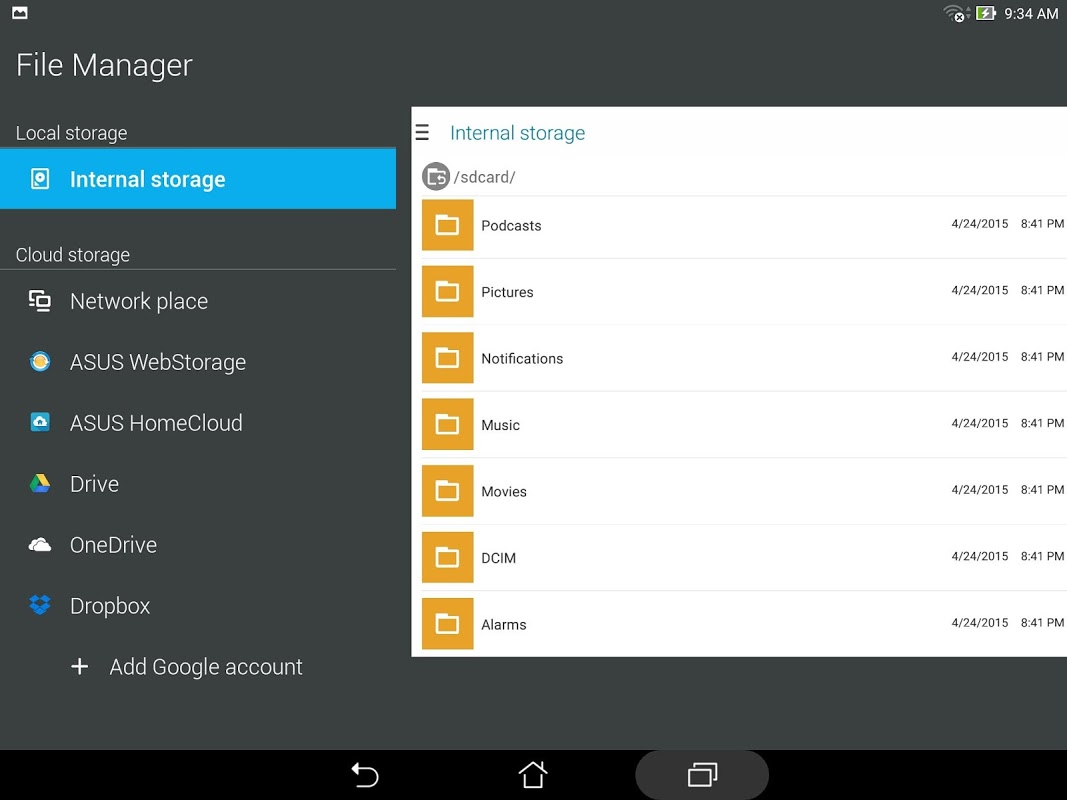
About this app
Handle files on your phone, microSD card, LAN, and cloud storage from one app. File Manager lets you copy, move, rename, delete, share, and browse by category. It also includes storage tools like a recycle bin, hidden cabinet, and storage analyzer.
- Browse by category — Open images, videos, music, apps, downloads, and favorites from the home screen.
- Move files around — Copy, move, rename, delete, and share files between device storage, microSD, LAN, and cloud.
- LAN and SMB access — Work with files on your local network and SMB shares.
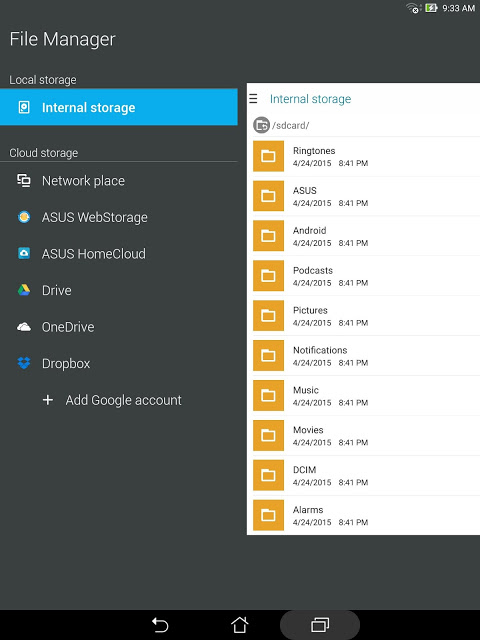
- Cloud account support — Connect ASUS WebStorage, Dropbox, Google Drive, and Microsoft OneDrive.
- Zip and RAR tools — Compress files to save space and extract Zip and RAR archives.
- Disk tools included — Use the storage analyzer, recycle bin, and hidden cabinet for basic storage management.
First launch on your phone
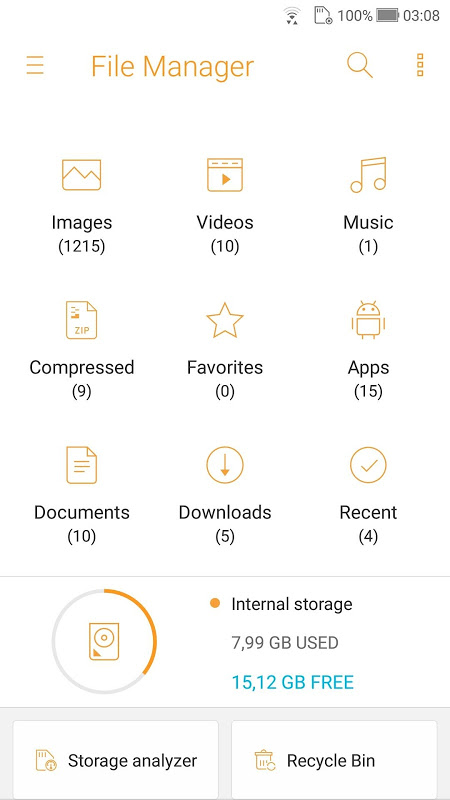
When you open File Manager, you start on a home screen built for everyday file work. The app is free, does not show ads, and does not use in-app purchases. It runs on Android 12 and up, and the APK is 21.7 MB. The file format is APK.
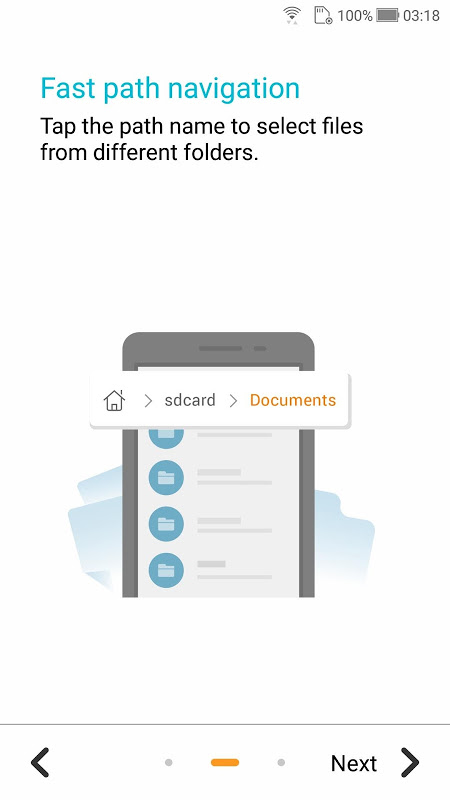
From there, you can go straight to storage on the device, microSD card, LAN, or cloud accounts. The app is meant for quick file handling, so the first things most people do are open folders, find a file, and decide whether to copy, move, rename, delete, or share it.
Open files by type
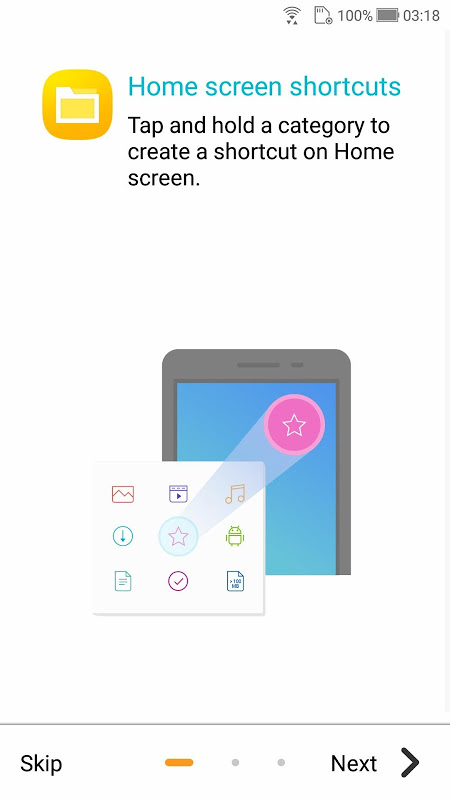
The category view is useful when you do not want to dig through folders. You can jump to images, videos, music, applications, downloaded files, and favorites. That makes it easier to find one document or one photo without checking every directory.
If you keep media in cloud storage, you can also open music, videos, documents, pictures, and photos from supported cloud accounts.
Move files between storage
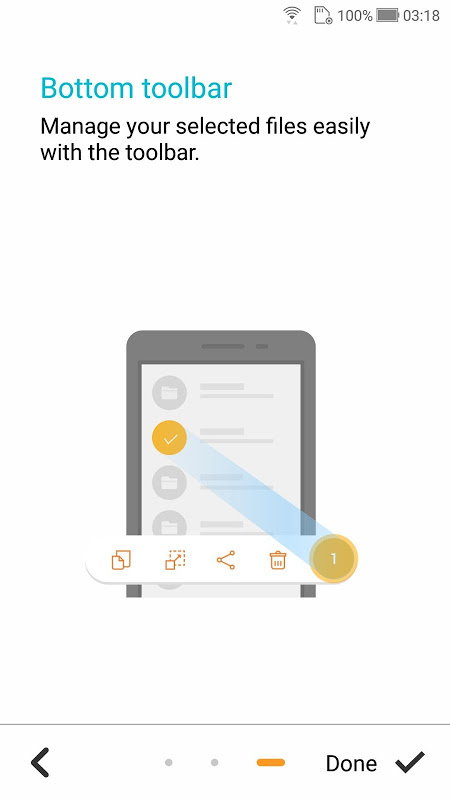
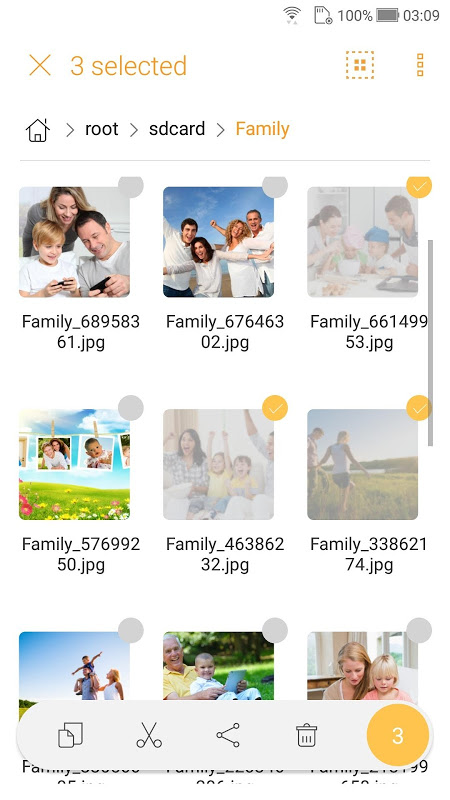
Use File Manager when you need to move something from internal storage to a microSD card, or from cloud storage back to the device. It also works with LAN and SMB network storage, so shared folders on a local network stay within reach.
- Copy or move files between storage locations
- Rename or delete items from the same screen
- Share files without leaving the app
Practical tools for daily cleanup
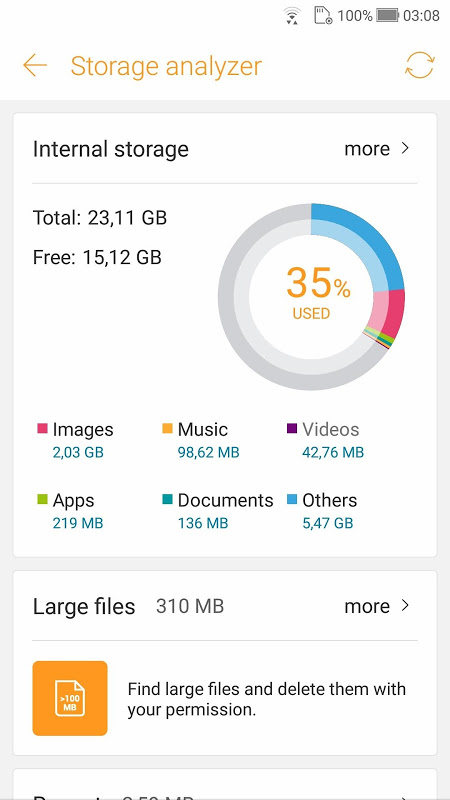
The disk tools help with routine cleanup. Storage analyzer shows what is taking space. Recycle bin gives you a place to review deleted files. Hidden cabinet keeps private files tucked away. If you need to make room, you can compress files into Zip or RAR and extract them later.
Requirements and permissions
File Manager needs access to your files because its job is to read, move, and manage them across local storage, microSD, LAN, and cloud accounts. The app does not list any permissions here. It has no root requirement listed. To install it from the APK, your device needs Android 12 or higher.
APK information
- Version
- 2.12.0.38_241202_ai2501
- Package
- com.asus.filemanager
- Category
- Tools
- Size
- 22 MB
- Min Android
- 12
- Architecture
- universal
Older versions
-
File Manager 2.12.0.38_241202_ai2501Nov 12, 2026Latest downloadAPK
File Manager FAQ
Why does File Manager need these permissions?expand_more
It needs file access so it can copy, move, rename, delete, share, and browse files across device storage, microSD, LAN, and cloud accounts. No permissions are listed here.
Does File Manager need root?expand_more
No root requirement is listed for File Manager.
What changed in the latest File Manager version?expand_more
The latest version is 2.12.0.38_241202_ai2501. No changelog details are listed.
How do I update File Manager from an APK?expand_more
Download the newer APK version and install it over the current app on a device running Android 12 or higher.
Which cloud services does File Manager support?expand_more
It supports ASUS WebStorage, Dropbox, Google Drive, and Microsoft OneDrive.