- 4.3star44 reviews
- 100M+Downloads
- 9 MBAPK size
- EveryoneRated for Everyone
- API 19+Android
check_circleOriginal APK from ZenUI, ASUS Computer Inc. · Updated Nov 12, 2026
No threats found
0 / — antivirus engines flagged this file
Original signature
First seen — ZenUI, ASUS Computer Inc.
Unmodified APK
Same file the developer published — no mods
ASUS Calling Screen screenshots
8 images · tap to enlarge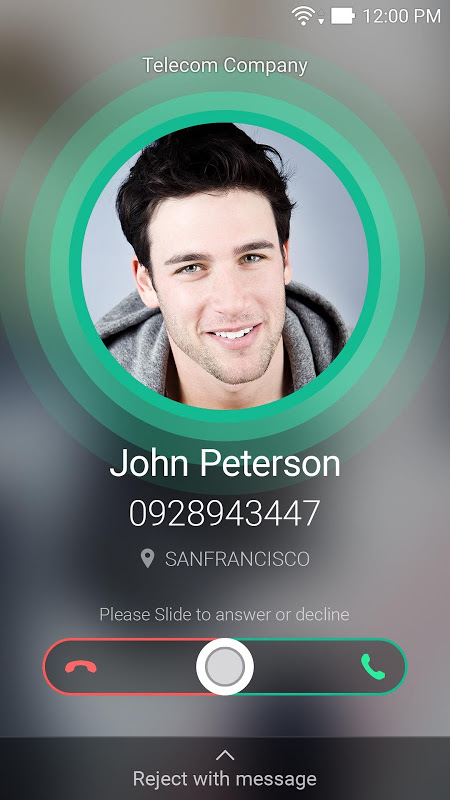
About this app
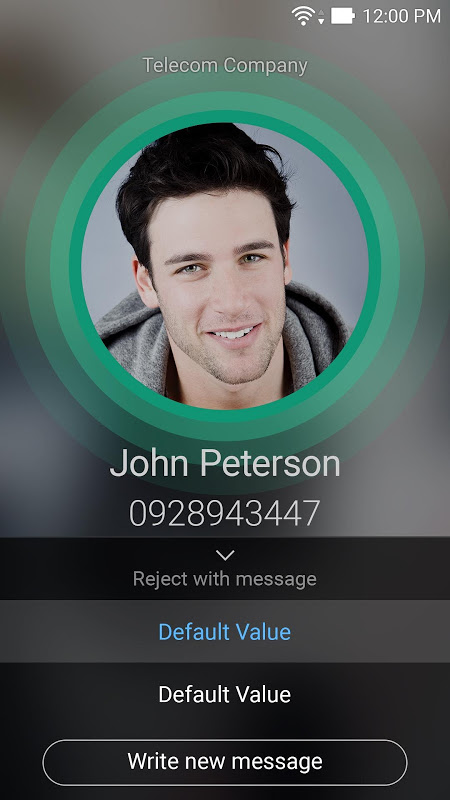
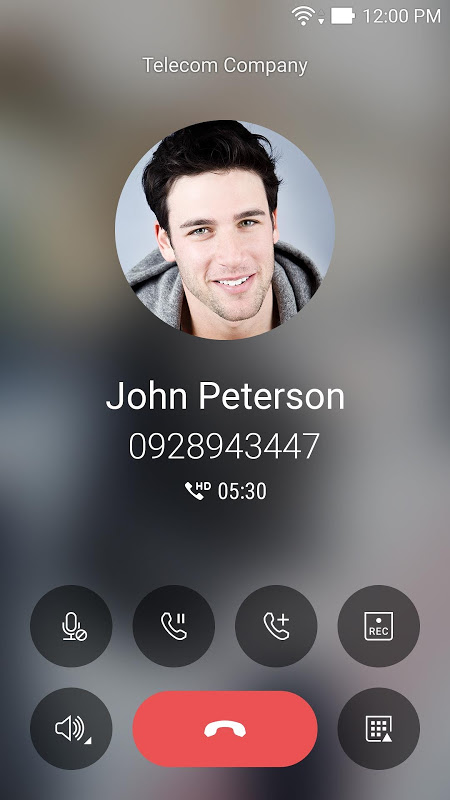
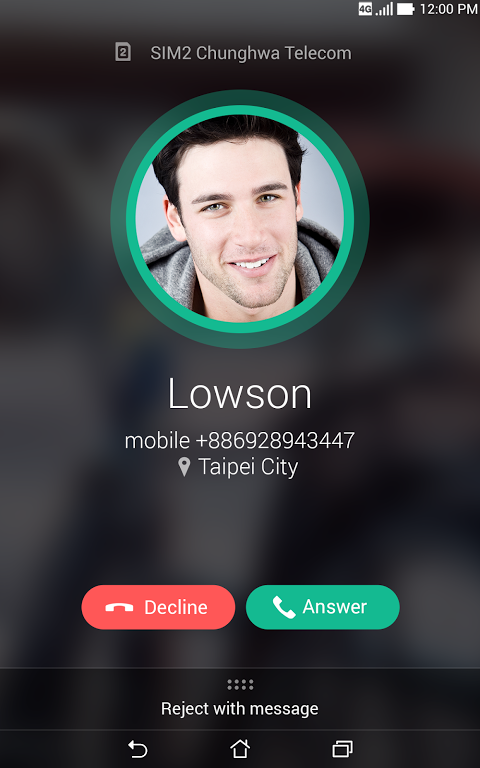
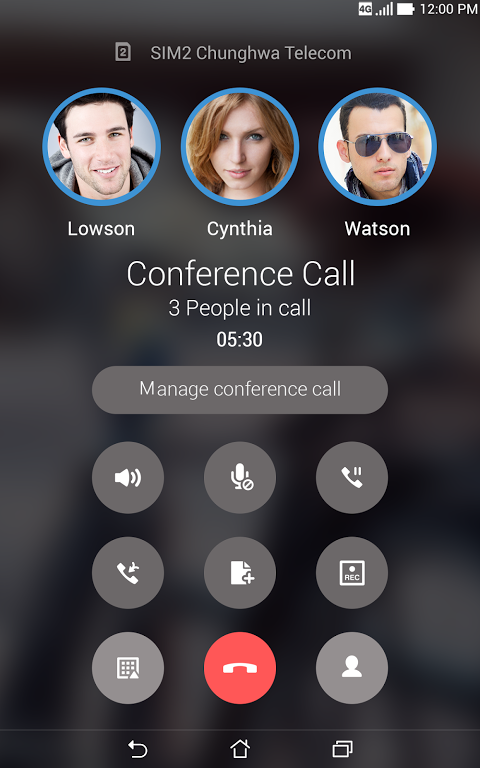
ASUS Calling Screen puts call handling tools on the calling screen, so you can answer, record, and manage conference calls with a few taps. It also adds a birthday badge for callers and an incoming-call lock change for supported devices. The app is free, has no ads, and asks for no permissions.
- Swipe to answer — When the screen is locked, you can swipe to answer an incoming call and avoid accidental touches.
- Call recording — Start and stop recording during a call with a single tap on the call screen.
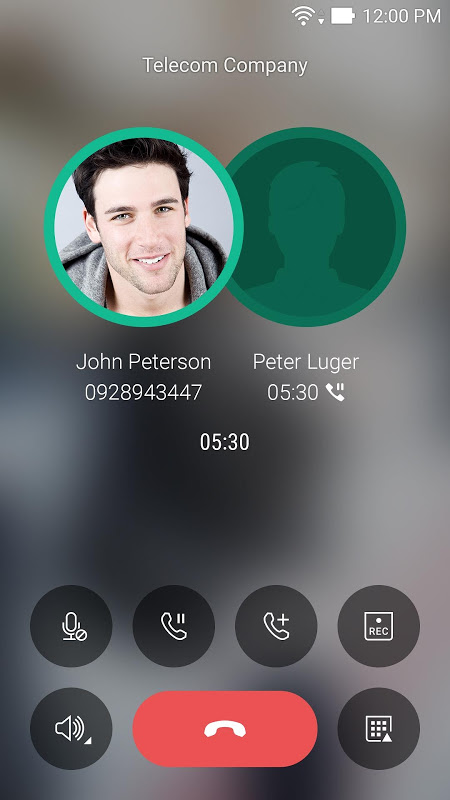
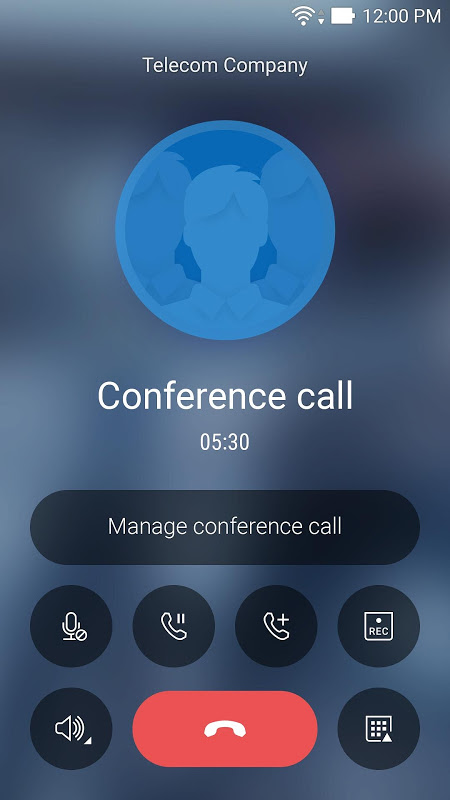
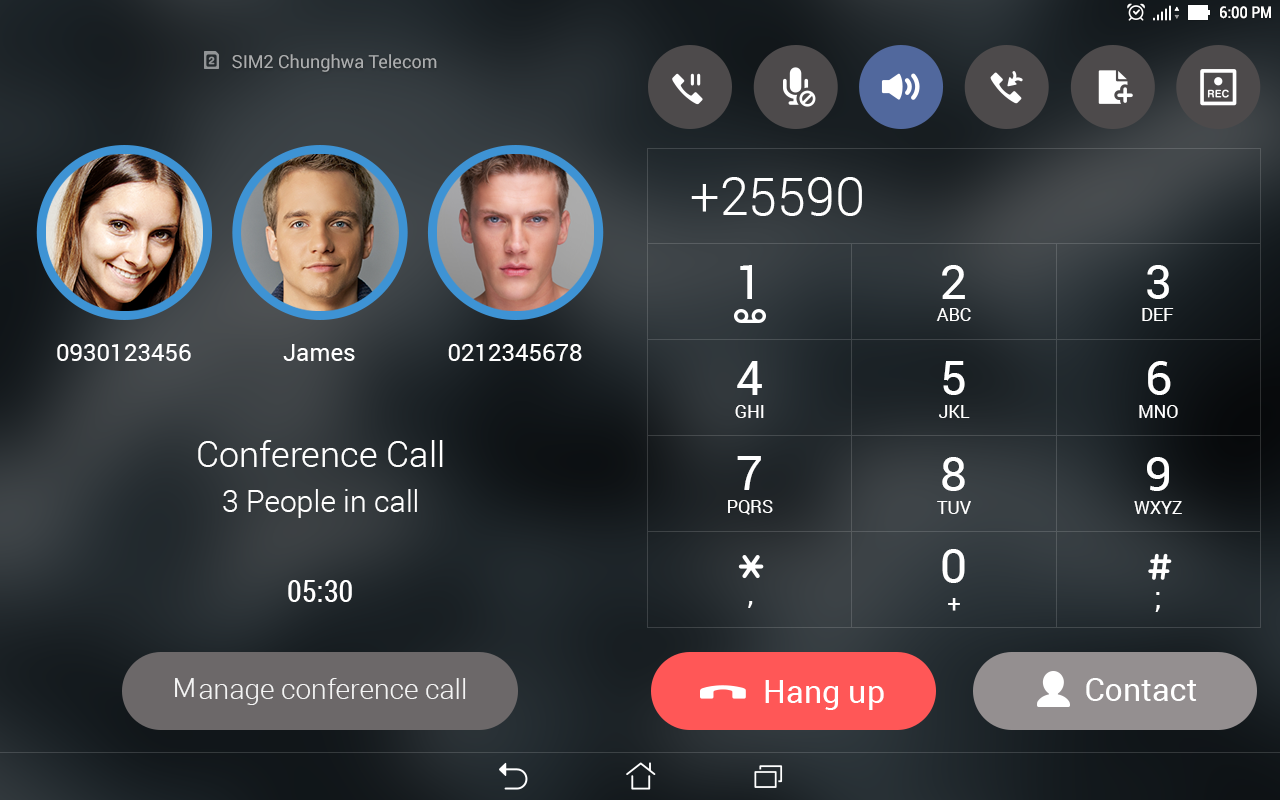
- Conference controls — Manage hold, add call, merge calls, and leave a conference from one place.
- Birthday badge — A birthday cake badge appears on the calling screen when it is the caller’s birthday.
- No ads — The app is free to install, with no ads and no in-app purchases.
Simple call controls on the screen
ASUS Calling Screen is built for people who want quicker control during phone calls. It focuses on the calling screen itself, with one-tap actions for answering, recording, and conference management. The interface is described as simple, and the app asks for no permissions. It is free, has no ads, and does not include in-app purchases.
Answer, record, and manage calls
The main tools are practical rather than flashy. You can swipe to answer when the screen is locked, which helps avoid accidental taps. During a call, you can start and stop recording from the screen. If you are on a conference call, you can hold a call, add another caller, merge calls, and exit the conference without leaving the call view.
- Gets: swipe-to-answer, call recording, conference call controls, birthday badge
- Watch for: no listed permissions, no ads, no in-app purchases, and support limited to Android API 19 and up
Small app, limited details
The APK is 9.4 MB, uses the universal ABI, and supports Android 4.4 and later. That makes it a small download, but the listing does not describe tablet-specific features or multi-device syncing. The app has a 4.3 rating from 44 ratings, with most of those ratings at 5 stars, though there are only a small number of reviews overall.
What changed recently
The latest update adds a birthday reminder badge on the calling screen when it is the caller’s birthday. It also changes incoming call lock behavior on supported devices with a fingerprint sensor, letting you swipe left to decline and swipe right to unlock with a PIN code. The update also includes bug fixes and stability improvements.
For people who want call-screen shortcuts without extra clutter, ASUS Calling Screen is easy to understand. It is a straightforward utility for handling calls, not a full messaging app, and it is more focused than common alternatives such as Gmail, WhatsApp, Google Messages, Messenger, or SHAREit.
What's new
Version 1.5.0.151104_1 · Nov 12, 2026
- ↑ ★ ★ ★ ★ ★ ↑
- If you like ASUS Calling Screen, please give us 5 stars to encourage us.
- New feature:
- Birthday reminder: If the day is the caller’s birthday, a birthday cake badge will be displayed on the calling screen
- Improvement:
- Incoming call lock improvement: when the incoming call lock is enabled, swipe left to decline, and swipe right to unlock with PIN code (This feature is only available for devices with fingerprint sensor)
APK information
- Version
- 1.5.0.151104_1
- Package
- com.asus.asusincallui
- Category
- Communication
- Size
- 9 MB
- Min Android
- API 19
- Architecture
- universal
Older versions
-
ASUS Calling Screen 1.5.0.151104_1Nov 12, 2026Latest downloadAPK
ASUS Calling Screen FAQ
Does ASUS Calling Screen need a phone number?expand_more
The listing does not say that it needs a phone number. It is a calling-screen app for handling phone calls.
Can I use ASUS Calling Screen on a tablet?expand_more
The listing does not mention tablet support. It only states that the app works on Android API 19 and up.
Does ASUS Calling Screen show ads?expand_more
No. The app is listed as having no ads.
Which processors does this APK support?expand_more
It uses the universal ABI, so the APK is listed as universal.
What call tools does ASUS Calling Screen add?expand_more
It adds swipe-to-answer for locked screens, call recording, and conference call controls like hold, add, merge, and exit.