
ASUS WebStorage - Cloud Drive
ASUS Cloud Corporation- 3.6star75,059 reviews
- 100M+Downloads
- 7 MBAPK size
- EveryoneRated for Everyone
- API 8+Android
check_circleOriginal APK from ASUS Cloud Corporation · Updated Nov 12, 2026

No threats found
0 / — antivirus engines flagged this file
Original signature
First seen — ASUS Cloud Corporation
Unmodified APK
Same file the developer published — no mods
ASUS WebStorage - Cloud Drive screenshots
5 images · tap to enlarge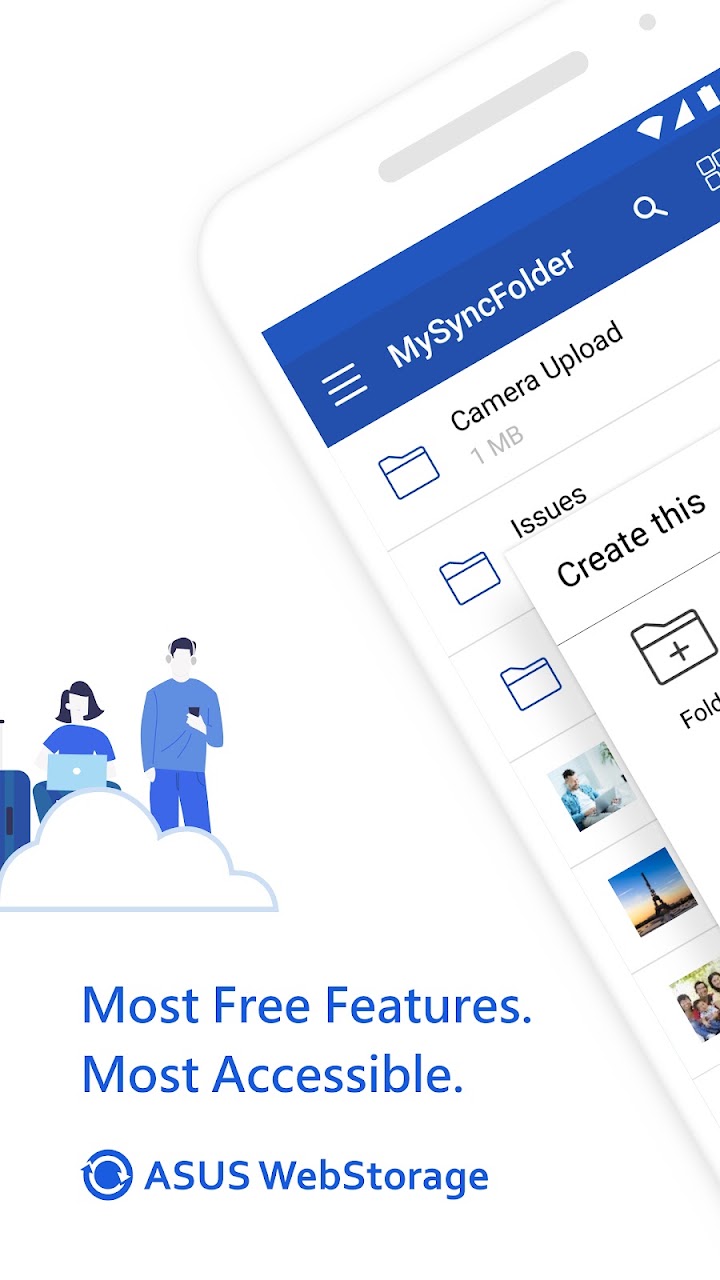


About this app
Over 100M+ installs show how many people use ASUS WebStorage - Cloud Drive to keep files in one place. It puts your mobile photos, documents, and other files on cloud storage so you can reach them from different devices, share them with others, and keep working when you are away from your PC.
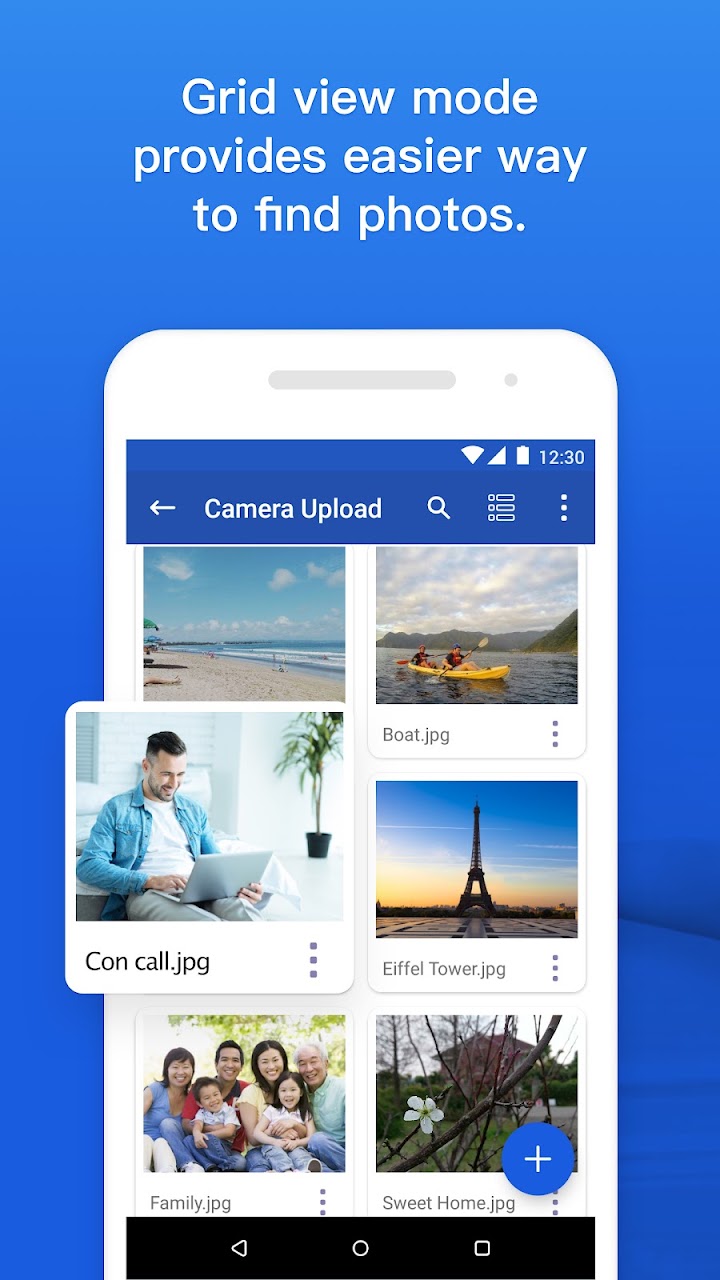
- Photo auto-upload — Choose to back up mobile photos to WebStorage automatically.
- Cross-device access — Open stored files from your phone and continue on desktop, laptop, or tablet.
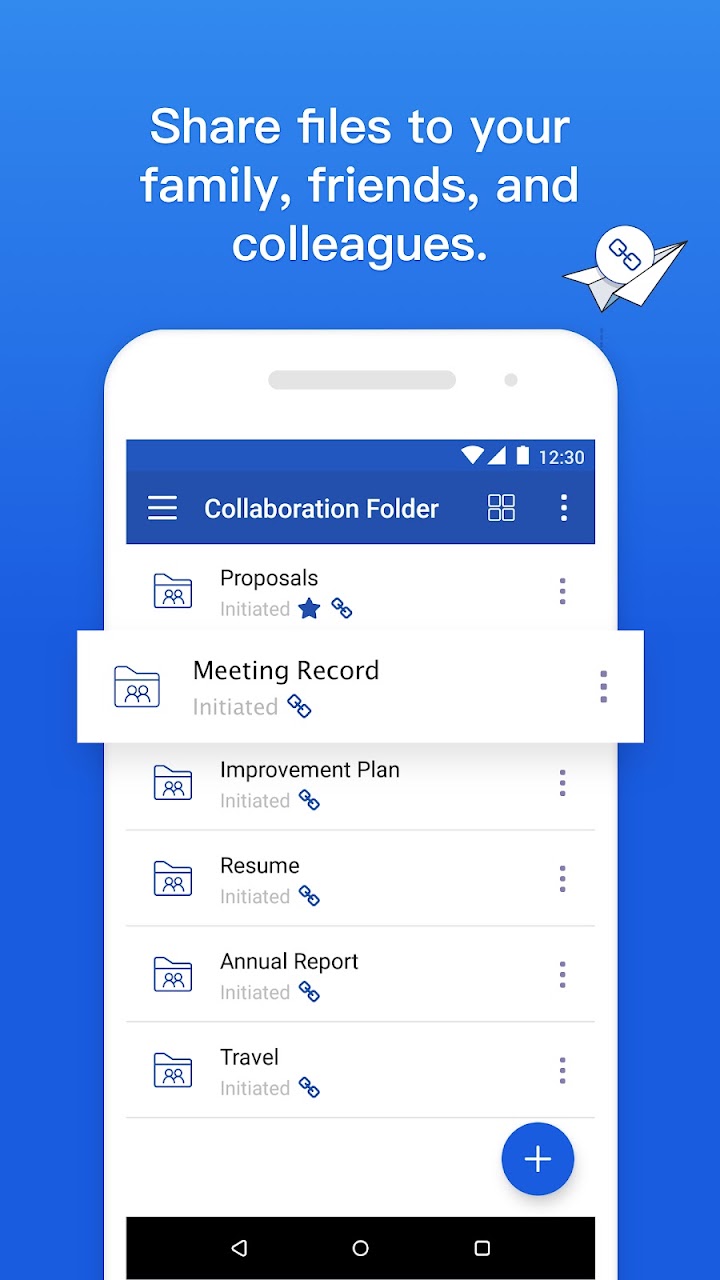
- Shared file controls — Share files with different access levels and comments for easier collaboration.
- Central file storage — Keep files managed in one cloud space instead of scattered across devices.
- Security focus — The app says stored data stays secure even if a device is lost or changed.
Store files once, open them anywhere
ASUS WebStorage - Cloud Drive is built for the moments when a file starts on one device and needs to show up on another. On a commute, you can pull up documents or photos that were saved earlier, then keep going later on a PC or tablet. The app also says it supports mobile-only use, with a 1-month free trial on monthly subscription plans, and the APK is 7.4 MB for Android API 8 and up.
Automatic photo uploads on mobile
When your phone fills up with snapshots from a day out, you can choose to have photos uploaded to WebStorage automatically. That makes it easier to keep a copy without manually moving each image. It also fits a routine where you take photos during the day and check them later from another device.
Sharing with comments and access levels
If you need to send a work folder, family album, or project file, the sharing mode includes access authorization and comment functions. That gives you a way to decide who can do what with a file, while keeping the conversation tied to the shared item. It is a simple setup for exchanging files instead of bouncing them between apps.
Cloud management for daily use
The app keeps your files centrally managed on cloud so they are available when you are not near your PC. It is designed for people who want one place for personal storage and access across devices. The description also notes that stored data is protected, and that its security level is positioned as high as that required by international financial organizations.
- Permissions: no app permissions are listed.
- Ads: the app does not contain ads.
- Payments: in-app purchases are available through monthly subscriptions.
- Install: available as an APK, with support starting at Android API 8.
APK information
- Version
- 1.5.5.6723
- Package
- com.ecareme.asuswebstorage
- Category
- Productivity
- Size
- 7 MB
- Min Android
- API 8
- Architecture
- universal
Older versions
-
ASUS WebStorage - Cloud Drive 1.5.5.6723Nov 12, 2026Latest downloadAPK
ASUS WebStorage - Cloud Drive FAQ
Does ASUS WebStorage - Cloud Drive support teams?expand_more
It includes sharing tools with different access levels and comments, which helps people work together on files. The app description does not mention dedicated team plans or team features.
Does ASUS WebStorage - Cloud Drive sync across devices?expand_more
Yes. It stores files centrally on cloud so you can access them from different devices when you are away from your PC.
Can I install ASUS WebStorage - Cloud Drive without Google Play?expand_more
The app is available as an APK file, so it can be installed outside Google Play. It supports Android API 8 and higher.
What changed in the latest ASUS WebStorage - Cloud Drive version?expand_more
No recent change notes are listed for the latest version.
Does ASUS WebStorage - Cloud Drive upload phone photos automatically?expand_more
Yes. You can choose automatic uploading so photos on your mobile device are saved to WebStorage.