- 4.7star1,789 reviews
- 100K+Downloads
- 18 MBAPK size
- EveryoneRated for Everyone
- 5.0+Android
check_circleOriginal APK from BGCI · Updated Nov 12, 2026
No threats found
0 / — antivirus engines flagged this file
Original signature
First seen — BGCI
Unmodified APK
Same file the developer published — no mods
aTimeLogger Pro: Hours Tracker screenshots
8 images · tap to enlarge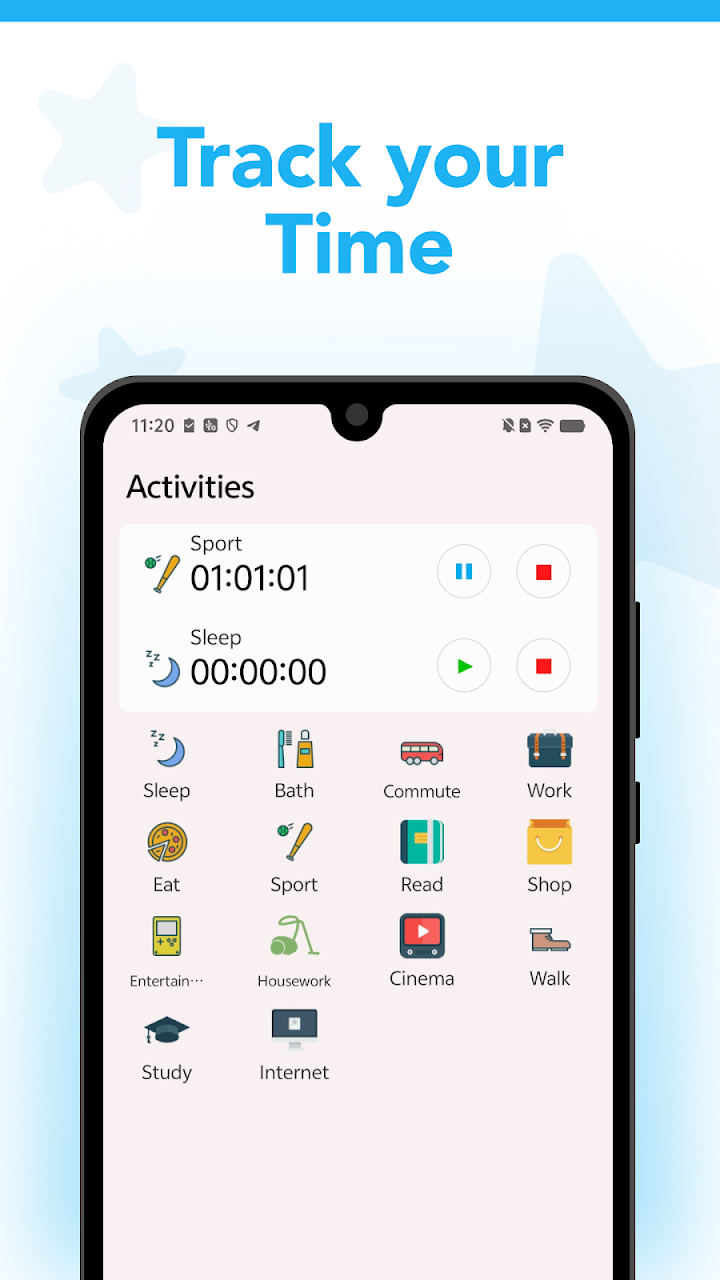
About this app
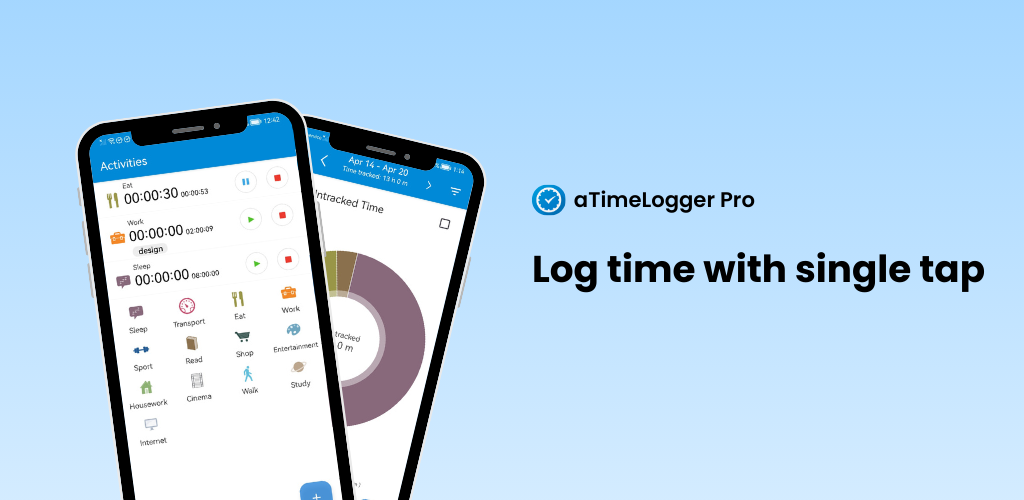
BGCI makes aTimeLogger Pro: Hours Tracker for recording work, study, and daily tasks. It is a productivity app for people who want a simple way to start, pause, and review time tracking from a phone or Wear OS watch. The app includes goals, timesheets, grouped tasks, and exportable reports.
- One-tap tracking — Start, stop, and pause activities quickly from the app or from Wear OS.
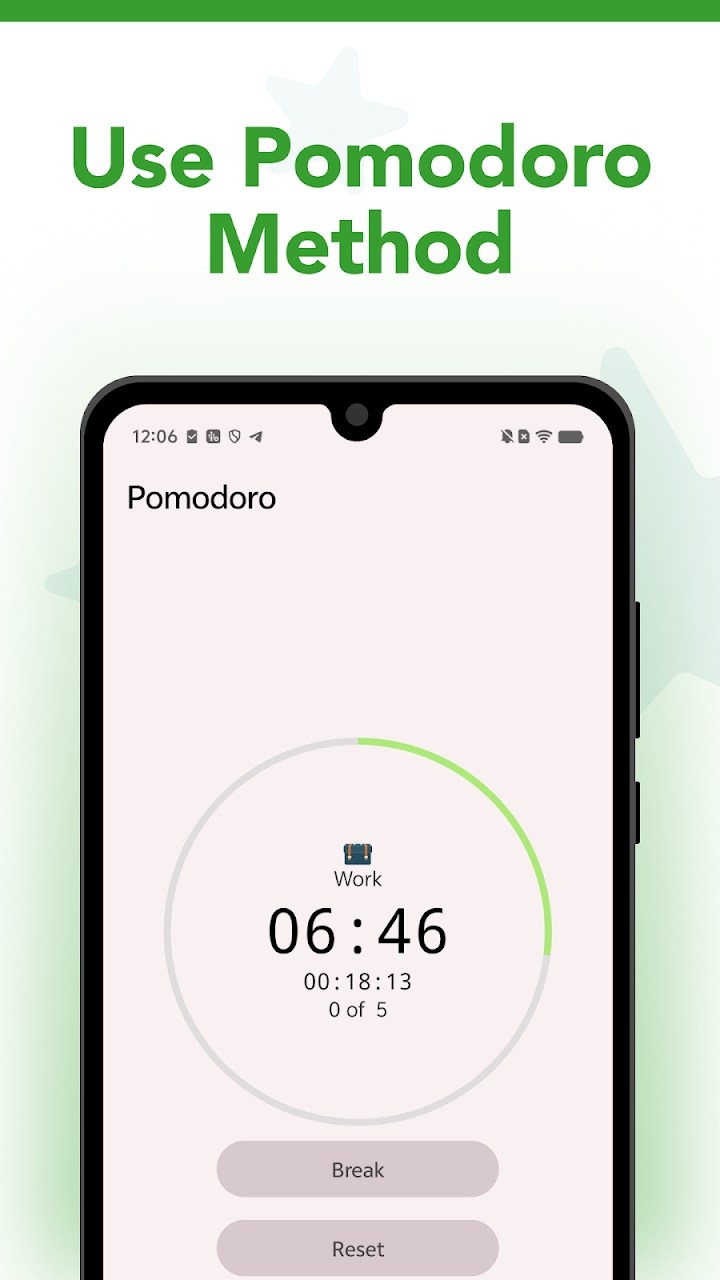
- Pomodoro sessions — Use the built-in Pomodoro timer to focus on work or study blocks.
- Grouped tasks — Organize related activities into groups to keep your tracker tidy.
- Custom timesheets — Record hours in a customizable timesheet for work and study routines.
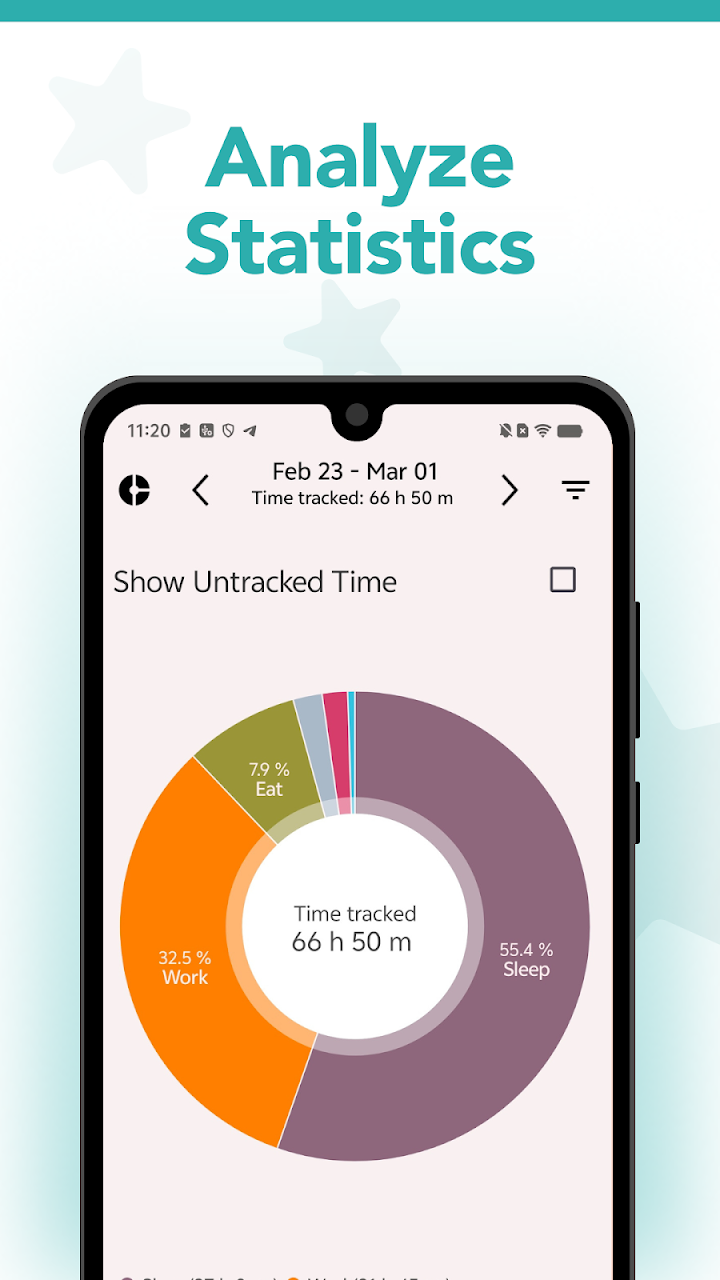
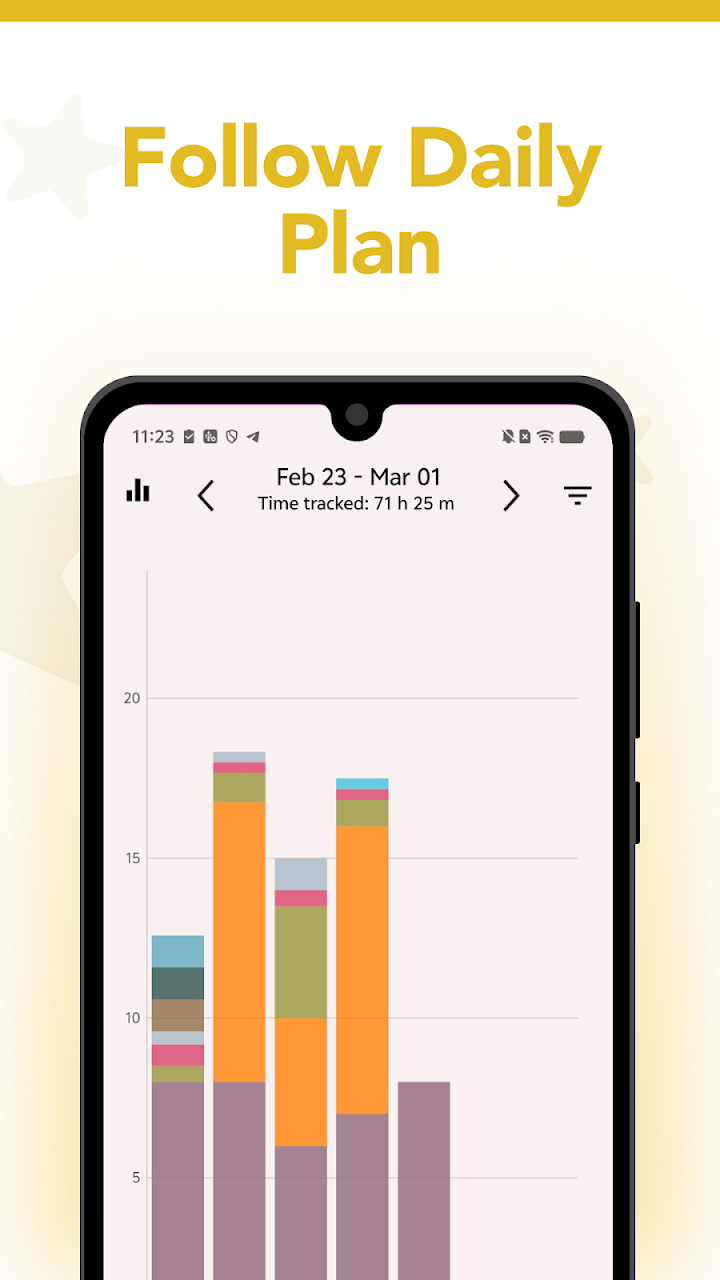
- Reports and charts — Review detailed graphs and pie charts, then export reports to CSV or HTML.
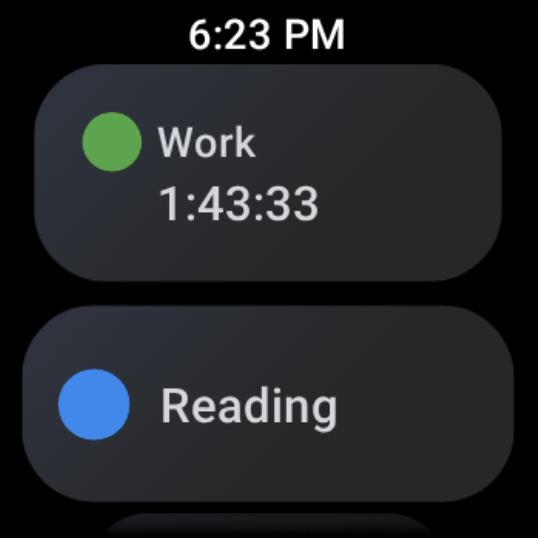
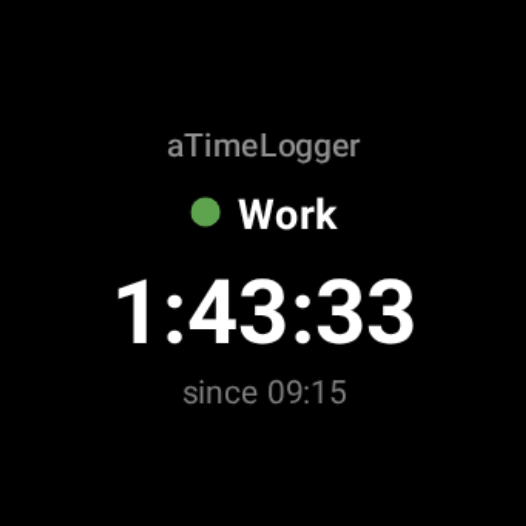
- Watch support — Use tiles and complications on Wear OS to launch tracking and sync with your phone.
Track work hours on a busy day
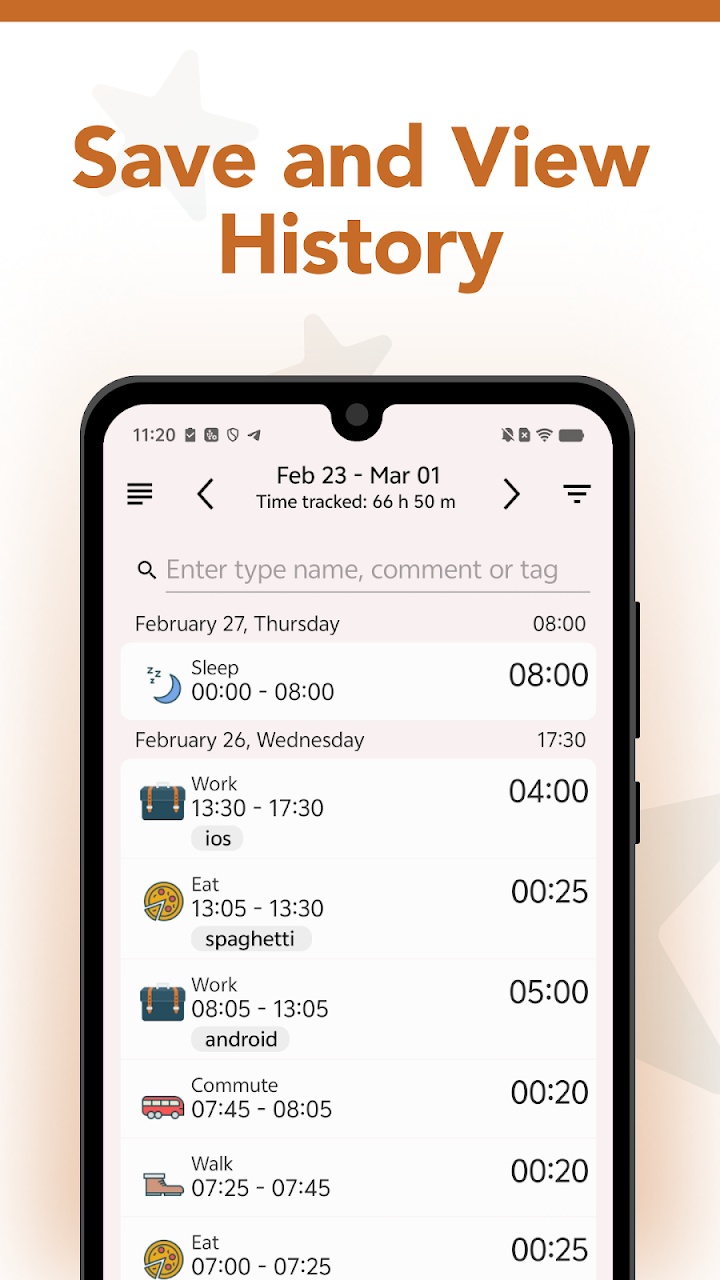
If you move between meetings, shifts, or project blocks, aTimeLogger Pro: Hours Tracker lets you start a task with a single tap and keep a clear record of your hours. The app is built around timesheet-style tracking, so you can see how time is spent across work, study, and other activities.
Study sessions with a Pomodoro timer
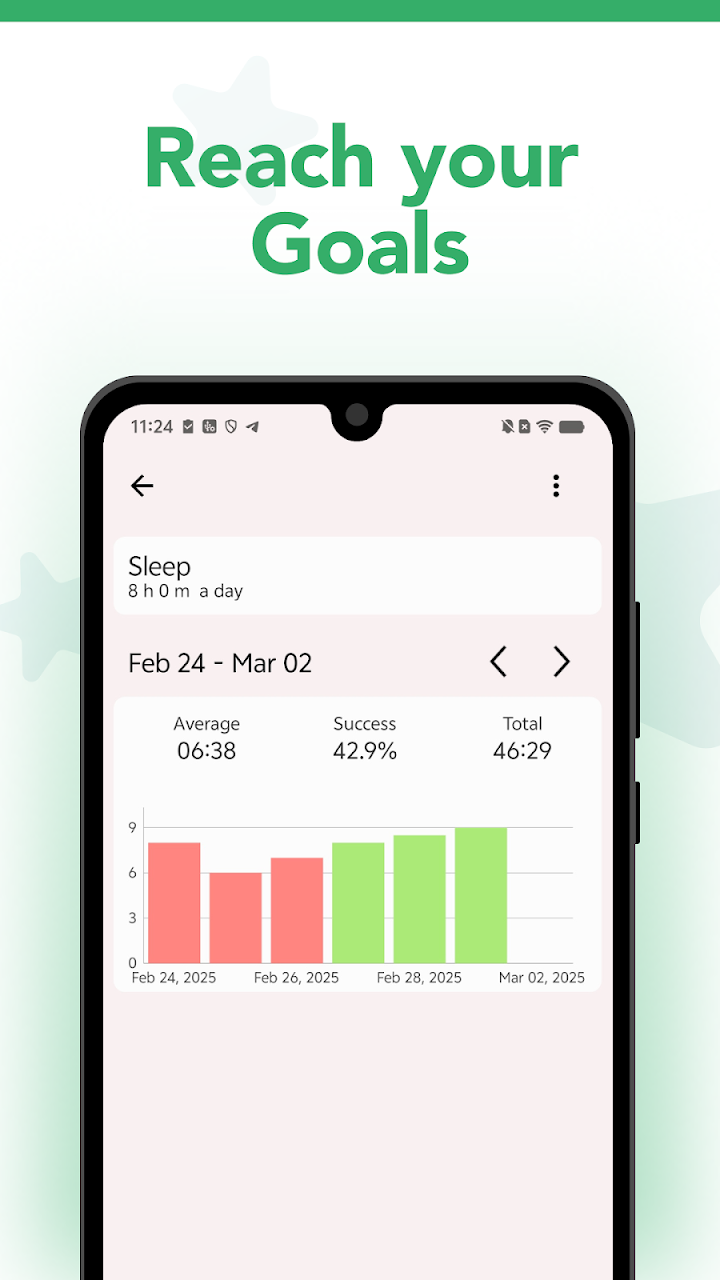
For students, the app pairs time tracking with Pomodoro sessions. You can focus on one subject, pause when needed, and resume later without losing your place. Goal tracking also helps when you want to follow a daily study plan or keep a routine on track.
Freelance projects and grouped activities
Freelancers and people managing several tasks at once can organize work into groups and track simultaneous activities. That makes it easier to separate client jobs, side projects, or recurring duties inside one hours tracker. Custom icons also help distinguish activities at a glance.
Reports, charts, and Wear OS control
When you want a wider view of your routine, the app provides detailed graphs, pie charts, and export options in CSV and HTML. It also supports Wear OS, where you can start, stop, pause, and view running timers from your wrist. The APK is 18.2 MB, comes in universal APK format, and requires Android 5.0 or later.
Built for daily tracking
aTimeLogger Pro: Hours Tracker is free, contains no ads, and includes in-app purchases. It has a 4.7 rating from 1,785 ratings and has been available since 2018-02-04.
APK information
- Version
- 1.3.2
- Package
- io.timetrack.timetrackapp
- Category
- Productivity
- Size
- 18 MB
- Min Android
- 5.0
- Architecture
- universal
Older versions
-
aTimeLogger Pro: Hours Tracker 1.3.2Nov 12, 2026Latest downloadAPK
aTimeLogger Pro: Hours Tracker FAQ
Does aTimeLogger Pro: Hours Tracker sync across devices?expand_more
Yes. Wear OS tracking syncs automatically with your phone.
Does aTimeLogger Pro: Hours Tracker support teams?expand_more
It is designed for personal time tracking, including work, study, and freelance routines. The available features focus on individual goals, timesheets, and activity tracking.
What is the difference between the APK and the Play Store version of aTimeLogger Pro: Hours Tracker?expand_more
The app is available as an APK file in universal format. The Play Store version is the same app listing described here.
Does aTimeLogger Pro: Hours Tracker need an account?expand_more
An account requirement is not listed for the app.
Can I export time logs from aTimeLogger Pro: Hours Tracker?expand_more
Yes. The app supports report export in CSV and HTML.