- 0.0star0 reviews
- 5K+Downloads
- 6 MBAPK size
- EveryoneRated for Everyone
- API 14+Android
check_circleOriginal APK from Ariyanki Software · Updated Nov 10, 2026
No threats found
0 / — antivirus engines flagged this file
Original signature
First seen — Ariyanki Software
Unmodified APK
Same file the developer published — no mods
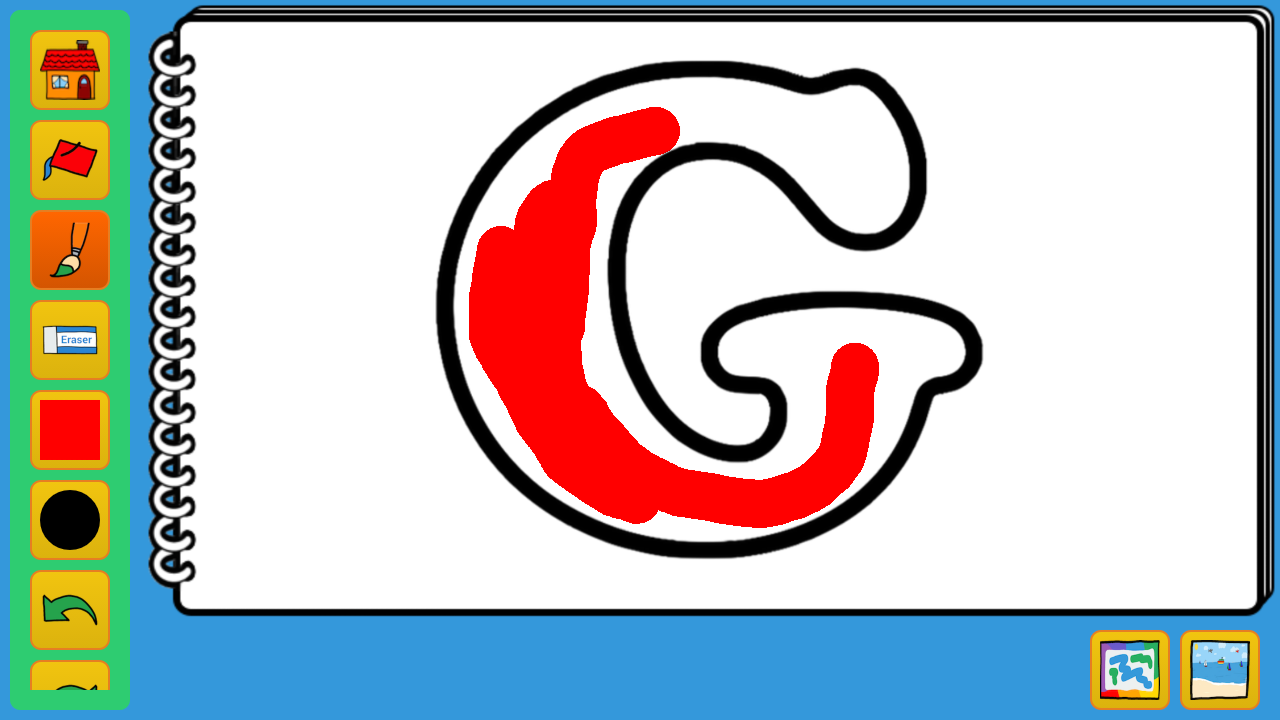
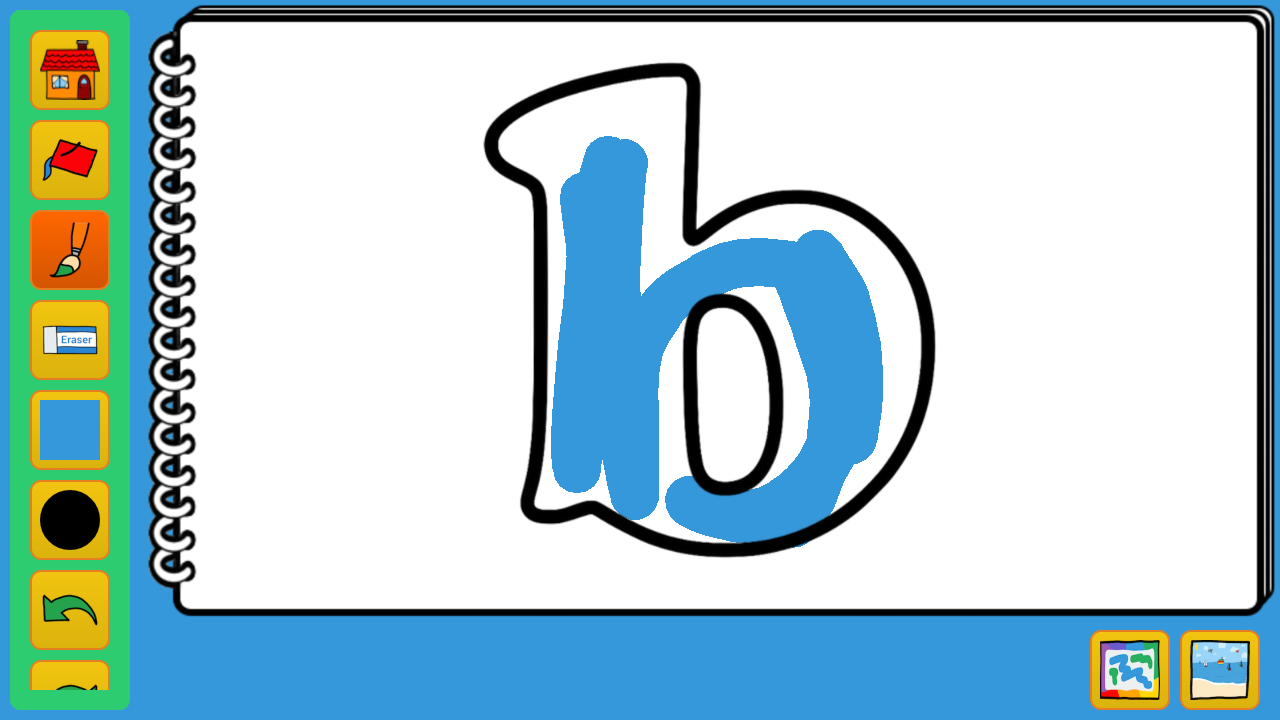
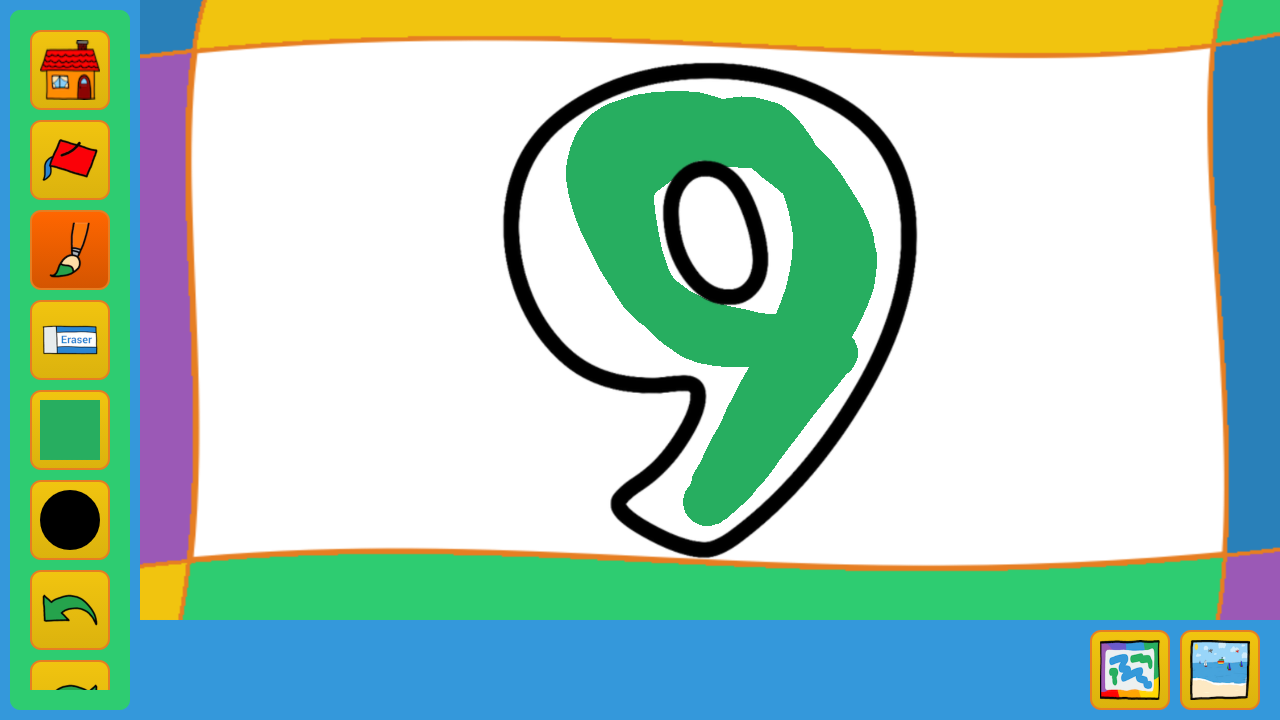
Buku Gambar Alphabet screenshots
4 images · tap to enlarge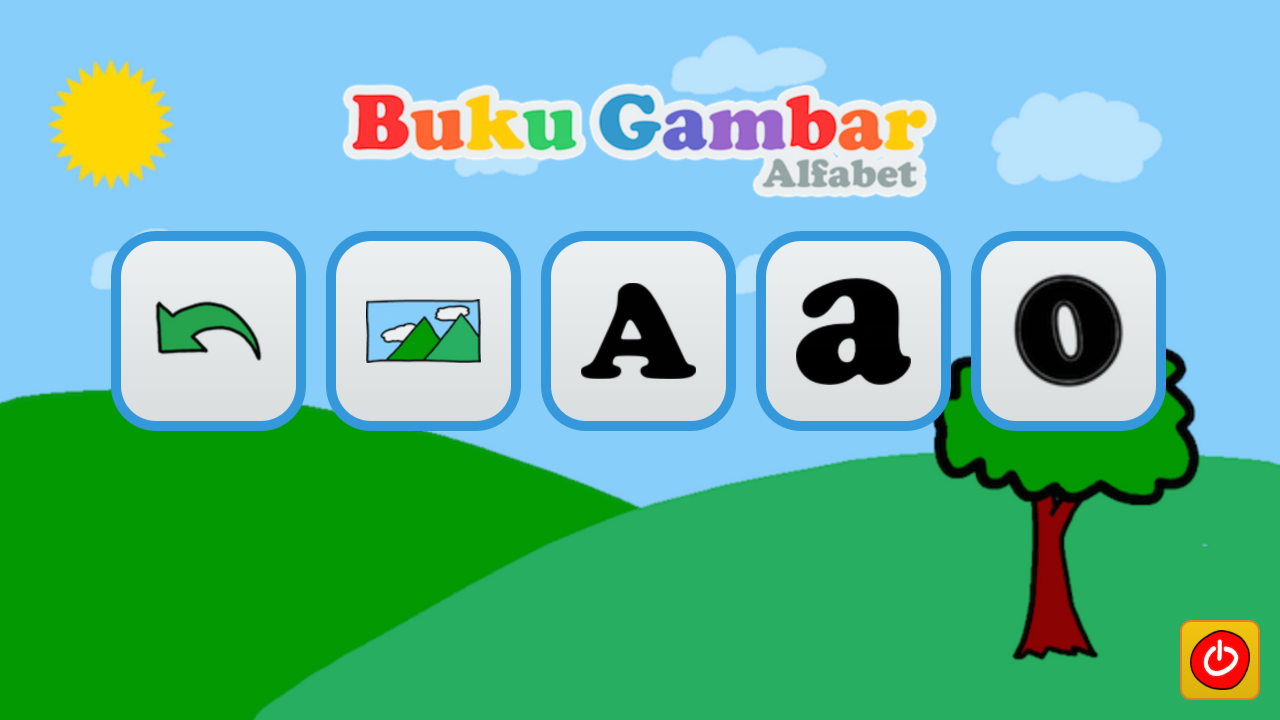
About this app
Buku Gambar Alphabet is a simple drawing and coloring app for alphabet letters. It opens with 26 letter pages for children to sketch on, color in, or erase. The tools are easy to reach, and the app also includes save-to-gallery capture for finished work.
- 26 Letter Pages — Children can choose from 26 alphabet letters for drawing and coloring.
- Pencil and Eraser — Use the pencil to sketch and the eraser to remove lines.
- Color Selection — Pick a color before drawing or coloring on the canvas.
- Brush Size Control — Adjust the brush size with the size controls.
- Undo and Redo — Step back with undo, then restore the last action with redo.
- Save to Gallery — Save finished sketches to the photo gallery with the camera icon.
First launch and setup
On first launch, Buku Gambar Alphabet opens as a drawing and coloring book for alphabet letters. The app provides 26 letter pages for children to use. It is free, includes ads, and is available as an APK file. The package size is 6.4 MB and it supports Android API 14 and above.
Start by choosing a letter page. Then pick a tool from the icons on screen. The app uses clear controls, so children can move between drawing, coloring, erasing, and saving without a long setup.
Drawing tools on the canvas
The pencil icon switches to draw or coloring mode. The eraser icon removes sketch lines. The color icon opens color selection. The circle icon changes brush size. There is also an alphabet letter icon for choosing the letter page you want to work on.
- Pencil for sketching and coloring.
- Eraser for removing parts of the drawing.
- Color for choosing a drawing color.
- Circle for brush size.
- Alphabet Letter for selecting a letter page.
Undo, redo, and new canvas
If a line goes wrong, use the left arrow icon to undo the last sketch. Use the right arrow icon to redo after undo. The new file icon clears the canvas and starts a new page. These controls make it easier to correct simple mistakes while drawing.
Save finished sketches
When the drawing is done, use the camera icon to save the sketch to the photo gallery. The question mark icon opens the user manual. The app also points users to a YouTube channel for tutorial or draw examples.
Practical use and permissions
This app is meant to reduce paper use by giving children a digital drawing book. It does not list any permissions. There are no in-app purchases. The content rating is Everyone, and the current version is 4.0.1.
What's new
Version 4.0.1 · Nov 10, 2026
- New Design
APK information
- Version
- 4.0.1
- Package
- ariyanki.bukugambarhuruf
- Category
- Art & Design
- Size
- 6 MB
- Min Android
- API 14
- Architecture
- universal
Older versions
-
Buku Gambar Alphabet 4.0.1Nov 10, 2026Latest downloadAPK
Buku Gambar Alphabet FAQ
Can Buku Gambar Alphabet edit RAW photos?expand_more
No. Buku Gambar Alphabet is a drawing and coloring app for alphabet letters, not a photo editor.
Does Buku Gambar Alphabet work offline?expand_more
The app description does not say whether it works offline.
What permissions does Buku Gambar Alphabet ask for?expand_more
No permissions are listed for this app.
What is the difference between the APK and the Play Store version of Buku Gambar Alphabet?expand_more
The app is listed as an APK file. No separate Play Store version details are provided.
How many alphabet letters are included?expand_more
The app provides 26 alphabet letters for children to draw or color.