- 4.5star14,118 reviews
- 1M+Downloads
- 51 MBAPK size
- EveryoneRated for Everyone
- 7.0+Android
check_circleOriginal APK from Mark Tsiushkevich · Updated Nov 10, 2026
No threats found
0 / — antivirus engines flagged this file
Original signature
First seen — Mark Tsiushkevich
Unmodified APK
Same file the developer published — no mods
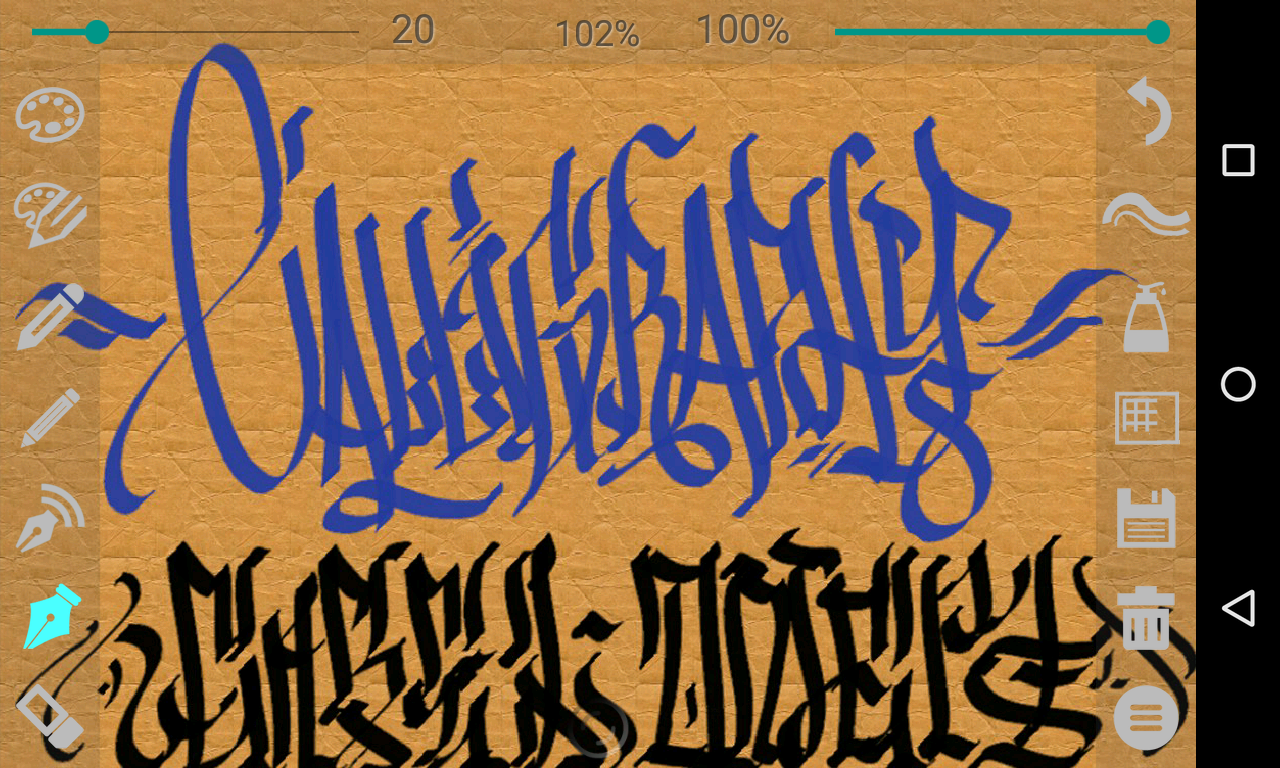
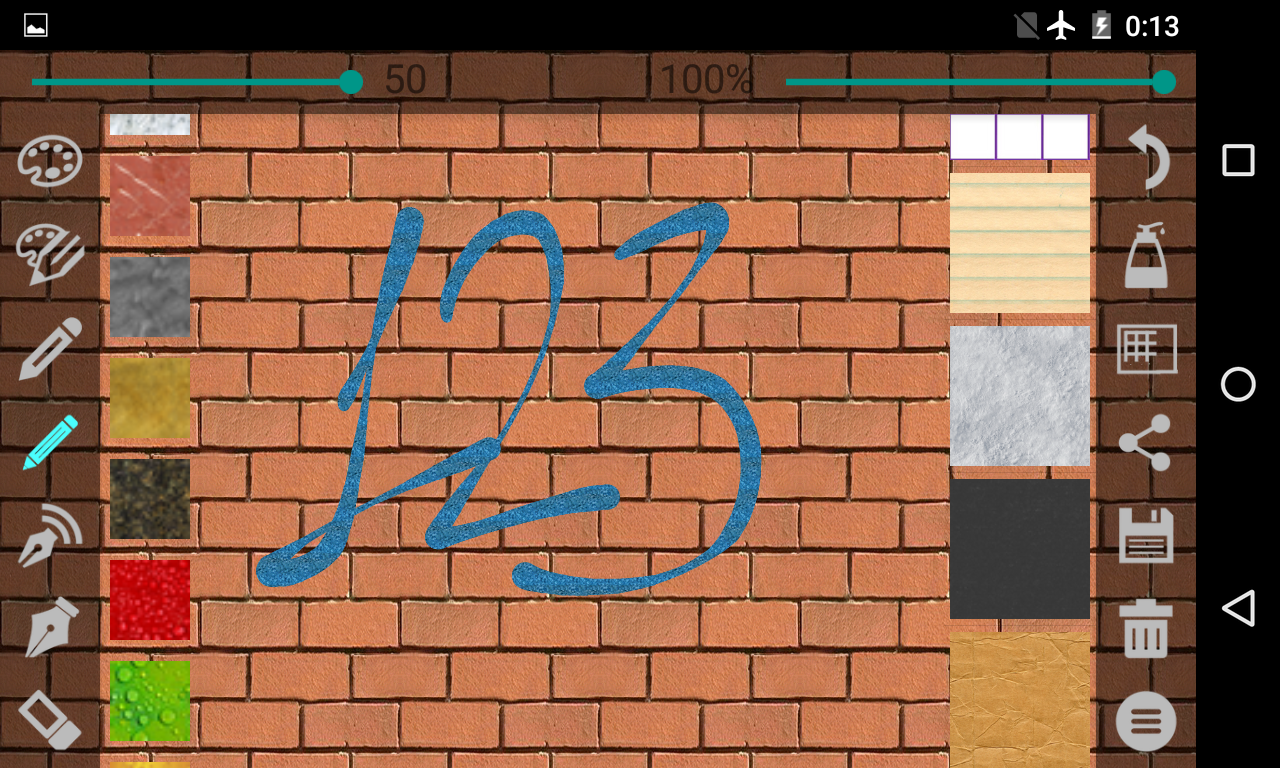
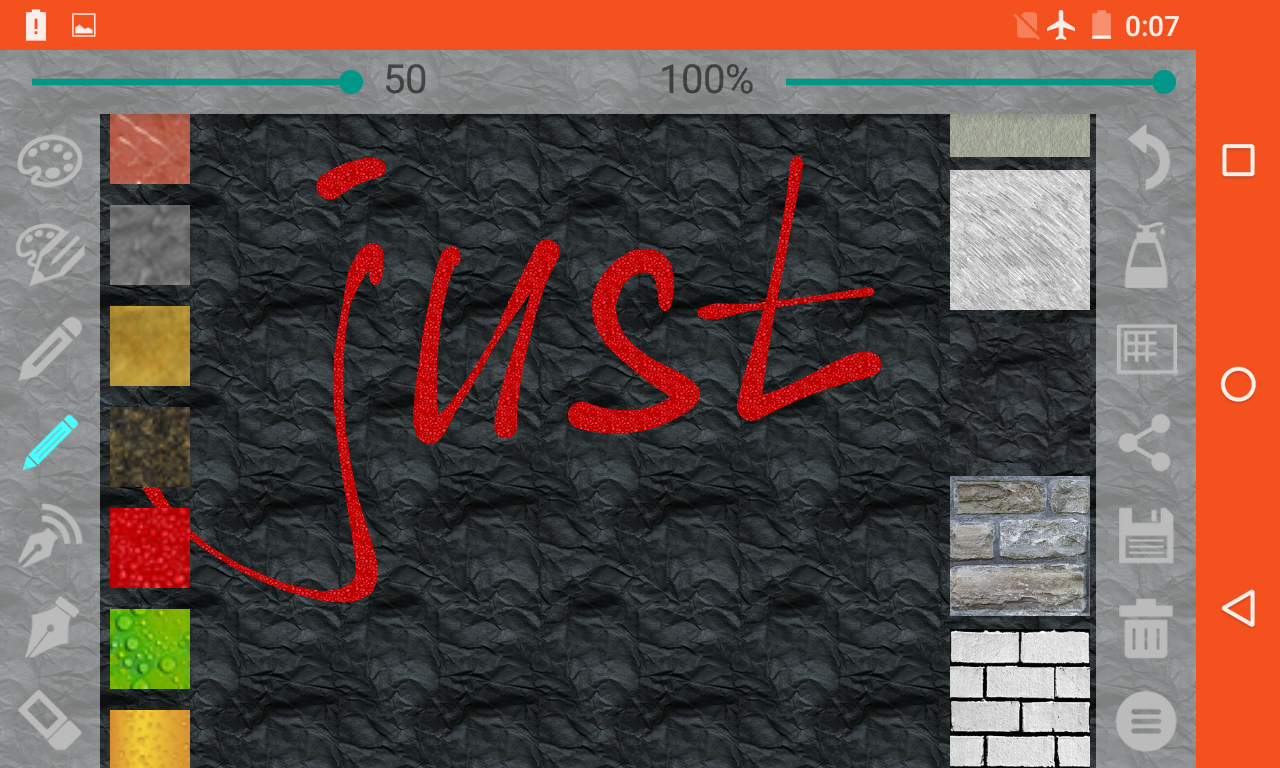
Calligrapher: Calligraphy Pen screenshots
8 images · tap to enlarge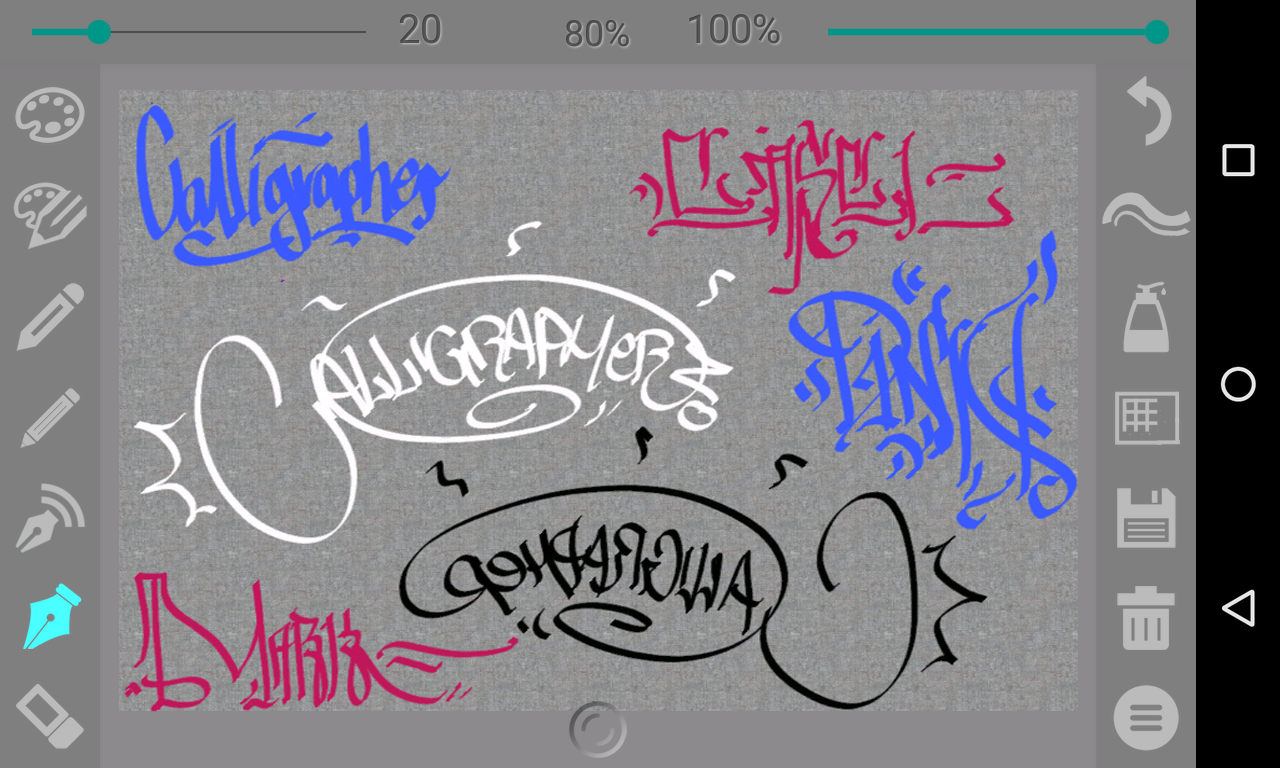
About this app
Mark Tsiushkevich’s Calligrapher: Calligraphy Pen is an Art & Design app for drawing calligraphy, lettering, and simple text layouts on Android. It combines six drawing tools, font-based text, background choices, and PNG export, with offline use and no sign-in. The free version includes ads only when you unlock extra features.
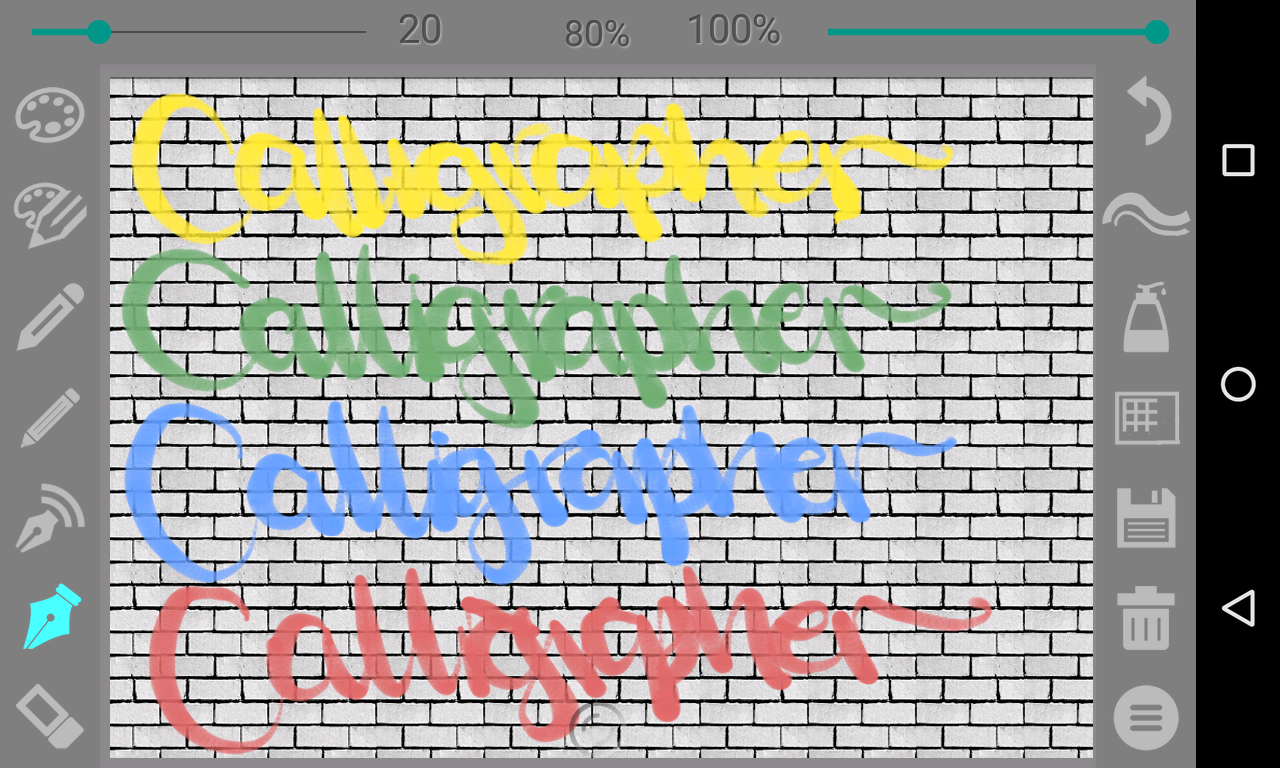
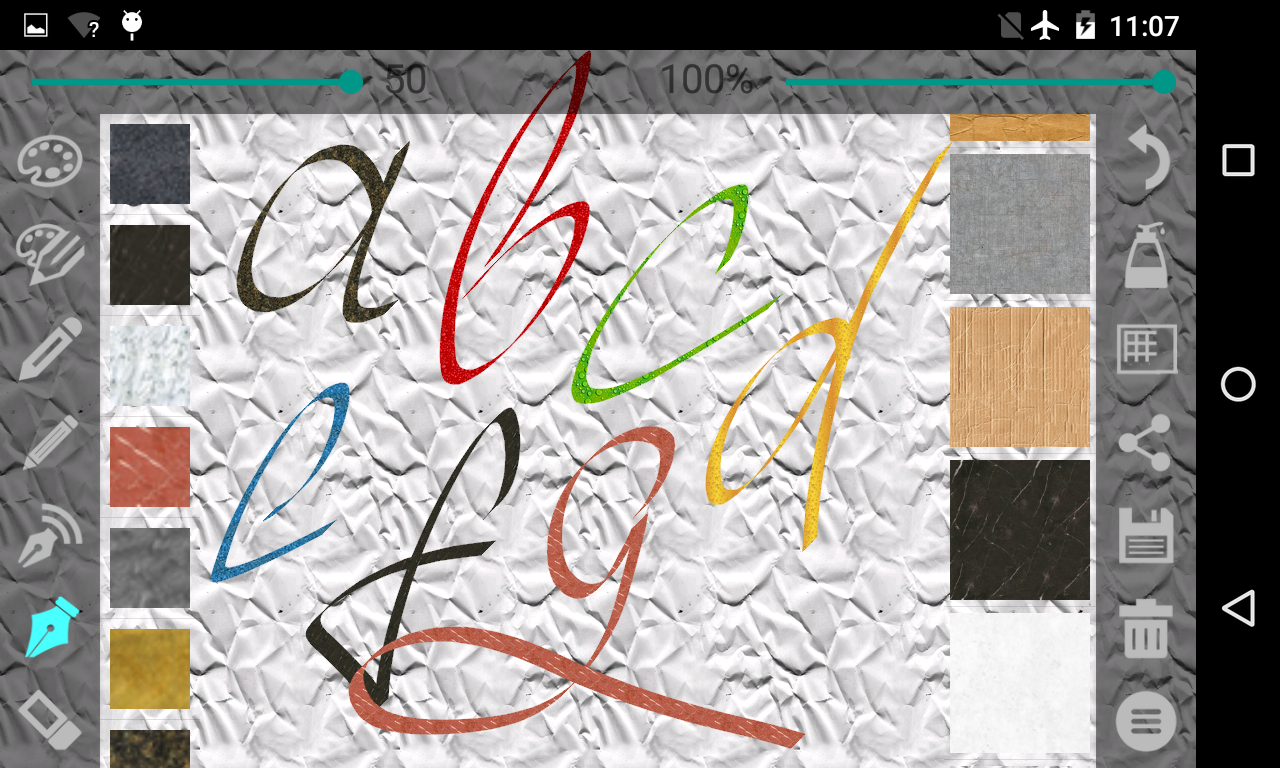
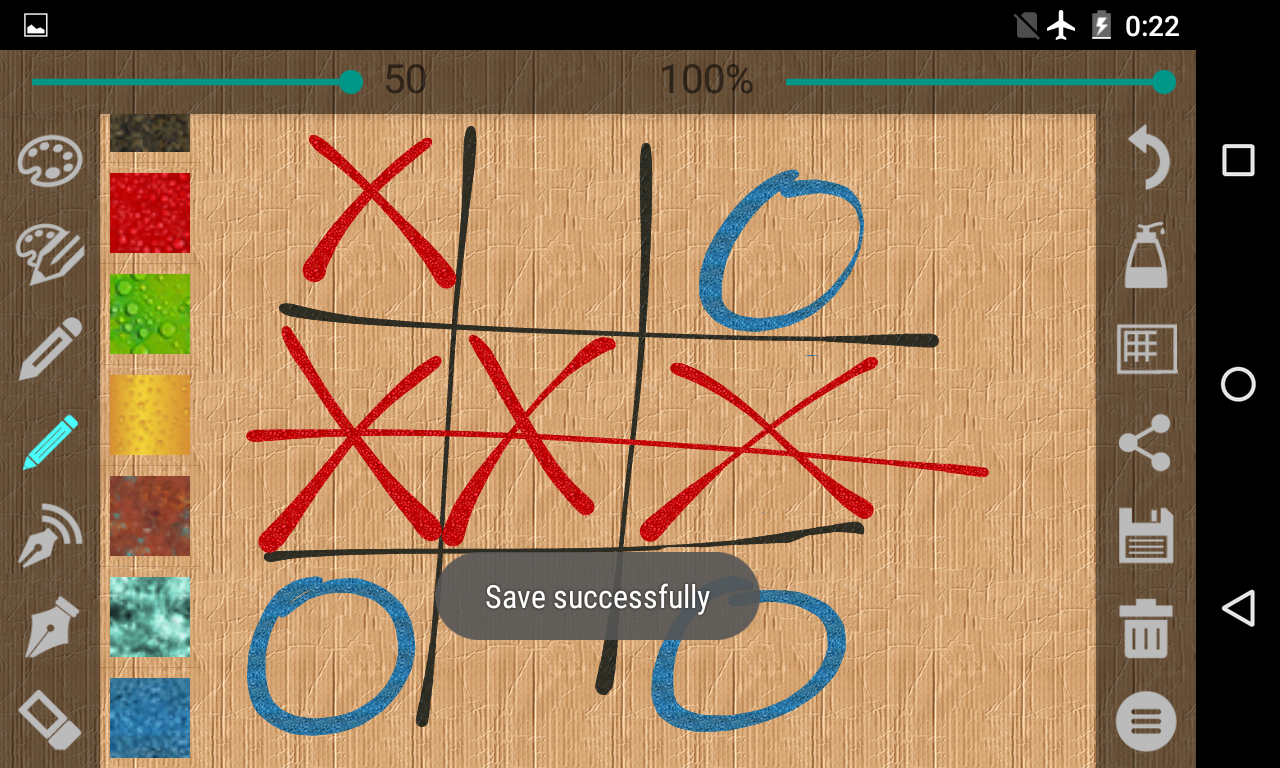
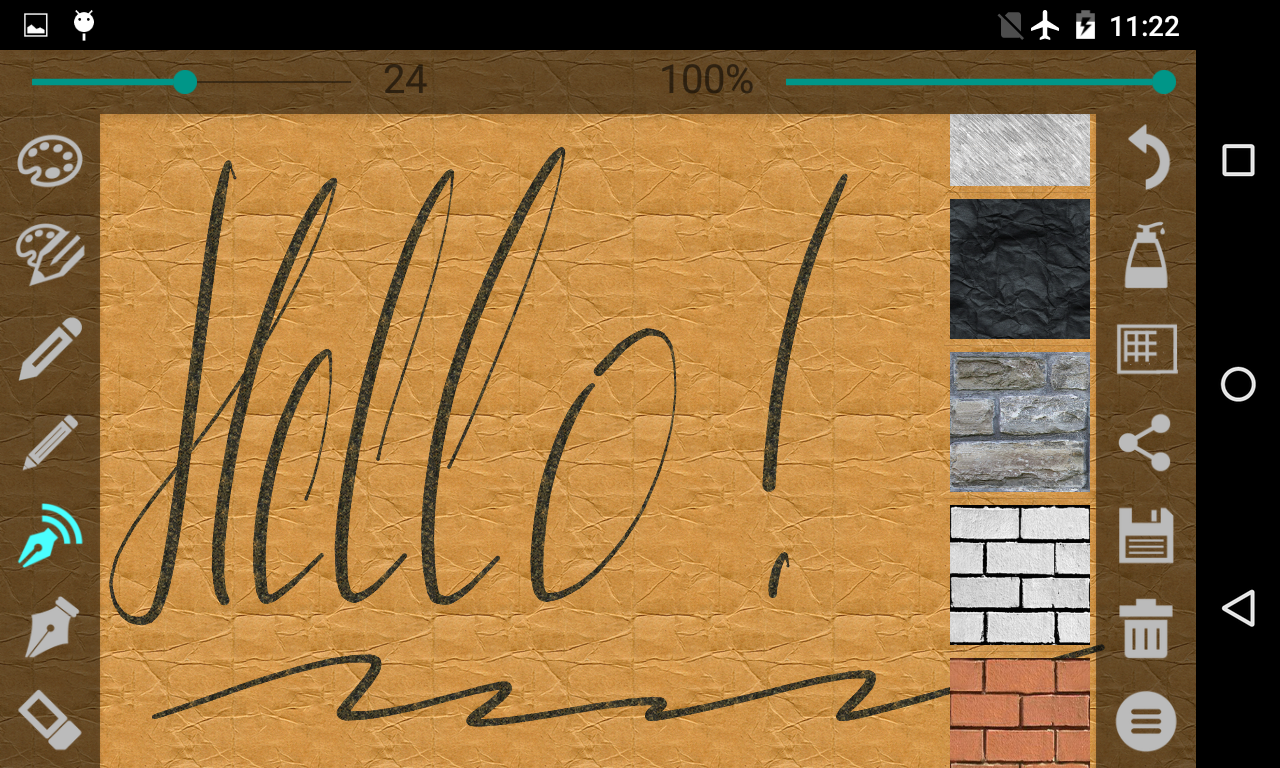
- Six drawing tools — Use a speed-sensitive pen, direction-based fine pen, parallel pen, dual pen, pencil, texture pen, and a precise eraser.
- Calligraphic text tools — Type on the canvas, then adjust alignment, size, colour, bold, italic, and frame position for lettering layouts.
- Fonts and custom import — Five calligraphic fonts with Cyrillic are included, and subscription unlocks custom TTF or OTF font import.
- Background control — Choose a solid colour, layered gradient, paper texture, your own photo, or a transparent background for overlays.
- PNG export and sharing — Save artwork at canvas resolution as a PNG to your gallery or share it directly, with no watermark.
Speed-sensitive pens for lettering practice
Calligrapher is built around stroke control rather than broad photo editing. The pen changes line width with speed, while the fine pen reacts to direction like a nib. If you want double-line lettering, the dual pen is available, and the parallel pen adds an adjustable angle. A pencil and texture pen cover sketches and dry-brush strokes, and each tool has its own colour, size, and opacity settings.
For a practice sheet, you can start with the pencil, then switch to the fine pen for cleaner letterforms. Smoothing and shadow are included, so the result can be tuned without leaving the canvas.
Text on the canvas, with fonts
The app also handles text directly on the canvas, which is useful for planner pages, wedding stationery, or logo drafts. You can move and scale the text frame, change alignment, and adjust size, colour, bold, and italic. Five calligraphic fonts are included: Bad Script, Marck Script, Amatic SC, Lobster, and PT Serif, and they include Cyrillic support.
If you need more, a subscription adds custom TTF and OTF font import. That makes the text side more flexible than the free font set alone, but it is still focused on lettering rather than full layout editing.
Paper, gradients, and export
Background options cover plain colour, paper textures, a transparent canvas, your own photo, and gradients with up to three layers. You can pinch to zoom or use 50–200% presets, and text scales with the canvas. When the page is finished, export a PNG at canvas resolution to your gallery or share it to apps, messengers, and email.
Install note: the APK is 50.6 MB, the file format is APK, and Android 7.0 or later is required.
Free version limits and session unlocks
The free version includes the drawing tools and a basic font set. Undo is limited to 5 steps there, while Premium raises it to 30 steps. Some extra features can be unlocked for the current session with a short rewarded ad, including the dual pen, shadow angle, custom texture size, premium fonts, and custom font import. A subscription makes those features permanent and also increases undo steps, gradient layers, and texture size.
This app works offline and does not require an account or sign-in, so drawings stay on the device.
What's new
Version 4.1 · Nov 10, 2026
- Fix UI
APK information
- Version
- 4.1
- Package
- com.mark.calligraphy
- Category
- Art & Design
- Size
- 51 MB
- Min Android
- 7.0
- Architecture
- universal
Older versions
-
Calligrapher: Calligraphy Pen 4.1Nov 10, 2026Latest downloadAPK
Calligrapher: Calligraphy Pen FAQ
Does Calligrapher: Calligraphy Pen add a watermark?expand_more
No. Exported PNGs are saved without a watermark.
Does Calligrapher: Calligraphy Pen work offline?expand_more
Yes. It works offline and does not require an account or sign-in.
How big is the Calligrapher: Calligraphy Pen download?expand_more
The APK size is 50.6 MB.
How do I update Calligrapher: Calligraphy Pen from an APK?expand_more
Download the newer APK version and install it over the current app on a device that runs Android 7.0 or later.
Which fonts are included in the app?expand_more
Five calligraphic fonts are included: Bad Script, Marck Script, Amatic SC, Lobster, and PT Serif. They include Cyrillic support.