
- 4.6star5,067,639 reviews
- 500M+Downloads
- 61 MBAPK size
- EveryoneRated for Everyone
- API 18+Android
check_circleOriginal APK from INTSIG PTE · Updated Nov 12, 2026
No threats found
0 / — antivirus engines flagged this file
Original signature
First seen — INTSIG PTE
Unmodified APK
Same file the developer published — no mods
CamScanner- scanner, PDF maker screenshots
8 images · tap to enlarge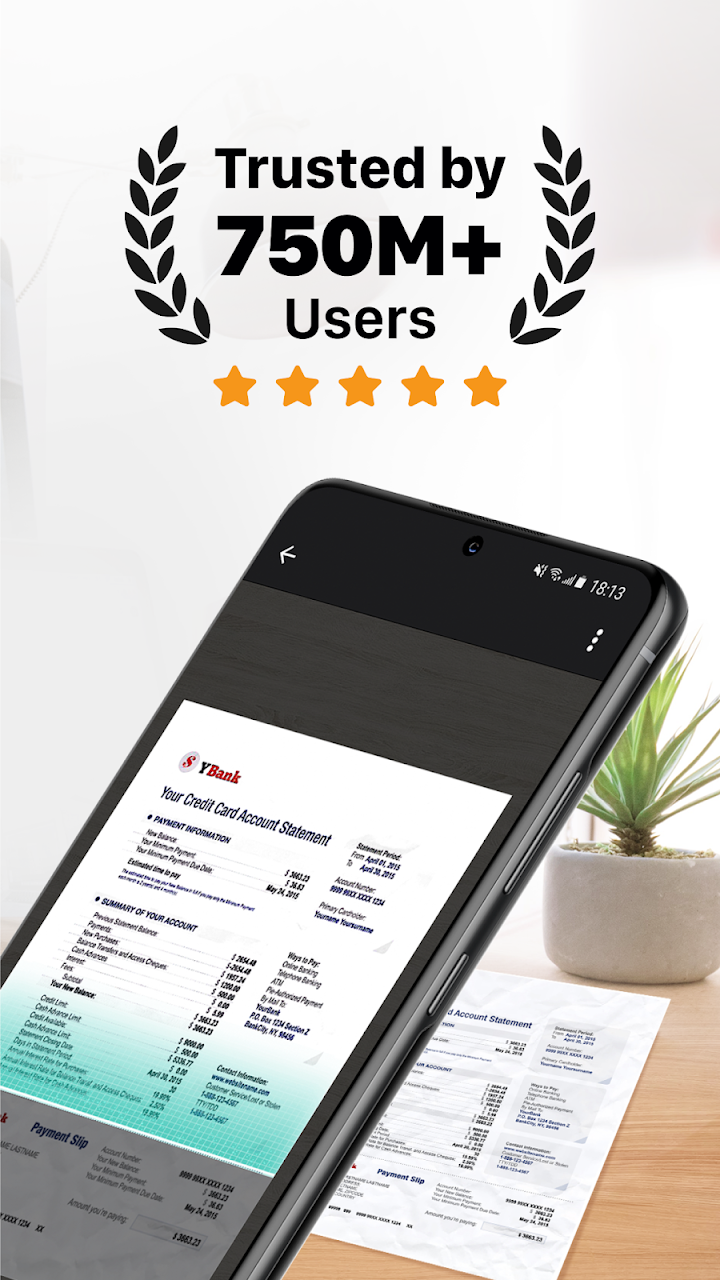
About this app
Need to scan paperwork fast? CamScanner turns a phone camera into a document scanner for receipts, notes, invoices, business cards, and more. It cleans up scans, pulls text with OCR, and lets you save, share, print, fax, or keep documents synced across devices when you sign in.
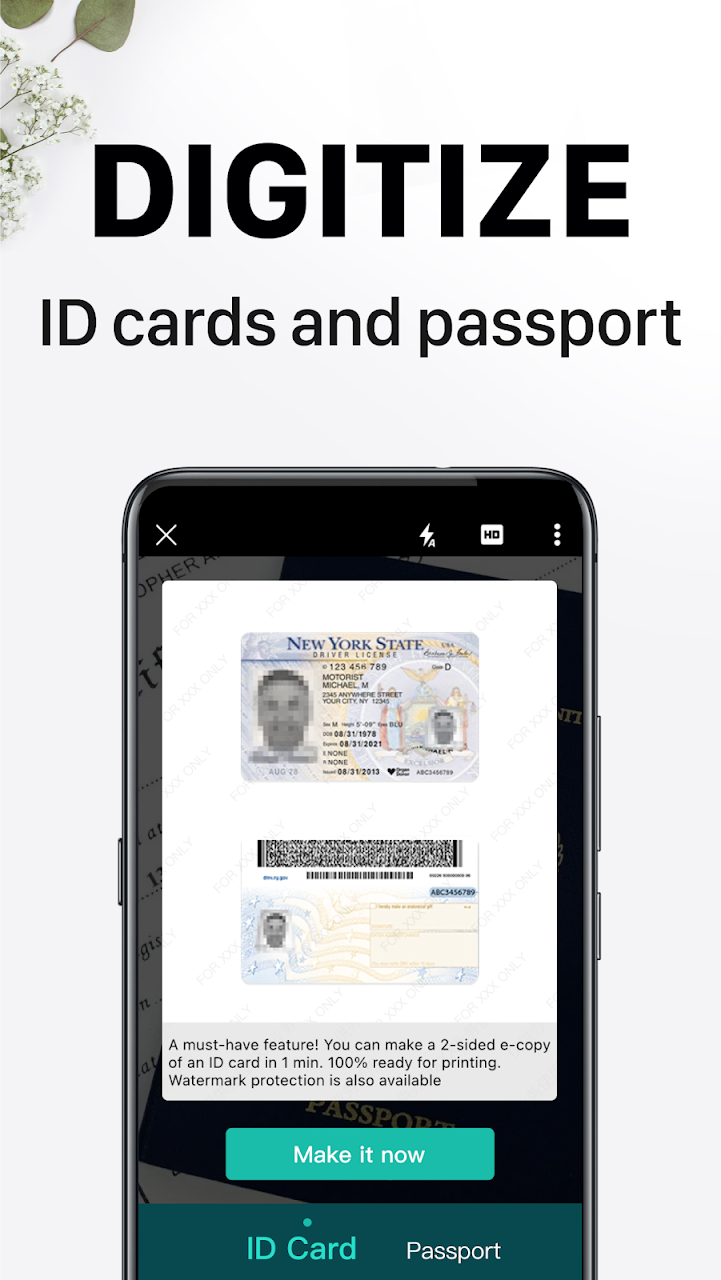
- Scan Paperwork Fast — Use the camera to digitize receipts, notes, invoices, whiteboards, business cards, and certificates.
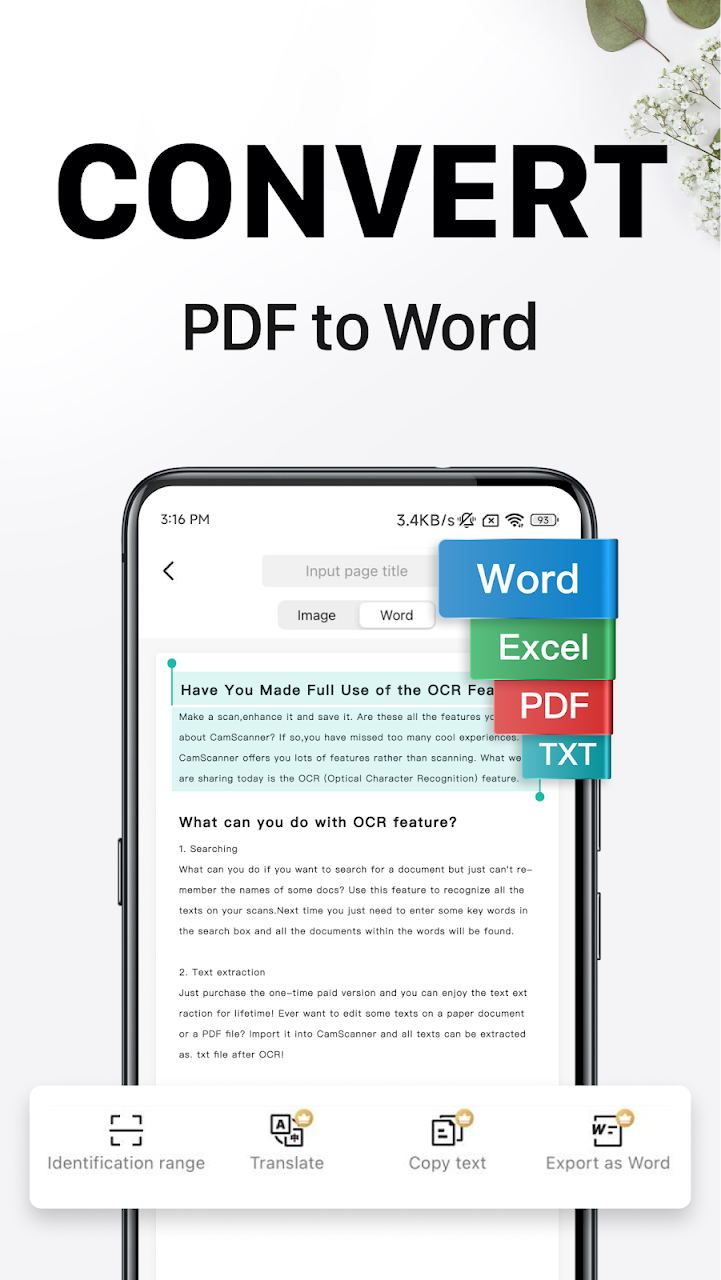
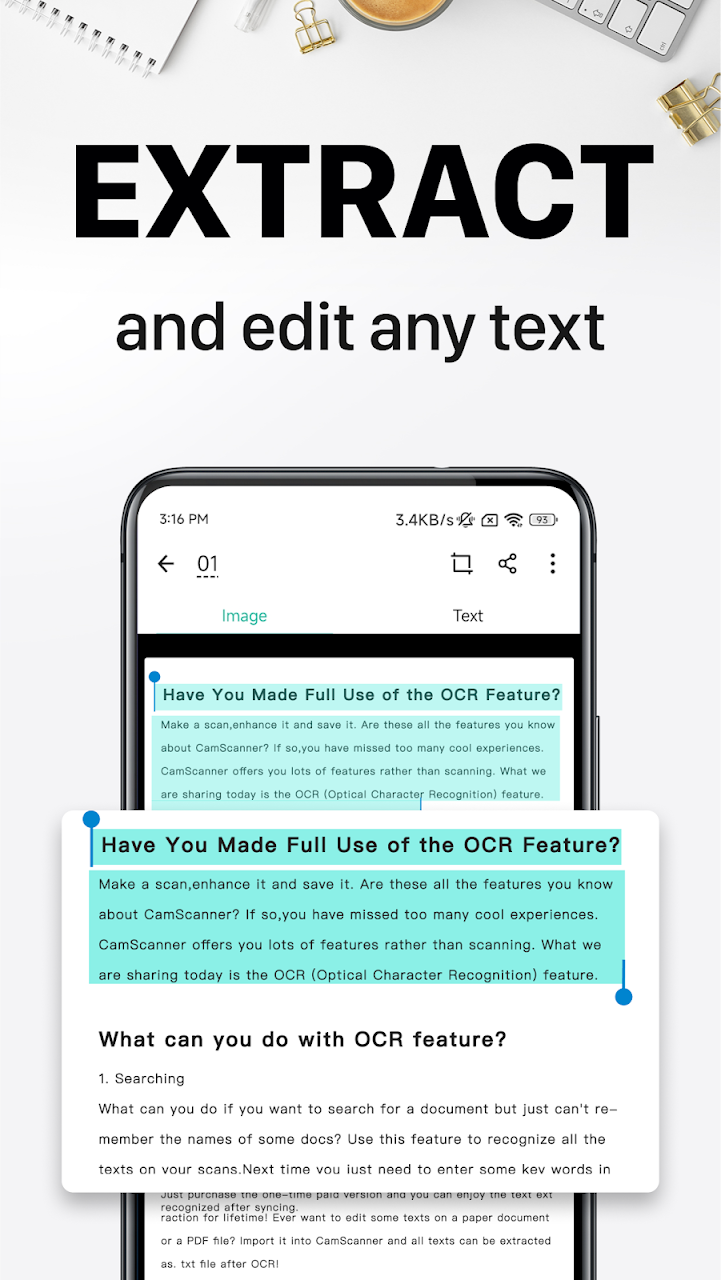
- OCR Text Extraction — Recognize text in images or PDFs so you can search, edit, or share the content later.
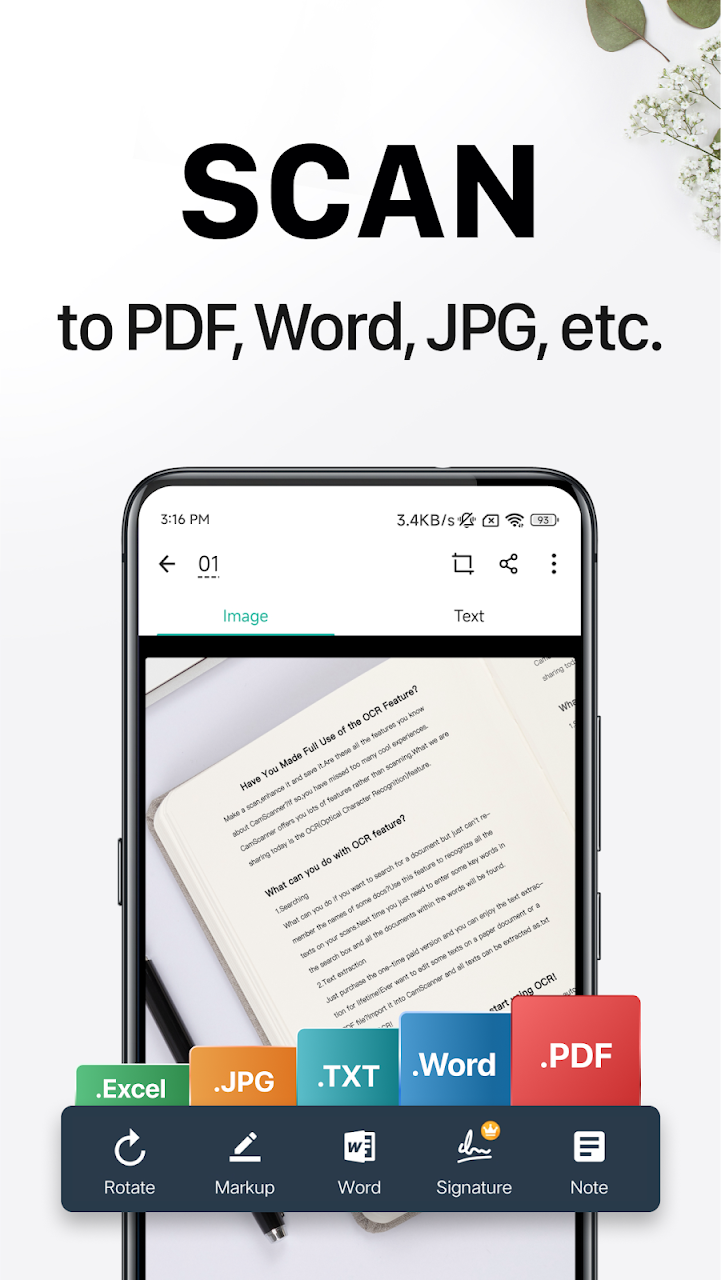
- PDF And JPG Sharing — Save scans as PDF or JPEG and send them through email, social sharing, or download links.
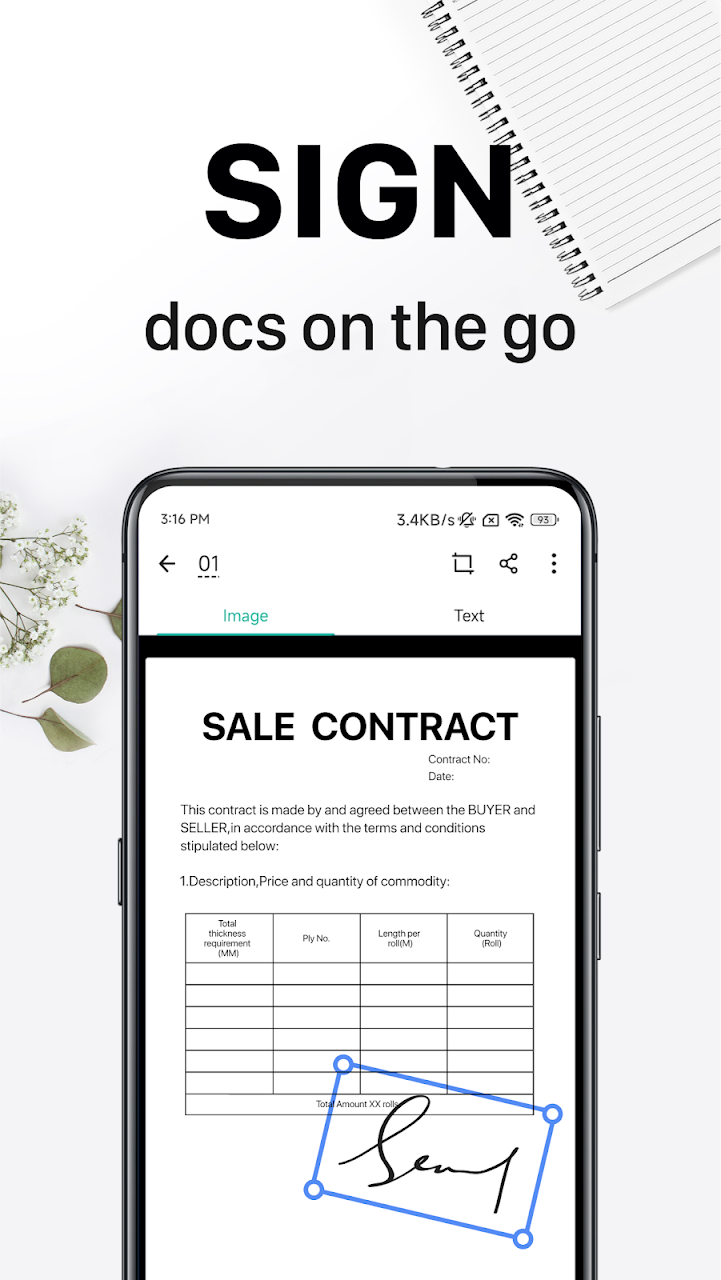
- Edit And Mark Up — Add annotations and custom watermarks to documents inside the app.
- Sync Across Devices — Sign in on phone, tablet, or computer to view, edit, and share the same documents.
- Print And Fax — Print wirelessly to a nearby printer or fax documents to over 30 countries and regions.
Turn a phone camera into a document scanner
Paperwork tends to pile up in the moments you least want it to: after a meeting, at a store counter, or when you need to send a form right away. CamScanner is built for those quick scans, using your phone to capture receipts, notes, invoices, business cards, certificates, and whiteboard discussions. It can save scans as PDF, JPG, Word, or TXT, and the app is free with ads and in-app purchases. The APK is 60.7 MB and requires Android API 18 or later.
OCR, cleanup, and file formats
The app does more than take a picture of a page. It uses OCR to recognize text in images and PDFs, which helps when you want to search, edit, or share what is on the page. Smart cropping and auto enhancement are there to improve scan quality, keeping text and graphics clearer with better color and resolution.
- Text extraction: Pull text from scans for later use.
- Search tools: Find documents by tags or by content.
- Editing: Add annotations and watermarks to files.
Share, sync, and work with others
Once a document is scanned, CamScanner gives you a few ways to move it along. You can share PDF or JPEG files by email or social platforms, and you can create download links too. If you sign in, your documents sync across smartphone, tablet, and computer through the CamScanner website, which makes it easier to keep one set of files in reach. Wireless printing is available for nearby printers, and remote faxing reaches over 30 countries and regions.
What to expect day to day
The app’s workflow is practical, but it does ask you to create an account if you want syncing across devices. Subscription access is also available for unlimited features, with weekly, monthly, quarterly, or annual billing. Because it contains ads and in-app purchases, the free version comes with some friction compared with a paid plan. For people who regularly scan paperwork and need OCR, sharing, and cross-device access, it covers a lot in one place.
APK information
- Version
- 5.10.6.20190522
- Package
- com.intsig.camscanner
- Category
- Productivity
- Size
- 61 MB
- Min Android
- API 18
- Architecture
- universal
Older versions
-
CamScanner- scanner, PDF maker 5.10.6.20190522Nov 12, 2026Latest downloadAPK
CamScanner- scanner, PDF maker FAQ
Does CamScanner- scanner, PDF maker sync across devices?expand_more
Yes. If you sign up, you can access documents on your smartphone, tablet, or computer and keep them synced.
Can CamScanner- scanner, PDF maker be used offline?expand_more
The app description does not say whether scanning works offline, so that is not specified here.
Does CamScanner- scanner, PDF maker work on tablets?expand_more
Yes. You can sign in on a tablet and access your synced documents there.
Who develops CamScanner- scanner, PDF maker?expand_more
It is developed by INTSIG PTE.
Can CamScanner- scanner, PDF maker send fax?expand_more
Yes. The app can remotely fax documents to over 30 countries and regions.