- 3.6star1,352 reviews
- 100K+Downloads
- 15 MBAPK size
- EveryoneRated for Everyone
- 6.0+Android
check_circleOriginal APK from Zopsoft Technology · Updated Nov 10, 2026
No threats found
0 / — antivirus engines flagged this file
Original signature
First seen — Zopsoft Technology
Unmodified APK
Same file the developer published — no mods
Circle Clock with Standby. screenshots
8 images · tap to enlarge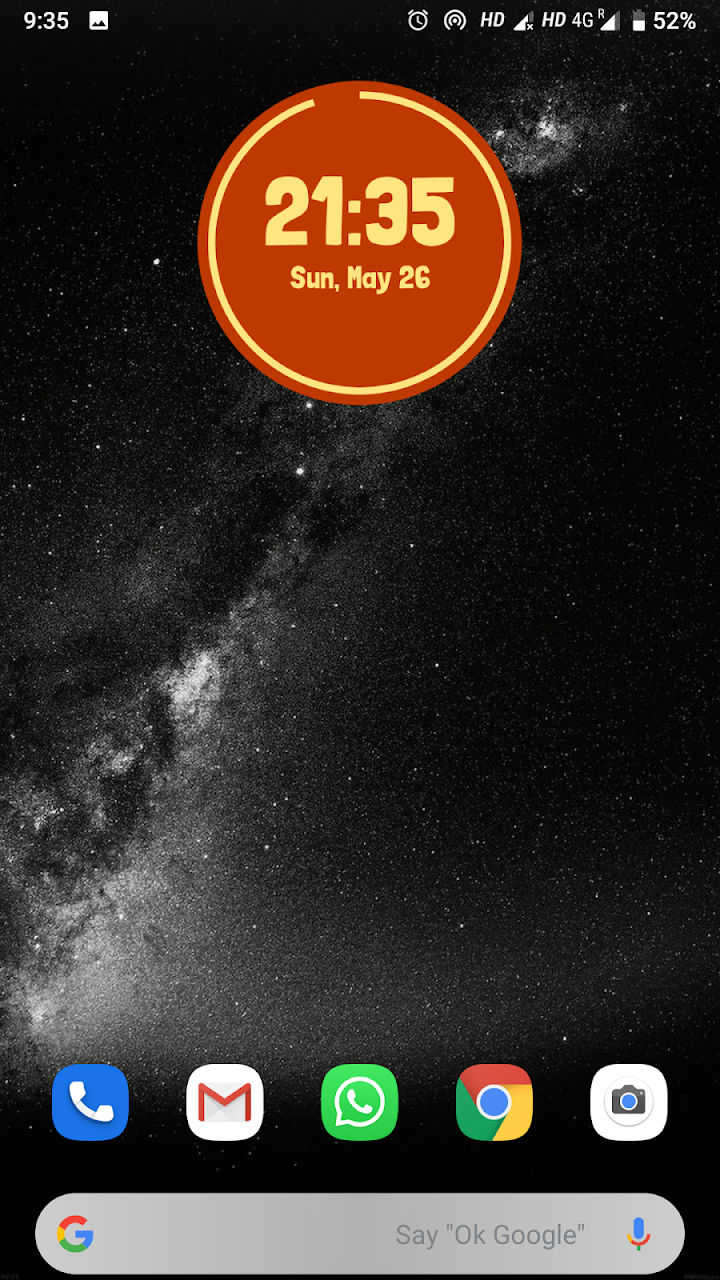
About this app
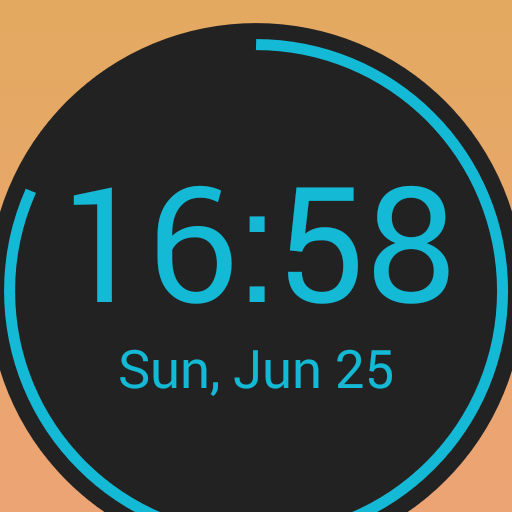
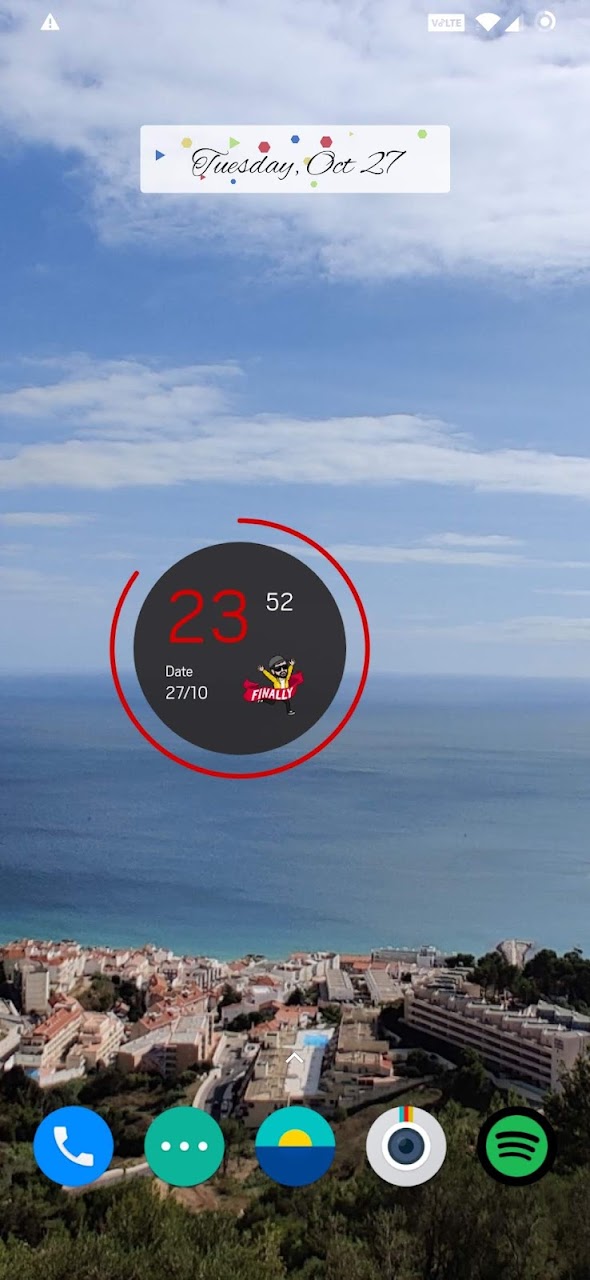
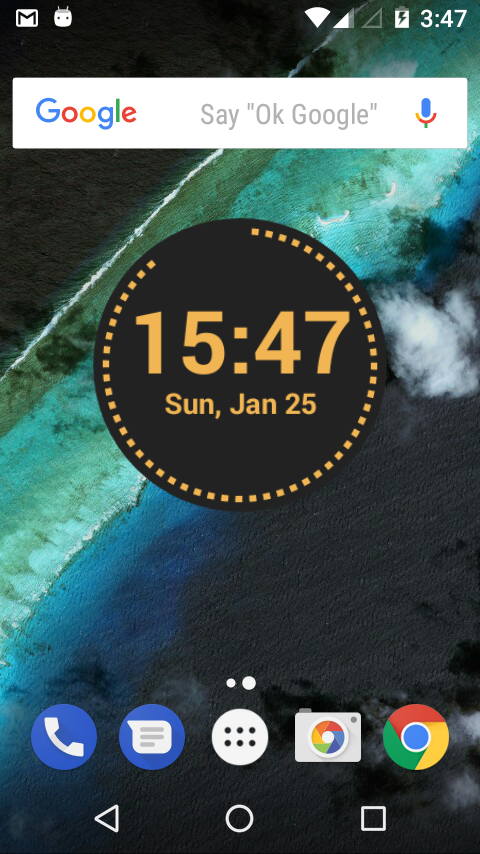
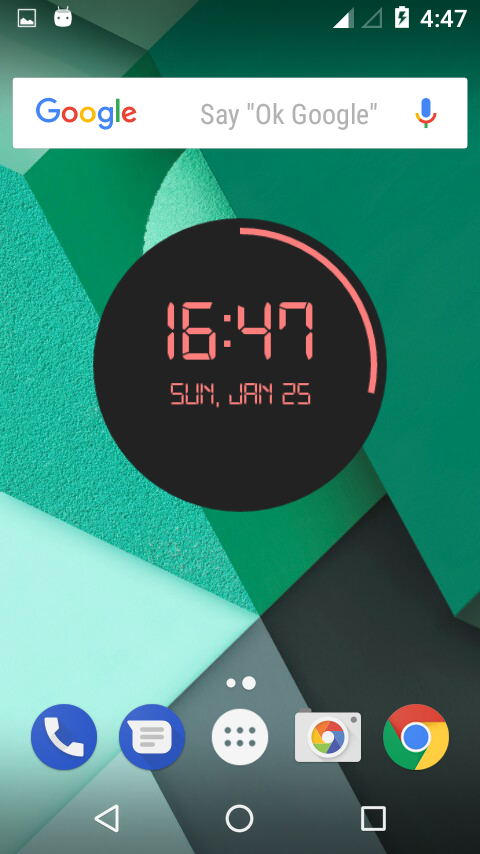
A clock widget with lots of ways to change how it looks on your home screen. Circle Clock with Standby lets you adjust colors, fonts, second hand styles, and widget size, then save those changes. It also adds sticker support, hourly beep sounds, and a standby clock option for quick at-a-glance use.
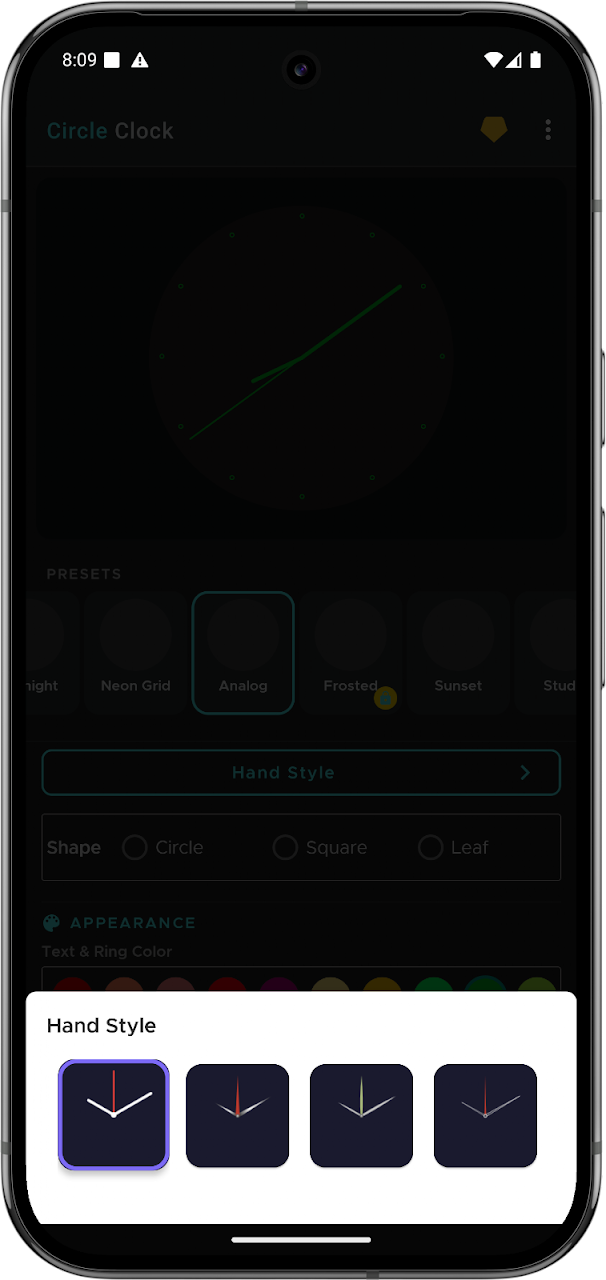
- Clock styling — Change text color, background color, stroke color, fonts, and second styles.
- Standby clock — Use the new standby clock option for a different home screen display.
- Sound options — Turn on hourly beep sounds and choose sound behavior for older devices.
- Size controls — Resize the background and text separately to fit your layout.
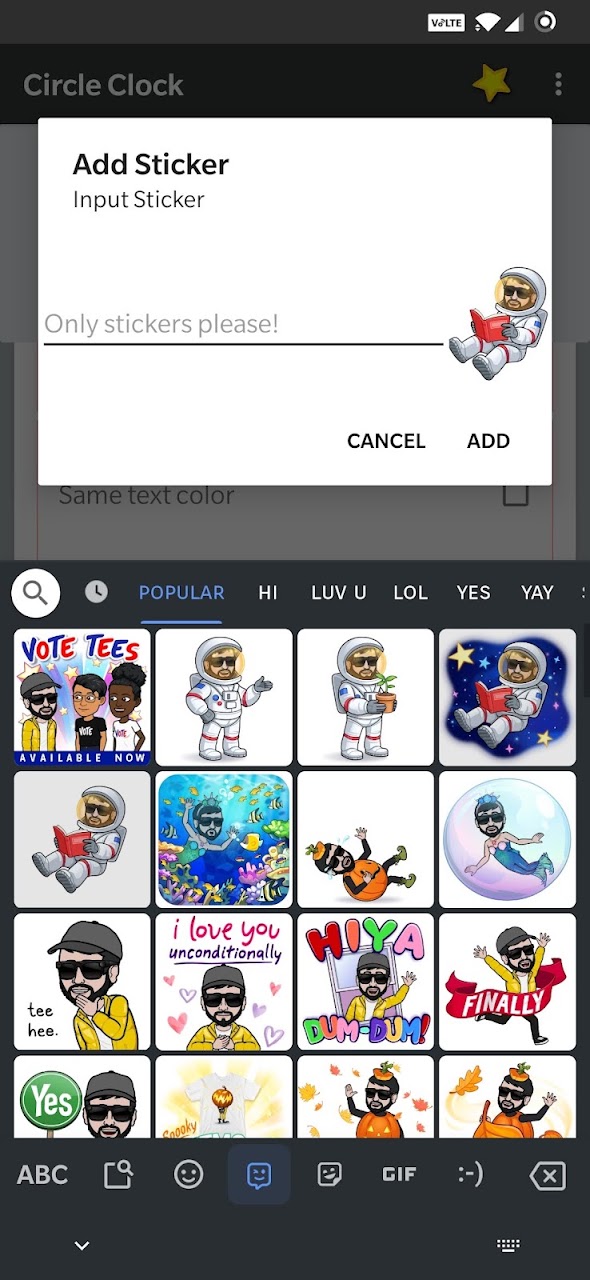
- Sticker support — Add stickers or Bitmoji and save them with your setup.
- Open app on tap — Set a custom app to open when you tap the widget.
Clock widget styling on the home screen
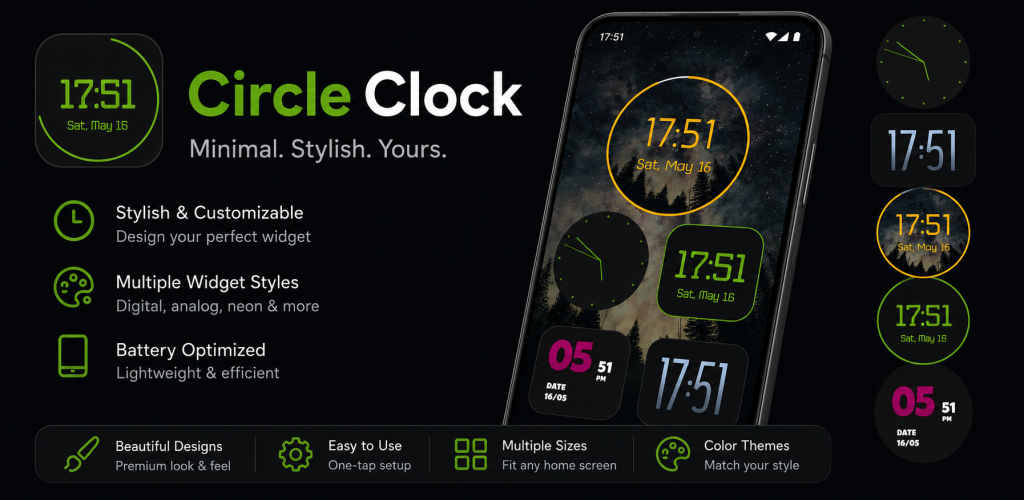
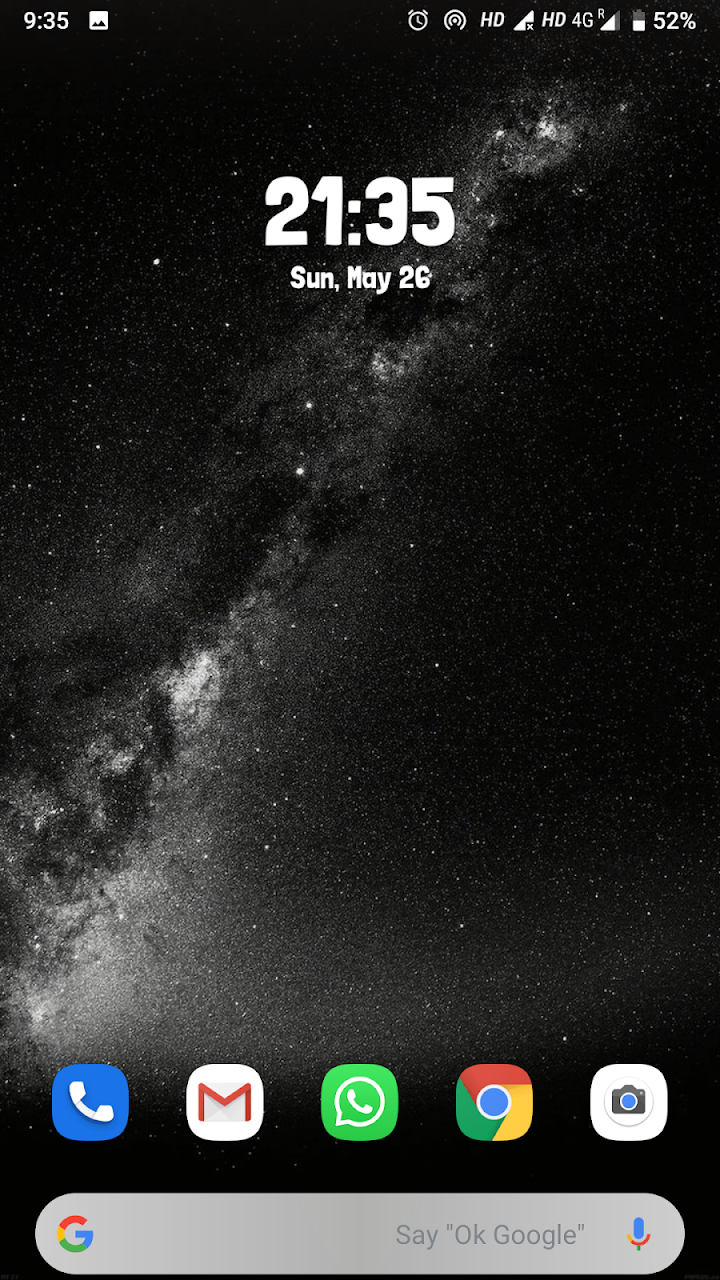
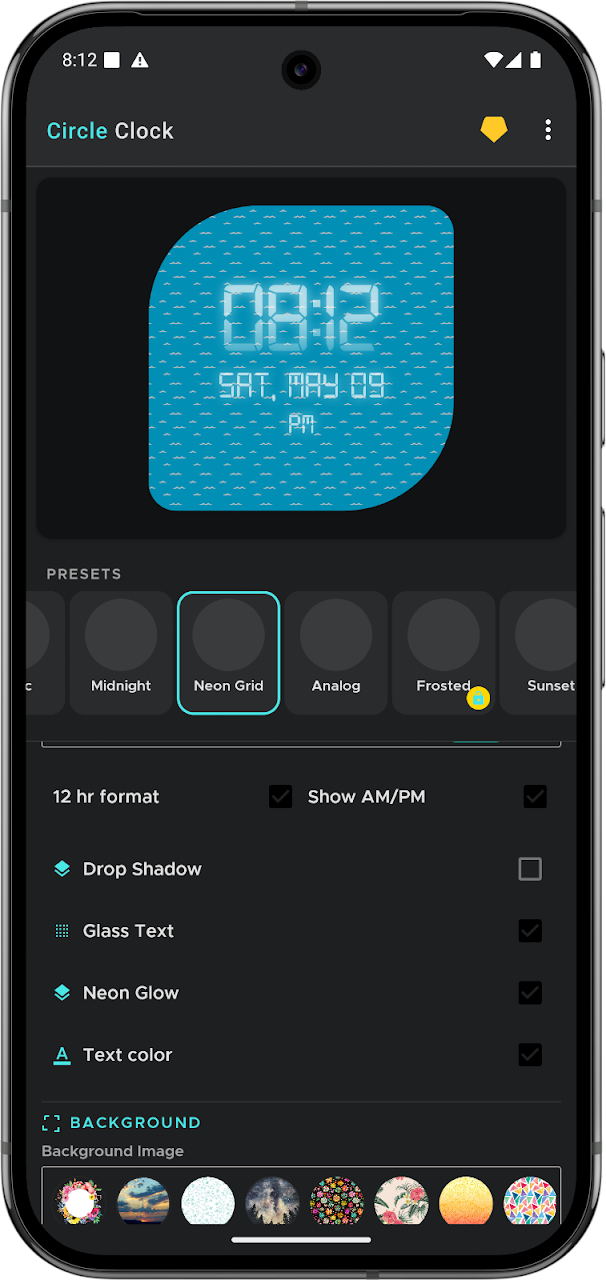
Circle Clock with Standby is built around a simple daily use case: glance at the time, then adjust the widget until it fits your screen. The app includes text color changes, background color choices, neon and glass effects, font styles, and different second hand looks. You can also switch between 12-hour and 24-hour time and show or hide AM/PM separately.
Set up a widget that matches your screen
In practice, most of the work happens in the customization screens. You can change time color, stroke color, background size, and text size without changing everything at once. The app also lets you disable the background, save your custom setup, and use new textures. It is a 15.1 MB APK for Android 6.0 and up, and the file format is APK.
Standby, stickers, and tap actions
The newer options add a little more than a basic clock. There is a standby clock mode, sticker and Bitmoji support, and the ability to open a custom app when you tap the widget. That makes it useful if you want the clock to do more than just sit on the home screen.
- Hourly beep for sound feedback each hour.
- Second hand animation for a moving clock face.
- Save customisations so your setup stays the same.
- Open custom app from the widget with one tap.
Install notes and daily friction
The app is free, but it contains ads and offers in-app purchases. Storage permission is used for sound selection on KitKat or below and for saving stickers. One extra step stands out: start the app once before adding the widget. If the widget does not appear, remove it, open the app, and add it again.
What feels uneven
The rating sits at 3.6 from 1,351 ratings, with more 5-star ratings than any other single score, but there are also a fair number of 1-star and 4-star ratings. That mix suggests the widget works well for many people, while others run into issues or simply want more from it. The play summary keeps the focus on customization, and that is where the app spends most of its effort.
What's new
Version 3.0.4 · Nov 10, 2026
- New Standby clock
- New textures
- Sticker fixes
APK information
- Version
- 3.0.4
- Package
- zopsoft.com.circleclock
- Category
- Art & Design
- Size
- 15 MB
- Min Android
- 6.0
- Architecture
- universal
Older versions
-
Circle Clock with Standby. 3.0.4Nov 10, 2026Latest downloadAPK
Circle Clock with Standby. FAQ
Does Circle Clock with Standby work offline?expand_more
The app description does not mention any online requirement. It is a home screen widget, so the core clock and customization features are presented as local app functions.
Can Circle Clock with Standby edit RAW photos?expand_more
No. This app is a clock widget, not a photo editor, and it does not list RAW editing tools.
Does Circle Clock with Standby have in-app purchases?expand_more
Yes. The app is marked as free, and it also contains in-app purchases.
Which processors or ABIs does the APK support?expand_more
The APK is listed as universal, so it supports universal ABIs.
How do I get the widget to start?expand_more
Start the app once before adding the widget. If it still does not start, remove the widget, open the app, and add it again.