- 0.0star0 reviews
- 1K+Downloads
- 3 MBAPK size
- EveryoneRated for Everyone
- 5.0+Android
check_circleOriginal APK from Dmitriy Lapayev · Updated Nov 10, 2026
No threats found
0 / — antivirus engines flagged this file
Original signature
First seen — Dmitriy Lapayev
Unmodified APK
Same file the developer published — no mods
Circle Painter screenshots
8 images · tap to enlarge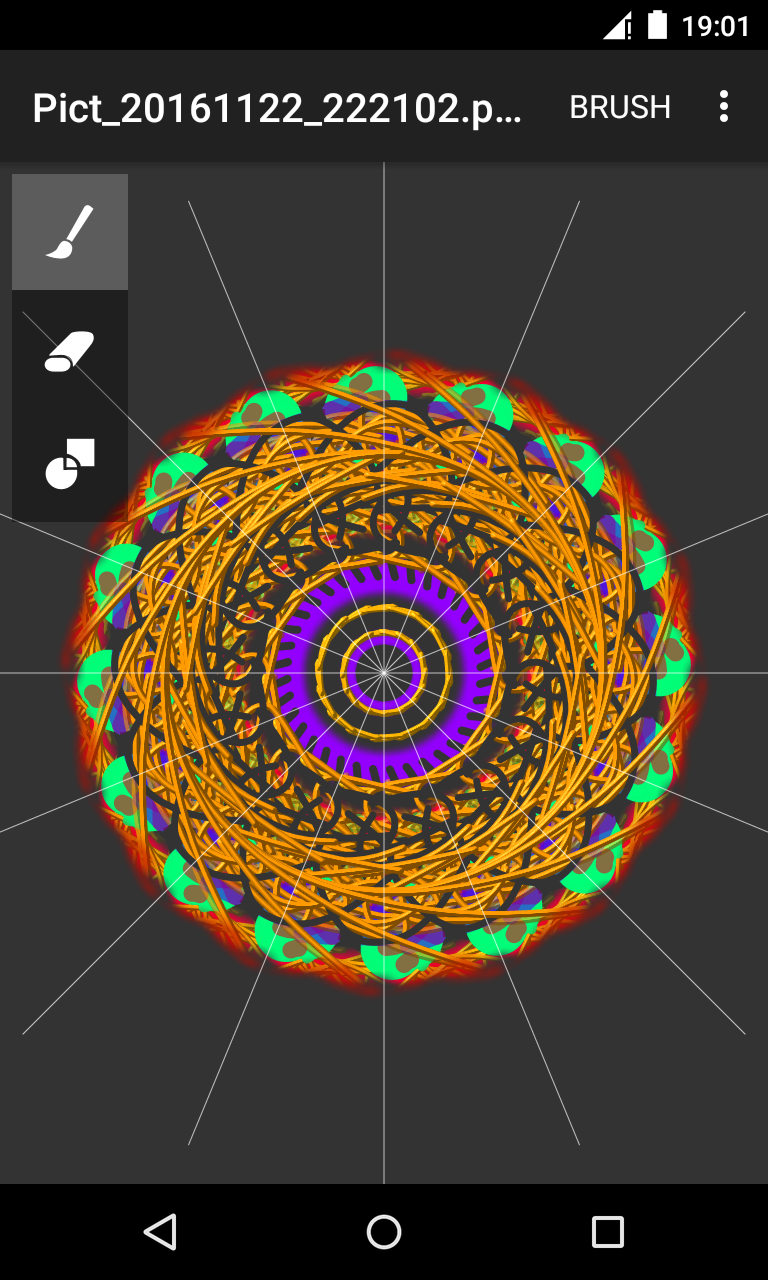
About this app
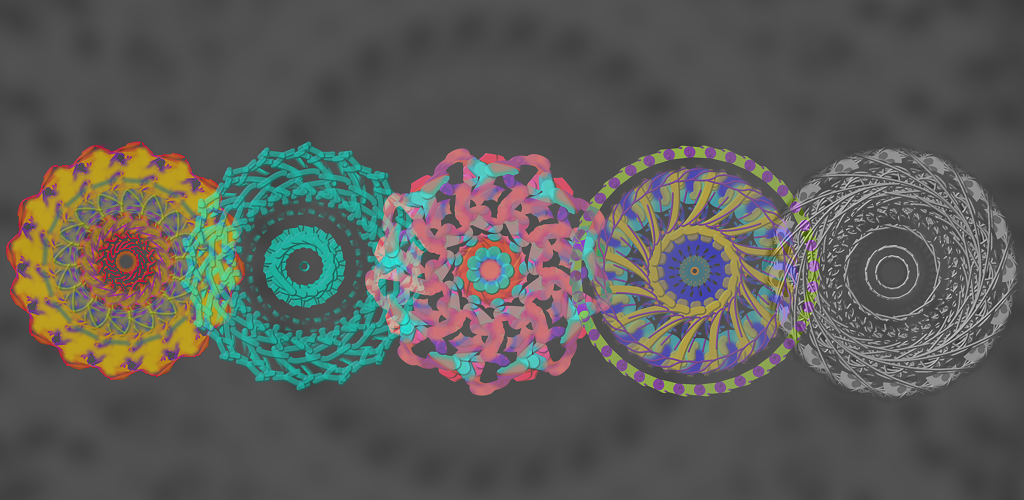
Need a simple way to make circular drawings on your phone? Circle Painter focuses on that task with brush settings for segments, color, transparency, size, emboss, and blur. It also lets you save PNG files, reopen them from the app, and share them from your device when you have a spare moment.
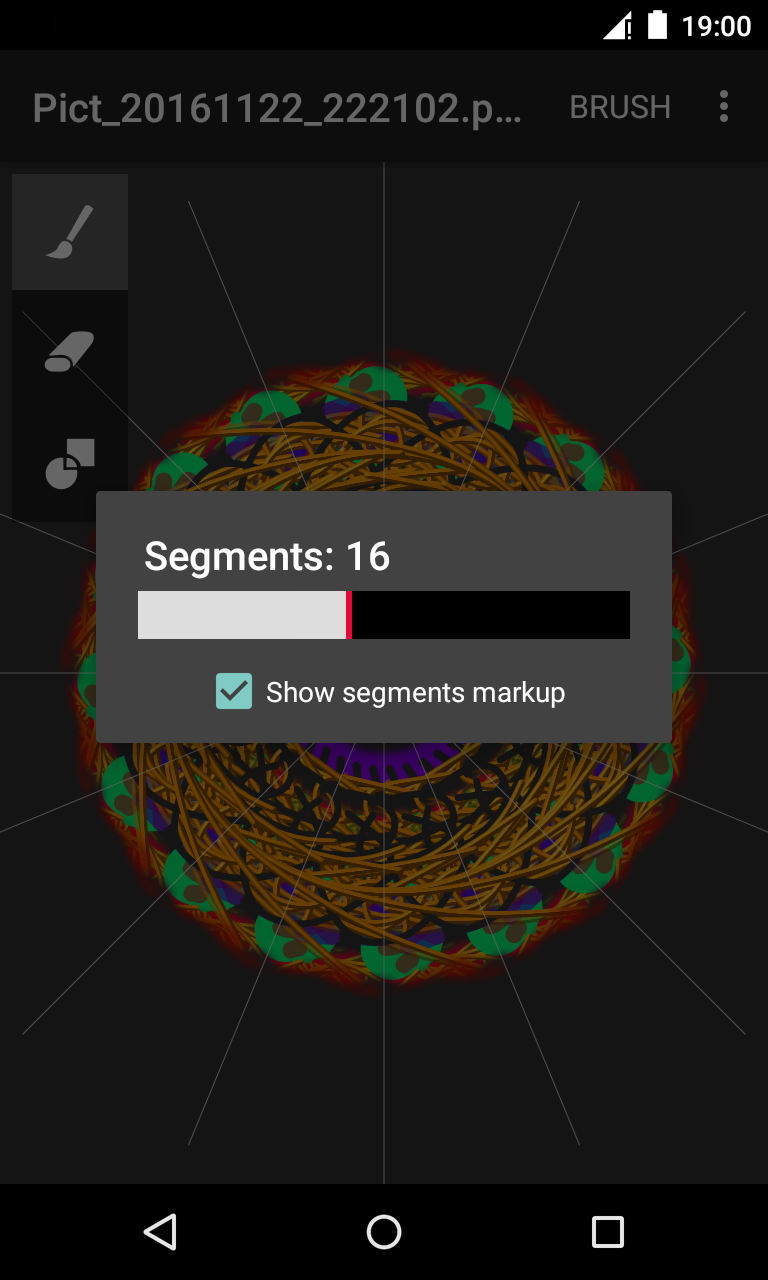
- Circular drawing setup — Choose how many segments to duplicate and build a circular image around that pattern.
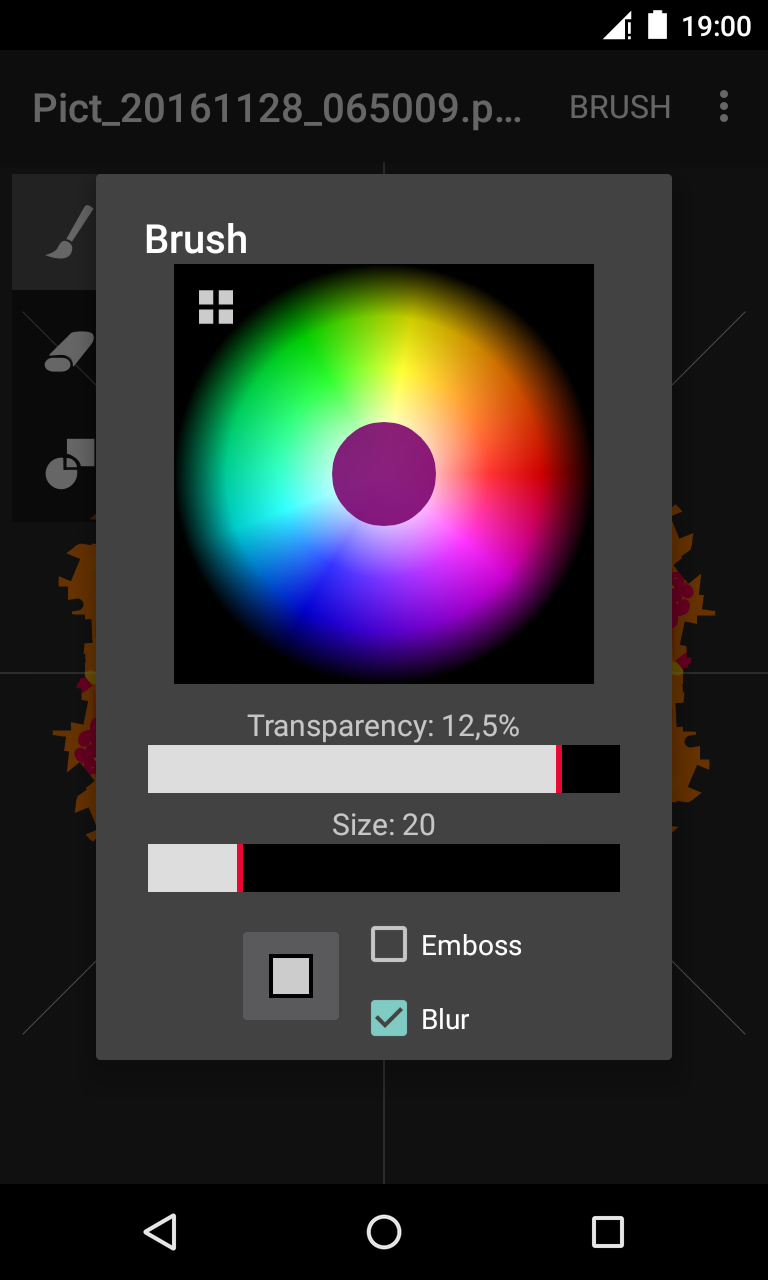
- Brush parameter controls — Adjust color, transparency, size, emboss, and blur before drawing.
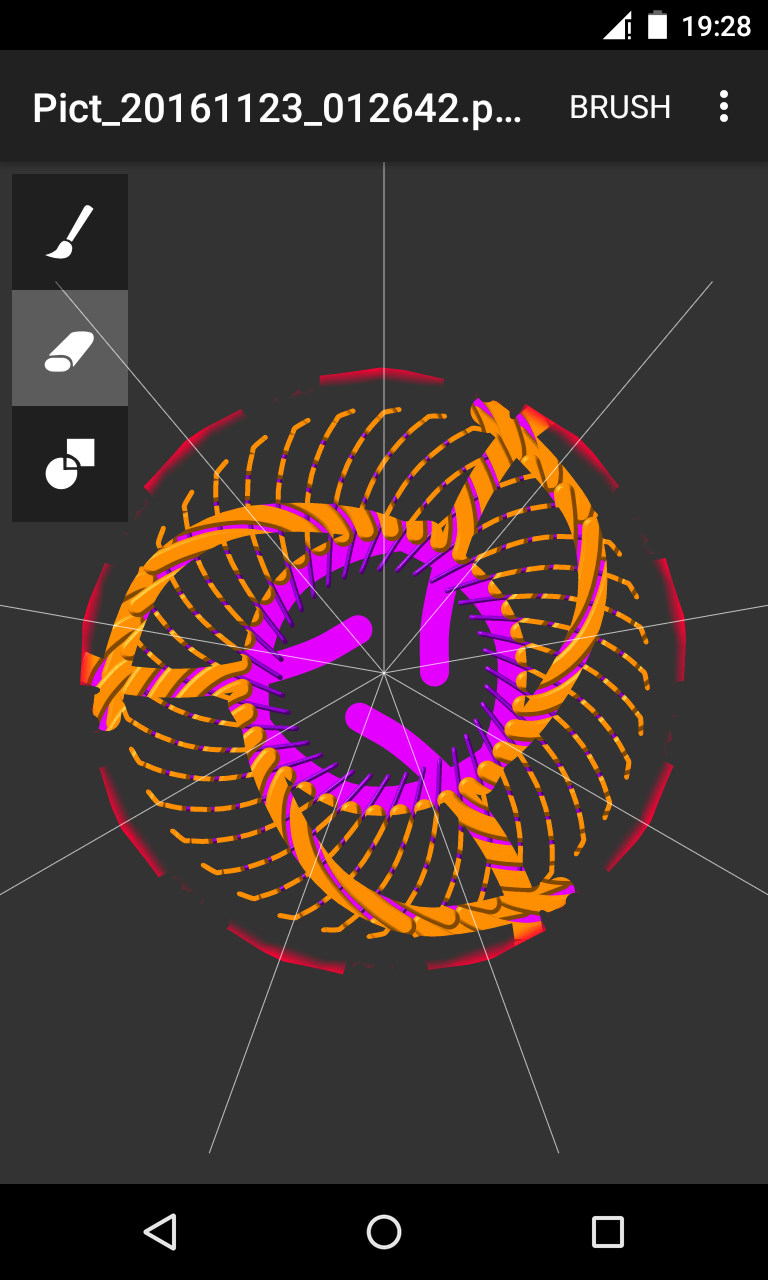
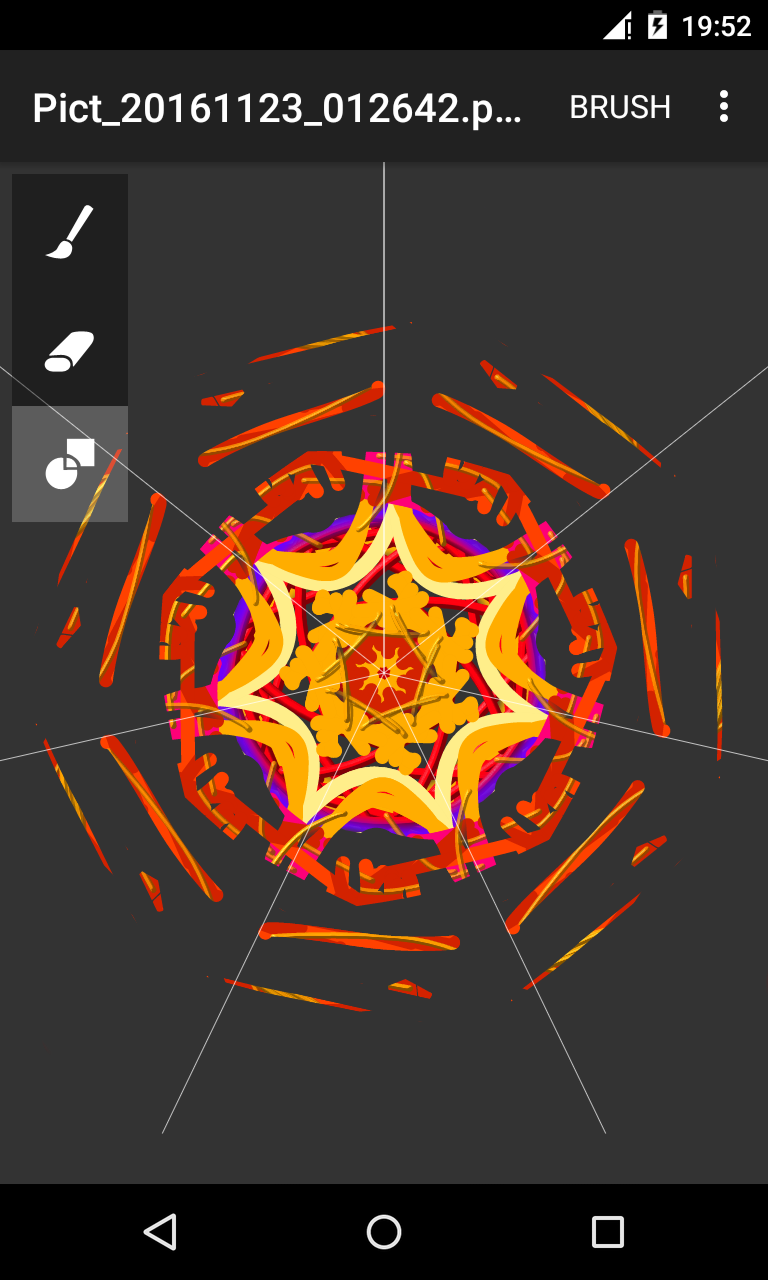
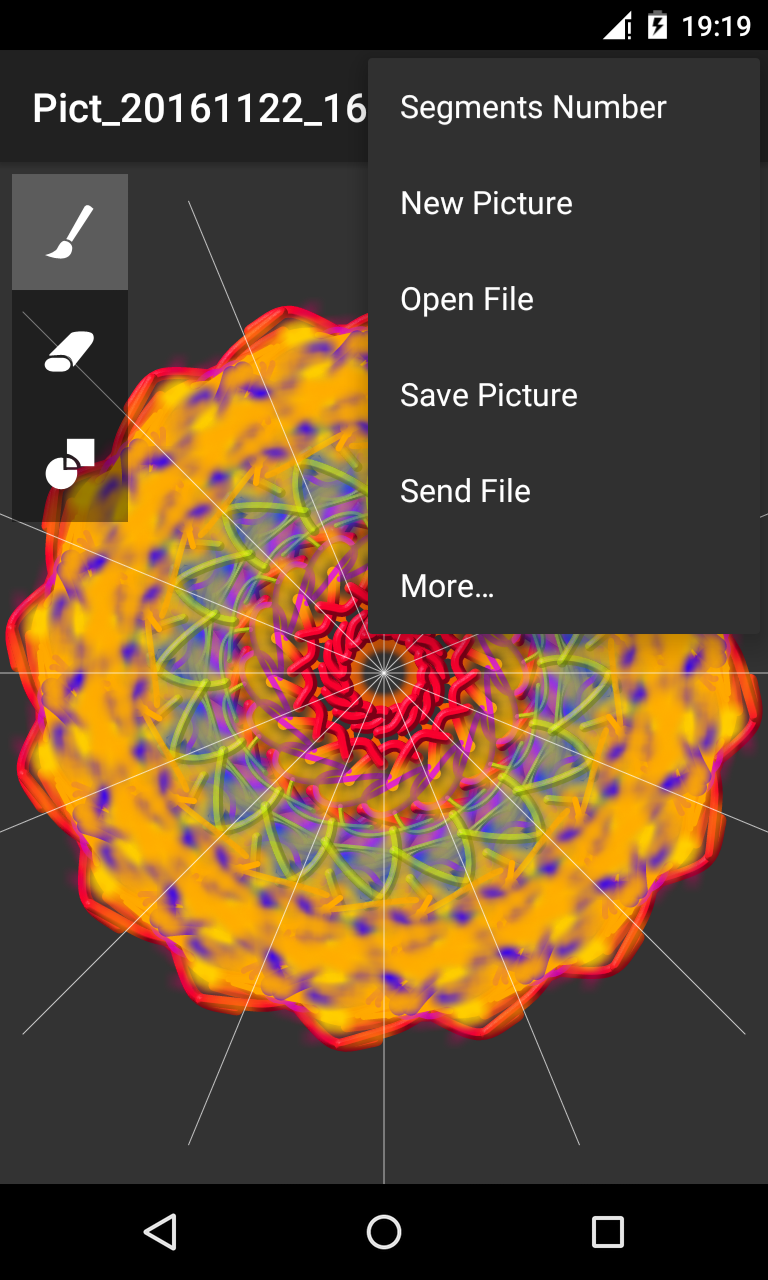
- Three drawing tools — Use the brush, eraser, or the brush overlay mode for different edits.
- PNG saving — Save finished images as PNG files in the Pictures/Circle Pictures folder.
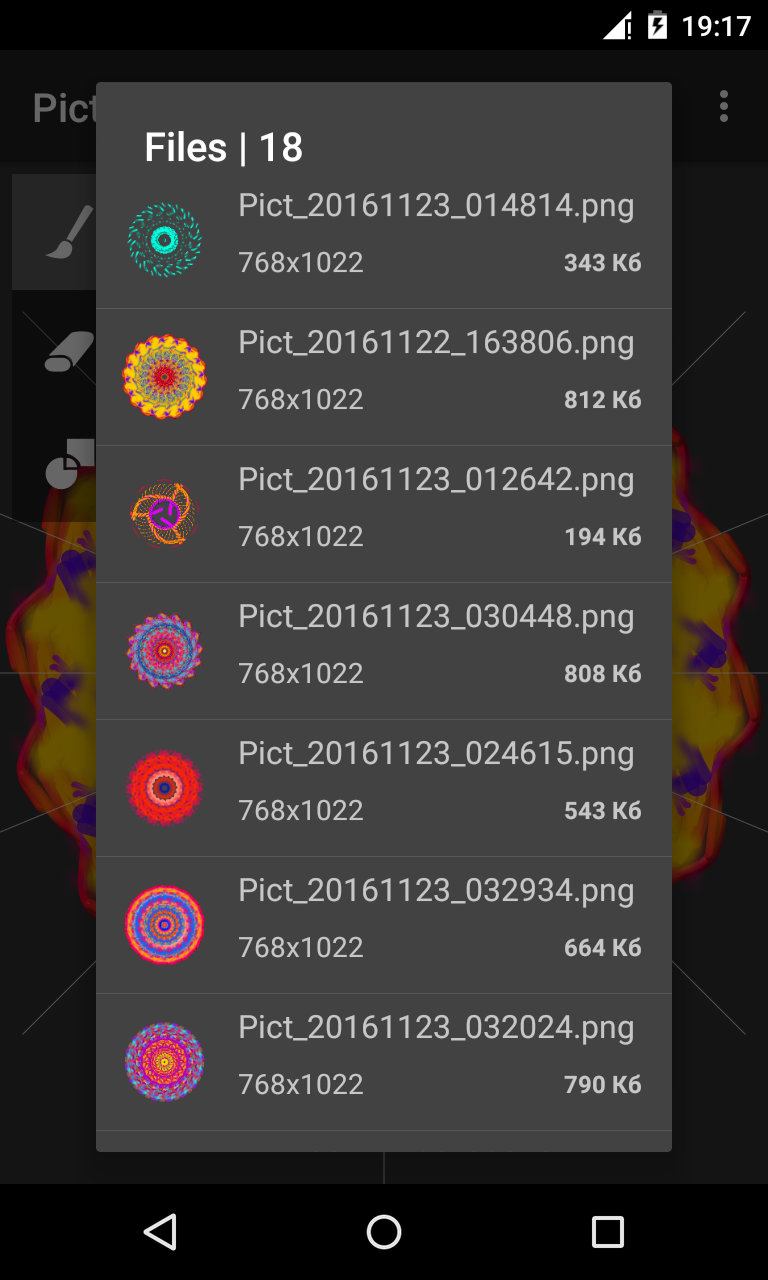
- File actions — Open saved files from the menu, then delete or rename them in the app folder.
- Light APK size — The APK is 2.6 MB, works on Android 5.0 and up, and is available as a universal build.
Drawing in a circle
Circle Painter is built for one job: making circular drawings. After opening the app, you set the number of segments for duplication and pick a brush style before you start. That makes it practical when you want a patterned sketch without switching between several tools.
First impression: the workflow is direct, and the controls are focused on the drawing itself rather than extra extras.
Brush settings and tools
The app includes brush options for color, transparency, size, emboss, and blur. You can draw with three tools: brush, eraser, and brush in “paint overlay on top” mode. If you tap the same tool again, a dialog appears so you can adjust its parameters before continuing.
- Brush with adjustable settings
- Eraser for corrections
- Overlay mode for layered edits
Saving, opening, and sharing
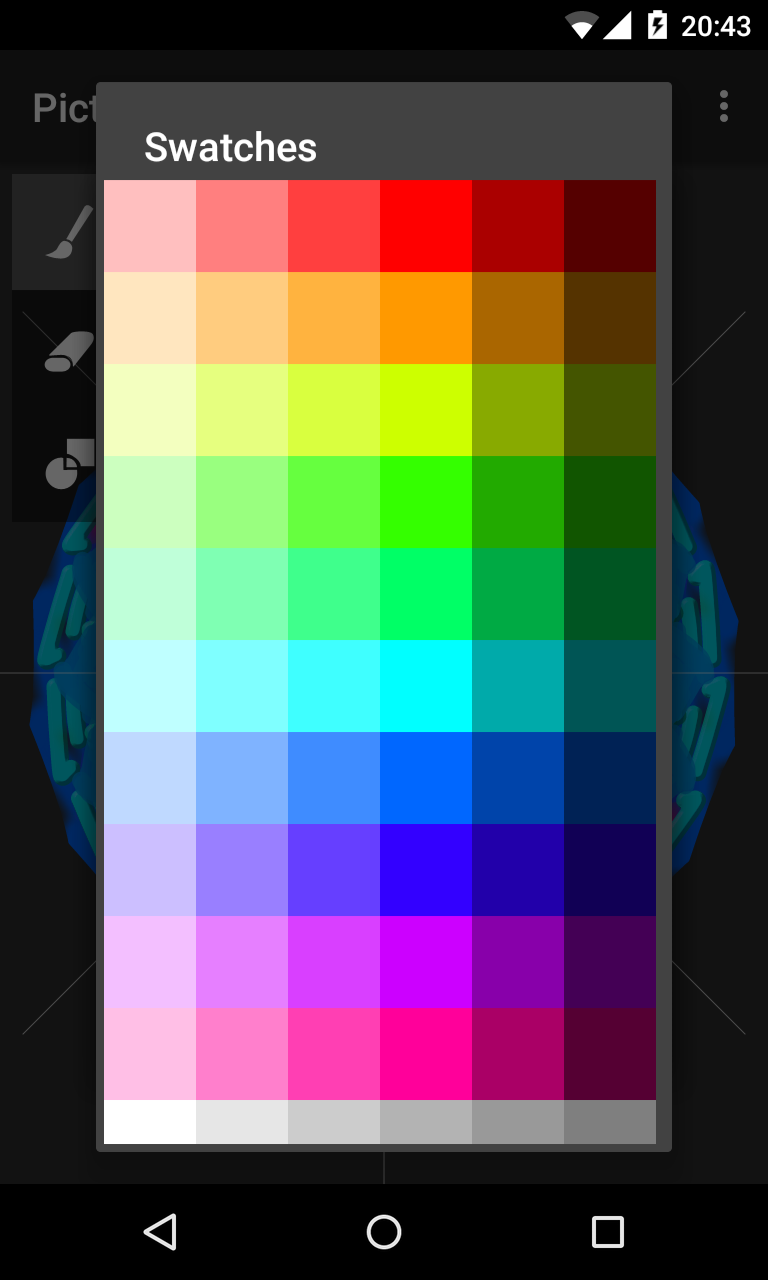
Finished images can be saved as PNG files in /Pictures/Circle Pictures on the primary external storage. From the menu, you can open saved files, and the app also supports sending or sharing the image through installed social or sharing apps. Recent changes added swatches for brush color selection, plus delete and rename actions for image files in the application folder.
What stands out in use
On a long train ride or during a quiet break, Circle Painter stays centered on drawing and file handling. It does not ask for storage permissions, and there are no in-app purchases or ads listed. The app is free, rated for Everyone, and the APK is 2.6 MB. It requires Android 5.0 or later and comes as a universal APK.
The main limitation is that there are no user ratings shown yet, so there is little community feedback to judge. Even so, if you want a compact app for circular artwork and simple export, Circle Painter keeps the process clear.
What's new
Version 2.4 · Nov 10, 2026
- Added swatches to select the brush color. The ability to delete and rename image files from the application folder has been implemented. The application is ready for Android 15.
APK information
- Version
- 2.4
- Package
- com.lapay.circlepainter
- Category
- Art & Design
- Size
- 3 MB
- Min Android
- 5.0
- Architecture
- universal
Older versions
-
Circle Painter 2.4Nov 10, 2026Latest downloadAPK
Circle Painter FAQ
Can Circle Painter edit RAW photos?expand_more
No RAW photo editing is listed. Circle Painter is described as an app for creating circular drawings and saving them as PNG files.
Does Circle Painter work offline?expand_more
Offline use is not stated. The app description focuses on drawing tools, saving files, and sharing them through installed apps.
Is this Circle Painter APK the original file?expand_more
The APK listed is Circle Painter version 2.4 by Dmitriy Lapayev. It is provided as a universal APK file.
Who develops Circle Painter?expand_more
Circle Painter is developed by Dmitriy Lapayev.
How do I save a drawing in Circle Painter?expand_more
You can save a drawing as a PNG file in the "/Pictures/Circle Pictures" folder on the primary external storage. Saved files can also be opened from the menu.