- 4.3star40,921 reviews
- 1M+Downloads
- 78 MBAPK size
- Everyone 10+Rated for Everyone 10+
- 6.0+Android
check_circleOriginal APK from Creative APPS · Updated Nov 10, 2026
No threats found
0 / — antivirus engines flagged this file
Original signature
First seen — Creative APPS
Unmodified APK
Same file the developer published — no mods
Colorfit®: Drawing & Coloring screenshots
8 images · tap to enlarge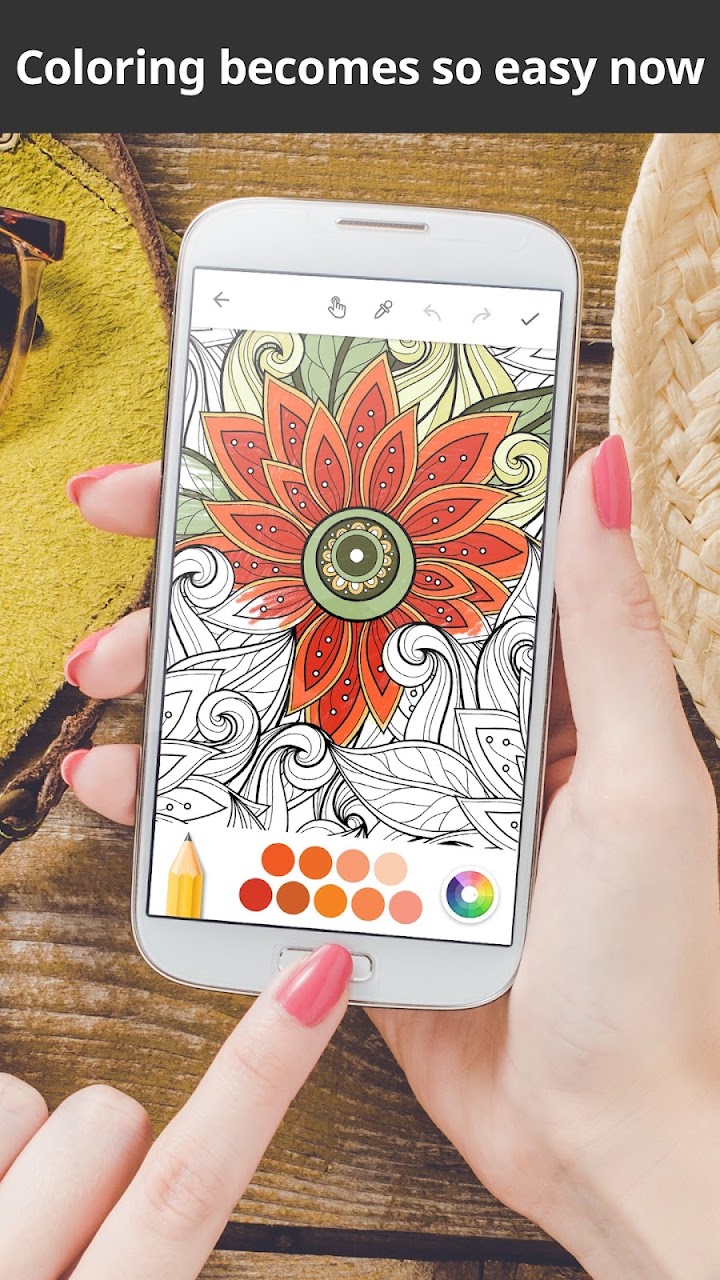
About this app
With 1M+ installs and a 4.3 rating, Colorfit®: Drawing & Coloring brings 1000+ pages for mandalas, animals, flowers, ocean scenes, and more. The latest release focuses on a smoother experience with stability and performance improvements, while keeping the app easy to use for coloring, free drawing, and sharing your own creations.
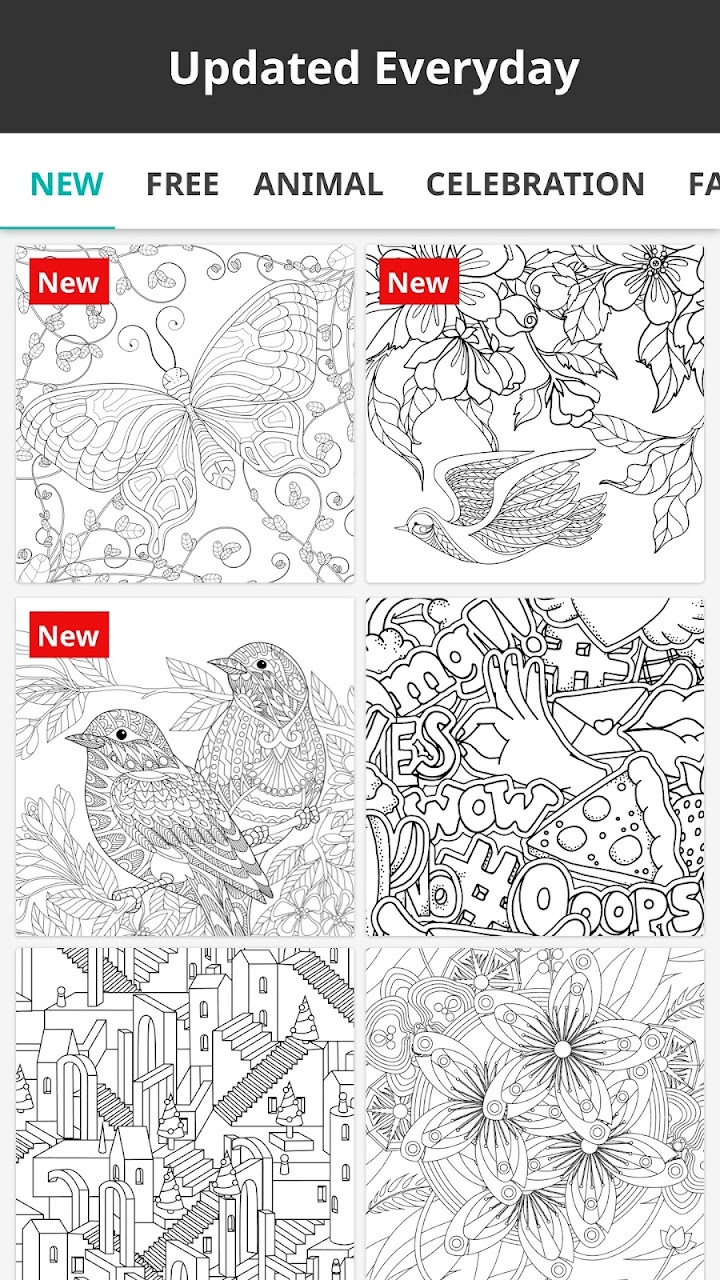
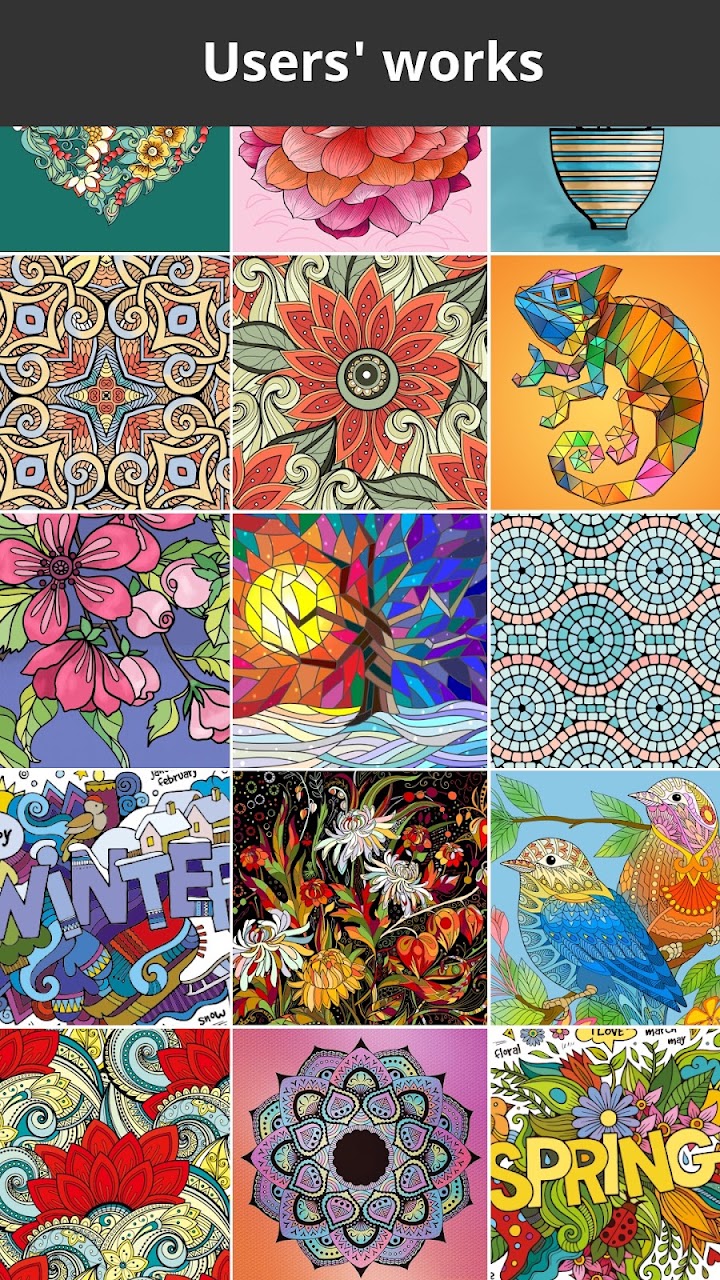
- 1000+ Pages — Choose from mandalas, animals, flowers, ocean scenes, and other coloring pages.
- Free Creation — Draw your own pages with special brushes and make new mandala-style artwork.
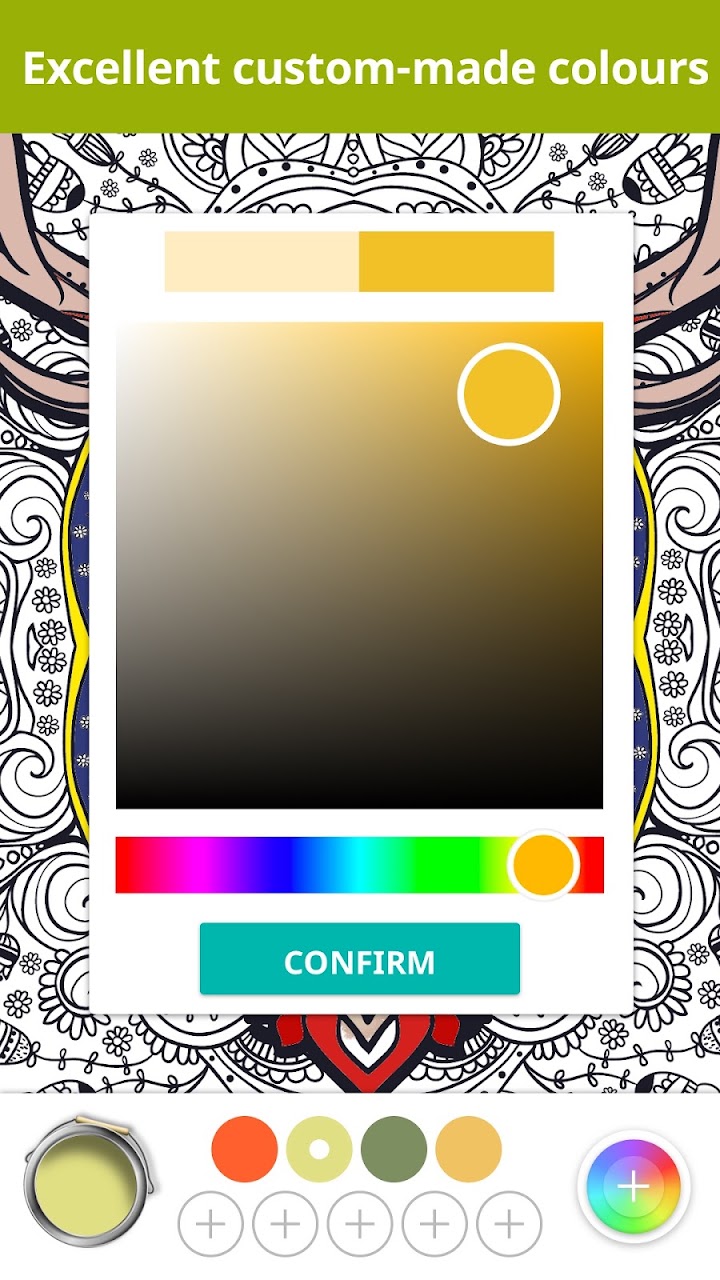
- Custom Colors — Use rich palettes and custom colors to match the look you want.
- Import Your Photos — Bring in pictures by taking a photo or importing one from your gallery.
- Simple Controls — Color pages with easy controls designed to keep the process straightforward.
- Family-Friendly Use — The app is made for Everyone 10+ and can be enjoyed by different ages.
Current release improvements
The latest version of Colorfit®: Drawing & Coloring, version 1.4.3, focuses on a smoother app experience. It includes gaming experience optimization, plus stability and performance improvements. That means the coloring tools and page browsing should feel more responsive while you work on your drawings.
Coloring pages and drawing tools
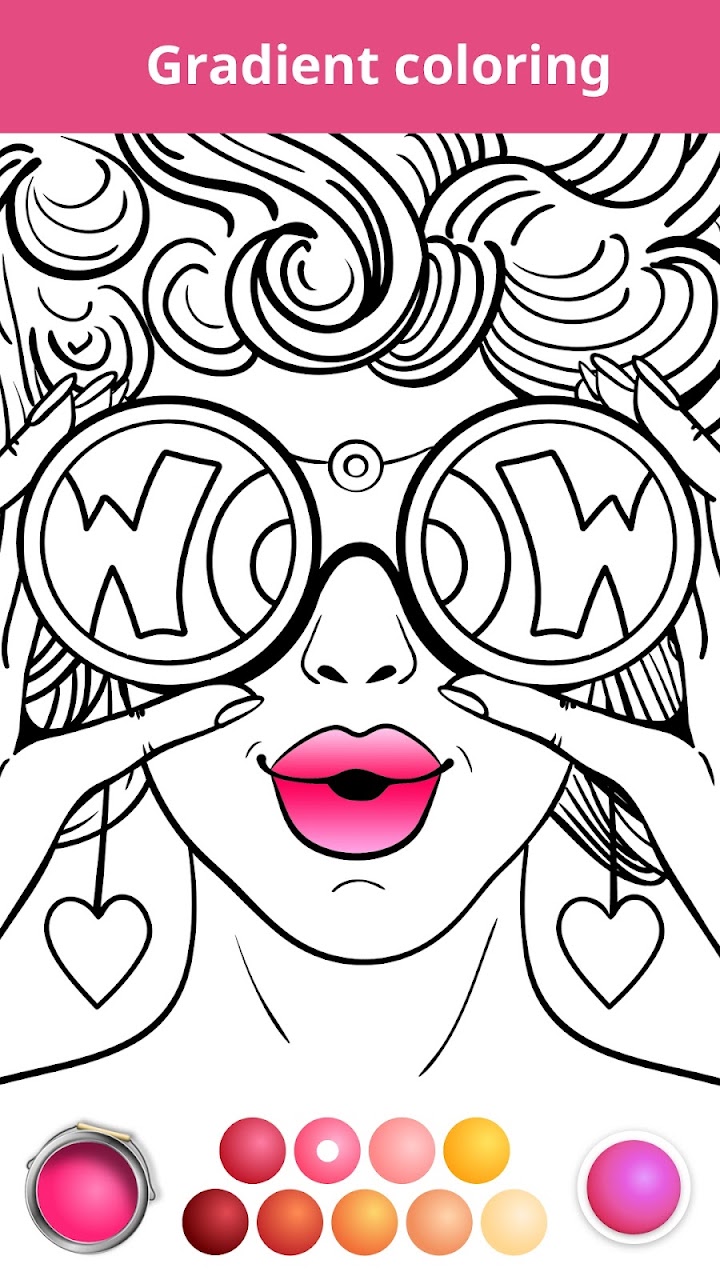
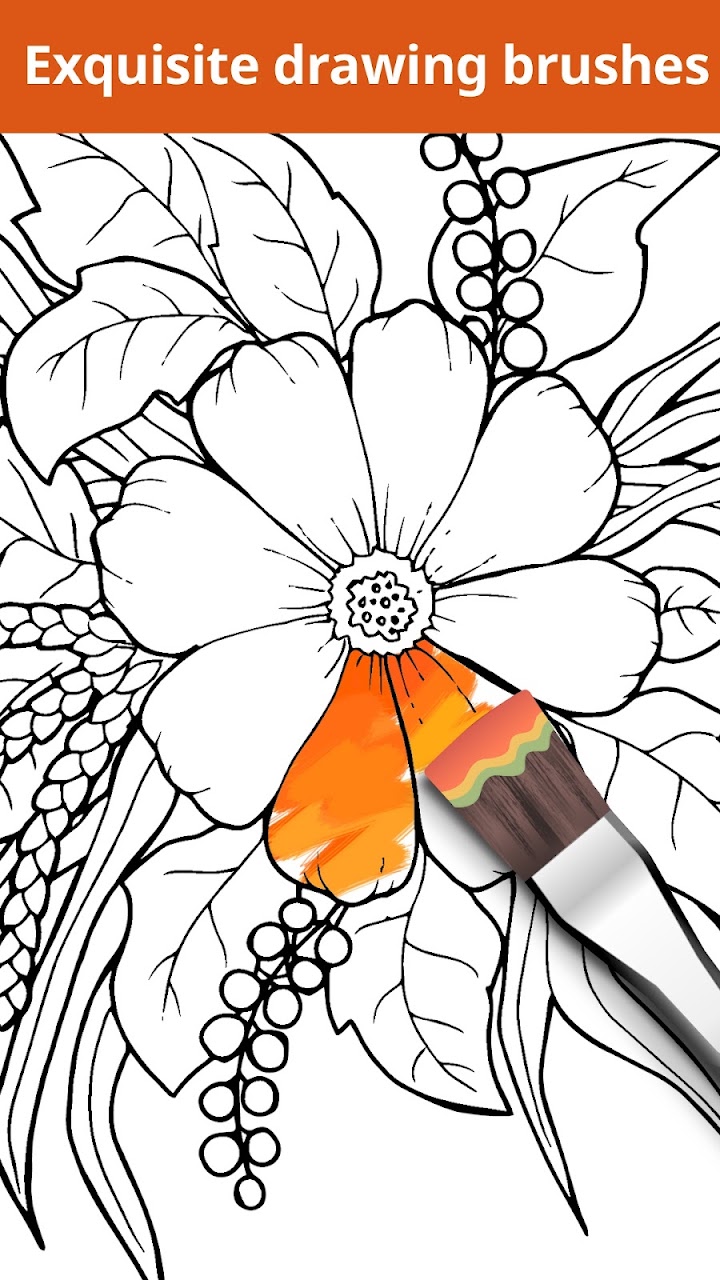
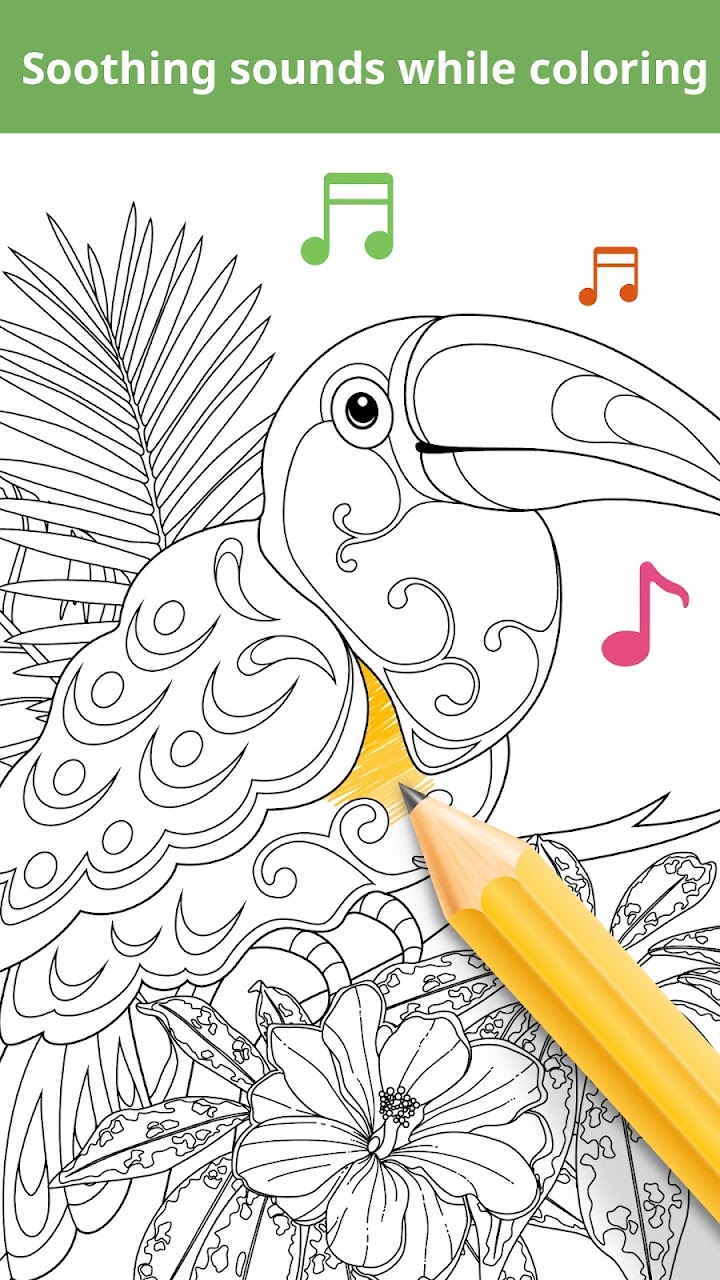
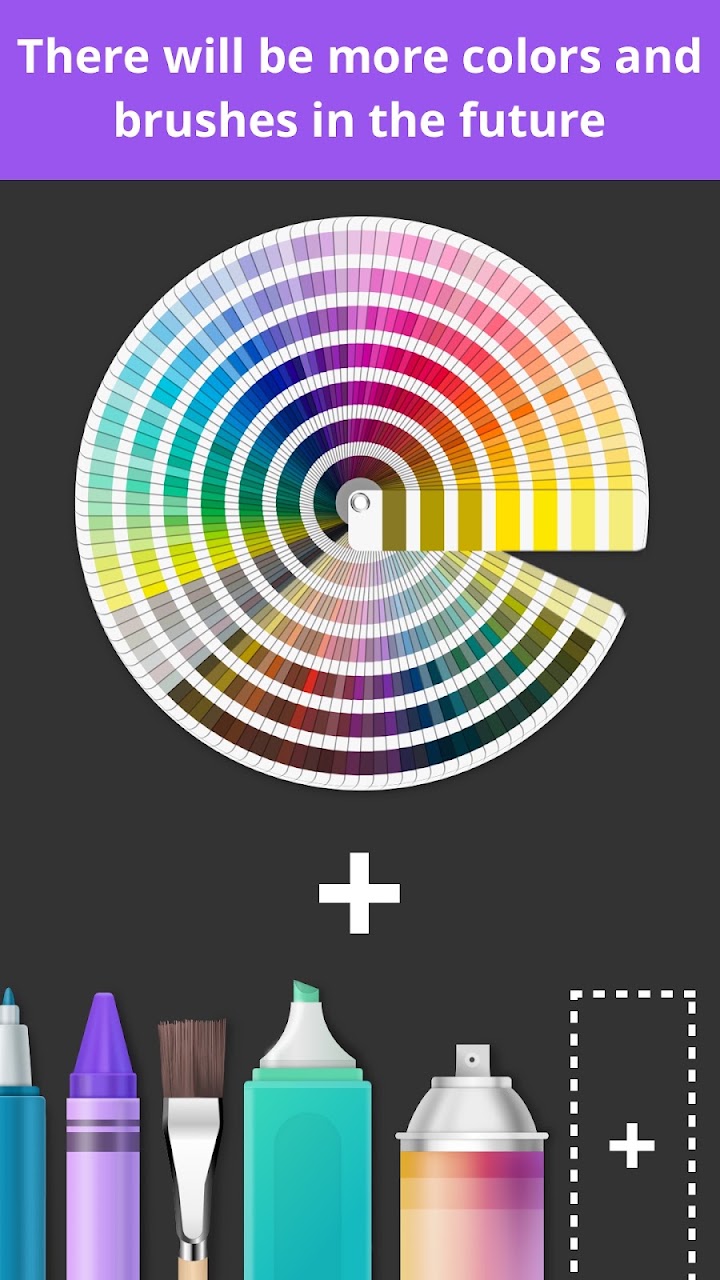
Colorfit® gives you more than 1000 pages to color, including mandalas, animals, flowers, and ocean themes. The app also includes tools that imitate real paintbrushes and sound effects, along with rich palettes and custom colors. If you want to create beyond the included pages, you can make your own and use special brushes for mandala-style drawing.
- Color pre-made pages or start a free drawing.
- Use custom colors from the palette.
- Import an image from your gallery or take a photo.
Easy coloring on Android
The app is built for simple control, so it is approachable even if you are new to digital coloring. Colorfit is listed as free, includes ads, and offers in-app purchases. It is rated Everyone 10+ and works on Android 6.0 and up. The APK file is universal, and the download size is 78.2 MB.
Sharing and creative use
Colorfit is made for relaxed coloring sessions and family time, with pages that different people can enjoy. You can use it to practice coloring skills, explore different page types, or work from a photo you already have. The app is from Creative APPS, the developer behind How To Draw Flowers.
What's new
Version 1.4.3 · Nov 10, 2026
- Hey! Thank you for choosing us!
- Gaming experience optimized
- Improvements to stability and performance
- Get relaxed now!
APK information
- Version
- 1.4.3
- Package
- com.creative.colorfit.mandala.coloring.book
- Category
- Art & Design
- Size
- 78 MB
- Min Android
- 6.0
- Architecture
- universal
Older versions
-
Colorfit®: Drawing & Coloring 1.4.3Nov 10, 2026Latest downloadAPK
Colorfit®: Drawing & Coloring FAQ
Does Colorfit®: Drawing & Coloring work offline?expand_more
The app description does not say whether offline use is supported.
Can Colorfit®: Drawing & Coloring edit RAW photos?expand_more
No RAW photo editing is listed. The app lets you take a photo or import one from your gallery for coloring.
Does Colorfit®: Drawing & Coloring have in-app purchases?expand_more
Yes. The app includes in-app purchases.
Is Colorfit®: Drawing & Coloring free to use?expand_more
Yes, the app is free to download and use.
What kinds of pages are in Colorfit®: Drawing & Coloring?expand_more
It includes 1000+ pages such as mandalas, animals, flowers, and ocean scenes.