- 3.5star46,129 reviews
- 1M+Downloads
- 10 MBAPK size
- TeenRated for Teen
- API 16+Android
check_circleOriginal APK from ColorMinis 3D · Updated Nov 10, 2026
No threats found
0 / — antivirus engines flagged this file
Original signature
First seen — ColorMinis 3D
Unmodified APK
Same file the developer published — no mods
ColorMinis: 3D Painting Studio screenshots
8 images · tap to enlarge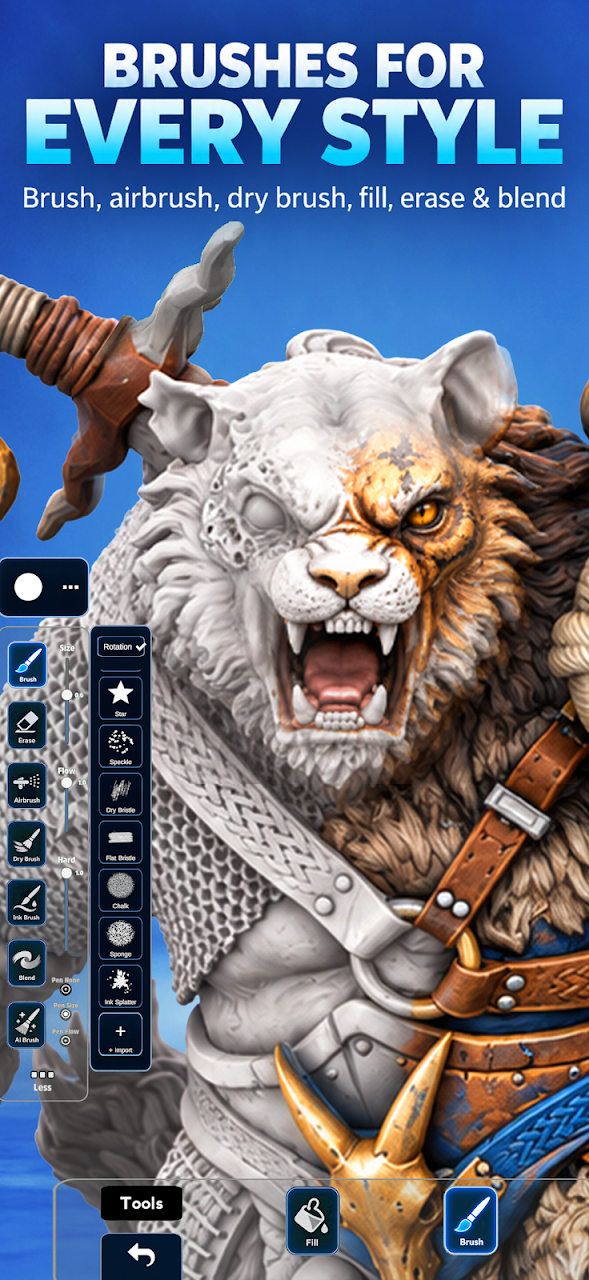
About this app
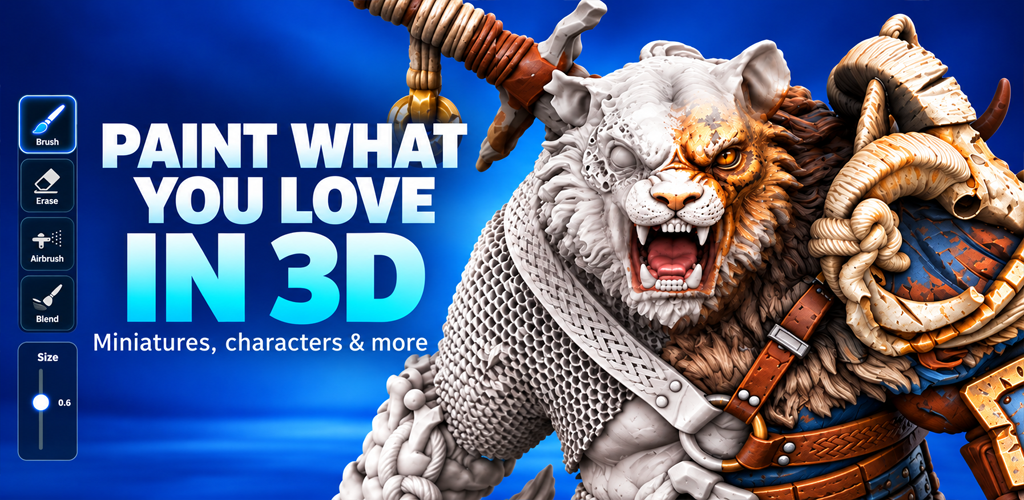
When you want to sketch a paint scheme before touching a real miniature, ColorMinis: 3D Painting Studio gives you a 3D model to work on right away. Rotate and zoom from any angle, paint by model or by part, and try brushes, shading, and AI tools as you go.
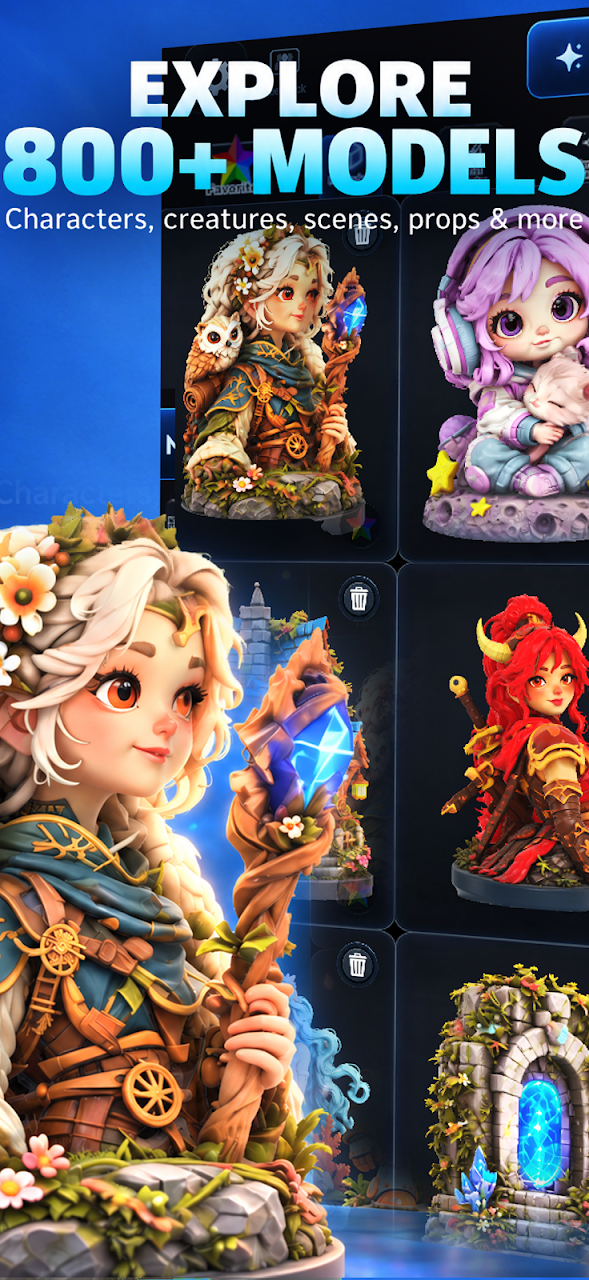
- Daily free models — Pick two gallery models free each day from a library of more than 800 3D models.
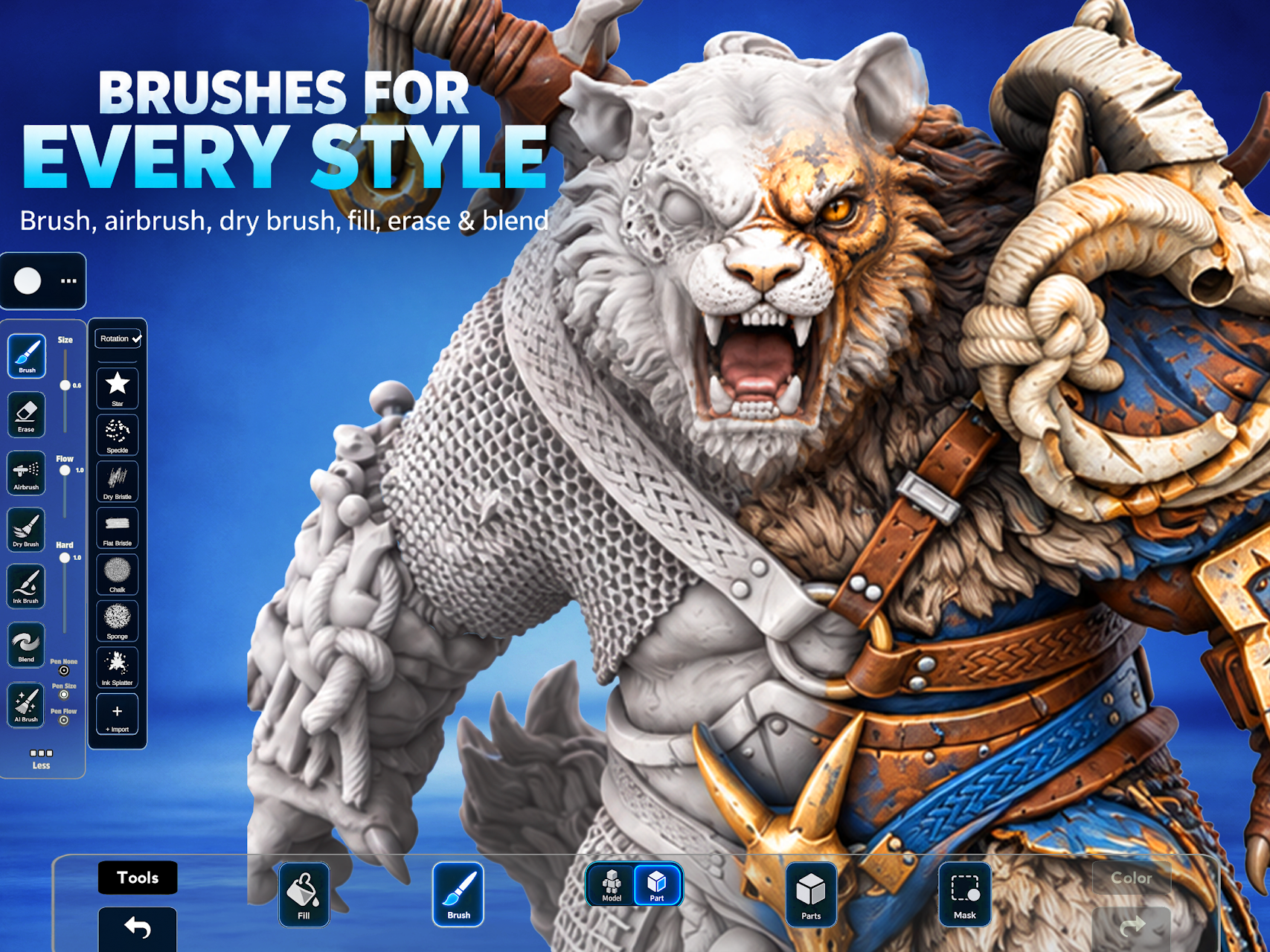
- Brushes for sculpted detail — Use regular, airbrush, dry brush, ink brush, fill, erase, and blend tools on raised surfaces and crevices.
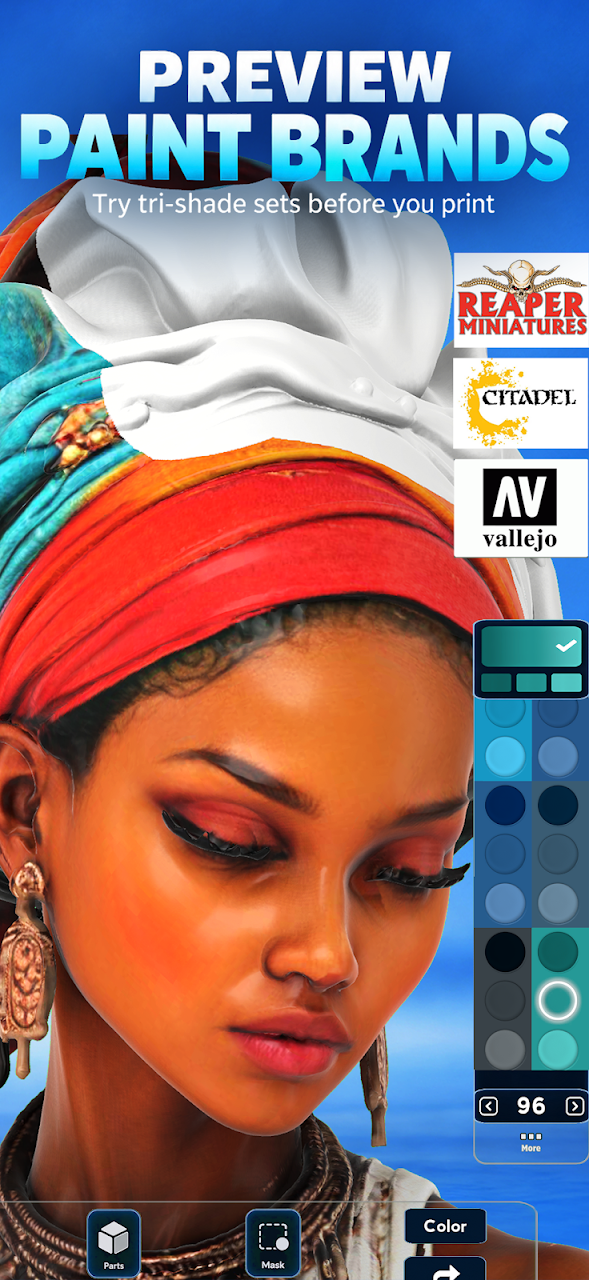
- Tri-color strokes — Apply shade, base color, and highlight in one stroke to build depth faster.
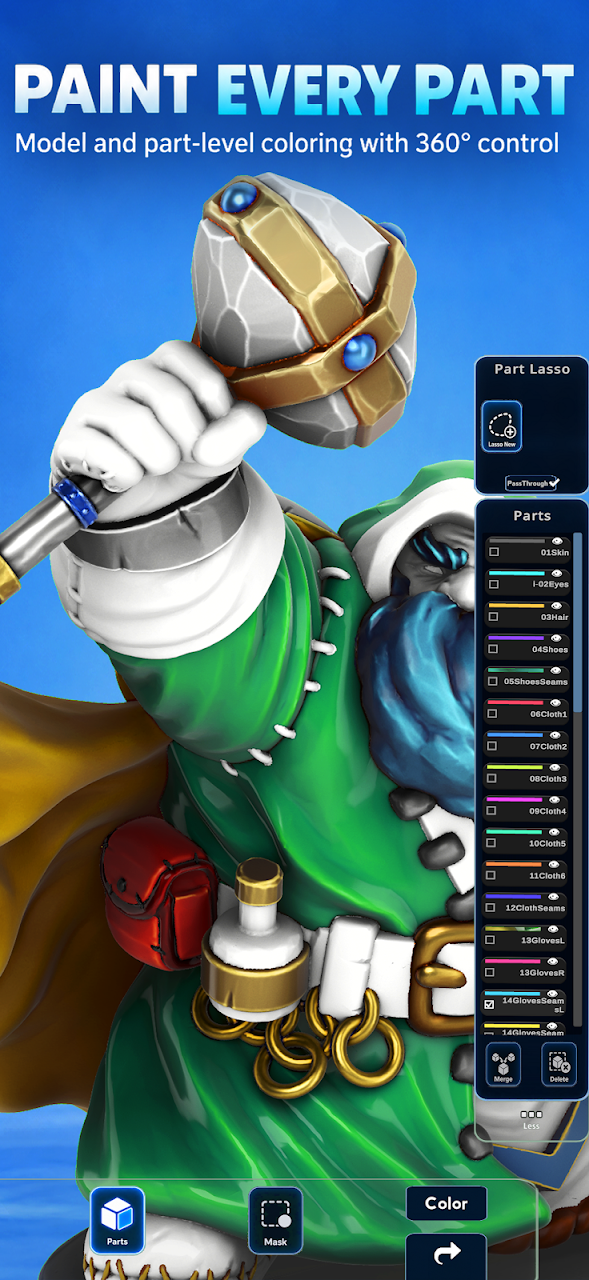
- Paint by part — Switch between whole-model painting and part painting for focused work on armor, clothing, skin, and accessories.
- Premium extras — Unlock advanced brush shapes, stamps, masks, stickers, custom parts, and hobby paint-brand color tools.
- AI model tools — Generate paintable 3D models from text or images, with separate purchases or credits for AI use.
First launch: pick a model and start turning it around
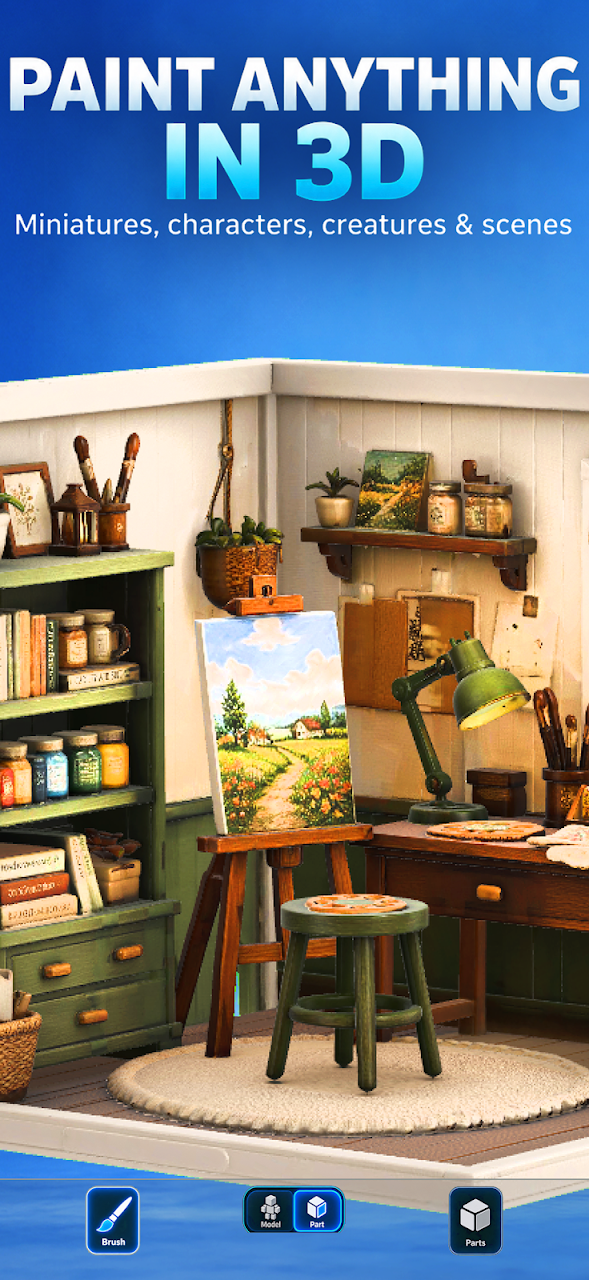
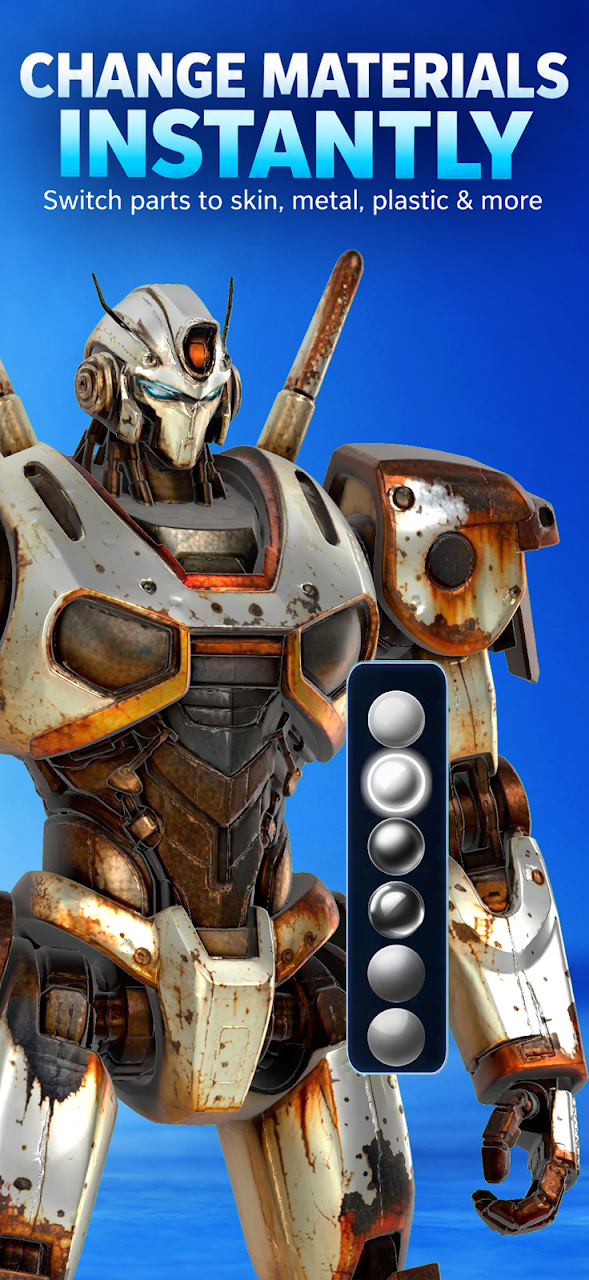
ColorMinis opens with a gallery of ready-to-paint 3D models, including fantasy warriors, dragons, robots, cozy scenes, and dioramas. On a first pass, the useful move is simple: choose a miniature, rotate it, zoom in, and look for the areas you want to color first. The app is built to be approachable, but it leaves room for more detailed work once you settle in.
Two gallery models are free each day. Premium unlocks unlimited gallery downloads, so the first decision is usually whether you want to test the daily free selection or browse more broadly.
Painting a miniature by model or by part
The main screen flow is centered on painting directly onto the sculpt. You can switch between Model and Part painting, which makes it easier to either color the full figure at once or focus on armor, clothing, skin, and accessories. That split matters when you want to block in a scheme quickly, then return for smaller adjustments.
The toolset is practical rather than crowded. A regular brush handles precise strokes, the airbrush softens transitions, the dry brush catches raised detail, and the ink brush settles into recesses. Fill, erase, and blend tools help clean up edges and refine the result.
Tri-color shading and creative extras
One of the app’s most specific tools is tri-color painting, which applies shade, base color, and highlight together in a single stroke. It is useful when you want depth without moving through each layer separately. Premium adds more control with advanced brush shapes, stamps, masks, image stickers, and tools for creating, editing, merging, and managing custom model parts.
There are also expanded palette tools and hobby paint-brand colors for previewing different schemes on realistic 3D figures. AI tools can generate paintable 3D models from text prompts or reference images, and AI texture generation is included in the same area of the app, though it uses separate purchases or credits.
Practical tips for the first session
- Start with one of the daily free models before exploring the larger gallery.
- Use part painting when you want to isolate armor, clothing, or small accessories.
- Try the airbrush for smoother blends, then switch to dry brush or ink brush for detail.
- Use tri-color strokes when you want a faster shaded look on larger surfaces.
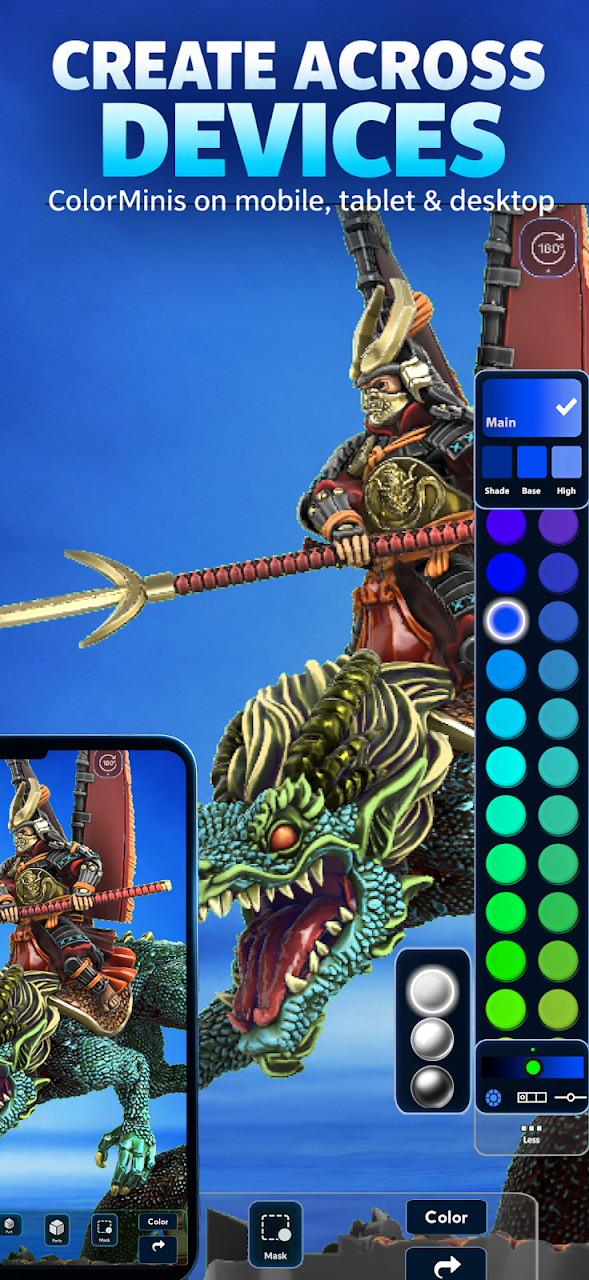
- Premium desktop import is for compatible, UV-mapped models, and eligible imports can be shared to mobile through QR codes.
Requirements, install size, and permissions
The app is free, shows ads, and offers in-app purchases. The APK format is universal, the download is 10.2 MB, and it requires Android 16 or higher. No permissions are listed, so there is nothing extra shown at install time.
APK information
- Version
- 6.9
- Package
- com.figuromo.colorminiscollections
- Category
- Art & Design
- Size
- 10 MB
- Min Android
- API 16
- Architecture
- universal
Older versions
-
ColorMinis: 3D Painting Studio 6.9Nov 10, 2026Latest downloadAPK
ColorMinis: 3D Painting Studio FAQ
Can ColorMinis: 3D Painting Studio edit RAW photos?expand_more
No, it is a 3D painting app for miniatures, characters, and scenes. Its tools are for painting, shading, and model editing rather than photo editing.
Does ColorMinis: 3D Painting Studio add a watermark?expand_more
The listing does not mention any watermark. It does note that the app contains ads and offers in-app purchases.
How big is the ColorMinis: 3D Painting Studio download?expand_more
The APK size is 10.2 MB. It is listed as a universal APK.
What is the difference between the APK and the Play Store version of ColorMinis: 3D Painting Studio?expand_more
The app is distributed as a universal APK, and the listing does not describe separate feature differences between APK and Play Store builds. The core app experience is the same 3D painting studio.
Can I paint my own 3D model in ColorMinis: 3D Painting Studio?expand_more
On desktop, Premium unlocks importing compatible, UV-mapped 3D models. Eligible imported models can then be shared to mobile through QR codes.