- 4.9star3,972,739 reviews
- 100M+Downloads
- 6 MBAPK size
- EveryoneRated for Everyone
- 5.0+Android
check_circleOriginal APK from Notes · Updated Nov 12, 2026
No threats found
0 / — antivirus engines flagged this file
Original signature
First seen — Notes
Unmodified APK
Same file the developer published — no mods
ColorNote Notepad Notes screenshots
8 images · tap to enlarge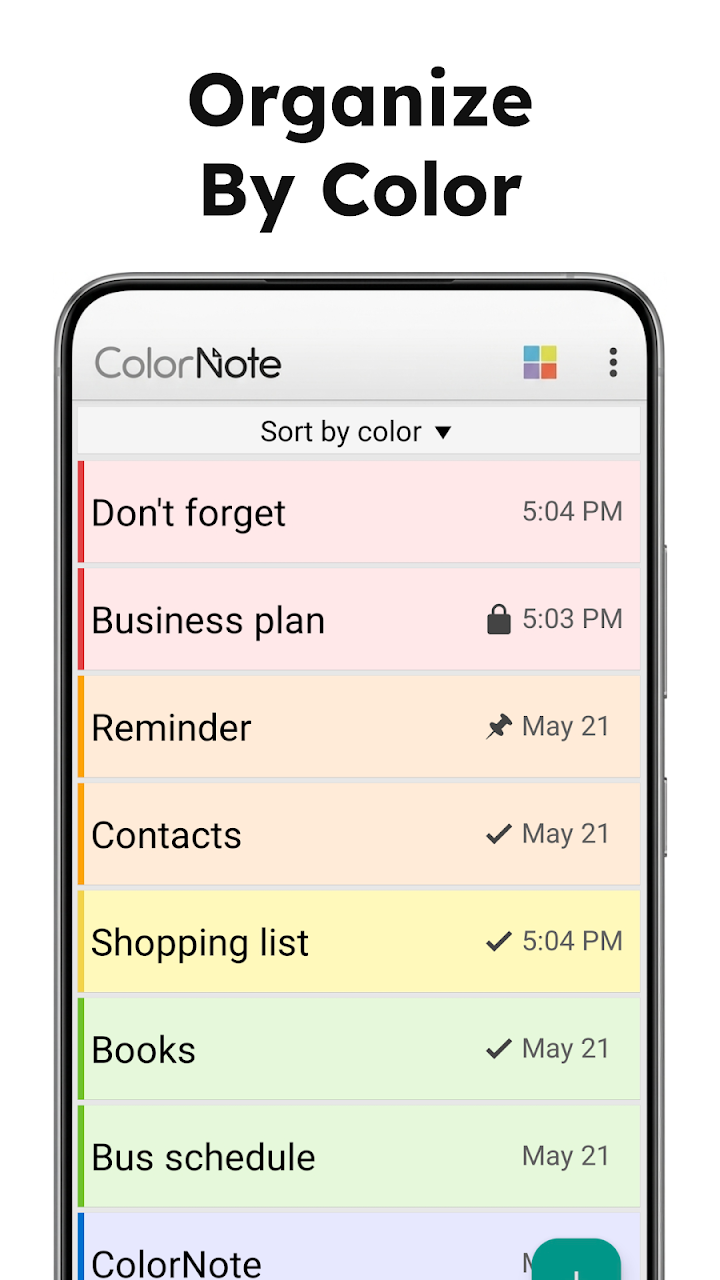
About this app
ColorNote Notepad Notes stands out with color-based note organization, checklist notes, and cloud sync in one simple notepad app. The latest release adds “Pin to the top,” so you can keep important notes easy to reach. It also supports reminders, widgets, and backup options for notes you want to keep across devices.
- Pin notes first — The latest version adds “Pin to the top” so important notes stay at the top of your list.
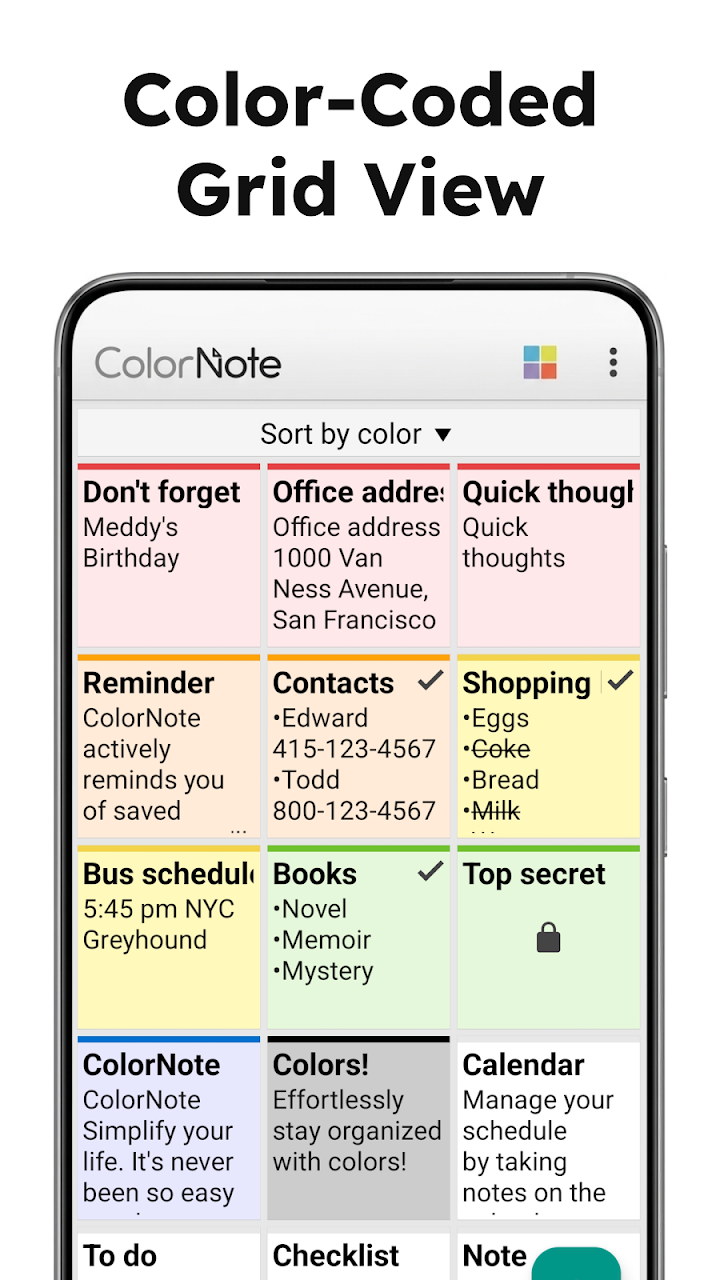
- Color organization — Sort notes by color and switch between list, grid, or color views.
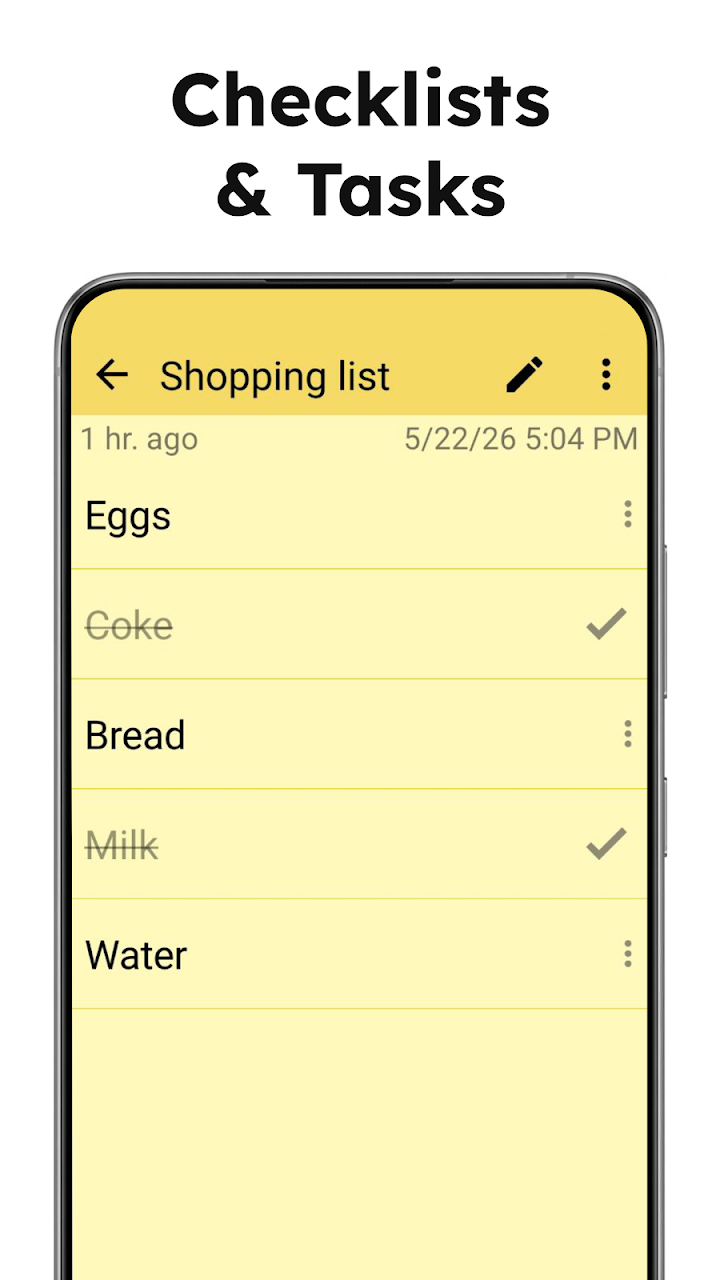
- Simple checklists — Create to-do lists and shopping lists with checkboxes and drag-to-reorder items.
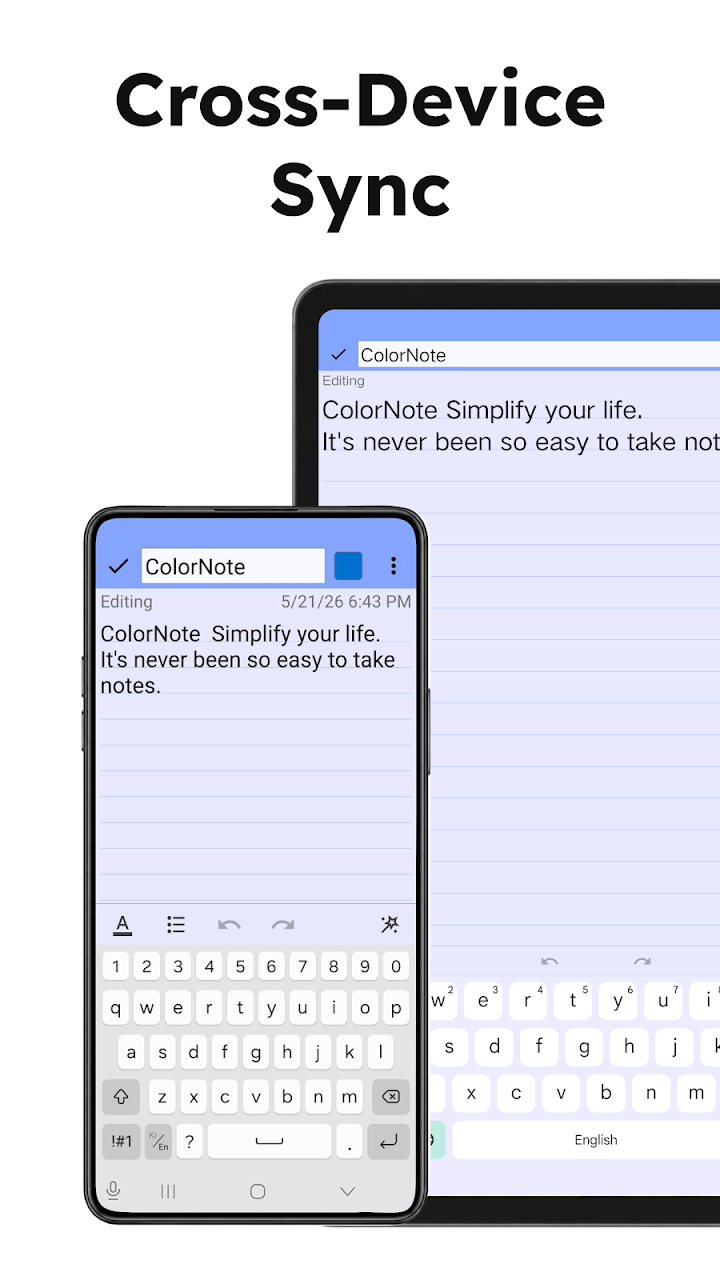
- Sync across devices — Back up and sync notes online so you can use them on a phone and tablet.
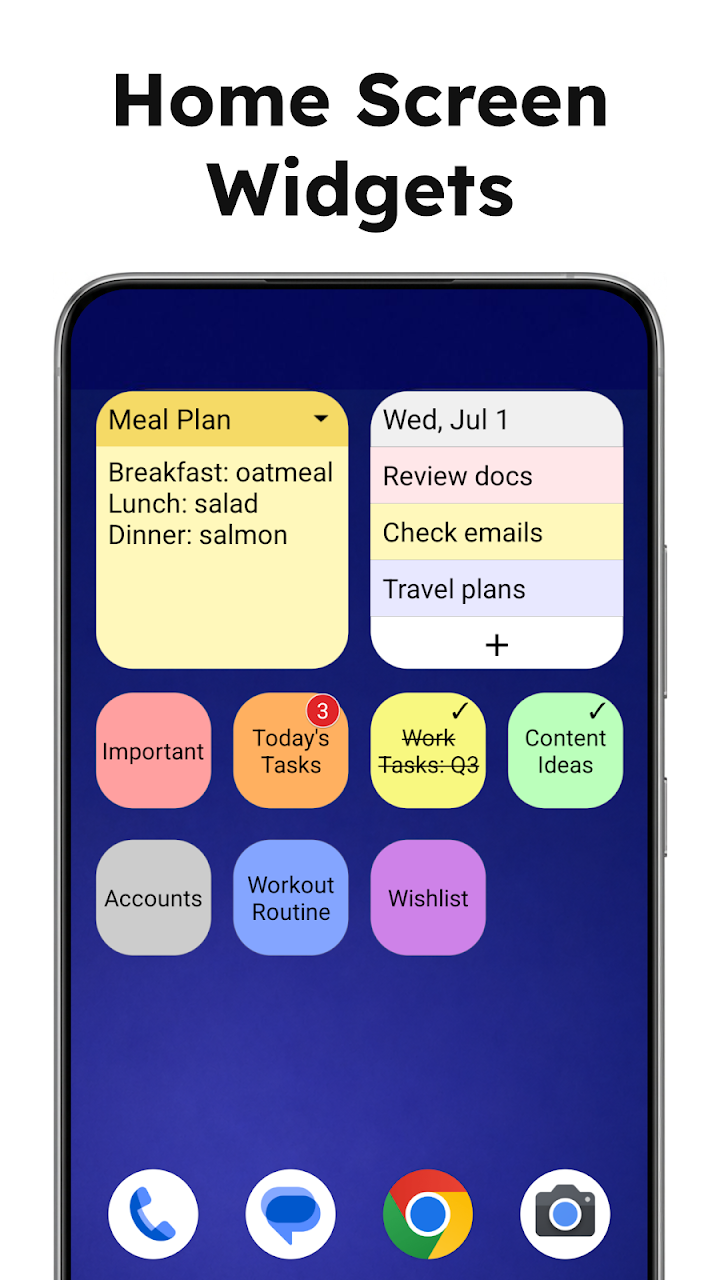
- Home screen widget — Place a sticky note widget on your home screen for quick access.
- Lock private notes — Protect notes with a passcode and back them up to SD storage.
Pin important notes to the top
The current release adds Pin to the top, which helps you keep a note at the front of your list when you need it close at hand. That fits the app’s quick-note style: open it, write what you need, and find it again without extra steps.
ColorNote Notepad Notes is a simple notepad app for notes, memos, e-mails, messages, shopping lists, and to-do lists. It comes as an APK file, is 6.1 MB, supports Android 5.0 and up, and is available in a universal build.
Notes, lists, and calendar use
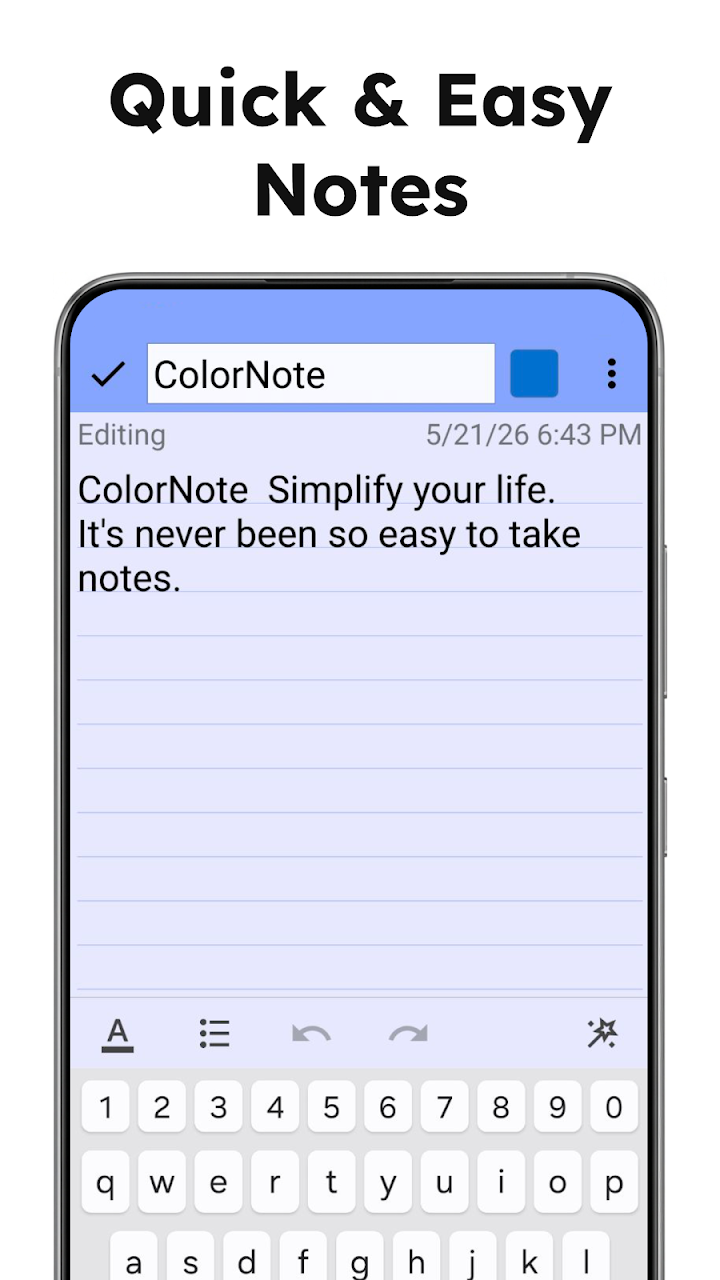
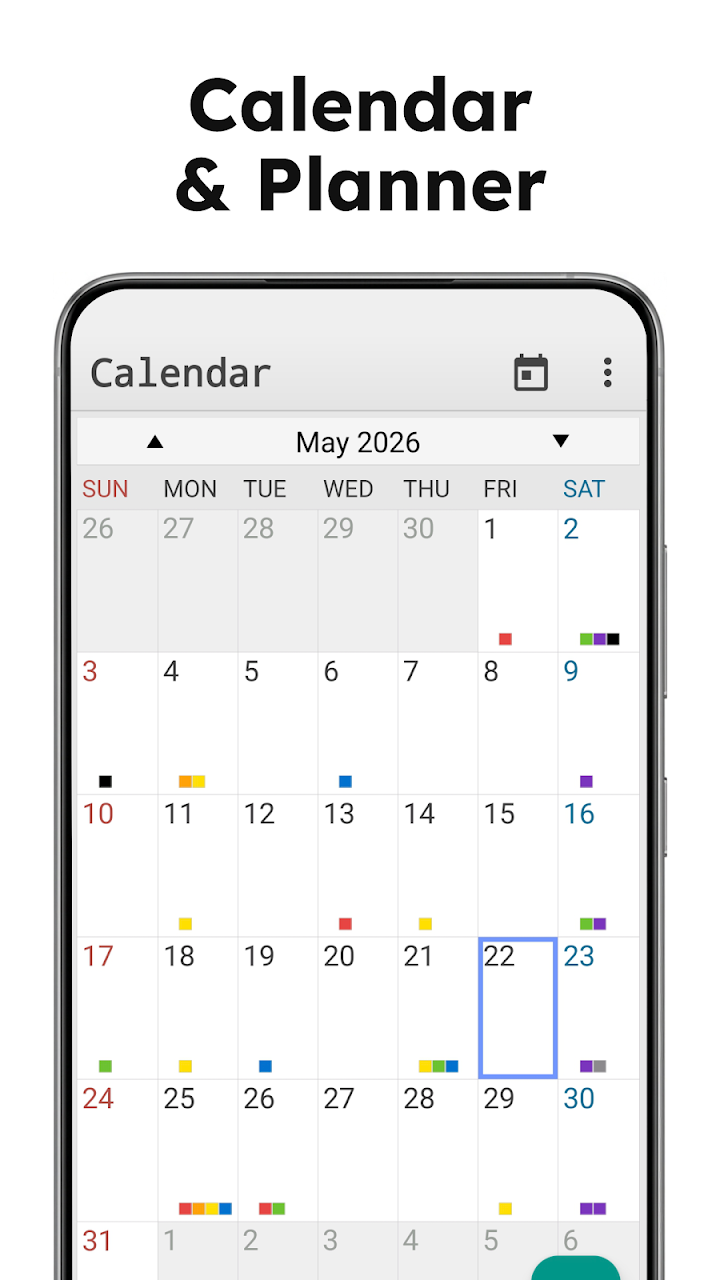
The app offers two main note types: plain text notes and checklist notes. Text notes work like a small word processor, while checklist notes are useful for errands, tasks, and shopping. You can also organize your schedule by note in the calendar and write a diary or journal there.
- Text notes for longer writing
- Checklist notes for task lists
- Calendar notes for schedules and journaling
- Search to find saved notes quickly
Sync, widgets, and sharing
ColorNote Notepad Notes supports online backup and sync, so notes can move between your phone and tablet. Notes are encrypted before upload, and the app does not send notes to the server unless you sign in. You can sign in with Google or Facebook. It also includes a sticky note widget for the home screen and sharing through SMS, e-mail, or Twitter.
Reminders and simple protection
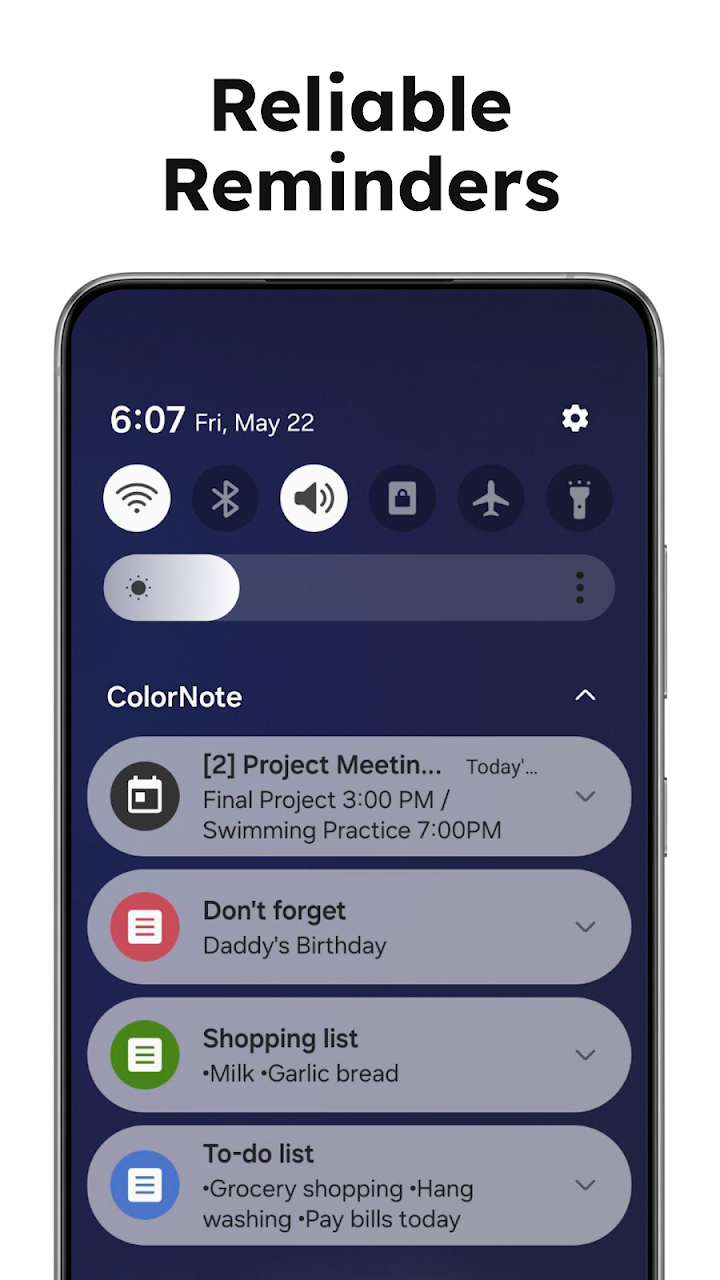
For follow-up tasks, the app includes reminder notes on the status bar and a powerful task reminder with time alarm, all-day reminders, repetition, and lunar calendar support. If you want privacy, you can lock notes with a passcode and use secured backup to SD storage. The app is free, shows no ads, and includes in-app purchases.
What's new
Version 4.9.4 · Nov 12, 2026
- If you cannot find widgets, you have to move the app back to device in application settings and reboot your phone!
- The best way to report bugs of the update is to send an email.
- 4.9.0
- Added “Pin to the top”
- 4.8.5
- Added checklist item generation.
APK information
- Version
- 4.9.4
- Package
- com.socialnmobile.dictapps.notepad.color.note
- Category
- Productivity
- Size
- 6 MB
- Min Android
- 5.0
- Architecture
- universal
Older versions
-
ColorNote Notepad Notes 4.9.4Nov 12, 2026Latest downloadAPK
ColorNote Notepad Notes FAQ
Can ColorNote Notepad Notes be used offline?expand_more
Yes. You can write and save notes on the device, and online backup and sync are optional.
Does ColorNote Notepad Notes support teams?expand_more
No team features are listed. The app focuses on personal notes, checklists, reminders, and sync between devices.
What changed in the latest ColorNote Notepad Notes version?expand_more
The latest release adds “Pin to the top.” Earlier updates added checklist item generation, highlight colors, hyperlink support, and a writing assistant with grammar checker in the premium version.
Who develops ColorNote Notepad Notes?expand_more
It is developed by Notes.
Can I put a note on my home screen?expand_more
Yes. The app includes a sticky note memo widget for the home screen.