
- 0.0star0 reviews
- 100K+Downloads
- 56 MBAPK size
- EveryoneRated for Everyone
- 5.0+Android
check_circleOriginal APK from Mustafa Demircan · Updated Nov 10, 2026

No threats found
0 / — antivirus engines flagged this file
Original signature
First seen — Mustafa Demircan
Unmodified APK
Same file the developer published — no mods
Creator screenshots
5 images · tap to enlarge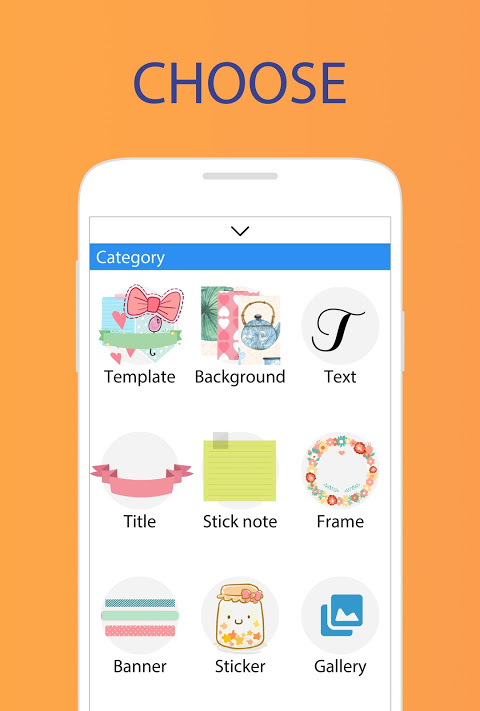
About this app
100K+ people have installed Creator. It turns simple plans and notes into decorated pages with backgrounds, stickers, and editable text, and it also reaches into banners, web posters, birthday and wedding invitations, and social posts. The app is free, with no ads or in-app purchases listed.
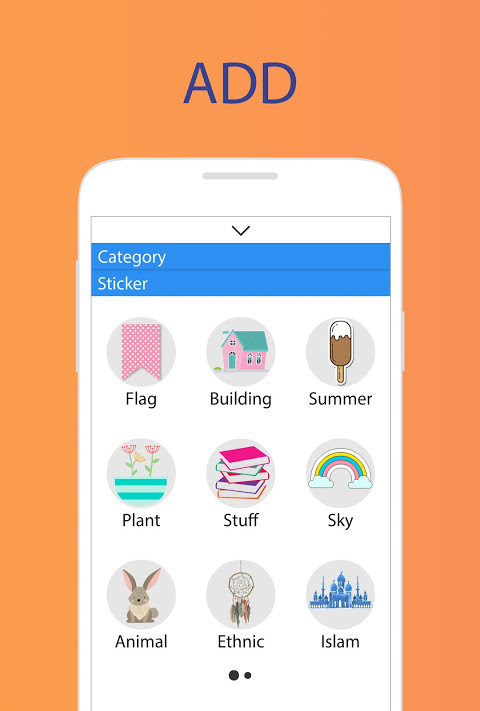
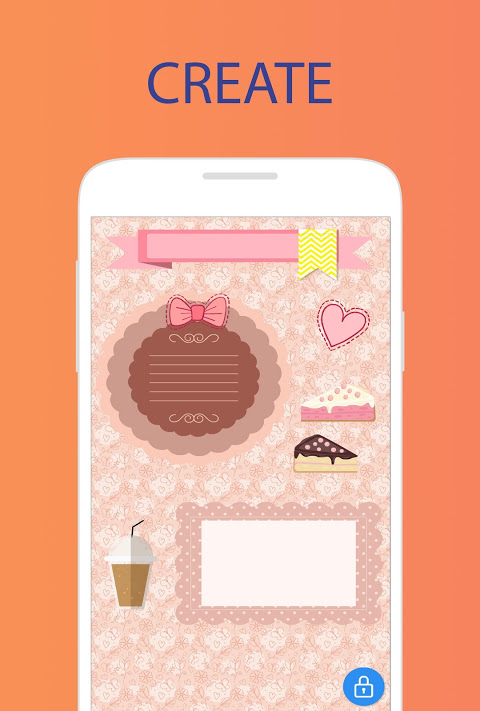
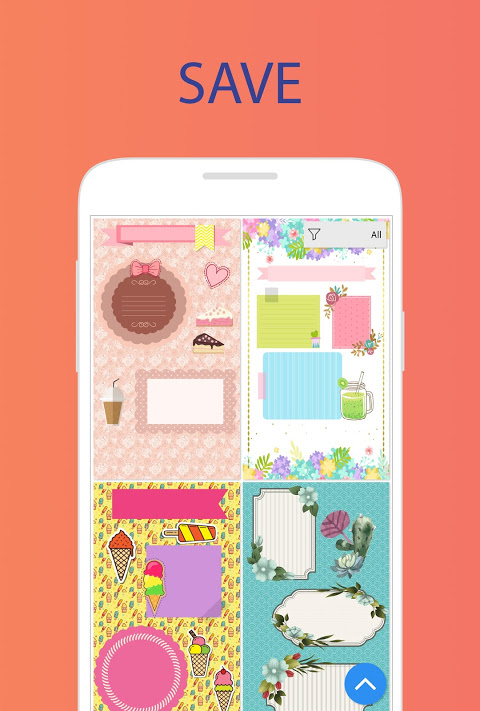
- Decorate Notes — Add backgrounds and stickers, then edit text to turn a plain note into a more personal page.
- Custom Post-its — Shape your own post-it style notes for reminders, study lists, or quick messages.
- Make Invitations — Use the same tools to create birthday or wedding invitation cards for a shared event.
- Create Posters — Build banners, web posters, and social posts when you want a simple design from your phone.
- Free To Use — Creator is free, shows no ads, and lists no in-app purchases.
Decorate a note with a few taps
On a long train ride or during a quiet break, Creator gives you a simple way to turn a plain note into something more visual. You can add backgrounds and stickers, then edit the text to match the plan you are making. That makes it useful for shopping lists, study reminders, or a note you want to share with someone else.
Shape post-its for everyday planning
Creator is built around custom post-its, so you can make quick notes feel more deliberate instead of leaving them plain. If you like keeping your day in short blocks, you can build a reminder, color it with a background, and add text that stands out when you come back to it later.
Move from notes to invitations
The same tools also work for birthday and wedding invitation cards. When you need something more polished than a text message, you can put together a card with stickers, text, and a background, then use it as a simple invite for friends or family.
Posts, posters, and banners
Creator also supports banners, web posters, and social media posts. That gives it a wider range than a basic note app, especially if you want one tool for planning and sharing. What you get:
- Backgrounds, stickers, and editable text
- Custom post-its, invitations, posters, banners, and social posts
- Free app with no ads and no in-app purchases
- Watch for: no permissions are listed, and no account requirement is shown
It installs as an APK file, is 55.7 MB, and needs Android 5.0 or later.
Before you install
If you want a lightweight design app for notes and shareable pieces, Creator keeps to a narrow set of tools and does not ask for any listed permissions. It is a free Android app from Mustafa Demircan, released in 2020 and last updated on 2020-09-02.
APK information
- Version
- 1.0.41
- Package
- air.Creator
- Category
- Art & Design
- Size
- 56 MB
- Min Android
- 5.0
- Architecture
- universal
Older versions
-
Creator 1.0.41Nov 10, 2026Latest downloadAPK
Creator FAQ
Does Creator add a watermark?expand_more
No watermark is mentioned in the app details provided.
Does Creator work offline?expand_more
Offline use is not stated.
What is the difference between the APK and the Play Store version of Creator?expand_more
The app is listed here as an APK file; no separate Play Store version details are given.
Is this Creator APK the original file?expand_more
The listing identifies it as Creator by Mustafa Demircan, but no extra verification details are provided.
Can I make invitation cards in Creator?expand_more
Yes. The app description says you can make birthday and wedding invitation cards with Creator.