- 2.6star1,728 reviews
- 100K+Downloads
- 5 MBAPK size
- EveryoneRated for Everyone
- 5.0+Android
check_circleOriginal APK from Serjth · Updated Nov 10, 2026
No threats found
0 / — antivirus engines flagged this file
Original signature
First seen — Serjth
Unmodified APK
Same file the developer published — no mods
CrossStitch Editor screenshots
8 images · tap to enlarge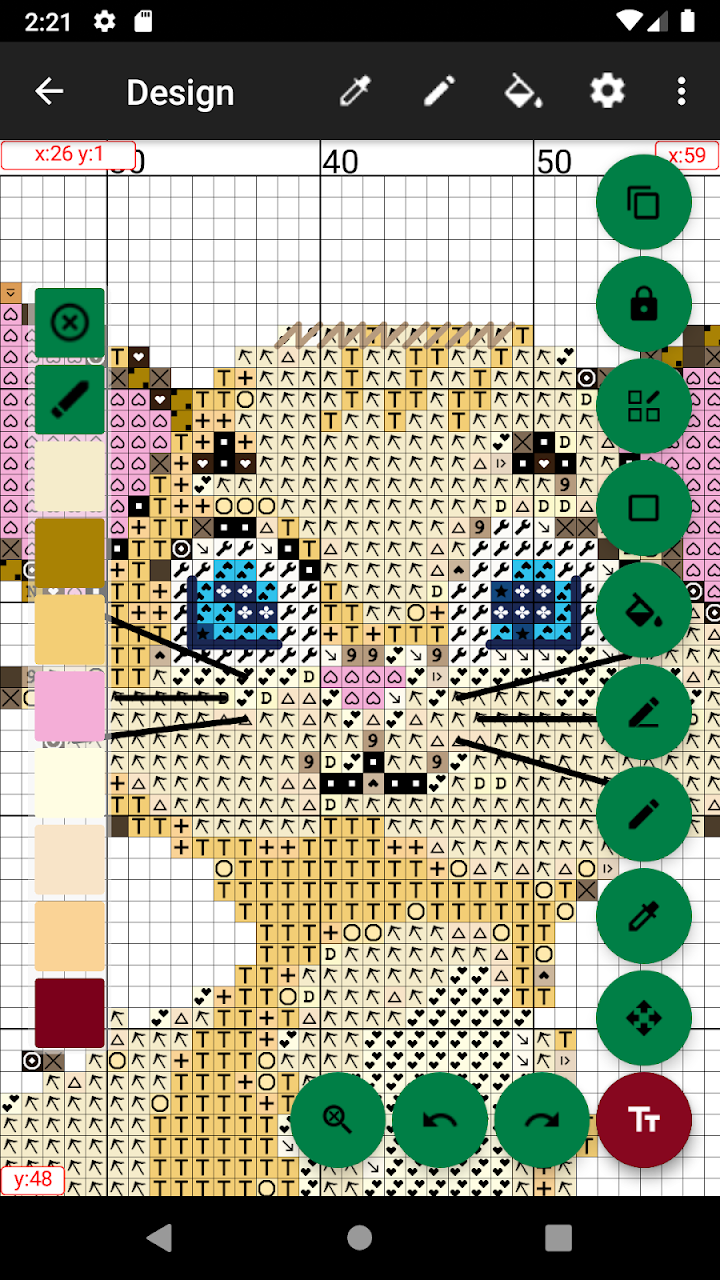
About this app
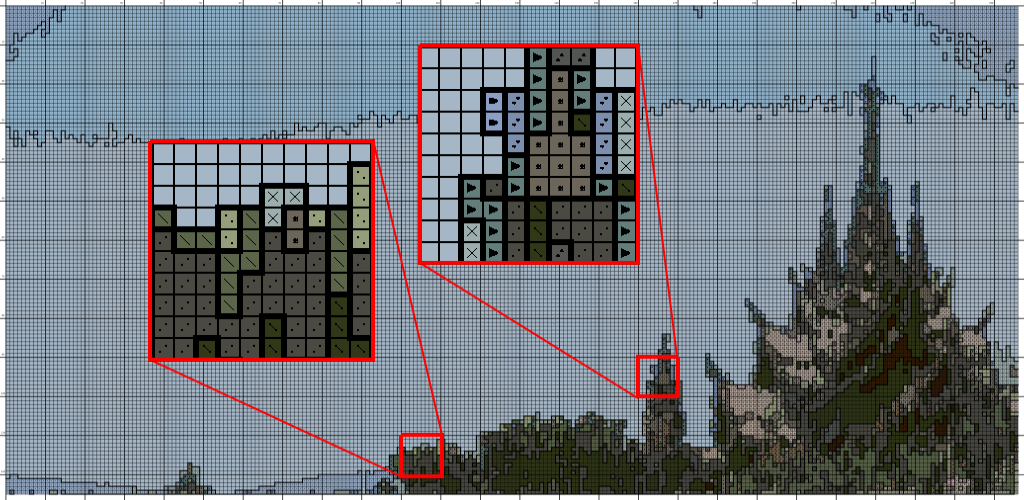
Need to turn a photo or sketch into a stitch pattern? CrossStitch Editor lets you build cross stitch designs, pixel art, and blank patterns on your phone. It includes stitch editing, palette tools, backstitches, halfstitches, and export options, but it also shows ads and does not list any in-app purchases.
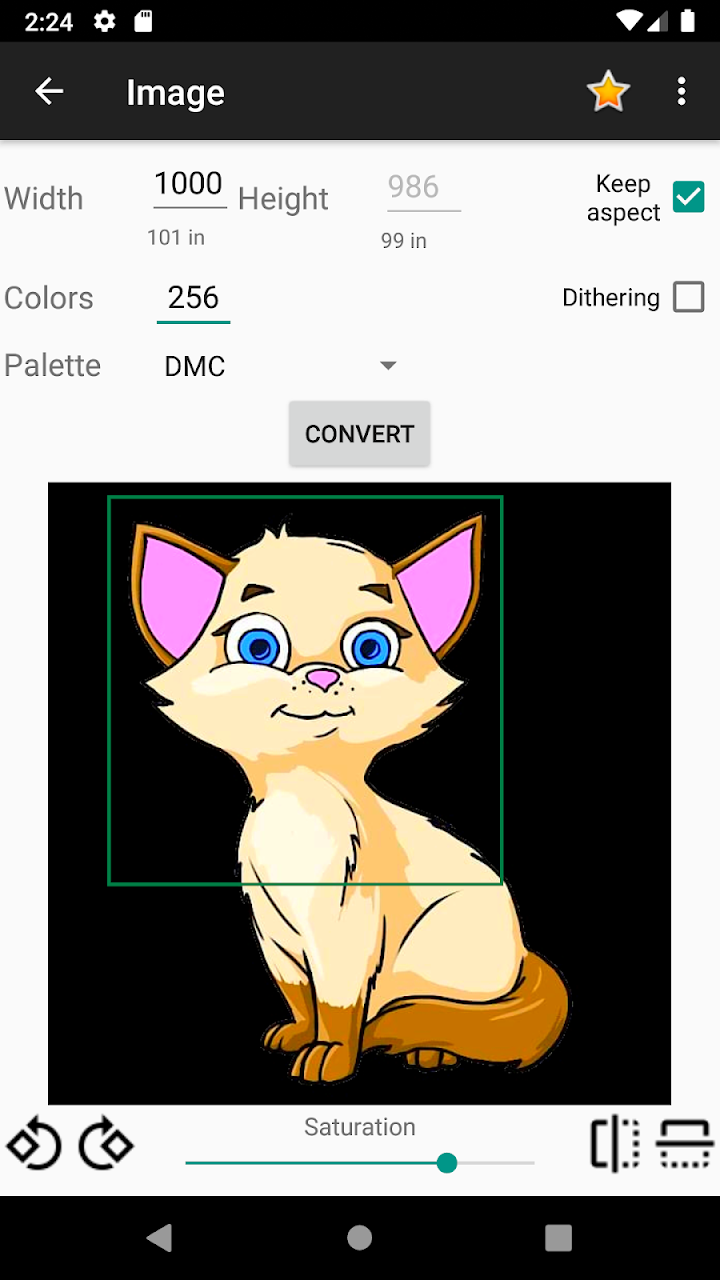
- Image to pattern — Convert an image or part of an image into a cross stitch design.
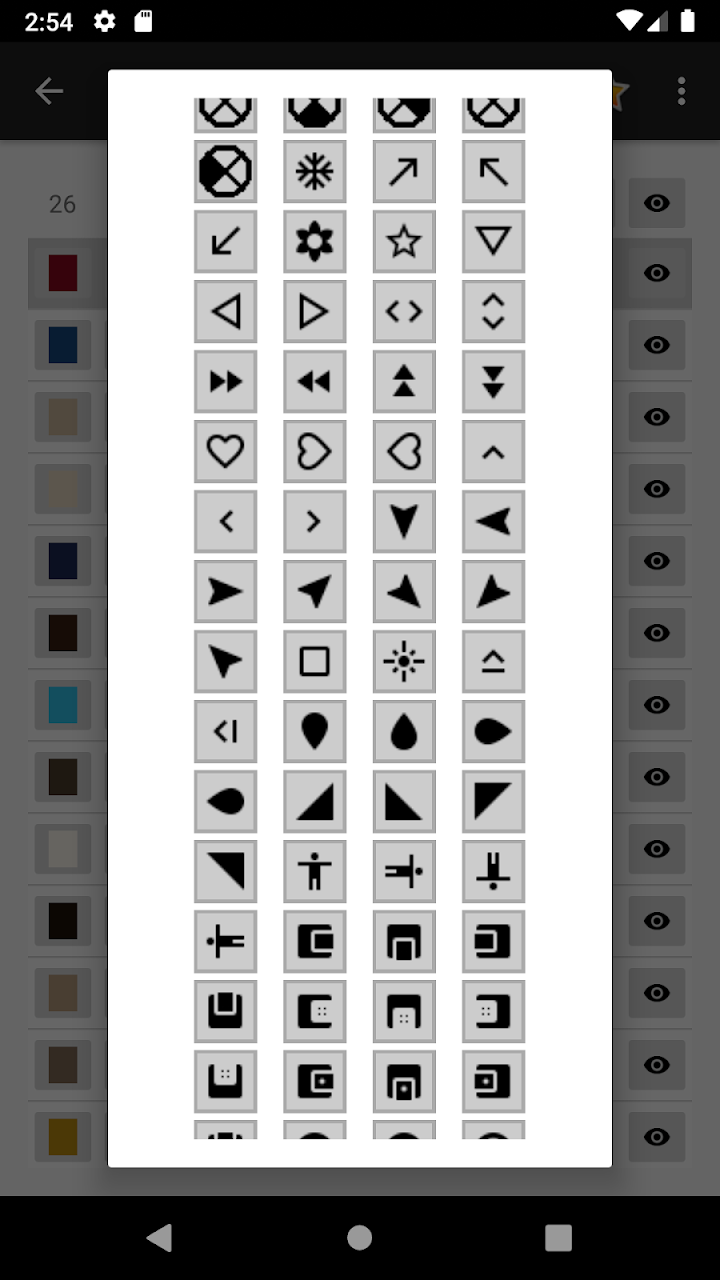
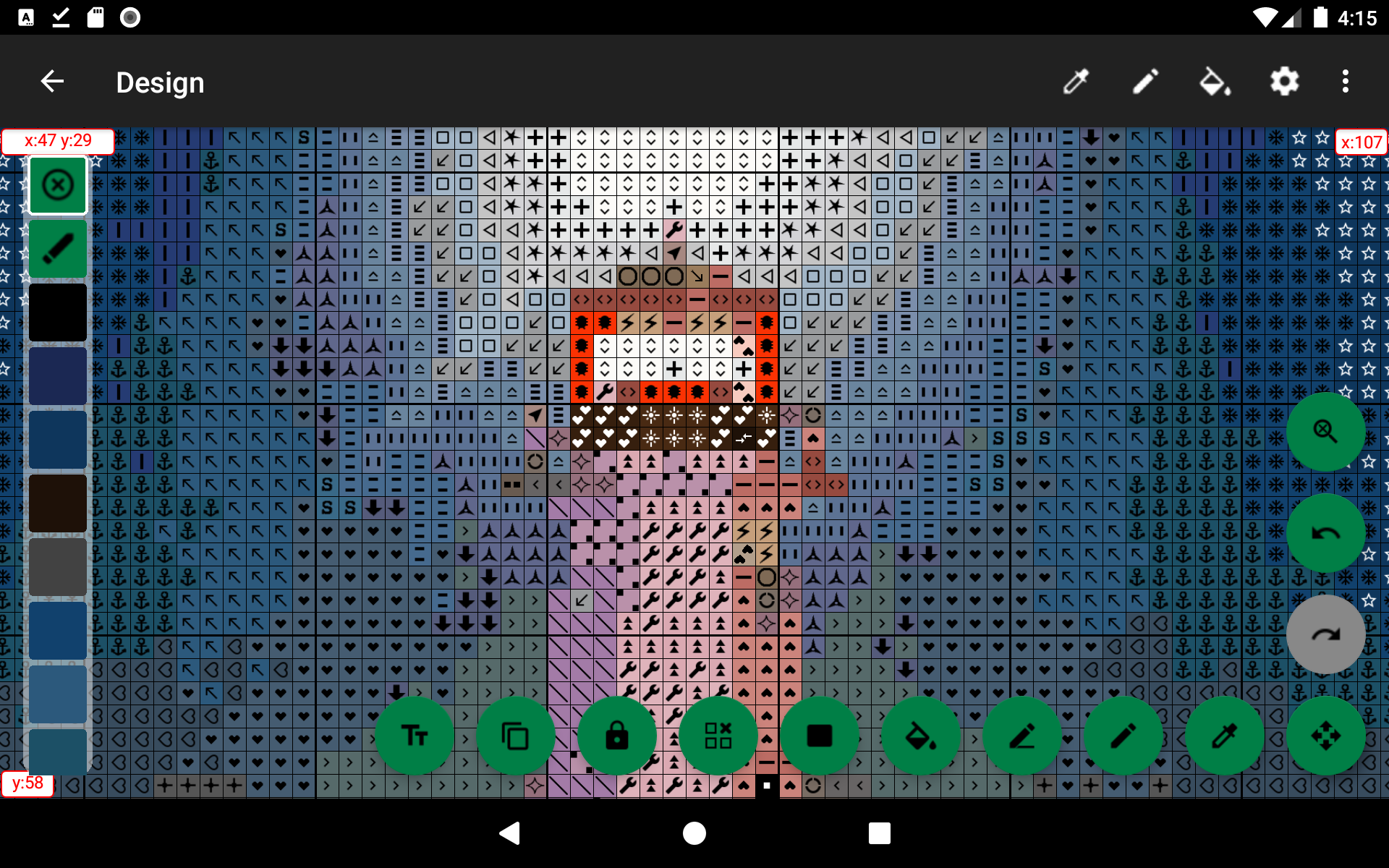
- Stitch editing tools — Change stitch colors, fill areas, draw shapes, and work with backstitches and halfstitches.
- Pixel art support — Create pixel art designs in the same editor, up to 250 x 250 in the free app.
- Palette options — Use supported palettes like DMC, Anchor, and Gamma, with more options in Pro.
- Screen stitching aid — Mark completed areas and control color visibility while following the pattern on your device.
Turn images into stitch patterns
CrossStitch Editor is set up for the point where you already have an idea and want it turned into a working pattern. You can start from a photo, a cropped portion of an image, or a blank canvas, then build cross stitch or pixel art designs directly on Android. The free app supports patterns up to 250 x 250 and 48 colors, and it installs as a 5.1 MB APK for Android 5.0 and up.
Editing a pattern on the phone
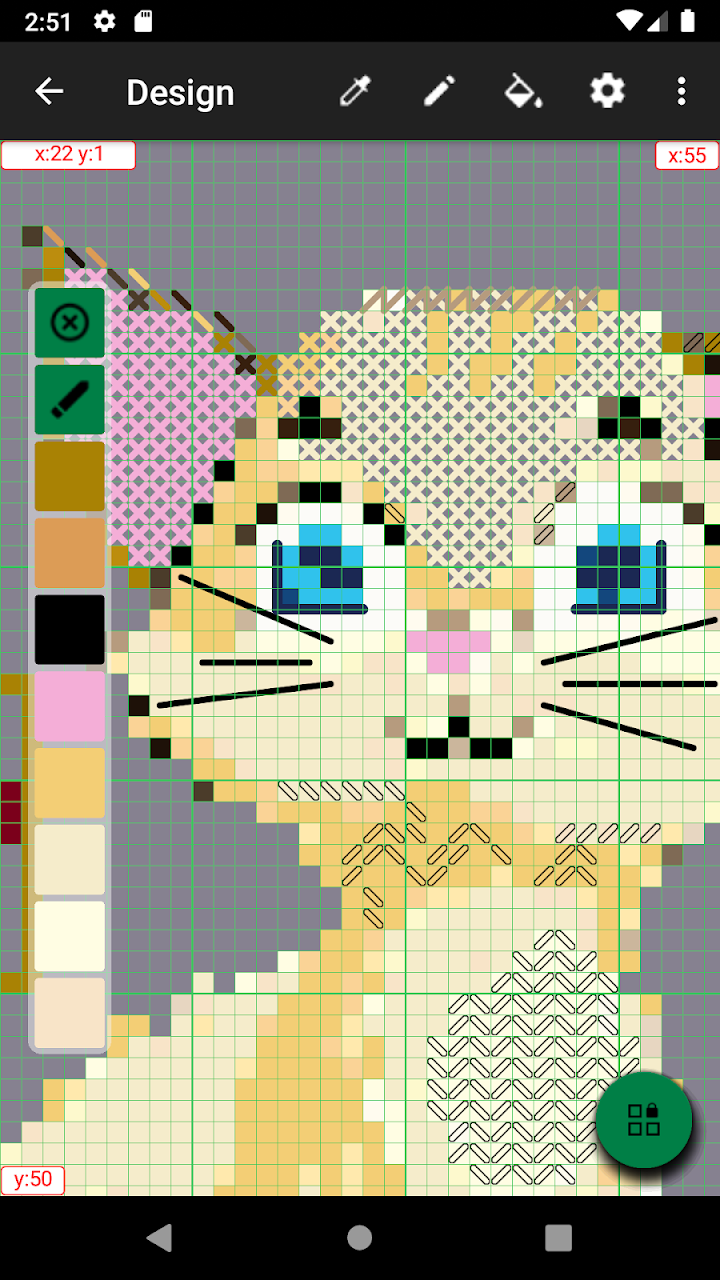
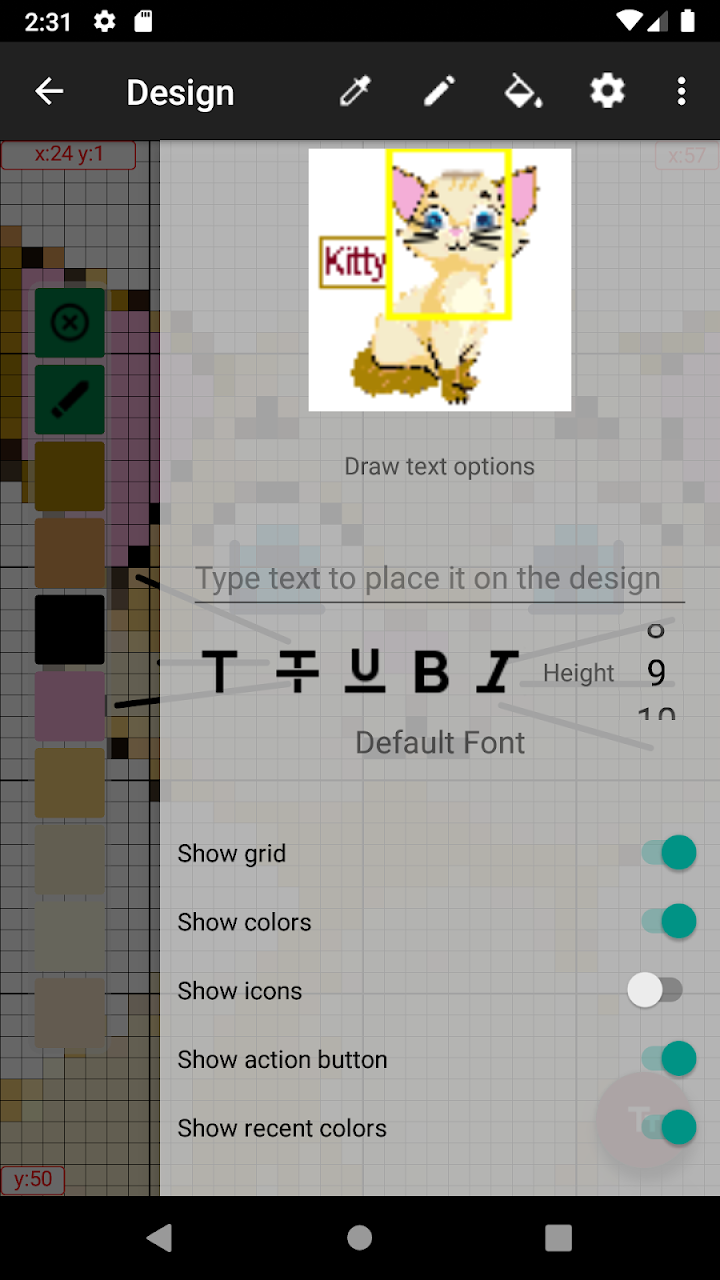
The editor covers the practical jobs you would reach for during a normal session: changing stitch colors, adding or deleting colors, filling single stitches or larger areas, drawing lines and geometric shapes, and adding text. It also supports copy and paste, plus backstitches and halfstitches. That makes it more than a simple converter, even if the workflow is still built around manual pattern work rather than automatic cleanup.
Palette and visibility controls
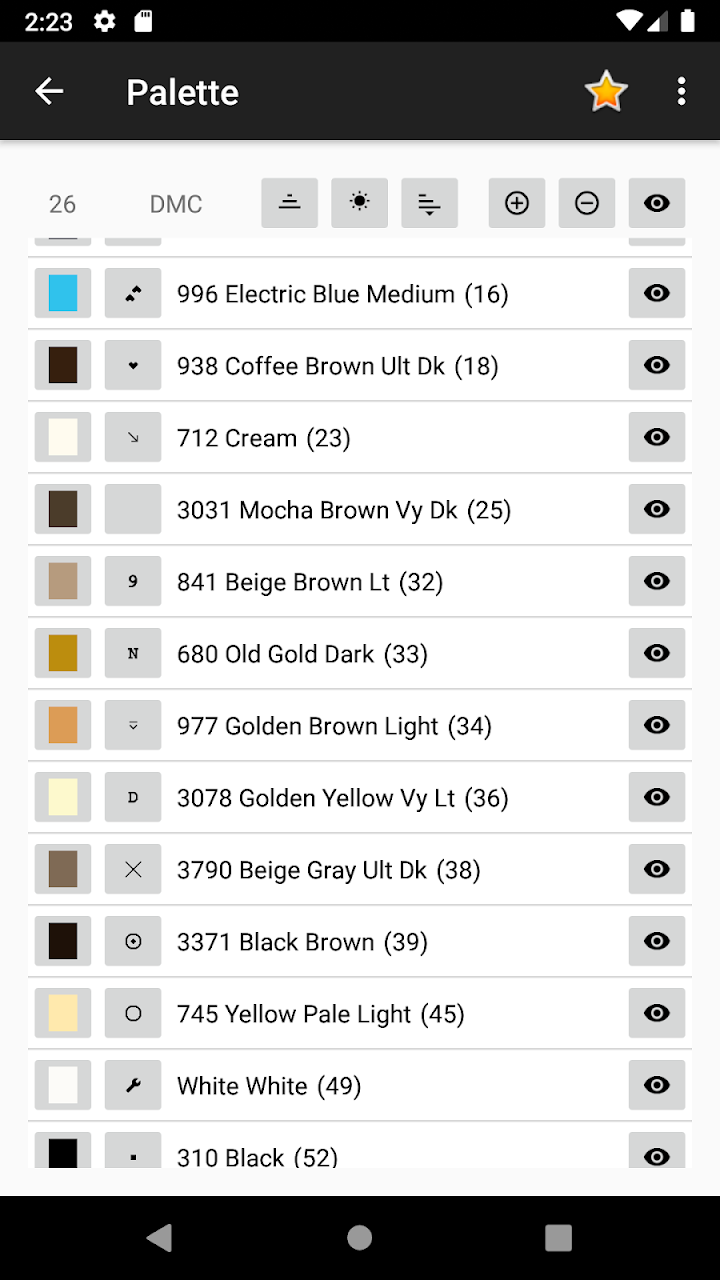
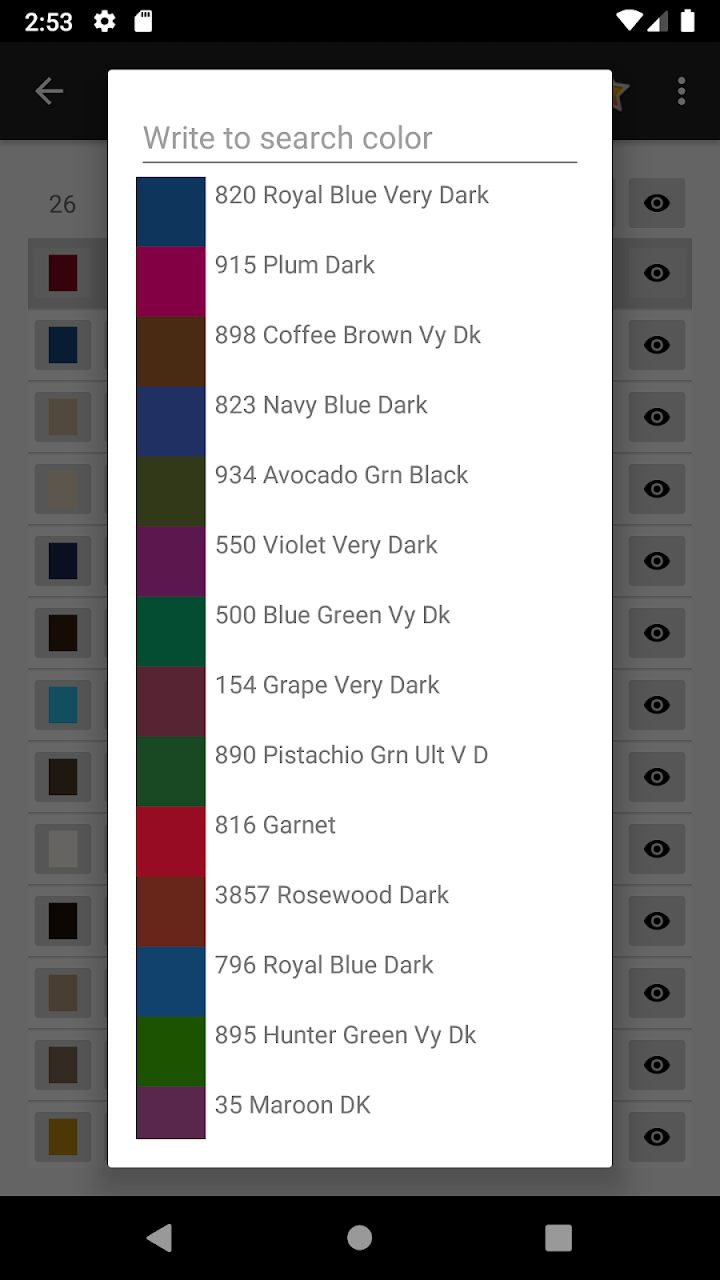
The app works with DMC, Anchor, and Gamma palettes in the free version, while the description points to more palette options and extra controls in Pro. You can also manage color visibility and mark completed areas, which is useful when stitching from the device screen. Those tools are aimed at reducing confusion while you move between the pattern and the fabric.
- Supported exports: image and PDF export are listed in Pro.
- Import support: Pattern Maker .xsd files can be imported.
- Color limits: 48 colors in free, 256 in Pro.
Permissions, ads, and account friction
No permissions are listed, so there is no visible sign that the app asks for storage access, camera access, or another special permission in the app listing. The store page does show ads, and there are no in-app purchases. There is also no account requirement mentioned, so the app appears to be usable without signing in.
What's new
Version 2.4.2 · Nov 10, 2026
- Add Android 14 storage support.
- Fix possible inverted colors inside Design screen in dark mode.
- Fix possible crash when converting an image.
APK information
- Version
- 2.4.2
- Package
- com.serjthware.crossstitcheditor
- Category
- Art & Design
- Size
- 5 MB
- Min Android
- 5.0
- Architecture
- universal
Older versions
-
CrossStitch Editor 2.4.2Nov 10, 2026Latest downloadAPK
CrossStitch Editor FAQ
Can CrossStitch Editor edit RAW photos?expand_more
The app description says it can convert an image or part of an image into a pattern, but it does not mention RAW photo support.
Does CrossStitch Editor add a watermark?expand_more
No watermark is mentioned in the app listing or description.
Is CrossStitch Editor available for older phones?expand_more
Yes. The app lists Android 5.0 as the minimum version.
Does CrossStitch Editor need an account?expand_more
No account requirement is mentioned in the listing, so it appears usable without signing in.
Can I export a pattern from CrossStitch Editor?expand_more
Yes. The description says you can export the created pattern to an image or PDF file, with export listed in Pro.