- 4.0star4 reviews
- 1M+Downloads
- 38 MBAPK size
- EveryoneRated for Everyone
- API 19+Android
check_circleOriginal APK from Naticis · Updated Nov 10, 2026
No threats found
0 / — antivirus engines flagged this file
Original signature
First seen — Naticis
Unmodified APK
Same file the developer published — no mods
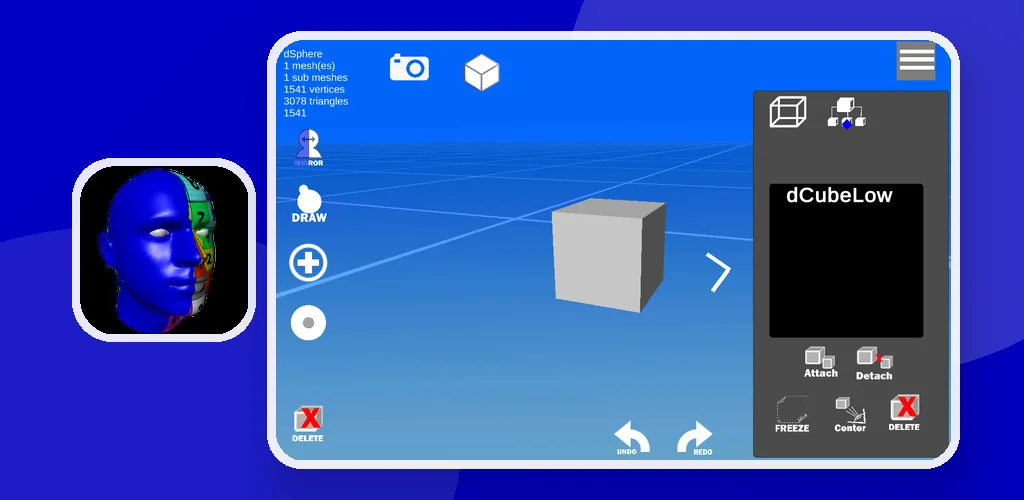
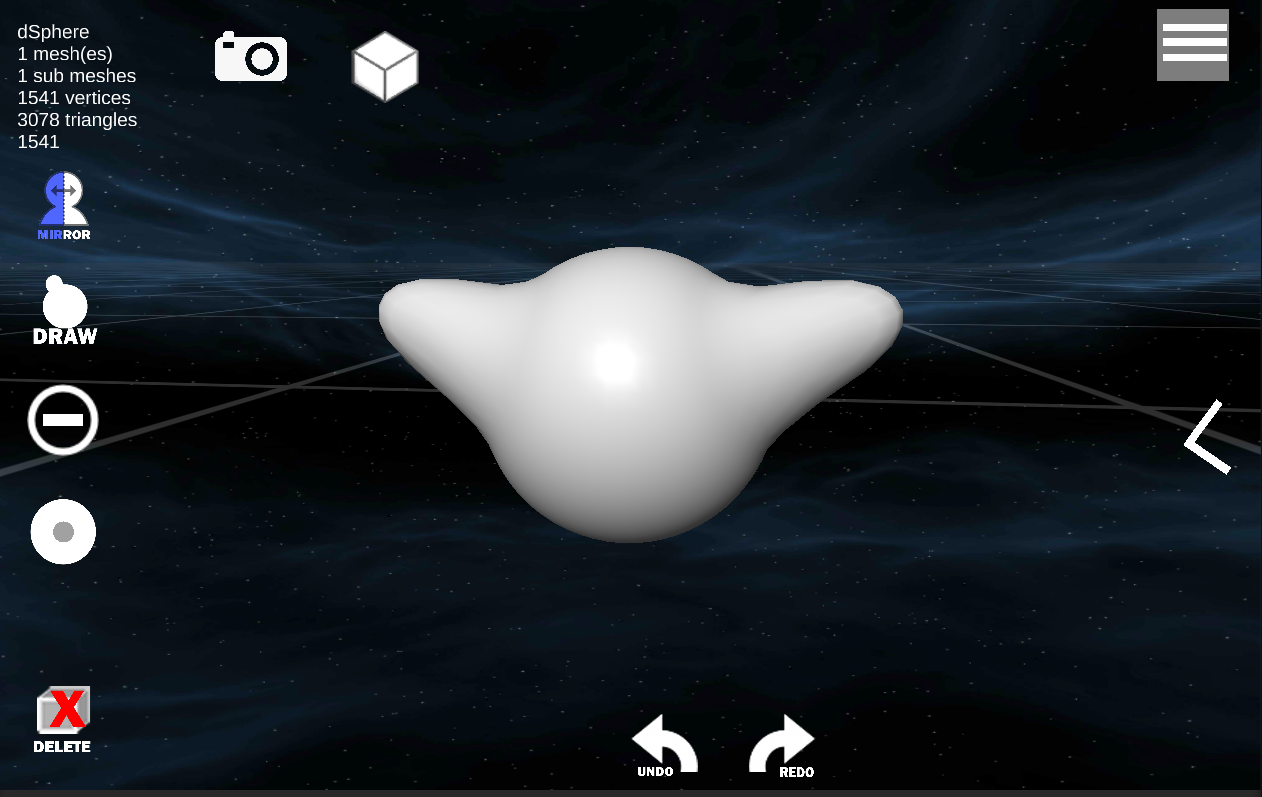
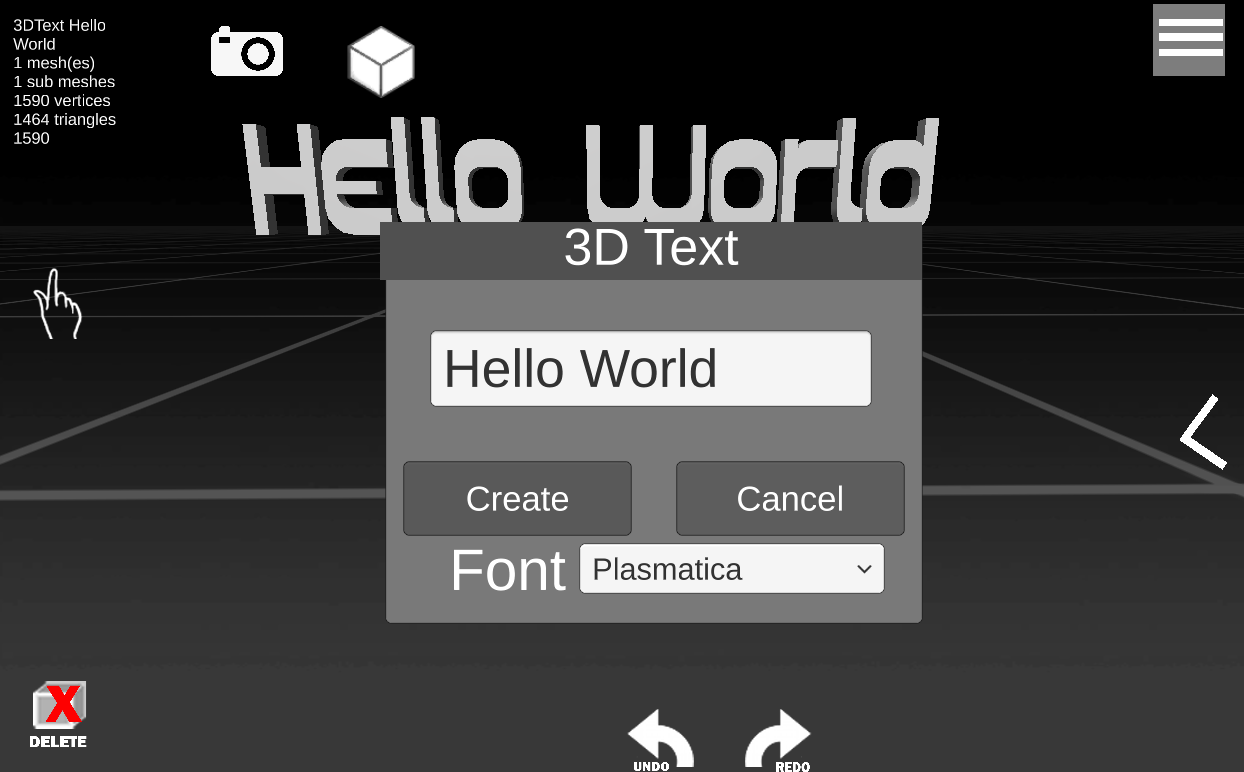
d3D Sculptor - 3D modeling screenshots
4 images · tap to enlarge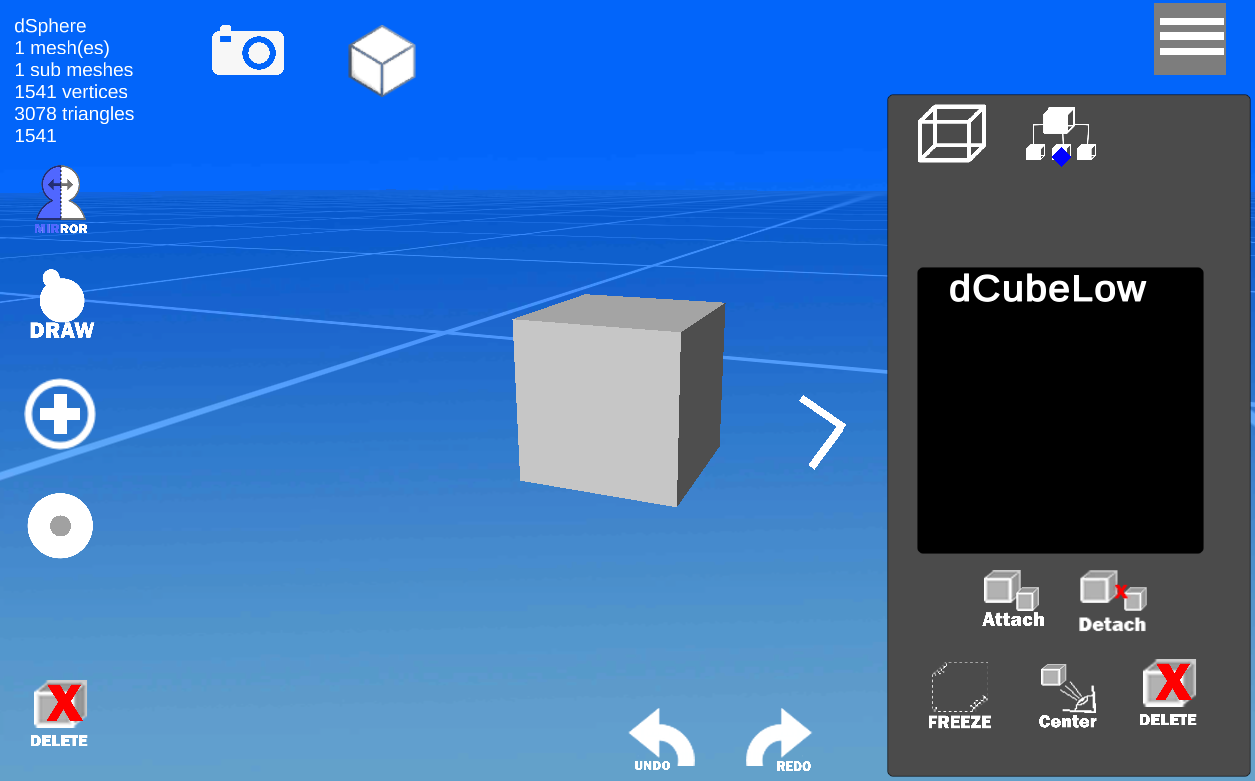
About this app
Naticis makes d3D Sculptor - 3D modeling, a free Android app for sculpting and texturing 3D objects. It focuses on hands-on mesh editing, UV work, and export to OBJ or STL, so you can refine a model and move it into other design tools or 3D printing workflows.
- Sculpting tools — Push, pull, extrude, move, rotate, and stretch a model with clay-like controls.
- OBJ and STL export — Save work in OBJ for broader use or STL for 3D printing.
- UV editing — Scale, rotate, and translate UVs, then revert them when needed.
- Mesh operations — Edit vertices, faces, and edges, with boolean tools and subdivision options.
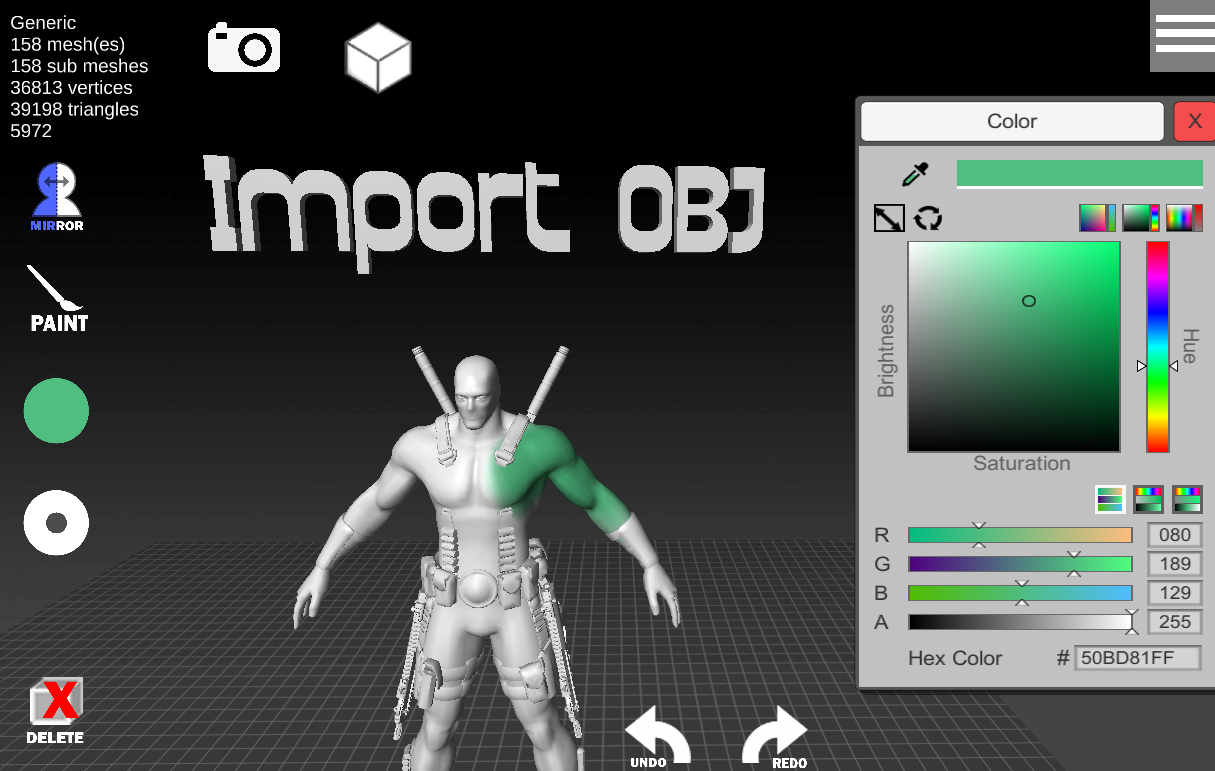
- Texture support — Paint, texture, and export textures for later use in other programs.
- Lightweight limits — The free version allows unlimited export up to 6000 vertices per model.
Hands-on sculpting, not simple drawing
d3D Sculptor is built for shaping 3D objects directly, with tools that let you push, pull, extrude, move, rotate, and stretch a model. That makes it closer to digital sculpting software than a basic sketch app. It also includes dynamic topology, mask drawing, and a 2Dto3D wizard, so you can start from reference images or work from an existing mesh.
Export paths for design and printing
The app supports OBJ and STL import and export, which gives it a practical role in a 3D workflow. OBJ is aimed at broader model exchange, while STL is suited to printing. You can also import OBJ files for further detailing or texturing, then export the result for use in other 3D design programs. The app notes that it can prepare a model for 3D printing.
UVs, textures, and mesh edits
Beyond sculpting, d3D Sculptor includes a UV editor with box, sphere, and planar unwrap options, plus tools to scale, rotate, and translate UVs. It also offers face extrude and intrude, vertex, face, and edge editing, boolean operations, subdivision by edge, center, or curve, and decimation to reduce polygon count. The recent update mentions improved detailing.
- Gets: sculpting, UV editing, texture export, OBJ/STL support
- Gets: reference-image loading and gallery sharing
- Watch for: no stylus pen support
- Watch for: free export is limited to models with up to 6000 vertices
What it asks in return
The app is free, with no in-app purchases and no ads listed. It requests no permissions in the store listing, which is unusual for a 3D editor. The APK is 38.1 MB, works on Android 19 and up, and comes as a universal build. Ratings are mixed: 4.0 from 4 ratings, with most of them at 5 stars, but the sample size is very small.
For users who want a mobile sculpting tool with export options, d3D Sculptor covers a focused set of tasks. It may suit people who want to build or refine models on Android, but the limited rating count and the free export cap are worth keeping in mind.
What's new
Version 50 · Nov 10, 2026
- Improved detailing feature
APK information
- Version
- 50
- Package
- com.naticis.d3D
- Category
- Art & Design
- Size
- 38 MB
- Min Android
- API 19
- Architecture
- universal
Older versions
-
d3D Sculptor - 3D modeling 50Nov 10, 2026Latest downloadAPK
d3D Sculptor - 3D modeling FAQ
Can d3D Sculptor - 3D modeling edit RAW photos?expand_more
No. The app is a 3D sculpting and modeling tool, not a photo editor.
Does d3D Sculptor - 3D modeling add a watermark?expand_more
The listing does not mention watermarks.
Does d3D Sculptor - 3D modeling work on tablets?expand_more
The listing does not specify tablet support, but it is an Android app with universal ABI support and requires Android 19 or later.
Does d3D Sculptor - 3D modeling work offline?expand_more
The listing does not say whether it works offline.
What file formats can I export?expand_more
It supports OBJ and STL export. The app also mentions exporting textures.