- 4.0star635,346 reviews
- 100M+Downloads
- 46 MBAPK size
- EveryoneRated for Everyone
- API 16+Android
check_circleOriginal APK from National eGovernance Division, Government of India · Updated Nov 12, 2026
No threats found
0 / — antivirus engines flagged this file
Original signature
First seen — National eGovernance Division, Government of India
Unmodified APK
Same file the developer published — no mods
DigiLocker screenshots
7 images · tap to enlarge
About this app
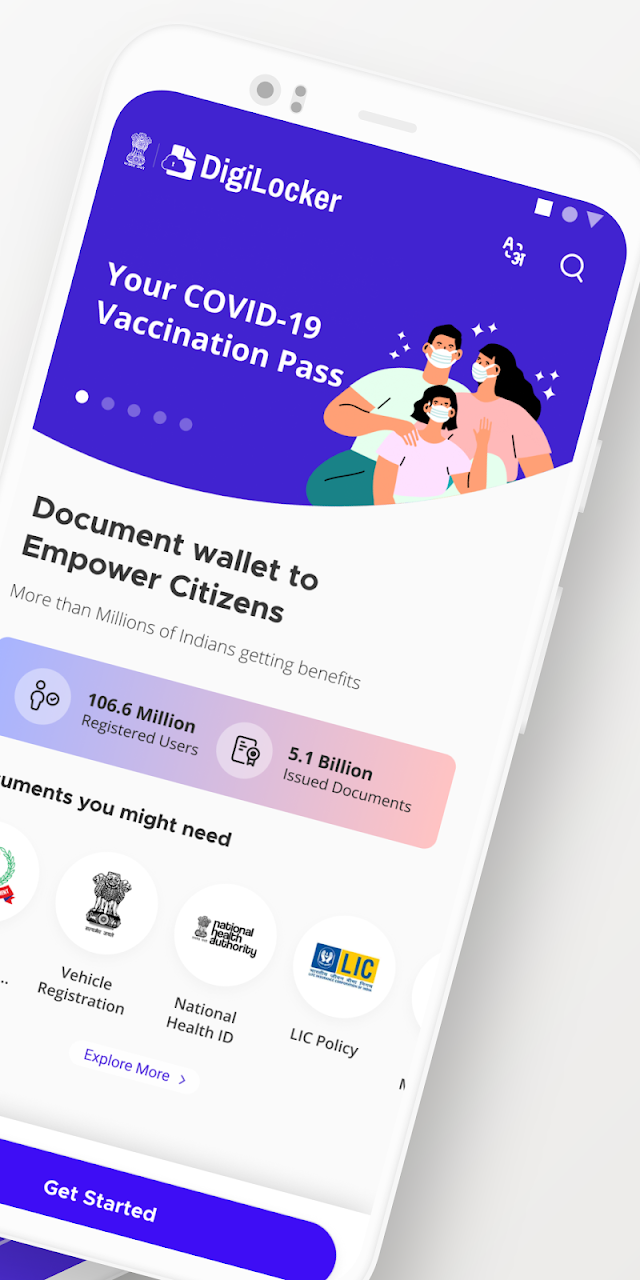
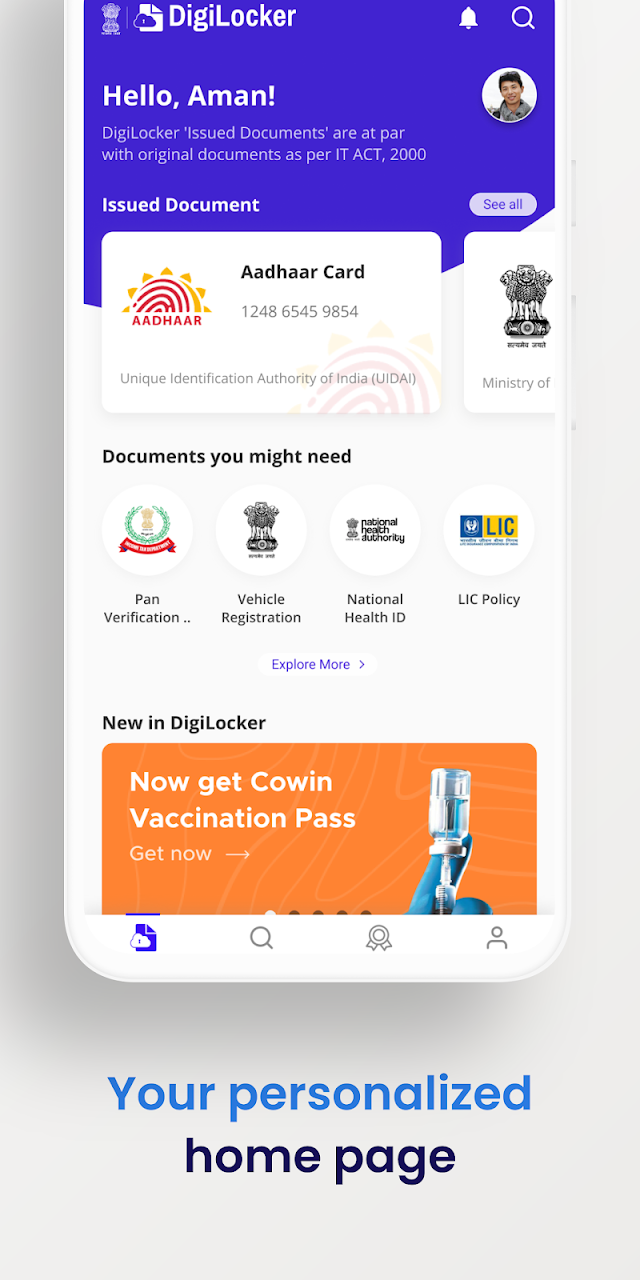
Need your documents in one place? DigiLocker lets you access documents and certificates on your phone as a digital wallet from the Government of India. It is built for paperless governance, with document issuance and verification in digital form. The app is free, has no ads, and does not use in-app purchases.
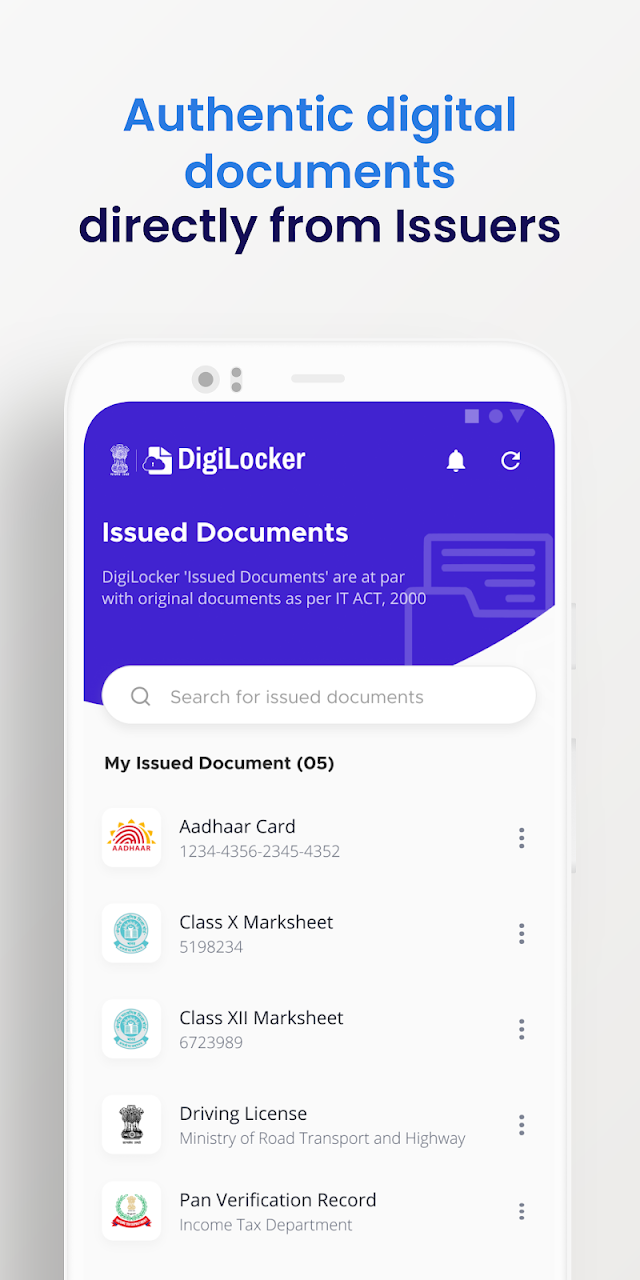
- Access stored documents — Open your DigiLocker on mobile to view documents and certificates you already have stored.
- Digital verification — Use the app for digital issuance and verification instead of carrying physical copies.
- Paperless workflow — It is set up for paperless governance, so document handling stays digital.
- Free to use — The app is free and does not include ads or in-app purchases.
- Light install — The APK is 45.7 MB, works on Android API 16 and above, and comes as a universal build.
Documents on your phone
DigiLocker is a mobile document wallet from the National eGovernance Division, Government of India. It is meant for storing and accessing documents and certificates in digital form. The app supports the same paperless idea described in its service, so you can open it when you need a document instead of carrying a physical copy.
Open, view, verify
The main job here is simple: get to your documents and certificates from your DigiLocker on mobile devices. The app is built around issuance and verification, so the workflow is about checking stored items and using them in digital form. That makes it useful in routine moments when you need to pull up an ID or certificate quickly.
- Stored documents: Access files already placed in your DigiLocker.
- Certificates: Keep certificates available in digital form.
- Verification: Use the platform for digital verification of documents.
Privacy and access
The app listing shows no permissions, so there is no permission prompt to review at install time. It is also free, with no ads and no in-app purchases. The description points to a government platform focused on paperless governance, which suggests the app is centered on document access and verification rather than extra features.
Install details
DigiLocker is available as an APK file, with a size of 45.7 MB. It supports Android API 16 and above and uses a universal build. The app was first released in 2016 and is currently on version 6.1.2.
APK information
- Version
- 6.1.2
- Package
- com.digilocker.android
- Category
- Productivity
- Size
- 46 MB
- Min Android
- API 16
- Architecture
- universal
Older versions
-
DigiLocker 6.1.2Nov 12, 2026Latest downloadAPK
DigiLocker FAQ
Does DigiLocker support teams?expand_more
No team features are listed. The app is described as a personal document wallet for documents and certificates.
Can DigiLocker be used offline?expand_more
Offline use is not described. The listing only says you can access your documents and certificates on mobile devices.
Does DigiLocker need an account?expand_more
The listing does not spell out sign-in steps. It is tied to your DigiLocker for accessing stored documents and certificates.
How do I install the DigiLocker APK file?expand_more
Download the APK file and install it on an Android device that runs API 16 or above. The file size is 45.7 MB.
What does DigiLocker do on mobile?expand_more
It lets you access documents and certificates from your DigiLocker on your phone for digital issuance and verification.