- 4.8star20,049 reviews
- 1M+Downloads
- 68 MBAPK size
- EveryoneRated for Everyone
- 7.0+Android
check_circleOriginal APK from Divoom Lab HK international · Updated Nov 12, 2026
No threats found
0 / — antivirus engines flagged this file
Original signature
First seen — Divoom Lab HK international
Unmodified APK
Same file the developer published — no mods
Divoom: pixel art editor screenshots
8 images · tap to enlarge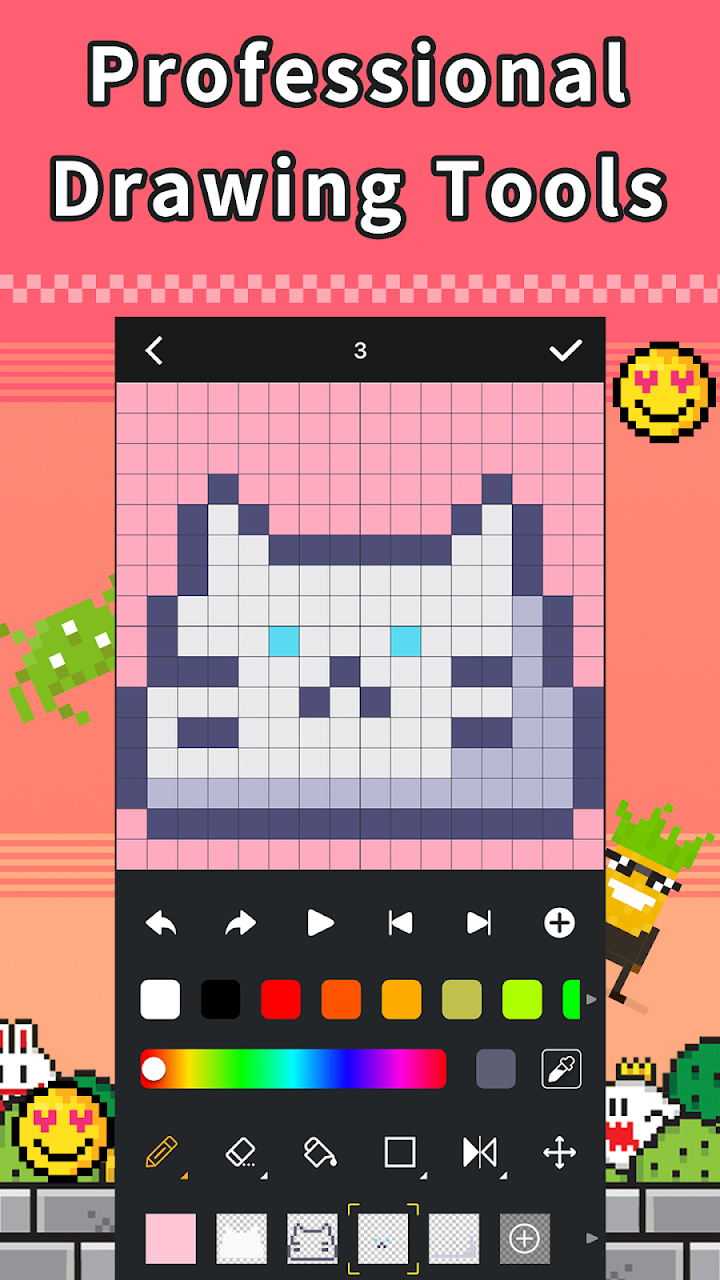
About this app
Create pixel art with layered drawing tools, animation support, and a built-in community for sharing and feedback. Divoom: pixel art editor also includes import and export options for pictures, GIFs, and videos, plus color-by-number content and messaging. It is rated 4.8 from 20,049 reviews and has 1M+ installs.
- Layered editing — Use multiple layers, area selection, and layer controls such as duplicate, move, combine, and hide.
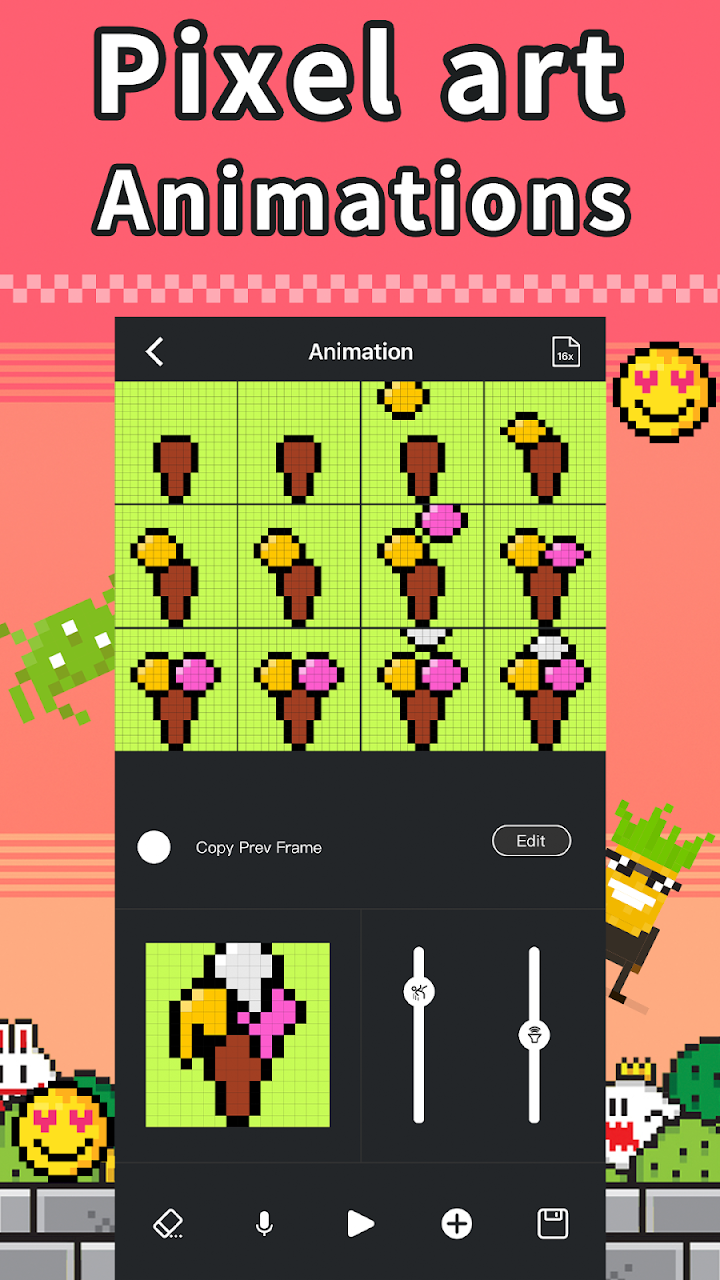
- Animation tools — Build pixel art animations with duplicate, merge, and background music recording support.
- Import and export — Convert pictures, GIFs, and animations into pixel art and export designs or videos to MP4.
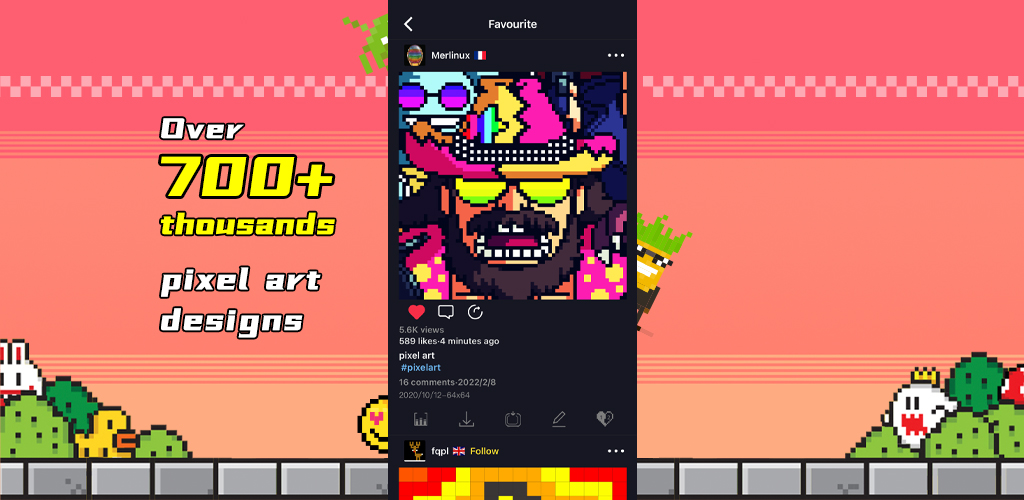
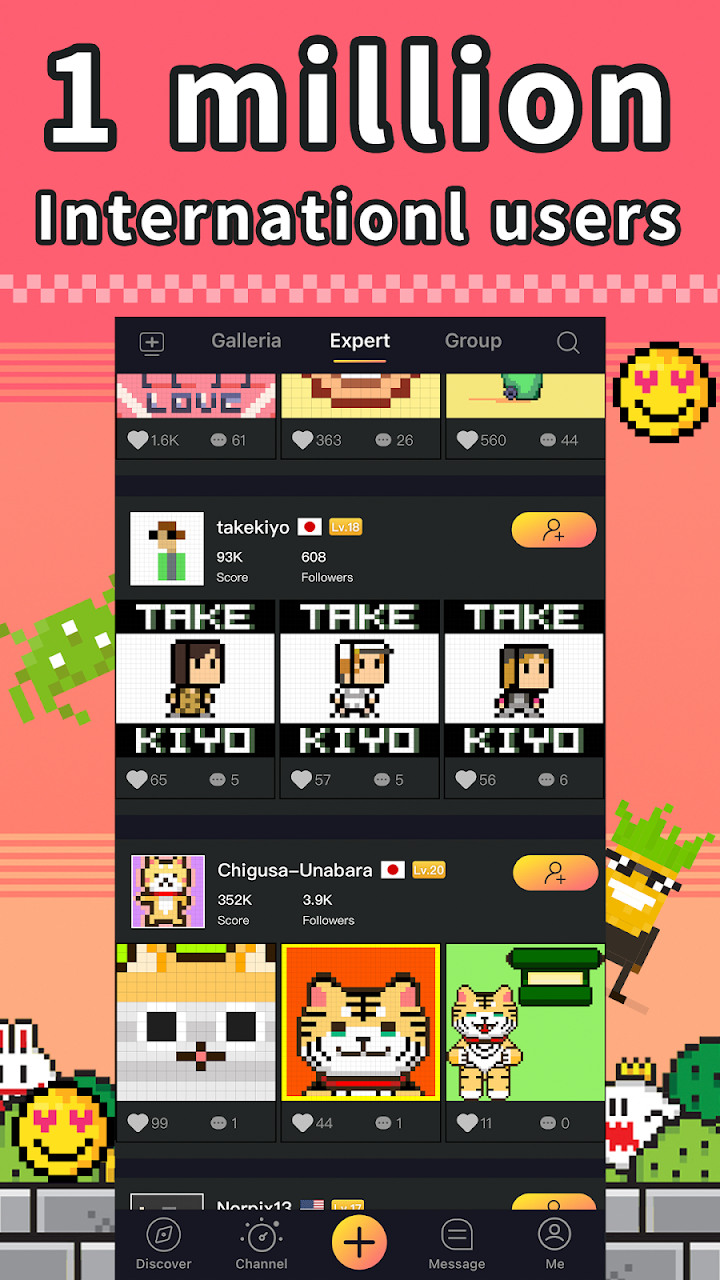
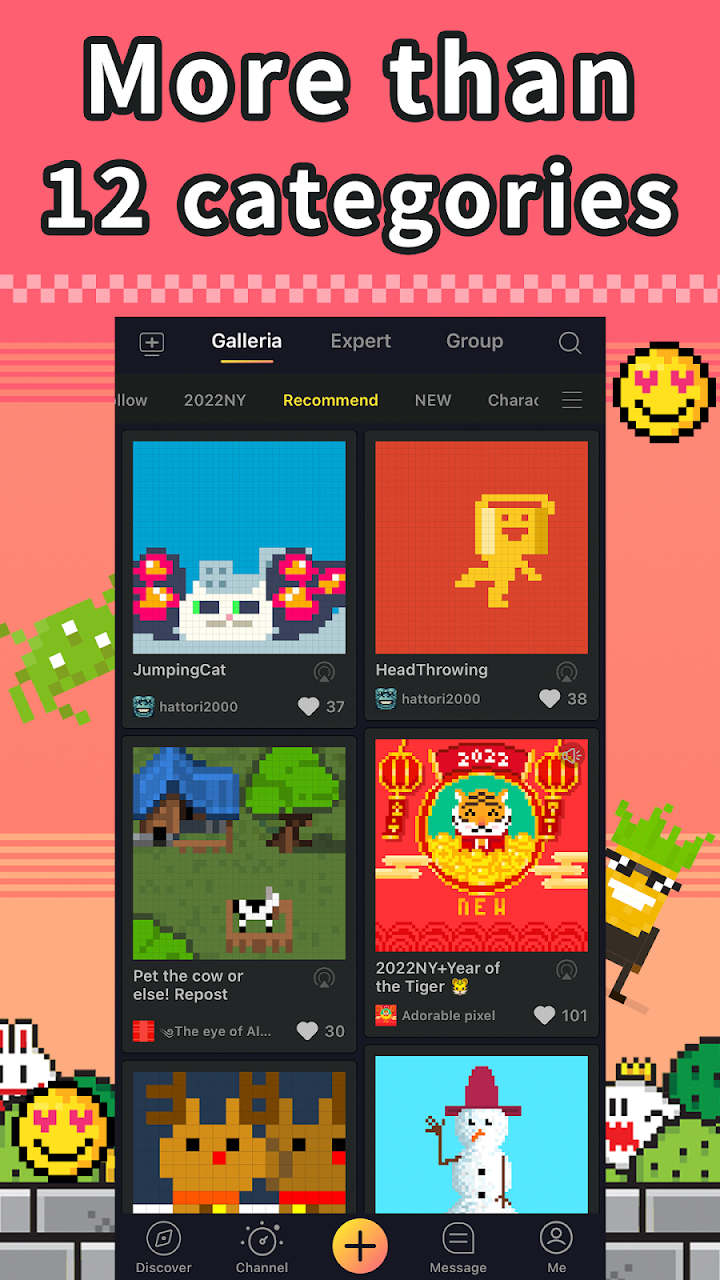
- Community gallery — Browse more than 700,000 designs and share work with a community of over 1 million users.
- Color tools — Paint with full RGB support and use text tools for detailed pixel art layouts.
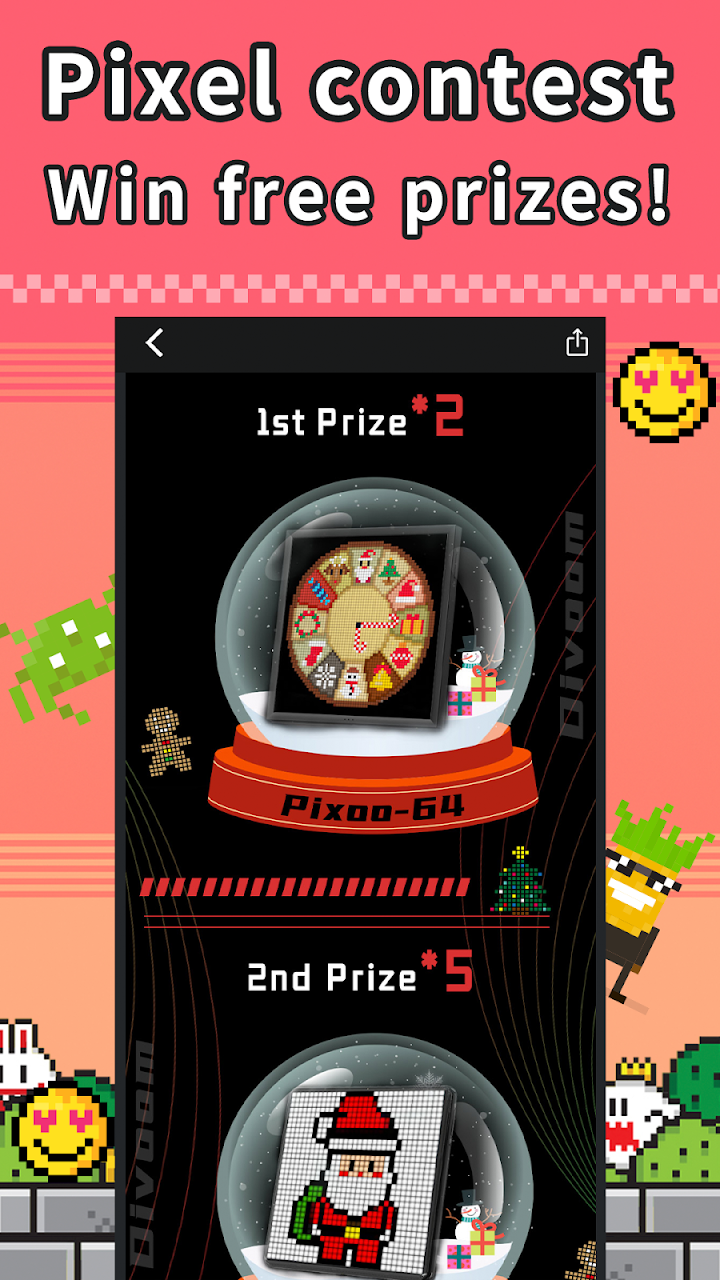
- Contest and rewards — Join monthly drawing contests and use the point redemption program for free products.
For artists who want layered pixel editing
Divoom: pixel art editor is built around drawing, layering, and animation rather than simple image filters. The editor includes multiple layers, a color canvas, text tools, area selection, and layer actions such as duplicate, move, combine, and hide. For users who want more control, the app also supports full RGB coloring.
For people turning media into pixel art
If you already have a picture, GIF, or video, the app can import and convert it into pixel art. It also supports animation creation, music recording for animations, and export to MP4. That makes it useful for users who want to edit and share finished work in a format suitable for social platforms.
For users who want feedback and sharing
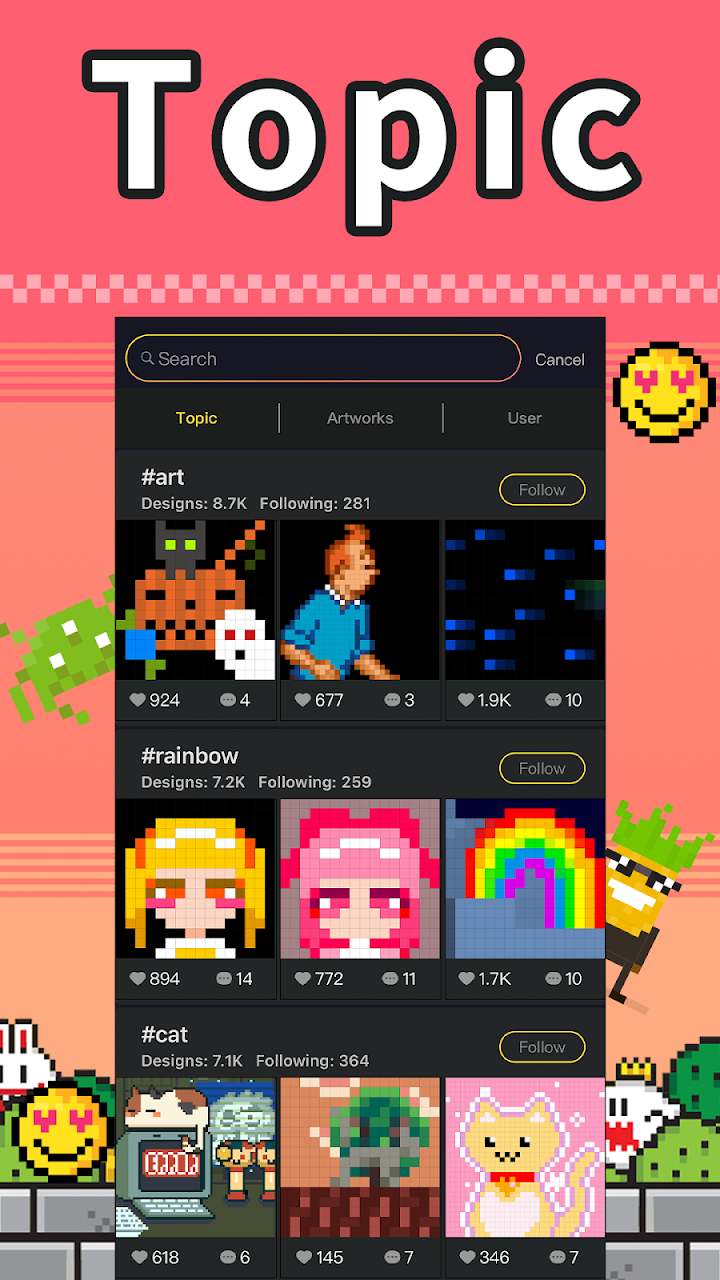
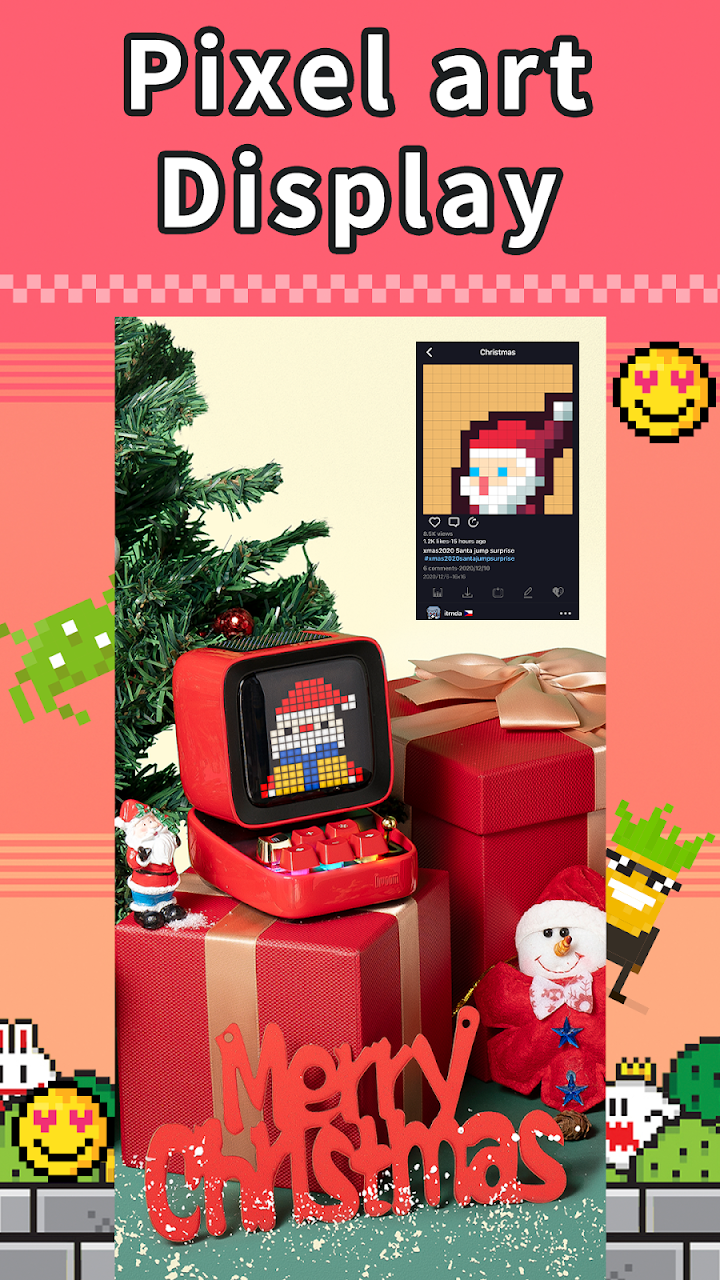
The app includes an online pixel art gallery and community with over 700,000 designs and a user base of 1 million. You can follow, comment, like, and message other users, and designs can be grouped with hashtags across more than 12 categories. A moderator team manages the community, and selected animations may be recommended by AI.
For contest participants and casual creators
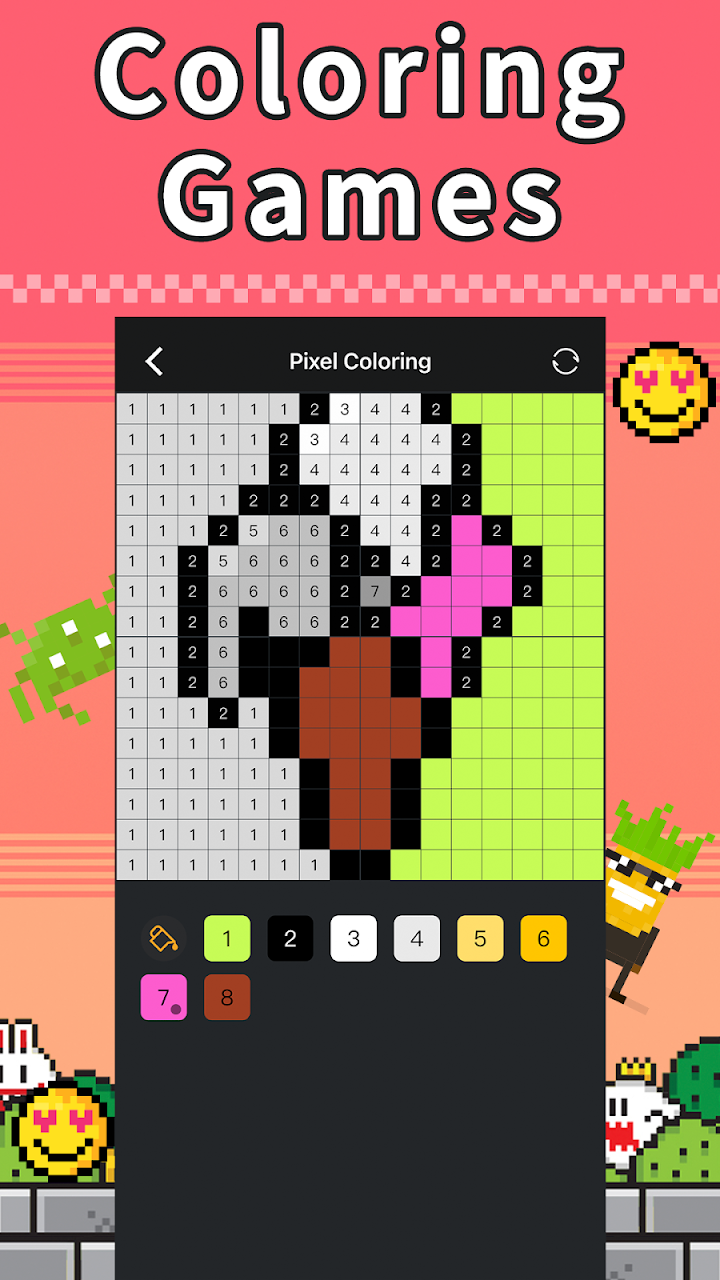
There is a monthly drawing contest for themed submissions, plus a point redemption program tied to recommended animations. The app also includes color-by-number content. Divoom: pixel art editor is free, with no in-app purchases listed, and the package is 67.6 MB in APK format. It requires Android 7.0 or later.
Storage and permissions are straightforward here: no permissions are listed, which keeps the install profile simple compared with apps that ask for extra access.
What's new
Version 3.8.50 · Nov 12, 2026
- Fix some issues
APK information
- Version
- 3.8.50
- Package
- com.divoom.Divoom
- Category
- Art & Design
- Size
- 68 MB
- Min Android
- 7.0
- Architecture
- universal
Older versions
-
Divoom: pixel art editor 3.8.50Nov 12, 2026Latest downloadAPK
Divoom: pixel art editor FAQ
Does Divoom: pixel art editor add a watermark?expand_more
The app description does not mention watermarks.
Does Divoom: pixel art editor work offline?expand_more
Offline use is not stated. The app includes an online gallery, community features, and messaging.
Does Divoom: pixel art editor have in-app purchases?expand_more
No. The play summary says there are no in-app purchases.
Is Divoom: pixel art editor free to use?expand_more
Yes. The app is listed as free.
What Android version does Divoom: pixel art editor require?expand_more
It requires Android 7.0 or later.