- 4.1star33,272 reviews
- 10M+Downloads
- 24 MBAPK size
- EveryoneRated for Everyone
- API 16+Android
check_circleOriginal APK from Game Crazy Games · Updated Nov 12, 2026
No threats found
0 / — antivirus engines flagged this file
Original signature
First seen — Game Crazy Games
Unmodified APK
Same file the developer published — no mods
Doodle Art: Magic Drawing App screenshots
8 images · tap to enlarge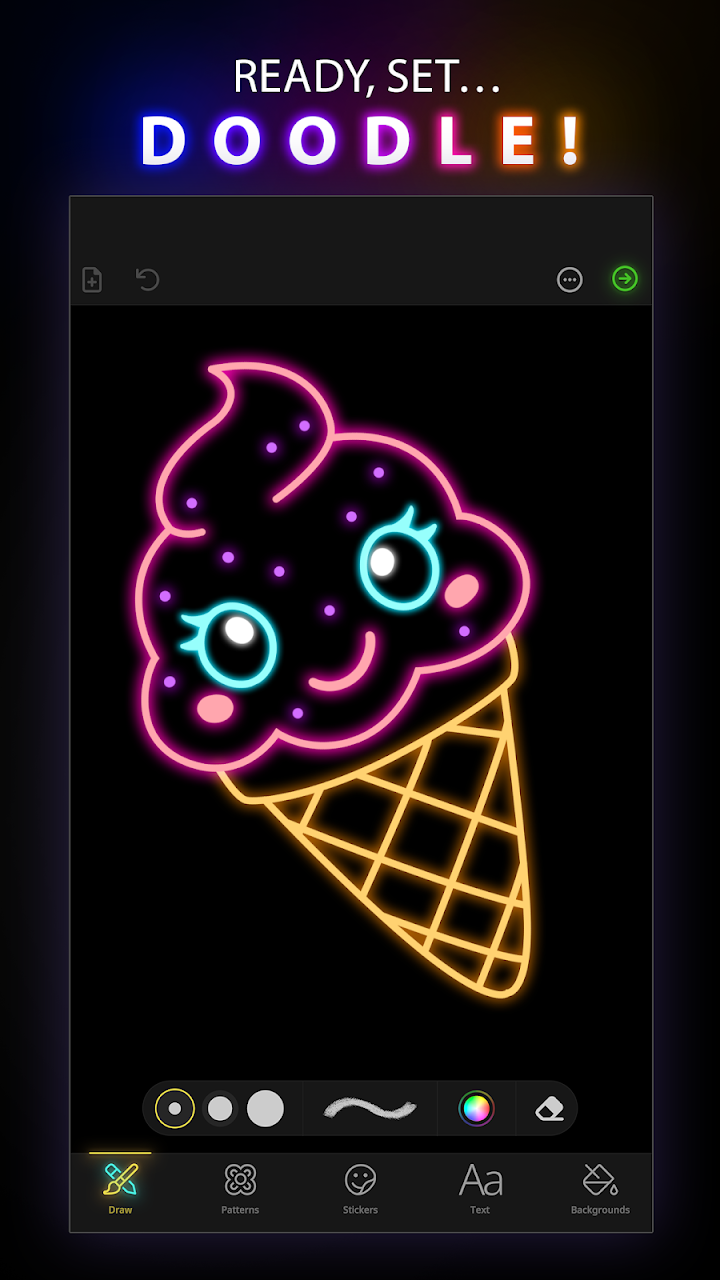
About this app
Game Crazy Games made Doodle Art: Magic Drawing App for drawing simple doodles, mandalas, and glow art on your phone. It opens with a canvas built for quick sketching, then lets you shape each drawing with brushes, colors, stickers, text, and backgrounds. The app is free, shows ads, and includes in-app purchases.
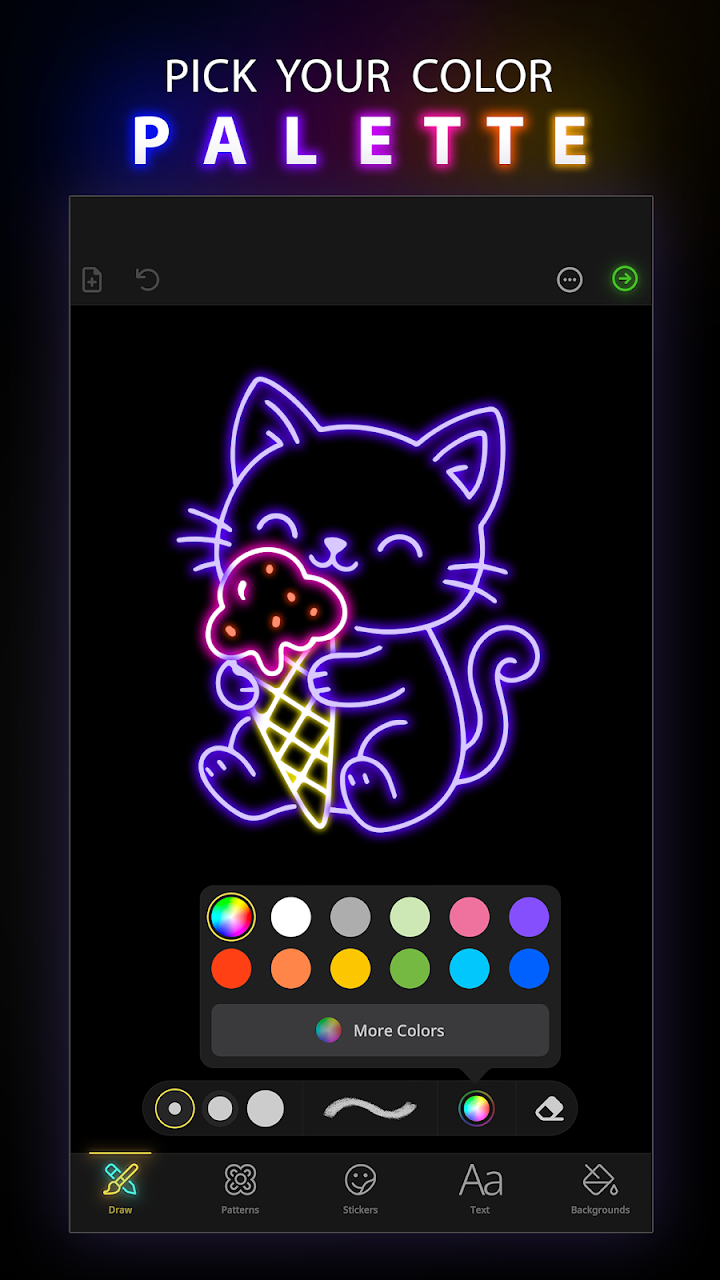
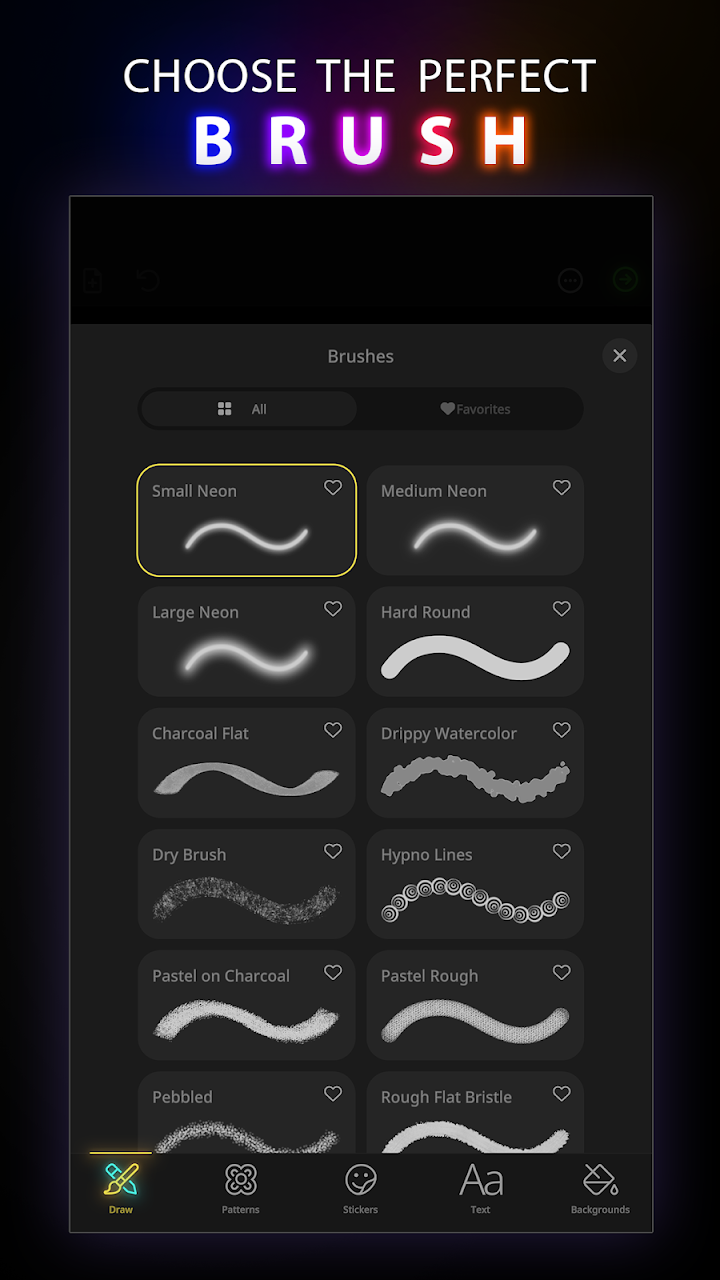
- Brush and color tools — Choose from many brushes, adjust brush thickness, and work with color palettes or create your own color.
- Glow doodle styles — Make mandala doodles, simple sketches, and spirograph designs with glowing neon effects.
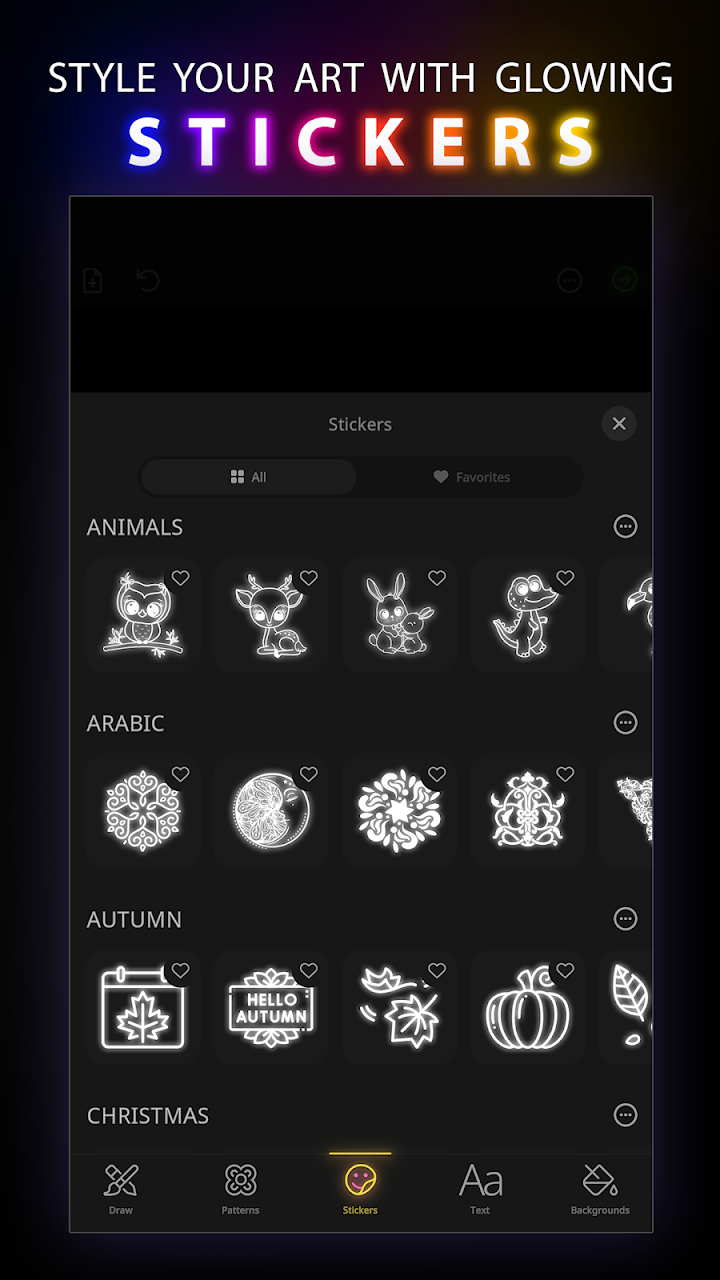
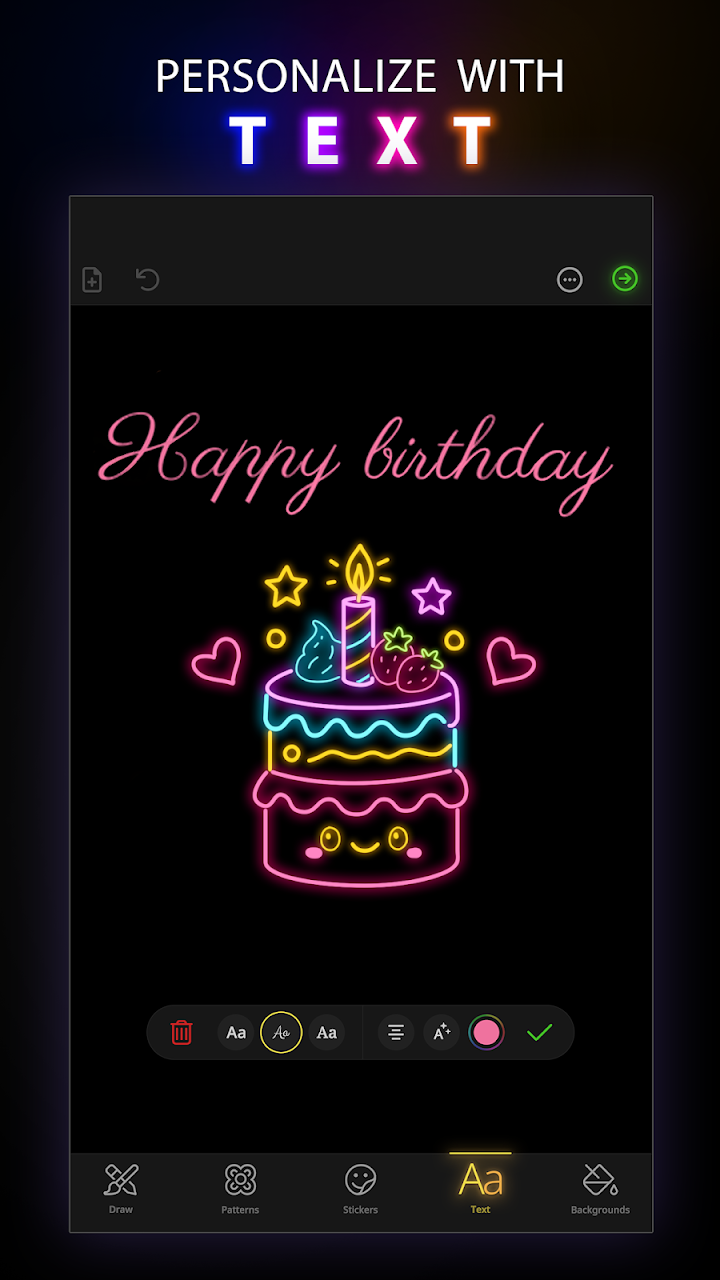
- Stickers and text — Add stickers from categories, then resize, copy, rotate, and combine them with text.
- Animation playback — Review the steps of your drawing with the built-in animation feature.
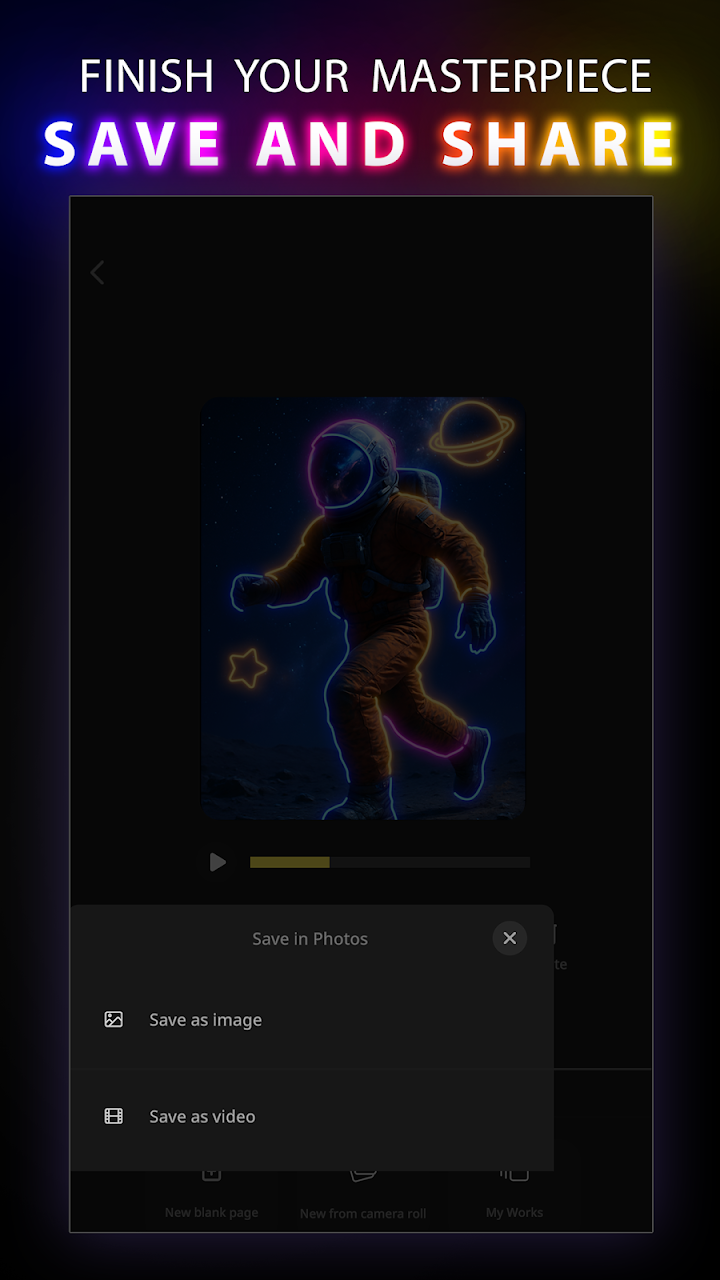
- Gallery and wallpaper — Save finished art to your phone, set it as wallpaper, or share it on Facebook, Instagram, and more.
First launch on the canvas
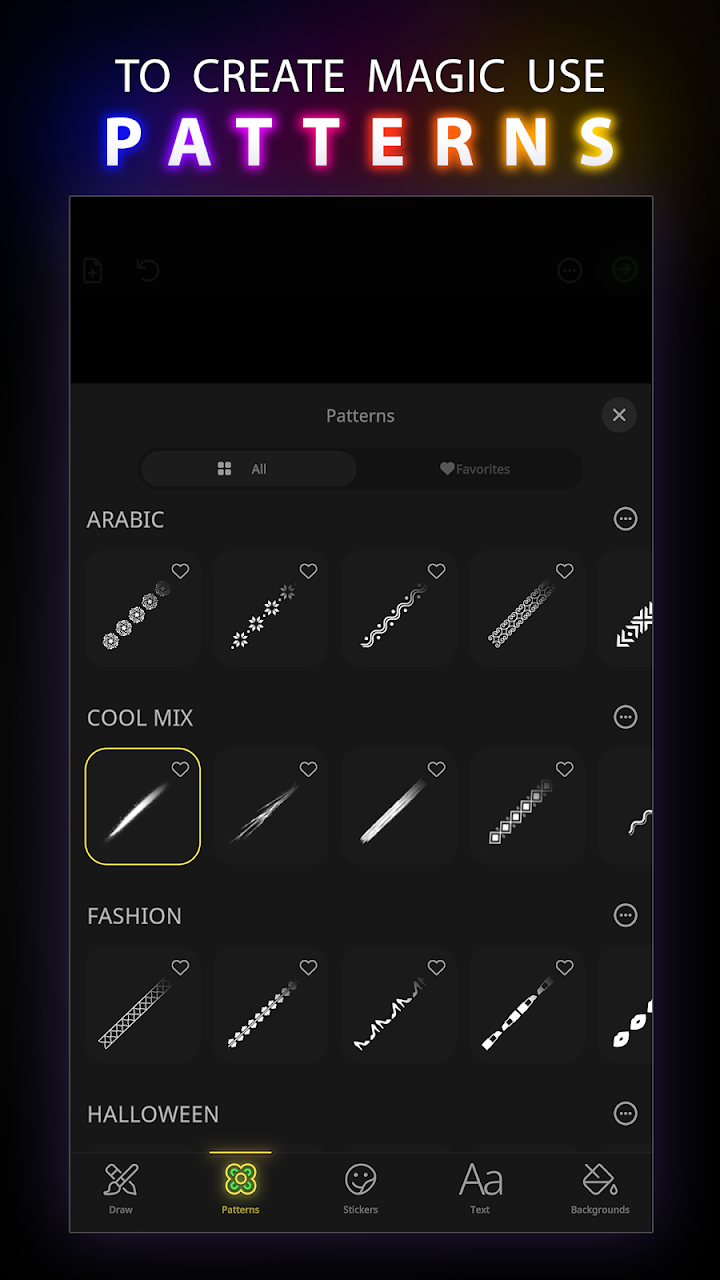
When you open Doodle Art: Magic Drawing App for the first time, you land on a drawing space built for fast doodling. The app is centered on simple strokes, glowing effects, and pattern-based art, so the first task is usually choosing a brush, picking a color, and starting on the canvas. You can also browse pattern categories such as Cool Mix, Easter, Halloween, Kawaii, Christmas, Valentine's Day, and Women's Day, though these change with the season.
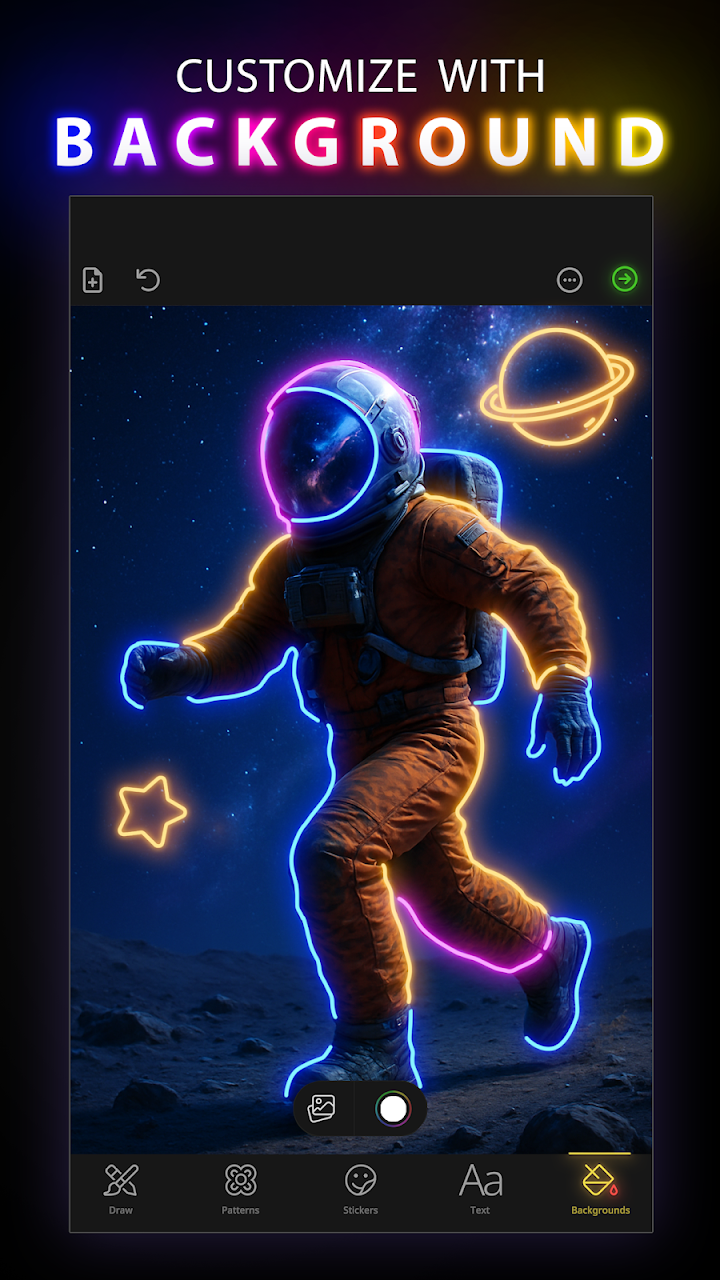
Set up brushes, colors, and backgrounds
The first setup step is choosing how you want to draw. The app includes lots of brushes with thickness control, plus color palettes and spectrum options. If you want more control, you can create your own color. Backgrounds can be selected from ready-made options or filled with your own photo, which makes the app useful for both blank doodles and layered sketches. It installs as an APK, needs Android 16 or later, and the download is 24.1 MB.
Stickers, text, and saved art
Once you have a base drawing, you can add stickers divided into categories, then resize, copy, and rotate them. Text tools let you add words in different colors, sizes, and fonts, with backgrounds and rotation options. Finished work can be saved in the gallery on your phone, set as wallpaper, or shared from the app.
Practical tips for daily use
- Use undo and the eraser to clean up small parts instead of redrawing everything.
- Try the animation view to check each step in your drawing process.
- Hide patterns or stickers you are not using, or add them to favorites for later.
- Use the smoother line function when you want cleaner strokes.
- Explore spirograph designs if you want a more structured glow-art look.
Permissions and export notes
The app lists no permissions. It supports saving to your phone gallery and sharing to other apps, but it does not mention RAW photo editing or AI filters. The description focuses on doodle art, glow effects, patterns, stickers, and text rather than photo editing tools.
APK information
- Version
- 2.2.6
- Package
- com.magicdoodleart.quickdrawingapp
- Category
- Art & Design
- Size
- 24 MB
- Min Android
- API 16
- Architecture
- universal
Older versions
-
Doodle Art: Magic Drawing App 2.2.6Nov 12, 2026Latest downloadAPK
Doodle Art: Magic Drawing App FAQ
Does Doodle Art: Magic Drawing App add a watermark?expand_more
The available details do not mention a watermark. It does mention saving art to the gallery, setting it as wallpaper, and sharing it.
Can Doodle Art: Magic Drawing App edit RAW photos?expand_more
No RAW photo editing is listed. The app focuses on drawing, stickers, text, backgrounds, and glow doodles.
Does Doodle Art: Magic Drawing App work offline?expand_more
Offline use is not stated. The app description does not say whether an internet connection is required.
How big is the Doodle Art: Magic Drawing App download?expand_more
The APK size is 24.1 MB.
Can I save my doodles on my phone?expand_more
Yes. The app includes a gallery option for saving your magical doodle art on your phone.