- 3.3star531 reviews
- 100K+Downloads
- 29 MBAPK size
- EveryoneRated for Everyone
- API 19+Android
check_circleOriginal APK from aidiary · Updated Nov 10, 2026
No threats found
0 / — antivirus engines flagged this file
Original signature
First seen — aidiary
Unmodified APK
Same file the developer published — no mods
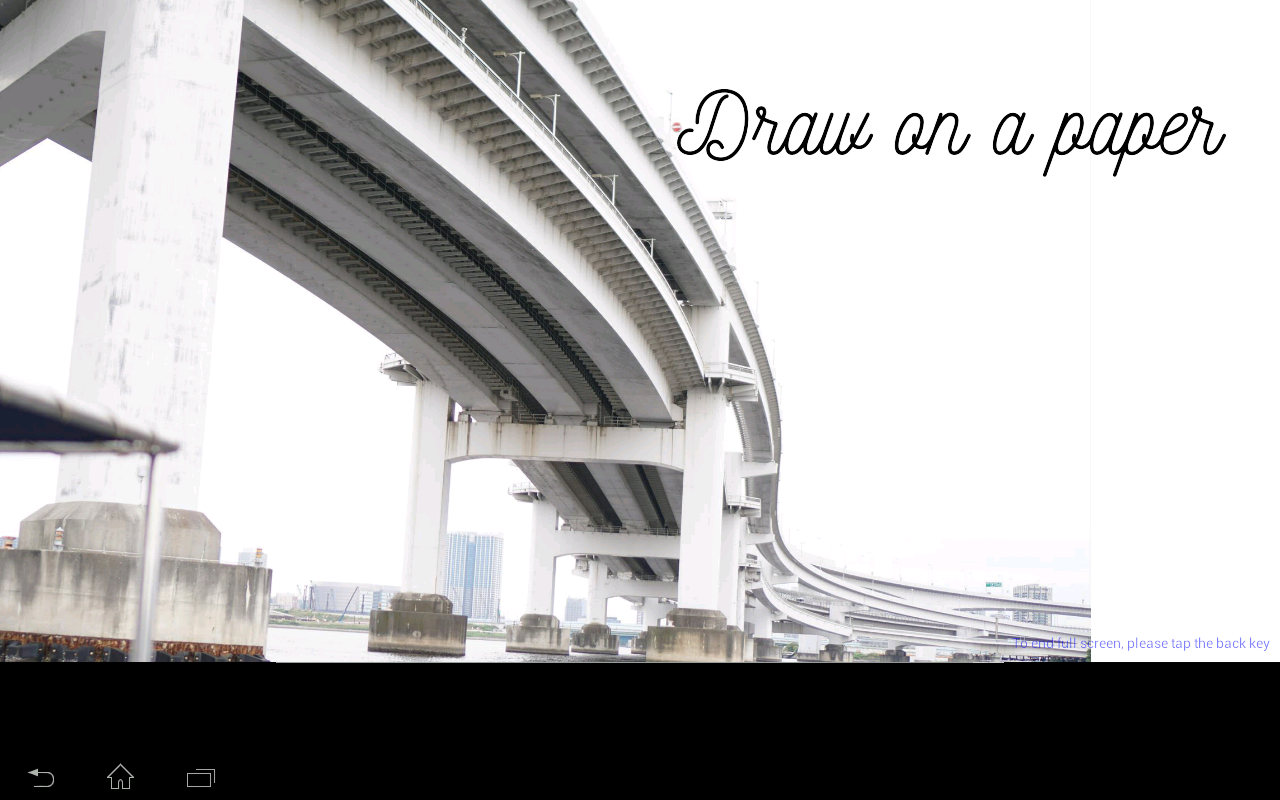
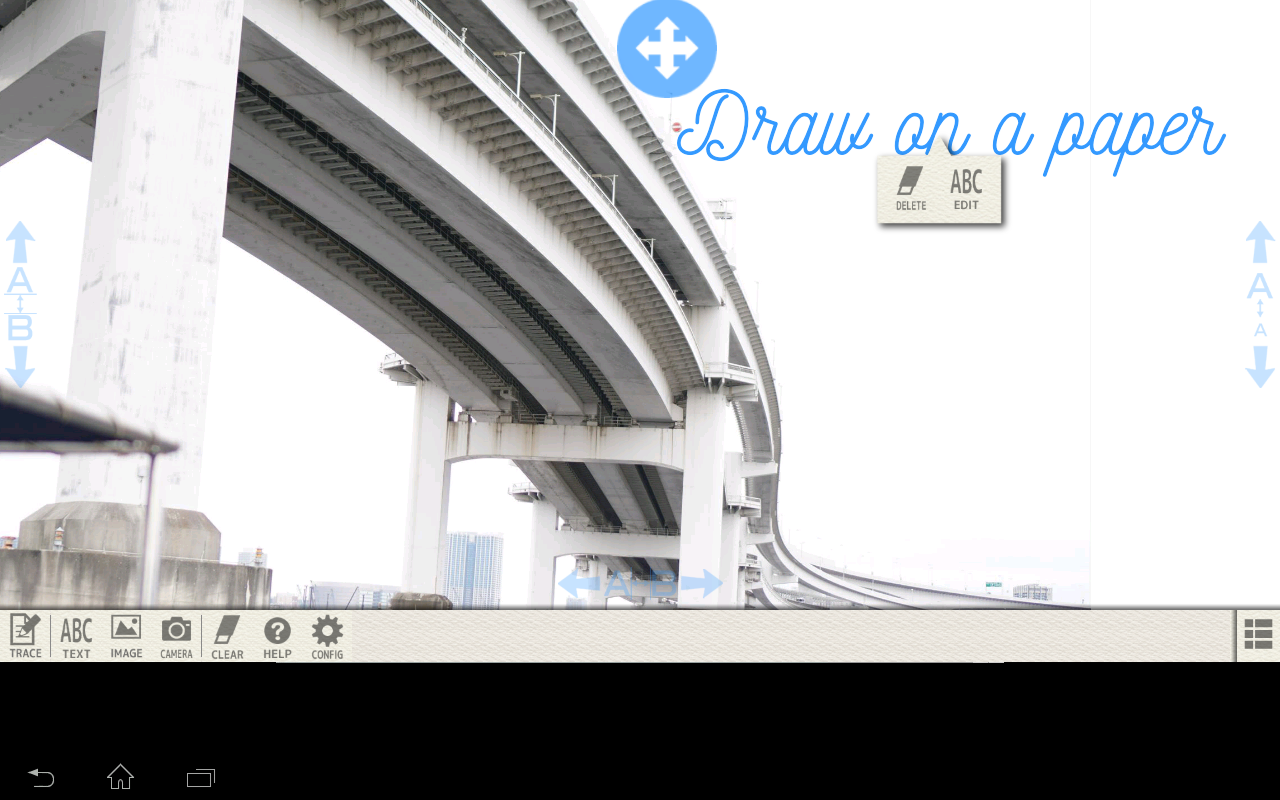
Draw on a paper screenshots
8 images · tap to enlarge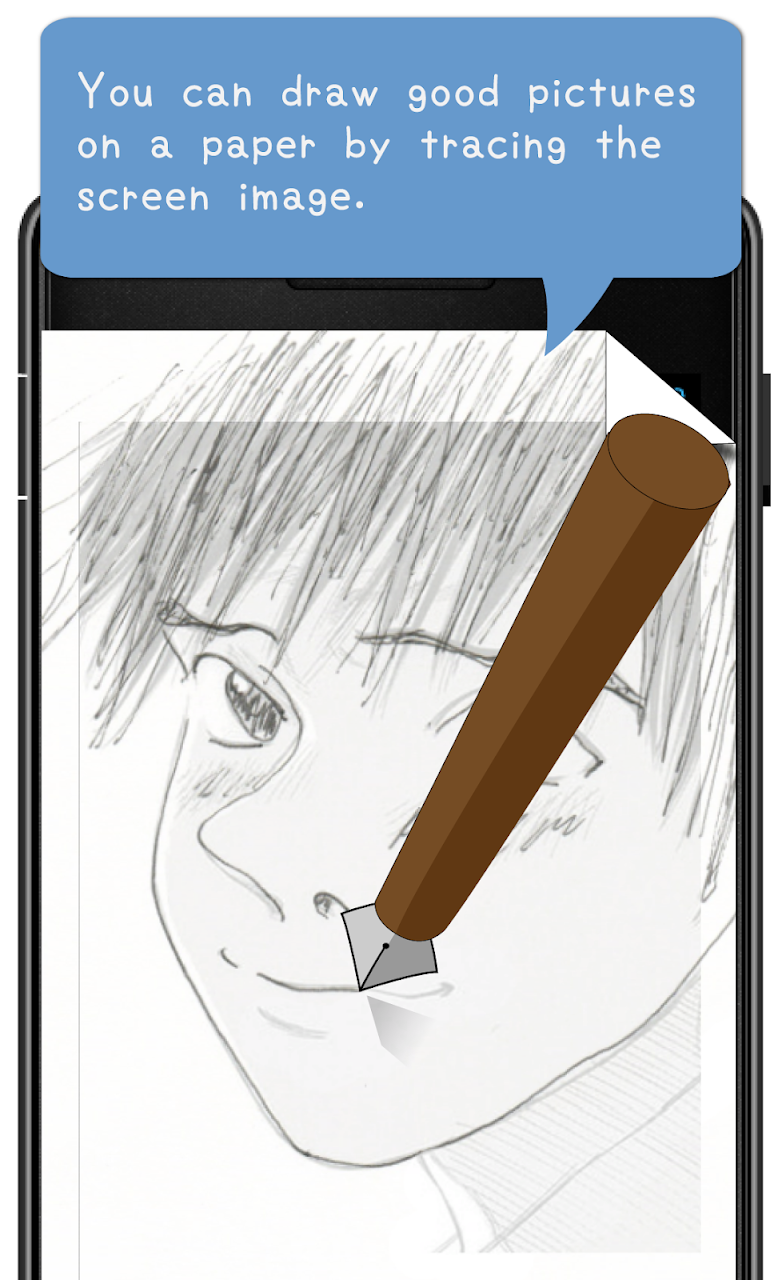
About this app
Turn your phone or tablet into a tracing light box for drawing and handwriting. Draw on a paper lets you load an image or enter text, position it on screen, lock the display with TRACE, and trace it onto paper. It keeps the process simple, though the app shows ads and some users may notice the mixed review history.
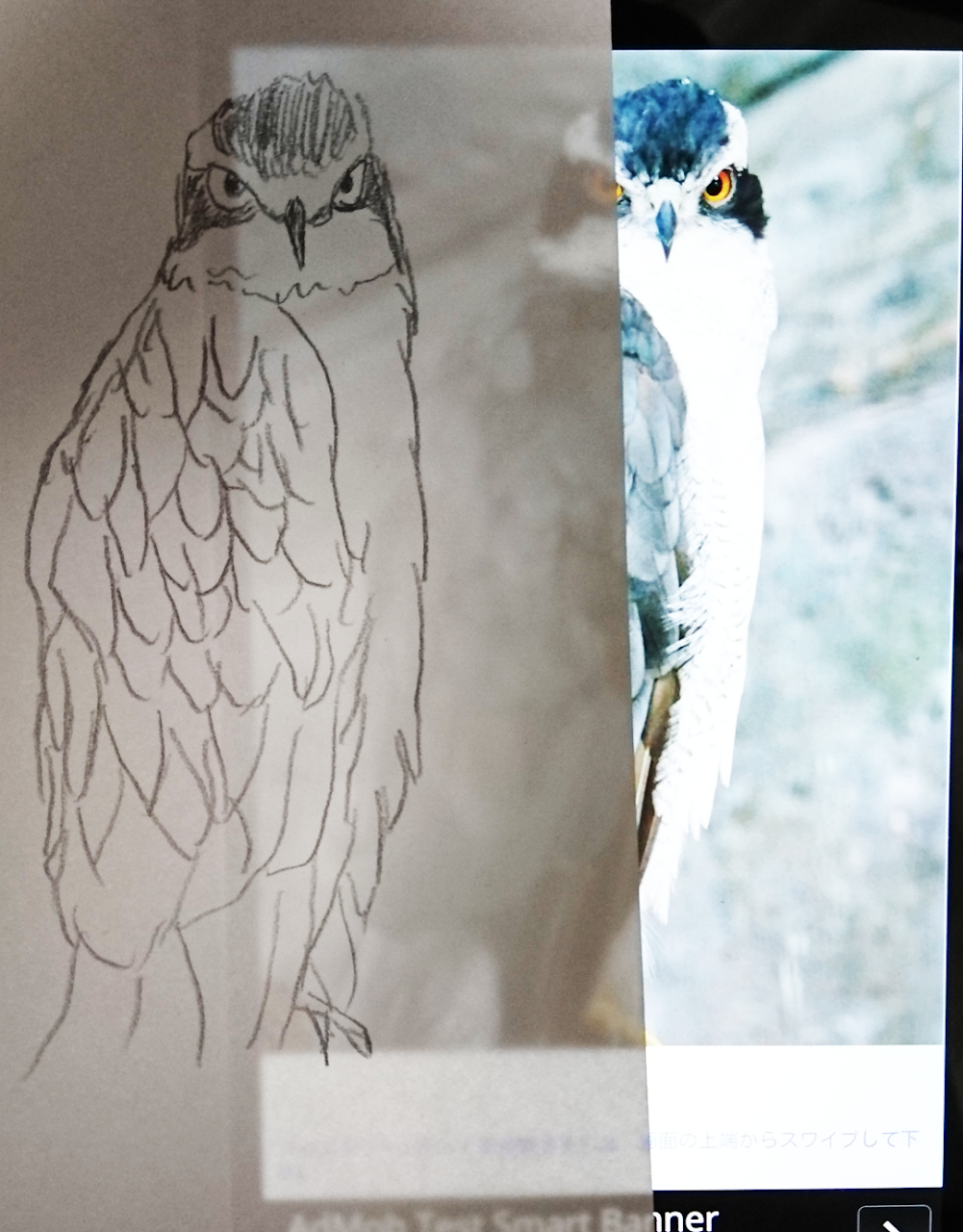
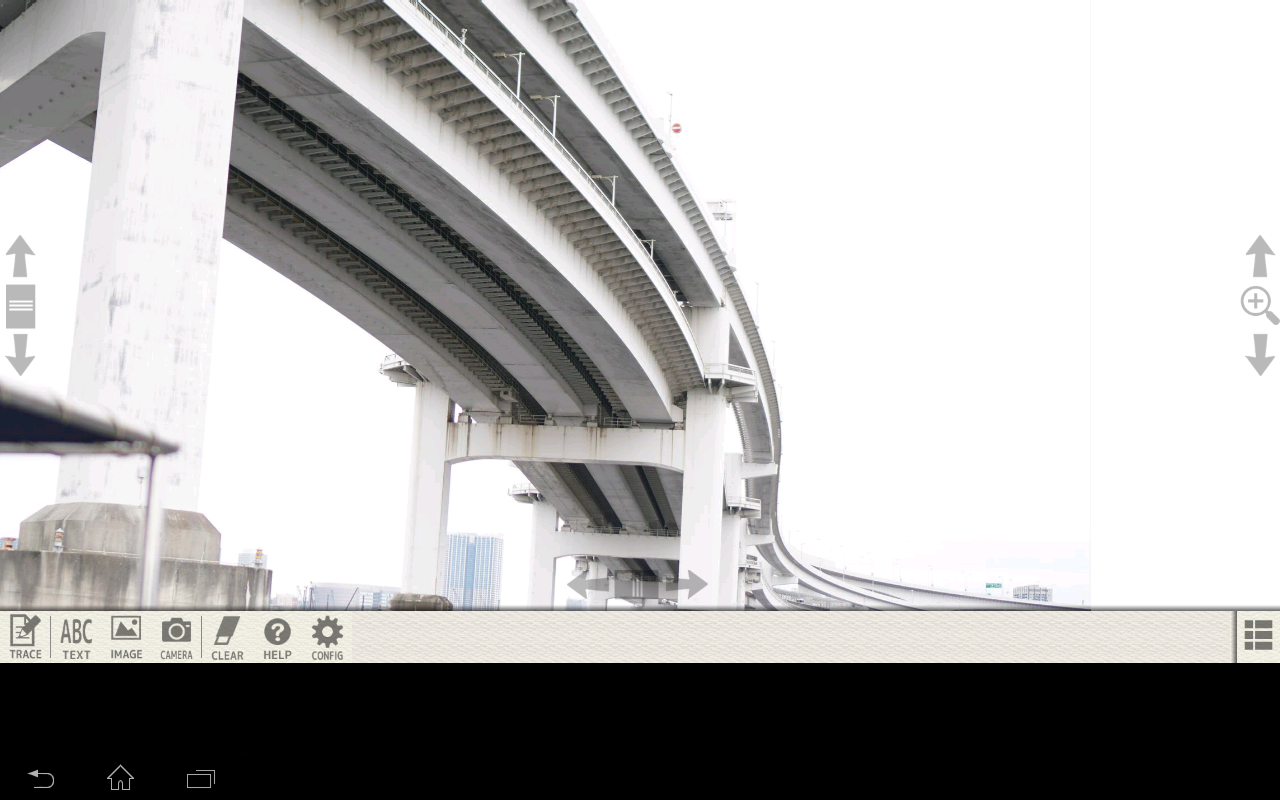
- Image tracing setup — Load a saved image or take a photo, then move and resize it before tracing.
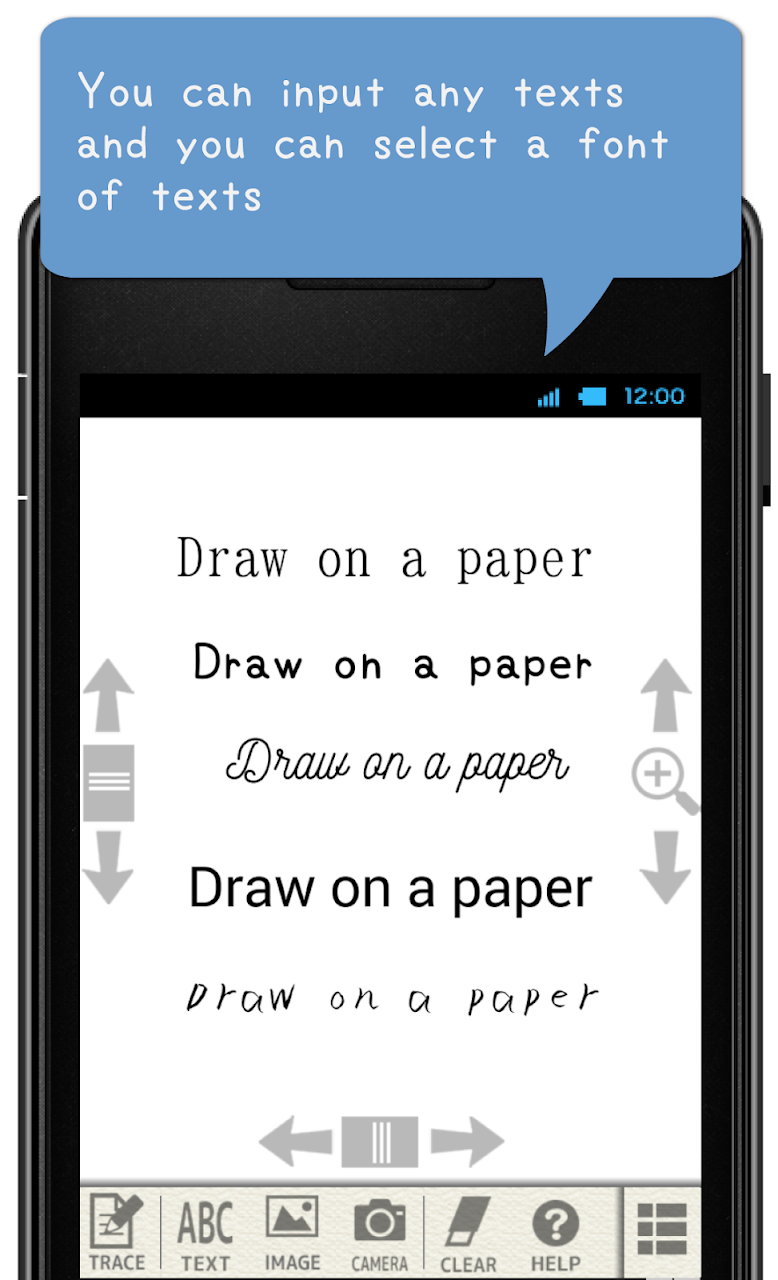
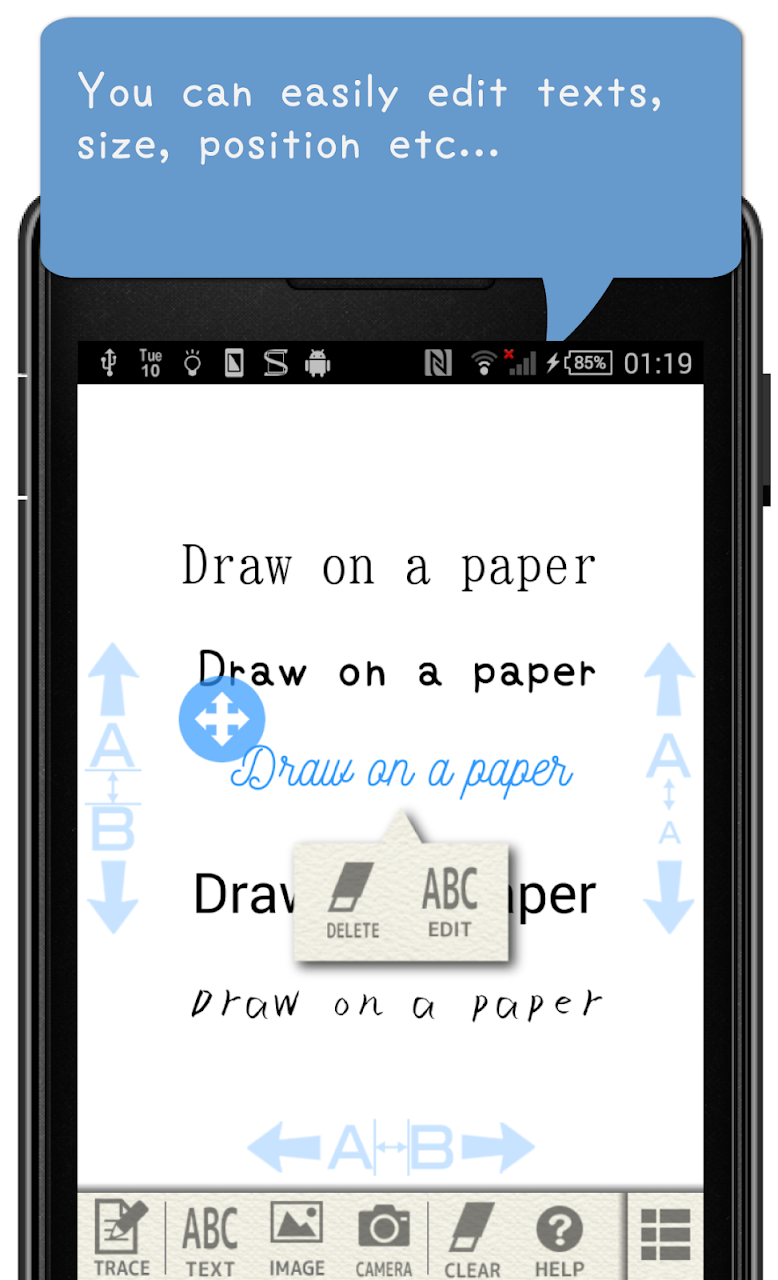
- Text tracing mode — Type text in the app, choose a font, and place it where you want on the screen.
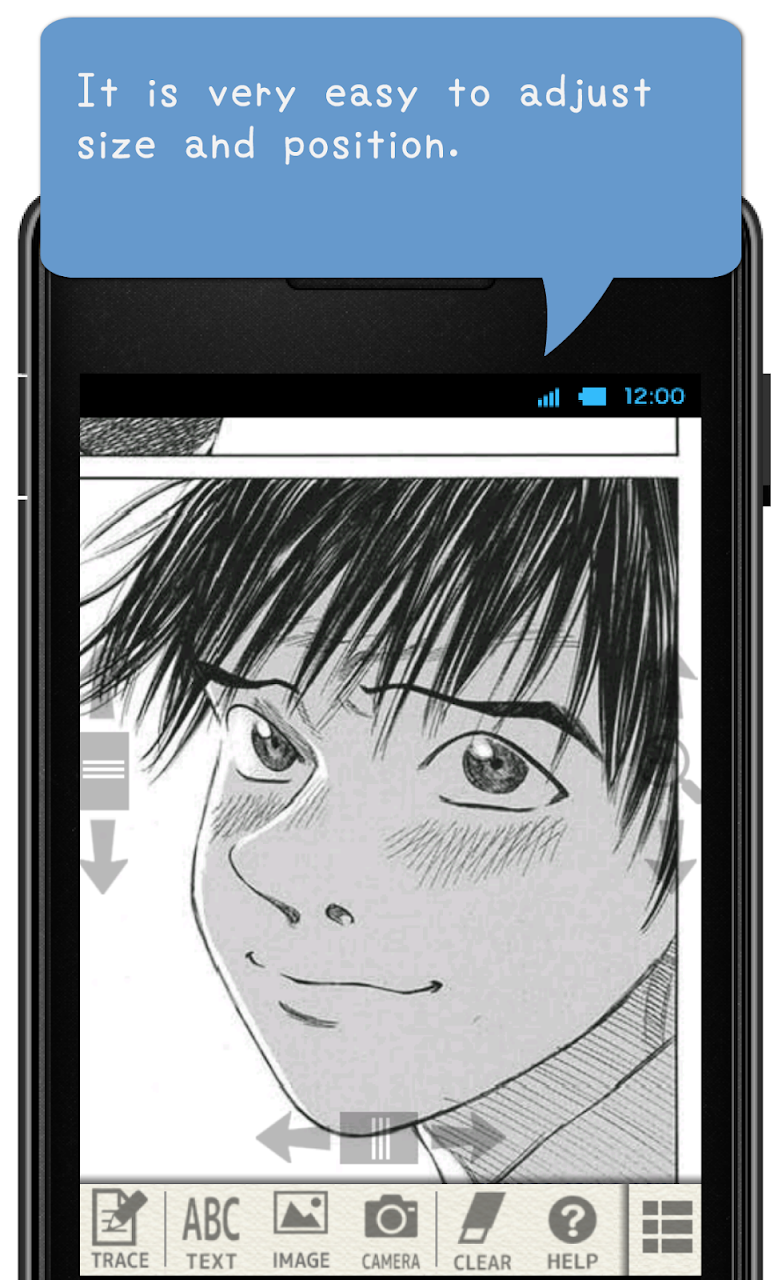
- TRACE screen lock — Tap TRACE to lock the display so you can trace directly from the screen to paper.
- Font options — The app includes fonts such as IPA明朝, kawaii手書き文字, 英椎行書, and Nickainley-Normal.
- Lightweight install — The APK is 29.1 MB, works on Android 19 and up, and installs as a universal APK.
Tracing images on screen
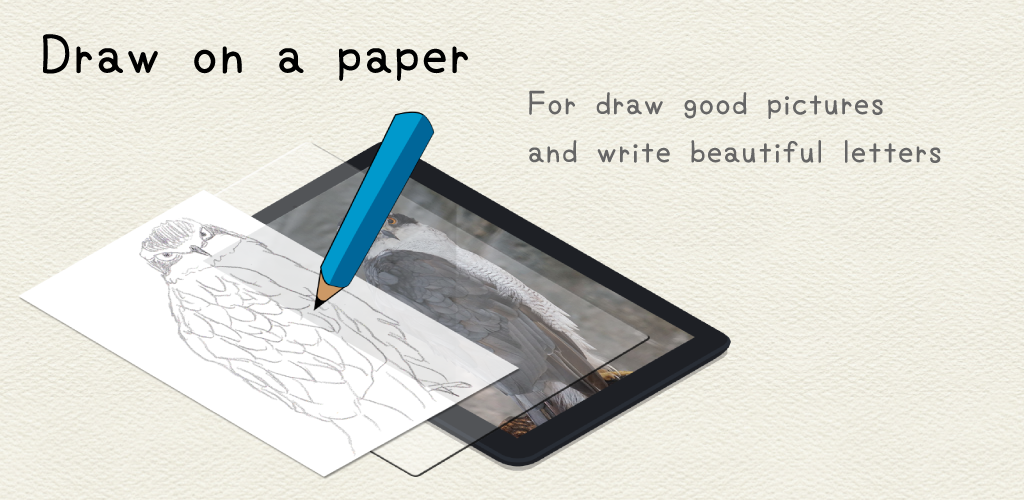
Draw on a paper is built around one clear task: putting an image on your screen so you can trace it onto paper. You can load a stored picture or take one with the camera, then adjust its position and size before switching to TRACE. That flow makes it easy to start a drawing session without extra setup.
The app is aimed at people who want cleaner illustrations or neater handwriting. It does not try to be a full editor, and that keeps the process focused on tracing rather than on layers, filters, or export tools.
Writing letters with fonts
The text mode follows the same idea. Tap TEXT, enter what you want to write, choose a font and text properties, then tap where it should sit on the screen. After that, lock the screen with TRACE and place paper over the device to copy the lettering by hand.
- Load an image or take a photo
- Resize and reposition before tracing
- Enter text directly in the app
- Pick from the available fonts
What you notice at install
The app is free and contains ads. It does not list any permissions, and there are no in-app purchases. The download comes as a universal APK, weighs 29.1 MB, and needs Android 19 or later. That makes it fairly straightforward to try, especially if you only want a tracing setup without account sign-in.
Limits to keep in mind
This is a narrow tool, and that narrow focus shows in the review pattern. Its rating sits at 3.3 from 531 ratings, with many 1-star and 5-star scores mixed in. There is no export workflow described, so if you need file saving, sharing, or RAW photo handling, that is not part of what the app presents.
For tracing drawings and lettering, it does the job directly. If you want a simple screen-based guide for paper tracing, this is the kind of app to open when you are ready to sketch or write by hand.
What's new
Version 2.7.5 · Nov 10, 2026
- Fix some bugs
APK information
- Version
- 2.7.5
- Package
- jp.web5.ussy.utsuserundesu
- Category
- Art & Design
- Size
- 29 MB
- Min Android
- API 19
- Architecture
- universal
Older versions
-
Draw on a paper 2.7.5Nov 10, 2026Latest downloadAPK
Draw on a paper FAQ
Does Draw on a paper work offline?expand_more
The app description does not mention any online features, account sign-in, or network requirement. It is presented as a local tracing tool.
Can Draw on a paper edit RAW photos?expand_more
No RAW editing is mentioned. The app only describes loading an image or taking a picture for tracing.
Who develops Draw on a paper?expand_more
Draw on a paper is developed by aidiary.
How big is the Draw on a paper download?expand_more
The APK size is 29.1 MB.
Can I trace both drawings and text in the app?expand_more
Yes. It includes an image tracing flow for drawings and a TEXT mode for writing letters with selectable fonts.