- 3.0star220 reviews
- 50K+Downloads
- 12 MBAPK size
- EveryoneRated for Everyone
- 5.0+Android
check_circleOriginal APK from Petr Novotny · Updated Nov 10, 2026
No threats found
0 / — antivirus engines flagged this file
Original signature
First seen — Petr Novotny
Unmodified APK
Same file the developer published — no mods
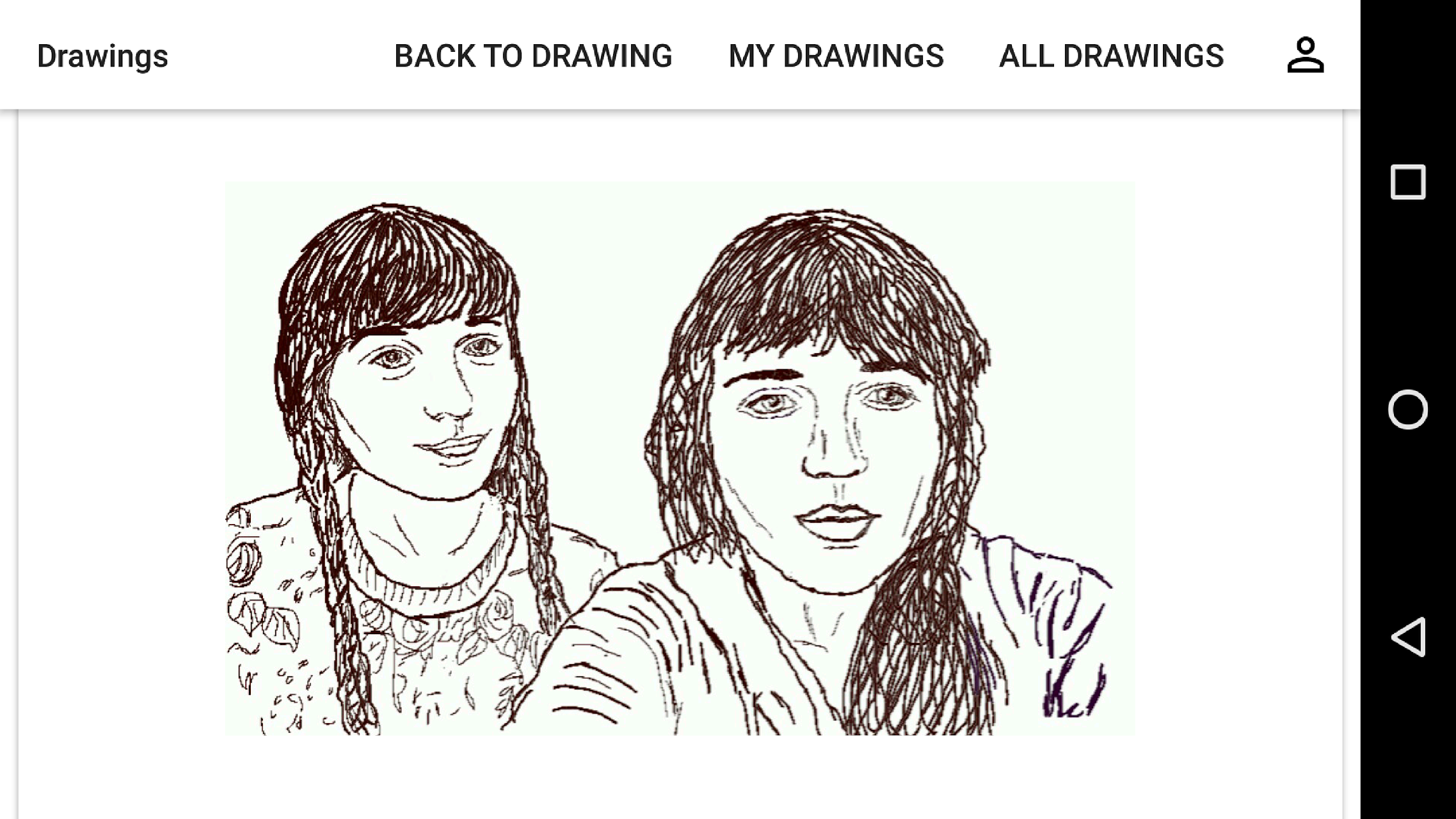
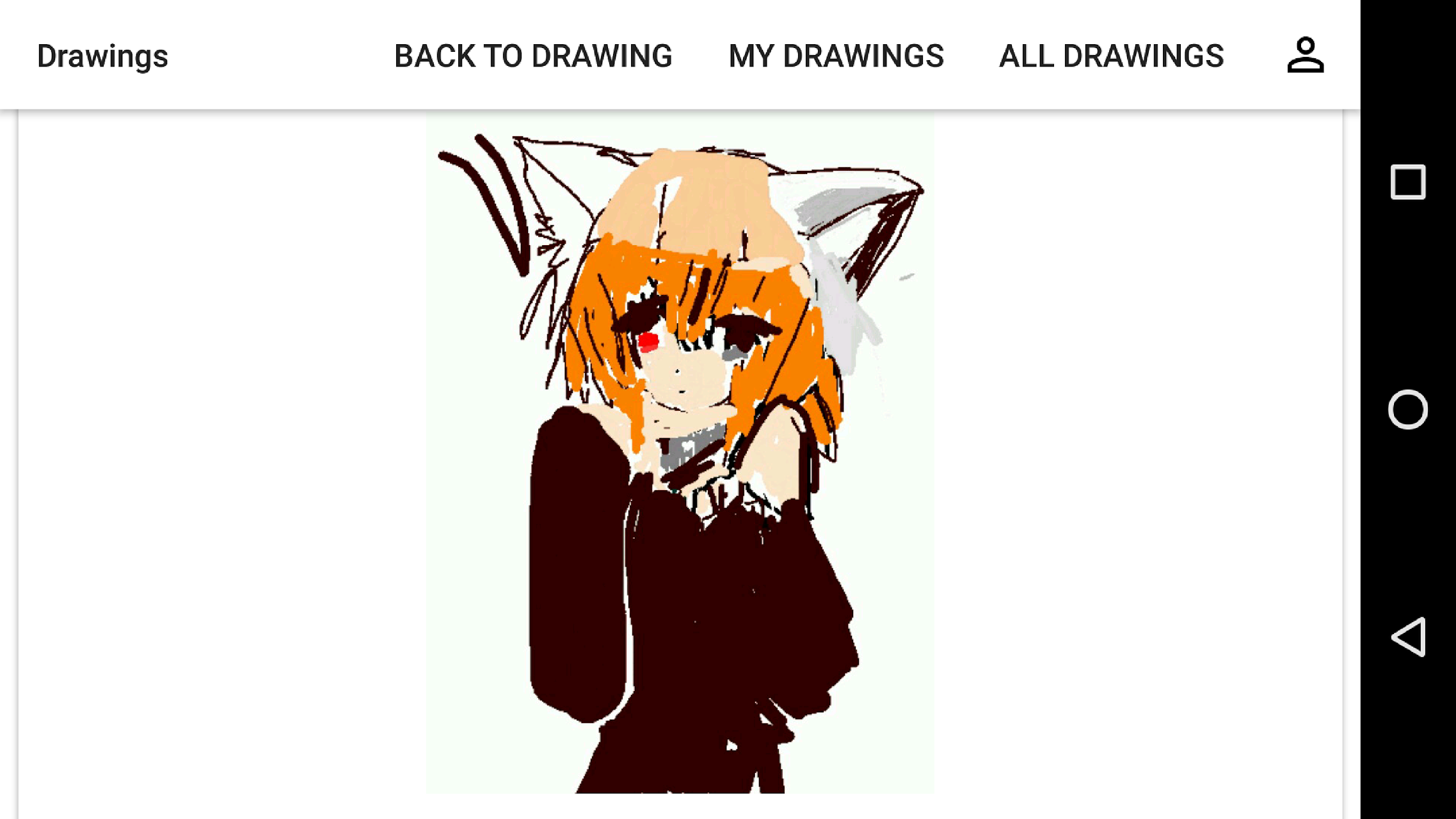
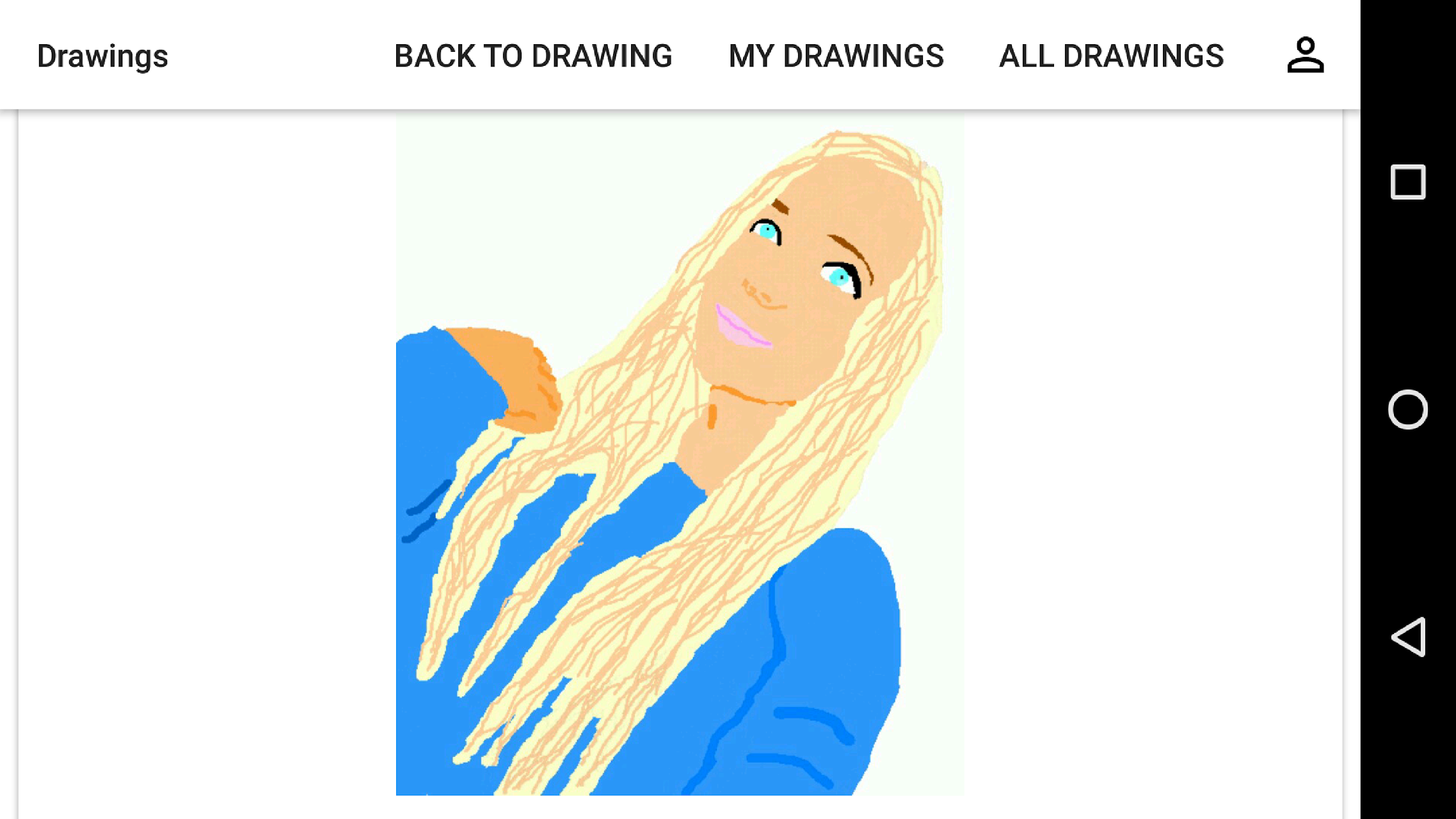
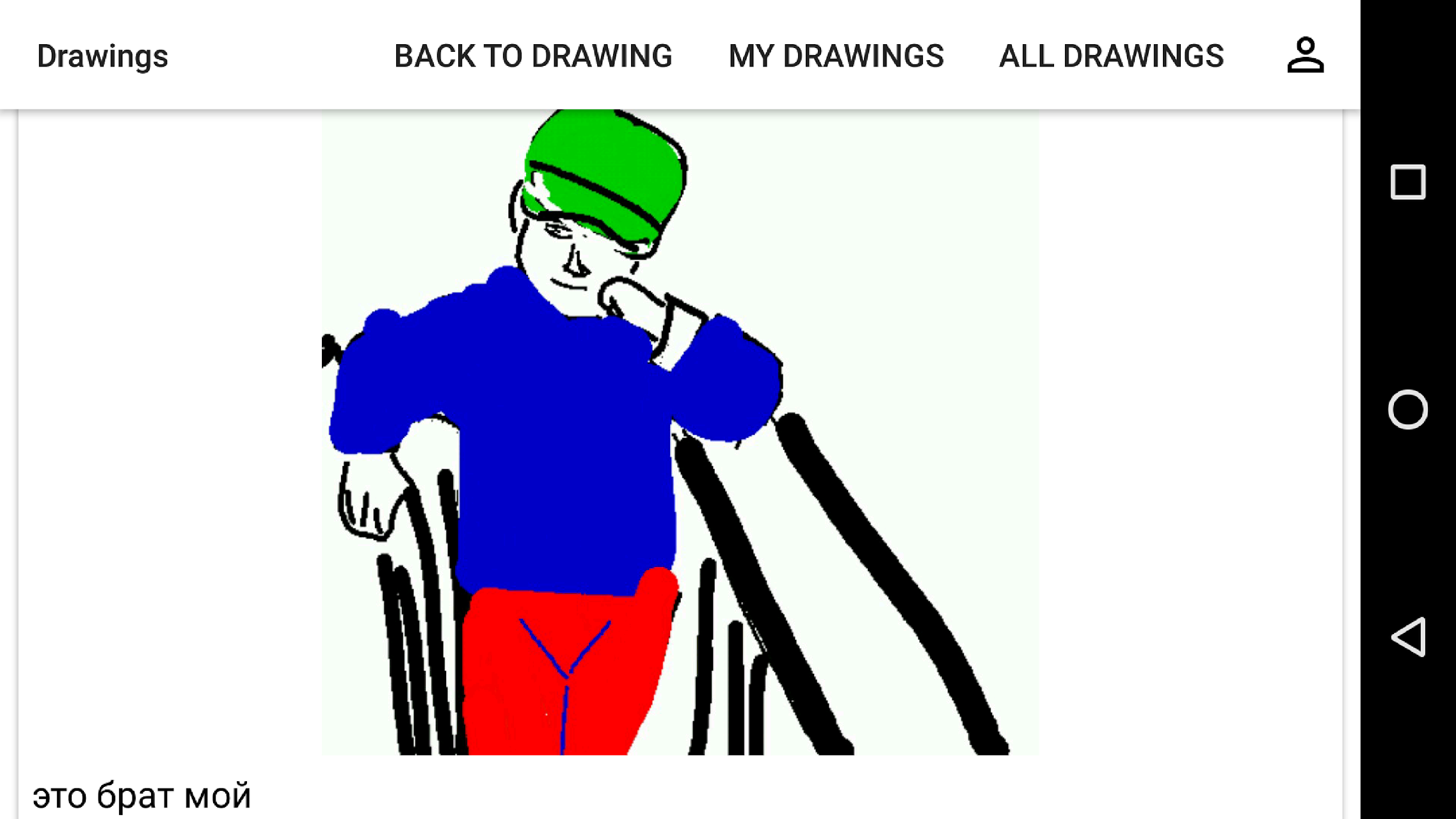
Draw Portrait from a Photo screenshots
8 images · tap to enlarge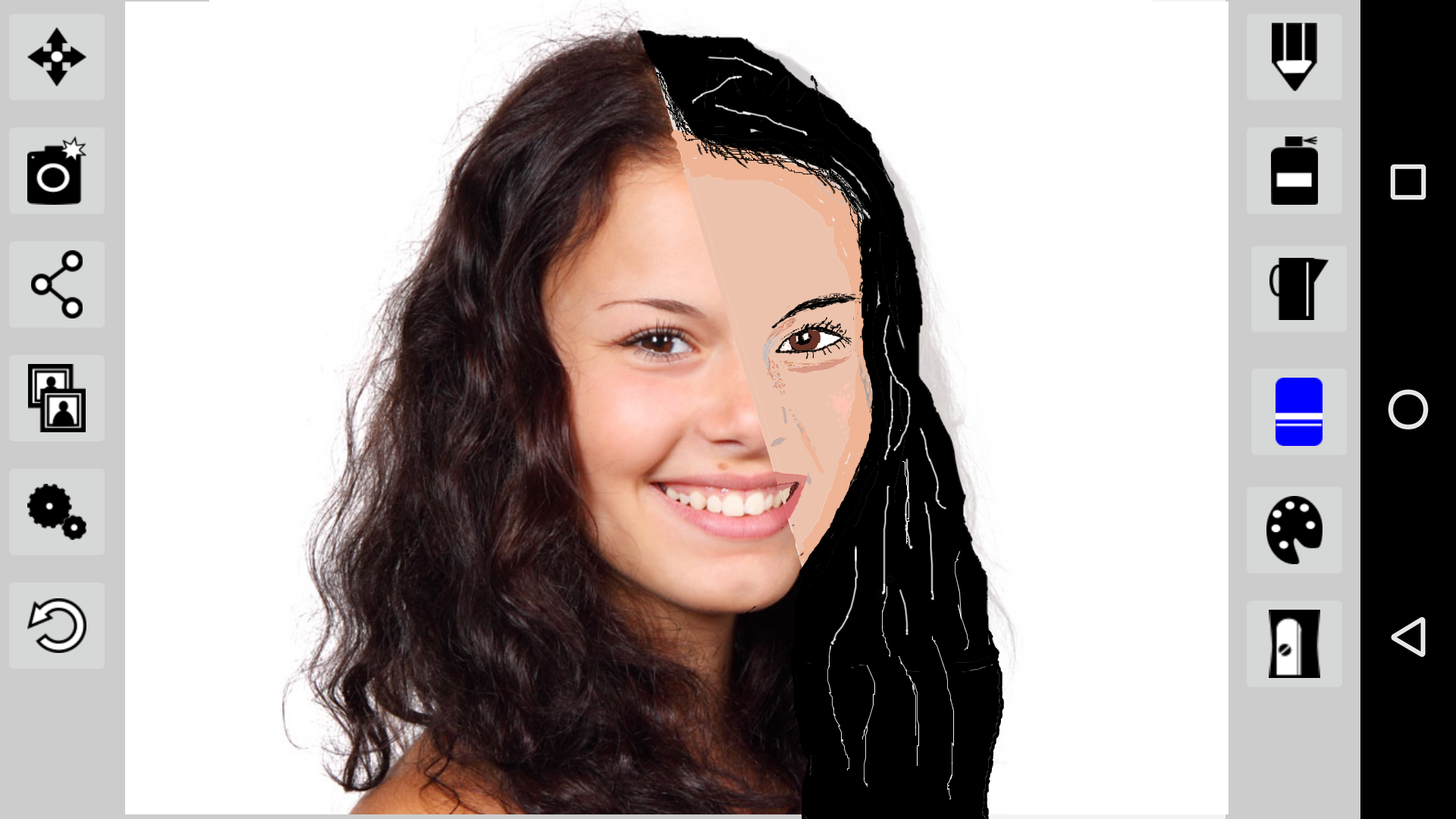
About this app
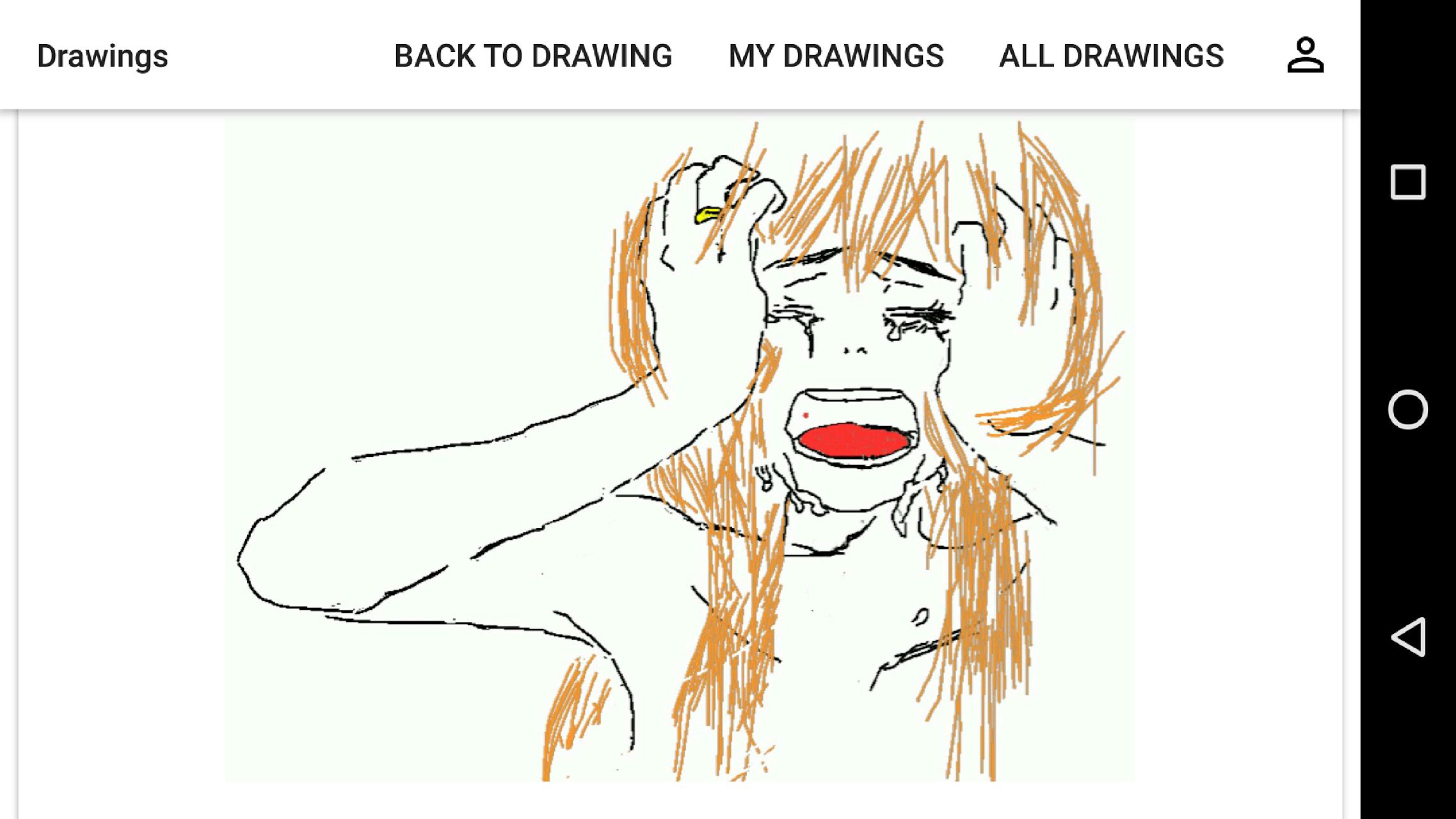
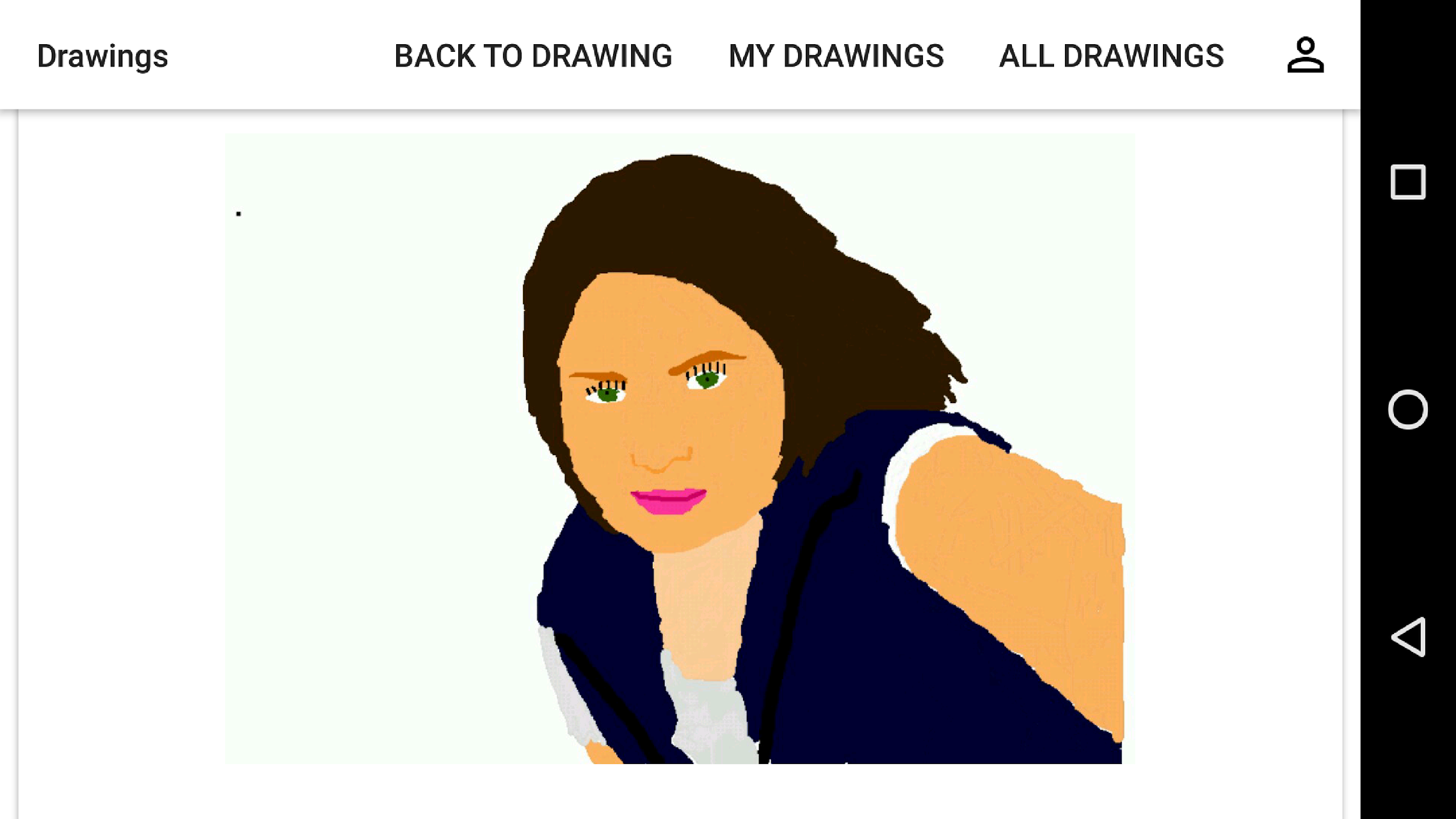
When you want to turn a photo of a friend, pet, or yourself into a hand-drawn portrait, this app gives you a simple tracing workspace. It lets you take a picture or choose one, then draw over the visible lines with zoom and pan controls. The app is free, has no in-app purchases, and is built for people who prefer drawing by hand instead of using an AI tool.
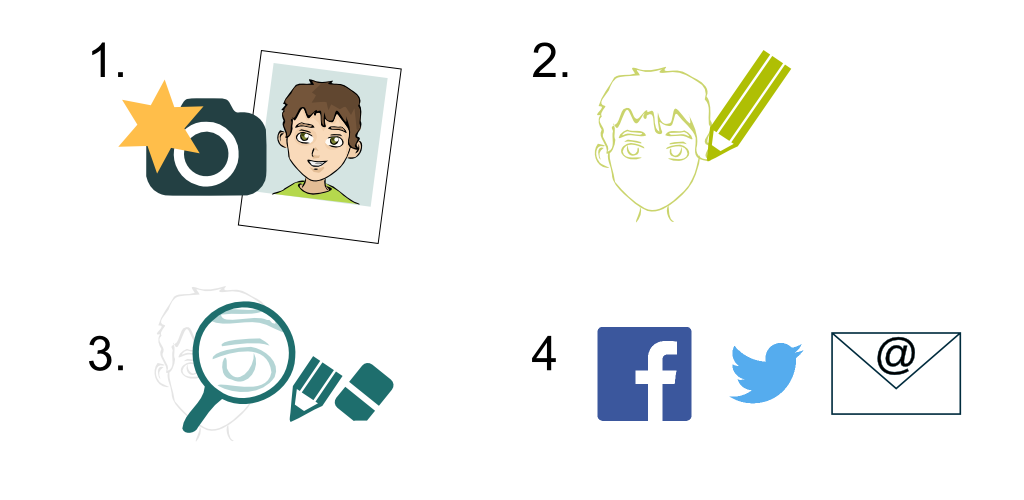
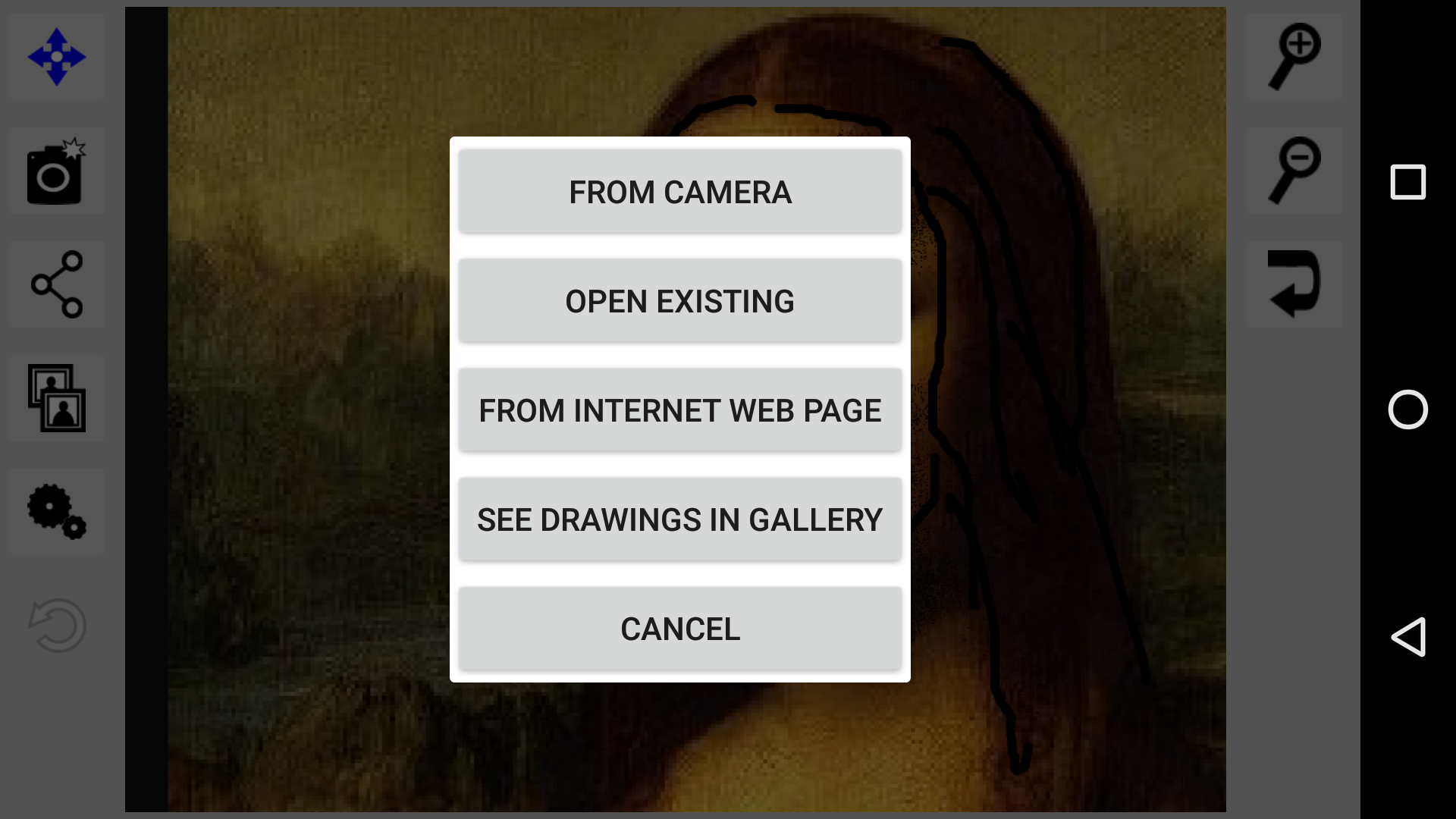
- Photo-based drawing — Take a photo or select an image to trace portraits, pets, and other subjects.
- Zoom and pan — Move around the image so you can follow small curves and details more closely.
- Eraser tool — Correct strokes directly when a line does not come out the way you want.
- Background toggle — Show the background while you work, then keep it out of the final drawing.
- Sharing options — Share finished artwork through Facebook, Twitter, email, and other supported channels.
- Simple APK package — The APK is universal, 12.1 MB, and supports Android 5.0 and up.
Tracing portraits from your own photos
For someone who wants to draw a person, a friend, or a pet from a photo, this app provides a direct way to work on top of an image. You can capture a picture or pick one from your device, then sketch the lines you see rather than relying on an AI-generated result. That makes it closer to a hand-drawing exercise than a photo effect.
Zoom, pan, and correct mistakes
If you are working on facial details, hair, or curved outlines, the zoom and pan controls help you stay on the right part of the image. The eraser is there when a stroke needs fixing, and the background button can be used during work to check your drawing against the source image. The app also notes that the background image is not part of the final result.
For casual artists and practice sessions
Users who want a straightforward drawing tool can use it as a practice app rather than a filter. It is not described as an image editor or an automatic portrait generator, so the main trade-off is that you do the drawing yourself. That takes patience, but it also keeps the result tied to your own style.
Sharing and compatibility
When the portrait is finished, you can share it through Facebook, Twitter, email, and similar options. The app is free, rated 3.0 from 220 ratings, and has no ads or in-app purchases listed. It comes as a universal APK, is 12.1 MB, and requires Android 5.0 or later.
- Developer: Petr Novotny
- Category: Art & Design
- Content rating: Everyone
- Version: 85
What's new
Version 85 · Nov 10, 2026
- Fix for drawing with a thick line on some devices.
APK information
- Version
- 85
- Package
- com.smartsuricate.trace.android
- Category
- Art & Design
- Size
- 12 MB
- Min Android
- 5.0
- Architecture
- universal
Older versions
-
Draw Portrait from a Photo 85Nov 10, 2026Latest downloadAPK
Draw Portrait from a Photo FAQ
Can Draw Portrait from a Photo edit RAW photos?expand_more
The app description does not mention RAW photo support. It says you can take a photo or select an image.
Does Draw Portrait from a Photo work offline?expand_more
Offline use is not stated. The listed features focus on drawing from a selected image and sharing the result.
Does Draw Portrait from a Photo work on tablets?expand_more
Tablet support is not stated directly. The APK is universal and requires Android 5.0 or later.
Which processors does this APK support?expand_more
The APK is listed as universal, so no specific processor family is named.
Can I share my drawing from the app?expand_more
Yes. The app includes a Share button and mentions Facebook, Twitter, and email as sharing options.