- 3.9star197 reviews
- 100K+Downloads
- 3 MBAPK size
- EveryoneRated for Everyone
- API 14+Android
check_circleOriginal APK from DIY Tech Labs · Updated Nov 12, 2026
No threats found
0 / — antivirus engines flagged this file
Original signature
First seen — DIY Tech Labs
Unmodified APK
Same file the developer published — no mods
Draw Signature screenshots
7 images · tap to enlarge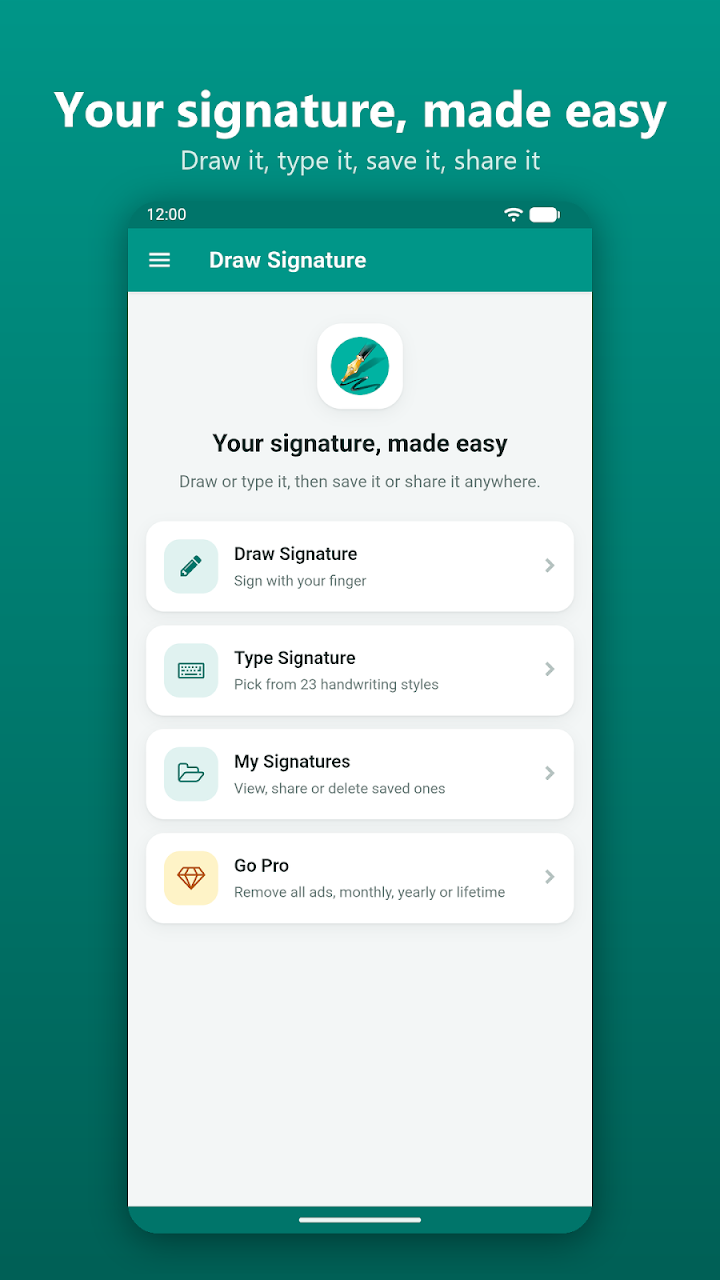
About this app
Need a quick signature image on Android? Draw Signature from DIY Tech Labs opens to a simple pad for drawing or typing a name, then saving the result as a PNG or sharing it right away. It is a small APK built for signatures, initials, sketches, and quick edits on the device.
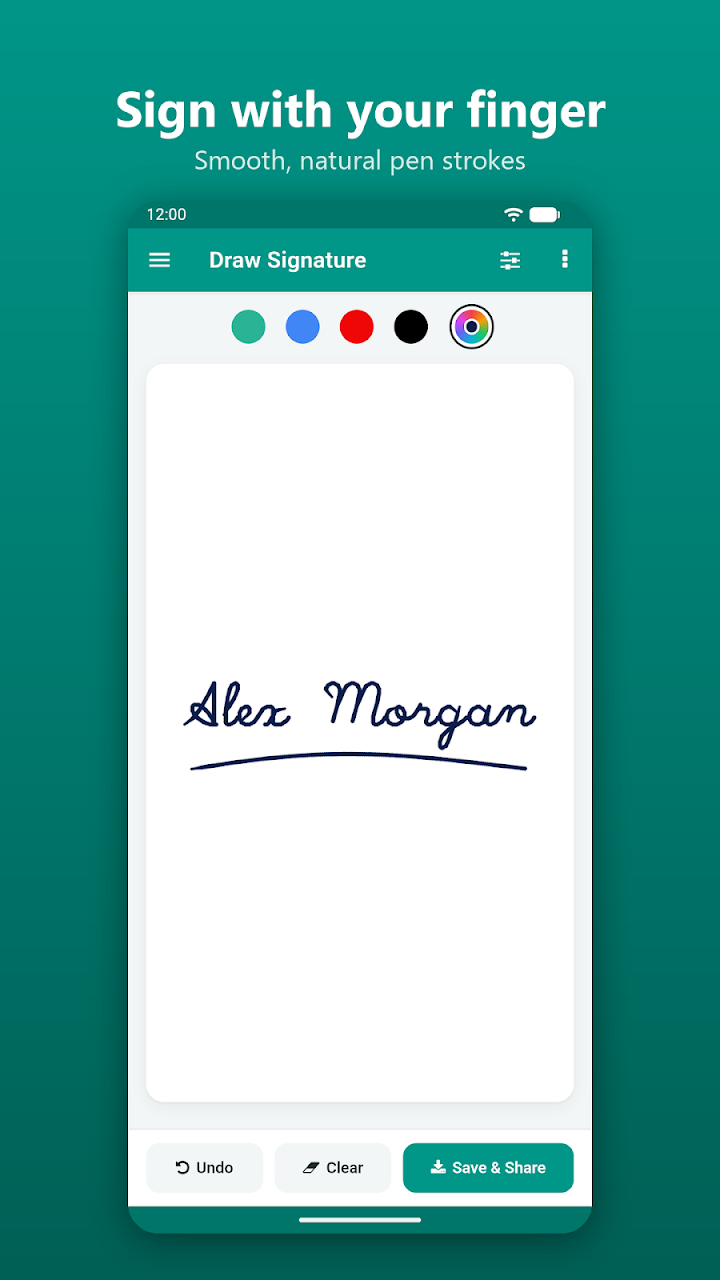
- Draw on a pad — Use your finger on a large drawing area with undo and clear controls.
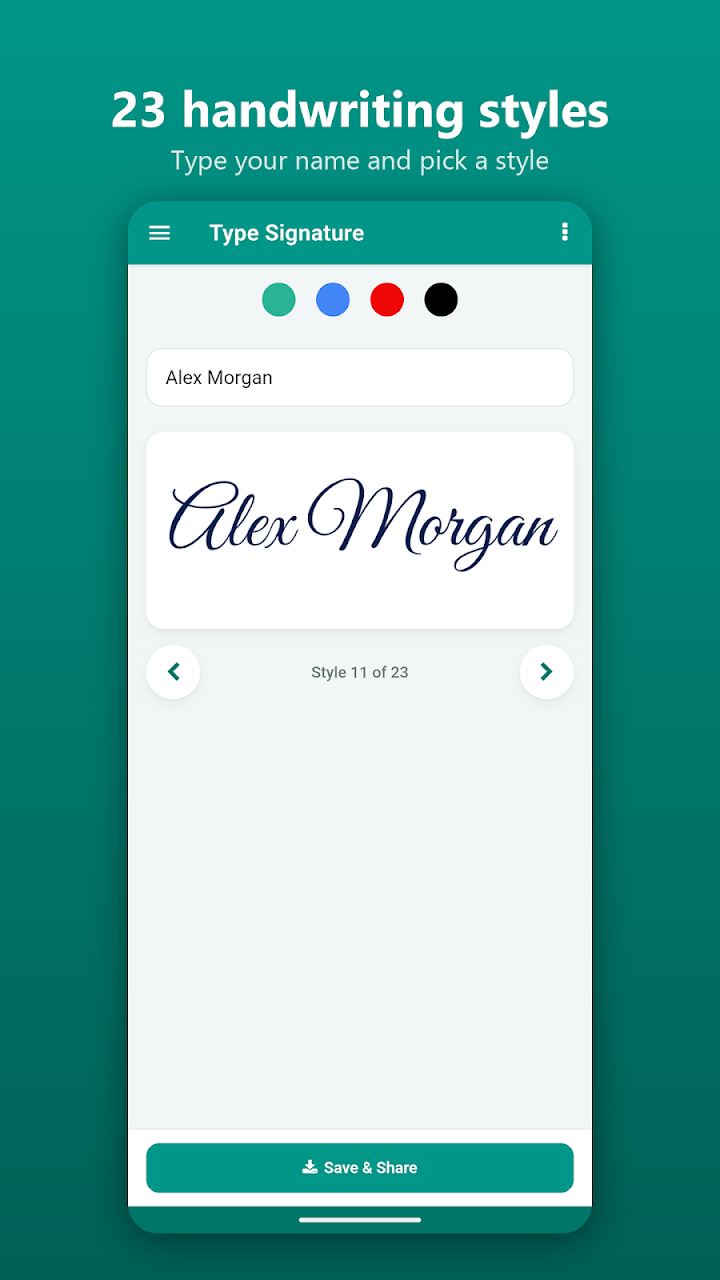
- 23 handwriting styles — Type a name and choose from 23 realistic handwriting styles.
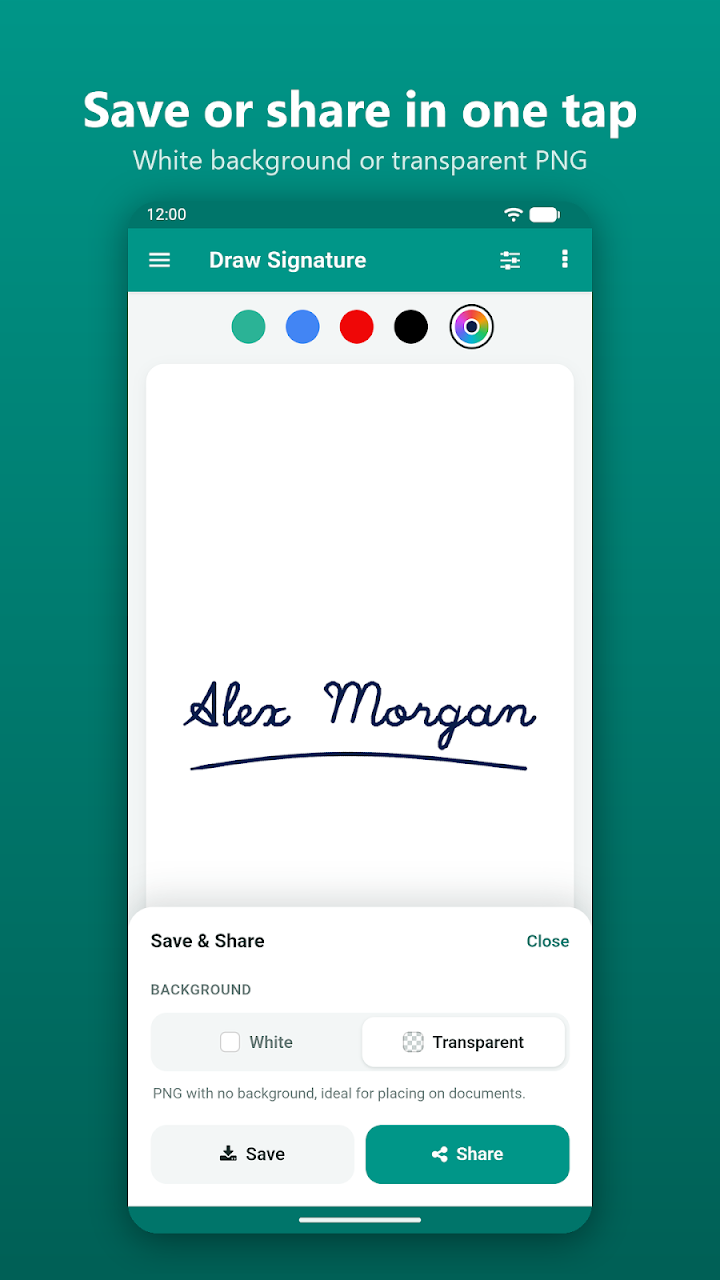
- PNG export — Save signatures as white-background images or transparent PNG files.
- One-tap sharing — Send the saved image to WhatsApp, Email, Messenger, Instagram, Google Drive, OneDrive, and other apps.
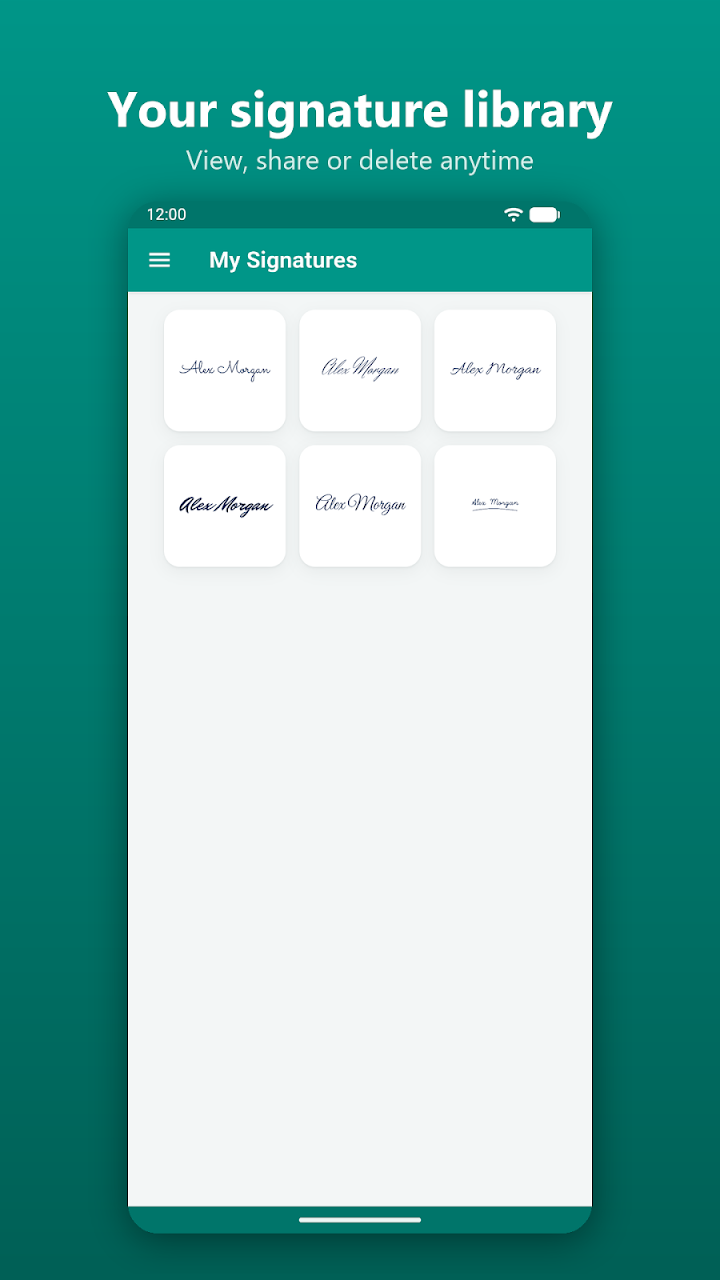
- Local storage — Saved signatures stay on your device and can be viewed, shared, or deleted later.
First launch: draw or type
When you open Draw Signature for the first time, you get two paths: draw a signature with your finger or type your name and apply a handwriting style. The app is set up for quick use, so the main choices are pen color, pen thickness, and whether you want to work from a blank pad or a typed name.
The drawing mode includes a large pad, smooth strokes, undo, and clear. If you prefer text, the app offers 23 handwriting styles and automatically resizes long names so they fit the canvas.
Set up the look before saving
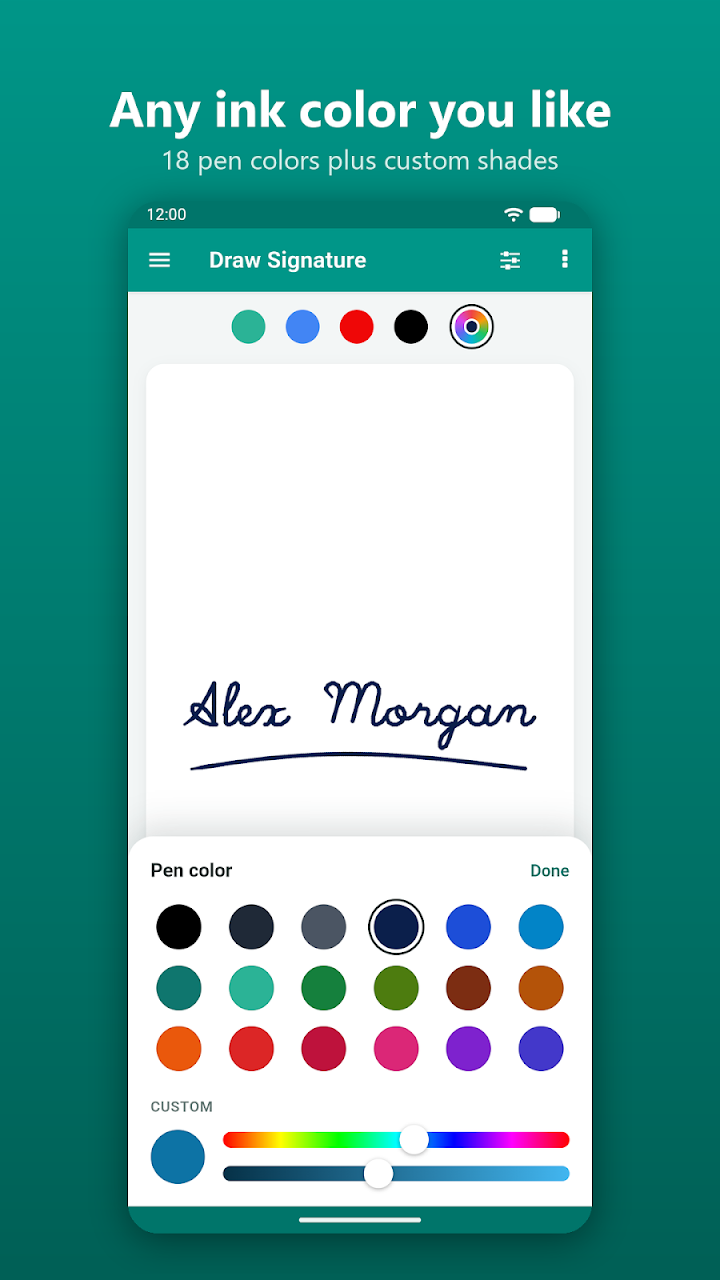
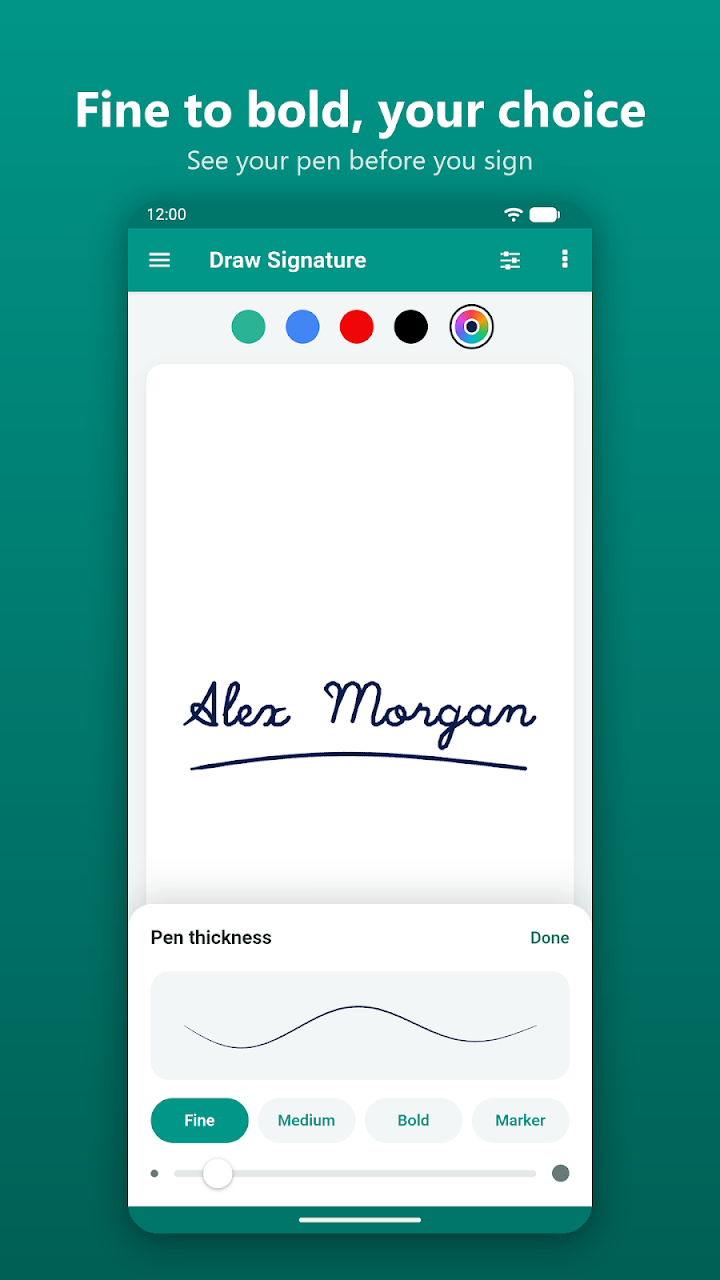
Before exporting, choose the ink color and line thickness that match the signature you want. Draw Signature includes 18 ink colors plus custom shades, and the thickness range goes from fine to marker. A live preview helps you see the result as you change settings.
If you are practicing a new signature, the app is also suitable for initials, sketches, and quick drawings. Your last pen color, thickness, and handwriting style are remembered for the next session.
Save as PNG and share
For export, the app can save your signature with a white background or as a transparent PNG. Transparent export is useful when you need to place the signature on documents or images without a box around it.
After saving, you can share the image in one tap to WhatsApp, Email, Messenger, Instagram, Google Drive, OneDrive, or any other app on your phone. Saved signatures stay in one place inside the app, where you can view, share, or delete them.
Practical tips for daily use
- Use undo before clearing the pad if you only need to fix one stroke.
- Try a typed signature when you want a clean look without drawing by hand.
- Choose transparent PNG export for documents and layered images.
- Keep your preferred color and thickness set so the app opens the same way next time.
Android, APK size, and permissions
Draw Signature is distributed as an APK file, sized at 3.2 MB, and it supports Android starting from API 14. The build is universal, so it is not tied to a single device architecture. No permissions are listed for this version, and there are no permissions added in the current release.
The app is free, contains ads, and offers in-app purchases, including a Pro option that removes ads with monthly, yearly, or lifetime plans.
APK information
- Version
- 2.5.0
- Package
- com.diytech.drawsignature
- Category
- Art & Design
- Size
- 3 MB
- Min Android
- API 14
- Architecture
- universal
Older versions
-
Draw Signature 2.5.0Nov 12, 2026Latest downloadAPK
Draw Signature FAQ
Can Draw Signature edit RAW photos?expand_more
No. Draw Signature is built for drawing or typing signatures, then saving them as images or sharing them.
Does Draw Signature work offline?expand_more
The app stores signatures on your device, and nothing is uploaded. It does not list any online-only requirement.
How big is the Draw Signature download?expand_more
The APK size is 3.2 MB.
Is this Draw Signature APK the original file?expand_more
This package is the Draw Signature APK from DIY Tech Labs, version 2.5.0.
Can I save a transparent signature PNG?expand_more
Yes. Draw Signature can save signatures as a transparent PNG or with a white background.