- 4.8star26,758 reviews
- 1M+Downloads
- 12 MBAPK size
- EveryoneRated for Everyone
- 5.0+Android
check_circleOriginal APK from ButterflyRay Limited · Updated Nov 10, 2026
No threats found
0 / — antivirus engines flagged this file
Original signature
First seen — ButterflyRay Limited
Unmodified APK
Same file the developer published — no mods
Drawing Grid screenshots
8 images · tap to enlarge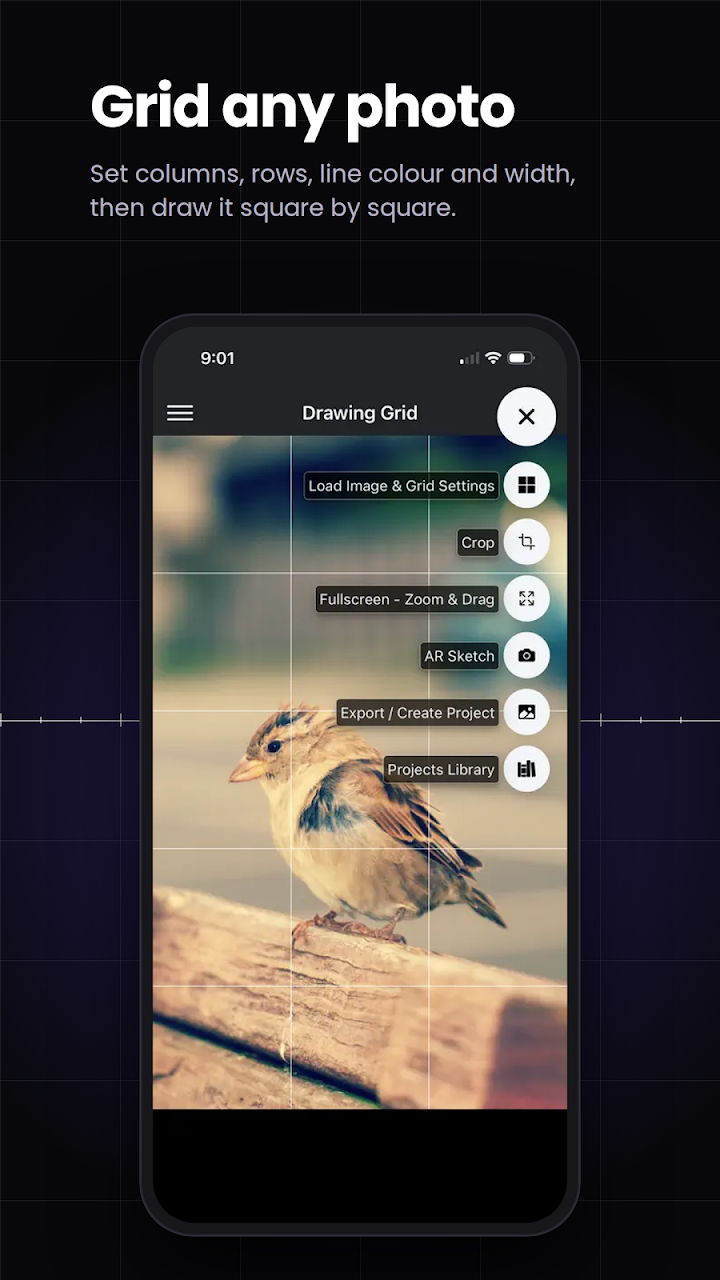
About this app
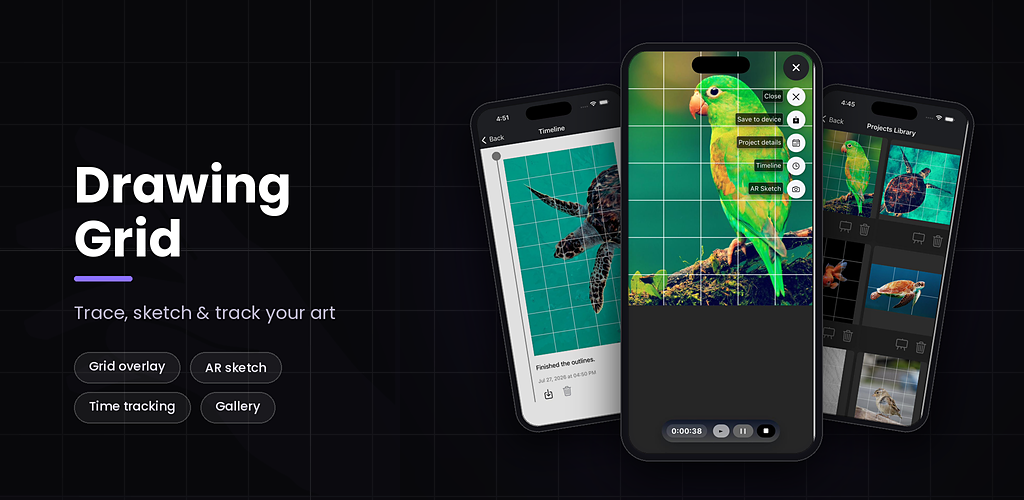
Trying to keep proportions right from a photo reference? Drawing Grid gives you an adjustable grid, tracing tools, and a project library in one Android app. It is aimed at artists who want a simpler way to sketch from references, track time, and keep finished work organized without jumping between separate tools.
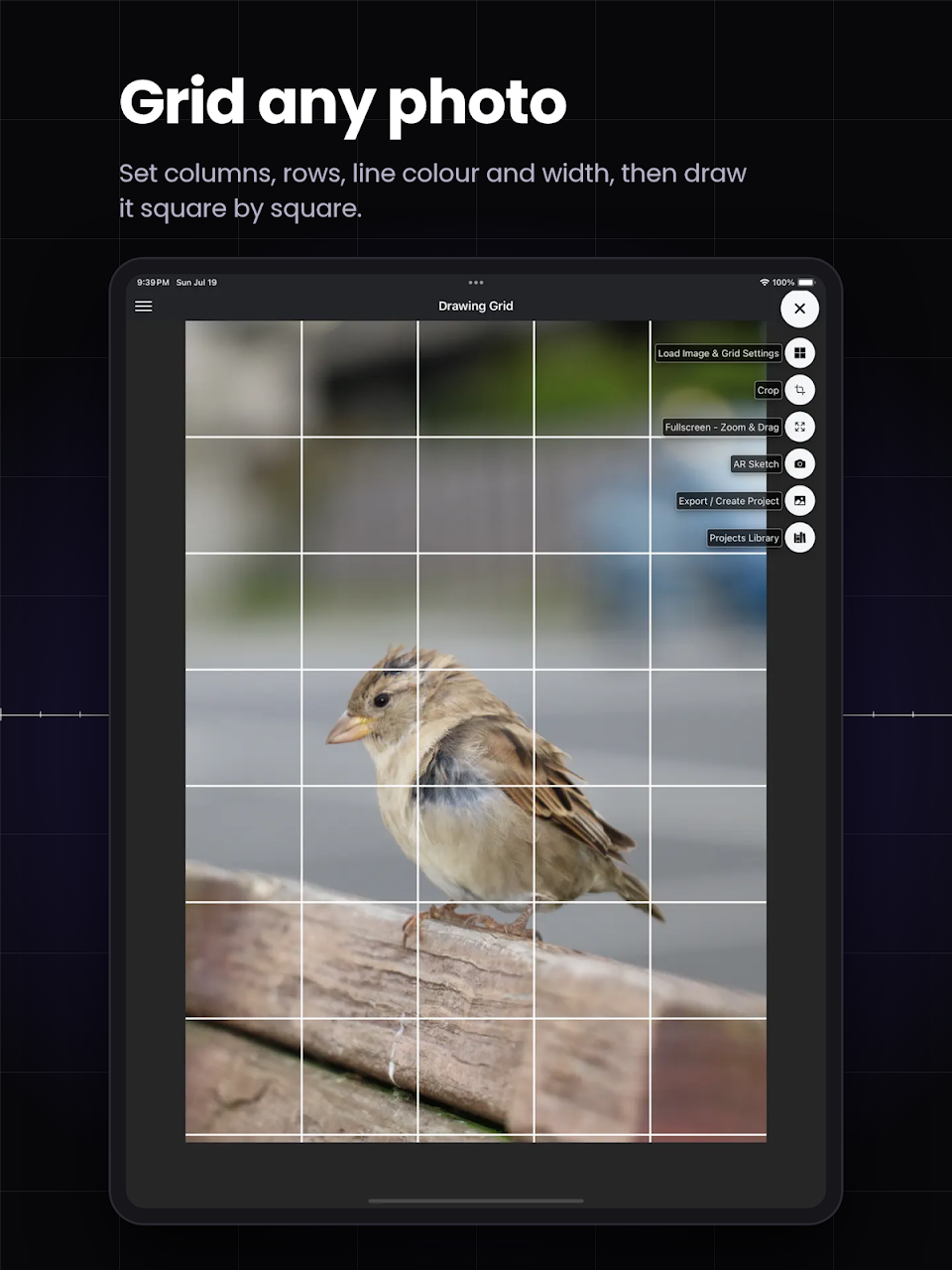
- Adjustable Grid Overlay — Load an image, crop it, and place a grid with the size, spacing, and style that fit your workflow.
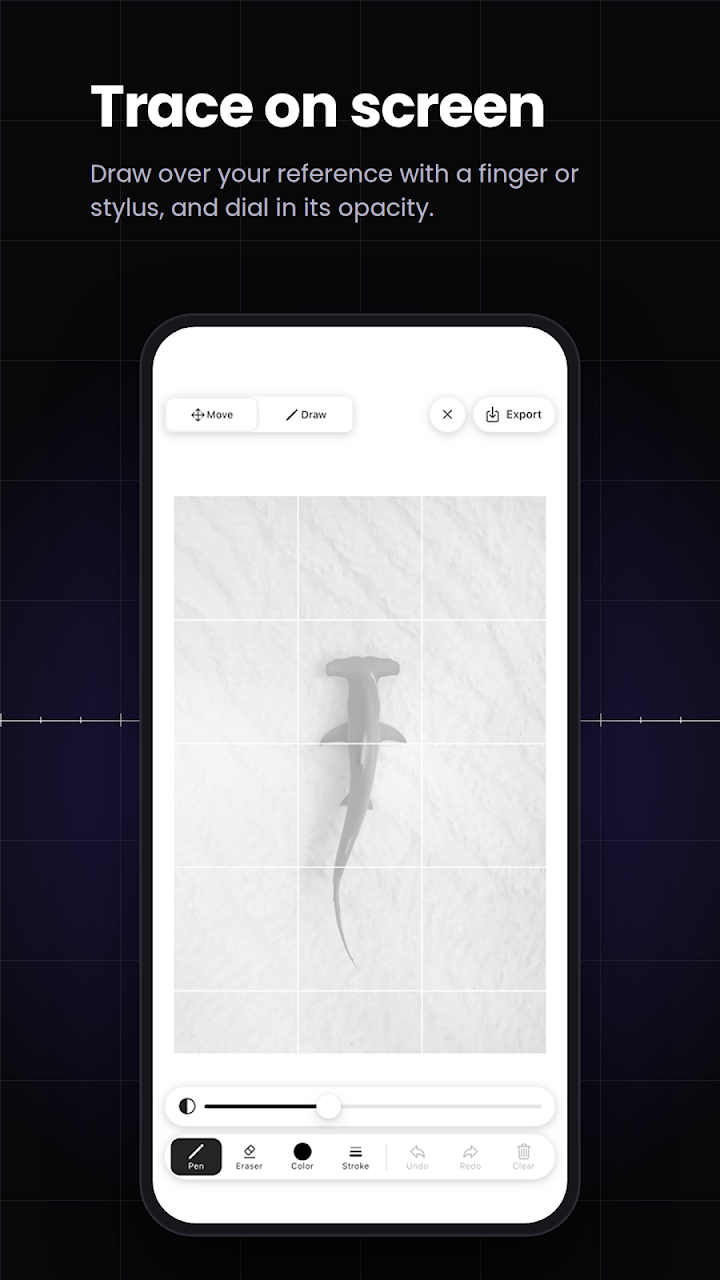
- Tracing On Screen — Draw directly over a reference on your screen with a finger or stylus, with undo and redo available.
- AR Sketch Mode — Float a reference over the camera view so you can trace it onto paper.
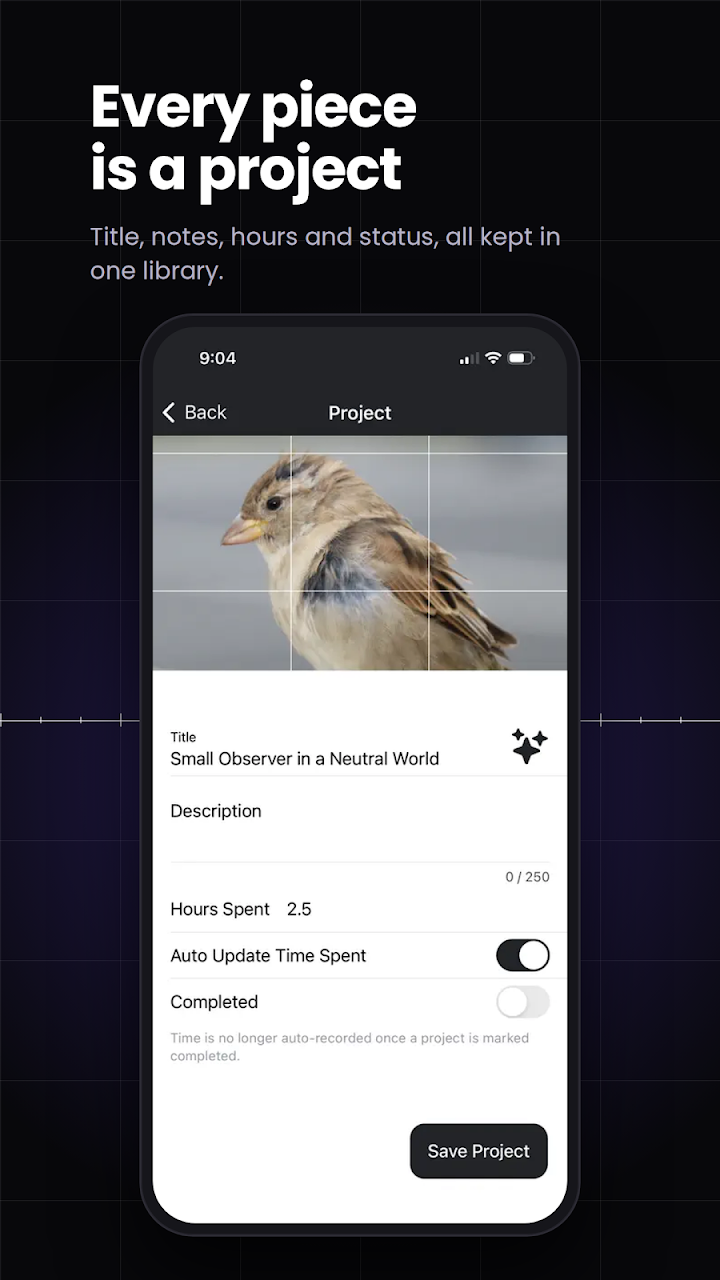
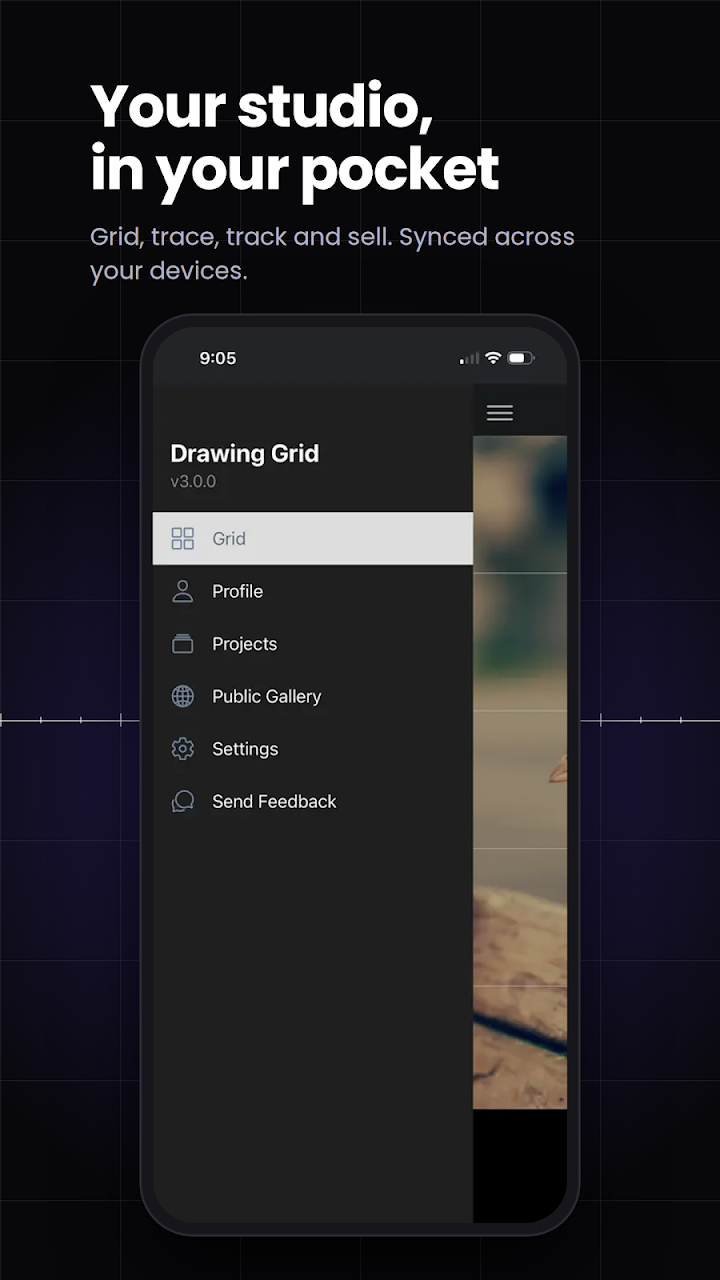
- Project Library — Keep artwork in a personal library and track timelines and hours for each piece.
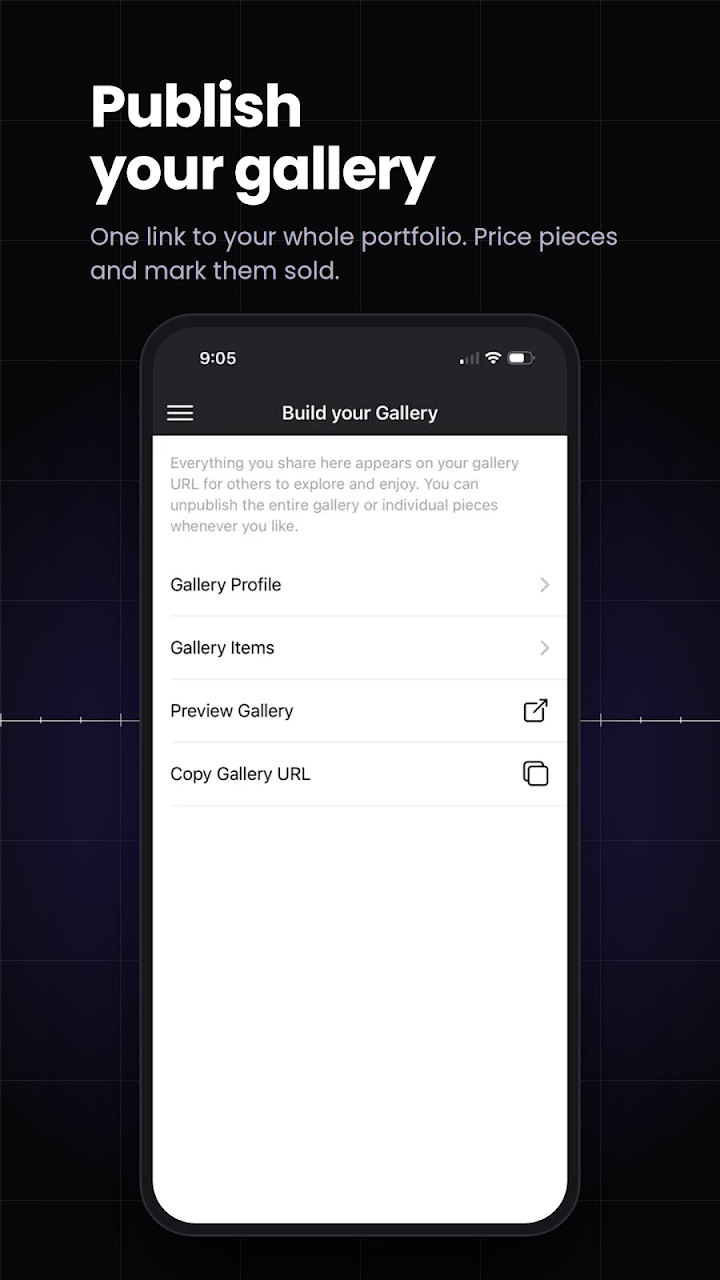
- Cloud and Gallery — Sync projects securely in the cloud and publish a public gallery for finished work.
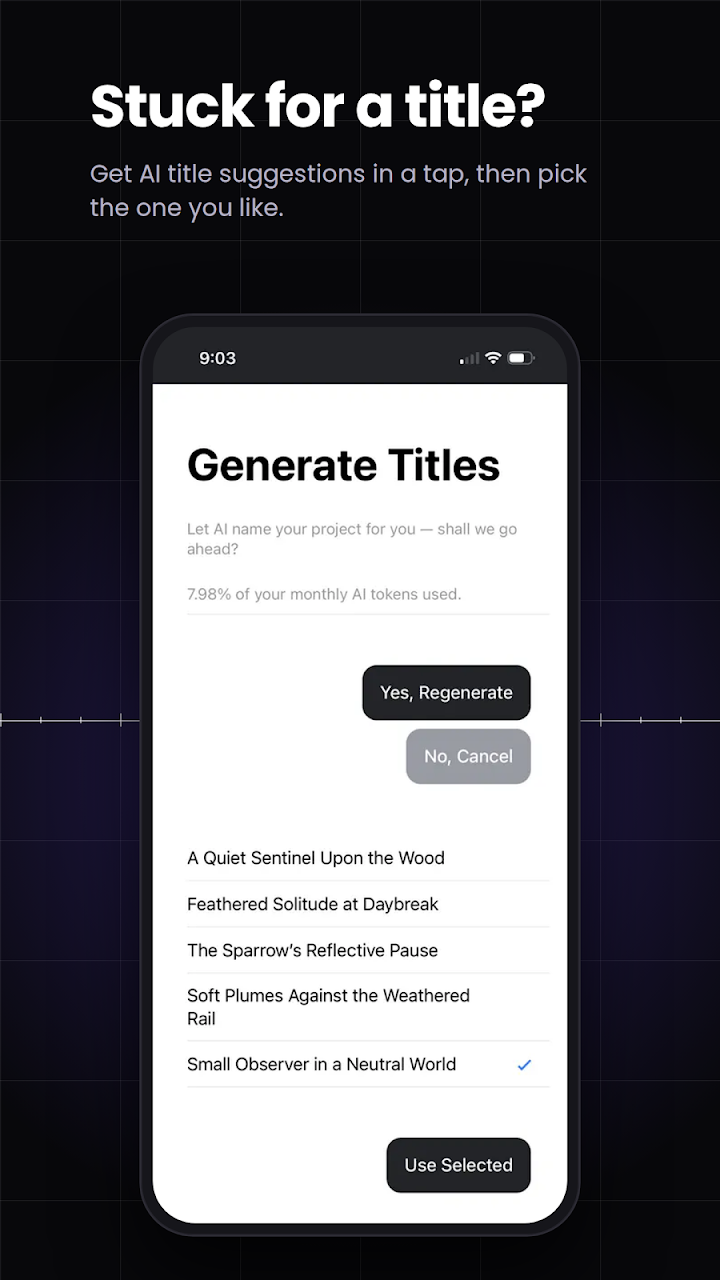
- Account-Based Extras — AI title suggestions, cloud sync, and the public gallery require an account and are intended for users 13 and over.
Reference work without the usual juggling
Artists who work from photos often end up switching between a gallery app, a sketching tool, and a folder for saved references. Drawing Grid pulls those steps together. It is built around an adjustable grid for keeping proportions aligned, then adds tracing and project management so a study, sketch, and finished piece can stay in one place.
The app is free, but it contains ads and offers in-app purchases. It installs as an APK, is 11.5 MB, and requires Android 5.0 or later.
Grid tools for photo references
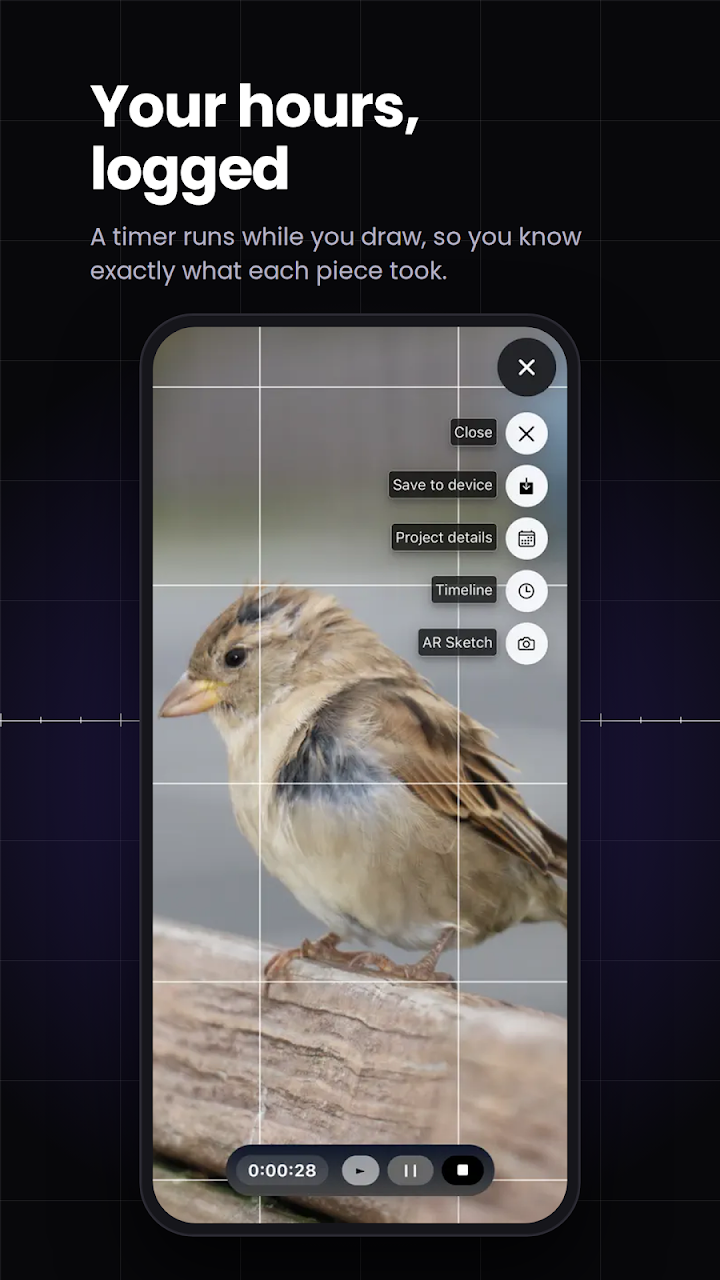
The core feature is the grid overlay. You can load and crop a reference image, then adjust the grid’s size, spacing, and style to fit the image and the way you work. Full-screen zoom and drag help when you need to line up small details. If you want to keep the setup for later, the app can export and save the gridded reference for printing or future use.
Tracing and sketching options
Drawing Grid also includes two tracing modes. AR Sketch places the reference over the camera view so you can trace onto paper, while Trace on Screen lets you draw over the image directly on the device. You can move, pinch, and zoom the reference to line it up, and every stroke can be undone or redone while you work. Finished tracings can be exported for saving, sharing, or adding to a project.
Projects, storage, and sharing
Beyond the drawing aids, the app acts as a project manager. It organizes artwork into a personal library, tracks project timelines and hours spent, and syncs projects securely in the cloud. It also supports a public gallery for finished pieces, with the option to list artwork as sold.
- Gets: grid overlays, tracing tools, project tracking, cloud sync, and a public gallery.
- Watch for: ads, in-app purchases, and account requirements for cloud sync, AI-assisted tools, and the gallery.
- Also note: some features are intended for users aged 13 and over.
Limits to keep in mind
Drawing Grid is focused on reference-based drawing, not on broad photo editing. The description does not mention RAW photo support, and permissions are listed as none. That means there is no storage permission request shown here, which may matter if you want an app with fewer access prompts. If you only need a simple sketch aid, the tracing tools may be enough; if you want a full art editor, you may still need another app alongside it.
For hobbyists, students, and working artists who want to keep reference work and project tracking together, Drawing Grid is a practical fit. If you only need a standalone drawing canvas, its project and gallery features may be more than you need.
What's new
Version 2.7.0 · Nov 10, 2026
- Content improvements.
APK information
- Version
- 2.7.0
- Package
- com.butterflyray.DrawingGrid
- Category
- Art & Design
- Size
- 12 MB
- Min Android
- 5.0
- Architecture
- universal
Older versions
-
Drawing Grid 2.7.0Nov 10, 2026Latest downloadAPK
Drawing Grid FAQ
Does Drawing Grid work offline?expand_more
The description does not say whether it works offline. It does note that cloud sync, AI-assisted tools, and the public gallery require an account.
Can Drawing Grid edit RAW photos?expand_more
RAW photo editing is not mentioned. The app focuses on grid overlays, tracing, project management, and sharing finished work.
Can I install Drawing Grid without Google Play?expand_more
It is available as an APK file. The app is listed as universal and requires Android 5.0 or later.
What changed in the latest Drawing Grid version?expand_more
No recent changes are listed for version 2.7.0.
Can I track time spent on each artwork?expand_more
Yes. Drawing Grid includes project timelines and hours spent for each piece inside the project library.